

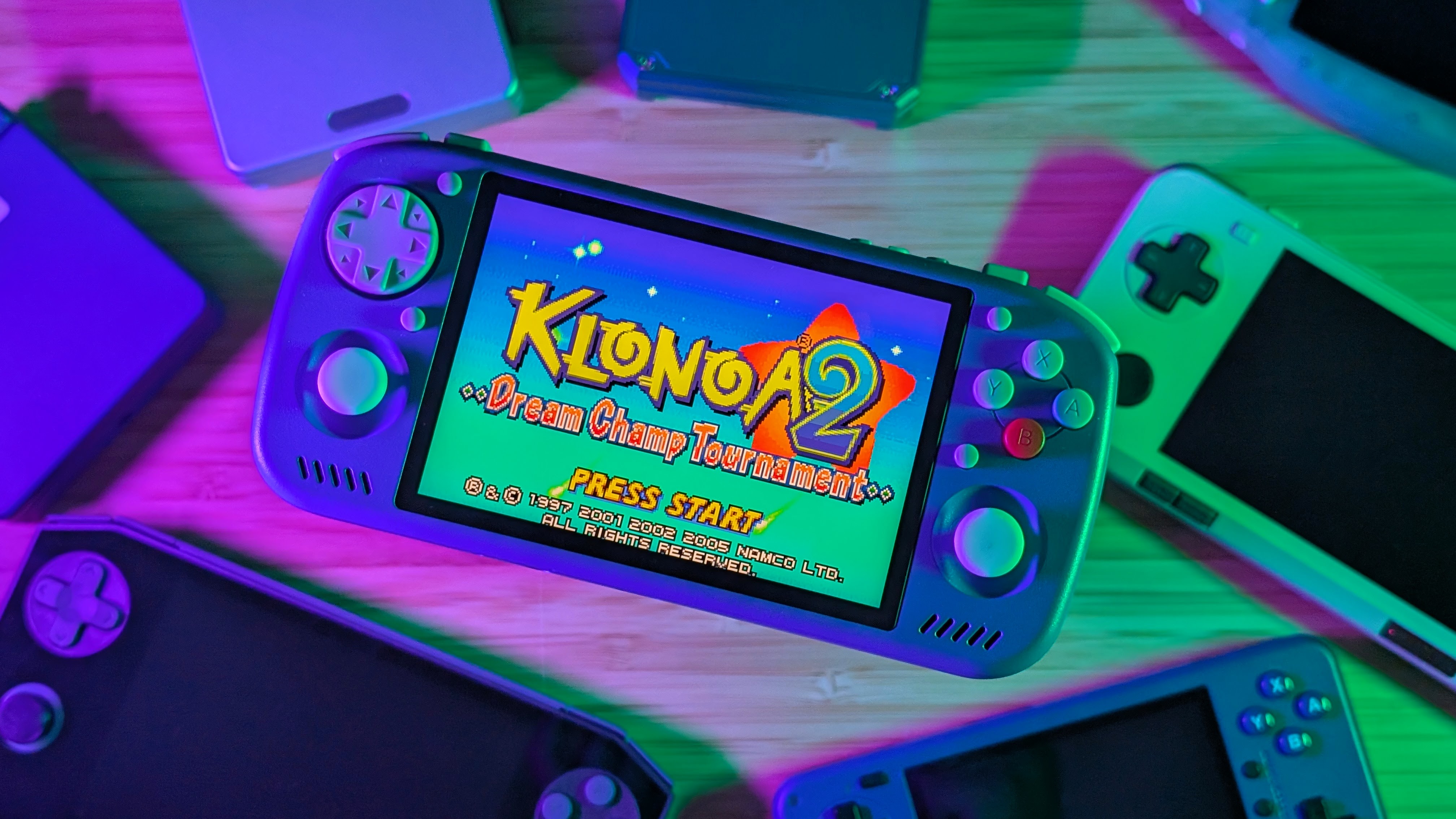
The timeline of handhelds by KTPocket has been quite the interesting one. Developed by just a single person working with manufacturing companies, the original KTR1 made its way into reviewers hands by mid to late 2023. Offering custom D-pad placement, and a high-resolution 3:2 display, it was aiming to be a big release for the time.
But its higher price, QC concerns, and lower-powered Helio G99 processor meant that for many, the value wasn’t quite there. But that’s not to say there wasn’t a loyal following behind the original. Since then there’s been a lot of cooking behind the scenes, and three years later, following multiple updates and aluminum releases we’ve got the KT-R2. With even more customization than before, it’s certainly worth asking if it’s worth it now.
My unit, while initially loaned to me by Net over on the Retro Handhelds Discord, has since been outright purchased by me. And while that may spoil some things, there’s a lot to talk about here, and there’s a lot of alternatives out there too.
KT-R2 Specs
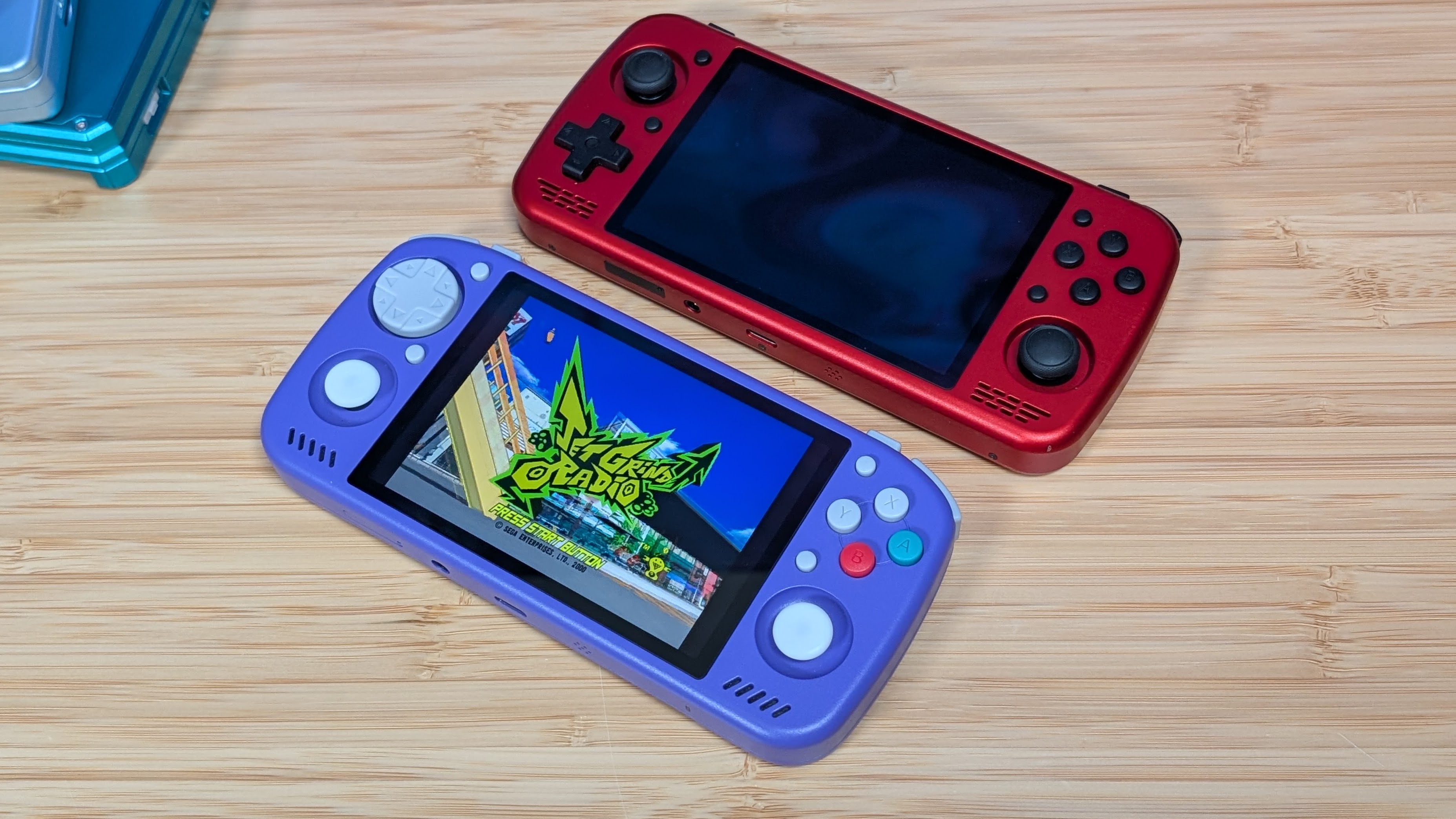
There are a lot of configurations of the KT-R2. Do you want it 4:3 or 3:2? Do you want it dpad or stick top? Do you want plastic or magnesium? What about 4G? Do you want that? For clarification sake, I’m reviewing the “8GB + 256GB Wi-Fi in Magnesium” model. Pricing for these varies wildly.
The graph directly on the KTPocket website lists prices ranging from $179 (presale) for 6gb and 128gb on wifi to $309 (presale) for 12GB and 512GB with 4G support. All of which feature the magnesium body as a $50 add-on. All before shipping. And if you want a certain color, you just need to reach out over on the KTPocket Discord.
| Specifications | |
|---|---|
| Hardware | |
| CPU | MediaTek Dimensity 7300 |
| GPU | Mali-G615 MP2 |
| RAM | 6GB LPDDR4X, 8GB LPDDR4X, 12GB LPDDR4X |
| Cooling | “Self-developed Cooling System, PC-grade Heat Pipes” |
| Display | |
| Screen Size | 4.2-inch |
| Resolution | 1280 x 960 |
| Aspect Ratio | 4:3 |
| Refresh Rate | 60Hz |
| PPI | 380.95 |
| Storage | |
| Internal Storage | 128GB, 256GB, 512GB |
| External Storage | microSD |
| Battery | |
| Battery Capacity | 6000mAh |
| Charging Speed | 33W |
| Connectivity | |
| Wi-Fi | Wi-Fi 6 |
| Bluetooth | Bluetooth 5.3 |
| Ports | 3.5mm Audio Jack, microSD, USB-C |
| Video Out | Yes |
| Controls | |
| Sticks | 2x, Hall Effect |
| Triggers | Analog |
| Shoulder Layout | In-line |
| Additional Details | Six-axis Gyrosocpe |
| Audio | |
| Speakers | Stereo |
| Speaker Location | Front-facing |
| Headphone Jack | Yes |
| Physical | |
| Dimensions | 159.4 x 79.9 x 17.9mm |
| Weight | 233g (Plastic) / 248g (Magnesium Alloy) |
| Form Factor | Horizontal |
| Software | |
| Operating System | Android 14 |
| Additional Details | “Self-developed” KOS |
| Specifications | |
|---|---|
| Hardware | |
| CPU | MediaTek Dimensity 7300 |
| GPU | Mali-G615 MP2 |
| RAM | 6GB LPDDR4X, 8GB LPDDR4X, 12GB LPDDR4X |
| Cooling | “Self-developed Cooling System, PC-grade Heat Pipes” |
| Display | |
| Screen Size | 4.5-inch |
| Resolution | 1620 x 1080 |
| Aspect Ratio | 3:2 |
| Refresh Rate | 60Hz |
| PPI | 432.67 |
| Storage | |
| Internal Storage | 128GB, 256GB, 512GB |
| External Storage | microSD |
| Battery | |
| Battery Capacity | 6920mAh |
| Charging Speed | 33W |
| Connectivity | |
| Wi-Fi | Wi-Fi 6 |
| Bluetooth | Bluetooth 5.3 |
| Ports | 3.5mm Audio Jack, microSD, USB-C |
| Video Out | Yes |
| Controls | |
| Sticks | 2x, Hall Effect |
| Triggers | Analog |
| Shoulder Layout | In-line |
| Additional Details | Six-axis Gyrosocpe |
| Audio | |
| Speakers | Stereo |
| Speaker Location | Front-facing |
| Headphone Jack | Yes |
| Physical | |
| Dimensions | 169.6 x 79.8 x 17.2mm |
| Weight | 259g (Plastic) / 283g (Magnesium Alloy) |
| Form Factor | Horizontal |
| Software | |
| Operating System | Android 14 |
| Additional Details | “Self-developed” KOS |
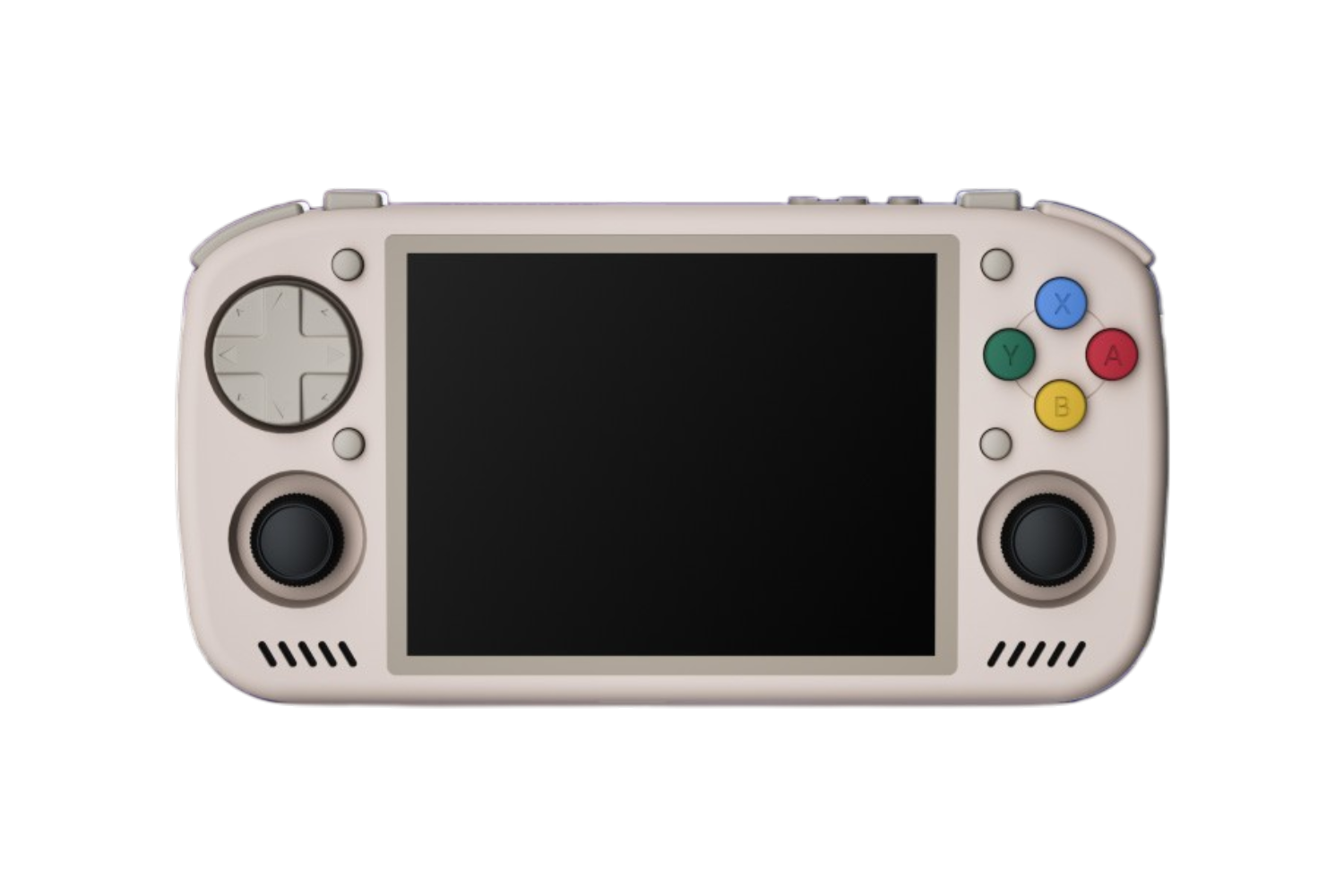
KT-R2
KT PocketBuild Quality & Ergonomics
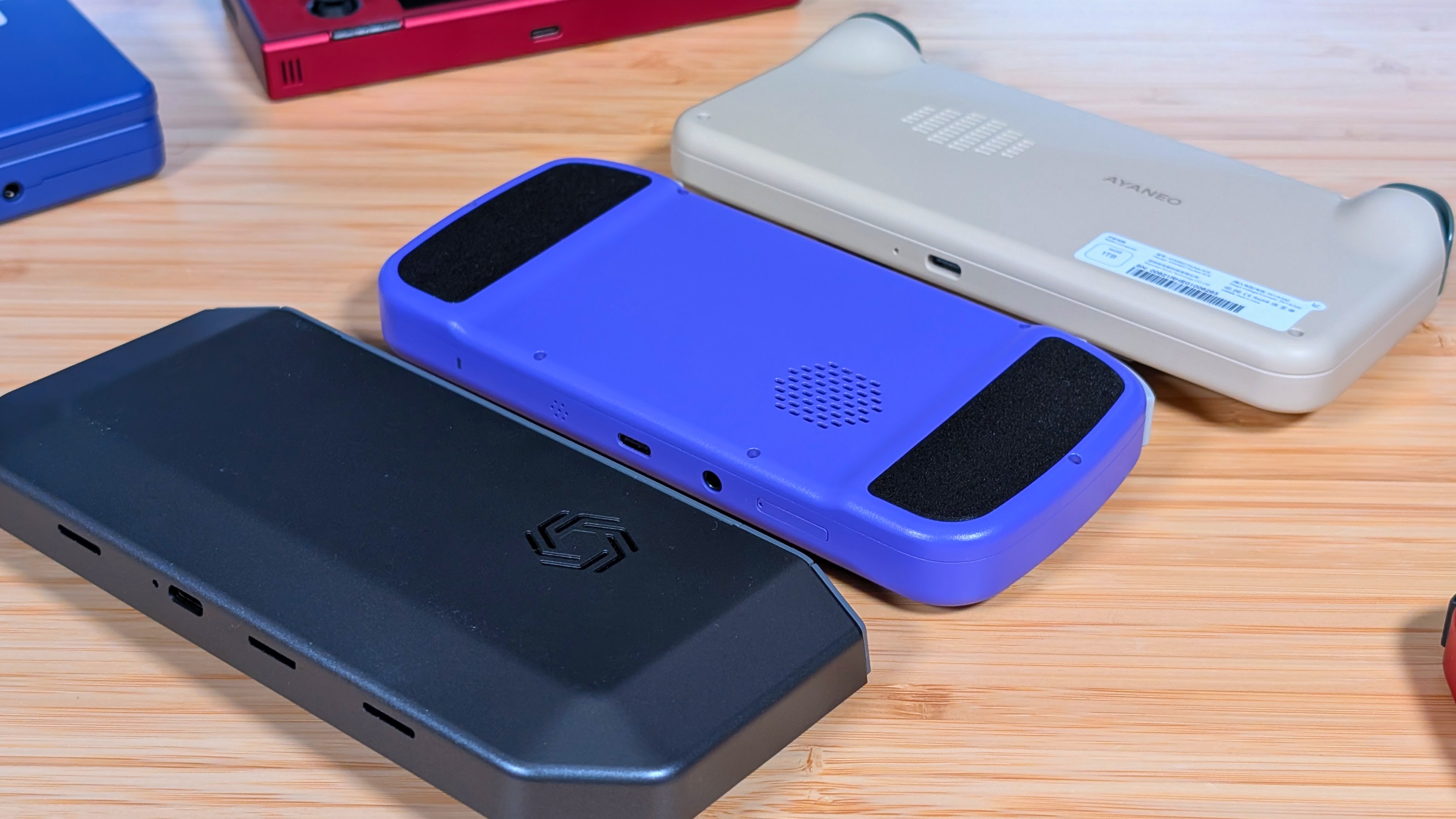
The KT-R2, at least externally, is built very well. I always fear opening devices as I worry I’ll pull a Mike and break them in some way. That being said, the magnesium body is well constructed, and always cool to the touch when I pick it up. On the back are two little plastic pads, which for me aren’t really too grippy, but that doesn’t matter when my grip never touches them.
The way I hold the KT-R2 means that my hands completely ignore, and go right over the tiny bumps on the back and my fingers just rest against the back of the device. Maybe it’s just me, but it would’ve been cool to make the entire back of the device that small bit thicker. Could have gotten a larger battery in there; maybe? I don’t know, I’m not a handheld developer.
Controls
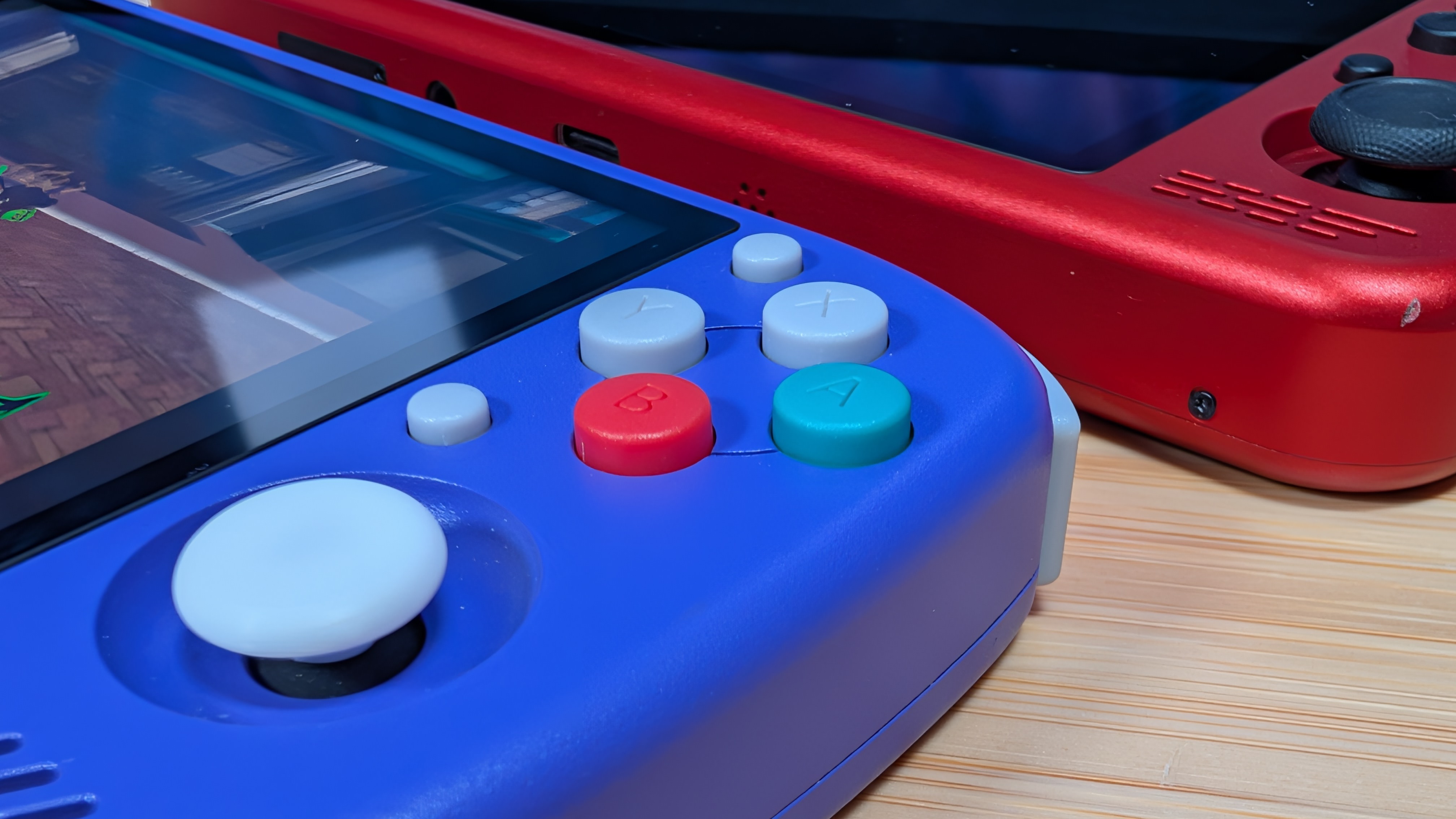
The controls are pretty interesting to me, and I think there’s a specific demographic of handheld users out there that would probably love this setup. The quiet button fans. The controls on the KT-R2 are extremely quiet compared to what I’m used to. The face button have a light bit of tension before the clap down, but it’s nothing compared to the clack of a Retroid device.
The menu buttons feature the same quiet membranes, and the D-pad is membrane rather than clicky like we’ve seen in some handhelds and a lot of controllers. On the D-pad itself, it is a shield-style one, which makes transitioning through diagonals quite easy. I’ve owned a few KT-R1 units, and I was never quite a fan of that dpad. It was never terrible, but I only described it as “off”.
As for the remaining bits, I’ll start with the top. The shoulders are all in line, and while clicky, they retain the quiet ideal the rest of the controller features. While I personally would have preferred stacked shoulders, the idea was definitely pocketability with this one, so I can understand the decision. I will say, there is a bit of shoulder rattle, but nothing as bad as something like a metal RGB30.
Last up are the sticks, they’re the wonderful hall effect sticks we’ve seen in everything from the RP2S through the Ayaneo Pocket Air Mini. That being said, the stock black caps were both ugly, and the smallest stick caps in my collection. I swapped them out for low-profile Hype Stix and have been happy since then.
Display
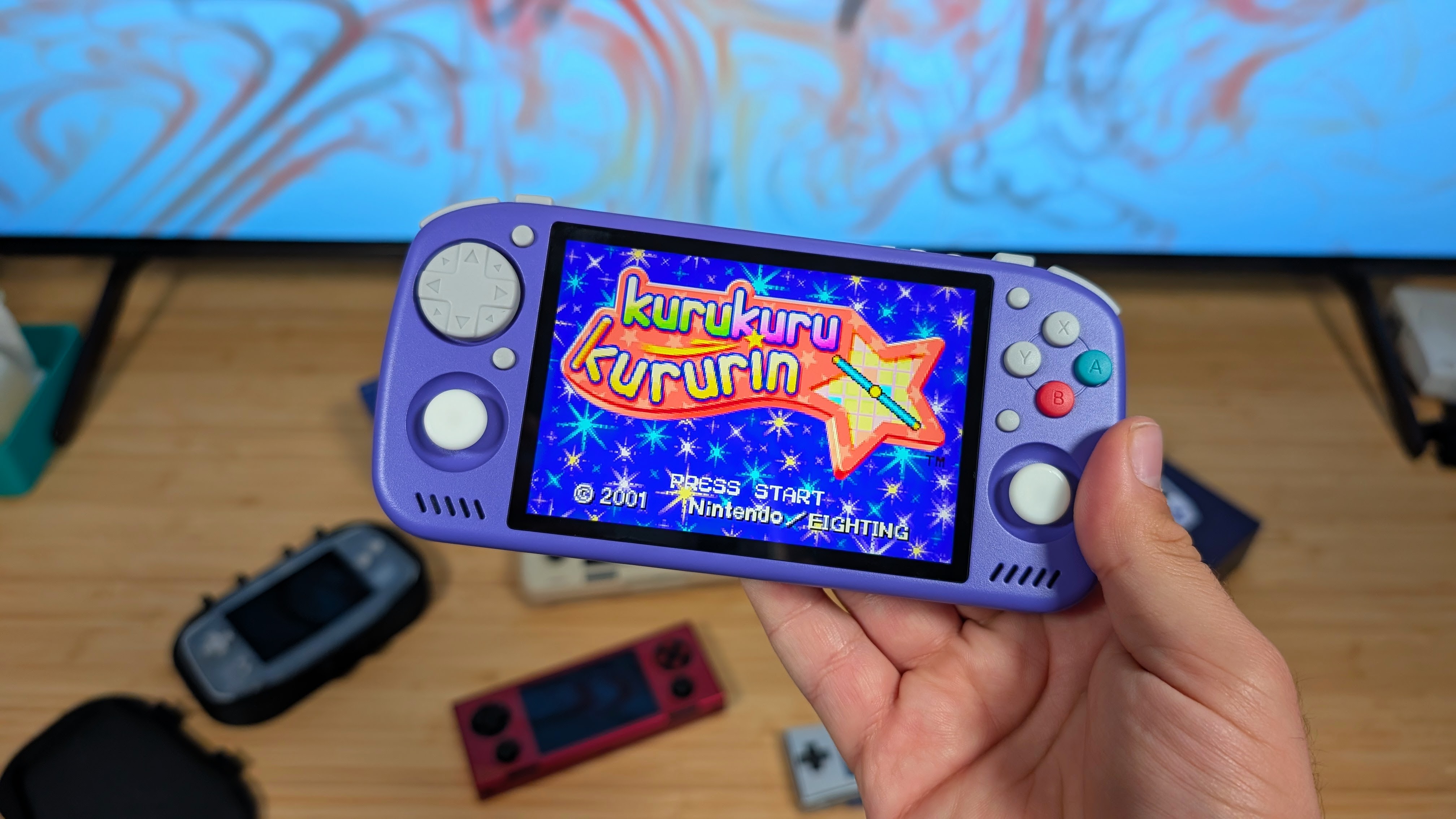
I’m going to split this into what I know, and what I don’t; starting with what I don’t. The 4:3 model of the KTR2 features a 4:3, 1280×960 IPS panel at 500nits with 123% sRGB color gamut support. If that sounds familiar, it should.
That’s the exact same specification layout as the Ayaneo Pocket Air Mini, Pocket S Mini, and Mangmi Air Y. I cannot guarantee they are the same panel exactly. But when Ayaneo called the PAM the “first handheld with this display” despite being announced after the 4:3 KTR2, I can assume they are similar.
As for the 3:2 option, it’s bigger at 4.5”, it’s higher res at a full 1080p, and it’s way better than before. The KTR1 used a similar panel, but across the four KT-R1 units I owned and tried, all four had some form of lightbleed, or a strange splotch in them.
The KT-R2 has none of that. I’d put it on par quality wise with the Ayaneo Pocket Ace display that has the same spec layout, and I prefer this over the 4.88” GameMT EX8 display, as this one doesn’t lean as cool.
3:2 panels are a great middle ground between 4:3 and 16:9, only being beat out by 5:3 in my opinion. Scaling is great, the display is great, and while it’s not 120hz for black frame insertion. I genuinely love it for systems like GBA.
Thermals & Battery
First up; battery life. With a 6,920 mAh battery you’re getting a good bit of longevity going with this thing. During my time focusing on GBA I wasn’t charging this more than every couple days or so. Maybe that’s on account of my being busy constantly, or the handheld square dance I do, but overall battery has been impressive.
I could easily drain it quicker by pushing GameCube or PS2, but I don’t think that’s why some people are buying this device. At least not full time. Overall, I think they took the right route going as big as possible for the battery.
But something about it doesn’t come without some tradeoffs. During my initial testing, I noticed that the back of the KT-R2 would get strangely warm while charging. The same thing would occur during my initial gameplay tests as well despite the near-silent fan.
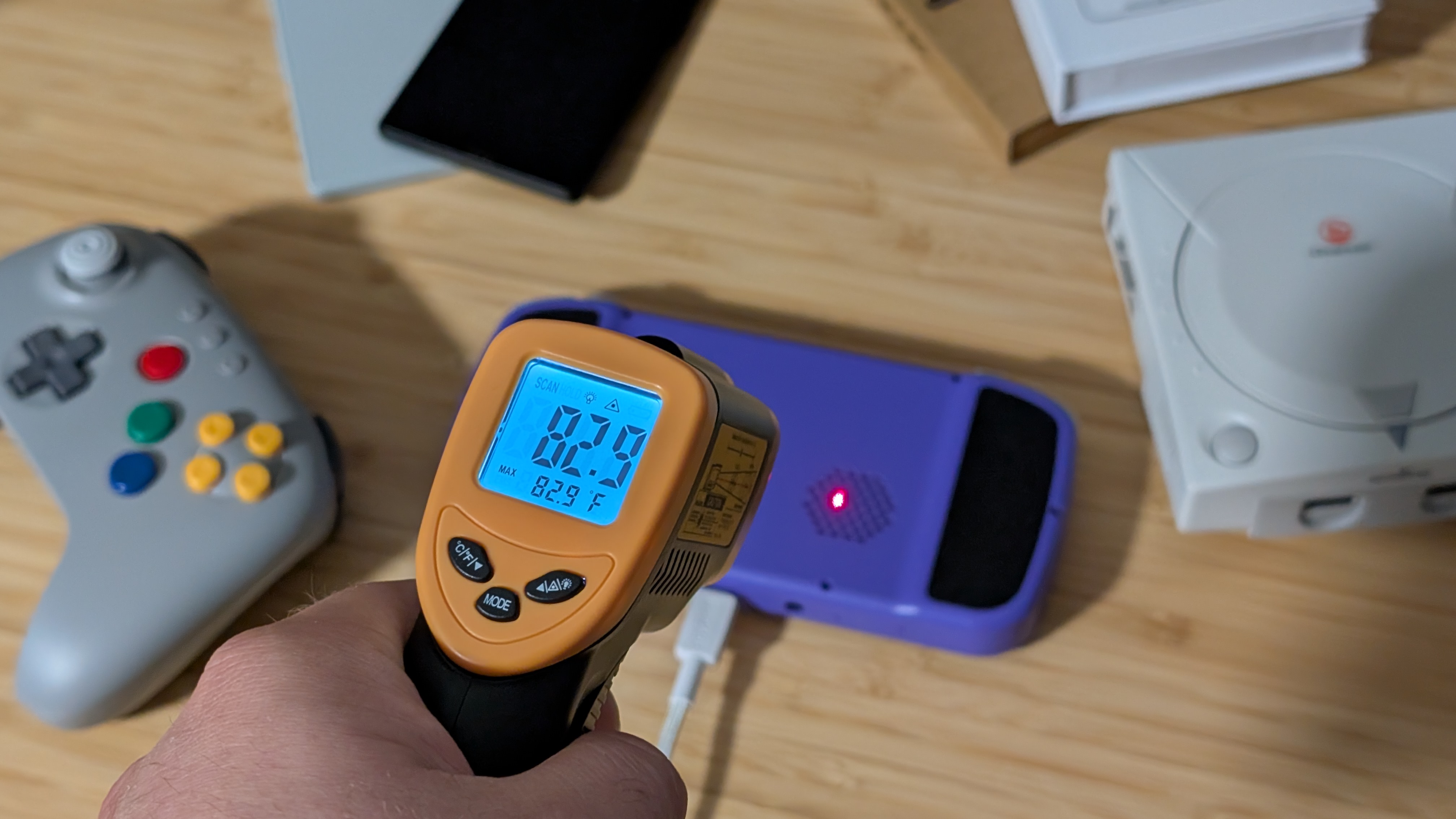
I don’t own many Aluminum or Magnesium devices anymore, so perhaps I’m not as familiar with how they transfer heat. And so I did the one thing I know best. Plug it in, leave it on PS2 emulation and check in on heat about 15 minutes later.
Surprisingly, it seems some software updates fixed this, as running my “heat er’ up” test really left things at around 85 degrees across the back. If you have an update waiting, I recommend using it.
Software
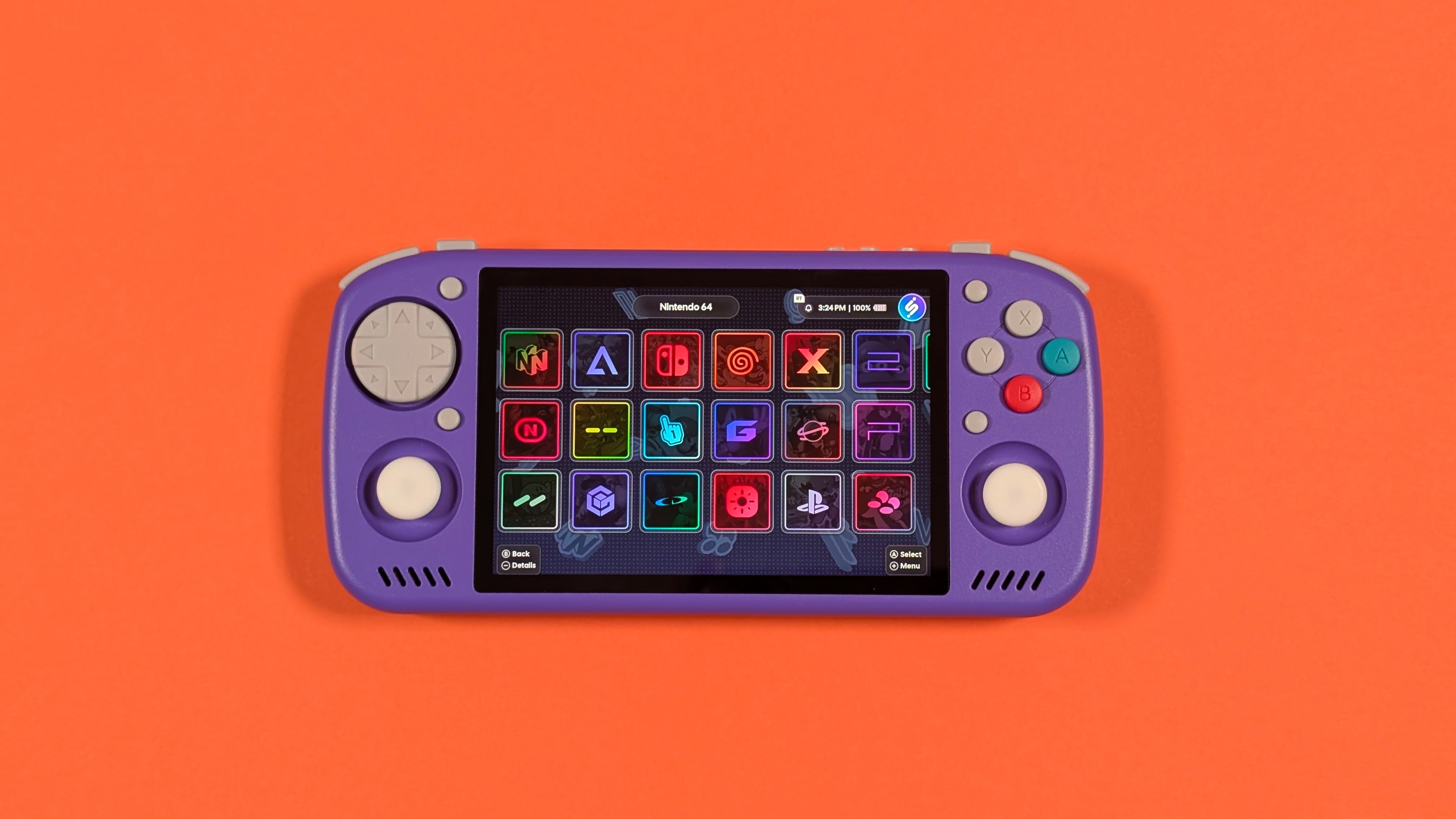
I’m not going to go too in depth with the software at this point, as Joe White on the team will be talking more about KOS later on, but I’ll at least give some surface level opinions. While I appreciate the controller first setup, and the ease of access to file folders, and rom organization, the platform as a whole feels a bit constricted and was not my personal favorite setup. It’s better than the standard Android launcher interface, but I think it still needs some work.
Personally, I got mine setup with both Wave Launcher and iiSU for the duration of my testing with the KTR2. If you want the lovingly crafted, PS3 style launcher, Wave absolutely nails the aesthetic, making it easy to get things set up, and there’s more features coming down the pipeline.
If you’re purely in it for the aesthetic, iiSU may be more for you as it’s another feature loaded front end. Either way you go, the KTR2 is still an Android device and can be customized to your hearts content; I just found myself preferring this over KOS.
Performance
Because this is an Android device, that means I get to split this up into two different sections. Synthetics, and In Game Performance. That way you can see what numbers this pulls up compared to similarly specced or priced competitors, but also so I can tell you the experience of what I did specifically with the KTR2.
Synthetics
As you can see from the graphs, I’ve pulled a number of different devices to compare. The KTR2, and original KTR1 to see how things have changed. But also, the GameMT EX8, Ayaneo Pocket Ace, Anbernic RG Slide, RG477M, and the AYN Odin 2 Pro. That way you have some numbers to compare with readily available devices, or against the Pocket Nova everyone is clamouring for.
As you can see in terms of synthetics, the D7300 is a pretty sizable jump in GPU performance over the KTR1, but its CPU performance only edges forwards by a smaller margin. In terms of where it lands, the performance of the KTR2 is somewhere closer to that of the T820 rather than the D8300 in the RG477M or 477V.
As a whole, these numbers feel underwhelming or unimpressive. And admittedly they aren’t too great. But with advancements in emulators over the last few years, I think the KTR2 can certainly do a bit more than the G99 could in its hayday.
Gaming
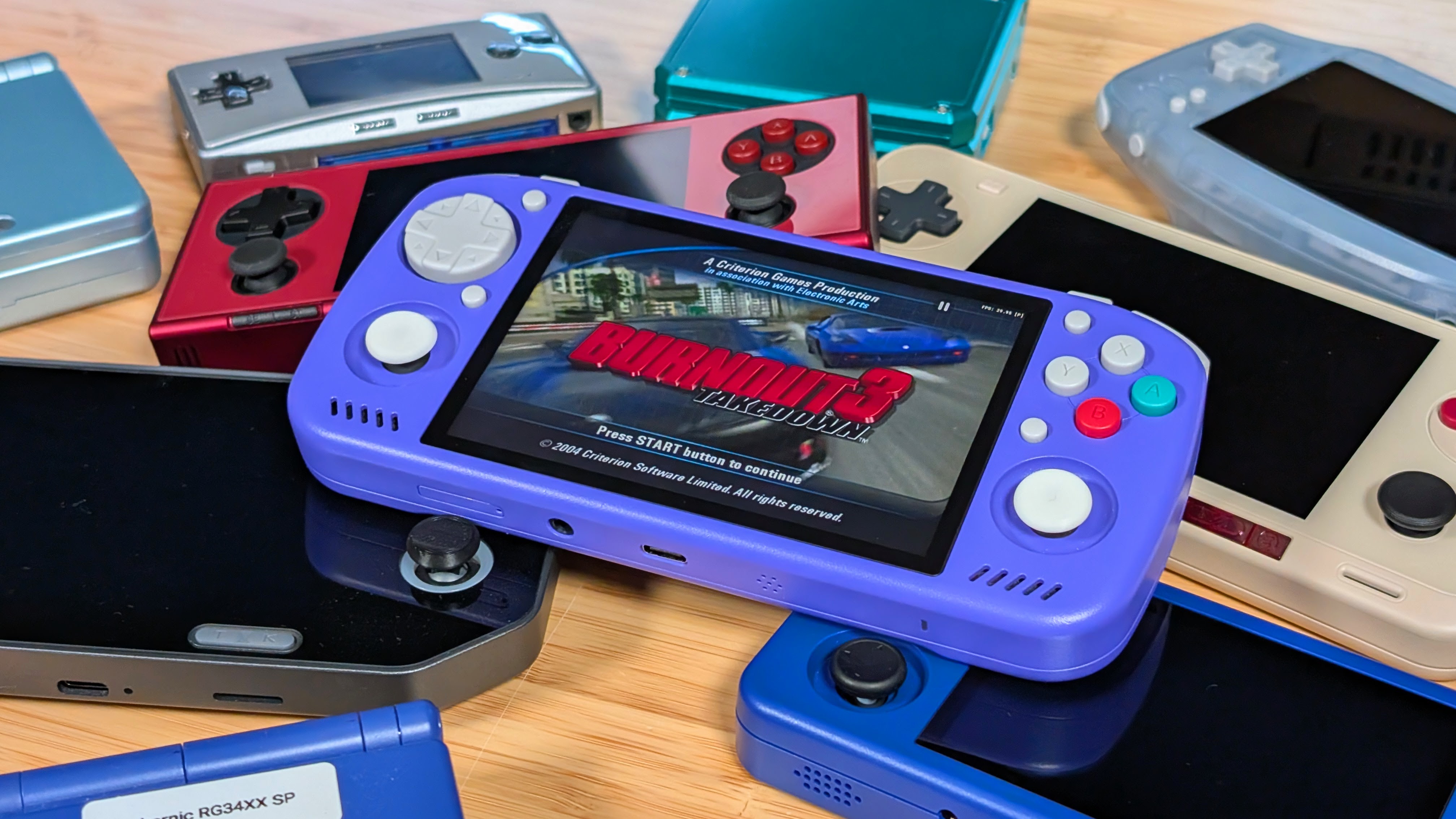
Let’s start this easy. Everything up through PS1, Dreamcast, Saturn, N64, and PSP all run perfectly fine. In most cases upscaled to match the screen, and depending on how I’m feeling, stretched to 3:2 if I’m truly a monster.
Admittedly, the difference between 4:3 and 3:2 at this size hasn’t been the biggest pain point for me, so if it felt right, I went down the path of darkness for some games. Of the low end, GBA is obviously the best to me. Not just because I grew up with it, but because it still has some of my favorite games, both good and not. Like Tony Hawk’s Downhill Jam.
Stretching past that into Gamecube and PS2, I found it handled everything adequately. Dolphin as usual runs as expected and performs well at this performance tier. PS2 was a little bit different, because rather than use NetherSX2 I opted for ARMSX2.
The whole library (that I choose to play) ran at native rendering resolution. From Enthusia Racing, to Burnout 3 Takedown. For some though, I think sticking at 1X ended up being the better option, as strangely turning up Burnout 3 at all started to slow things down significantly. This may just be an ARMSX2 thing or a me issue, but with new emulators I’ll be experimenting more.
Last up is the “bonus systems”. Lightweight Nintendo Switch, and Indie gaming through Gamenative were about all I tested and would be what I recommend for you. Honestly, unless you need a Nintendo exclusive I’d rather recommend pulling from GameNative.
The screen scales properly, and I was finally able to get into Mina the Hollower with this device. For 2D indies, you can certainly find a lot worth playing. I would not recommend any Xbox or PS3 adjacent emulation on here unless you like pain, hatred, and yourself.
Final Thoughts
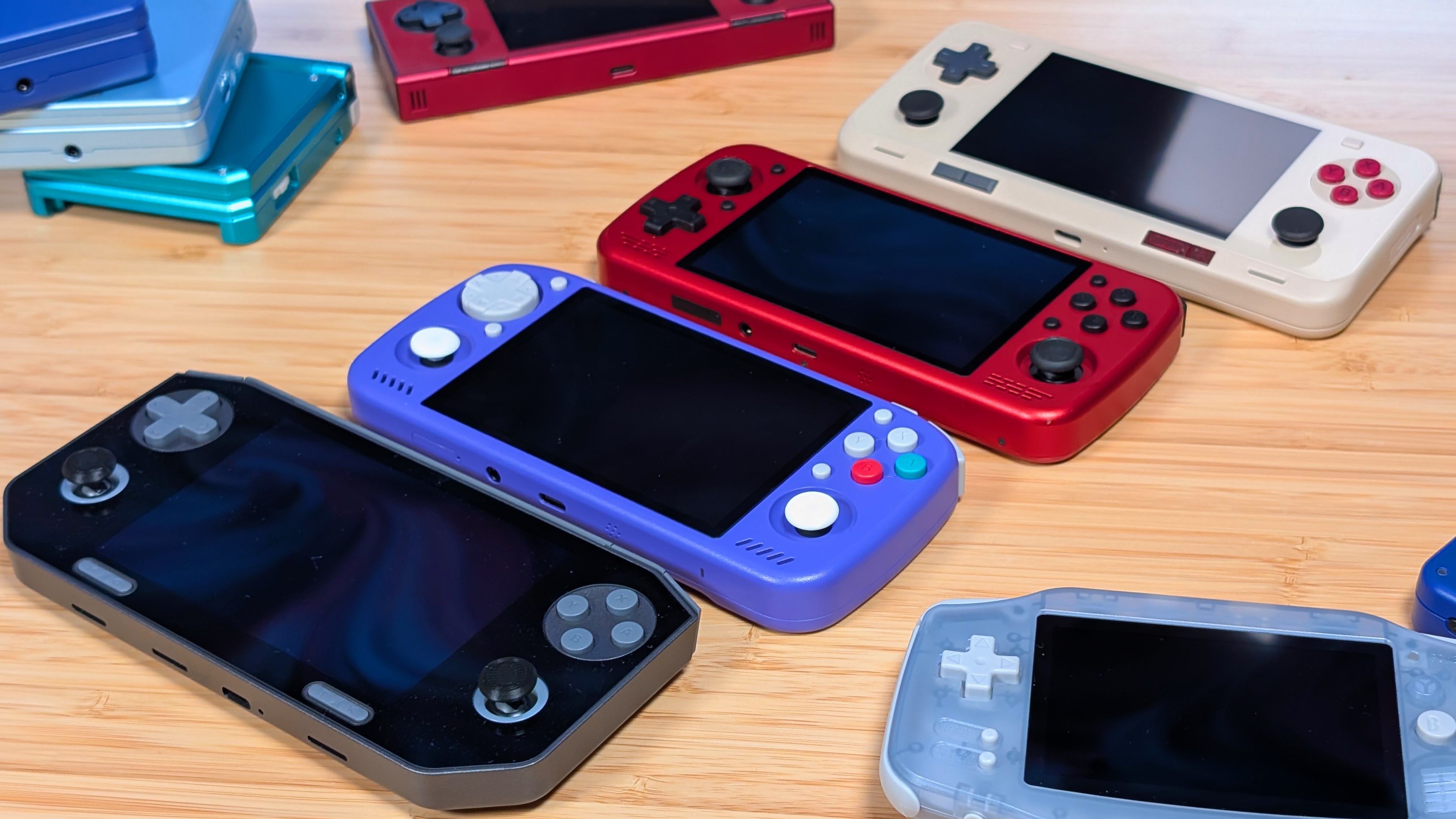
The KTR2 is a boutique handheld.
It’s well built, fun to use, and as an experience you won’t find easily elsewhere. But it’s also underpowered for the high price. It performs closer to $150 handhelds while usually costing in the mid $200 price range. So here’s my final thoughts and recommendation for the KTR2.
Don’t buy the 4:3 model unless you specifically want a stick top 4:3. The RG477M, and Retroid Pocket Nova are both more powerful at the same price, or less if you buy used. The RG476H, and RG Slide are cheaper, and while they are less performant, they offer bigger, better screens. The one thing the 4:3 KTR2 offers is the stick top option.
Do buy the 3:2 model, if you at all want this screen resolution, and a reasonable amount of power. The EX8 and KTR1 perform worse, and while they are a lot cheaper, they have a lot of gotcha’s that make me only tepidly recommend them anymore. The Ayaneo Pocket Micro, and One35 are smaller screened devices, and the Ayaneo Pocket Ace is overpriced and discontinued right now. So this is going to be your best, performant 3:2. I’ll be doing a dedicated 3:2 article soon, but this is one of your better options.
I like the KTR2, I’m going to keep using it, but it stands in a hard to recommend place due to its price and competition. So for now I’ll leave it at this. If you like boutique devices, this is the route to go if you’re bougie like that.

1 Comment
With all the controller customizations, I wish they had allowed us to choose between IPS or OLED panel too. I’m too spoiled by my OLED Vita to go back to IPS.