

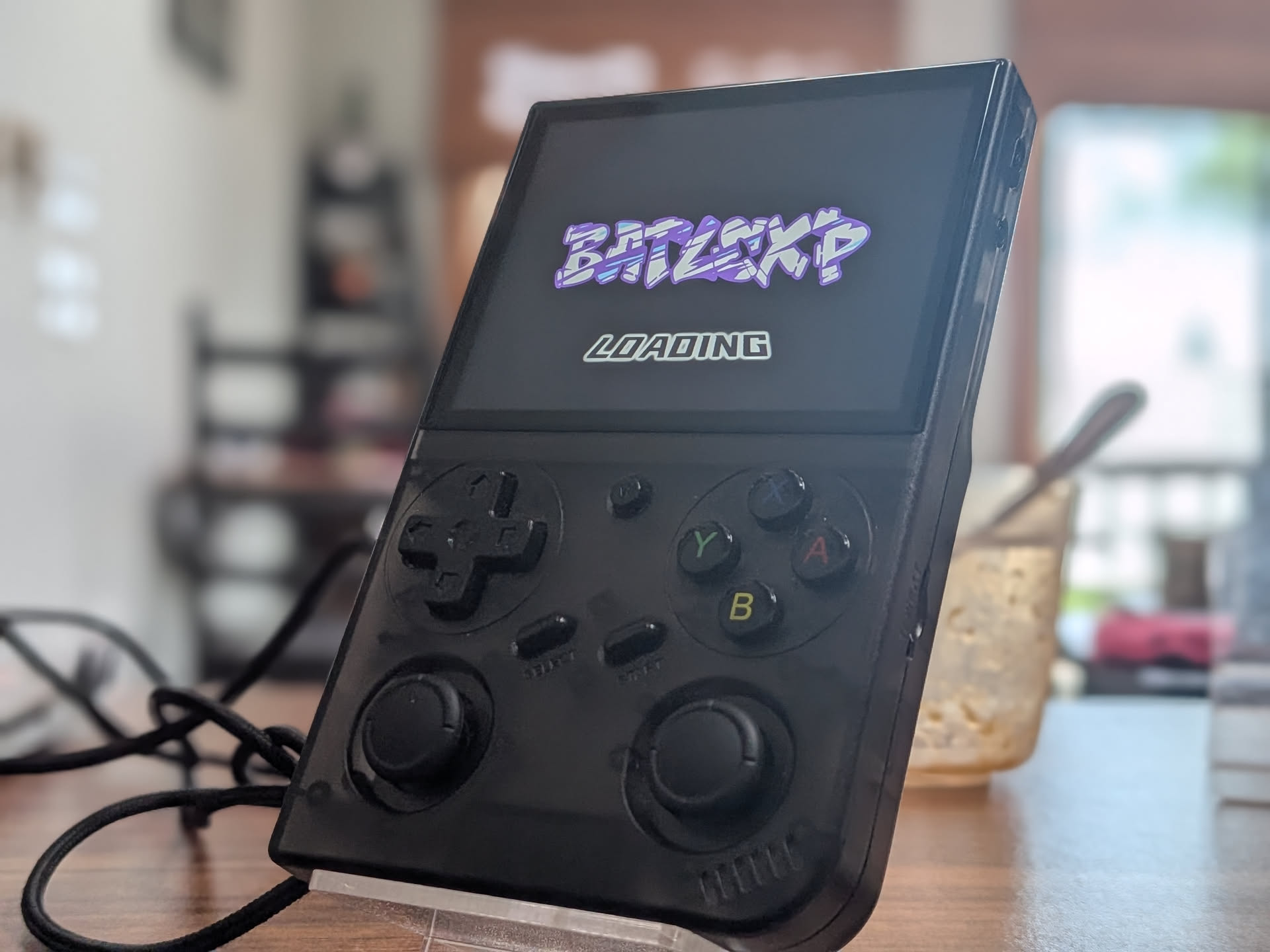
It was bound to happen eventually. Someone (in this case, it looks to be Anbernic under a pseudonym) was going to challenge the Game Console R36S as the budget emulation king. As much as I may have professed my love for the previous champion, and still think it’s great, there’s no doubting the G350 has it everywhere it counts. Ban’s comparison article did a great job explaining the differences between the two devices.
At $37 delivered to my door, I can’t find too much to complain about, but we are a tinkering bunch, and I want to compare all the options out there. So if you’ve just picked up the BatleXP G350 too, let’s take a look at what options the community already has cooking up.
Table of Contents
BatleXP G350 Specs
| Hardware | |
| CPU | RockChip RK3326 |
|---|---|
| GPU | Mali-G31 MP2 |
| RAM | 1GB DDR3 |
| Display | |
| Screen Size | 3.5-inch |
| Resolution | 640 x 480 |
| Aspect Ratio | 4:3 |
| PPI | 228 |
| Storage | |
| Internal Storage | ❌ |
| External Storage | 2x microSD |
| Battery | |
| Battery Capacity | 3200mAh |
| Connectivity | |
| Wi-Fi | USB-C OTG |
| Ports | 3.5mm Audio Jack, USB-C |
| Controls | |
| Sticks | Analog |
| Triggers | Analog |
| Shoulder Layout | Shelf |
| D-Pad | Top Left |
| Audio | |
| Speakers | Mono |
| Speaker Location | Front-facing |
| Headphone Jack | Yes |
| Physical | |
| Dimensions | 128 x 81 x 22mm |
| Weight | 191g |
| Form Factor | Vertical |
| Software | |
| Operating System | Linux (ARM) |
| Custom Firmware | ArkOS, PAN4ELEC, MyMinUI, Lakka |

BatleXP G350
BatleXPWhat You’ll Need
- A trusted brand of micro SD card (64GB – 128GB recommended). Cards that come with these devices are of poor quality and prone to failure. If you ordered a loaded card with your device, back it up and chuck the card. It will eventually fail. Don’t say we didn’t warn you!
- An SD Card reader
- A Windows/MAC/Linux PC
- 7-Zip or WinRAR to unpack any downloads
- Image writing software appropriate for your firmware of choice
- Rufus – One-stop shop for formatting and writing your SD images.
- Balena Etcher – Image writing software available for all major Desktop OS’
- Win32DiskImager – An open-source option designed for Windows, but there are many ports.
- MintStick/USB Image Writer – Image writing software that comes baked-in with many popular Linux OS distros.
Stock Firmware
The Stock OS experience on the G350 is unique. This is a custom image running Emulation Station and labeled only as BatleXP v 1.0. It’s still currently unclear what firmware was borrowed (likely ArkOS) to do the heavy lifting, but what’s here seems to run quite well.
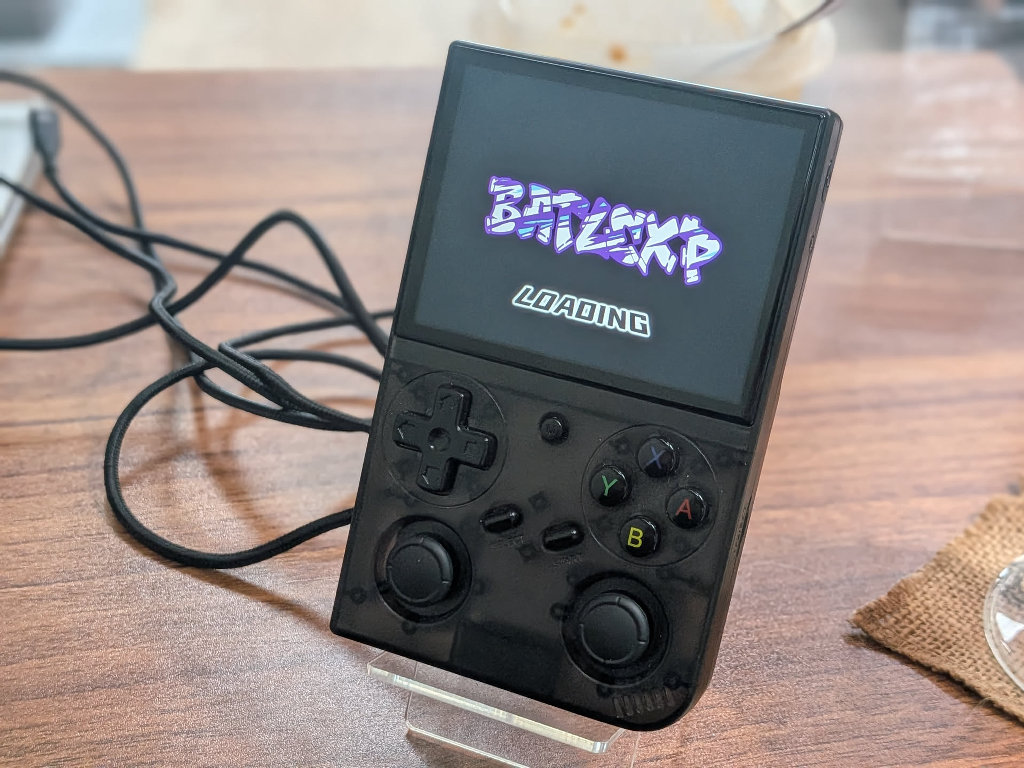
The menu interface feels fluid and snappy, and performance is on par for this chipset. The included ROM set that came with my unit was the standard “00006Contra5” mishmash of poor labeling and organization. If you’re looking for a decent experience, I think the StockOS is going to be fine for most folks, but ditch the included ROMs.
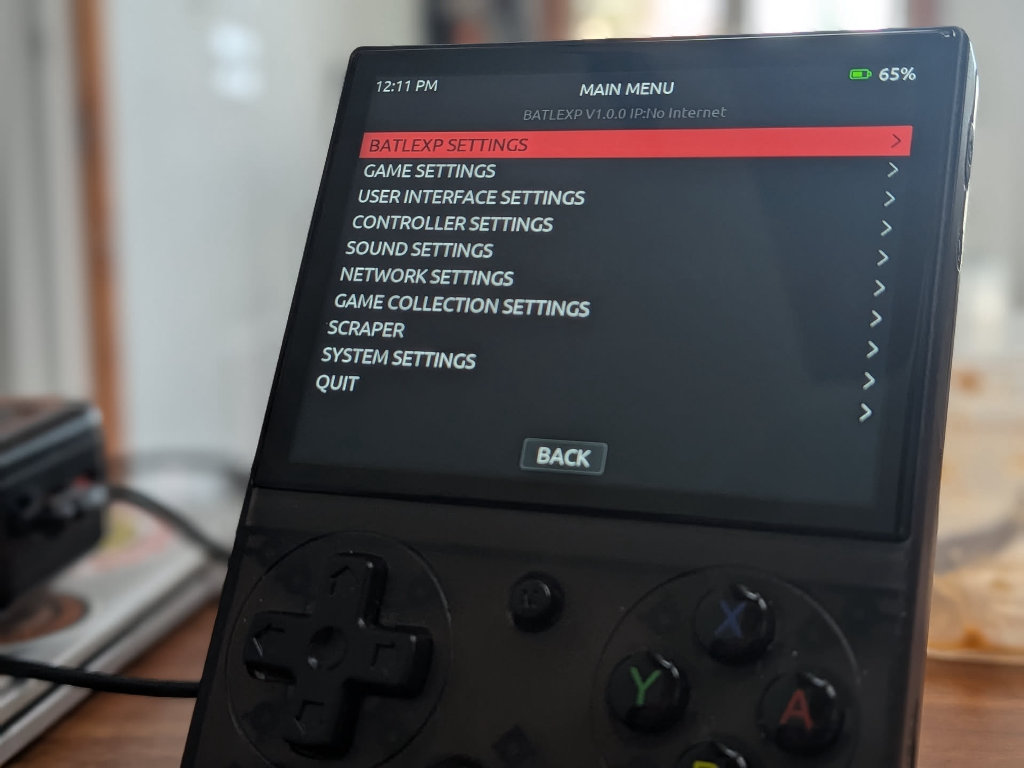
There is no official download for a clean stock image at this time, but we should continue to see new files for the device pop their heads up, and we will add them to this guide as appropriate.

14 Comments
ARKos or PAN4ELEC?
I’m a big fan of what’s happening with Pan4Elec on this device!
I installed ark OS and the right thumb stick mapping is wrong. Up is right, down is left, left is up, right is down
Any info on how to fix the right joystick issue? It seems that when ArkOS is installed the stick configuration is rotated 90 degrees anticlockwise. So left is up, up is right etc. I tried a few fixes that I found here and there but none fixed the issue so I had to go back to the StockOS ( even though I liked ArkOS more )
Go to https://github.com/retrogamecorps/G350-ArkOS-dtb and download Image and replace the in the boot volume
I wish I would’ve seen this before I played and created save states. I lost my save state in my favorite game and now I can’t save any game (it freezes and gets stuck at saving 0%). Is there a fix like a cache refresh in the original software or is it cooked because of the SD card? If so is it still salvageable to transfer to Arkos and keep all the games it came with?
I played my game when I got not knowing I had to do anything else to it now I turned it on and it says no SD card. What should I do I
My menu hotkey is not detected in retroarch can anyone please help me with this
Hi Paylyboy390,
I’ve had the same problem. Did you find a solution for this?
Yes a proper dtb swap is needed you have to rename the batlexp dtb to rk3326-rg351mp-linux.dtb
You can find Batocera and rocknix for the g350 at my github
For Batocera
https://github.com/Paulyboi390/Batocera-Fork
For Rocknix
https://github.com/Paulyboi390/Batlexp-G350
I am getting an error on my Batlexp after flashing Pan4Elec onto a lenovo SD: lcd init fail, check dtb file
How do I block in games?
Installing MinUI on dArkOS, the MinUI folder needs to go into the root EASYROMS directory and not the EASYROMS/roms/ folder. Not sure if this is an error in the guide or just a difference between ArkOS and dArkOS.