

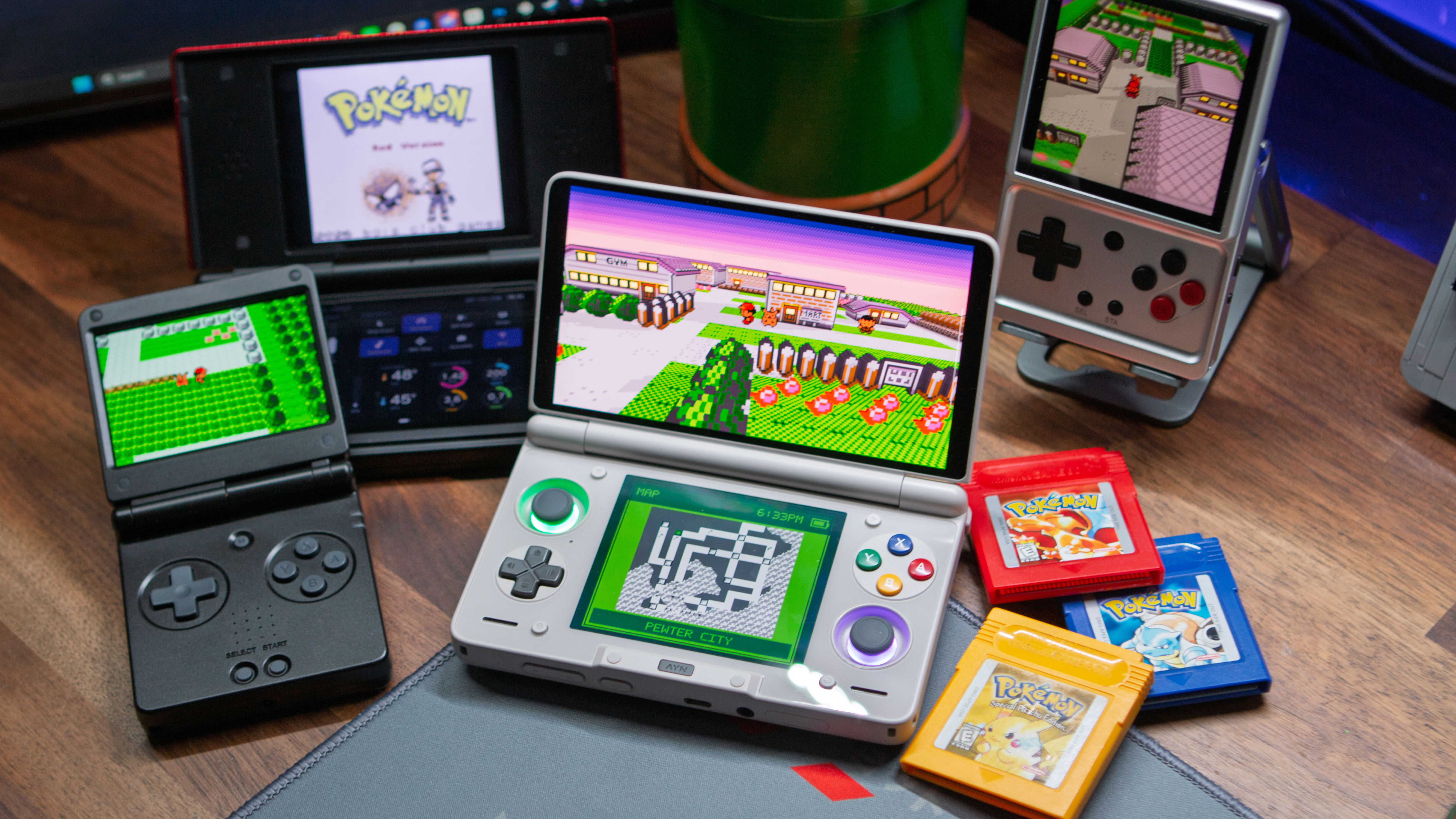
You probably have already seen this around, but there’s a brand new way to play the original trio of Pokémon games. Last week, Gen1Recomp landed on GitHub, touted as a “LÖVE2D recreation” of Pokémon Red and Blue. An update earlier this week brought along support for Pokémon Yellow, and we’re here to share how you can install Gen1Recomp on your various handhelds.
What makes Gen1Recomp particularly exciting isn’t just that those childhood classics have been recreated, but that there’s also support for mods. It didn’t take long for one mod, in particular, to make waves, as Dramatic Shape Voxel Mod also landed on GitHub.
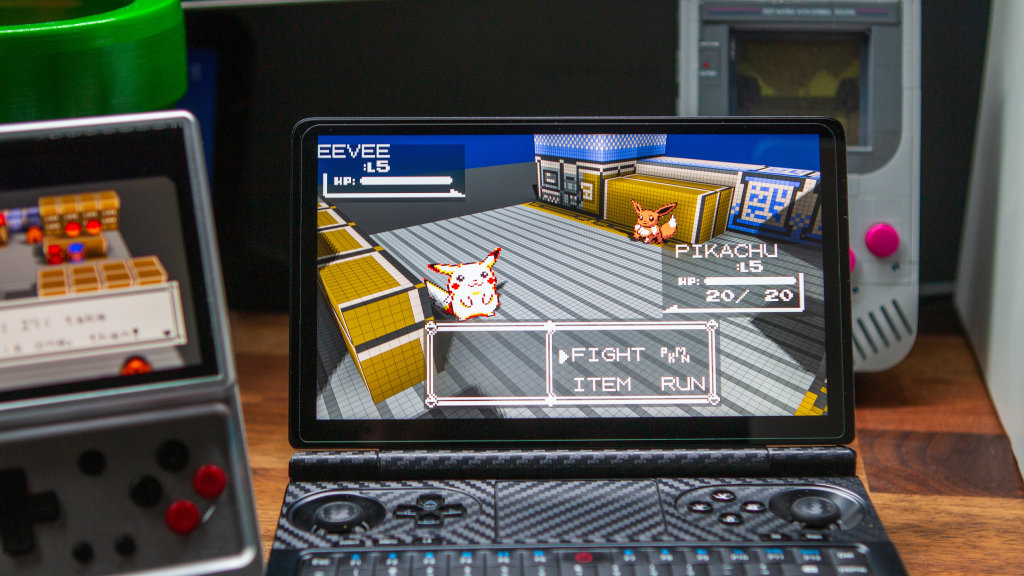
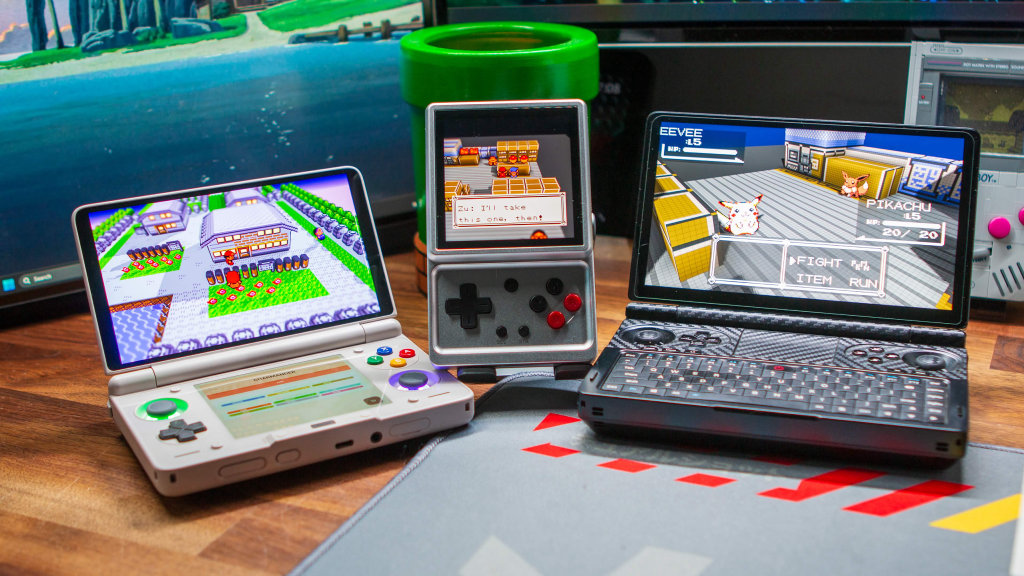
Once the mod is installed, you can experience Pokémon Red, Blue, and Yellow in an all-new 2.5D point-of-view. So while the story hasn’t changed (unless you want it to), Gen1Recomp and the Dramatic Shape Voxel Mod make this feel like the remake that should have come from Nintendo.
How to Play the Pokémon Red, Blue or Yellow Recomp
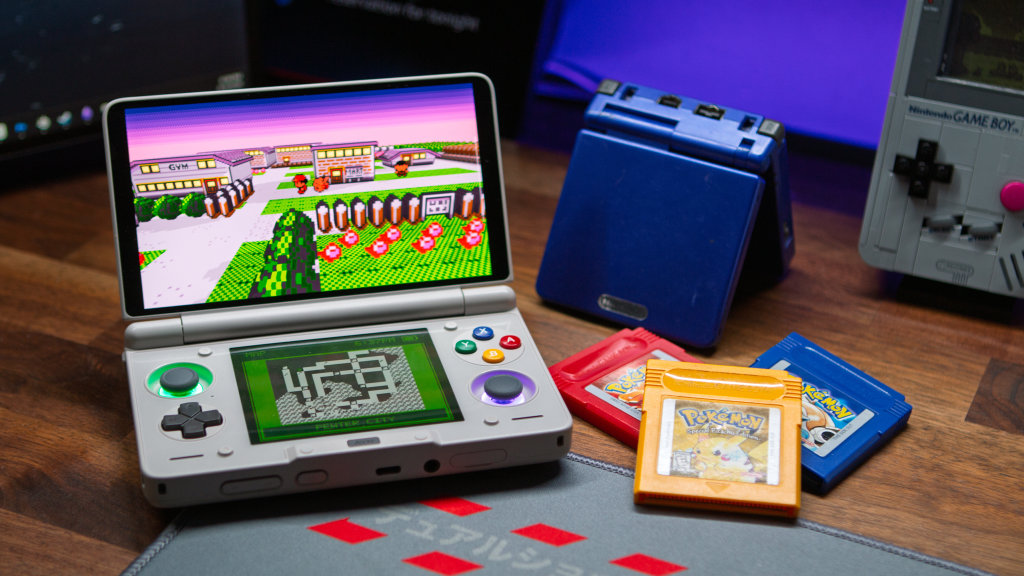
Getting the Pokémon Recomp up and running is pretty straight forward, for the most part. What I recommend doing is downloading and locating all of the files listed below, and tossing them in a folder. This makes it easy to transfer to whatever device you’re using, without hunting around for files.
What You’ll Need
- Pokémon Gen 1 Recompilation Project
- Dramatic Shape Voxel Mod
- Pokémon Red, Blue or Yellow
.gbor.gbcROM- Red:
ea9bcae617fdf159b045185467ae58b2e4a48b9a - Blue:
d7037c83e1ae5b39bde3c30787637ba1d4c48ce2 - Yellow:
cc7d03262ebfaf2f06772c1a480c7d9d5f4a38e1
- Red:
x86 Handhelds and Devices
- Head over to GitHub and download the Gen1Recomp release for your platform (Windows, macOS, or Linux).
- Download the Dramatic Shape Voxel Mod from the GitHub page linked above. Do not extract the ZIP file.
- Extract and install the Gen1Recomp app for your device.
- Once installed, open the app.
- Navigate to the corresponding Pokemon game that you want to play.
- Tap the button and then select the appropriate ROM file.
- Navigate to the Mods section of the app (the app drawer-looking icon)
- Tap the “Import mod.zip” button and load the
DRAMATIC_SHAPE-XX.zipfile. - Go back to the game tab that you want to play, and tap the “Play” button.
Android Handhelds, Phones, and Tablets
- Head over to GitHub and download the
gen1recomp-xxxx-android.apkfile. - Then, download the Dramatic Shape Voxel Mod from the GitHub page linked above. Do not extract the ZIP file.
- Open your file manager app of choice, and install the Gen1Recomp APK file.
- Once installed, open the app.
- Navigate to the corresponding Pokemon game that you want to play.
- Tap the button and then select the appropriate ROM file.
- Navigate to the Mods section of the app (the app drawer-looking icon)
- Tap the “Import mod.zip” button and load the
DRAMATIC_SHAPE-XX.zipfile. - Go back to the game tab that you want to play, and tap the “Play” button.
Retro Handhelds
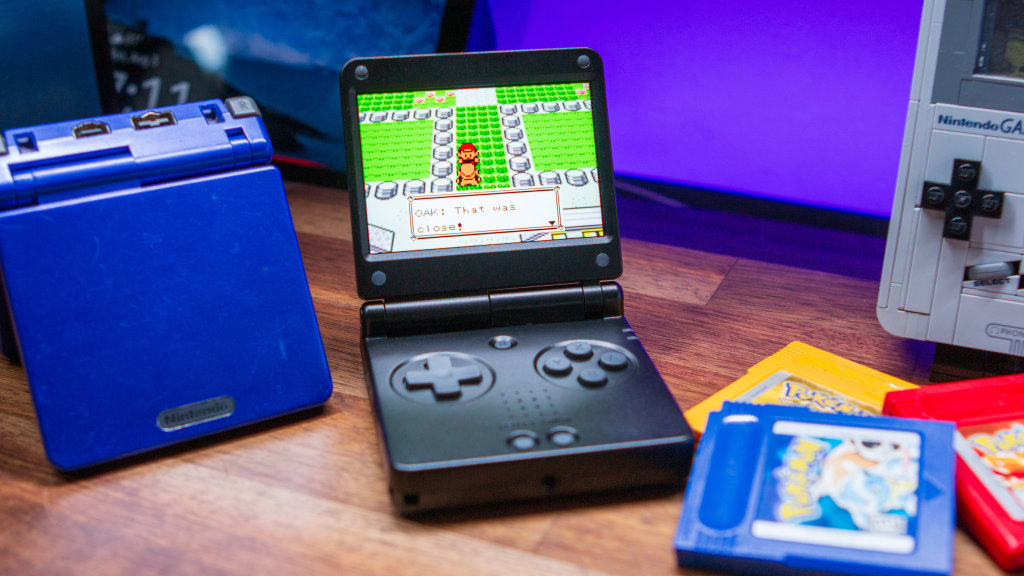
- Download the
gen1recomp-XXX-rg34xxsp-stockos64-mod.zipfile from the Gen1Recomp GitHub. - Once downloaded, extract the contents of the folder.
- Power off your retro handheld and connect the microSD card to your PC.
- Transfer the following to the PORTS folder:
Gen1Recomp.shgen1recomp(entire folder)
- Place your Pokémon Red, Blue, or Yellow ROM in the following directory:
Roms/PORTS/gen1recomp/lovegame/
- Safely eject the microSD card from your computer.
- Insert it back into your retro handheld, and power it on.
- Navigate to your Ports section, and open the Gen1Recomp port.
- Use your D-pad to move the mouse cursor to select the Pokemon game you want to play.
- Select “Import a ROM to play”.
Placing the ROM file in the lovegame directory removes the need for using a file picker, since there’s no such native solution with these Linux firmware options. As such, the ROM is automatically imported for you.
There’s a Dual-Screen Mod Too!
This is even newer than the original Pokemon Recomp, as there’s a new Dual-Screen mod by the name of Kanto Gear. When enabled on dual-screen handhelds like the AYN Thor, the bottom screen is filled with a variety of options, depending on what you’re doing. According to the developer, it includes:
- Map
- Touch-based battle controls
- Contextual actions
- Route encounter guide
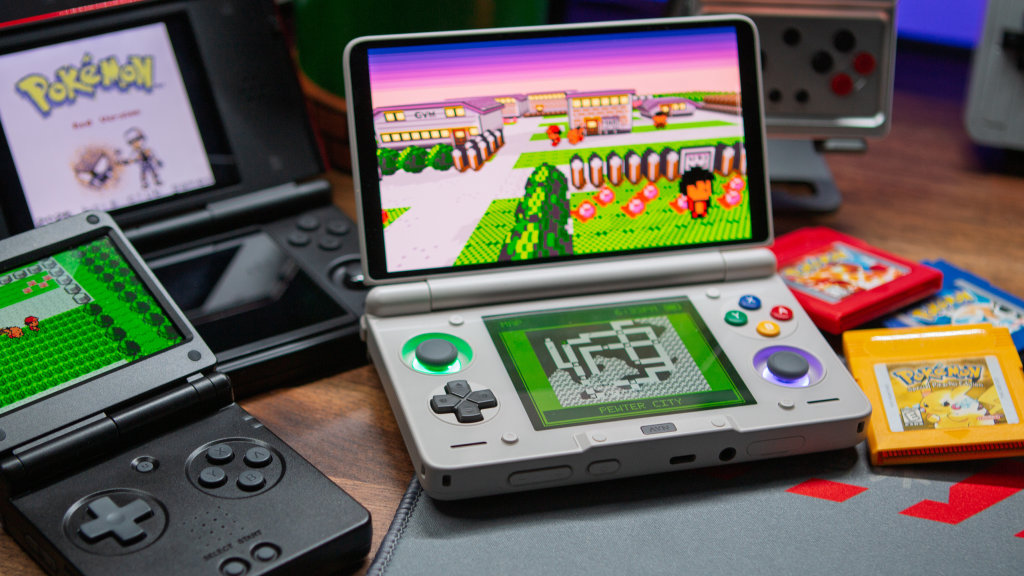
The only difference here is that in order to make use of Kanto Gear, you’ll need to install the developer’s fork of Pokemon Recomp. In addition to that, the developer also forked the Dramatic Shape Voxel Mod as they’re “working on improving the performance of the voxel mod on Android handhelds. Here are the files that you’ll need to download:
It’s worth noting that while I was able to get Kanto Gear running on my AYN Thor, I was unable to do so on the Anbernic RG DS running GammaOS Next v1.4. I’m not sure if this has something to do with GammaOS, or if it’s because of the fork. On the bright side, you can still enjoy this new Pokemon experience on the RG DS, even if the bottom screen can’t be used.
Conclusion
Given the pace that the updates have been flying out for both the Gen1Recomp and Voxel Mod, I suspect that I’ll be updating this guide sooner rather than later. The developers have been listening to feedback and implementing bug fixes and new features with multiple releases every day. I’m really interested to see what’s to come of this mod with the retro handheld community.
Drop us a line if you run into any issues or have any questions about getting this new Pokemon experience up and running on your handhelds and devices!

5 Comments
Just got this running on my retroid pocket 2s… Pretty sluggish in the overworld, super excited to see where this goes, you think it can run on the miyoo mini plus? Meanwhile dusklight is running 50-60fps on the rp 2s where as a couple months ago barely 26-30fps, so im hopefull the voxel mod will get up to speed here shortly would love to play this on the RG rotate I have on the way!
Up and running in a couple of minutes, thanks Andrew. Running okay on the Mangmi Air X, although I only fiddled with settings quickly. It looks super cute and they’re obviously doing a lot of optimisation, so will improve over time
Rom hacks?
Pokemon yellow legacy?
If it works or at least runs on miyo mini plus maybe I could give it a try
Voxel mod link is down