

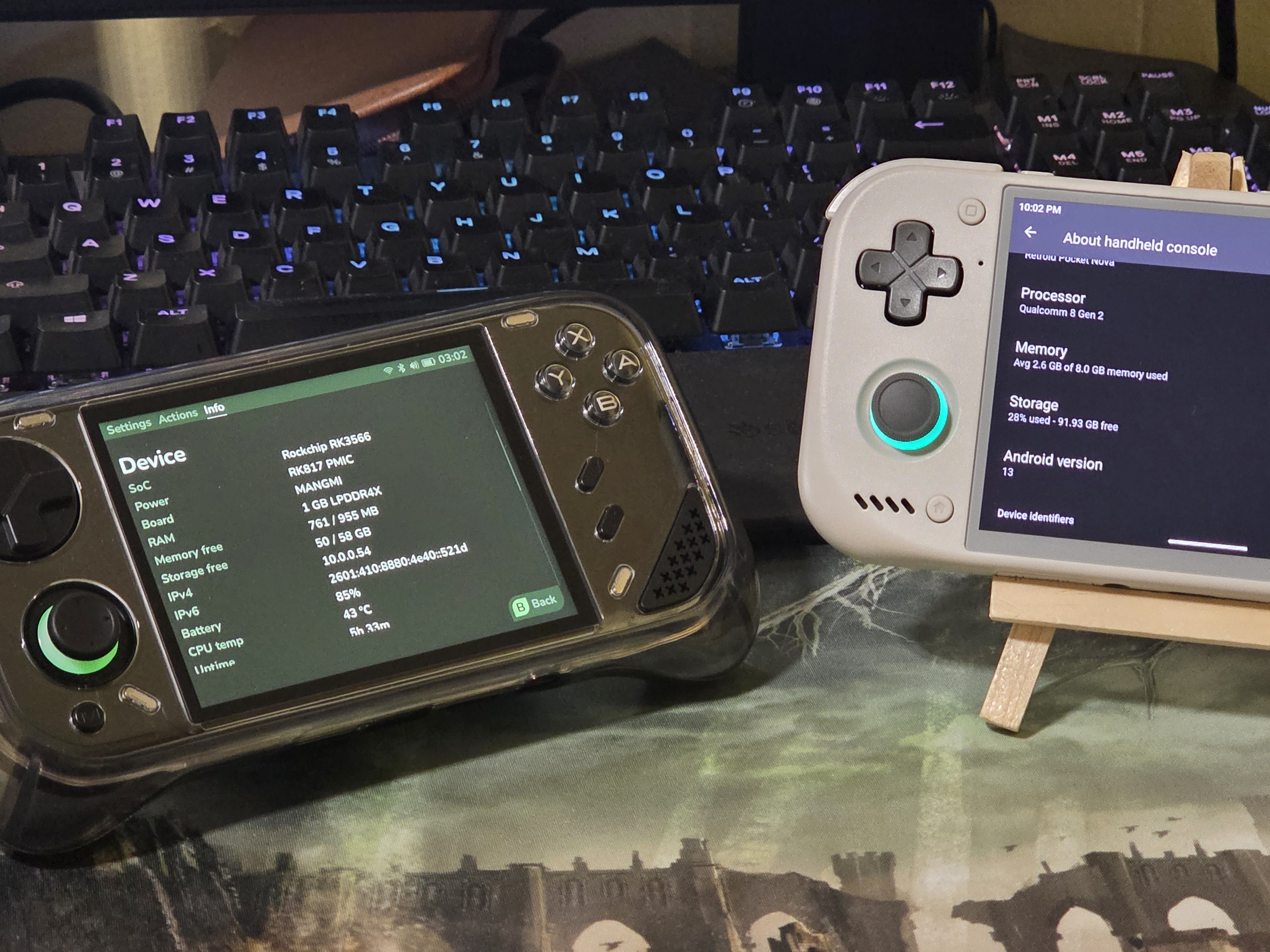
Random Access Memory (RAM) is a form of high-speed storage used by your electronics to store massive amounts of temporary information on hand to be accessed seamlessly on the fly in order to do common computing tasks like opening 17 tabs in Chrome, editing in Photoshop with multiple linked-in files, and caching shaders for a legally dumped version of Metroid Prime 4 running on…hardware.
RAM isn’t memory you could access normally, but it’s the middle man between tasks run from your CPU and your long-term storage. So it’s not quite your birthday, or your home address, but it’s the formulas you crammed before taking a math test, or the license plate of the car that ran through your lemonade stand. It’s the memory you need RIGHT NOW.
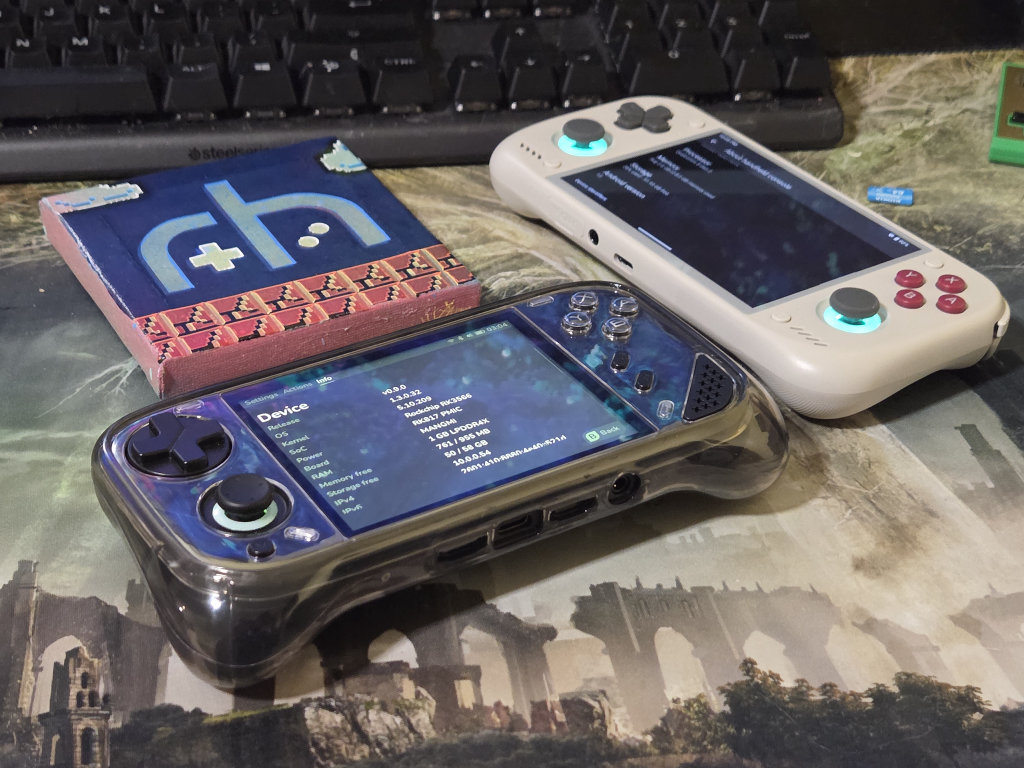
“So why does this matter with our handhelds? I’m literally just trying to run Final Fantasy IX.” It matters because it’s one of our niche’s most expensive components, with the ever-persistent AI boom showing little to no signs of slowing down within the next couple of years. The general consensus in the community is that more RAM is always better, and increasing FOMO because you could only afford a 12GB AYN Thor Pro over the 16GB found in the Max.
Now with the 4:3 AMOLED powerhouse Retroid Pocket Nova finally shipping, there might be some use cases where you’d want to fork over the extra money for the 12GB variant. Let’s talk emulation, shader compilation, ports, and operating system overhead. For the purpose of scope, this will be limited to more affordable ARM-based handhelds over x86 devices, so we will cover 1GB all the way to 24GB.
How Much RAM Do You Have?
1GB
1GB wasn’t really that common until RAMageddon hit, and suddenly every Anbernic H700, RK3566, and similar spec devices downgraded to meet a smaller price point. This is also low-spec, Linux territory and will max out emulation-wise on light N64, but this is mostly due to the raw performing power of the chip’s CPU.
Where 1GB becomes a hindrance is when you consider PortMaster games, which take full advantage of the system’s resources to render games from Celeste to Stardew Valley to Grand Theft Auto III, where stutter from asset streaming and crashes can occur.
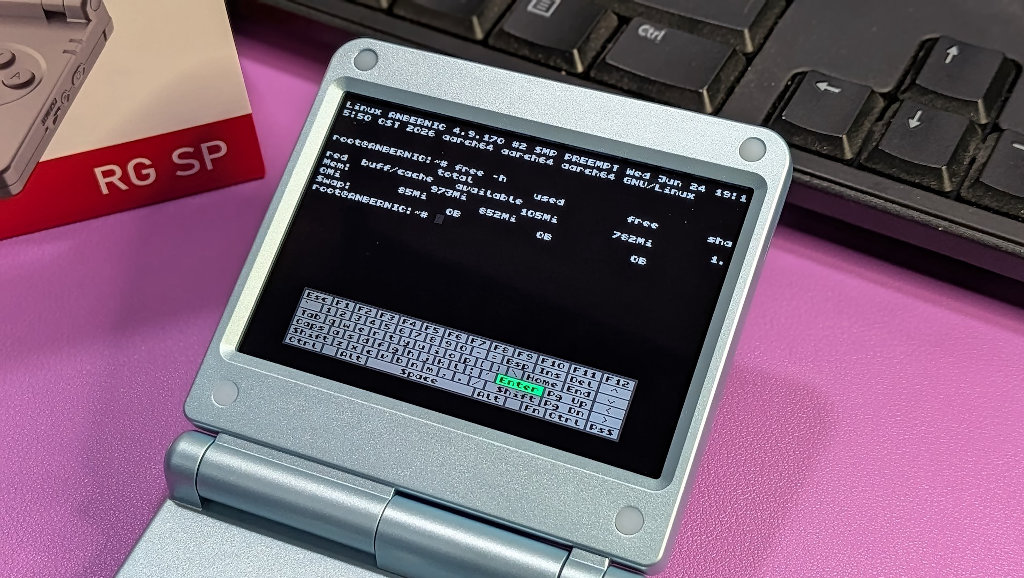
If you know your limits, 1GB is actually fine for gaming on an efficient Linux-based OS like Rocknix or Knulli, and the H700 Anbernic devices are still a good buy, global economy in mind. Maybe try the GBA-centric RG SP!
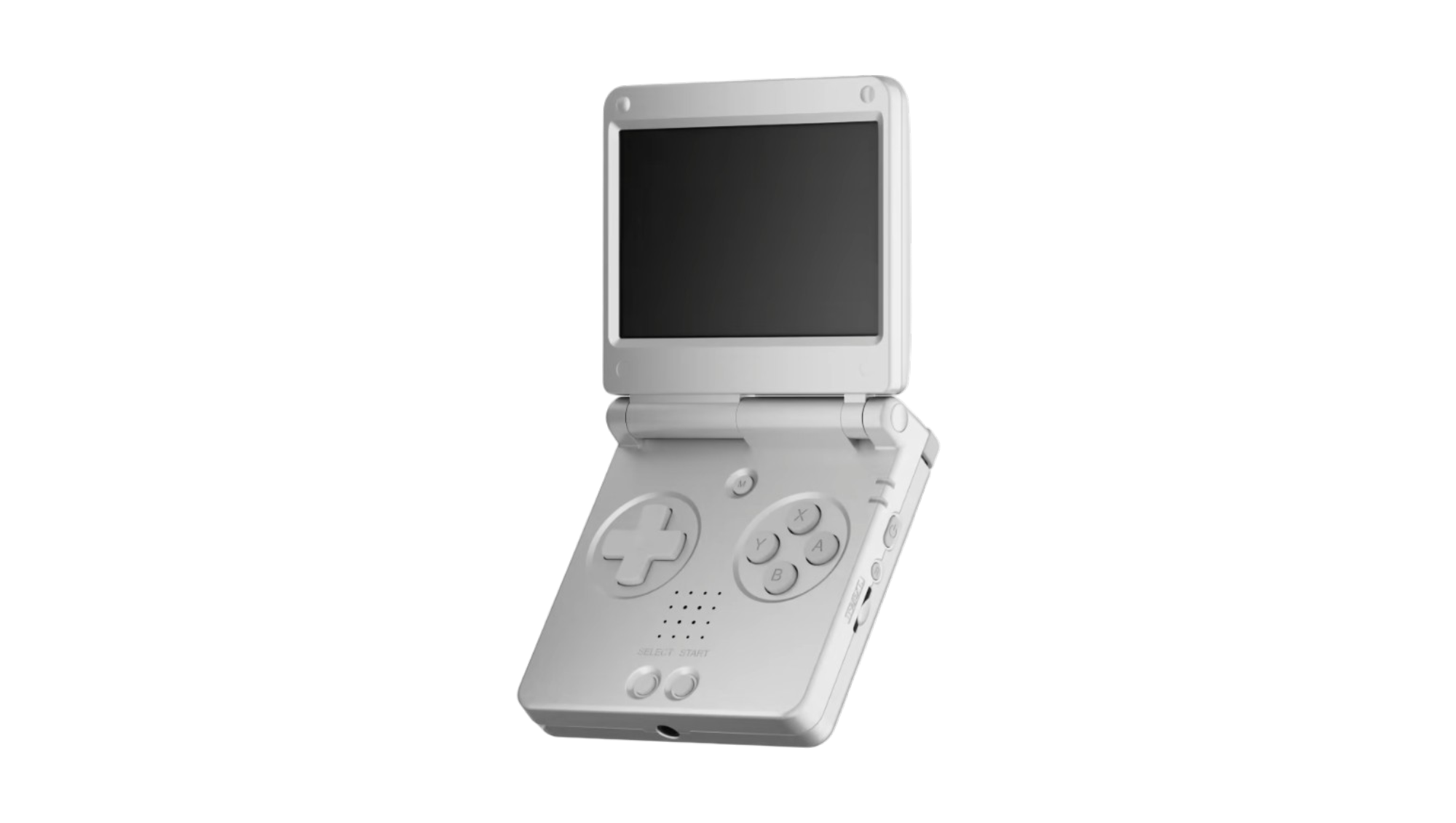
2GB
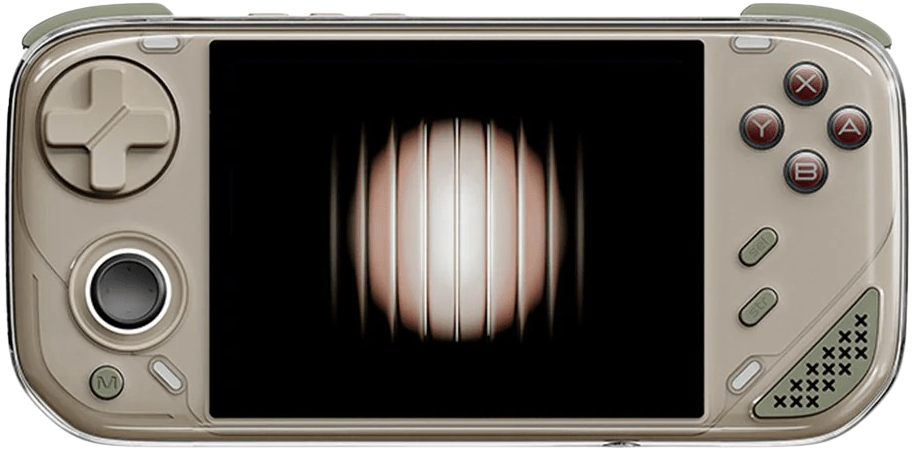
2GB is the former de facto standard for low-end handhelds and the minimum recommended bar you want for PortMaster on Linux. In my experience, custom versions of Linux will still perform the same in the OS. On the Android front though, multitasking isn’t really optional since the OS and Chrome browser will eat up 75% of that.
The fabled Retroid Pocket 2 famously had a bonkers custom OS that killed the experience for most and was terribly slow to navigate due to low RAM and processing power. 2GB won’t make much of a dent on emulation, but your processor will.

There aren’t many handhelds you can buy new with 2GB of RAM, so we need to rely on the used market here, but I’d go for 2GB if it’s an option over 1GB.

AYANEO Pocket AIR Mini
AYANEORHH25
RH15
RH15
RH15
RH15
RH15
USAFF50
RH15
RH15
3GB
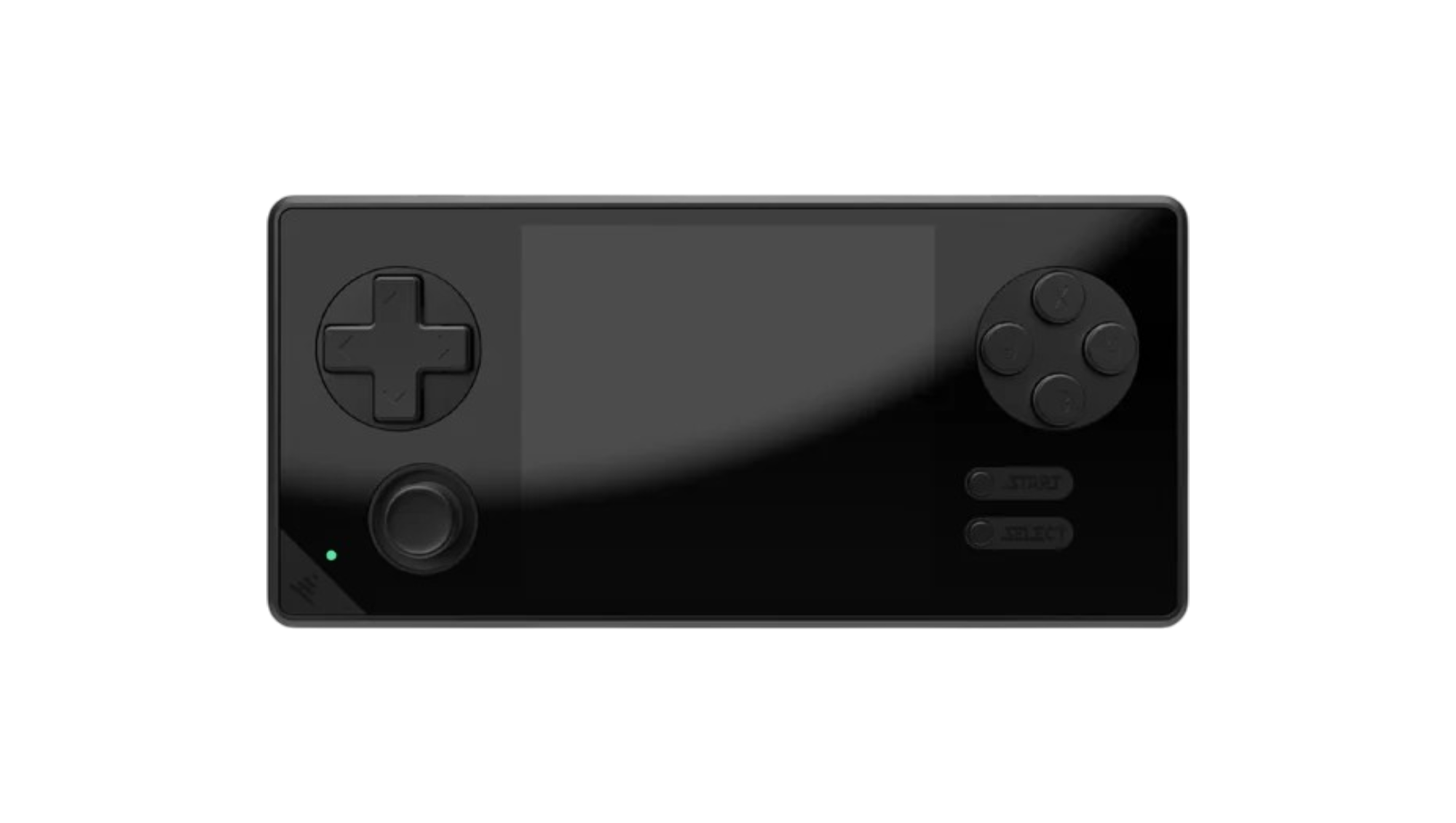
3GB is famously the minimum used on the RG Rotate and the Konkr Pocket Advance and almost always used in Android. In my experience, this is a good minimum threshold for strictly low-end emulation users on Android since you can do a reasonable amount of multitasking, like scraping ROMs or looking for guides.
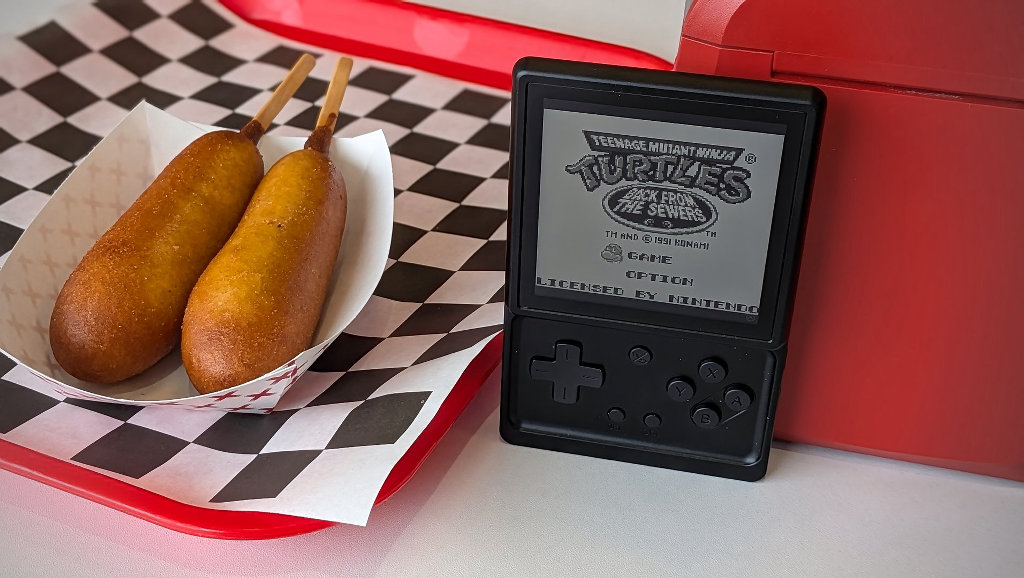
Shaders in RetroArch take up RAM as well, but 3GB is more than enough for most of the lighter ones. SOCs with 3GB of RAM have a tendency to comfortably play your N64, Dreamcast, and PSP libraries while encroaching on Saturn, GameCube, and 3DS emulation. In 3DS and GameCube emulation, you have to consider shader compilation stutter, which would be apparent on only 3GB of RAM.
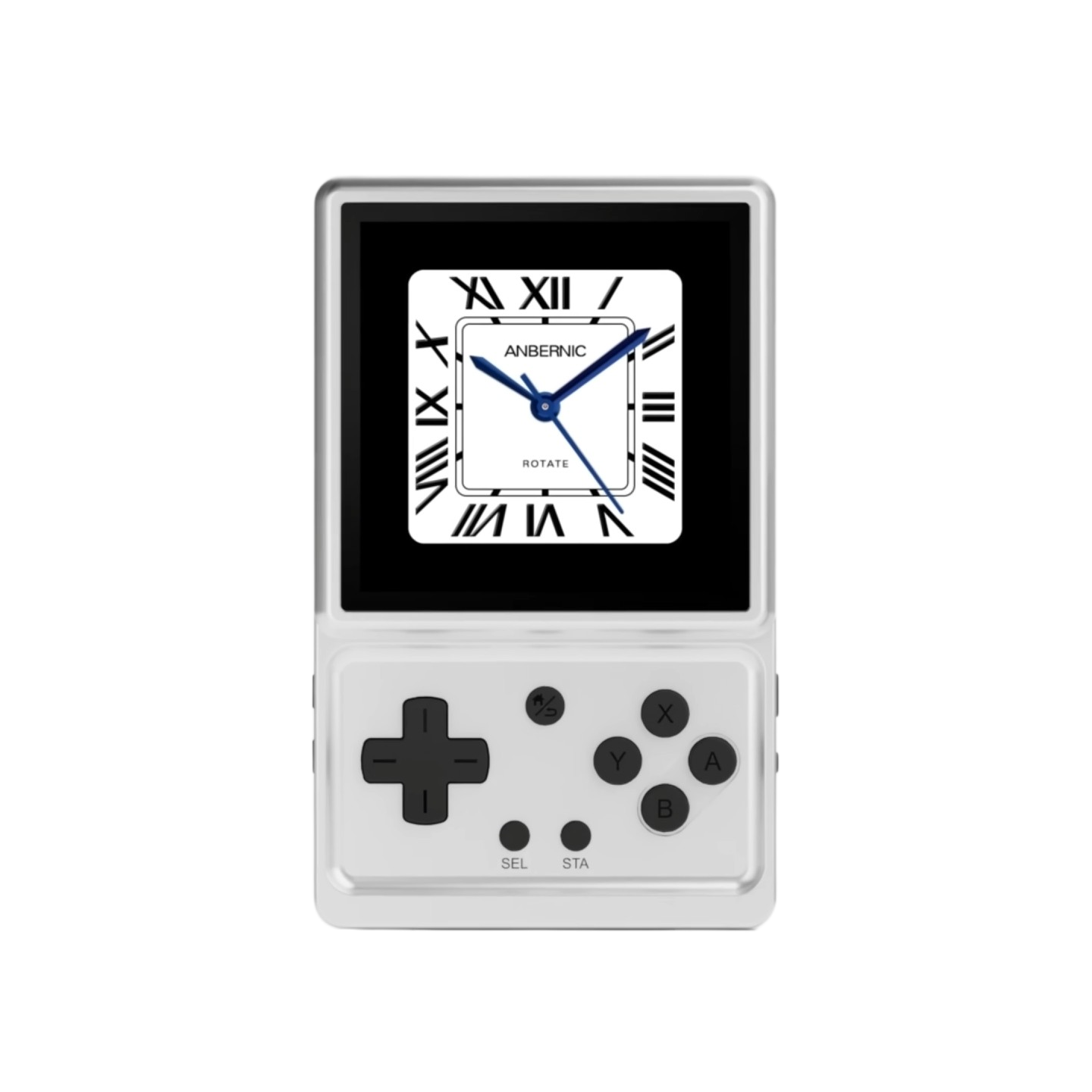
Anbernic RG Rotate
Anbernic15USAFF
15USAFF
RH15
RH15
RH15
RH15
RETROHANDHELDS
RETROHANDHELDS

KONKR Pocket Advance
AYANEORH15
RH15
RH15
RH15
4GB
This spec is a toss-up since the SOCs that take 4GB generally have cheaper 3GB variants and it doesn’t really perform much better in practice. Even the tried and true T618, which came with 4GB, was downgraded to 3GBin the RG Rotate with a little practical difference. Right now, the only mainstream devices with 4GB of RAM you can buy new are the Anbernic RG Vita Pro, the AYANEO Pocket Air Mini, and Konkr Pocket Advance.
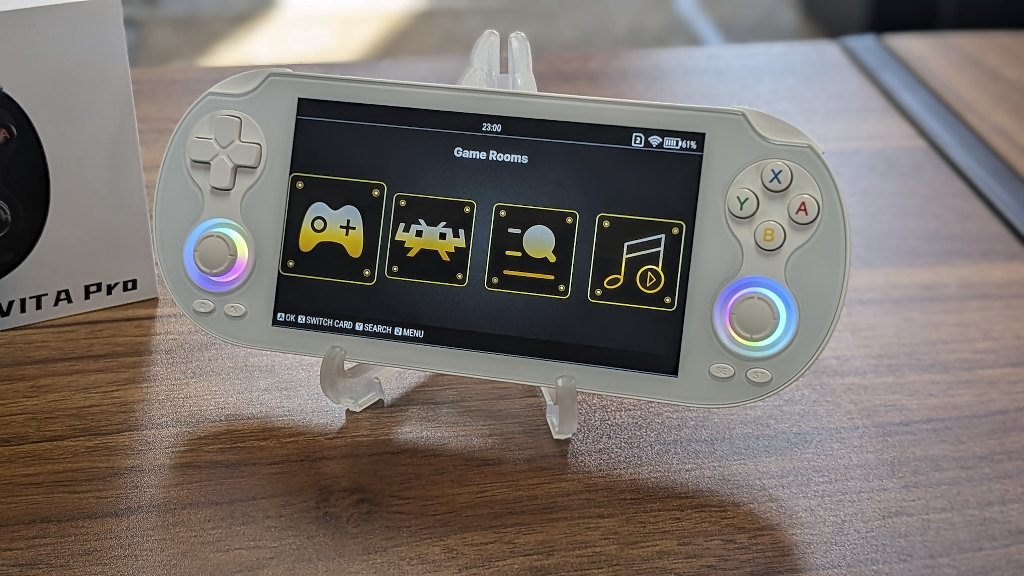
You’ll be able to compile slightly more shaders on this front and handle low-end Android ports slightly better, but you’re going to want a better SOC altogether.

AYANEO Pocket AIR Mini
AYANEORHH25
RH15
RH15
RH15
RH15
RH15
USAFF50
RH15
RH15
KONKR Pocket Advance
AYANEORH15
RH15
RH15
RH15
6GB
In the case of the RP Mini, 6GB is actually enough to comfortably use the Dual Screen addon and most 3DS, PS2, and GameCube emulation when compiling standard shaders. The true bottleneck here is going to be resource-heavy Switch emulation, PC games, and texture packs that are over 3GB. Prefetched textures are stored in RAM during gameplay, and PC/Switch titles generally cache shaders in real time, requiring more system resources than a measly 6GB.
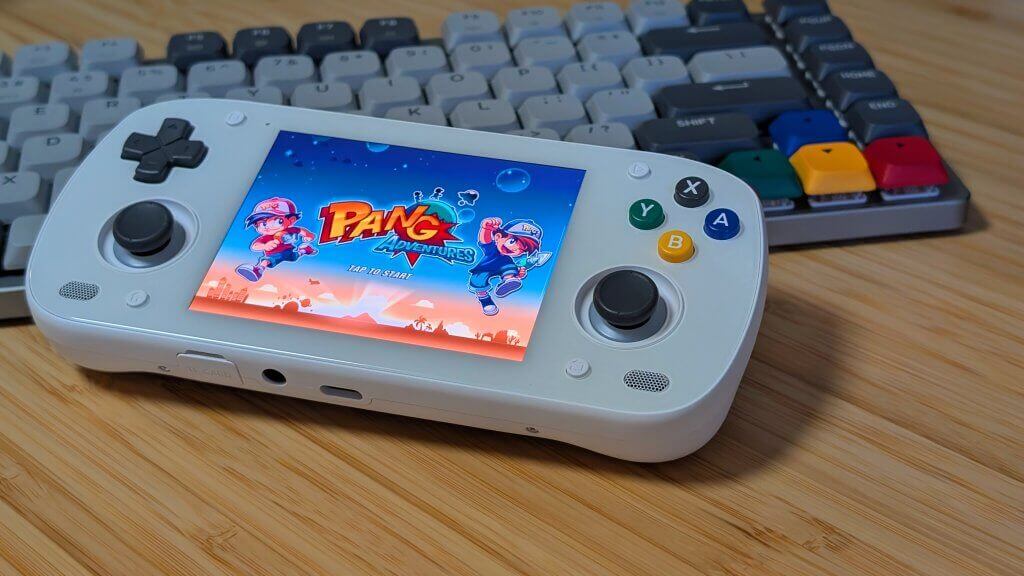
That being said, can you even buy a 6GB device new anymore?
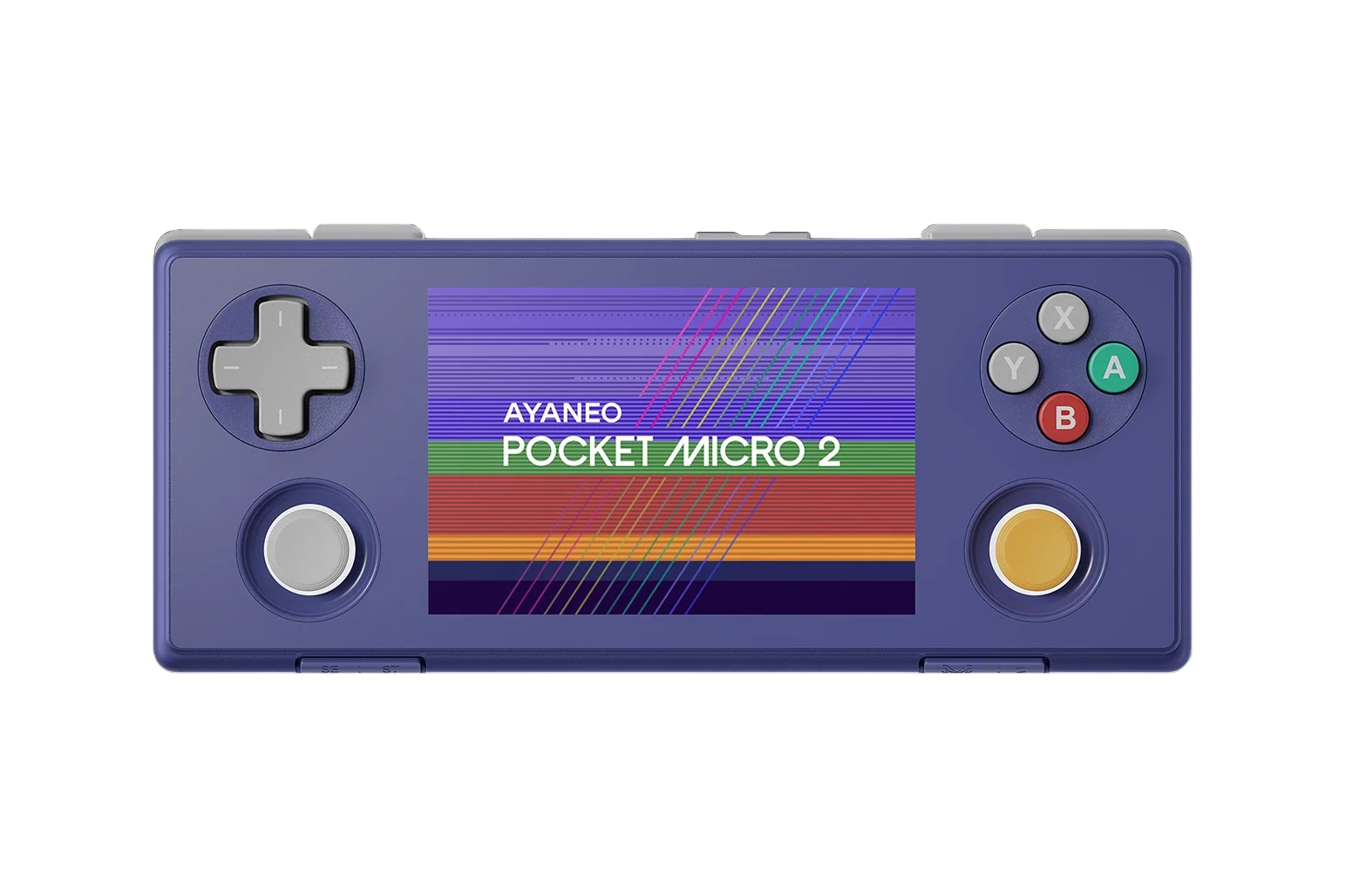
AYANEO Pocket Micro 2
AYANEOUSAFF95
USAFF95
USAFF95
USAFF95
USAFF95
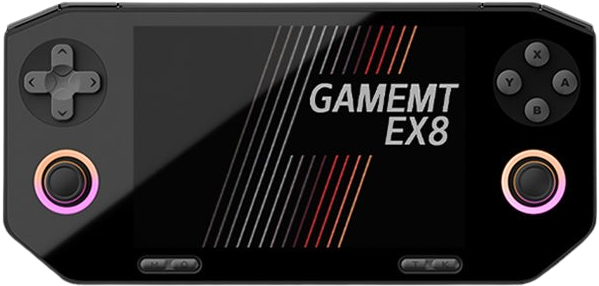
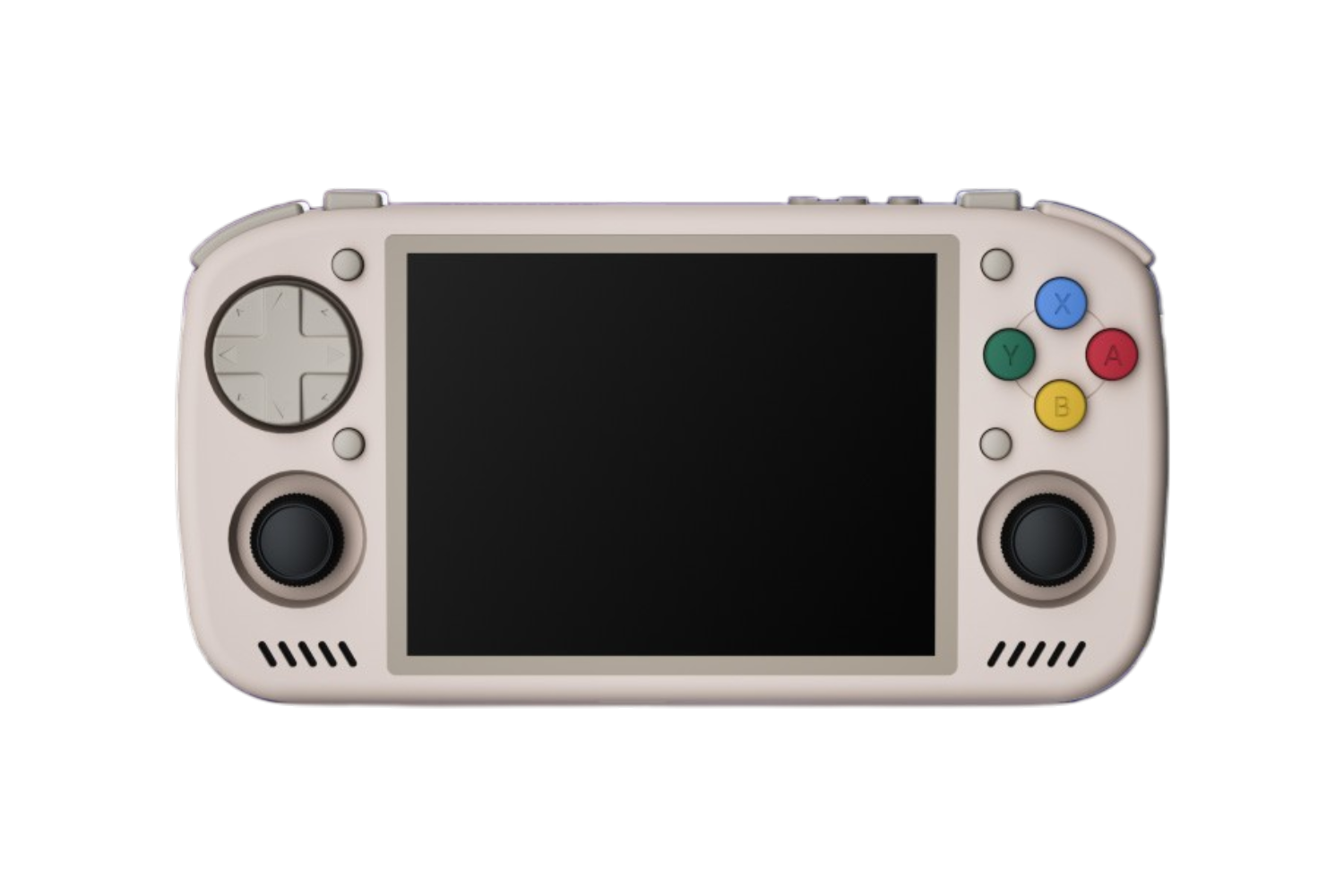
KT-R2
KT Pocket8GB
In the medium to high-end Android handheld market, 8GB should be your minimum threshold. 8GB is enough to run all of your multitasking, the overhead, most compressed (~4-6GB) texture packs, and even some low-end Switch and PC titles. You will still see stutters and crashes in Switch emulation and emulation that uses 4K texture packs, so your mileage will vary.
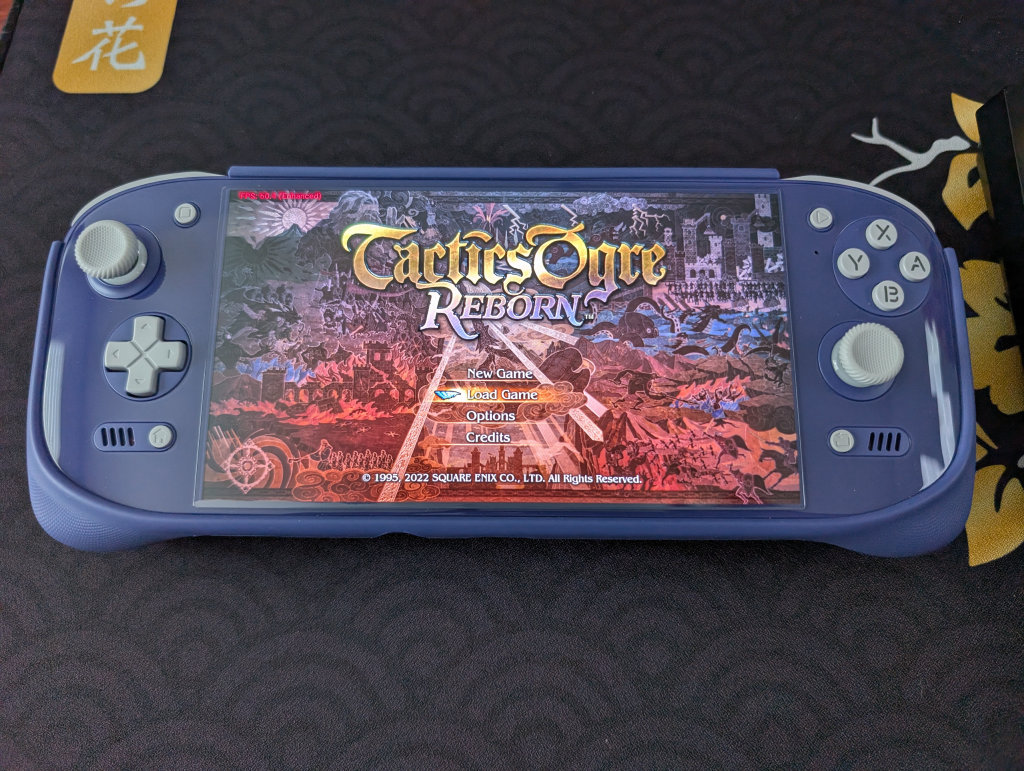
The base version of the Odin 2 Portal is a fantastic device and at only $249 for the 8GB variant, and a perfect general emulation device.

12GB
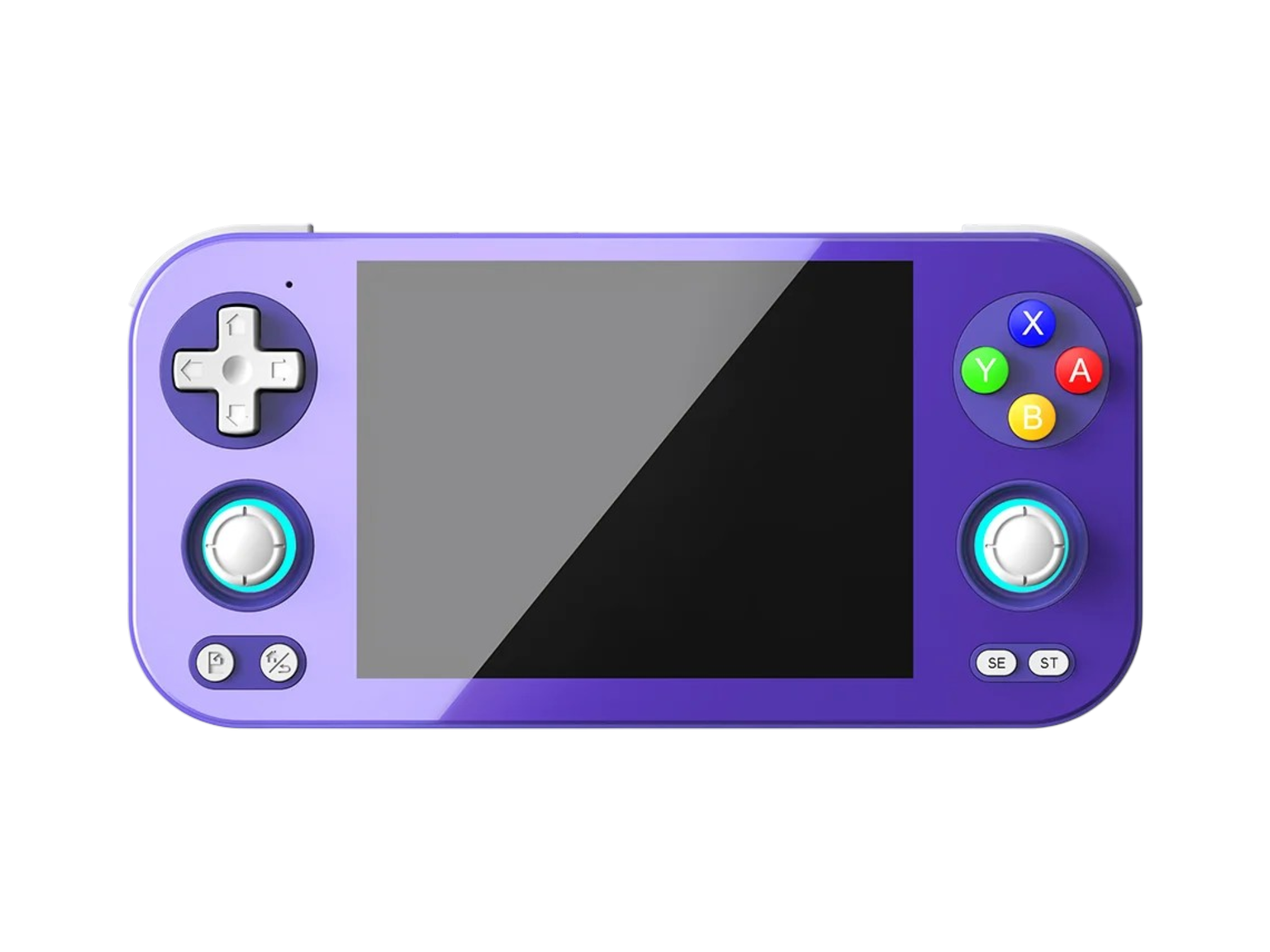
For most high-end Android handhelds, 12GB configurations are a good sweet spot between having enough overhead to handle all of your emulation needs, most texture packs, your Android ports, and to comfortably play through some optimized PC games. Getting 100% of your Switch library stutter-free is going to require more RAM and more optimized emulation, but Wii U is covered here. Given the state of gaming on Android, if you wanted to sample our entire ecosystem, 12GB is enough.
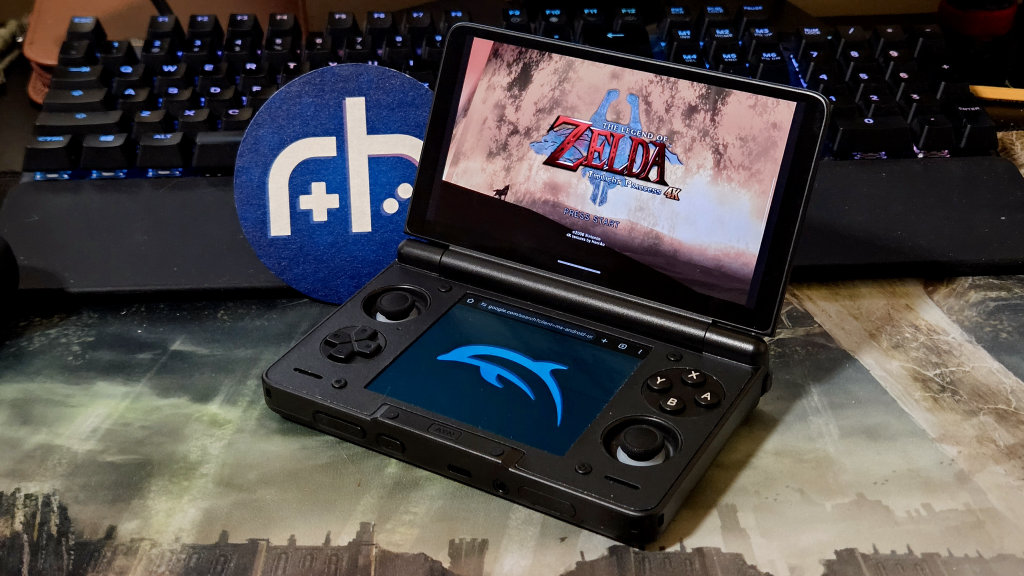
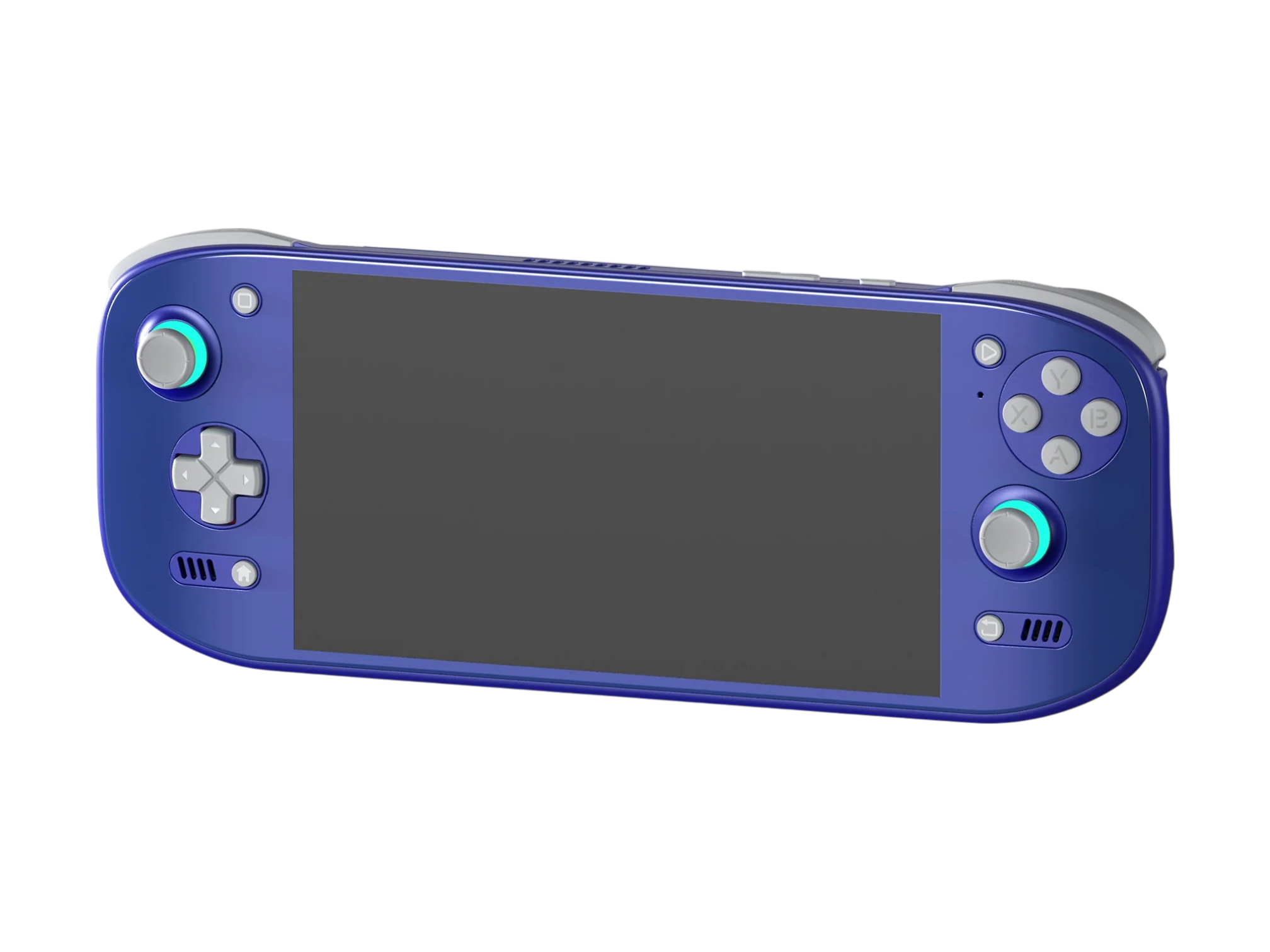
The 12GB model of the Ayn Thor is a great example of a solid 12GB device. Odin 3 or KONKR Pocket FiT are other excellent use cases for a 12GB device.
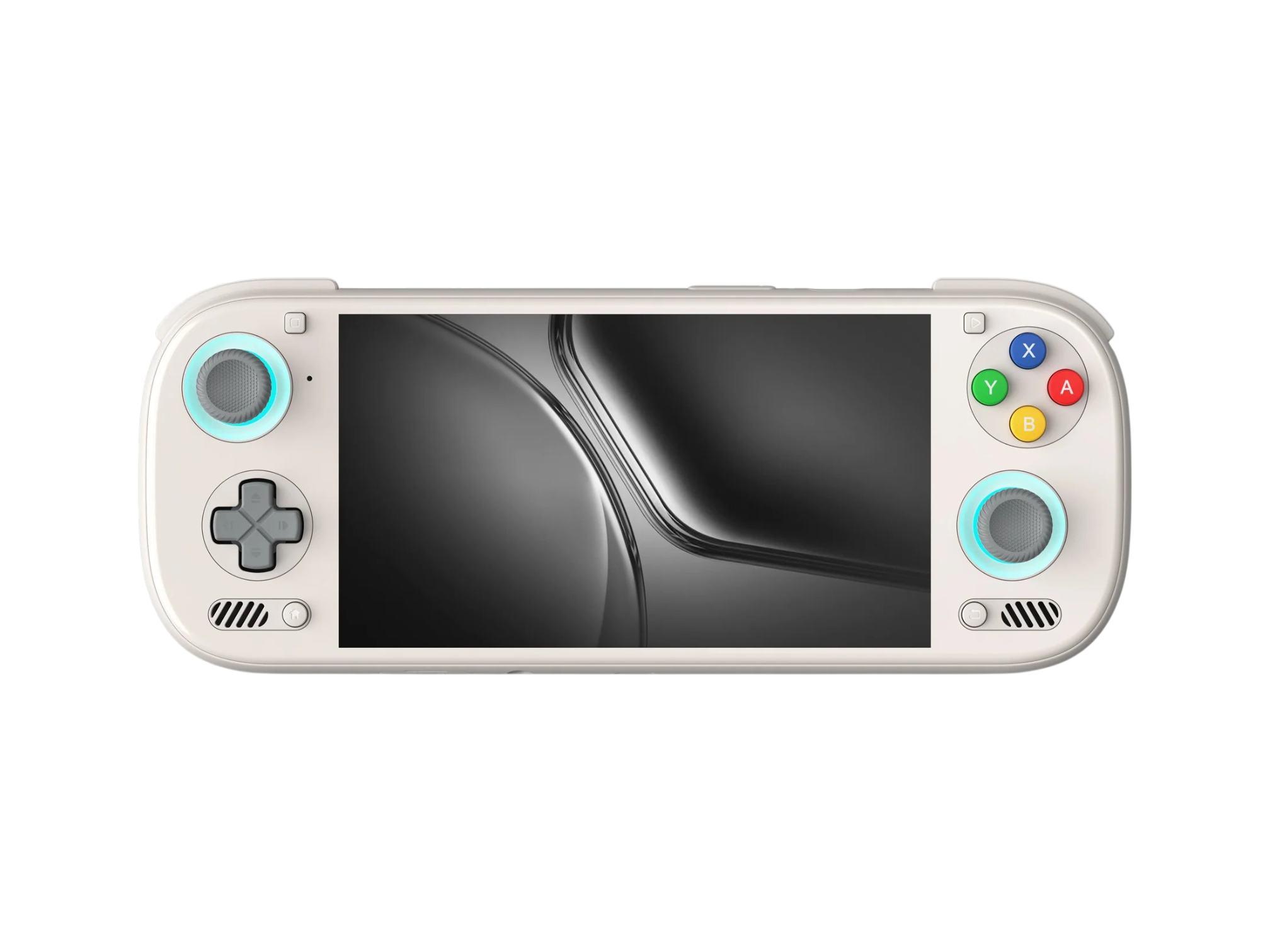
AYN Odin 3
AYNUSAFF75
RHH95
RHH95
RH15
RH15
RH15
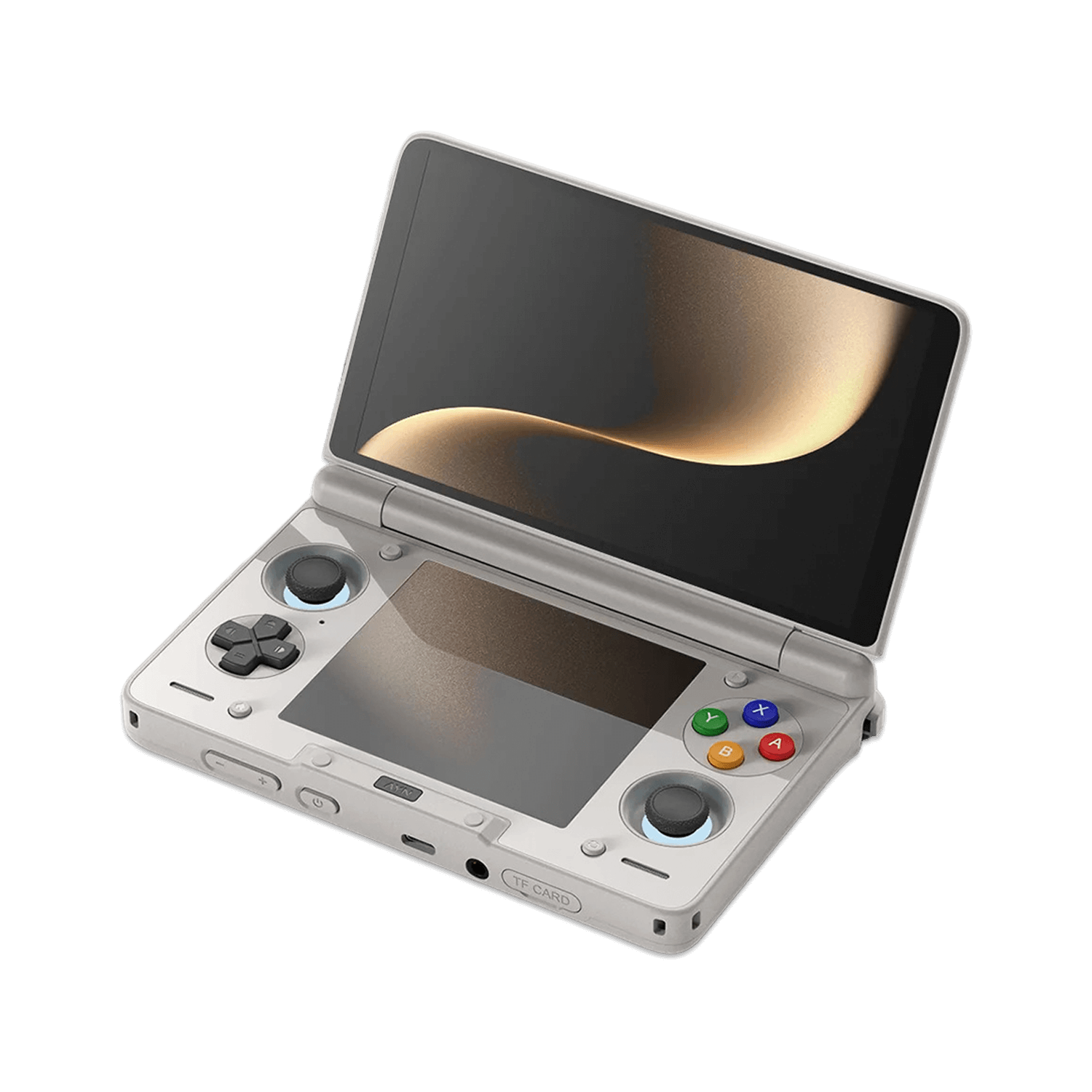
AYN Thor
AYNUSAFF70
USAFF90
RH15
USAFF95
USAFF120

KONKR Pocket FIT (G3 Gen 3)
AYANEOUSAFF95
RH15
RH15
USAFF95
RH15
USAFF120
16GB
At present, this is the most RAM you can have in an Android handheld console and see a significant benefit. Playing games is already covered in the 12GB realm, but now we want to use 4K textures and high-density shader caches for Switch and Wii U to try and play Breath of the Wild. You’ll also be able to handle PC games with higher shader caches, but the state of Windows to ARM translation is still a bottleneck.
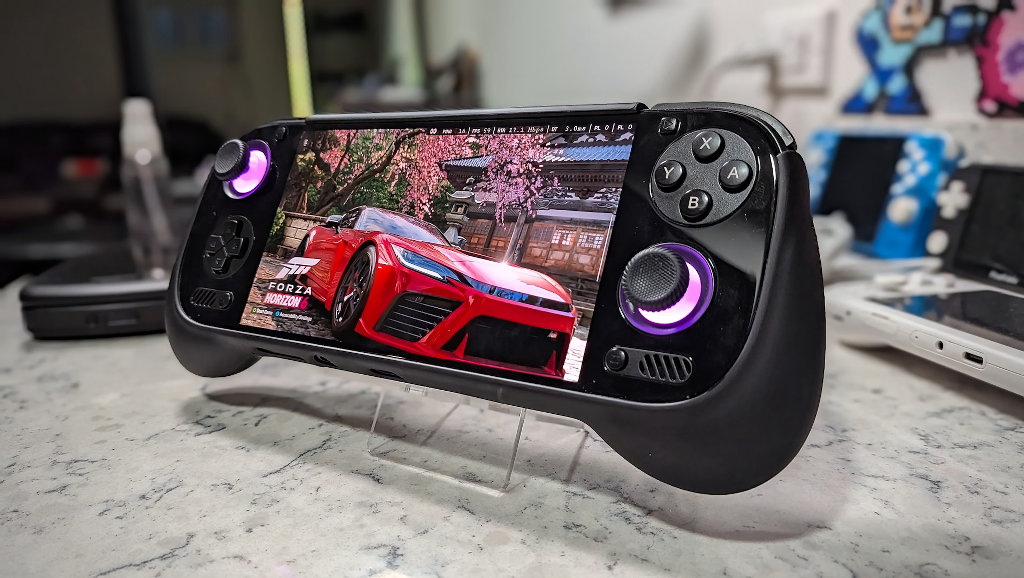
The AYN Odin 3 can definitely make the most of its raw power and a higher amount of RAM.
AYN Odin 3
AYNUSAFF75
RHH95
RHH95
RH15
RH15
RH15
KONKR Pocket FIT (G3 Gen 3)
AYANEOUSAFF95
RH15
RH15
USAFF95
RH15
USAFF120
24GB
Like crushing an ant with an atomic bomb, 24GB is overkill. Once found in the legendary Odin 3 Ultra, 24GB should only be appealing for people investing in the future of Android gaming since you won’t see a noticeable benefit from 16GB, accounting for shader caching, overhead, and playing games. Once the software experience opens up more for 100% Switch emulation and full PC environments, 24GB might see a return and be worth the investment.
AYN Odin 3
AYNUSAFF75
RHH95
RHH95
RH15
RH15
RH15

KONKR Pocket FIT (Elite)
AYANEOTLDR: How Much RAM Is Enough?
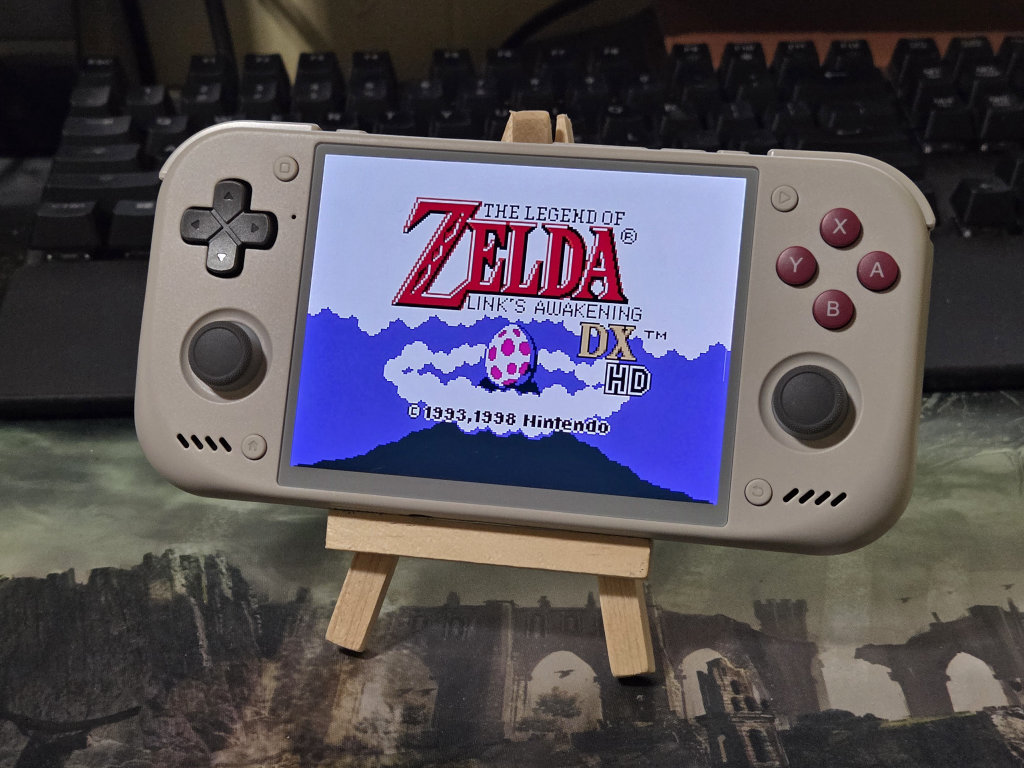
Every category here has a vastly blurry line since nothing we play on these will be 100% perfect, and what one person might tolerate performance-wise would be a deal breaker for someone else. RAM-wise, I’m fairly confident in the strengths and limits of what these numbers mean in a broad sense, which could include raw CPU/GPU performance and differences in a RAM’s speed.
From a high-level perspective, and playing into strengths, the breakdown is like this:
| RAM Amount | Emulation Capability |
|---|---|
| 1GB | Reliable low-end emulation (NES, Sega, PS1, etc.) with light shaders on ARM Linux up to N64 |
| 2GB | Reliable low-end emulation and light PortMaster titles on ARM Linux |
| 3GB | Reliable low-end emulation with light shaders on Android/ARM Linux with minimal multitasking up to PSP/Dreamcast |
| 4GB | All low to mid range emulation with basic shader enhancements up to Sega Saturn (More CPU dependent) and light GameCube with light overhead multitasking |
| 6GB | Mid range emulation up to 3DS, GameCube, PS2, and light Wii. Reasonable amount of overhead. Good enough for most Android ports (no graphical enhancements) |
| 8GB | Mid-high range emulation with small (1 – 4GB) texture packs, reasonable multitasking overhead, and light Switch emulation / PC titles. Just about all Android ports. |
| 12GB | Mid-high range emulation with moderately sized texture packs (up to about 8GB). Good for most compatible Switch and PC titles. More than enough overhead resources |
| 16GB | High-end emulation with 4K texture packs and the ceiling for Switch titles and most compatible PC titles. Overhead is but a distant memory. |
| 24GB | Turn around, you've gone too far. |
In my own personal tastes, I’ve opted for an 8GB of RAM Retroid Nova to cover all of my retro stuff with enhancements and 16GB in my Odin 3 to get the most out of the performant Dragonwing Q8 processor. Your choices will vary, but hopefully this coverage will help you decide which expenses are at least worth it to you.
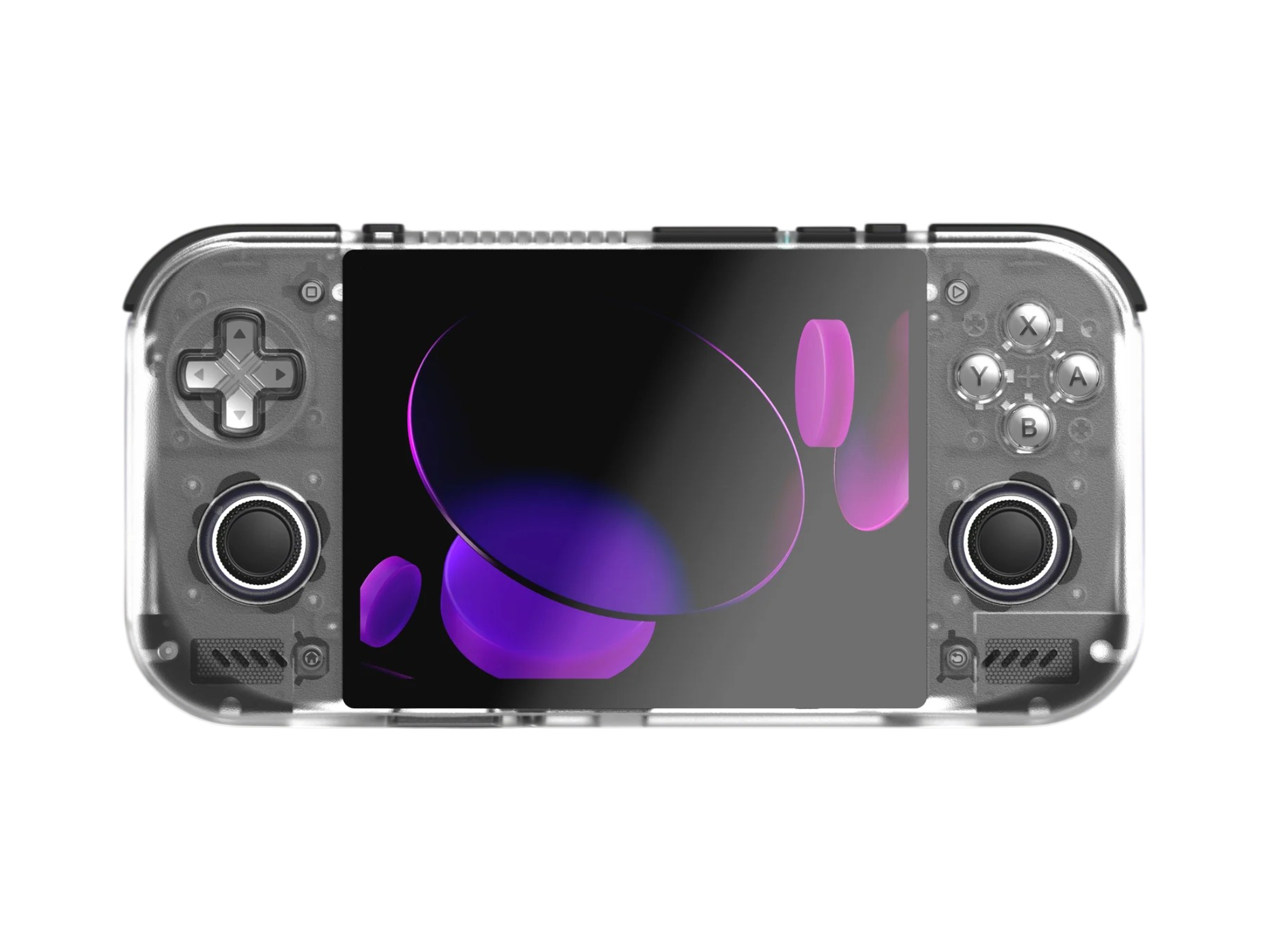
Retroid Pocket Nova
RetroidUSAFF50
USAFF55
RH15
RH15
RH15
RH15

2 Comments
“Right now, the only mainstream devices with 4GB of RAM you can buy new are the…”
You forgot the mangmi air y pro which has a 4gb variant running the snapdragon 865, so you can get a good processor with only 4gb of ram. Would it run PS2 and GC ok or not?
I opted for the Odin 2 Portal Pro when they had it stock. The increase in storage and RAM was well worth the $120.
For the RP6 I chose 8GB because I wanted the purple one and they only had the silver one with 12GB.
I ordered the GC 8GB Nova.
If I choose to buy the Odin 3 I will get the Max. The Pro is not worth it, twice the storage for $50.