

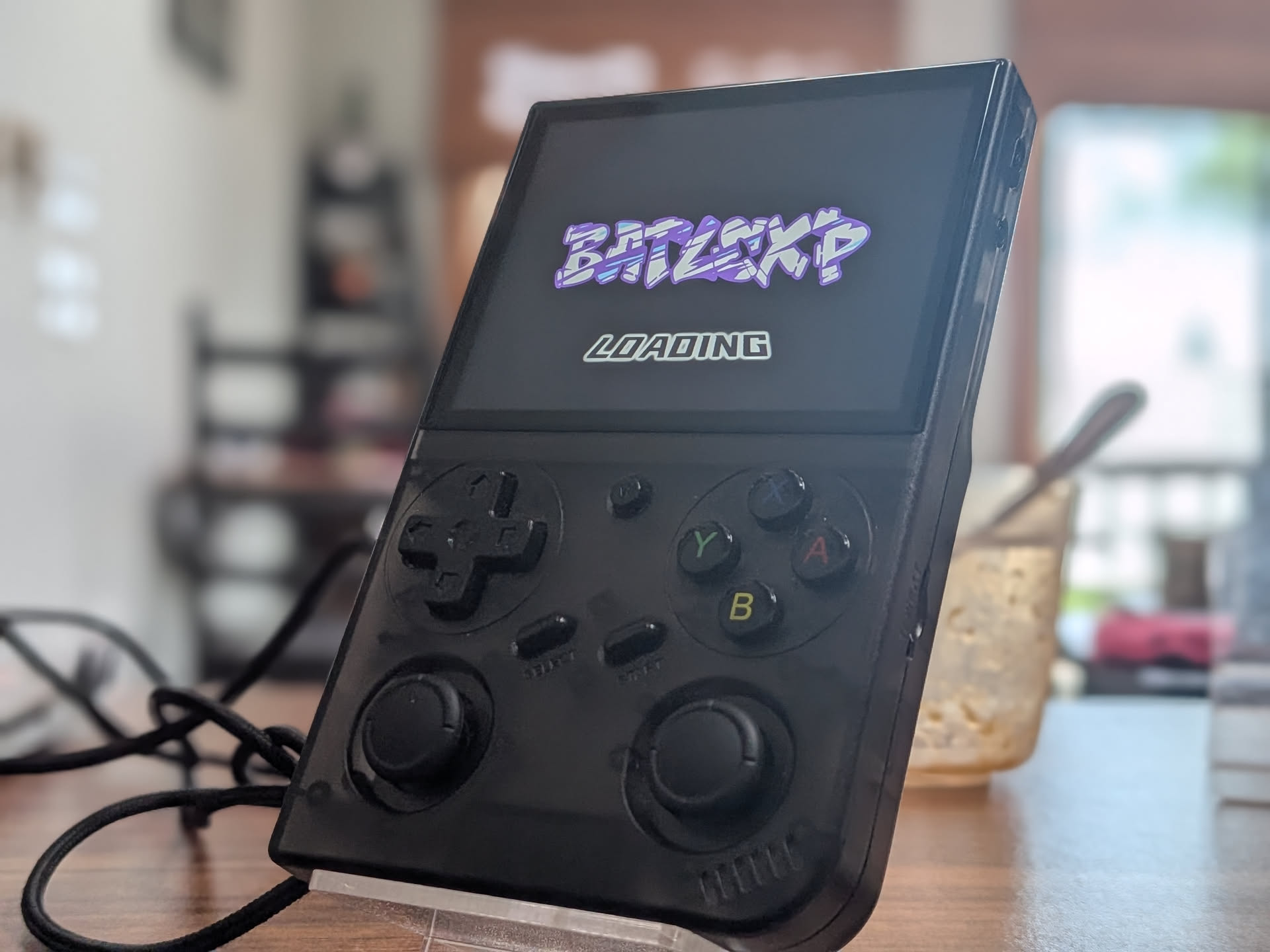
Batocera G350 Fork
Another gift from community dev Playboi390, this fork of Batocera brings the popular OS to the G350.
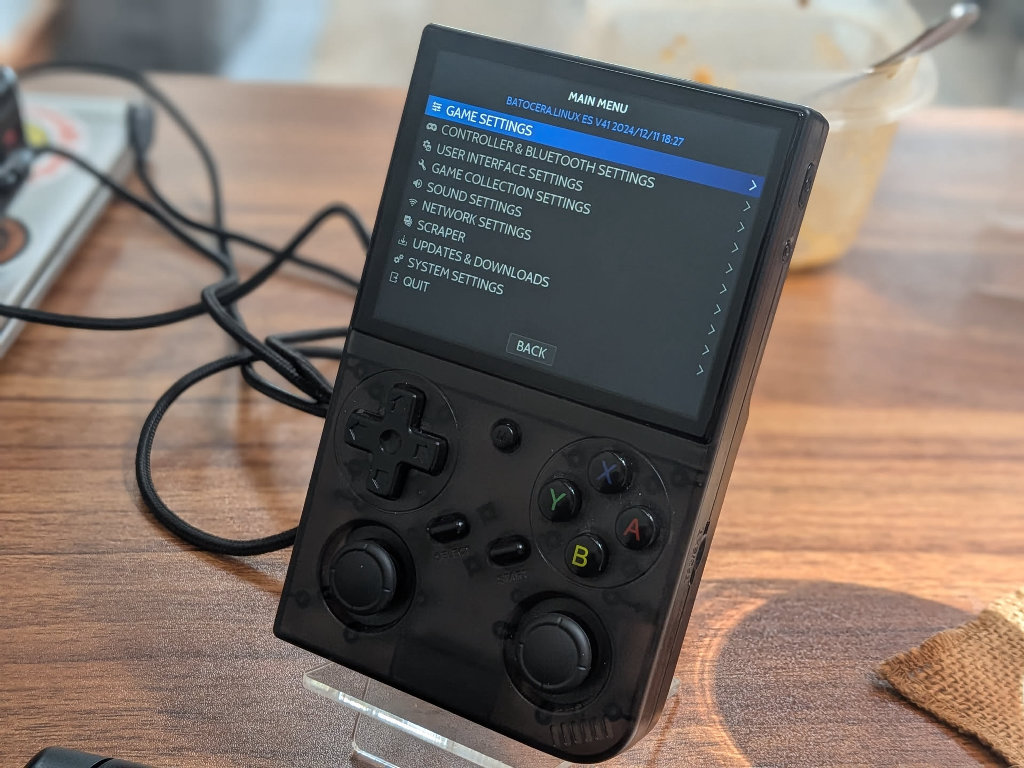
- Download the batoceraG350.img.zip from the releases section of the project GitHub.
- Using 7zip, WinRar, or your choice of archive software to unpack the downloaded batoceraG350.img.zip archive and extract the .img within to a directory of your choice on your PC.
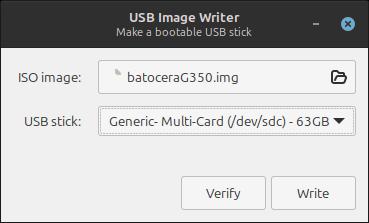
- Write the extracted batoceraG350.img using Balena Etcher or the software of your choice (USB Image Writer pictured)
- After the write process is successfully completed, remove the SD card from your PC, and re-insert it into the G350.
- When you power the handheld on, Batocera may fire the rumble motors for about 5 seconds, displaying only a black screen. Don’t be alarmed, this is normal. The OS will begin the unpacking and installation process automatically.
- After the unpacking process is complete, you should be greeted with the Batocera boot logo and transported into the OS.
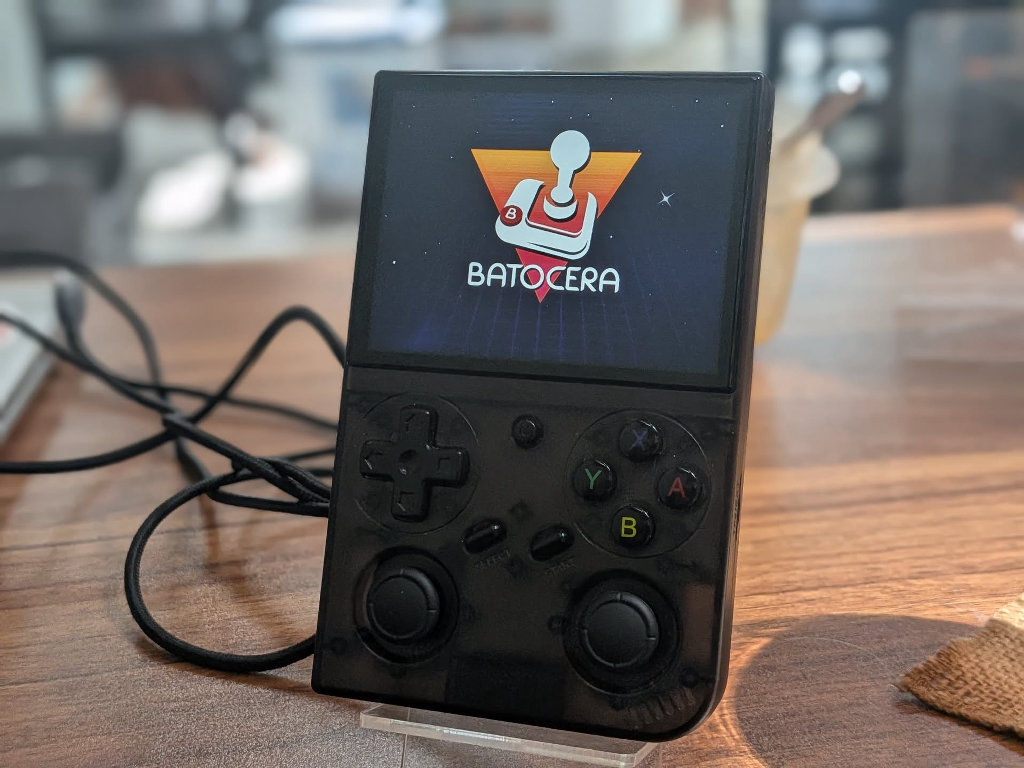
- From here, you can reinsert the SD back into your computer to load ROM and BIOS files.

14 Comments
ARKos or PAN4ELEC?
I’m a big fan of what’s happening with Pan4Elec on this device!
I installed ark OS and the right thumb stick mapping is wrong. Up is right, down is left, left is up, right is down
Any info on how to fix the right joystick issue? It seems that when ArkOS is installed the stick configuration is rotated 90 degrees anticlockwise. So left is up, up is right etc. I tried a few fixes that I found here and there but none fixed the issue so I had to go back to the StockOS ( even though I liked ArkOS more )
Go to https://github.com/retrogamecorps/G350-ArkOS-dtb and download Image and replace the in the boot volume
I wish I would’ve seen this before I played and created save states. I lost my save state in my favorite game and now I can’t save any game (it freezes and gets stuck at saving 0%). Is there a fix like a cache refresh in the original software or is it cooked because of the SD card? If so is it still salvageable to transfer to Arkos and keep all the games it came with?
I played my game when I got not knowing I had to do anything else to it now I turned it on and it says no SD card. What should I do I
My menu hotkey is not detected in retroarch can anyone please help me with this
Hi Paylyboy390,
I’ve had the same problem. Did you find a solution for this?
Yes a proper dtb swap is needed you have to rename the batlexp dtb to rk3326-rg351mp-linux.dtb
You can find Batocera and rocknix for the g350 at my github
For Batocera
https://github.com/Paulyboi390/Batocera-Fork
For Rocknix
https://github.com/Paulyboi390/Batlexp-G350
I am getting an error on my Batlexp after flashing Pan4Elec onto a lenovo SD: lcd init fail, check dtb file
How do I block in games?
Installing MinUI on dArkOS, the MinUI folder needs to go into the root EASYROMS directory and not the EASYROMS/roms/ folder. Not sure if this is an error in the guide or just a difference between ArkOS and dArkOS.