


Basic Input Output System (or BIOS) files are firmware files that contain the original, low-level code from a video game console, allowing the emulator to “act” as that particular system. While some of these files are optional, several are crucial for the operation of some emulators, most notably disc-based ones like PS1, PS2, and Saturn. Systems on RetroArch will be mostly covered, but anything additional (PS2, GameCube, Saturn, Switch) will likely require some additional file placements.
Unfortunately, due to copyright laws, we cannot tell you where to find BIOS files; Google search is your friend. However, we can show you examples below of what they will typically look like, to at least point you in the right direction.
Table of Contents
Nintendo
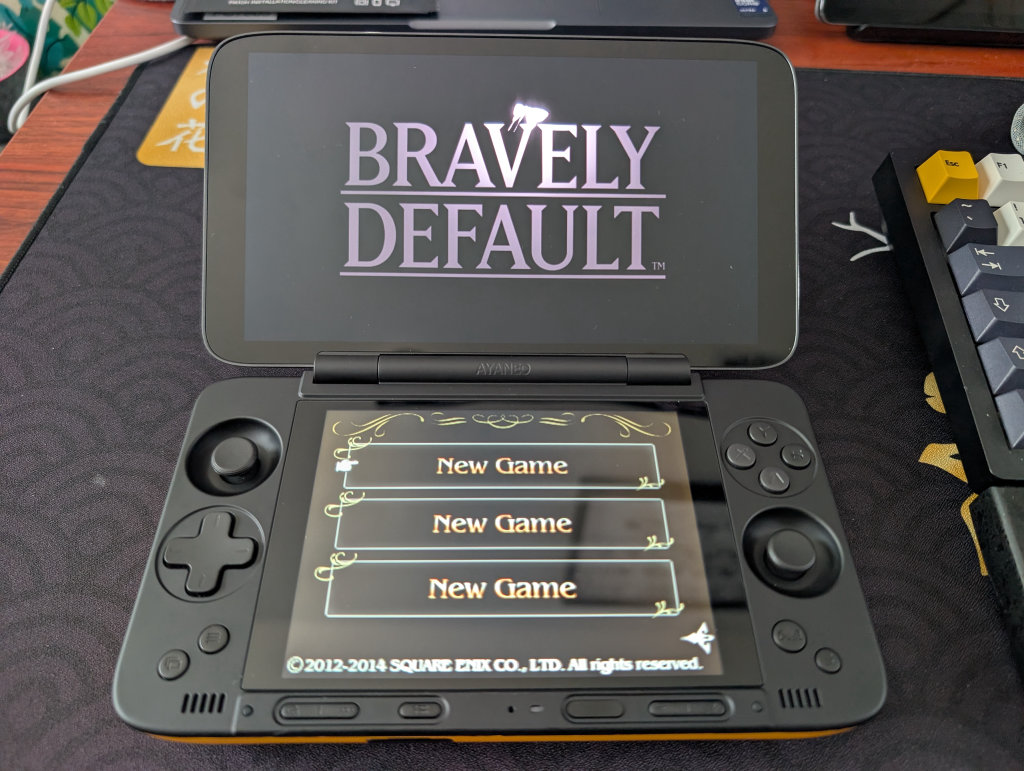
| BIOS | RetroArch Folder | |
|---|---|---|
| 3DS | aes_keys.txt | — |
| DS | bios7.bin | ~/.config/retroarch/system |
| bios9.bin | — | |
| firmware.bin | — | |
| DSi | dsi_bios7.bin | ~/.config/retroarch/system |
| dsi_bios9.bin | — | |
| dsi_firmware.bin | — | |
| dsi_nand.bin | — | |
| Game Boy | gb_bios.binOptional | ~/.config/retroarch/system |
| Game Boy Color | gbc_bios.binOptional | ~/.config/retroarch/system |
| Game Boy Advance | gba_bios.bin | ~/.config/retroarch/system |
| GameCube | IPL.bin | — |
| NES / Famicom | disksys.rom | — |
| Nintendo Switch | prod.keys | — |
| firmware.zip | — | |
| SNES | Not Required | — |
| Virtual Boy | Not Required | — |
| Wii | Not Required | — |
| Wii U | keys.txt | — |
Additional Notes
Game Boy Advance (GBA)
While some emulators emulate the BIOS via high-level emulation (HLE), using the actual file increases accuracy.
GameCube
Dolphin does not strictly require a BIOS to play games (it simulates the OS). However, if you want the nostalgic spinning cube startup animation or the system menu, you need the IPL (Initial Program Loader).
Switch
Switch emulation relies entirely on decryption keys and firmware files dumped from a Switch console. Without the keys, the emulator cannot read dumped games.
Microsoft
| BIOS | |
|---|---|
| Xbox | mcpx_1.0.bin |
| Complex_4627v1.03.bin | |
| Xbox 360 | Not Required |
Sony
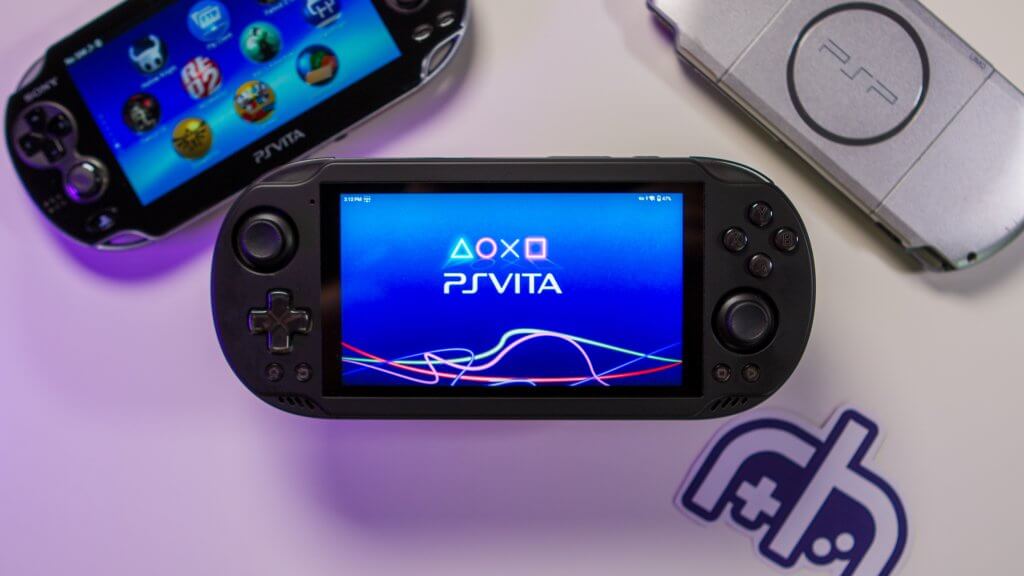
| BIOS | RetroArch Folder | |
|---|---|---|
| PlayStation (PSX) | scph1001.bin(USA) | ~/.config/retroarch/system |
| scph7502.bin(Europe) | — | |
| scph1000.bin(Japan) | — | |
| PlayStation 2 (PS2) | scph39001.bin(USA) | ~/.config/retroarch/system/pcsx2/biosOnly Required with PCSX2 Core |
| scph30004R.bin(Europe) | — | |
| scph-70012.bin(Slim models) | — | |
| PlayStation 3 (PS3) | PS3UPDAT.PUP | — |
| PlayStation Portable (PSP) | ppsspp.zip(For use with RetroArch) | ~/.config/retroarch/system/PPSSPP |
| PlayStation Vita (PS Vita) | PSVUPDAT.PUP(System Firmware) | — |
| PSP2UPDAT.PUP(Font Package) | — |
Additional Notes
PS1/PSX
PSX emulators often require BIOS files to simulate different regions (NTSC-U, NTSC-J, PAL). There are various versions of each BIOS firmware for each region, but the formatting will be similar to that listed below. BIOS ending in 00= Japan, 01 = North America, 02= Europe.
PS2
PS2 BIOS files usually come in a set, but the main file usually follows the scphXXXXX.bin format.
PS3
The PS3 emulator doesn’t use a dumped .bin file. Instead, it uses the official system update file provided by Sony, which the emulator “installs.”
You can actually download this legally from the official PlayStation website (it is the standard system PS3UPDATXX.bin file).
PS Vita
Similar to the PS3, Vita3K requires you to install the official firmware. It also requires a separate “Font Package” to render text correctly.
If you’re interested in dumping the BIOS from your own console, there are linked instructions on the EmuDeck site.
Sega
| BIOS | RetroArch Folder | |
|---|---|---|
| 32X | Not Required | — |
| Sega CD / Mega-CD | bios_CD_E.bin | ~/.config/retroarch/system/ |
| bios_CD_U.bin | — | |
| bios_CD_J.bin | — | |
| Dreamcast | dc_boot.bin | ~/.config/retroarch/system/dc |
| dc_flash.bin | — | |
| naomi_boot.bin | — | |
| Game Gear | bios.gg | ~/.config/retroarch/system/ |
| Master System | bios.sms | ~/.config/retroarch/system/ |
| Naomi | naomi.zip | — |
| Naomi2 | naomi2.zip | — |
| Saturn (Kronos) | saturn_bios.bin | ~/.config/retroarch/system/kronos |
| Saturn (Beetle Saturn)) | sega_101.bin | — |
| mpr-17933.bin(US) | — | |
| Saturn (Yabause) | saturn_bios.bin | ~/.config/retroarch/system |
Additional Notes
Saturn
Saturn BIOS files are strictly region-locked, so you usually need the specific BIOS for the game you are trying to play.
Bandai

| BIOS | RetroArch Folder | |
|---|---|---|
| Wonderswan | Not Required | — |
| Wonderswan Color | Not Required | — |
Arcade/MAME
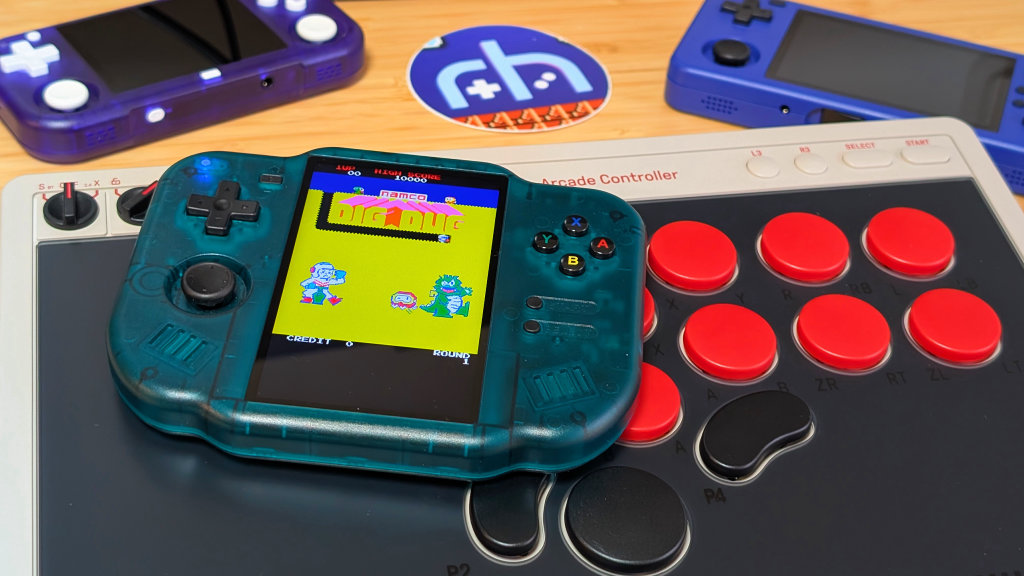
| BIOS | RetroArch Folder | |
|---|---|---|
| FinalBurn Neo | — | ~/.config/retroarch/system/fbneo |
| Bubble System BIOS | bubsys | — |
| C-Chip Internal ROM | cchip | — |
| ColecoVision System BIOS | coleco | — |
| DECO Cassette System BIOS | decocass | — |
| Fairchild Channel F BIOS | channelf | — |
| FDS System BIOS | fdsbios | — |
| ISG Selection Master Type 2006 System BIOS | isgsm | — |
| Midway SSIO Sound Board Internal ROM | midssio | — |
| MSX1 System BIOS | msx | — |
| Namco C69 BIOS | namcoc69 | — |
| Namco C70 BIOS | namcoc70 | — |
| Namco C75 BIOS | namcoc75 | — |
| Neo Geo BIOS | neogeo | — |
| Neo Geo CDZ System BIOS | neocdz | — |
| NeoGeo Pocket BIOS | ngp | — |
| NMK004 Internal ROM | nmk004 | — |
| SNES DSP-1 | dsp1 | — |
| SNES DSP-1B | dsp1b | — |
| SNES DSP-2 | dsp2 | — |
| SNES DSP-3 | dsp3 | — |
| SNES DSP-4 | dsp4 | — |
| Super Kaneko Nova System BIOS | skns | — |
| YM2608 Internal ROM | ym2608 | — |
| PGM System BIOS | pgm | — |
| SAME_CDI | cdibios.zip | ~/.config/retroarch/system/same_cdi/bios/ |
| cdimono1.zip | ~/.config/retroarch/system/same_cdi/bios/ | |
| cdimono2 | ~/.config/retroarch/system/same_cdi/bios/ | |
| SNES Seta ST010 | st010 | — |
| SNES Seta ST011 | st011 | — |
| ZX Spectrum BIOS | spectrum | — |
| ZX Spectrum 128 BIOS | spec128 | — |
| ZX Spectrum 128 +2a BIOS | spec1282a | — |
Magnavox
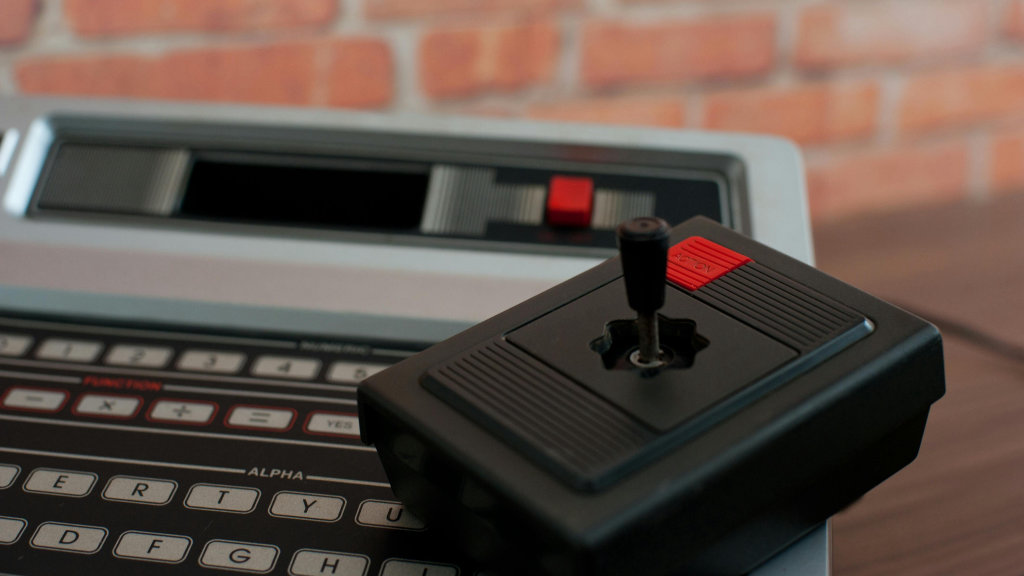
| BIOS | RetroArch Folder | |
|---|---|---|
| Odyssey2 | o2rom.bin | ~/.config/retroarch/system |
Mattel Electronics
| BIOS | RetroArch Folder | |
|---|---|---|
| Intellivision | Not Required | — |
NEC
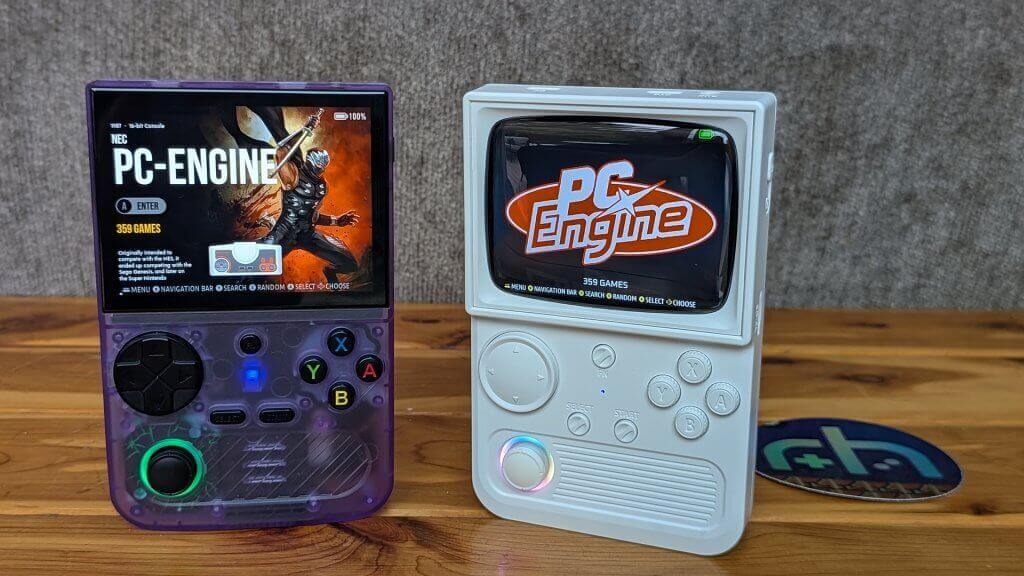
| BIOS | RetroArch Folder | |
|---|---|---|
| TurboGrafx-16 / PC Engine | syscard1.pce | ~/.config/retroarch/system |
| syscard2.pce | — | |
| syscard3.pce | — | |
| gexpress.pce | — | |
| TurboGrafx-16 CD / PC Engine CD | syscard1.pce | ~/.config/retroarch/system |
| syscard2.pce | — | |
| syscard3.pce | — | |
| gexpress.pce | — |
Panasonic
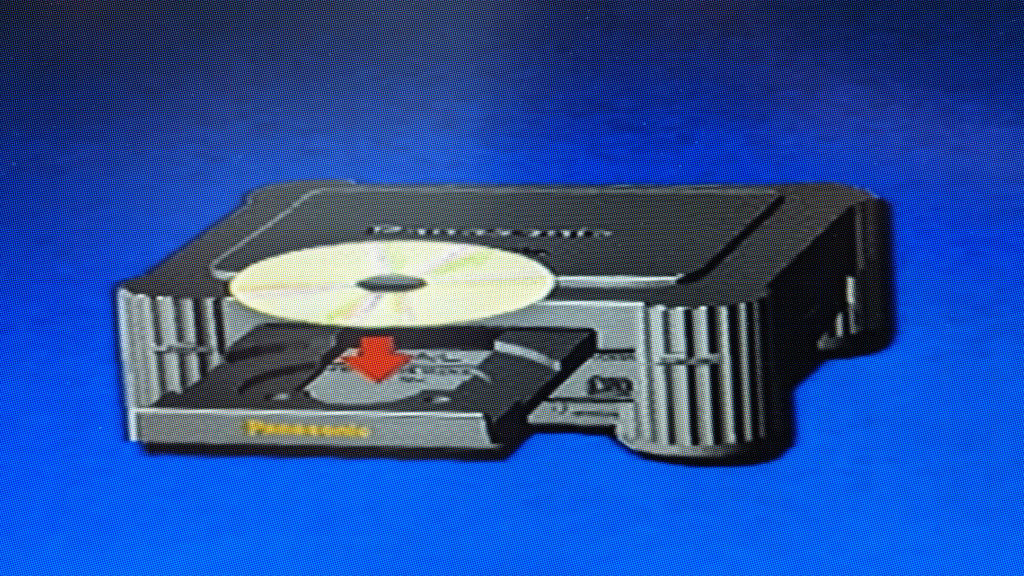
| BIOS | RetroArch Folder | |
|---|---|---|
| 3DO | panafz1.bin | ~/.config/retroarch/system |
Sharp
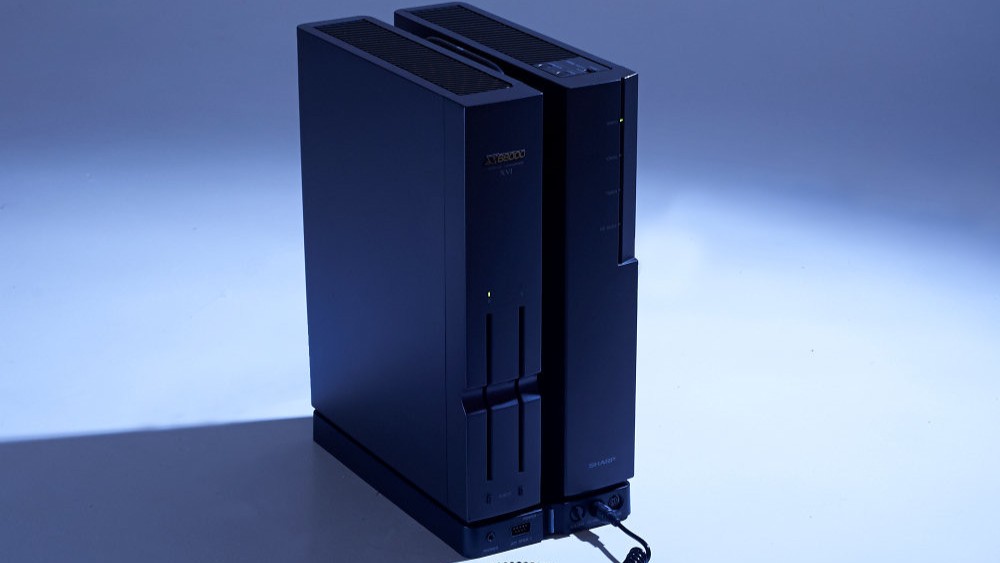
| BIOS | RetroArch Folder | |
|---|---|---|
| X68000 | iplrom.dat | ~/.config/retroarch/system/keropi |
| cgrom.dat | ~/.config/retroarch/system/keropi | |
| iplrom30.dat Optional | — | |
| iplromco.datOptional | — | |
| iplromxv.datOptional | — |
SNK
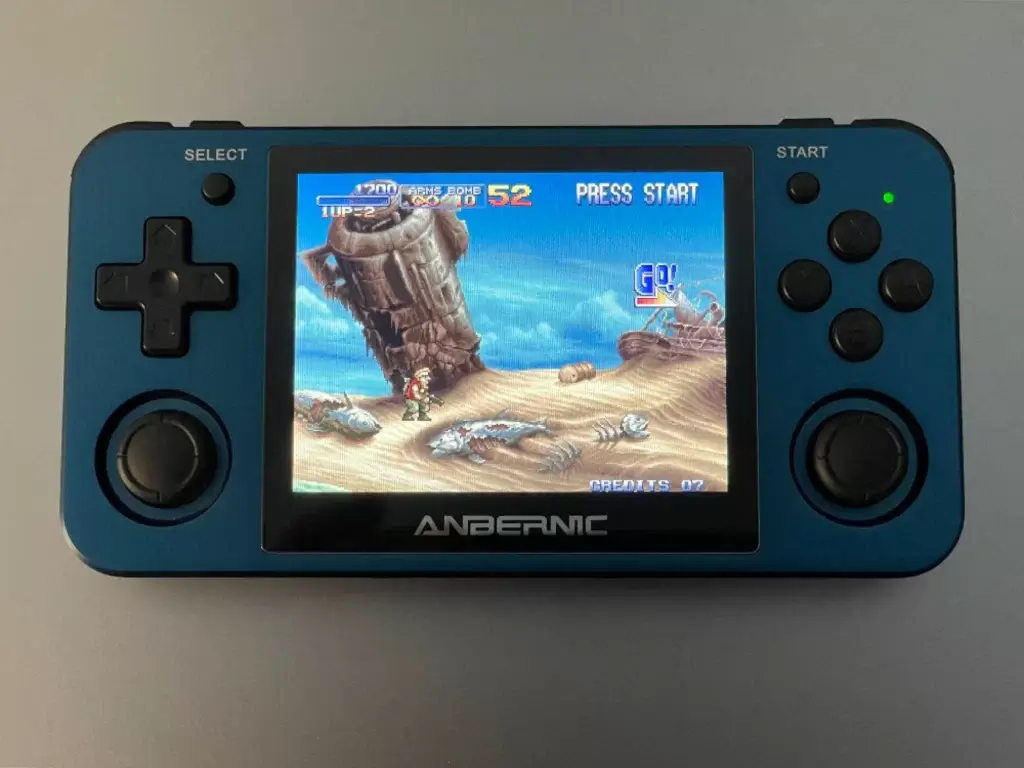
| BIOS | RetroArch Folder | |
|---|---|---|
| Neo Geo | neocdz.zip | ~/.config/retroarch/system |
| neogeo.zip | — | |
| Neo Geo CD | neocdz.zip | — |
| neogeo.zip | — | |
| Neo Geo Pocket | Not Required | — |
| Neo Geo Pocket Color | Not Required | — |
