

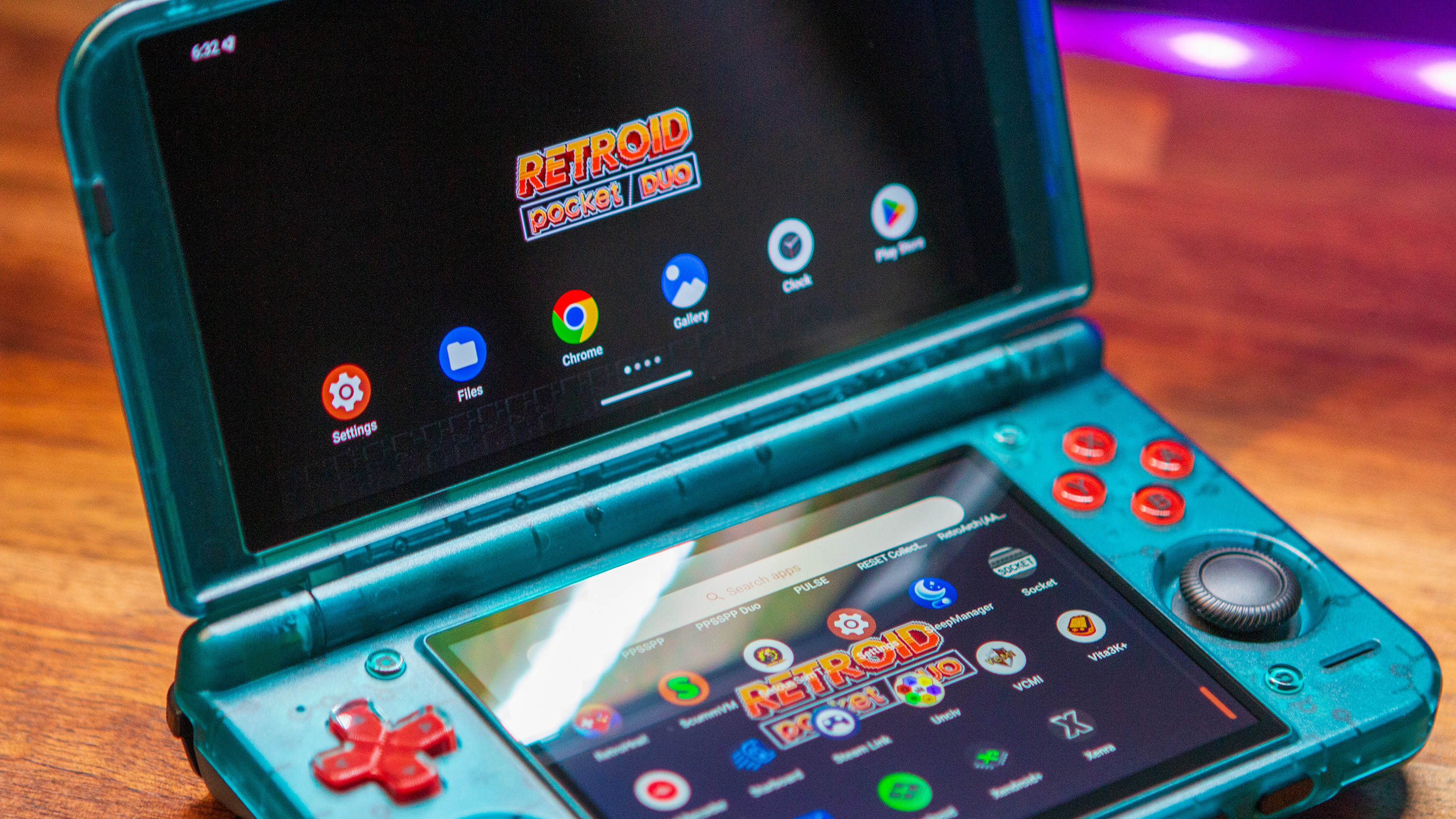
Over the past couple of years, dual-screen emulation devices have taken the scene by storm. Handhelds like the AYN Thor continue to be a fan-favorite, and after much speculation, Retroid joined in on the fun with the Retroid Pocket Duo.
Now that the Pocket Duo is available to order, we’ve taken some time to gather as much information about this handheld as possible, to help you get up and running as soon as it lands on your doorstep. This Retroid Pocket Duo setup guide takes you through everything from finding accessories to downloading emulators, and even getting SteamOS installed on it.
Table of Contents
Where to Buy

Retroid Pocket Duo Specs
| Hardware | |
| CPU | Qualcomm Dragonwing Q-7790 |
|---|---|
| GPU | Qualcomm Adreno 722 |
| RAM | 8GB LPDDR4X |
| Cooling | ✅ |
| Display | |
| Main | |
| Screen Size | 5.5-inch |
| Resolution | 1920 x 1080 |
| Aspect Ratio | 16:9 |
| Refresh Rate | 120Hz |
| PPI | 400.53 |
| Secondary | |
| Screen Size | 4.5-inch |
| Resolution | 1280 x 960 |
| Aspect Ratio | 4:3 |
| Refresh Rate | 120Hz |
| PPI | 355.56 |
| Storage | |
| Internal Storage | 128GB UFS 2.1 |
| External Storage | microSD |
| Battery | |
| Battery Capacity | 6000mAh |
| Charging Speed | 27W |
| Connectivity | |
| Wi-Fi | Wi-Fi 6E |
| Bluetooth | Bluetooth 5.4 |
| Ports | 3.5mm Audio Jack, microSD, USB-C |
| Video Out | Yes |
| Controls | |
| Sticks | 2x, Hall Effect |
| Triggers | Digital |
| Shoulder Layout | Stacked |
| D-Pad | Top Left |
| Audio | |
| Speakers | Stereo |
| Speaker Location | Front-facing |
| Headphone Jack | Yes |
| Physical | |
| Dimensions | 162 x 95.5 x 22.4mm |
| Weight | 350g |
| Form Factor | Clamshell |
| Software | |
| Operating System | Android 16 |
Recommended Accessories
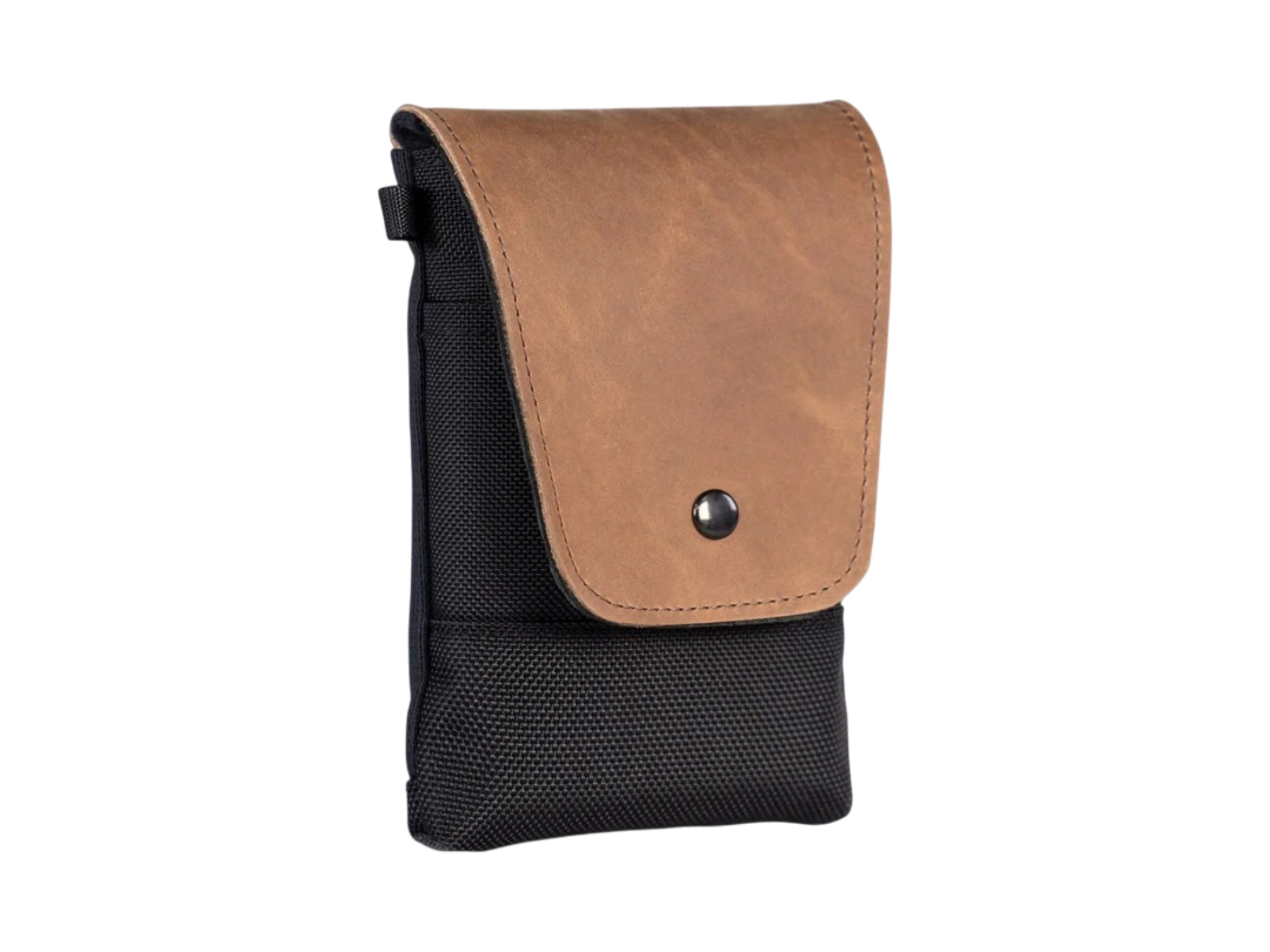


External Storage
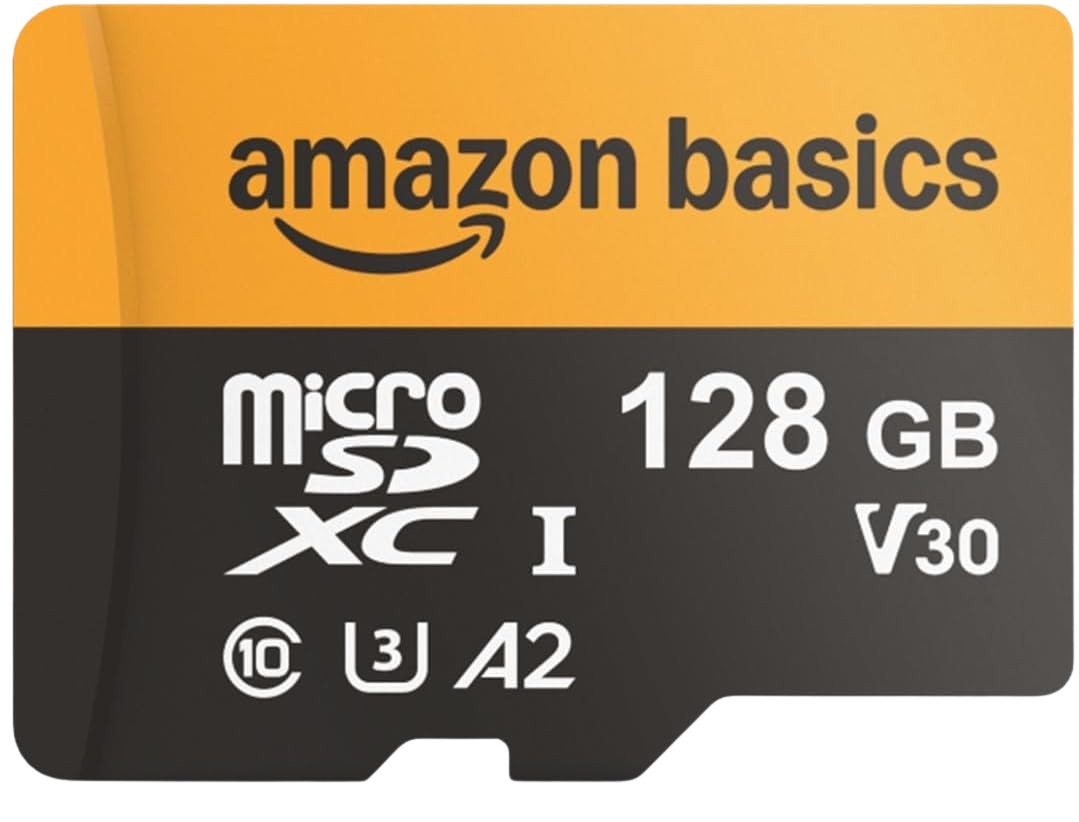
Amazon Basics A2 microSD Card (200MB/s)
Amazon Basics
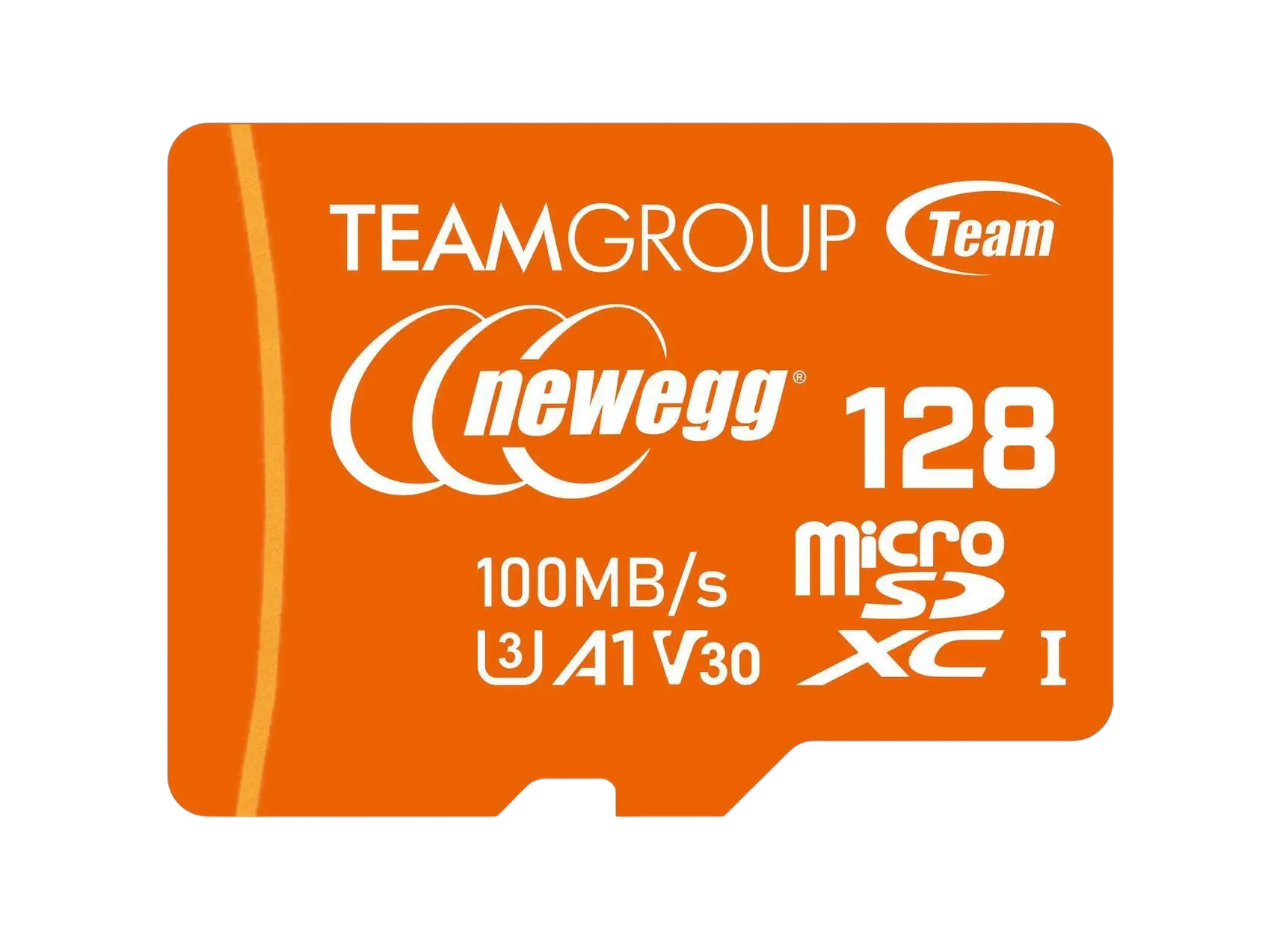
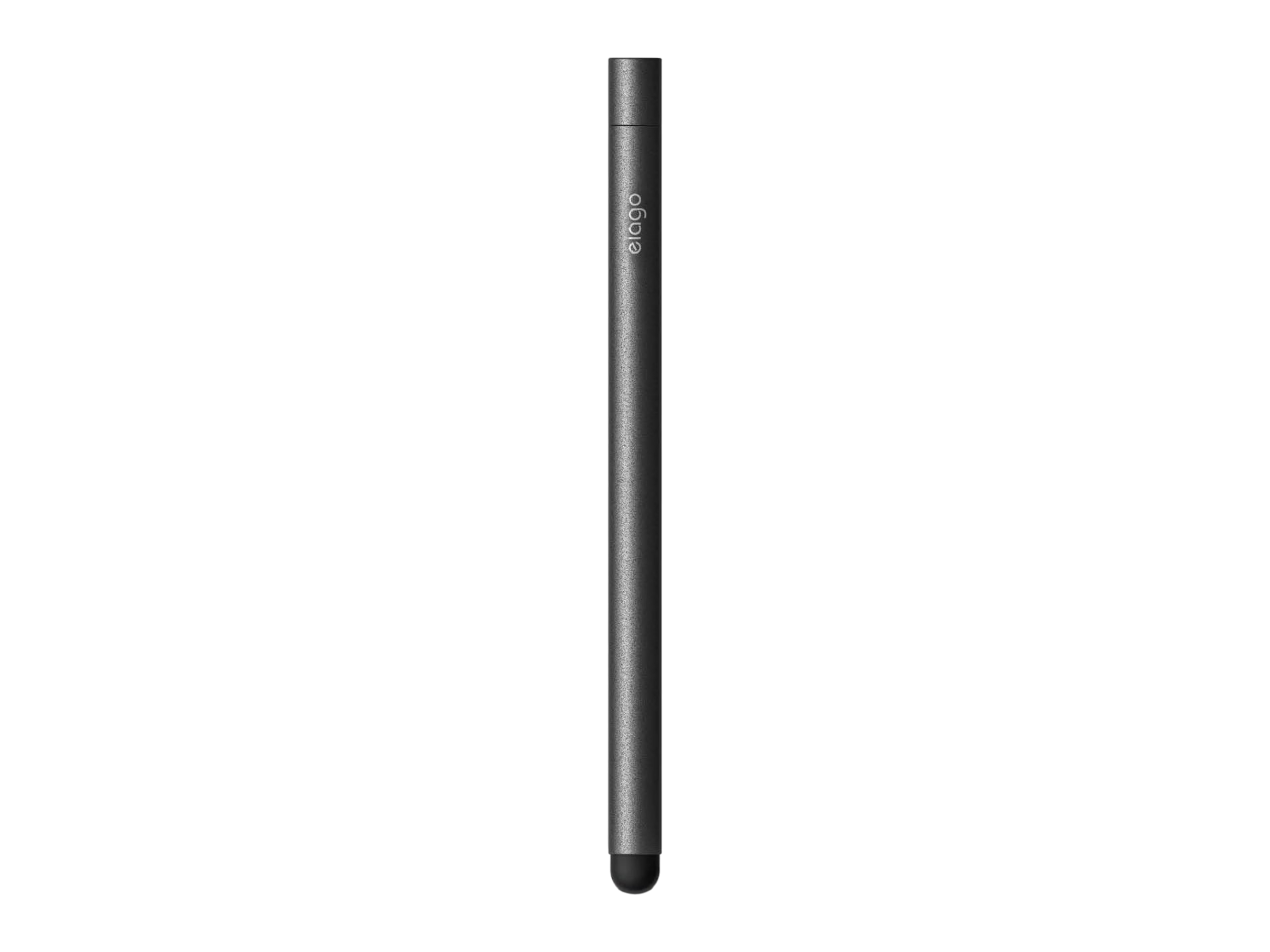
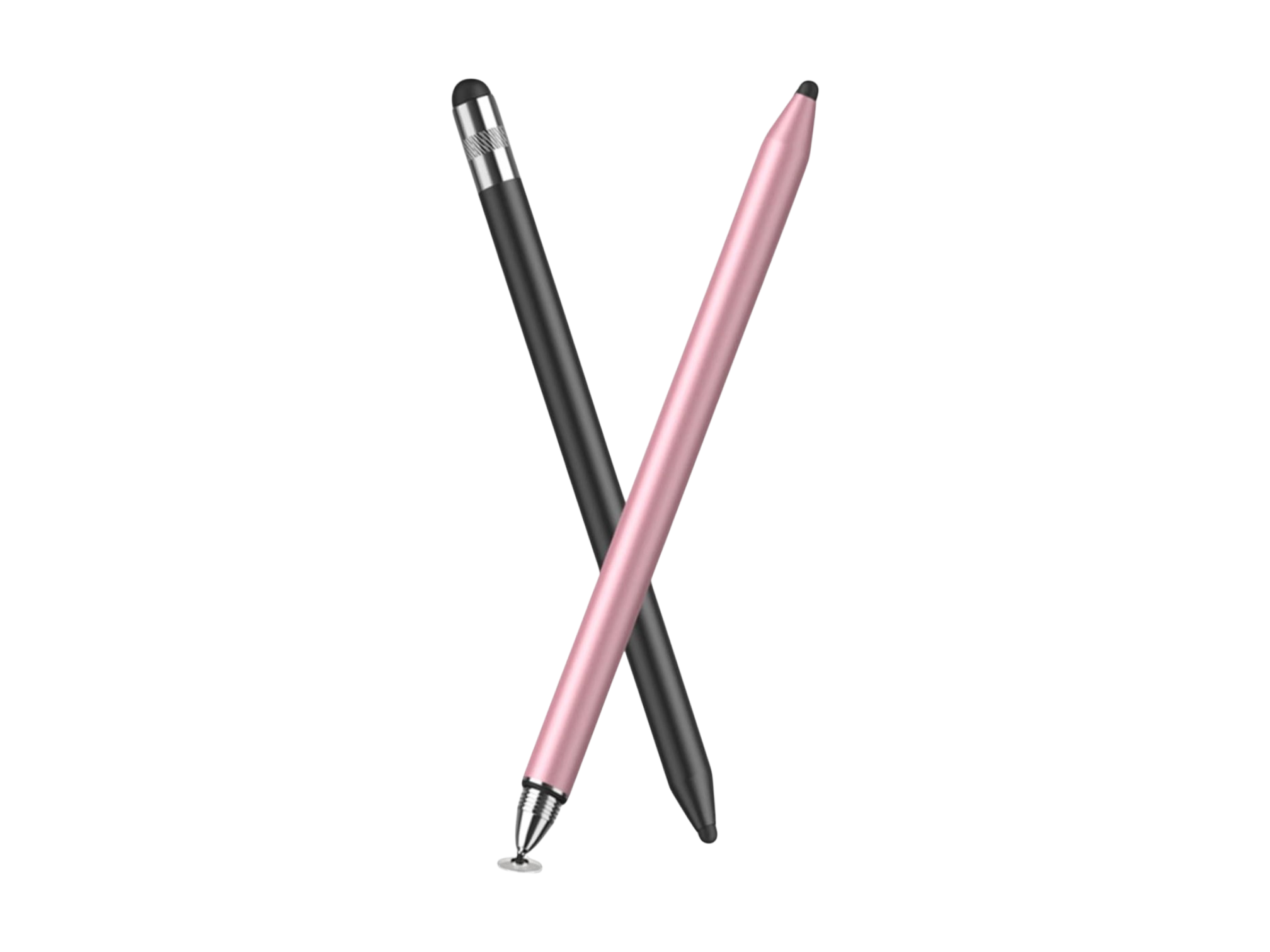
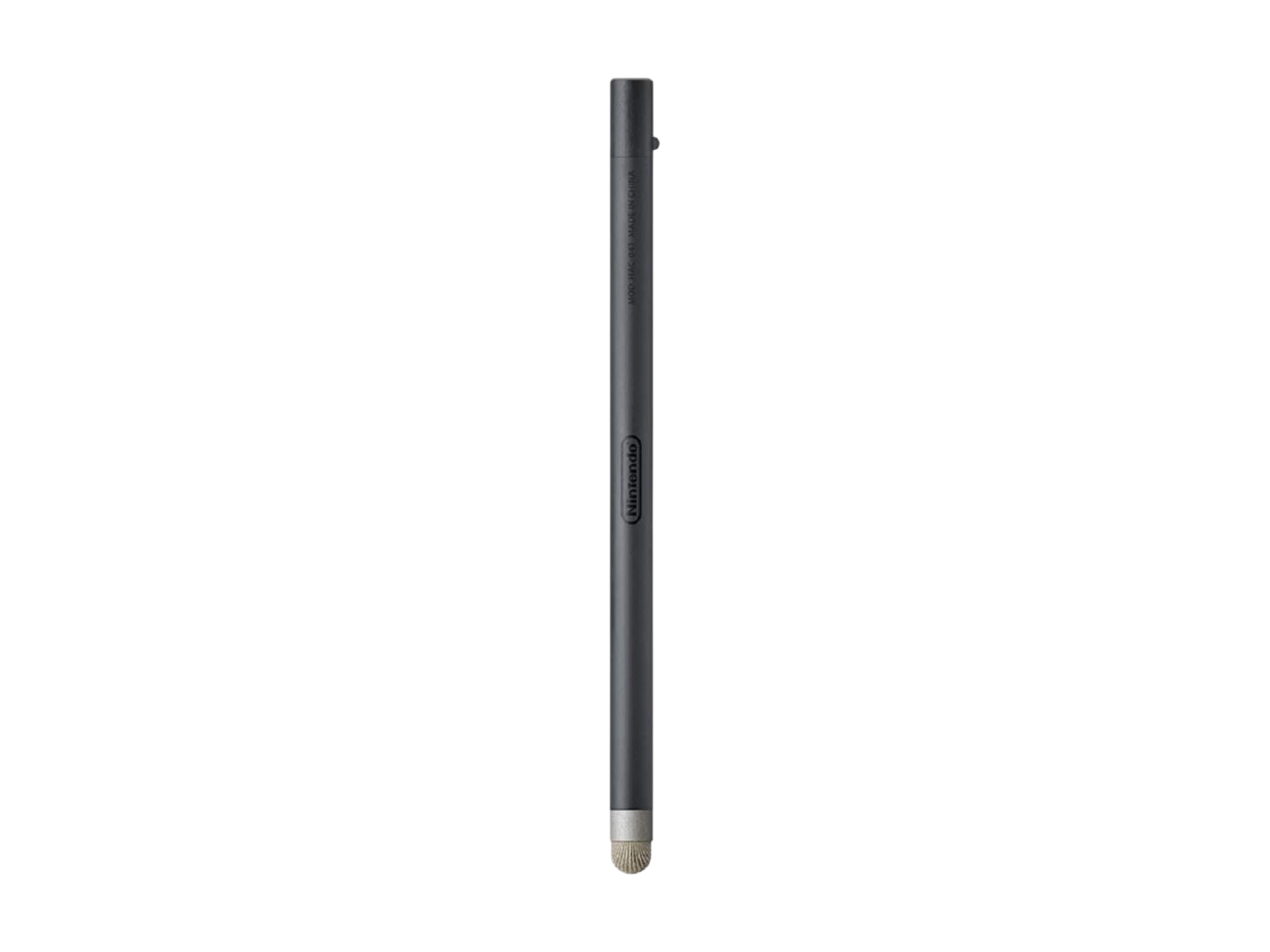
Stylus
Emulators
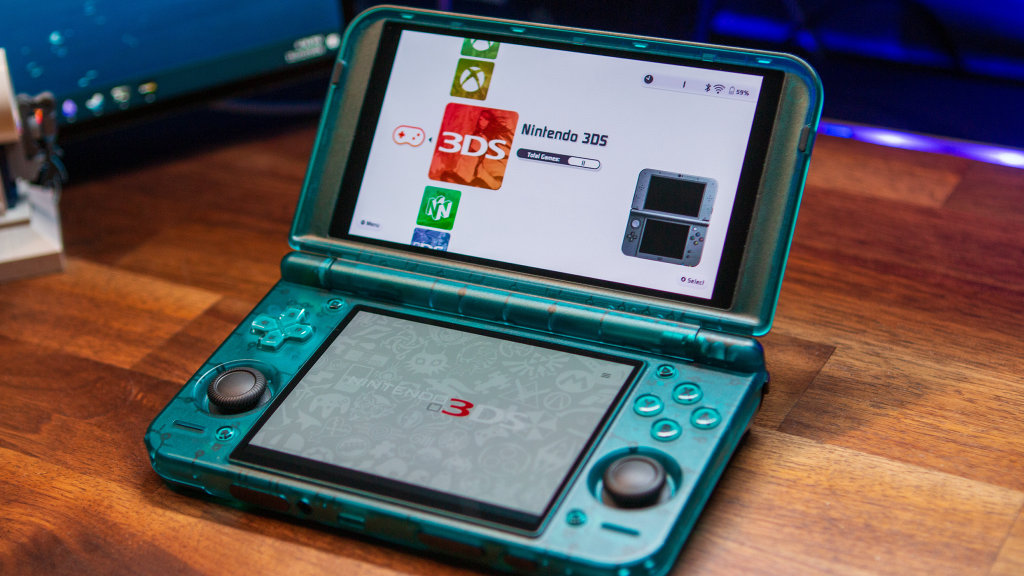
Multi-System


Microsoft



Nintendo
 EmuCoreD |
|
GitHub | Add to Obtainium |
Switch


3DS


DS

N64


GameCube and Wii


Wii U


Sega


Sony
PS1


PS2


PS3



PS4


PSP


PS Vita


PC Emulation
 GameNative |
GameNative allows you to play games you own on Steam directly on Android devices. | GitHub | Add to Obtainium |
 DroidDeck |
DroidDeck brings the SteamOS experience to Android: Valve's Steam client in Big Picture on your Adreno handheld, with Windows games through Valve's ARM64 Proton. | GitHub | Add to Obtainium |
 WinNative |
WinNative is a modern, open source Winlator fork built for the experience we wanted ourselves. It started as something we wanted to use, and now we’re excited to share it with the community. | GitHub | Add to Obtainium |
 Winlator |
Winlator is an Android application that lets you to run Windows (x86_64) applications with Wine and Box86/Box64. | GitHub | Add to Obtainium |
|
Winlator-Ludashi |
Winlator Bionic Fork w/ different custom builds. Recommended settings: https://raw.githubusercontent.com/StevenMXZ/Winlator-Contents/main/contents.json | GitHub | Add to Obtainium |
 Bannerlator |
Bannerlator — run Windows PC games and apps on Android (Wine + Box64/86). A personal, community-driven continuation of the discontinued Winlator Star Bionic project. | GitHub | Add to Obtainium |
Miscellaneous



Turnip Drivers
| Turnip Duo | GitHub | Custom, hardware-verified Mesa Freedreno (Turnip) Vulkan driver engineered specifically for the Retroid Pocket Duo (Qualcomm Adreno 722 GPU). | Download | Add to Obtainium |
| turnip-faux123-driver | GitHub | Mesa Turnip for Adreno 8xx on Android, with fixes for corrupted display output and a null-pointer crash in KGSL sync merging. Rootless via AdrenoTools. | Download | Add to Obtainium |
| Banners Turnip | GitHub | Automated bleeding-edge Mesa Turnip Vulkan driver builds for Qualcomm Adreno GPUs — packaged for AdrenoTools, updated on every upstream Mesa commit. | Download | Add to Obtainium |
| Mr. Purple Turnip Drivers | GitHub | Custom Turnip GPU drivers | Download | Add to Obtainium |
| Mesa Turnip Driver (Vauzi-17) | GitHub | Custom Turnip (Mesa Freedreno Vulkan) builds for Android, with specific hardware tuning for Adreno 710, 720, 722, and 810, while retaining broad compatibility across Adreno 6xx, 7xx, and 8xx. | Download | Add to Obtainium |
How to Install Turnip Drivers
Installing custom Turnip drivers is a pretty easy process, with some emulators offering the option to search for, download, and install compatible drivers automatically. However, this functionality hasn’t been adopted by every developer just yet, although you’re still able to use custom drivers.
With the majority of emulators, you’ll need to jump into the Graphics or Video settings of the app, usually buried one or two layers deep. Nevertheless, here’s a quick overview of where you’ll be able to find the pertinent settings:
| System | Emulators | Turnip Driver Settings |
|---|---|---|
| Switch | Eden, Eden Duo, Lemon, Citron Neo | GPU Driver Manager |
| — | — | Long-press game -> Settings -> GPU Driver |
| 3DS | Azahar, AzaharPlus, Citra | Options > GPU Driver Manager |
| DS/DSi | WatermelonDS | Settings -> Video -> Vulkan Driver |
| Wii U | Cemu, Cemu Plus | Settings > Graphics > Custom Drivers |
| GameCube/Wii | Dolphin | Settings > Graphics / Settings > GPU Drivers |
| PS2 | ARMSX2, NetherSX2-Turnip, NetherSX2-TurnipEnchanted | Settings > GPU Driver |
| Vita | Vita3K, Vita3K-Plus | Configuration > Settings > GPU > Custom Driver |
| PSP | PPSSPP, PPSSPP Duo | Settings > Tools > Developer Tools > AdrenoTools Driver Manager |
| PS3 | RPCSX, ARMSX3 | Menu > Custom GPU Driver |
| Xbox/Xbox 360 | hakuX, hakuX-Advanced, XenDroid, Xendroid+ | Settings > Graphics > Vulkan > Custom Driver |
BIOS Files
This one is pretty self-explanatory, as you’ll have to rely on your own sources to locate BIOS files for the systems you plan to emulate. If you aren’t sure what systems require BIOS files to run, or even what those files are, hit the button below.
Apps and Utilities
Launchers
 CocoonFE |
An emulation frontend inspired by the 3DS UI built for single and dual screen Android devices | GitHub | Download | Add to Obtainium |
 ES-DE Frontend |
ES-DE (EmulationStation Desktop Edition) is a gaming frontend for Android, Linux, macOS and Windows. It allows you to browse and launch games from your library and it comes preconfigured for over 150 different game systems. It's also highly customizable and… | — | Download | — |
 Daijisho |
Daijishō is a retro launcher that let you manage your retro games libraries. This repo is for assets and served as a main page. | GitHub | Download | Add to Obtainium |
 iiSU |
iSU DS, the dual-screen launcher project from Sapphire Rhodonite. This is still an early prototype, so it’s mainly intended for testing, experimenting, and collecting your feedback. | GitHub | Download | Add to Obtainium |
 Beacon Game Launcher |
Beacon is an Android launcher designed to enhance your classic gaming experience. | — | Download | — |
 Argosy Launcher |
Sync your entire game library from your self-hosted RomM server, download games and BIOS files on demand, track your achievements, and play across devices with automatic save sync—all from a controller-native interface designed for Anbernic, Retroid Pocket, Odin, and similar… | GitHub | Download | Add to Obtainium |
 Eclipse |
A simple yet powerful frontend launcher for Android handhelds, focused on organizing and managing your game library. | GitHub | Download | Add to Obtainium |
 RetroHrai |
A modern, unified frontend launcher for Android that brings all your games together in one beautiful interface. Play games from multiple emulators – retro classics, modern platforms, and everything in between – without juggling between different apps. | GitHub | Download | Add to Obtainium |
 eOr |
eOr — short for emulation, organized — is a fast, gorgeous game launcher for Android handhelds and phones. Point it at your games, let it pull box art, screenshots and video previews automatically, and launch straight into your games —… | GitHub | Download | Add to Obtainium |
 NeoStation |
There are already very good frontends like ES-DE which I've personally used a lot, like Daijisho and others. But in a purely personal assessment, I've never felt 100% comfortable with those applications. There's always some characteristic that makes me feel… | GitHub | Download | Add to Obtainium |
 DigiBitPlay |
A custom 3D retro game launcher for Android, Windows, and Mac. If you love classic gaming and miss the feeling of holding physical cartridges, handling game boxes, and browsing game discs, this project was made for you. | — | Download | — |
 Pegasus |
A cross platform, customizable graphical frontend for launching emulators and managing your game collection. | GitHub | Download | Add to Obtainium |
 Cannoli |
A frontend with just the right amount of filling! | GitHub | Download | Add to Obtainium |
 Nebulos |
Android multi-emulator front end (GPLv3). One ROM library, one controller mapper, one in-game menu (Close Game, Change Controller Mapping, Save State, Load State, Set Hotkeys) across embedded cores: RetroArch (libretro cores), PPSSPP, Dolphin, PrimeHack, Cemu, Eden, Azahar, WatermelonDS, ARMSX2. Architecture:… | GitHub | Download | Add to Obtainium |
 Jarngreipr |
A modern, customizable Android launcher designed for the AYN Thor (and other dual screen devices). | GitHub | Download | Add to Obtainium |
 Xross |
A controller-first cross-media bar launcher for Android handhelds and TVs. | GitHub | Download | Add to Obtainium |
|
|
Jump aims to give you a frontend that practically sets up itself and lets you JUMP right into the action! | — | Download | — |
 Wave Launcher |
Wave Launcher is an Android-based interface built around the design of the XrossMediaBar (XMB/PS3). It supports personal game libraries, rich metadata scraping, trophy tracking, multimedia playback, and an accurate recreation of XMB. | GitHub | Download | Add to Obtainium |
 RESET Collection |
RESET Collection is a sleek, customizable frontend for your retro game ROMs. Automatically fetch art, screenshots, and game info from online databases, then curate your collection your way. All in one beautiful UI! | — | Download | — |
Apps
 ES-DE AutoHook Companion |
ES-DE AutoHook Companion automatically detects when EmulationStation Desktop Edition (ES-DE) is launched and immediately opens the ES-DE Companion app on the secondary display (Display 1). | GitHub | Add to Obtainium |
 MiXplorer |
MiXplorer (SD, FTP, Lan, Cloud and other storage explorers) is a fast, smooth, beautiful, reliable and full-featured Android file manager with a simple and intuitive user interface. | GitHub | Add to Obtainium |
 EmuLnk |
Emulator companion app that turns your second screen into a themed dashboard, built for dual-display handhelds | GitHub | Add to Obtainium |
|
|
An open-source cross-platform alternative to AirDrop | GitHub | Add to Obtainium |
 PULSE |
Pulse is an Android utility for tuning CPU cluster and GPU frequency limits on supported handheld gaming devices — without Magisk or user-granted root. It relies on the device's built-in PServer service to write protected sysfs nodes, the same no-root… | GitHub | Add to Obtainium |
 RAOfflineProxy |
A local proxy that lets you earn softcore RetroAchievements without an internet connection. | GitHub | Add to Obtainium |
 App Manager |
A full-featured package manager and viewer for Android | GitHub | Add to Obtainium |
 ES-DE Android Apps |
This tool imports android apps into the ES-DE launcher, you need to download it independently. | GitHub | Add to Obtainium |
| Bifrost | Bifrost is a custom LED controller for the AYN Thor handheld (and might work for other handhelds). It provides a collection of LED animations that can run in the background. | GitHub | Add to Obtainium |
 Mimir |
Built to help organise ROM libraries safely on-device, with an initial focus on multi-disc cleanup and bulk ROM preparation for Android frontends used on devices like the AYN Odin and Thor. | GitHub | Add to Obtainium |
 Mjolnir |
Mjolnir is a utility application designed specifically for the AYN Thor dual-screen Android gaming handheld – but should work with all Android devices running Android 7.0 or later. | GitHub | Add to Obtainium |
 SleepManager |
Android sleep/wake manager for handhelds — reduce standby battery drain by managing Wi-Fi, Bluetooth, Syncthing, BasicSync, Tailscale and more. | GitHub | Add to Obtainium |
 ThorTune |
Better sound and better-looking screens for your AYN Thor. One clean app, no rooting required. | GitHub | Add to Obtainium |
 Eden Duo Companions |
Second-screen companions for Eden Duo, one installable package per game. | GitHub | Add to Obtainium |
|
|
Starboard runs unmodified ARM64 Linux game binaries – the same PortMaster ports you know from Linux handhelds – directly on Android gaming handhelds like the Retroid Pocket, AYN Thor and Mangmi Air X. No root, no flashing, no custom firmware… | GitHub | Add to Obtainium |
| DDDs Declassify | An Android app that decrypts 3DS games on-device, for use with emulators such as Azahar. | GitHub | Add to Obtainium |
Utilities
 Obtainium |
Obtainium allows you to install and update apps directly from their release pages, and receive notifications when new releases are made available. | Download | Add to Obtainium |
 Obtainium Emulation Pack |
An Obtainium import file containing an Android emulation pack | Download | Add to Obtainium |
| Obtainium-Recomp-Decomp | An obtainium pack for native android decompilations and recompilations of classic video games. All games are tested and are confirmed to have working controller support. | Download | Add to Obtainium |
| es-de-android-custom-systems | This is a set of xml enabling custom systems like Switch, hacks of gb,gbc,gba,nes, snes and gen | Download | Add to Obtainium |
 CHDroid |
CHDroid is the ultimate tool for converting your game ROMs into the highly compressed CHD (Compressed Hunks of Data) format, directly from your Android device! | Download | Add to Obtainium |
 Syncthing-fork |
A wrapper of Syncthing for Android. Head to the "releases" section or F-Droid for builds. Please seek help on the forum and/or social media apps first before creating issues on the tracker. | Download | Add to Obtainium |
 Dhizuku |
A tool for sharing DeviceOwner permissions with other applications. | Download | Add to Obtainium |
 Tailscale |
Tailscale is a mesh VPN alternative that makes it easy to connect your devices, wherever they are. | Download | Add to Obtainium |
Games and Ports
| Banjo: Recompiled for Android | Banjo-Kazooie, recompiled for Android handhelds. With the full Banjo: Recompiled feature set, controller support, and dual screen support. | GitHub | Add to Obtainium |
| Pokemon Gen 1 Recompilation Project | A native LÖVE2D recreation of Pokemon Red. The engine and map behavior are hand-written Lua; game data and graphics are decoded from a ROM supplied by the player. | GitHub | Add to Obtainium |
| Super Metroid Android | An Android SNES emulator for Super Metroid, with a second-screen mod for dual-display handhelds like the AYN Thor. While you play on the main screen, the second panel shows a live map, your equipment, and your ammo, so you don't… | GitHub | Add to Obtainium |
| BOTWRecompAndroid | A port of The Legend of Zelda: Breath of the Wild (Nintendo Switch, versions 1.0.0, 1.6.0, 1.8.2 and 1.9.0) for Android. This is not Switch emulation: the game code can be recompiled into C for the phone or, in the… | GitHub | Add to Obtainium |
| Dusklight-DS | This project is a fork of the original **Dusklight** project, specifically ported to Android and featuring a second-screen mod designed for dual-screen devices (such as the AYN Thor). | GitHub | Add to Obtainium |
| OpenMW-DS | A second-screen for OpenMW on the AYN Thor handheld. The game plays on the top screen while the bottom screen shows live stats, inventory, magic, journal, and a minimap. It handles full touch implementation. | GitHub | Add to Obtainium |
| Zelda: The Minish Cap — Dual Screen | A dual-screen mod of The Legend of Zelda: The Minish Cap for the AYN Thor. The handheld's bottom panel becomes a live map, quest status and touch inventory, so the top screen can be nothing but the game. The dual-screen… | GitHub | Add to Obtainium |
| zelda3-android | A port of Zelda3 to Android with a second screen mod for dual screen devices like the AYN Thor. | GitHub | Add to Obtainium |
| Pokémon Emerald Dual Screen | A dual-screen mod of the Pokémon Emerald decompilation for the AYN Thor and other dual-screen Android devices. The game runs natively, no emulator involved. | GitHub | Add to Obtainium |
| ChronoDuo | A dual-screen host for Chrono Trigger (Upgrade Ver.) on dual-screen Android handhelds such as the Ayn Thor. The real game runs full-widescreen on the top screen while the bottom screen becomes a DS-style companion display: a live world map, party… | GitHub | Add to Obtainium |
| HK: Dual Souls | A native Android port of Hollow Knight (GOG/Steam, v1.5.12620 "Voidheart") for the AYN Thor dual-screen handheld, in the spirit of the PS Vita port: a same-version Unity rebuild that you provision from your own copy of the game. Unlike the… | GitHub | Add to Obtainium |
| Silksong Android | Hollow Knight: Silksong Android port with dual-screen capabilites and optional Steam integration for game files and cloud saves. | GitHub | Add to Obtainium |
| Amethyst Dual-Screen | Dual-screen fork of Amethyst Launcher, a Minecraft: Java Edition Launcher for Android based on PojavLauncher. | GitHub | Add to Obtainium |
Retroid Launcher Tips/Tricks
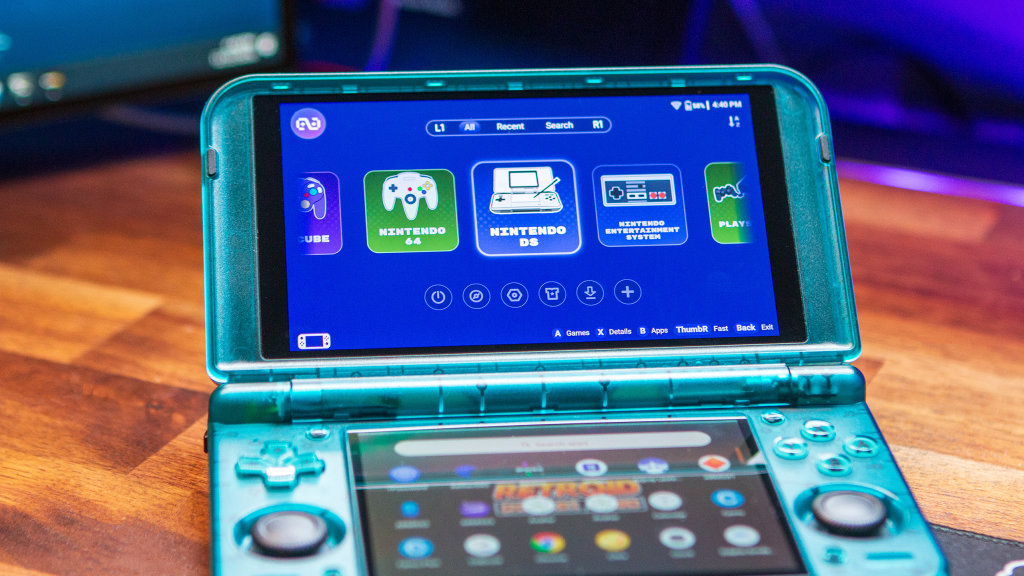
How to Update Retroid Pocket Duo
- Open the Settings app.
- Scroll down and select System.
- Highlight and select Retroid Pocket FOTA.
- Tap the check version button.
- If an update is available, follow the on-screen instructions.
Update Retroid Launcher
- Highlight the second icon from the bottom left and press A.
- Press R2 to scroll down and highlight Update.
- Wait for your Nova to finish checking for updates.
- If an update is available, follow the on-screen directions to install the update.
Add Systems/Platforms
- Highlight the second icon from the bottom right and press A.
- Select the systems that you want to import into Retroid Launcher, then highlight and select Download.
- Once downloaded, scroll left or right to highlight the system you want to add games for.
- Press the X button for Details.
- Scroll over to the Directories tab and press A.
- Highlight and select Add.
- Navigate to and select the folder where your games for the console reside.
- Once selected, highlight and select Synchronize.
- Repeat for the other platforms/consoles you want to play on the Pocket Nova.
Customize Retroid Launcher
- Highlight the “Shirt” icon and press A.
- Go through and customize the following settings:
- Game Grid
- Thumbnail
- Whether to place the game name above the thumbnail
- Whether to display the game name
- Background
- Is the background displayed when the game is focused
- Grid layout
- Do you want to display the letter search sidebar
- Thumbnail
- Game List
- Background
- Is the background displayed when the game is focused
- List layout
- Do you want to display the letter search sidebar
- List Item Layout
- Default
- Show More Information
- Whether to display the game logo
- Background
- Platform
- Thumbnail Style
- Rounded rectangle
- Edge blur
- Platform thumbnail loop browsing
- Whether to display “ALL PLATFORM”
- Thumbnail Style
- Theme
- Do you need a edge layer
- Theme color matching background image
- Is the background image blurred
- Handheld
- Whether the rocker lights follow the theme
- Game Grid
Custom Firmware
Armada
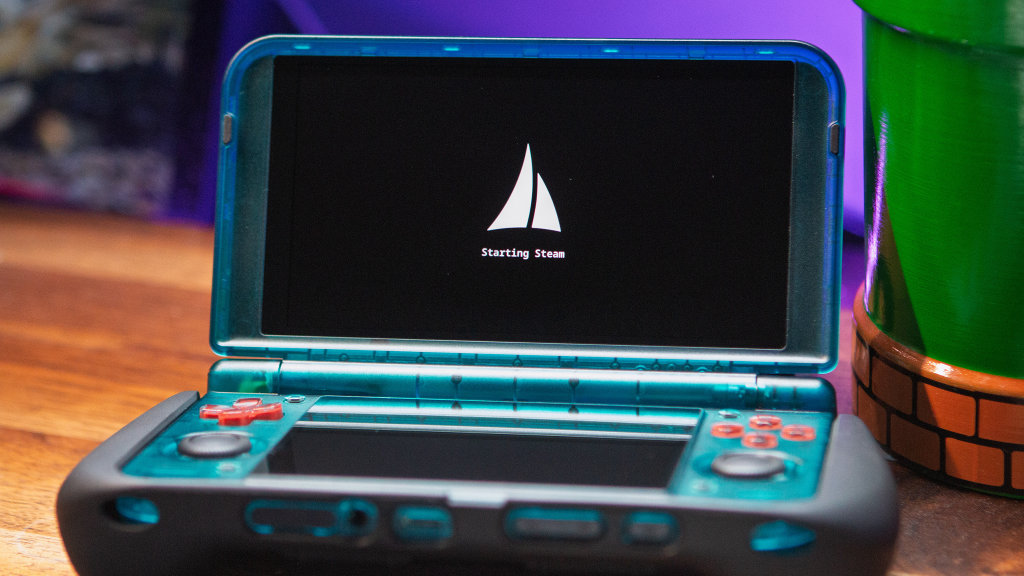
At the time of publishing, the only custom firmware currently available for the Retroid Pocket Duo is Armada. This arrived with the 20261109 release, which also added Odin 3 Portal support, along with a few other useful features.
As is the case when installing Armada on other handhelds, you’ll first need to flash OpenABL in order to use this SteamOS-like experience. Here’s a quick rundown on how to get up and running with Armada on the Retroid Pocket Duo:
- Download the latest release of Armada to your computer.
- Connect a microSD card to your computer (at least 64GB with A2 speeds).
- Use your preferred image flashing tool and flash the downloaded file to the microSD card.
- Once complete, safely eject the microSD card and place it into your Pocket Duo.
- Copy the openabl folder to the root directory of your internal storage.
- Open the Settings app and navigate to Handheld Settings.
- Tap Advanced in the left sidebar.
- Scroll to the bottom and tap Run script as Root.
- Open the
openablfolder, navigate to theSM7750folder, and select backup_abl.sh. - Once the script is finished running, connect your Pocket Duo to your PC and back-up the newly-created
abl_a.imgandabl_b.imgfiles. - From your Pocket Duo, head back into the Advanced section of the Handheld Settings.
- Tap Run script as Root and select
openabl/SM7750/flash_abl.sh. - Once complete, reboot your Pocket Duo.
- While rebooting, press and hold the Volume Down button to boot into the ABL menu.
- From the OpenABL menu, use the Volume +/- to navigate up and down, using the Power button to confirm, and change the following
- Set your device model
- Change Boot Mode to Linux
- Select Start to confirm the changes and boot into Armada.
After a few moments, your Pocket Duo will restart and you’ll see the Armada logo appear on the screen. Just wait while the installation completes, and then the Steam login screen will let you sign in and get started.
More Retroid Pocket Duo From RH
Website
- Retroid Pocket Duo and Duo Lite: Specs, Price, and Everything You Need to Know
- Retroid Pocket Duo Lite Review: Buy it But…
