

Well it looks like the x86 options for ARM keep on cooking. The Armada team is back with their November 9th update, and it’s packing a lot more under the hood. From new bug fixes and updates to entirely new devices being supported as well. The team behind Armada doesn’t know how or when to stop, and honestly at this point, I really hope they don’t.
As always, if you’re looking to find out more, or to support the team; I recommend checking out one of their main platforms. Whether that’s their Github for the latest update information, their website for flashing information or their Discord to talk to the community, you’ve got plenty of options.
Big Highlights
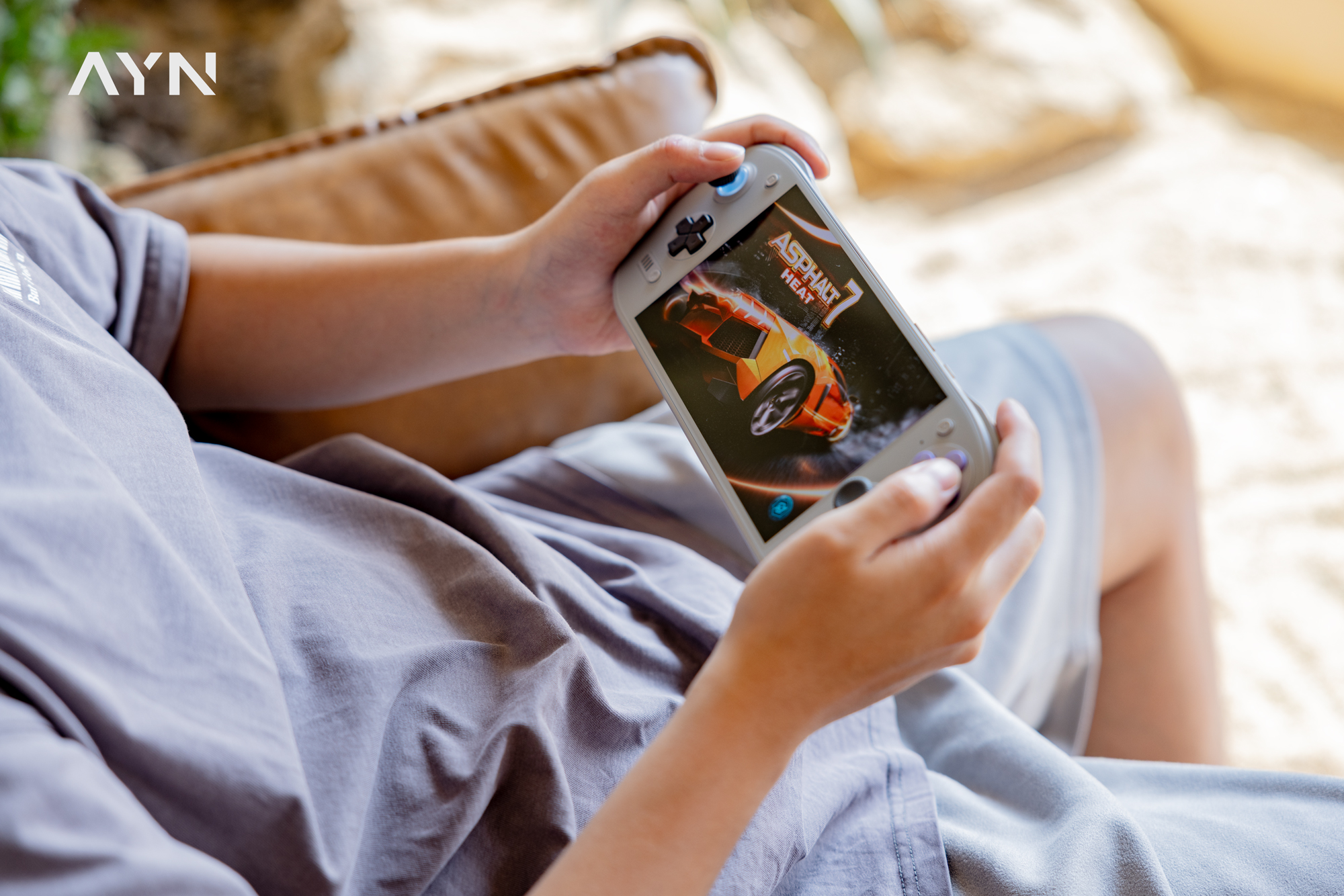
- AYN Odin 3 Portal Support
- Retroid Pocket Duo Support
- Gyro is Now Functional on the following Devices:
- AYN Odin 2, Odin 2 Portal
- AYN Odin 3, Odin 3 Portal
- AYN Thor
- Retroid Pocket 6
- Retroid Pocket Nova
- KONKR Pocket Fit
- AYANEO Pocket DS
- Standby time has been greatly increased across multiple chipsets.
- Snapdragon 8Gen2 Devices Cut battery drain by 25%
- Snapdragon 8 Elite by 40%
- Snapdragon 865 by 22%
- Battery Charge Limit on the following devices:
- AYN Odin 3, 3 Portal
- AYANEO Pocket S2
- KONKR Pocket FIT and FIT Elite
Updates:
Device Updates:
- Fixed headphone jack detection on the Retroid Pocket 6 and Nova (@pete842) and AYANEO Pocket S2 (@rafalrojek)
- Fixed weak rumble on the Retroid Pocket 6 and Nova (@arunoruto)
- Fixed white flash when the Retroid Pocket Nova wakes (@Raxcoms)
- Fixed volume up not working on the Retroid Pocket Nova
- Enabled AYN Odin 3 microphones
- Fixed AYN Odin 3 headphone clipping (@diogotr7)
- Restored KONKR Pocket FIT speakers (@mydanyi)
- Fixed the KONKR Pocket FIT’s Menu, added stick light control, and fixed its Xbox mode
- Fixed the KONKR Pocket FIT Elite not finding 5 GHz networks after boot (@mydanyi)
- Added AYANEO Pocket S2 RGB support (@rafalrojek)
- MANGMI Air Y Pro: mapped the QAM button, defaulted to Steam Deck mode, and added its logo to RGB lighting
Sleep and Power Updates:
- Lower battery drain in sleep on every supported chip, with full power collapse on SM8550 (thanks @noahcdls, and @gennro of Kettle Linux for SM8250)
- AYANEO and KONKR built-in controllers now power off in sleep (@judjdigj)
- Added Steam’s battery charge limit on SM8650 and SM8750 devices
- Added the Steam Deck’s low power download mode, on by default while charging, with a toggle for battery in Armada Control
- On dual screen devices, the bottom screen now sleeps and wakes with the top screen
- The power button is ignored while the lid is closed
- The AYN Odin 3 charging LED now shows charging state
- Fixed the hardware clock and wake alarm on AYANEO and KONKR SM8650 devices
Graphics and Performance:
- Reworked the performance sliders to show MHz, tune each CPU cluster, and add an SM8250 underclock preset (@seilent)
- Smoother frame times on the Eco and Balanced profiles
- Improved Gamescope frame pacing
- Flatpak and Android apps now use Armada’s graphics drivers, and Flatpak apps get the per-game driver choices from Armada Control
- Added HDR on the Retroid Pocket Nova (@Raxcoms)
- Added a refresh rate calibration tool (Armada Control, Settings > System) that tunes the panel to its exact refresh rate (@MagnominusGit and ROCKNIX)
- Steam’s refresh rate slider can now select 60 Hz on 60/120 Hz panels
Game Compatibility:
- x86 Linux games now use Armada’s native OpenGL and Vulkan drivers through FEX’s thunks, so games that fell back to software rendering get hardware OpenGL and Counter-Strike 2 renders correctly
- Fixed Enshrouded and Onimusha: Way of the Sword crashing at startup (@astearon)
Streaming:
- Fixed Steam Remote Play getting stuck on a green screen (@diogotr7, @enij90, and @gennro)
- Fixed Steam Remote Play decode errors and frozen starts on SM8250 devices (@shuuri-labs of pocknix)
- Hardware video decoding now runs in low latency mode on every device: 4.6 ms to 1.5 ms per frame in Steam Remote Play on the AYN Odin 3
Armada Control and Store:
- Added Simplified Chinese translations (@mydanyi)
- Quick Access Menu controls and dialogs now match Decky’s layout (@Raxcoms)
- Fixed missing game profiles for non-Steam games (@benpye)
- Fixed non-Steam games with a compatibility tool sharing one set of settings
- Added Quiver Launcher
- Updated Azahar defaults to avoid flicker and rendering issues
System and Extras:
- New installs default to the stable Steam client
- Decky now runs natively on arm64 instead of under FEX
- Android apps: added split APK installs, and fixed swapped X and Y buttons and mapped the triggers on Retroid controllers
- The bottom screen stays off until Steam is started and unlocked
- Added
armada-run-bottom --defaults, which sets up a basic environment for single apps on the bottom screen (@winghugs) - Fixed the screen reader breaking hotkeys Fixed KDE cache rebuilds freezing games when the bottom screen is on (@Raxcoms)
- Added USB tethering for phones Added iptables NAT support (@SimonBits)
- Added SDL2 addon libraries for apps like Grout (@meamlegendary)
- Updated Armada logos and branding
- Replaced ROCKNIX ABL with OpenABL, which boots Armada from standard BLS boot entries
- Mesa 26.2.6, Gamescope 3.17.0-ogc1, InputPlumber 0.83.0, Plasma 6.8.2, NetworkManager 1.58.1, OpenABL 1.2 all have been updated
It’s a pretty massive update this time around, and with new devices added, battery drain improved, and more it’s clear that the team behind Armada is making something great here. Hopefully upcoming updates are just as good, as I can’t wait to see what they’re cooking next.
