

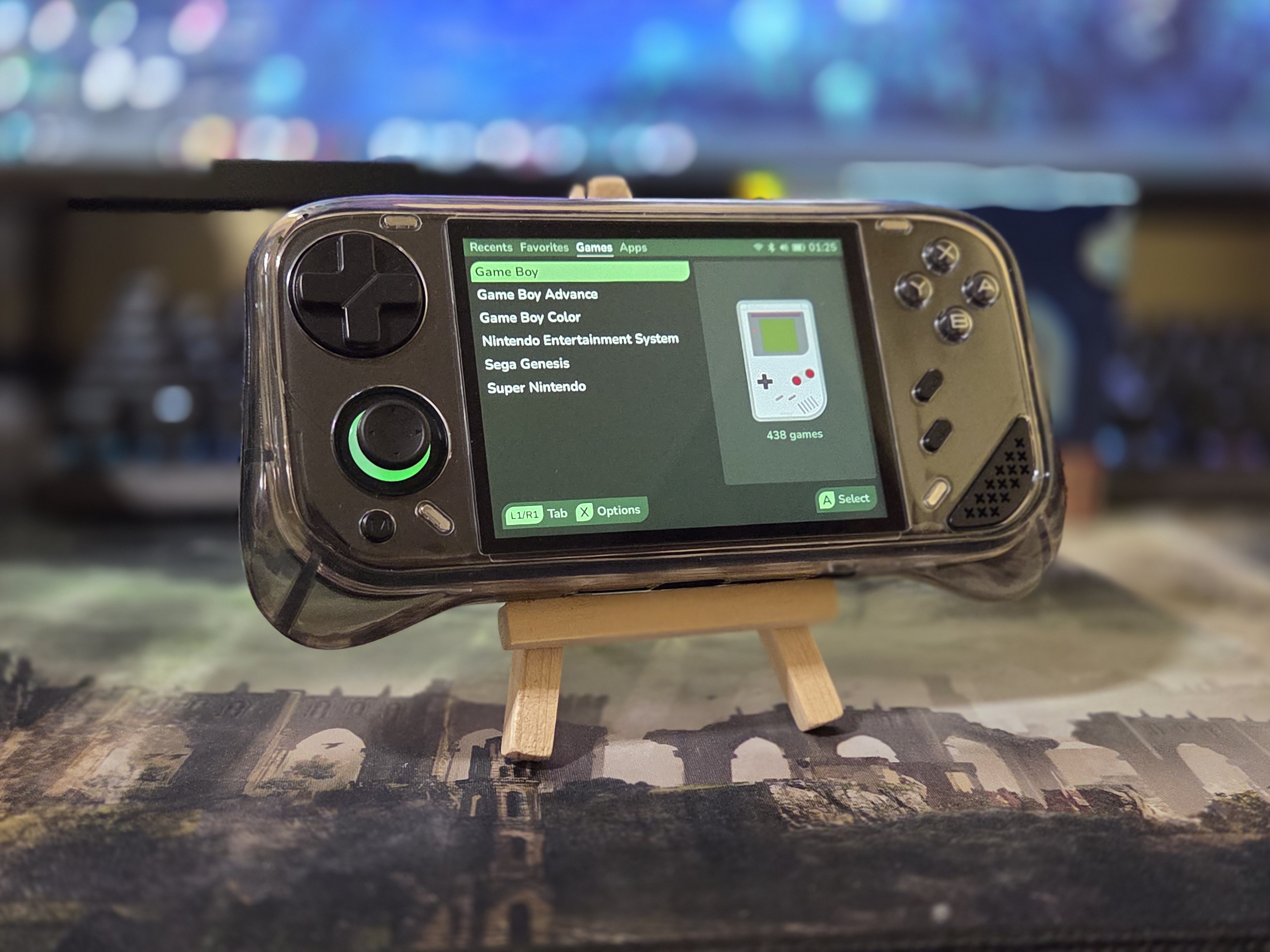
The phrase “budget handheld” and 2026 have a weird relationship. Whether it’s a console with suspiciously neutered specs, a confusing Anbernic release, or yet another random development in the MiniLoong Pocket 1. Oh wait, this is that last one. The MiniLoong has proved itself to be the silent winner of 2026 so far by providing a good enough spec with excellent controls and a high-resolution 4″ 720p screen for under $100 (Or $60-$80).
The drawback? One of the worst pre-flashed Linux OSs in the market (A modified version of LooM OS). It wasn’t until custom firmware started being released that we got a glimpse into the true potential of this bastard son of Mangmi (The warranty card it ships with cites Mangmi).
ROCKNIX branch AURKNIX unlocked a previously unknown ability of the MiniLoong’s 720p screen: 90Hz support, making your games more responsive and your menus smoother. After digging deeper, the developers for Leaf uncovered something even bigger: 120Hz support.
Normally a premium feature on handhelds in the $200 range, our modest $80, RK3556 device is now opened up to many more features, many of which are taken advantage of in the newest builds of Leaf for the console. Let’s go over them, and see if you could save ~$130 on a Retroid Pocket Nova.
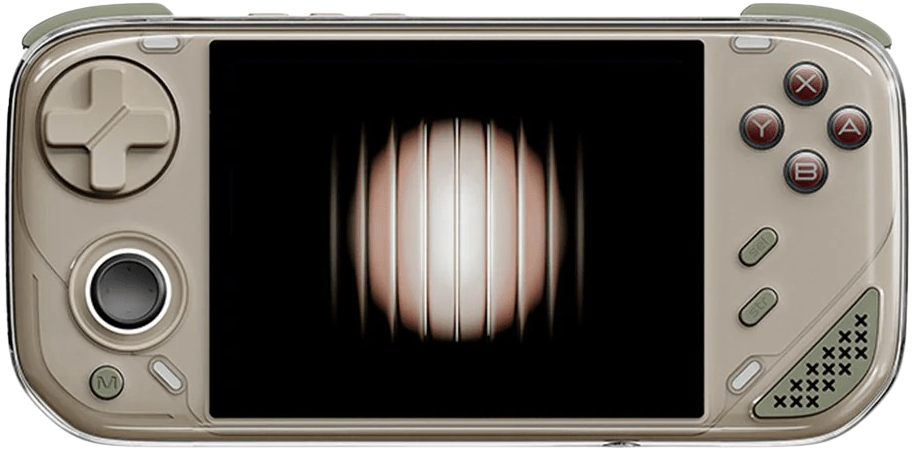
Leaf: Installation
This is a simple drag and drop job from GitHub, with no flashing required, but there are some caveats and setup you need beforehand, so here’s a step-by-step.
- Update your MiniLoong’s firmware. You need at least version 1.2.0.98 for Leaf to work, so you need a Wi-Fi connection and to update through the stock OS.
- In LoongOS, press the menu button and navigate to Network. Sign into your favorite neighbors unlocked Wifi (or your own home Wifi if you are a square) Note: There’s a bug in some units that wont let it connect to Wi-Fi. There’s no workaround for this and it’s pretty sad.
- In System Settings, scroll down to your firmware version and select “Check for Updates”
- Run the update!
- Set Up Your SD Card. You just need a blank SD card formatted in FAT32
- If your SD card is over 32GB, you can use this format tool to make any SD card FAT32.
- Go to the official GitHub and download the latest .ZIP (leaf-mlp1-sdv0.XX.XX).
- Extract the contents of this .ZIP to your FAT32 SD card and stick it in your powered off MiniLoong.
- Turn it on, let the prompts roll.
I hope your favorite color is green (you can change this). Let’s tour some awesome features!
Leaf: Exploring The Features
Upon first boot you’ll notice that Leaf is super snappy and had very short boot times from sleep mode, which is already a notable improvement over other software. Assuming you loaded your SD card with games, you’ll be greeted by retro consoles ripe for the plundering and a pre-configured Retroarch as your backend. You’ll want to take a look into the system settings, though for the full experience.
Pressing the M button will bring you to System Settings where you can change the consoles appearance, display Hz, scrape, and more. For the sake of time, here are some standouts:
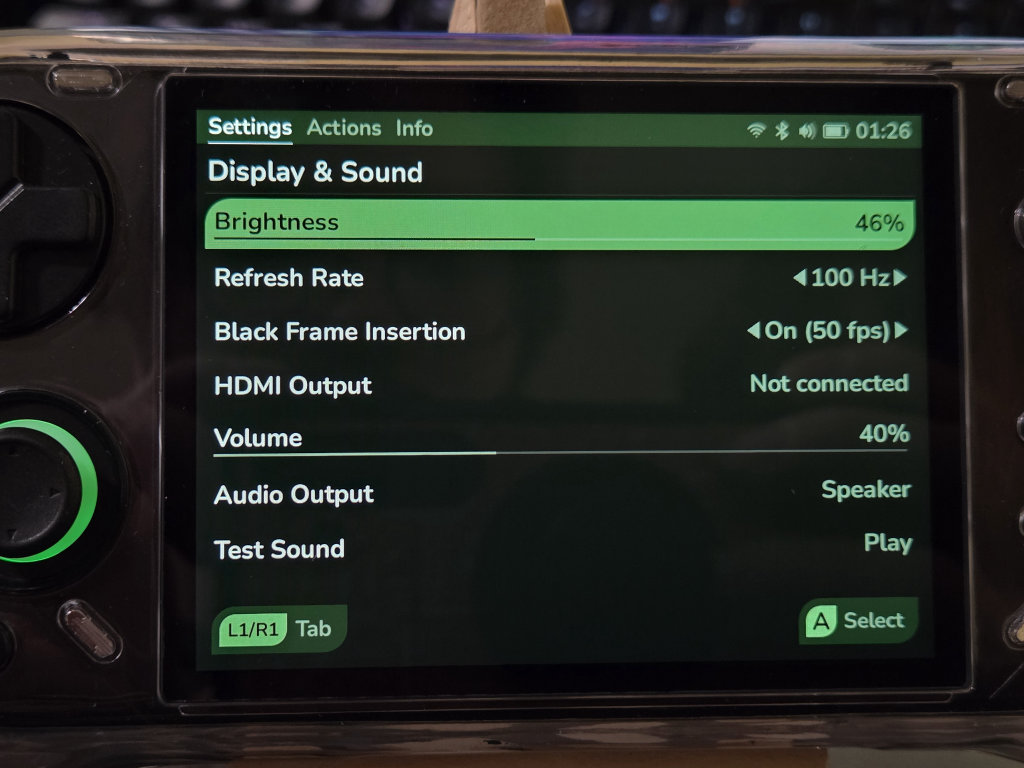
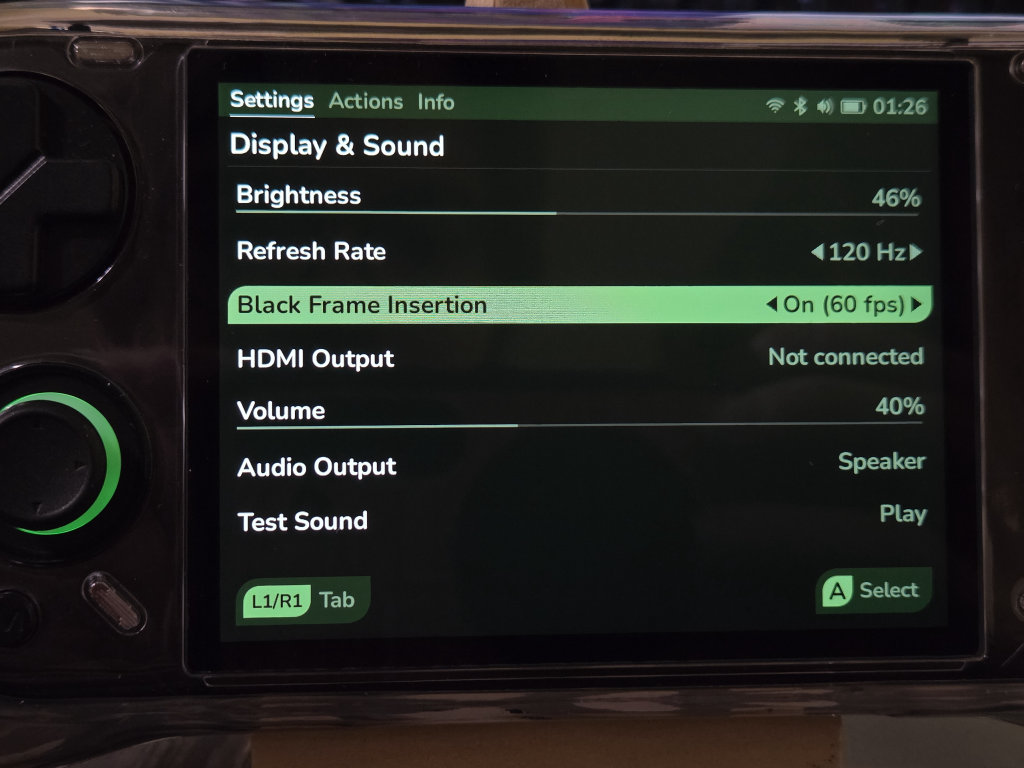
Under Display, Leaf unlocks the screens capability for up to 120Hz mode with 60fps black frame insertion (BFI) as well as a 100Hz mode and 50fps BFI (for 50Hz PAL titles) system wide. In my testing, the combination of 120Hz and 60fps BFI is the best route since 120Hz on it’s own presents stutter unless you select “Sync to Exact Host Framerate” in RetroArch, which will bring the framerate back down to 60 (This setting also completely breaks BFI).
BFI will slightly darken the screen, but you’ll get the benefit of 120Hz response times and added motion clarity of BFI. I would just recommend an additional 90Hz mode to get better response times, but without added stutter or BFI.
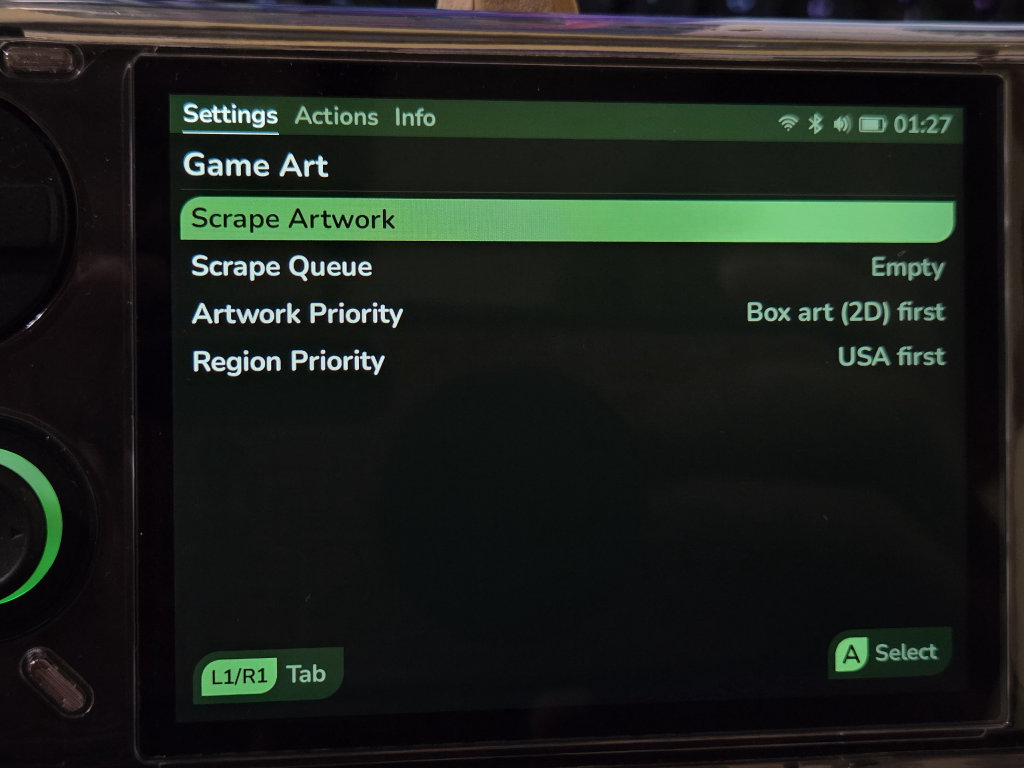
Under Game Art, here you’ll be able to scrape your games automatically as long as you’re connected to Wifi. This runs in the backend and eats your battery, but its extremely simple to use and a MUST upon first setup. Since it only requires 3 or so clicks, I will call this a 10/10 feature.
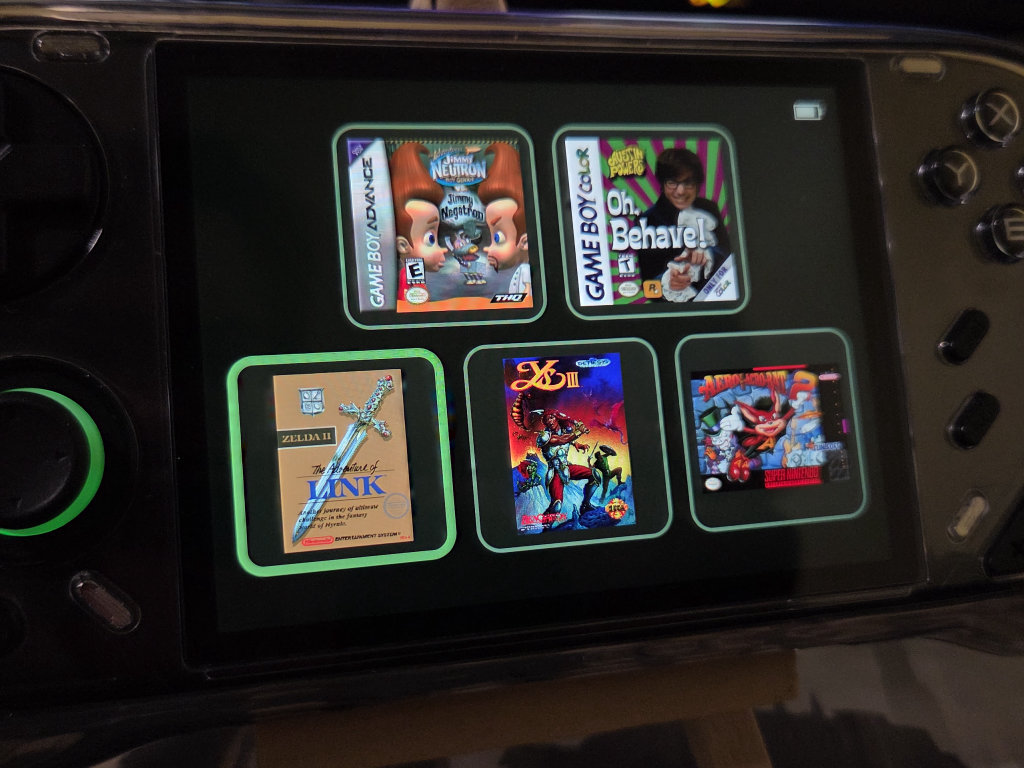
In 5 Game Mode, you will limit your dopamine deprived Gen Z/A era brain to just 5 titles at a time so you can spend less time in menus. This feature is awesome, but takes longer than I’d prefer to setup because navigating your game library and be slow. One suggestion here is to map L2 and R2 to skip every 10 games or so in your game library so you can quickly navigate to your L-M-N-O-Ps.
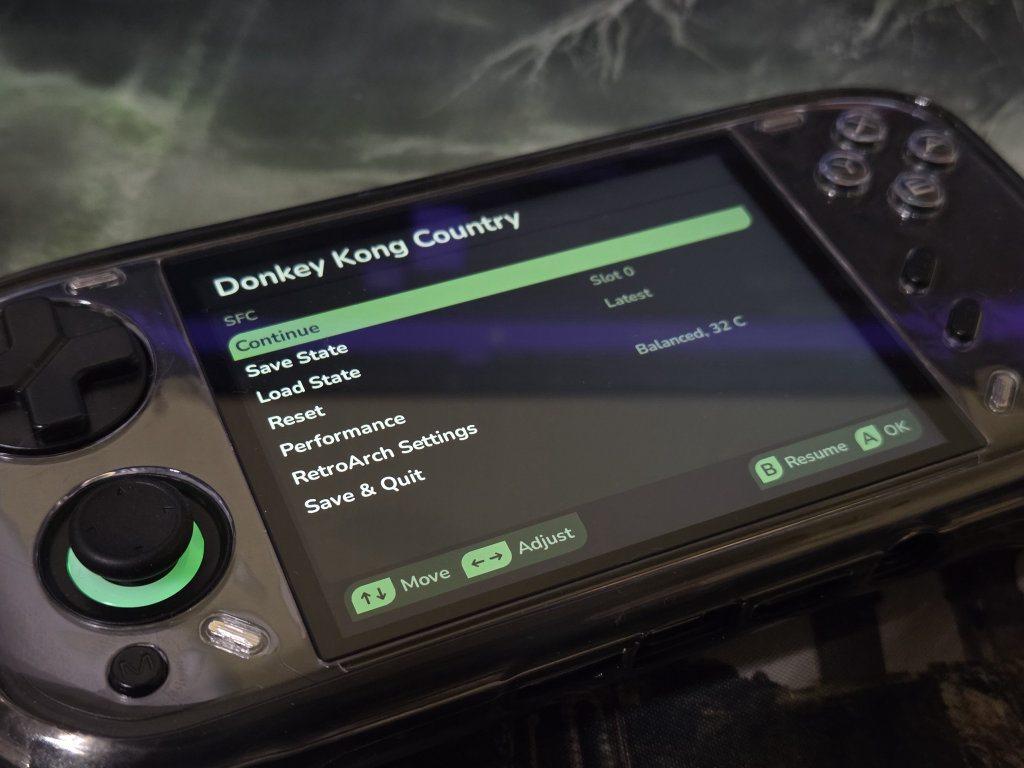
The last thing I want to point out is the slickness of the system UI as a whole. By default, RetroArch runs in the backend and basic save, exit, resume settings are handeled up front, so when playing a game you wont have to boot into RetroArch to manage your save states.
My only real critique here is the need for a Search function for games, the L2/R2 panning mentioned above, and preset RetroArch hotkeys. RetroArch is totally open to modify here, so that one is a minor nitpick in the grand scheme. We also have Bluetooth support, video-out support, and even a few performance modes.
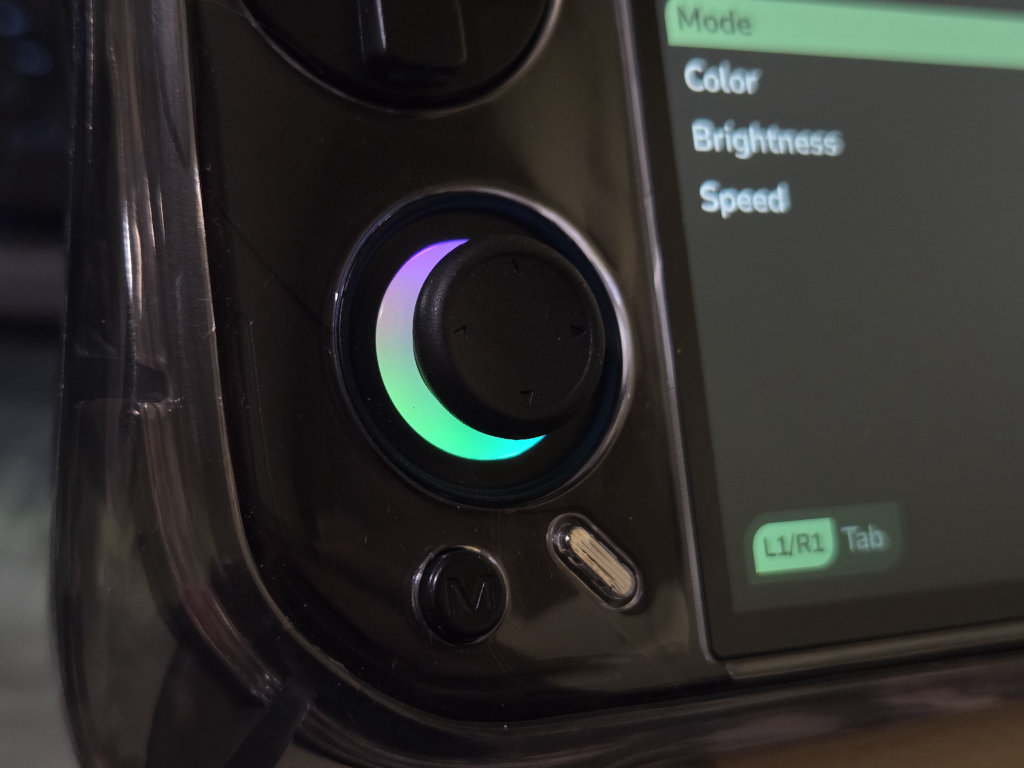
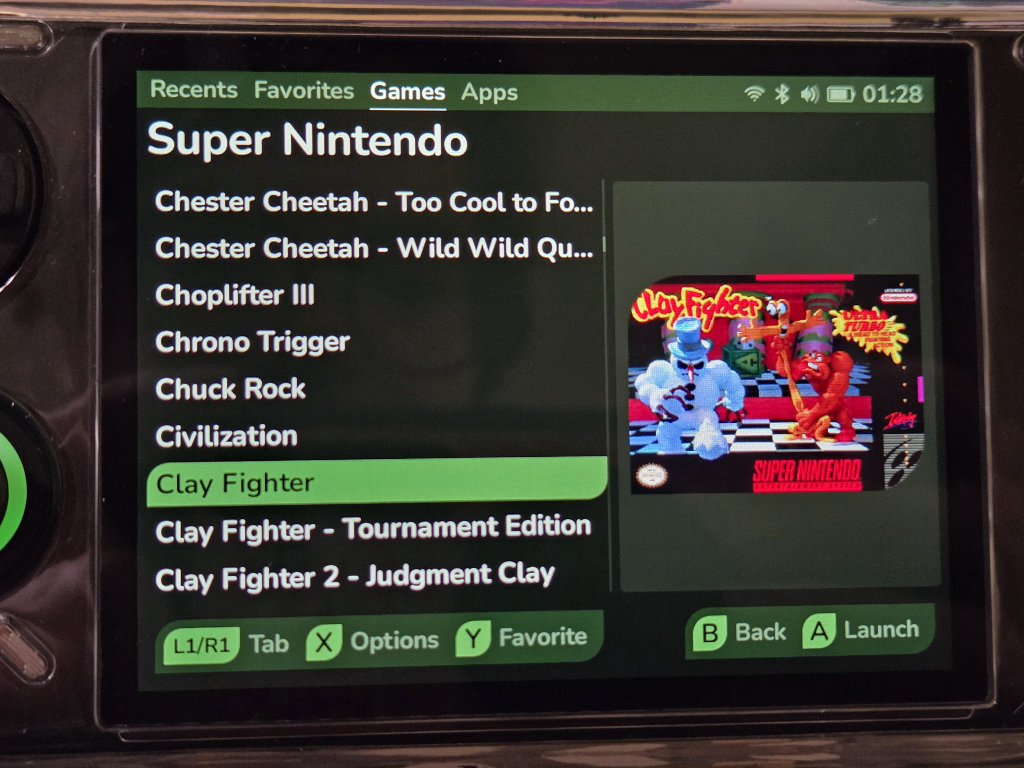
You can explore more of Leafs features here.
Leaf: Does it Redeem the MiniLoong?
To me, Leaf is the closest Linux OS to both have the clean aspects of an ARM Linux while maintaining the snappiness of Android (Unlike OSs like Aurknix). It’s not perfect, and I outlined that above, but its in a great state right now and sticks out amongst the other available OSs for the MiniLoong Pocket.
And for the use case of needing a pocketable retro device with a +4″, high-resolution, high framerate screen, I could see the less than $100 entry price of the MiniLoong being more appealing than the competition.
You can support Leaf by checking out their website, GitHub, or Discord!

