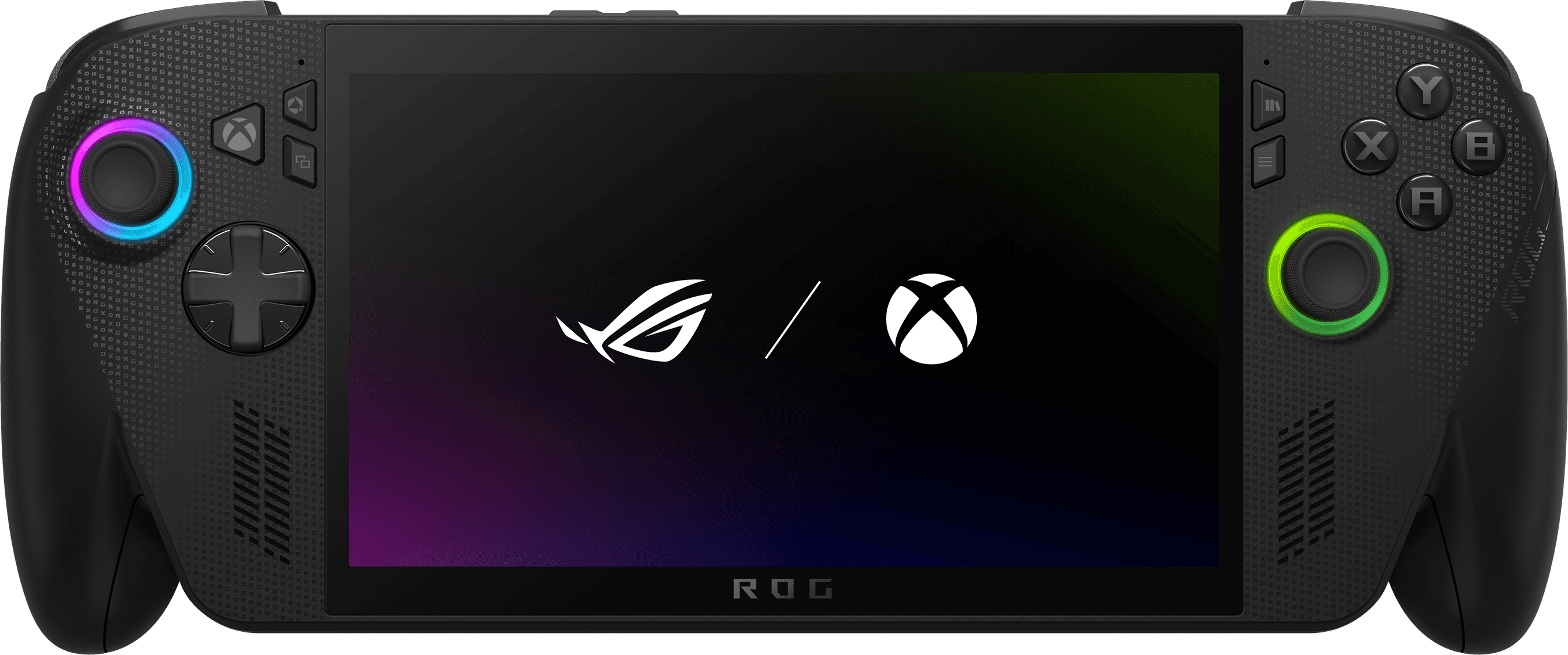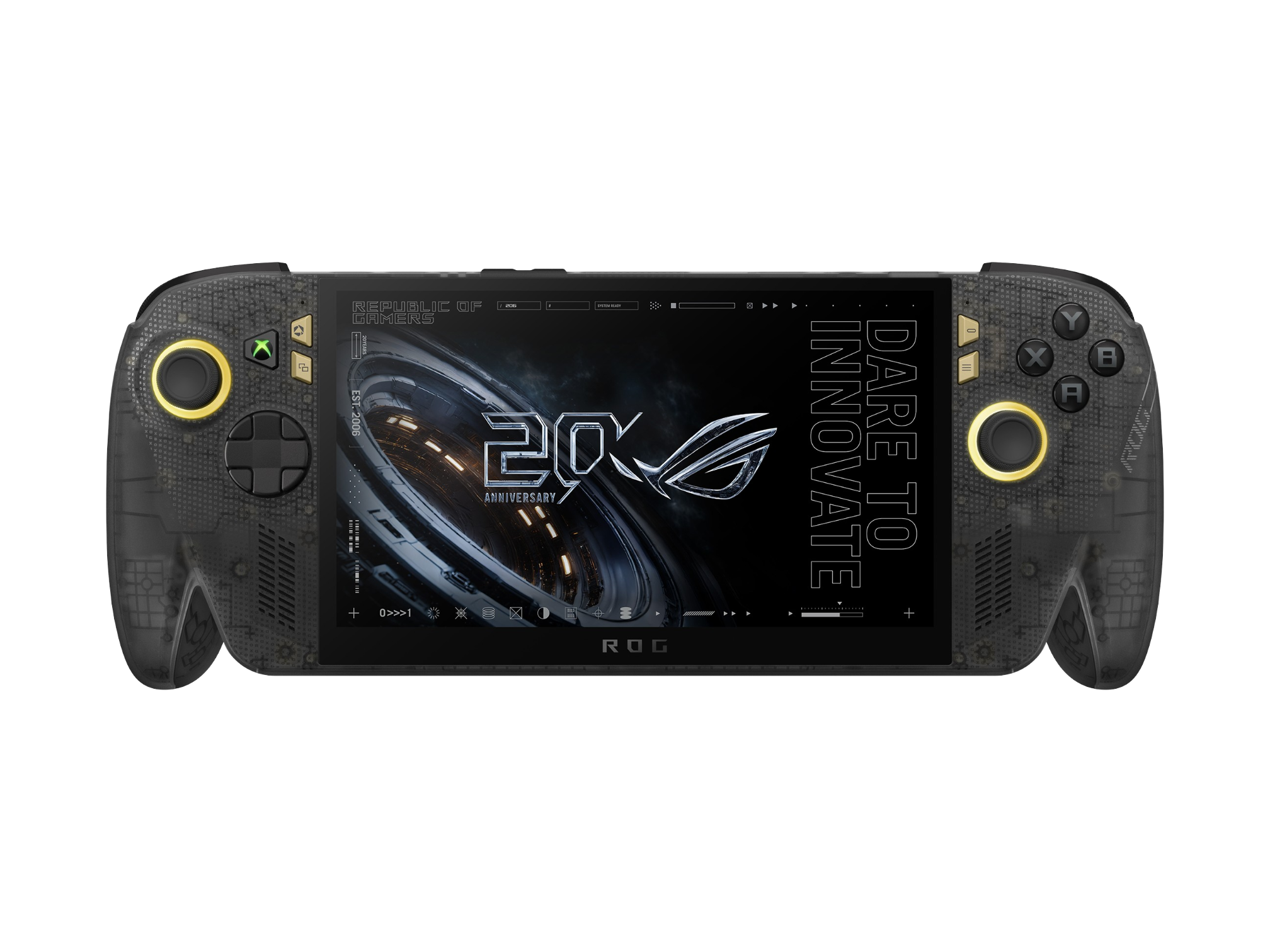

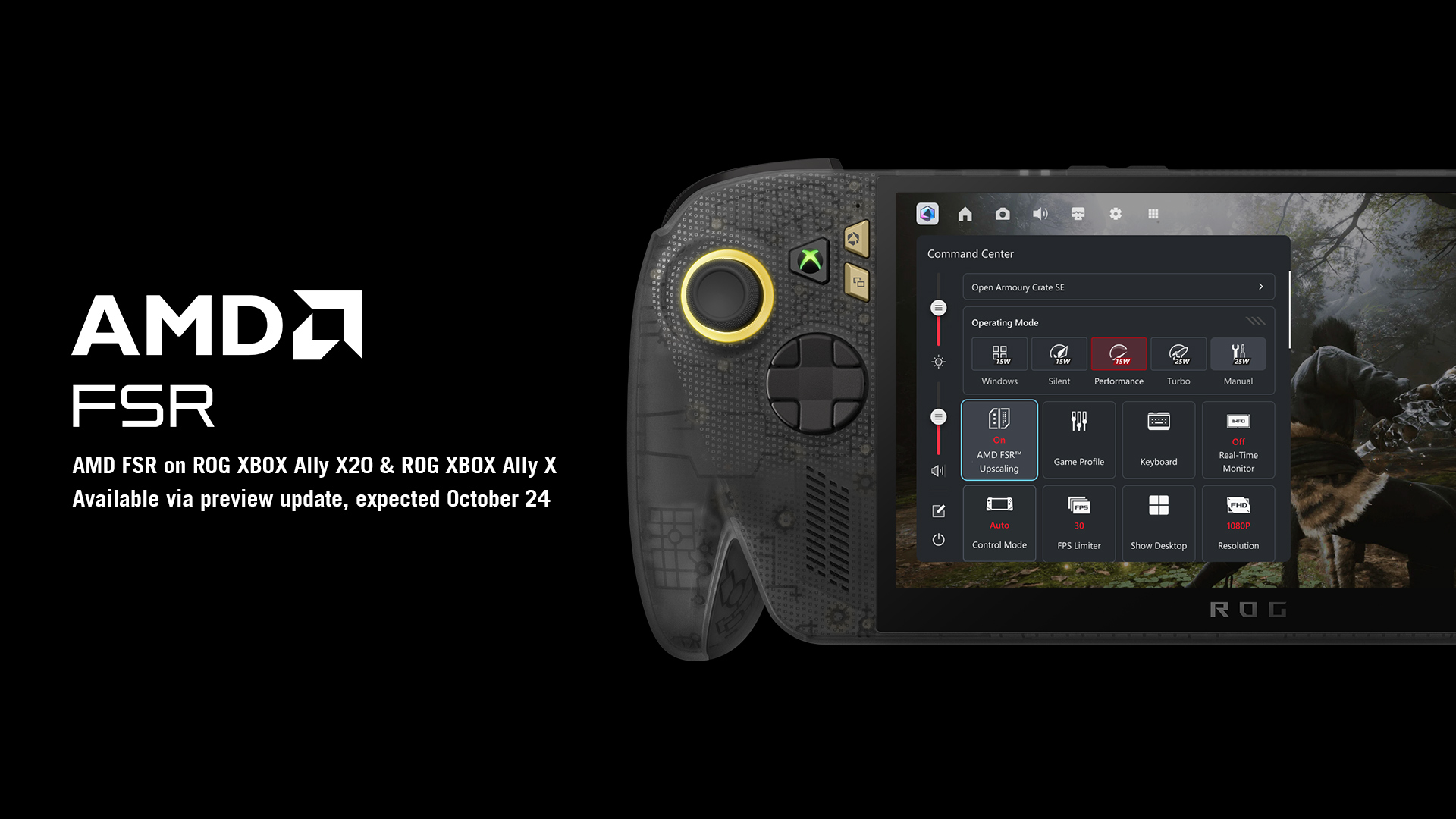
As planned, the FSR 4.1 Upscaling update has started rolling out for compatible hardware, which x86 handhelds like the ROG Xbox Ally X20 and others. Here are the steps that you’ll need to take in order to enable the feature, according to ROG Ally Life:
- Open the Armoury Crate SE app on your handheld.
- Since this is only avaialble as a beta, you’ll need to enable Preview Updates. This is done via the Update Center section of the Armoury Crate SE app.
- Once Preview Updates have been enabled, download and install the latest available GPU driver.
- Wait for the installation to finish, and restart if prompted to do so.
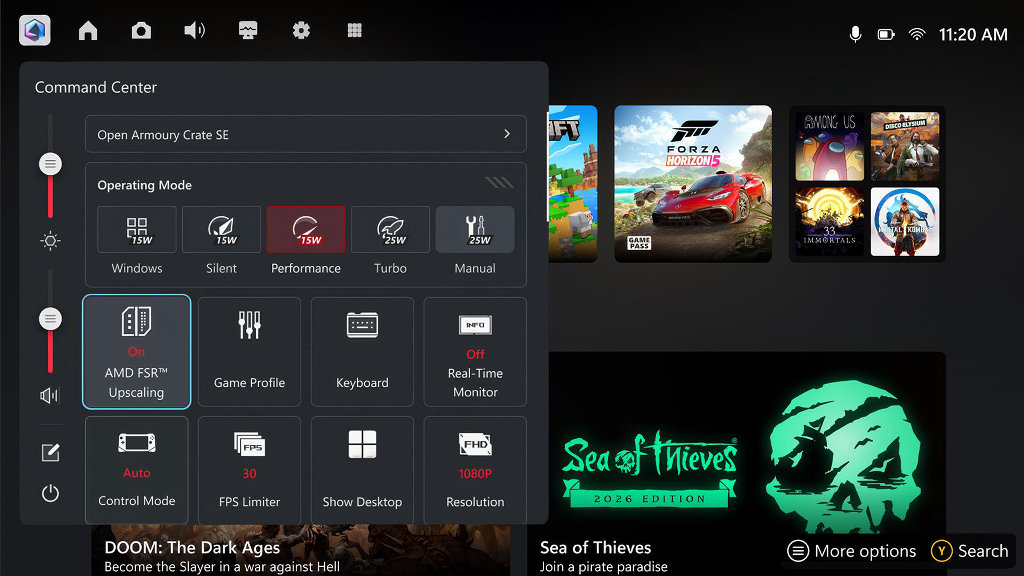
- After your handheld is done rebooting, open Command Center using the Xbox button. Then, “press Y to customize the layout, scroll to the bottom and select the square add button.”
- From the list of options, locate and select the “AMD FSR Upscaling tile.”
- Drag the tile to wherever you want it to be within the Command Center layout.
- Exit Command Center to save your settings.
As noted by ROG Ally Life, if you already have a game running, you’ll first need to close it entirely before AMD FSR can be enabled. After it’s been closed, re-launch the game and head into the “game’s graphics settings, pick FSR as the upscaler.”
With more than 400 compatible games, there are plenty of titles to choose from if you want to take FSR 4.1 for a spin on your handheld. Be sure to drop a comment and let us know how it’s running for you!
You can find the original article in its entirety below.
If there’s one benefit to the going price-gouging for handhelds, it’s that developers are taking more notice of older hardware. The latest announcement from AMD is a great example of that, as the company confirmed that it is bringing its FSR 4.1 Upscaling to a number of x86 handhelds and even the Xbox Series X. ASUS decided to make a dedicated announcement for the ROG Xbox Ally X and the all-new ROG Xbox Ally X20, marking the occasion.
According to ASUS, FSR Upscaling 4.1 will be available for the following GPUs and CPUs with the release of Adrenalin Edition 26.10.1:
- AMD Radeon RX 6000 Series Graphics products
- AMD Ryzen AI Max 300 Series processors
- AMD Ryzen AI Max 400 Series processors
- AMD Ryzen AI 9 300 Series processors
- AMD Ryzen AI 9 400 Series processors
You can check out the link here if you want to learn more about what this update includes and what products it’s compatible with.
When it comes to the ROG Xbox Ally X and ROG Xbox Ally X20 handhelds specifically, ASUS notes that FSR Upscaling 4.1 will be available “as a preview update on October 23rd, 2026.” The best part is that you won’t need to jump through a bunch of hoops to get it installed: “just open Armoury Crate SE on your Ally and head to Update Center > Preview Updates to find it.” It’s also important to call out that FSR 4.1 support is a preview update, “which means it may still contain bugs or instability.”
As for what games are compatible with FSR Upscaling 4.1, AMD has a handy dedicated list of games that support this functionality. At the time of this writing, the list is comprised of more than 400 games, and includes titles such as 007 First Light, Gears of War: E-Day, Call of Duty: Modern Warfare 4, and many more.