

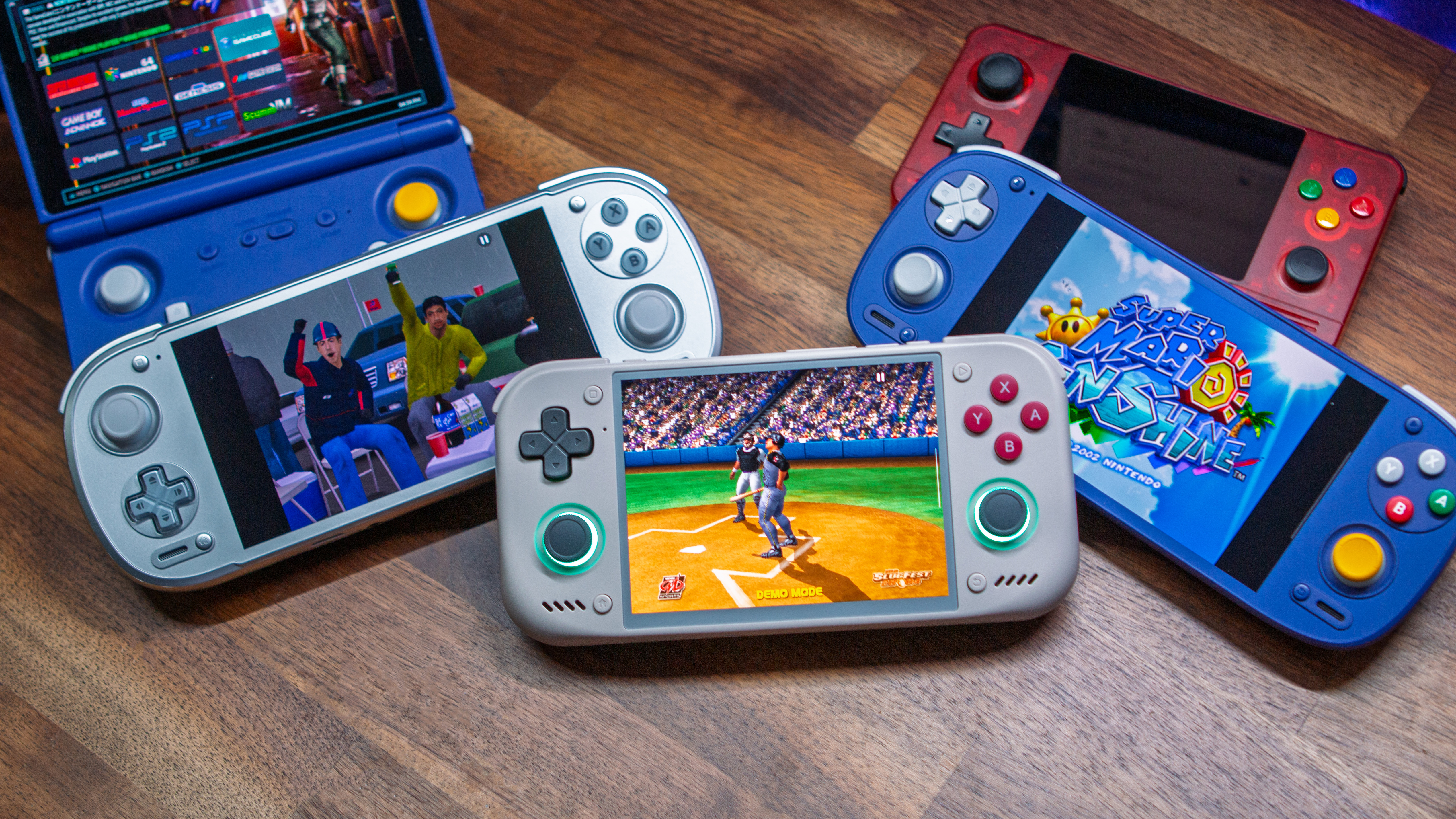
This one kind of flew under the radar given the non-stop Odin 3 Portal news, but Retroid had an announcement of its own yesterday. The company confirmed that three devices now feature “Mainline Linux” support, including the Retroid Pocket 6, Pocket Nova, and even the Pocket Duo. It’s rather convenient seeing the Pocket Duo on the list, considering that initial shipments are due to head out starting today.
Unlike something like ROCKNIX, Armada, or GammaOS, getting Mainline Linux up and running on your handheld is a bit more of a tedious process. Frankly, it’s more about a device even having support to begin with, as opposed to really wanting to install proper Linux for the end-user. With this kind of support, it should make life easier for those who want to develop for whatever devices are actively being supported.
As noted in the announcement, are three different downloads that are required in order to get started. These include the Kernel, Audio Topology, and UCM Config. Check out the full announcement below to see all of the details:
Mainline Linux for Retroid Pocket – the Newest Linux Kernel 7.3
Supported devices:
- Retroid Pocket 6 (QCS8550)
- Retroid Pocket Nova (QCS8550)
- Retroid Pocket Duo (Eliza)
What’s working:
- Display panels (RP6, Nova, Duo top and bottom screens)
- Touchscreens
- Gamepad (RSInput) and joystick RGB lights (RP6 / Nova)
- Audio: speakers, headphones, internal mics, headset mic, DisplayPort audio (RP6 / Nova)
- Wi-Fi and Bluetooth (WCN7850 on RP6 / Nova, WCN7750 on Duo)
- GPU, video decode/encode, USB-C with DisplayPort alt mode
- UFS storage and microSD
- PWM fan with thermal control
Downloads:
- Kernel (branch retroidpocket/v7.3)
- Audio topology (branch retroidpocket/v1.0.5)
- UCM config (branch retroidpocket/v1.2.16)
Audio needs both the topology and the UCM config installed.
Topology .bin goes to /lib/firmware/qcom//
UCM files go to /usr/share/alsa/ucm2/
As mentioned previously, this isn’t really an adventure that the average user should consider taking. It’s more about Retroid ensuring devices have the necessary support for developers to take advantage of when building or updating custom firmware options. With that in mind, it could also mean that existing firmware alternatives can be upgraded to offer improved compatibility and an even better overall experience.
