

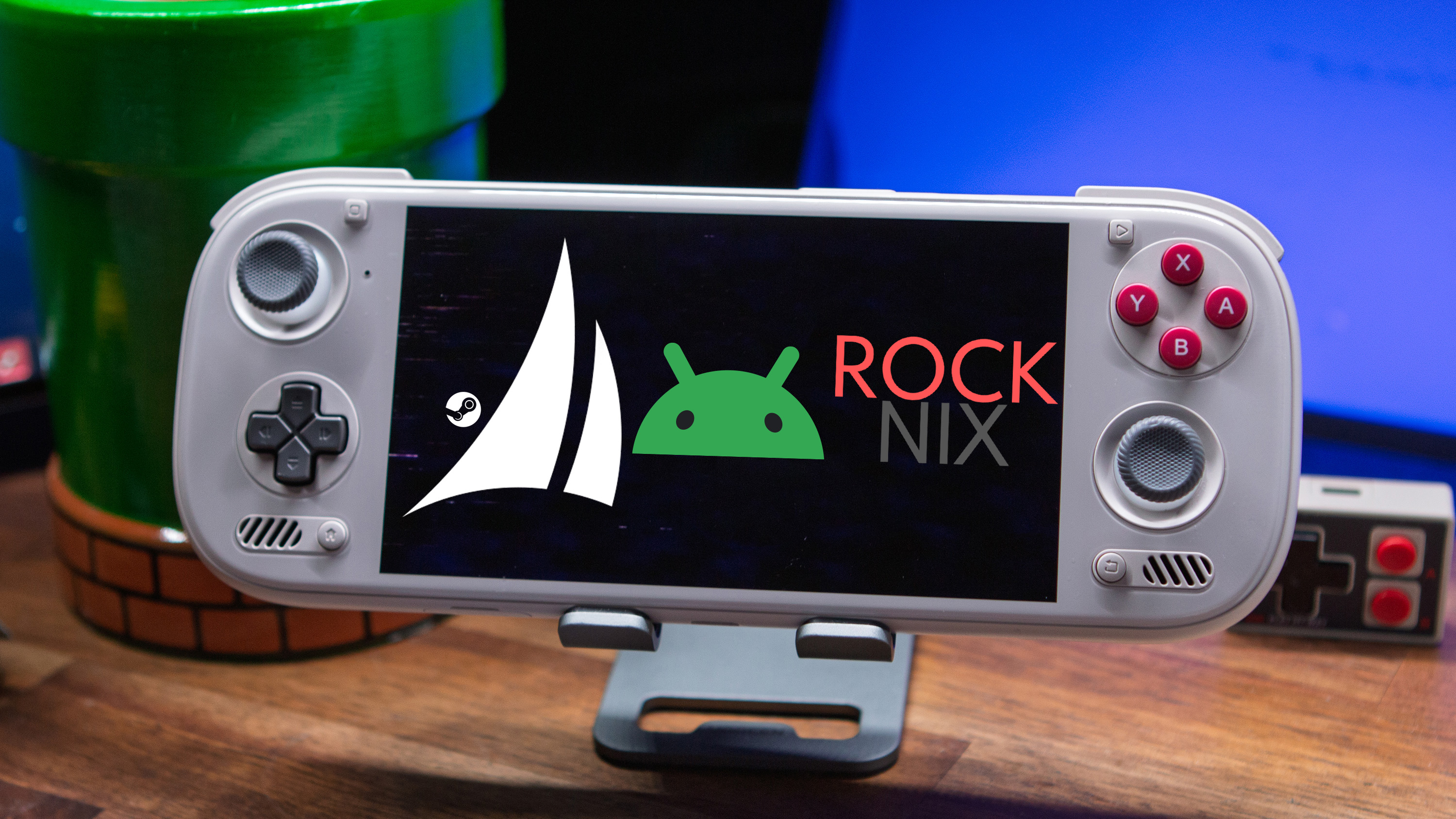
When AYN announced the Odin 3, I was ecstatic for a number of reasons. Not only does AYN make some of my favorite Android handhelds, but this was the company’s first foray with the Snapdragon 8 Elite Dragonwing chipset.
That, paired with Valve’s confirmation that the Steam Frame would be powered by a Snapdragon SoC, and I immediately began dreaming of the possibilities. With Valve actively developing for an ARM SoC, it would only be a matter of time before that work would be forked and/or applied to handhelds.
One evening while I was catching up on news for Retro Handhelds Weekly, I stumbled across a Reddit post talking about a new firmware called “Armada.” It was described as “a SteamOS-like Linux distribution for ARM handhelds, built on the same foundation as Bazzite with device support borrowed from ROCKNIX.” The post also included a picture of the SteamOS Welcome screen running on an AYANEO Pocket EVO.
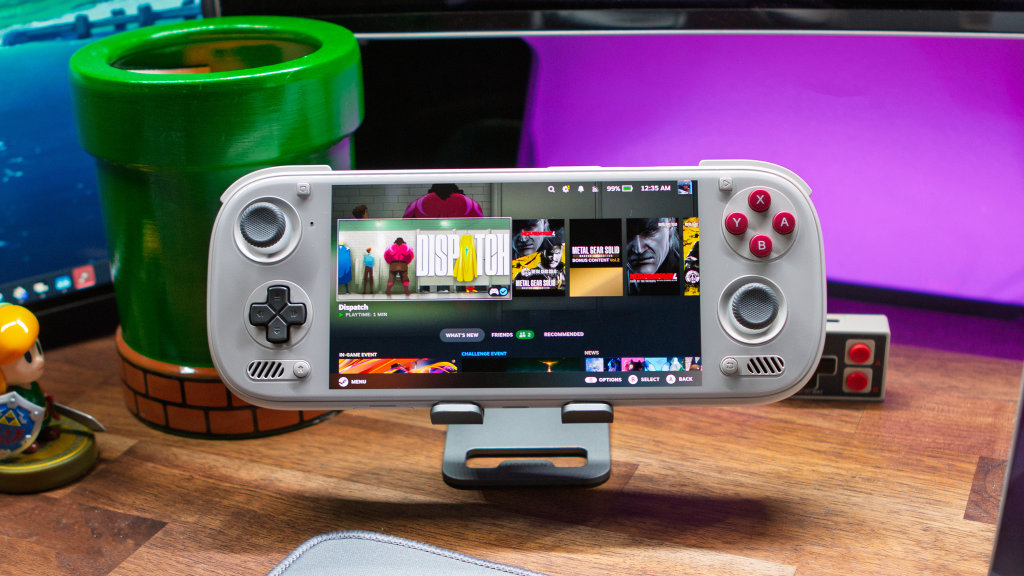
At the time, Armada hadn’t yet been tested on an Odin 3, so I tried to temper my excitement a bit. Plus, there are a lot of cool projects that pop up for retro and Android handhelds, only to be abandoned shortly after they’re announced. I’m not saying that I expected Armada to follow that path, but I also didn’t want to get my hopes up only to be disappointed later.
Thankfully, that hasn’t been the case with Armada, as development has been consistent, with updates being released regularly. It reached a fever pitch for me when Bazzite 44 was released, and the official blog post said that ” users looking for ARM builds will be directed to Armada, and Bazzite will be supporting the project in any way they can now.”
At that point, I was already using Armada installed to a microSD card, because I was a bit too worried about installing to the internal memory on my Odin 3. After seeing Bazzite’s mention of Armada, combined with Stubbs telling me that Trihaeck already installed it on his Odin 3, I immediately took the plunge. By immediately, I mean literally as soon as I could, starting the “install to internal storage” process during the podcast.
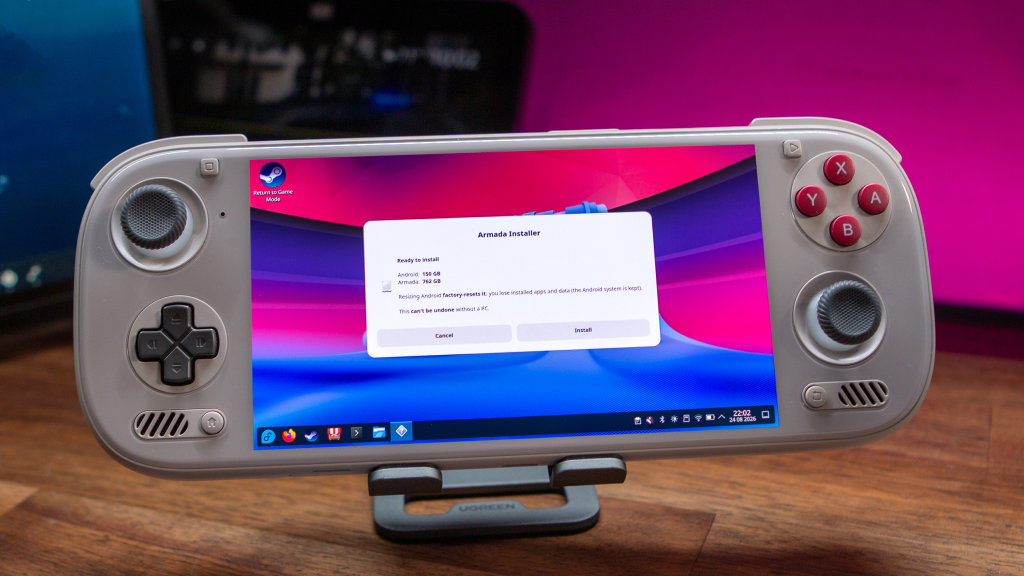
Armada makes it really easy to install it to the internal storage, as you just need to jump over to SteamOS Desktop Mode, launch the Armada Installer, and then follow the necessary steps. Within about 15 minutes or so, I was back up and running without needing a microSD card. To be fair, I had already flashed the ROCKNIX ABL, which isn’t very difficult to do, but is more precarious than anything else.
Now, I can just boot right into SteamOS via Armada on my Odin 3, which is the dream that I’ve had for months. While Armada looks and feels exactly like SteamOS, there are a few niceties that I wasn’t expecting. For one, Decky Loader is already pre-installed, which cuts down on some of the setup time, and doesn’t require me to plug a mouse and keyboard in for running commands from Desktop Mode.
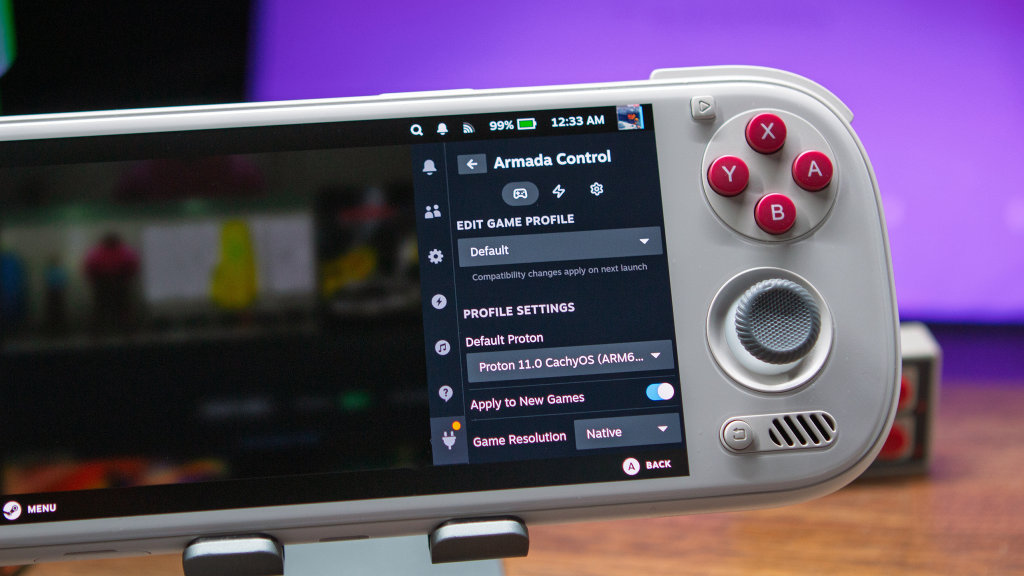
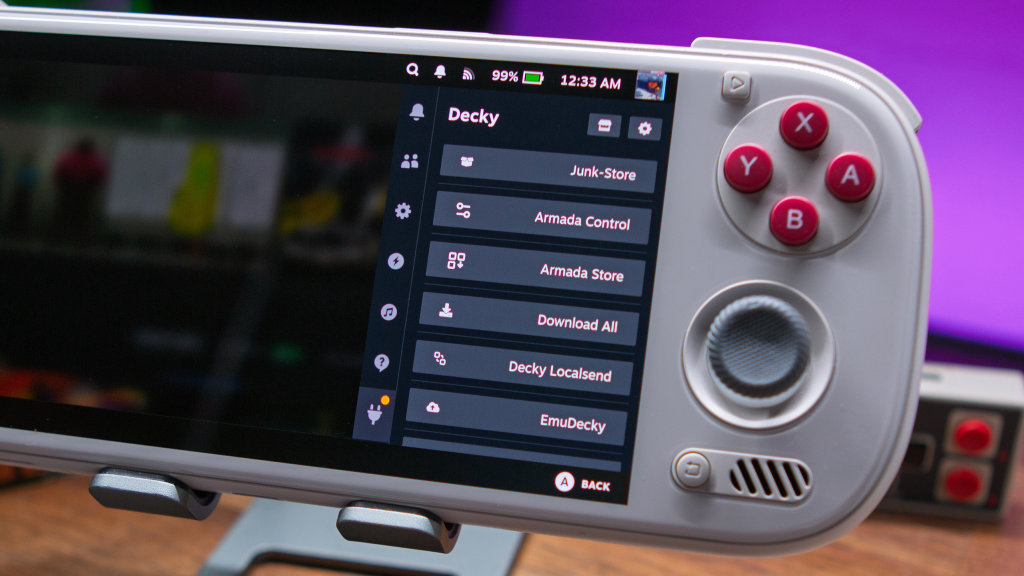
There’s also the Armada Control panel for those who want to tinker with Game and Power profiles. I haven’t really messed around with this for a few reasons, but I appreciate that it’s at my disposal for when I inevitably need to tinker with settings to get a game running.
Not only that, but I very much appreciate the Armada Store, letting me quickly install emulators, applications, Decky plugins, or add a non-Steam game with ease. Traditionally, you would have to switch over to Desktop Mode to do any of this, but that’s not the case with Armada.
So for all intents and purposes, my Odin 3 is now a Steam Deck first, with a decent Android partition left for when I want to mess around on that side of things.
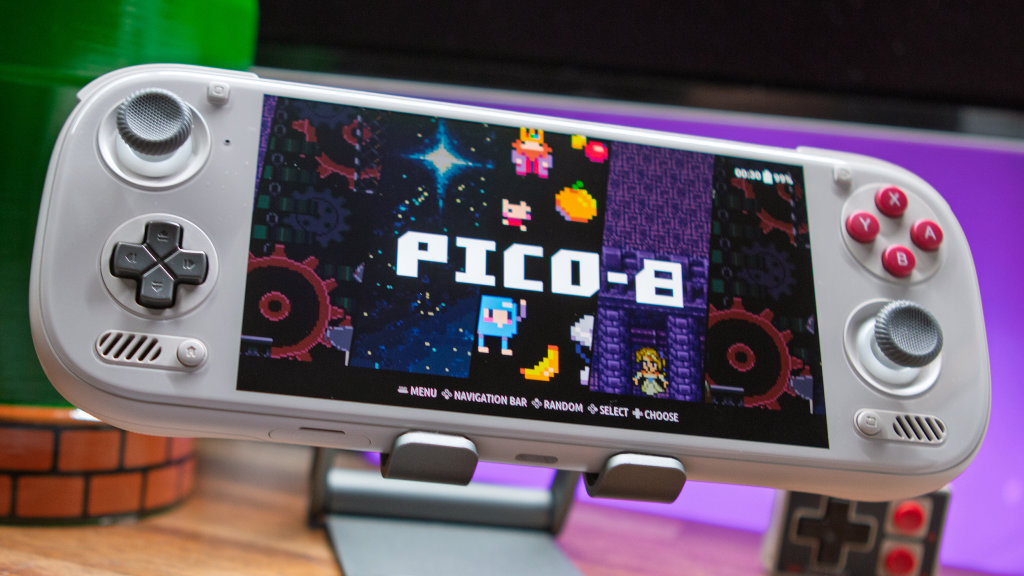
That being said, there’s something that I haven’t mentioned yet, and it’s that my Odin 3 is actually running three different operating systems. There’s the Armada/Android setup that I use most of the time, but I also have ROCKNIX running on the Odin 3.
Since the internal storage is already split between Android and Armada, and so I didn’t end up messing up my beloved Odin 3, ROCKNIX is installed on a microSD card. I wasn’t actually sure this would be even possible, but after taking another look at the ABL menu, there’s an option to auto-boot from the microSD card.
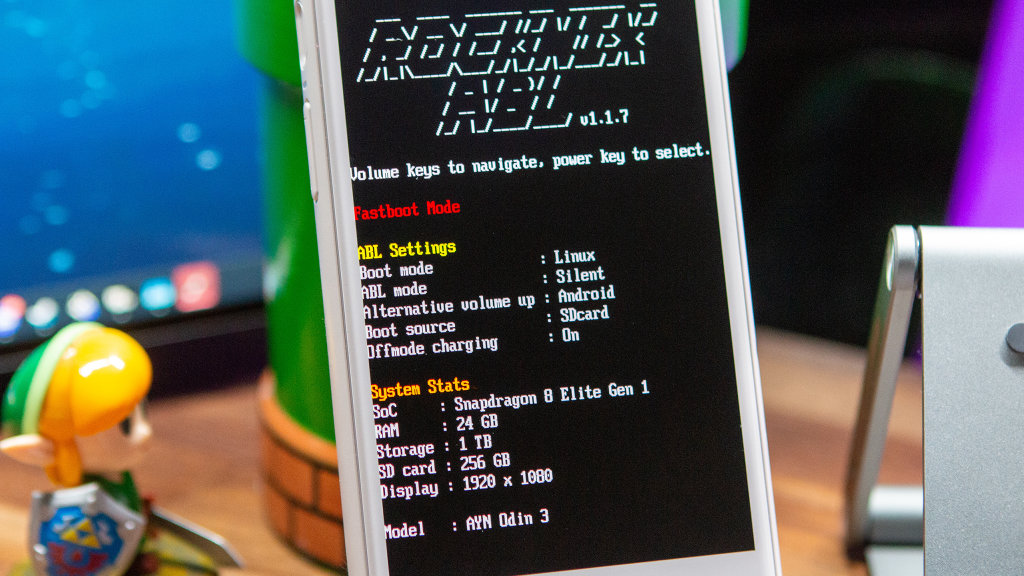
A few minutes after making that discovery, I flashed the latest ROCKNIX nightly to a microSD card, switched the ABL boot order, and boom. Triple-boot on the Odin 3 Ultra, giving me the best of all worlds on a single handheld.
There is one glaring downside to this setup, and it’s all about storage. Since I have the Odin 3 Ultra, there’s 1TB of storage on board, with 850GB set aside for Armada and the rest houses the Android partition. With ROCKNIX occupying the microSD card slot, I’m hamstringing myself to be “stuck” with the allotted amounts.
This can could technically be remedied by snagging (or printing) a microSD card holder and keep it attached to the back of the Odin 3. Then, I could have microSD cards formatted and at the ready for whenever I switch between Armada, Android, and ROCKNIX. That’s probably the move, specifically so I can have my ROM library easily accessible on Android, but I’ll report back later on whether I actually go through with it.
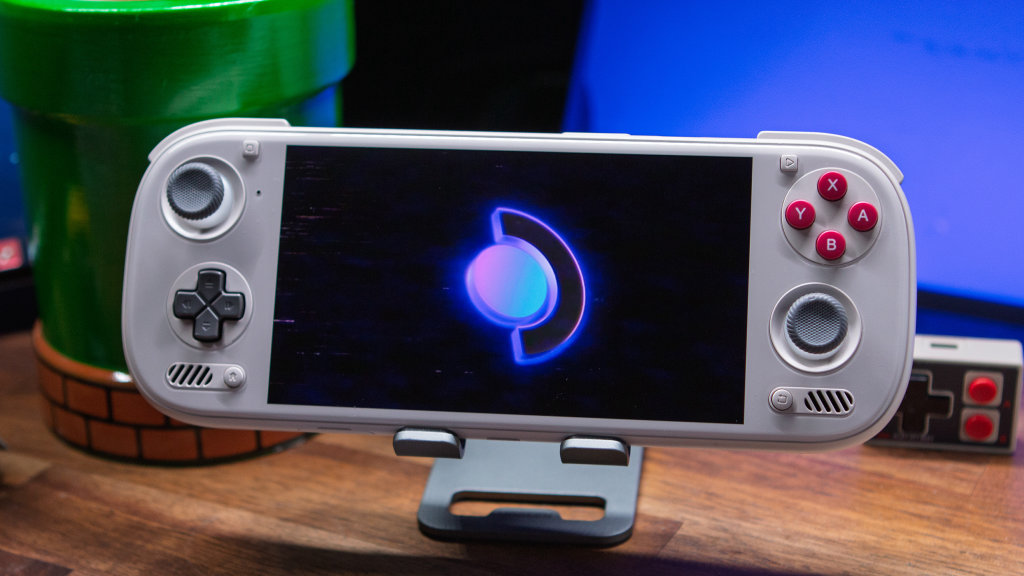
Out of this entire setup, I have one major complaint, and I don’t know if it’s something that will be solved. Whenever I want to switch between Android, Armada, and ROCKNIX, I have to boot into the ROCKNIX ABL menu, then make the switch and wait for the system to boot.
“Boohoo.” Yeah, I know. It’s not really a problem, it’s just an extra couple of steps that can be annoying when I’m trying to do something quickly on my Odin 3.
I’ll have more to say about this entire situation after I’ve spent more time with it, but the idea of “one handheld to rule them all” is here, and it’s exactly what I’ve been hoping for.

3 Comments
Great stuff!! Can’t wait until bazzite is integrated with Armada
What cellphone compatible this controller games ?
Available Philippines???
I almost feel like you’re limiting yourself when deviating from stock Android at this point. GameNative has made things so seamless over default winlator that I’m regularly playing games from Steam AND Epic on my RP5. Not only that, but I can install other windows applications all within one app, choosing if I want each install on SD or internal. I’m sure you have more resources at your disposal if you’re going straight into Steam, but I have to imagine trying to run games on ARM is limiting, isn’t it? I could be wrong but that seems like a compatibility nightmare as far as I know