

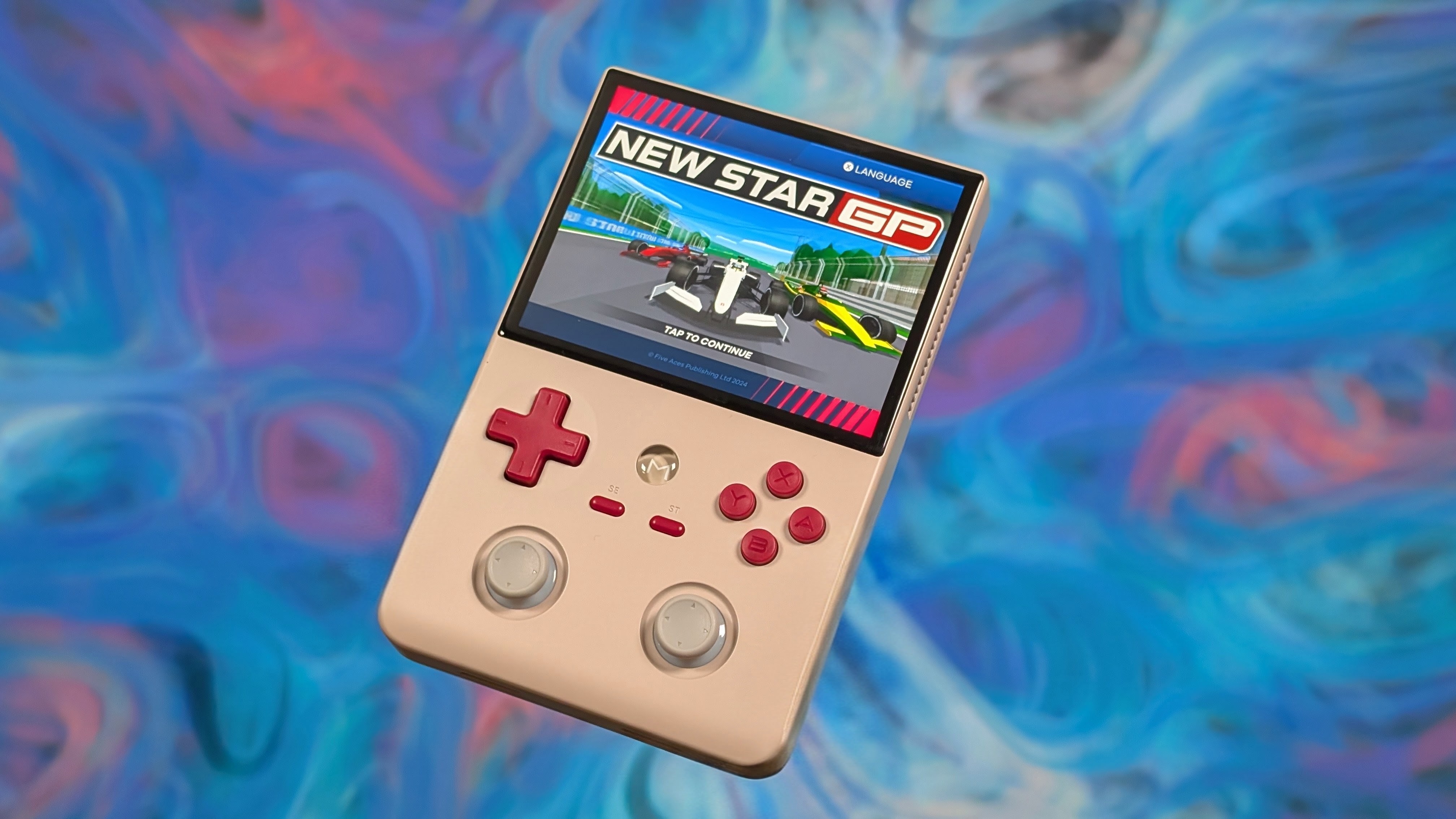
Mangmi has always been a bit of an interesting company. Handhelds that feel like they got their style from Ayaneo, likely because they claim to be from Ayaneo, but now with budget prices. The Mangmi Air X was killer for being around $100 and capable of up to PSP with its low-end Snapdragon Processor.
The Mangmi Pocket Max was killed when AYN dropped their Portal to nearly match it in price despite the performance gap between the 865 and 8 Gen 2. And now the Air Y and Y Pro are the new hotness. Matching both of their prior devices in terms of chip, while the 865 model significantly undercuts alternatives in price on the new market.
Well, now the question is simply to ask. Is it worth it? And do you even need the 8gb of ram?
Disclosure:
This product was purchased with our own money and was not sent to us by the company. Affiliate links might be present where applicable, and we may earn a commission on product purchases using those links at no extra cost to you.
Mangmi Air Y Pro Specs
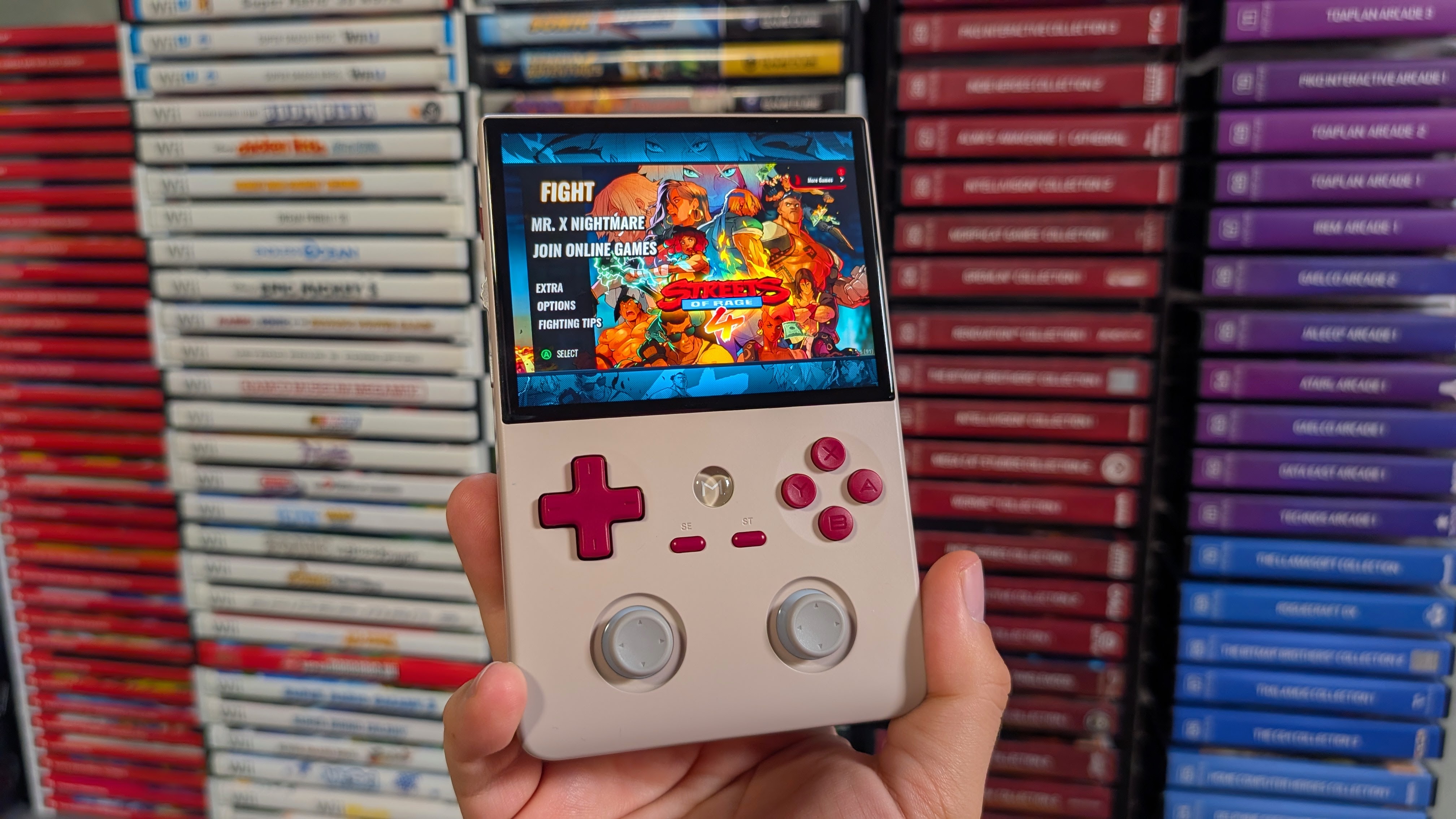
While yes there is the Snapdragon 662 variant of the Air Y, the purpose of the review is purely on the 4gb entry level model. First off, we’ve never seen an 865 device with only 4gb of ram. Most baselined at 6gb, so this is just interesting from a usability point of view.
But also, we know what 8gb can do, thanks to devices already released like the Retroid Pocket 5, and Flip 2. So if you’re looking to pick up a Y Pro, you can either spend $160 to get 4GB of RAM and 64GB of storage, or $190 to get 8GB of RAM, and 128GB of storage. The specs list otherwise should help you decide if that’s worth it.
| Hardware | |
| CPU | Qualcomm Snapdragon 865 |
|---|---|
| GPU | Qualcomm Adreno 650 |
| RAM | 4GB LPDDR4X, 8GB LPDDR4X |
| Cooling | ✅ |
| Display | |
| Screen Size | 4.2-inch |
| Resolution | 1280 x 960 |
| Aspect Ratio | 4:3 |
| Refresh Rate | 60Hz |
| PPI | 380.95 |
| Storage | |
| Internal Storage | 64GB, 128GB UFS 3.1 |
| External Storage | microSD |
| Battery | |
| Battery Capacity | 5000mAh |
| Charging Speed | 18W |
| Connectivity | |
| Wi-Fi | Wi-Fi 6 |
| Bluetooth | Bluetooth 5.1 |
| Ports | 3.5mm Audio Jack, microSD, USB-C |
| Controls | |
| Sticks | Hall Effect |
| Triggers | Digital |
| Shoulder Layout | In-line |
| D-Pad | Top Left |
| Audio | |
| Speakers | Stereo |
| Speaker Location | Bottom-firing |
| Headphone Jack | Yes |
| Physical | |
| Dimensions | 144.84 x 94.64 x 23mm |
| Weight | 286g |
| Software | |
| Operating System | Android 13 |
Build Quality & Ergonomics
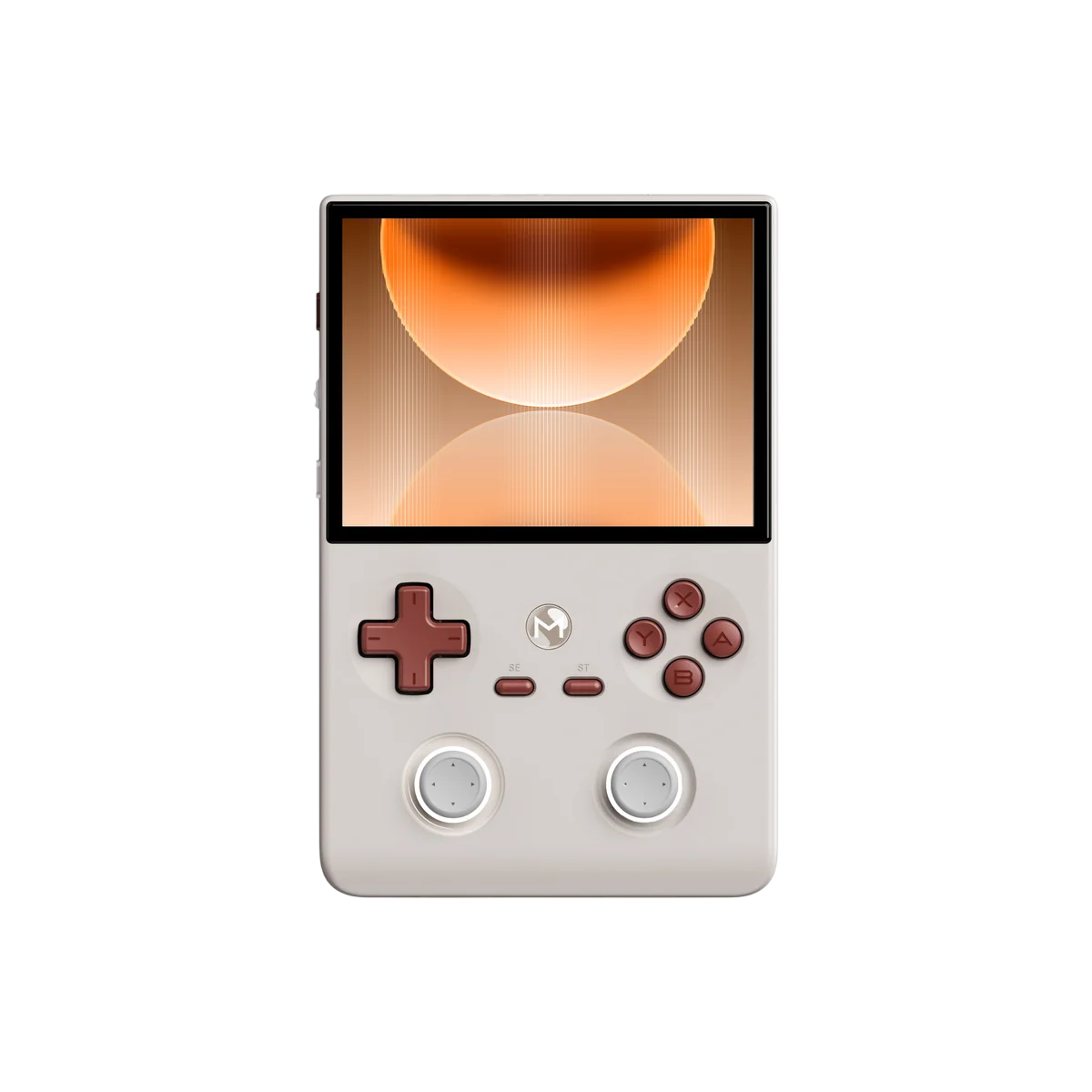
The build quality of the Mangmi Air Y Pro, which I’m just gonna call the Air Y going forwards, is fine. The plastics are solid, the device feels sturdy and heavier than you’d initially plan. Compared to the Retro Mangmi Air X, this one has a slightly smoother plastic texture to it, and strangely it’s like one shade darker in terms of beige. I’m genuinely glad that I didn’t get the black model, because if it has this same plastic texture, it’d be covered up by smudges already.
As for ergonomics, it’s a wide vertical. It’s not perfect, but it’s not terrible either. My hands close up to support the device, and support it mostly with my middle two fingers. My index and thumbs land pretty well on the controls, and really, the big complaint is the awkward, albeit less so than the Brick Pro, placement of the sticks.
Overall, though it’s fine. My two complaints come down to the Air Y feeling top heavy when I pick it up, and the middle triggers. I’ll talk more about them in the controls, but this is the cheapest feeling thing on the device.
Controls
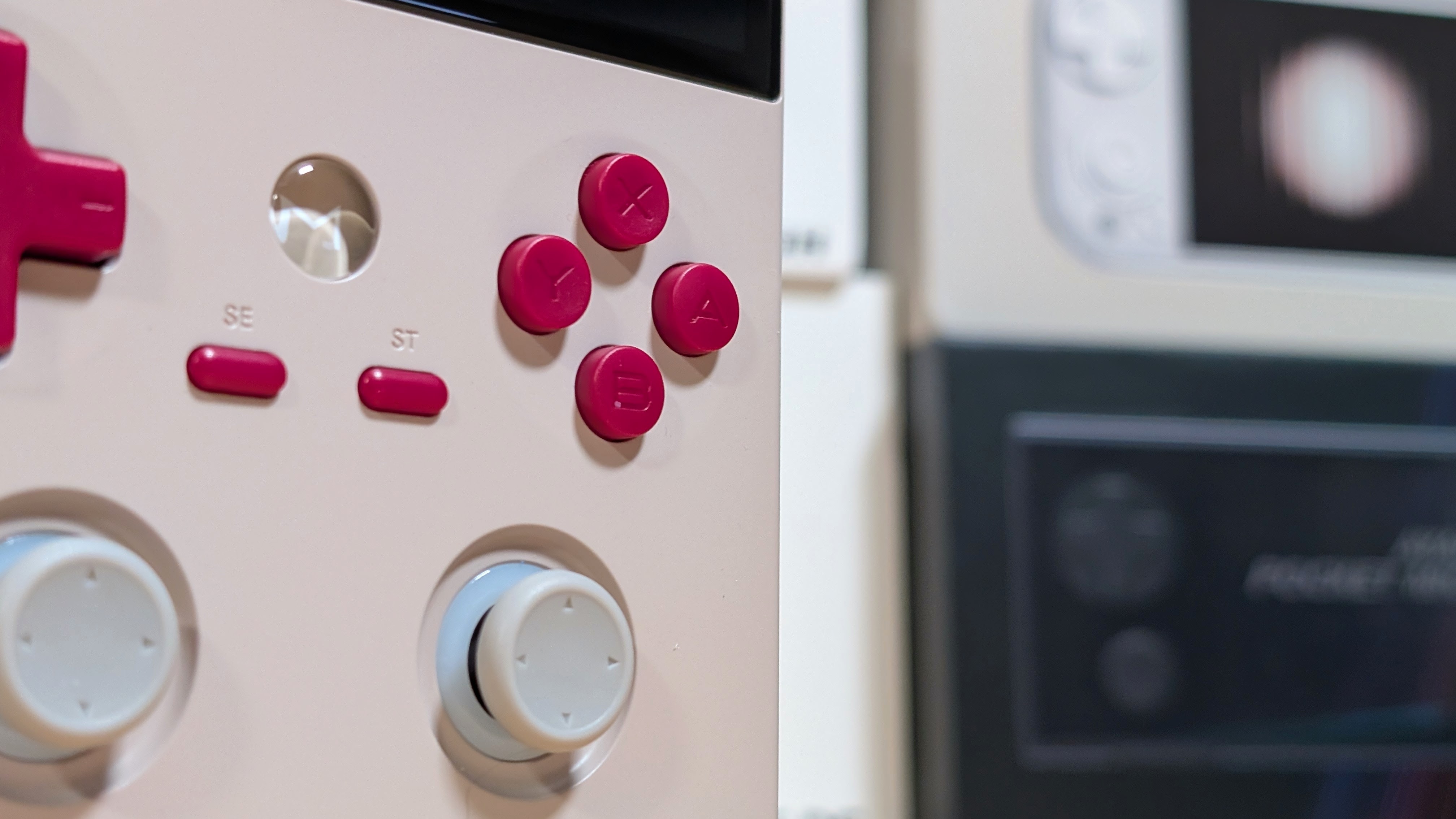
Oh hey! Controls!
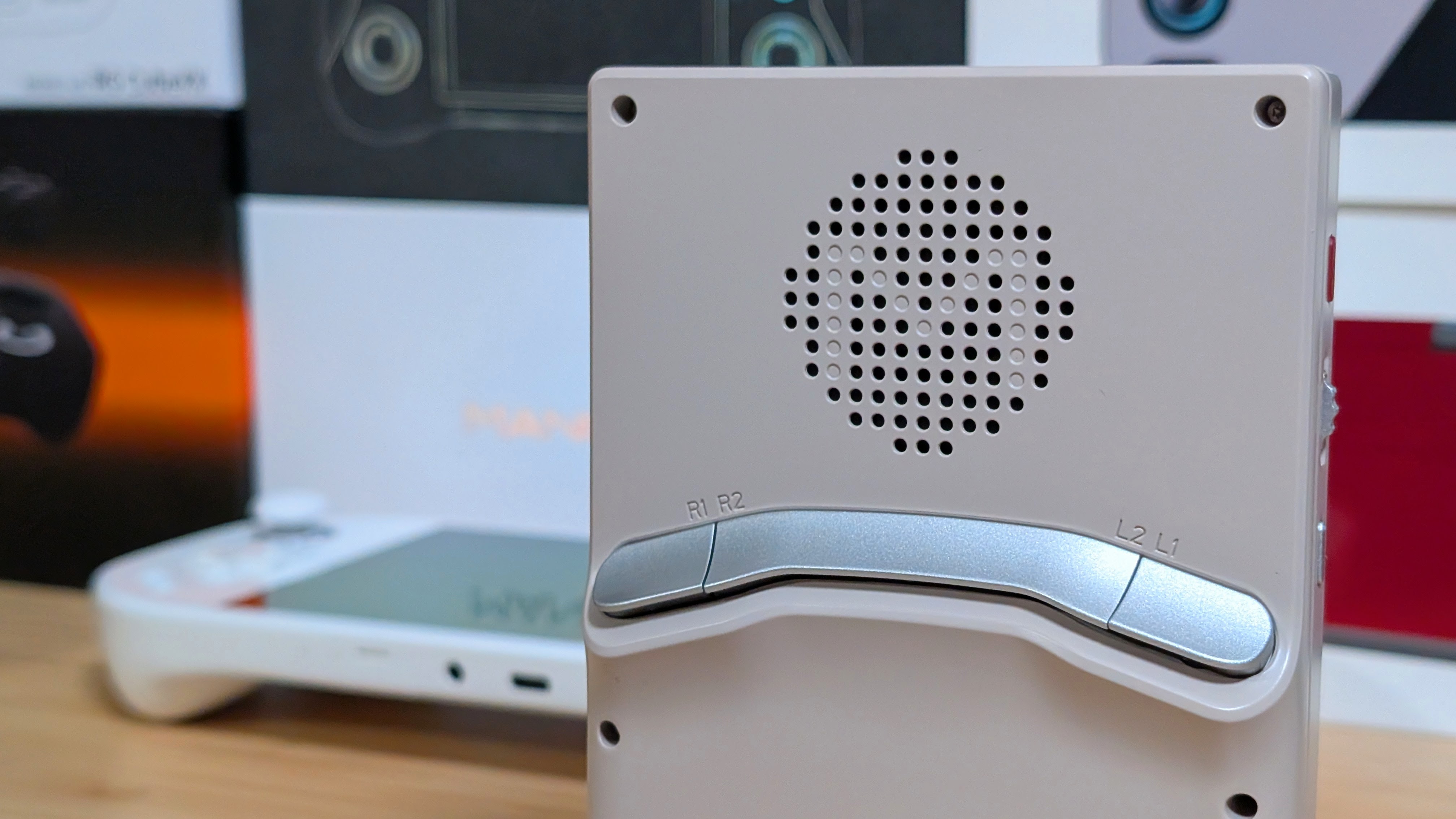
Starting with the triggers L1 and R1 are quite pleasant and have a nice tactile click that tells me when I’ve pressed them. L2 and R2 on the other hand have a nice click, if you push them where it wants. Unfortunately they’ve copied AYANEO in this part, and like the DMG it has a single plastic piece across the middle.
If you press too far inwards, it gets mushy, unpleasant, and eventually you’re pressing L2 and R2 at the exact same time. I hate it. What I don’t completely hate is the volume dial that copied Ayaneo. It has a nice tactile click when scrolling, and it presses in to act as another button on the device. Well done.
The sticks are identical to the Air X, the Pocket Air Mini, and the Brick Pro. They have decent movement, an LED ring that I turn off immediately, and swappable stick caps. The D-pad and face buttons are lightweight membranes that are easier to press than on the original Air X.
The D-pad has a solid pivot, and gave me no issues when testing out Apotris through Retroarch. The face buttons are responsive with a light and quiet clack to them. Overall, it gets a pass from me. Outside of those triggers.
Display
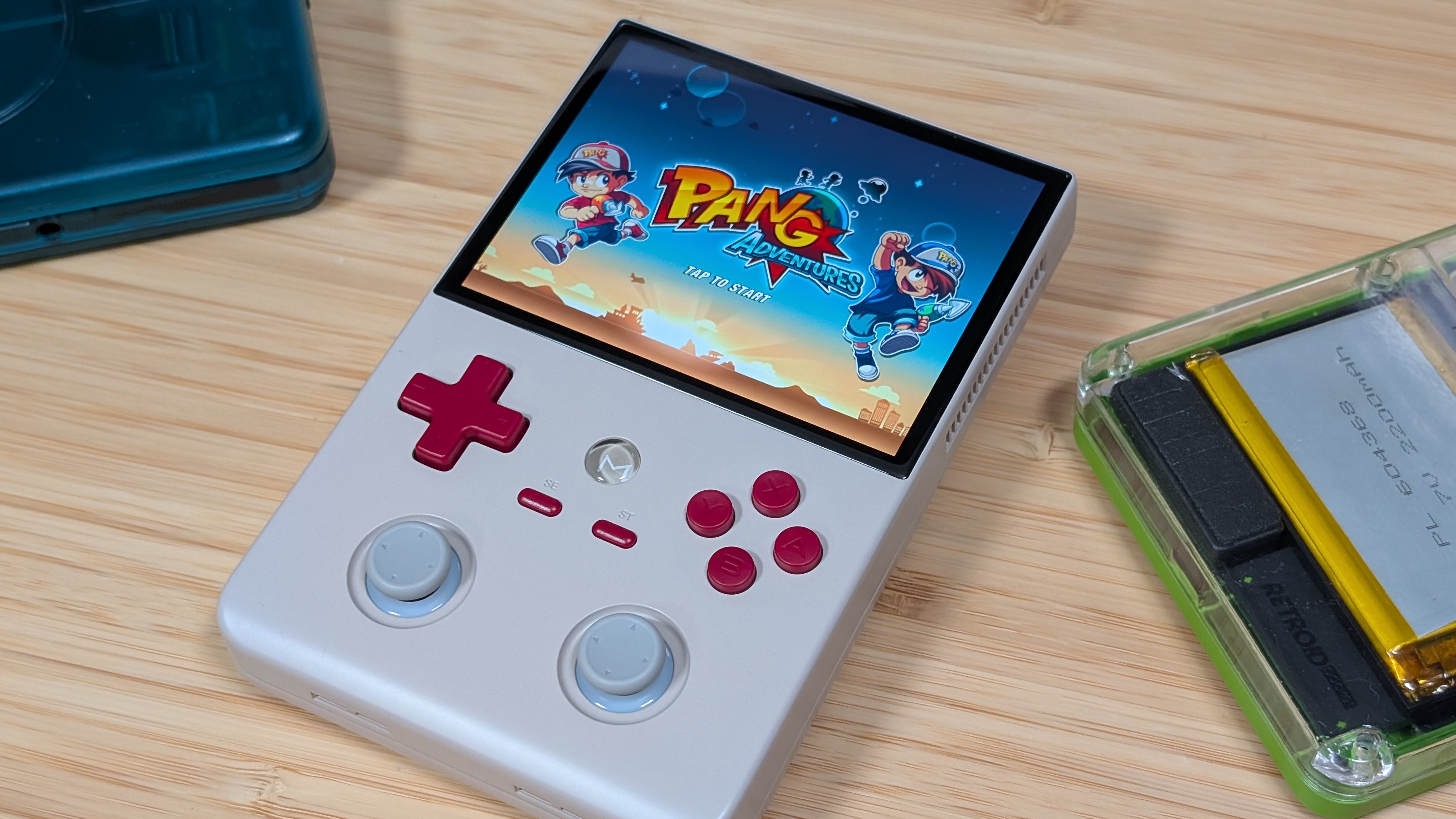
Here’s where the argument starts. The Air Y utilizes the same 4.2” panel we’ve seen in the Pocket Air Mini and Pocket S Mini, and what I speculate to be the bottom panel in the Retroid Pocket Duo Lite. That means that, although it’s a nice resolution, large, 4:3 panel, a lot of people will complain about seeing ghosting on their units. Mangmi tried to offer a solution to this over on their software side of things, but for many, it didn’t seem to be quite enough.
For what it’s worth, I don’t personally have an issue with the display. I think it’s bright enough, and the resolution aids well into scaling for the device. I don’t usually notice ghosting unless it’s truly and utterly awful, and I didn’t really see or sense it. Overall, it’s a passable display, but be aware of its shortcomings.
Software
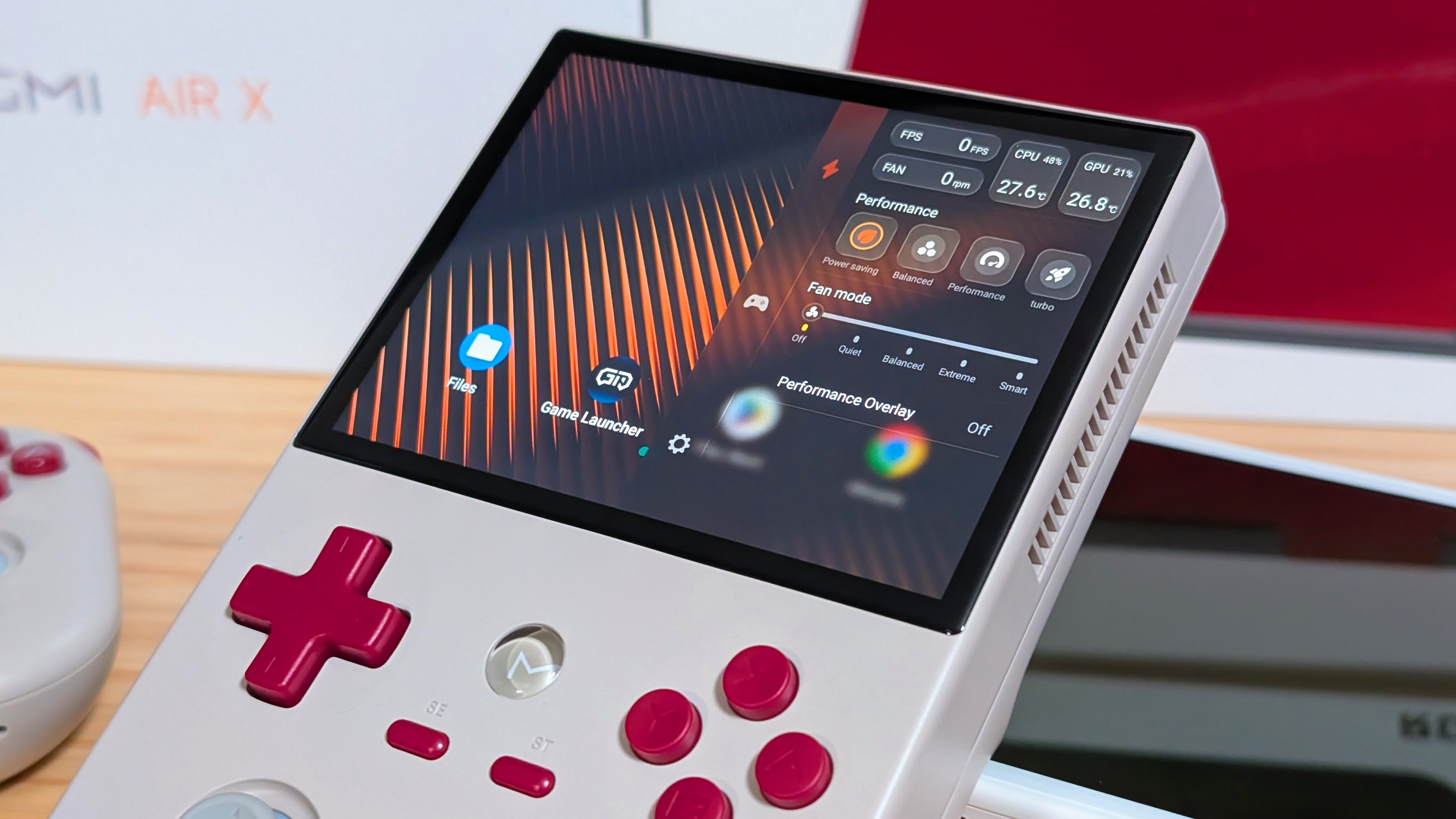
Mangmi’s software has always been pretty solid. Their launcher is passable, and their Android build is clean. I never have to worry about something just not working normally on a Mangmi device. What I think my favorite part is, is their own control center.
Press and hold the Mangmi Emblem to open it up and you get a nice clean interface with the basics, and nothing more. I don’t use it too much, but it’s controller capable, and just helps me set my performance settings with ease. I hope Mangmi continues down the path of ease of use.
Performance
The synthetics testing is meant moreso as a point of comparison against other handhelds, and isn’t a test of the ram capabilities. Overall though, I got curious. So here’s a few different handhelds in the $100-$200 price range against the Mangmi Air Y.
- Mangmi Air Y (SD 865)
- Anbernic RG55G1 (SD G1 Gen 2)
- Anbernic RG476H (T820)
- GameMT EX8 (G99)
- Mangmi Air X (SD 662)
Synthetics
I’m going to keep this section short. Why? Because in every benchmark, the Mangmi Air Y basically beats all of its competition from top to bottom. The Mangmi Air X is only here for a point of comparison, and to see how the Air Y would perform. But if you’re looking to spend between $100 and $200, and you just want as much power as possible. This is obviously it. But that’s just if you’re looking on the new market. There are going to be some devices that can perform a bit better if you bide your time.
Two notes to make about my testing this time around. I didn’t include Geekbench 7 because the Air Y in particular was having some trouble with it. And when you see that 52 score on the RG 55G1, it comes down to that handheld not being able to complete portions of the Geekbench 6 test. Do with that information what you will.
Game Testing & 4GB of RAM
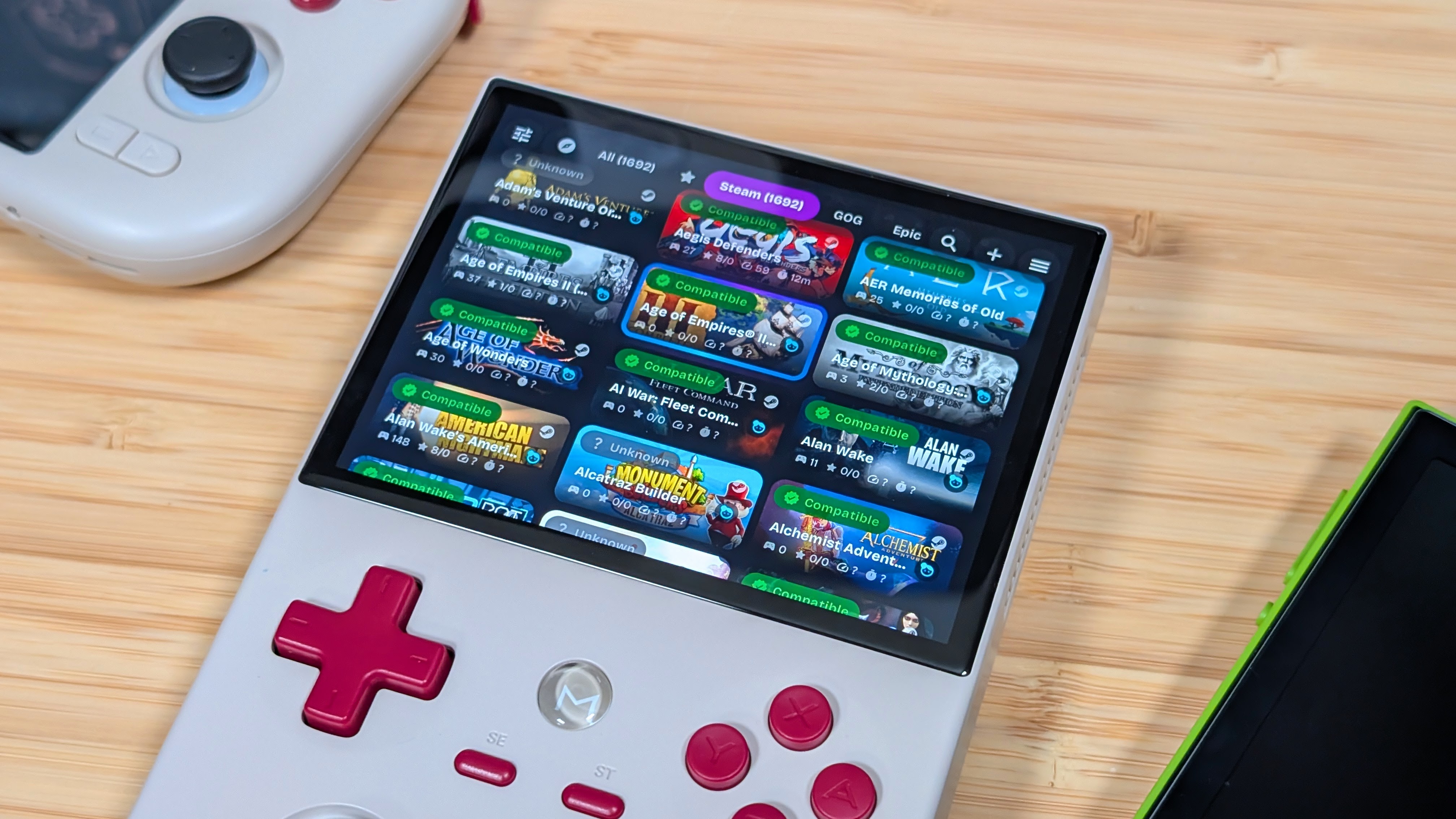
Here’s the important bit. How’s it actually performing? Well, first things first, before I actually get into the testing, I think it’s important to link Joe White’s article on how much RAM you actually need in a handheld. It covers everything up to 24GB, and is an incredibly useful tool.
As for the device, I found that everything up through the PSP is perfectly fine, perfectly playable, and you should be happy with everything retro. But that being said, I could say that line for the lesser of the two Air’s as well. Where things really need attention are the systems that pass that.
GameCube on the Snapdragon 865 is going to be practically perfect, upscaling is fine to a degree. When I start pushing into PlayStation 2, particularly in the newer ARMSX2 emulator, I find myself pushing right up to the edge of that 4GB limit. Because of that, if you want to push it to that point, I’d still recommend going for the full 8GB unit.
And as a last note, for anyone that wants to do things you can normally do on an 865. When pushing through to Gamenative, I tried about two dozen lightweight games on the Air Y Pro, and not a single one of them launched. Whether it was Abathor, Axiom Verge, Owlboy, Sonic Mania, or just Easy Delivery Company, the Air Y would either kick up to 4GB of RAM and crash, or it would present me with a neverending black screen. With enough tinkering you could get it to work, but the combination of settings I’m using now just ain’t it.
Extra Bits
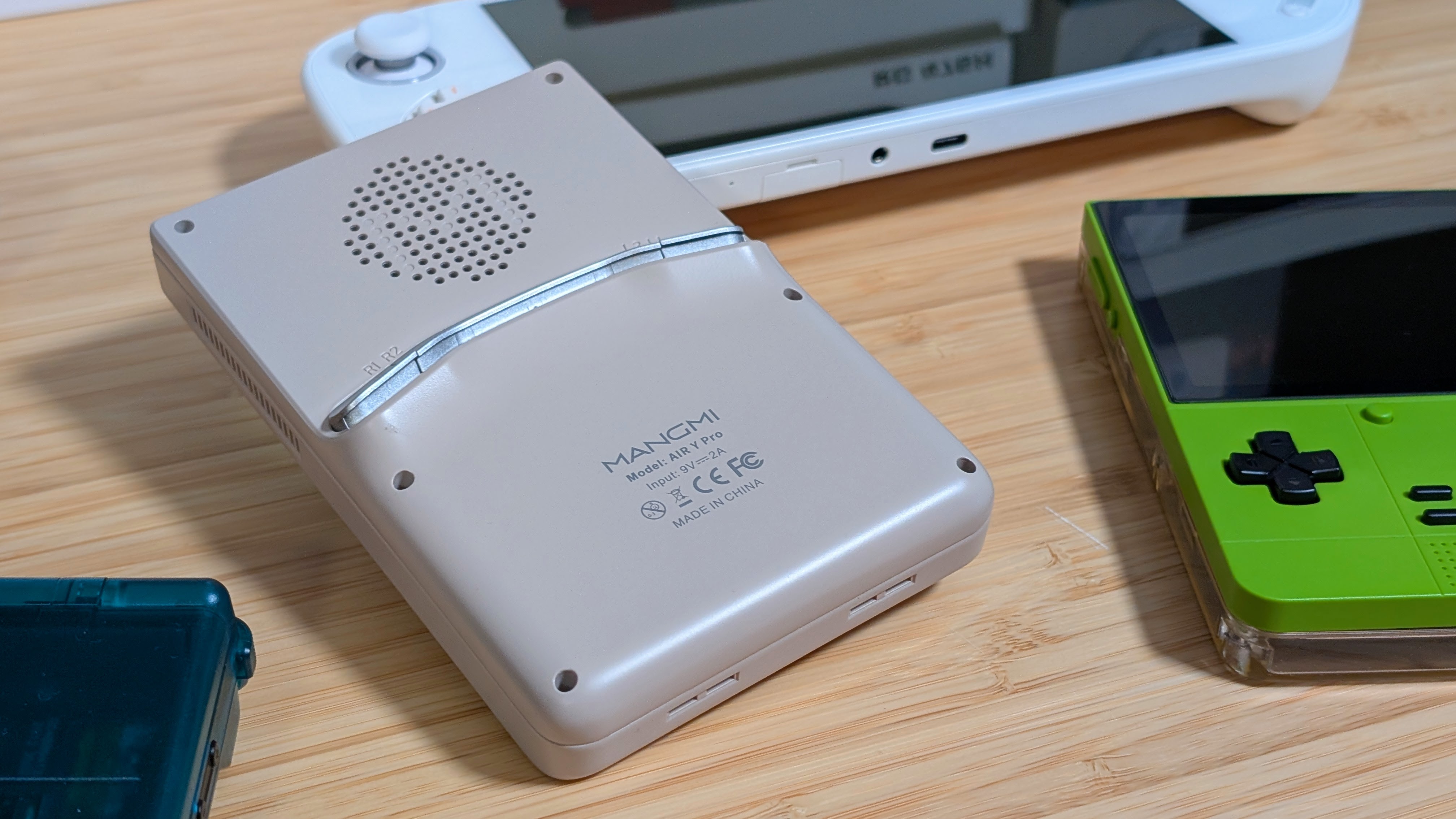
There’s not a whole lot to put in the extra bits, but I want to include just two notes. First off is the fan. I didn’t have to listen to it too much, but when testing the handheld in Geekbench and 3DMark, especially the stress test, I could hear that fan get loud. Not unbearably so, but its pitch was just high enough I could tell which device was making that noise specifically. Again, you may not run into that issue much, but it is worth noting.
As for my second note, it’s the speakers. I think these ones came out fine, they sound good and my hands don’t block them. The reason for bringing this up is that if you see an Air Y with just one stick, you’ll notice it only gets a single front facing speaker. I’ve heard multiple reports of this one getting blocked with ease if you hold the handheld like a normal person. This will be my only true “standard Air Y” mention in the review portion.
Final Thoughts
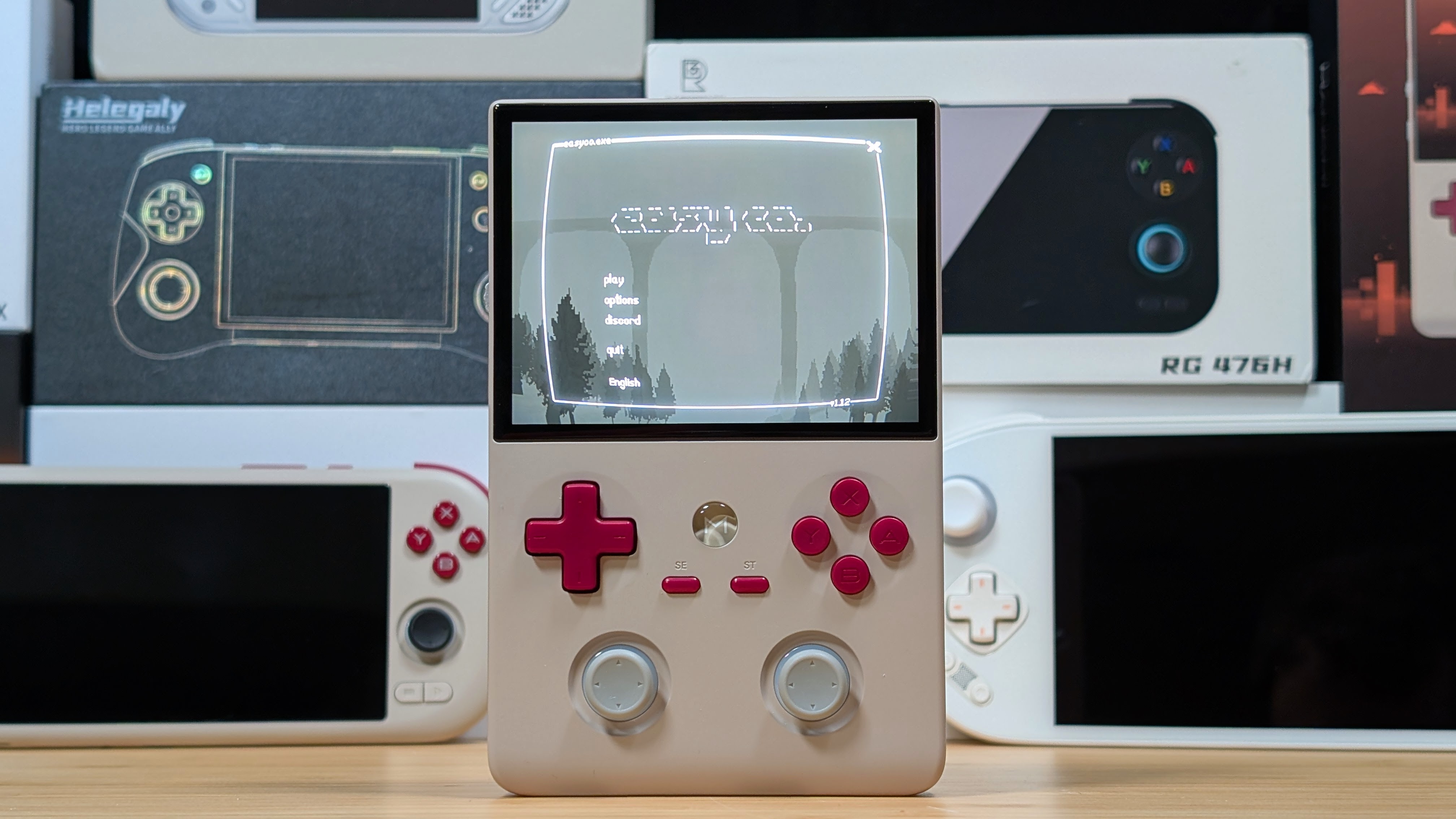
I don’t know how they did it.
Mangmi has undercut the next cheapest Snapdragon 865 handheld by almost $50 on the base end. $20-$30 if you’re looking at the 8gb model. The Retroid Pocket 5 and Flip 2 are your next best bets and those are both priced over $200. Mangmi’s own Pocket Max is closer to $240, and if you want the cream of the crop; the Ayaneo Pocket Michael 2 is currently sat just over $300. Though its mondo limited 6gb model was only $239.
The Air Y is exceptional value, if you can accept that it’s a vertical that comes with its own concessions on ergonomics and stick placement. If you asked me what I thought would be the best, I’d say: “Take the Mangmi Air X and put an 865 in that instead.” For those that love verticals that have power, this is going to be your best bet until the next step up that has at least one stick. The Ayaneo Pocket DMG for multiple hundreds of dollars more.
The Vertical market is not as saturated as many think it is. For the price point, the Air Y in both 4GB and 8GB variants are great deals. I’ll recommend the 8gb just to air on the side of caution, but you should be happy with either. I’ll be happier with my horizontals though.
