

In late 2024, Retro Handhelds put out their original review of the TrimUI Brick. Being labeled a “Rock Solid” upgrade, I’d be inclined to agree. It was performant for its pint-sized pocketable design, and still retained really good build quality. Some people lamented, asking for a metal version, and in late 2025 we RH put out their review of the TrimUI Brick Hammer; a “metal facelift” that was basically the same except for some extra poundage.
Jump forward nearly a year since then, and we’re seeing the TrimUI Brick line continue to evolve. Rather than go for more power, a new form factor, or something different, TrimUI took the original Brick and scaled it up.
So thanks to the TrimUI store for sending this one over, I can now take the time to talk about what’s up to date about the TrimUI Brick Pro, what’s good, what’s bad, and if you should really shell out the funds for having one yourself. The Brick has always been solid, but is bigger really pro?
TrimUI Brick Pro Specs
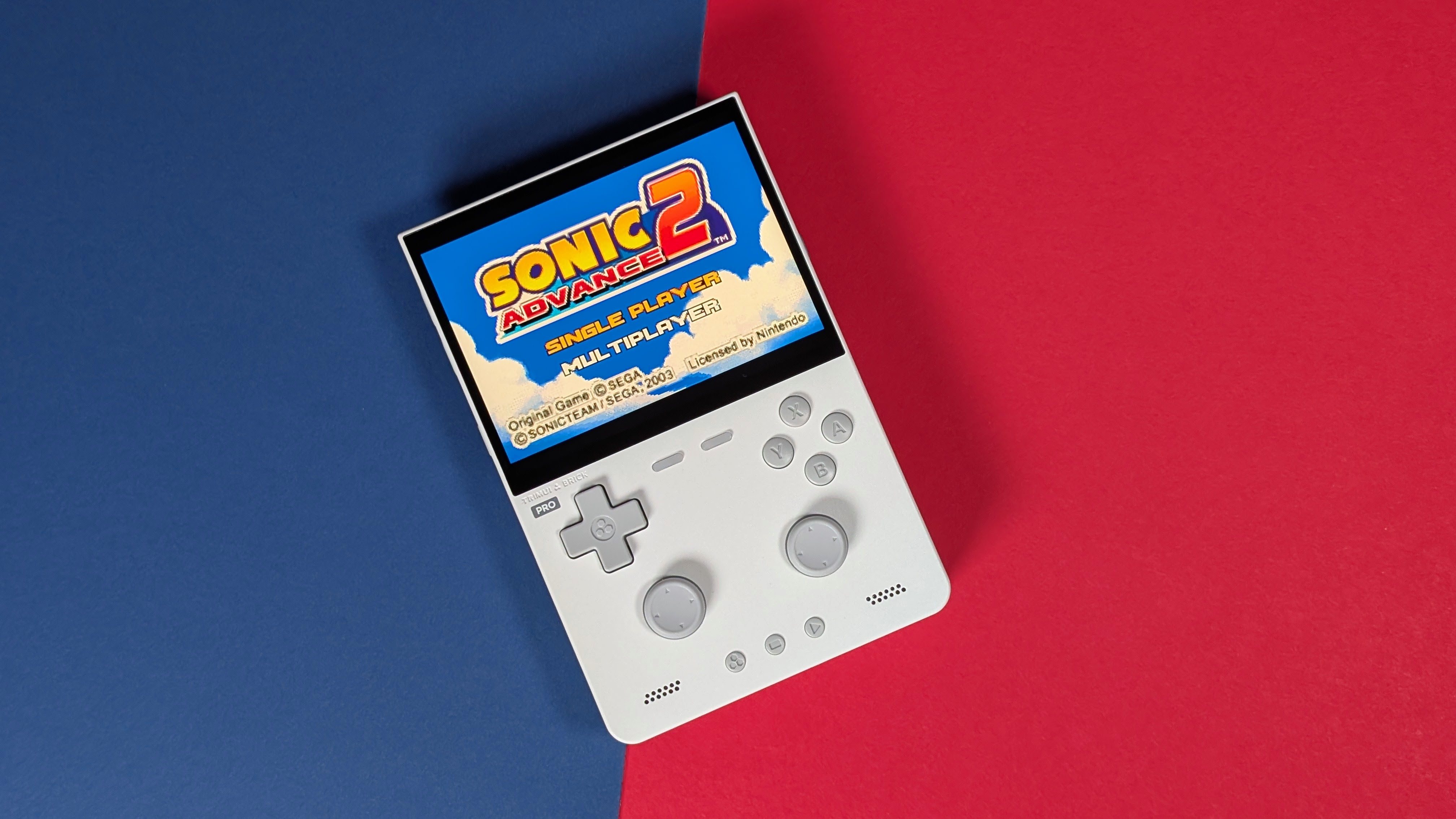
While originally retailing for $89.99-$99.99 depending on where you got it, we’ve regularly seen it going on sale for quite a bit less than that. Prior to any coupon, you can find the TrimUI Brick Pro for as low as $75 on AliExpress, so if you were listening to any publication that felt $85-$90 was as low as it’d go for a while, that was just incorrect. That being said, prices fluctuate, and things may go up in the future, so all I can do is give you the specs sheet and let you decide if it’s worth your $70-$100.
| Hardware | |
| CPU | Allwinner A133 Plus |
|---|---|
| GPU | PowerVR GE8300 |
| RAM | 1GB |
| Display | |
| Screen Size | 3.95-inch |
| Resolution | 1024 x 768 |
| Aspect Ratio | 4:3 |
| Refresh Rate | 60Hz |
| PPI | 324.05 |
| Storage | |
| Internal Storage | 8GB |
| External Storage | microSD |
| Connectivity | |
| Wi-Fi | Wi-Fi |
| Bluetooth | Bluetooth 4.2 |
| Ports | USB-C |
| Additional Details | EDR2.1 |
| Controls | |
| Sticks | Hall Effect |
| Triggers | Digital |
| Shoulder Layout | In-line |
| D-Pad | Top Left |
| Additional Details | ABXY – ALPS Switches |
| Software | |
| Operating System | Linux (ARM) |
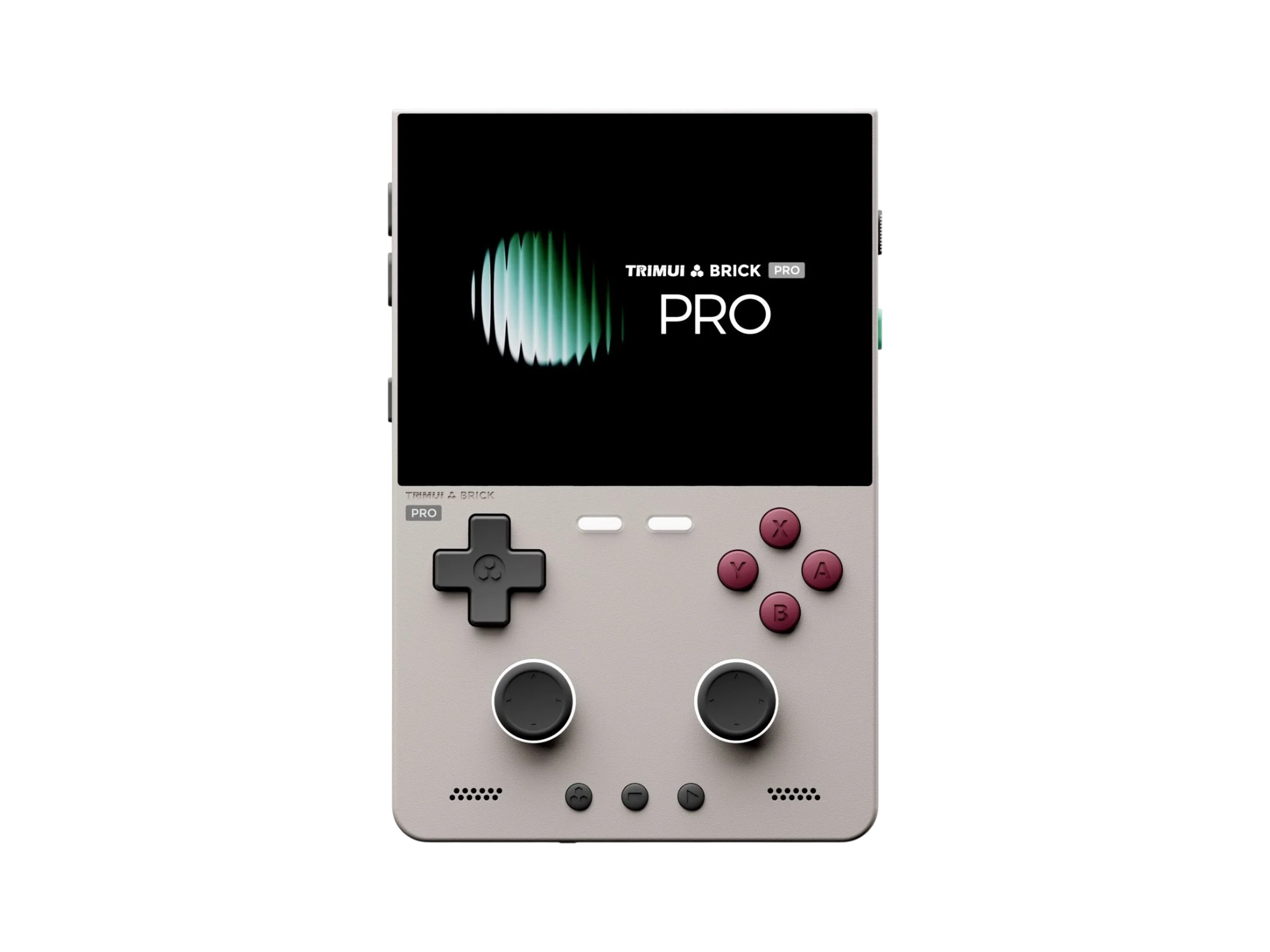
TrimUI Brick Pro
TrimUIErgonomics & Build Quality
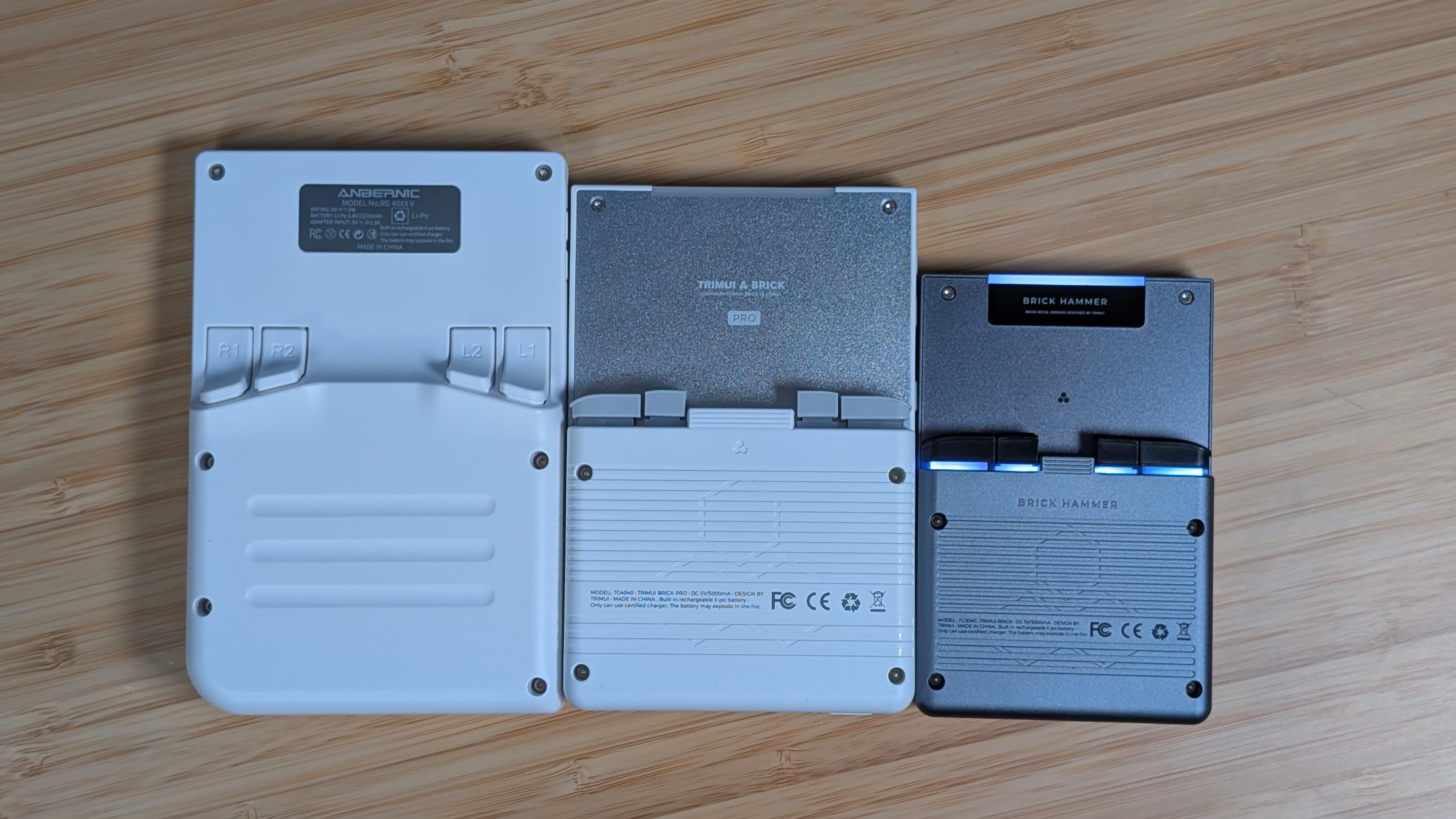
Going onto the ergonomics and build quality of the TrimUI Brick Pro leads to a couple of choice decisions. First off, it was built really well, just like the rest of the TrimUI lineup. If there’s one thing they’ve been doing well for a while now, it’s the build quality. Plastics feel solid and are textured nicely to aid in grip.
The back is thoughtfully ribbed for you and your fingers’ pleasure, and the return of the metal backplate definitely adds to the density of the overall device. This way it avoids the hollow feeling, despite being larger than its predecessors.
As for the ergonomics, I think it’s important to just note. “It’s a Vertical.” For most people that’ll be fine, but for a number of folks, that just won’t be a wide enough device for them. In my case, I think the Brick Pro is wide enough to be more comfortable than any of the smaller options, especially an original Brick or Miyoo Mini.
My thumbs rest comfortably on the face buttons without feeling the need to scrunch up, and my fingers lay across the angled shoulder buttons. My one note is that this device feels a little top-heavy. Perhaps it’s the big metal backplate, but I feel it’s worth noting. This did nothing to hamper my ergonomic experience, but it was something I noticed when picking the device up.
The Display
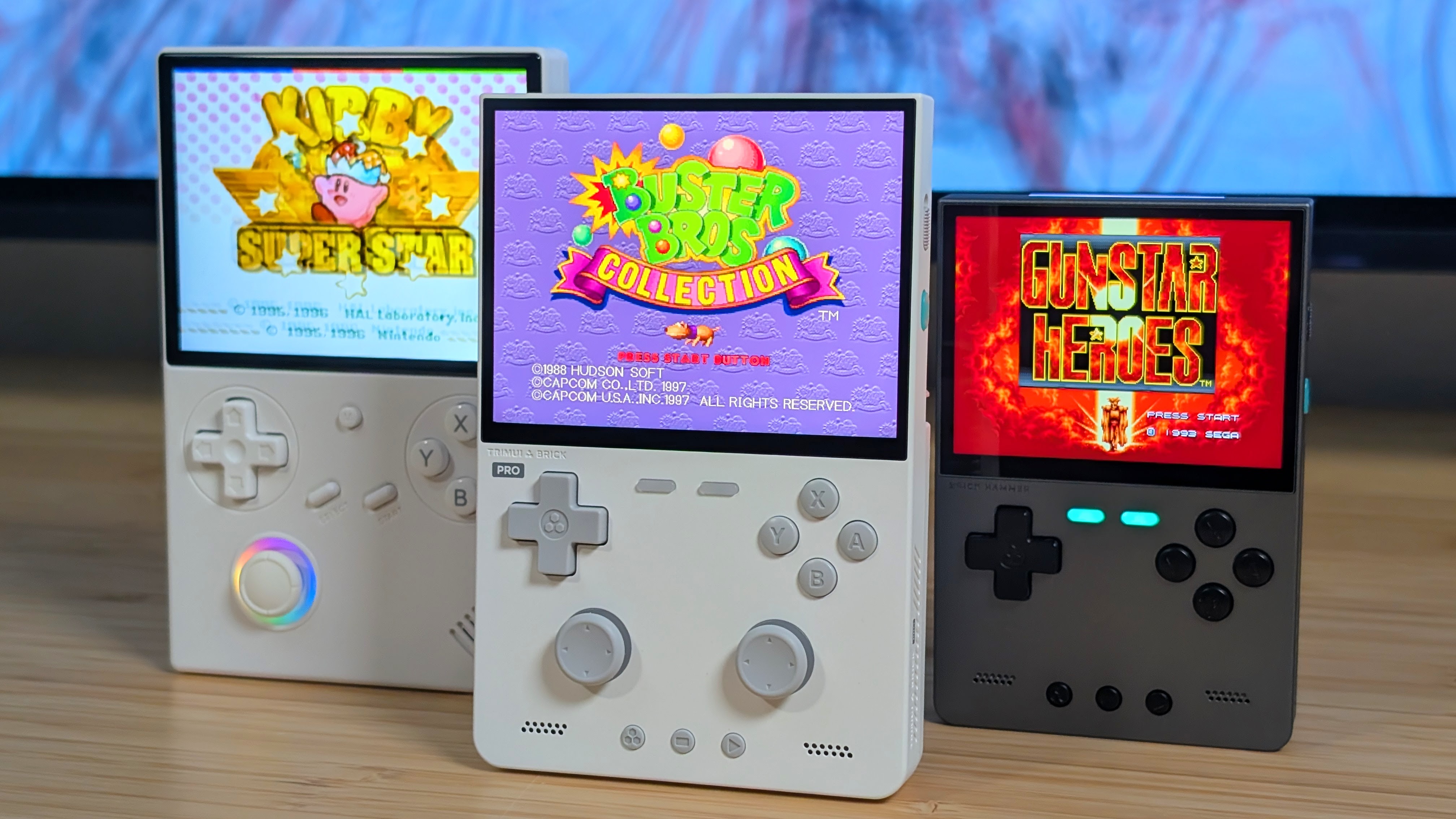
One of the highlights of the original Brick and Brick Hammer was the displays. Really lovely, high-resolution 3.2” panels. Sure, they were a bit small, but they packed a lot of look into such a small display, and for most that was fine. Unfortunately, TrimUI couldn’t up the pixels per inch on the Brick Pro, but they still brought the 1366×768 panel up to the Pro’s now 3.95” display size. This shouldn’t really affect much, and it luckily doesn’t. That being said, this panel doesn’t impress me as much as I hoped it would.
At times it can feel a bit dim, and while I haven’t experienced any light bleed as some have mentioned, this doesn’t feel like an exceptional screen anymore. I recently picked up an RG 40XXV, and while it’s obviously lower resolution, at this size screen I didn’t find myself wishing for more pixel density. I think it’s a good upgrade vs other 480p panels, but I don’t think it’s the end of the world if you don’t have it.
Controls
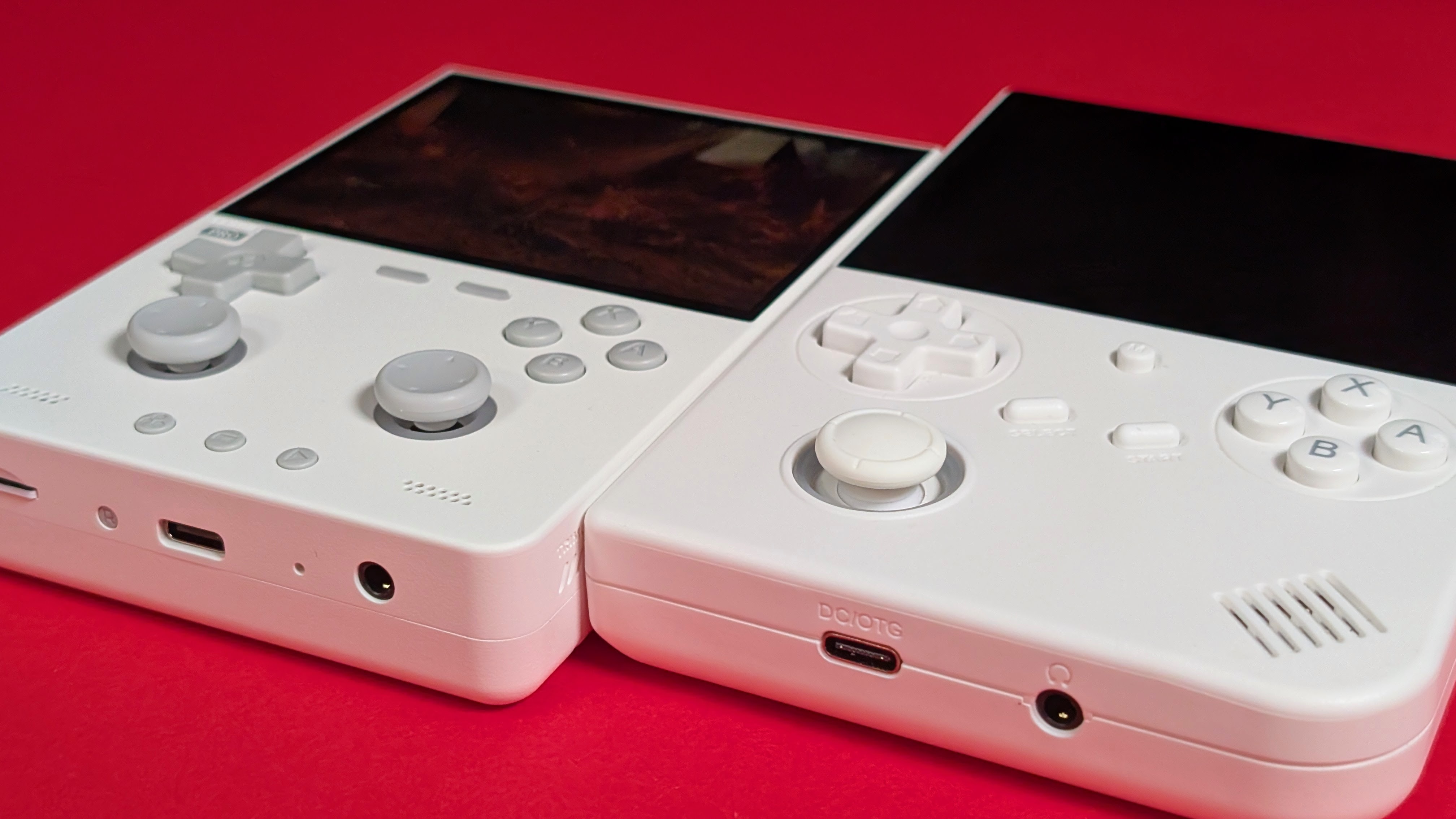
One thing that you think wouldn’t change from the previous models seems to have ever so slightly changed here, and that’s the controls of the TrimUI Brick Pro. Everything on here, button-wise, still remains clicky, and that hasn’t changed. But overall, the controls seem to be slightly lighter than their Hammer predecessor.
The face buttons? Clicky, but fairly light, and seemingly quieter than the Brick Hammer. The D-pad? Again, it’s clicky, but it’s also pretty light to click comparatively. I haven’t had any issues with accidental diagonals, and honestly this is going to be my preferred choice for a dpad on handhelds like this. Even the shoulder buttons remain as clicky as ever, but this time, they’re a bit louder. Though that likely has to do with the additional surface area of the new triggers.
As for my least favorite part, the sticks, they move quite well. They’re responsive and are hall effect, which means you won’t have to worry about their durability long-term, but I don’t think these sticks were as well thought out as they could’ve been. The total overall movement of the sticks is not that high, and you’ll find yourself hitting 100% in any direction a lot easier than you otherwise would on another handheld. The RGB light rings around the edge definitely affect this buffer of movement and at times, feel a bit gummy to me. I’d rather have had no RGB and a larger range of motion than what we got here.
Performance
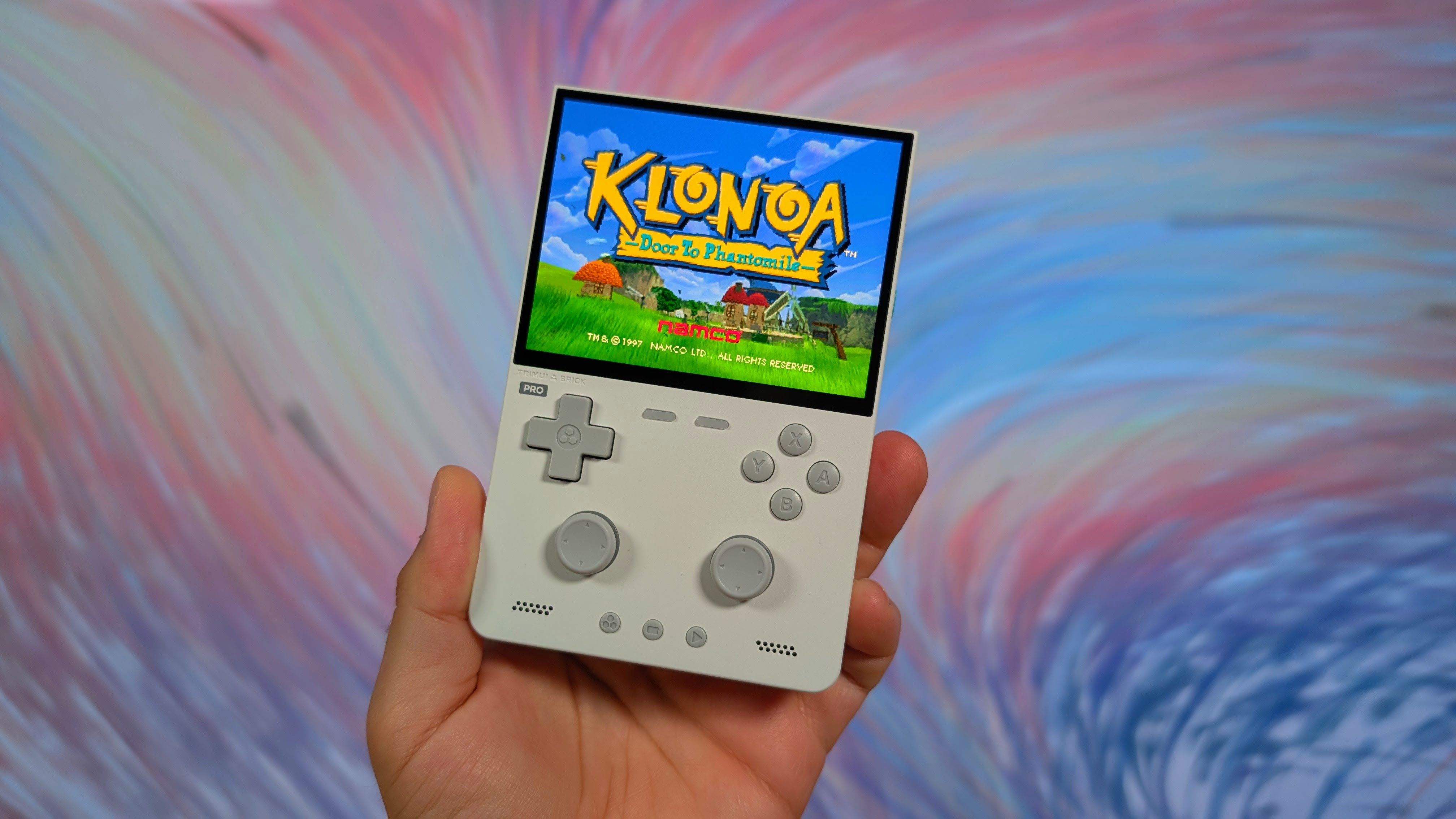
Would you believe me if I said it performs like an Allwinner A133P? We’ve seen this handheld gradually pick up performance edges here and there thanks to other devices like the MagicX Mini Zero 28 and the Zero 40 with their GammaOS builds, but overall this one does exactly what you’d expect it to. Everything up through PS1 performs basically flawlessly.
So you’ll only need those sticks in a few PS1 games. Past that, you’ll find that Dreamcast, PSP, and N64 have a decent number of options and games that you could play, but this is the bonus tier rather than a “do it all tier”.
Aside from emulation, you’ll be able to play a majority of the Portmaster library on the TrimUI Brick Pro. But not everything. Utilizing the PortMaster website, you can see that of the massive 1,300 game library, about 200 are not listed when you filter for the TrimUI Brick. Opening Portmaster directly shows me as having 1,116 total on my list. You’ll still have plenty to play, just not everything.
Software
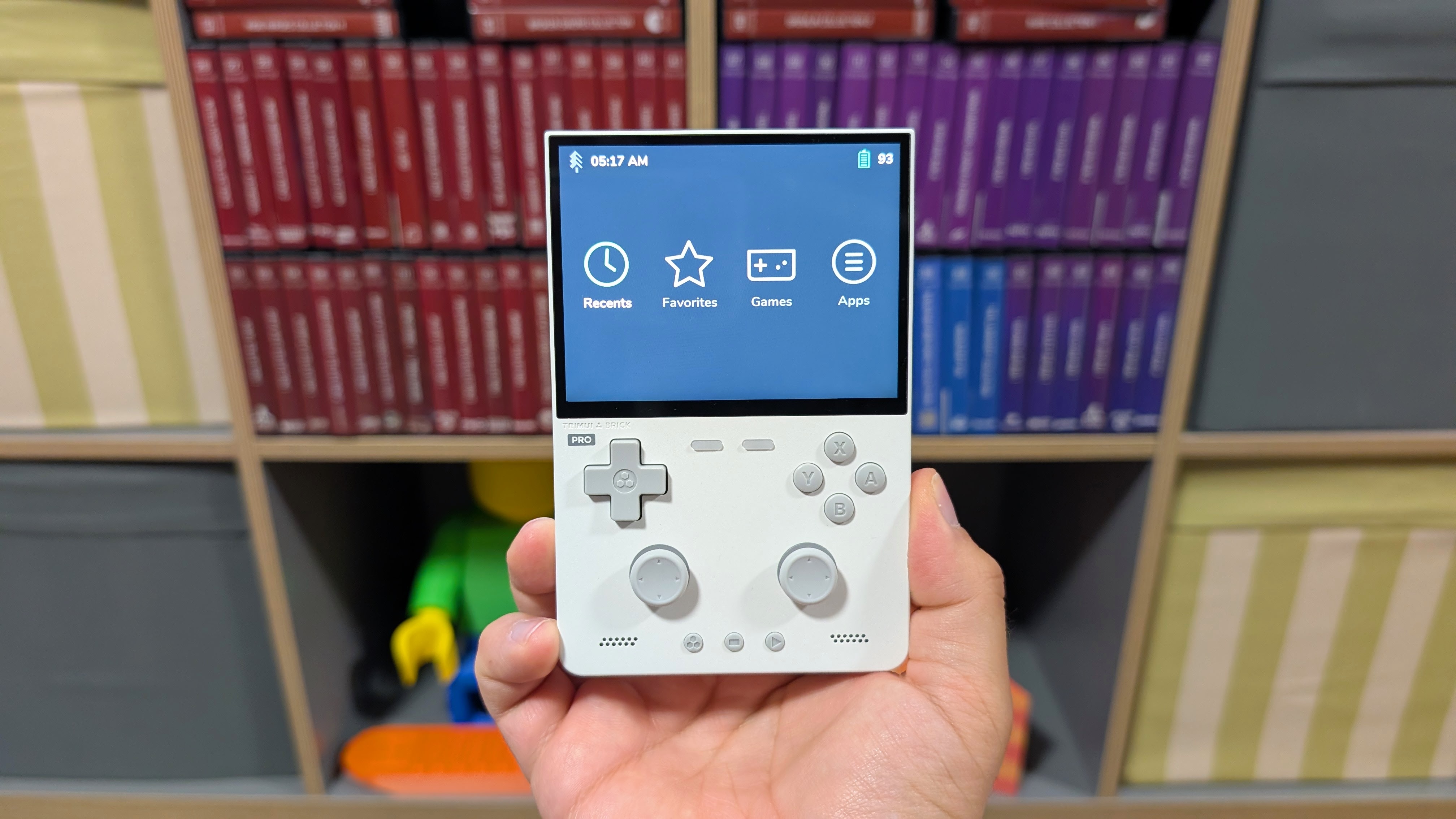
If there’s one place that the TrimUI Brick shined, it was in the league of Custom Firmware options to be had. And thanks to the minimal changes to the Brick Pro, it seems that a lot of the options will likely remain the same. The default OS on the Brick Pro is passable at best, and if you’re Andrew, who received a microSD card with his unit, you’d know they like to add paid-for games into their ports section.
I’d recommend not buying that SD card. If you’d like something that seems to work now, NextUI is going to be a solid option in that regard. Additionally, during my time writing this article, Spruce actually announced a stable build for the TrimUI Brick Pro as well! I’d highly recommend giving it a go if you can; it’ll be one I plan to try as well.
As for future options, MuOS and Knulli are both under development when it comes to the TrimUI Brick Pro. Whether they have nightly builds or are just in beta remains to be seen, but they definitely will have options down the pipeline. Another hopeful option should be GammaOS, who just recently released 1.4 for a number of A133P handhelds including the standard Brick. If you like the XMB, that will be another really good choice. But at the moment, it hasn’t been confirmed yet.
Thermals and Battery
I don’t usually comment in this section, but I felt it necessary given the metal panel directly behind your fingers. First off though, battery life. I think it’s fine. Nothing spectacular, but if you’re used to Linux handhelds and their awkward sleep, which leads to lower run time, this should be fine for you overall. It’s nothing better than any other device, which puts it perfectly into “ok” for me.
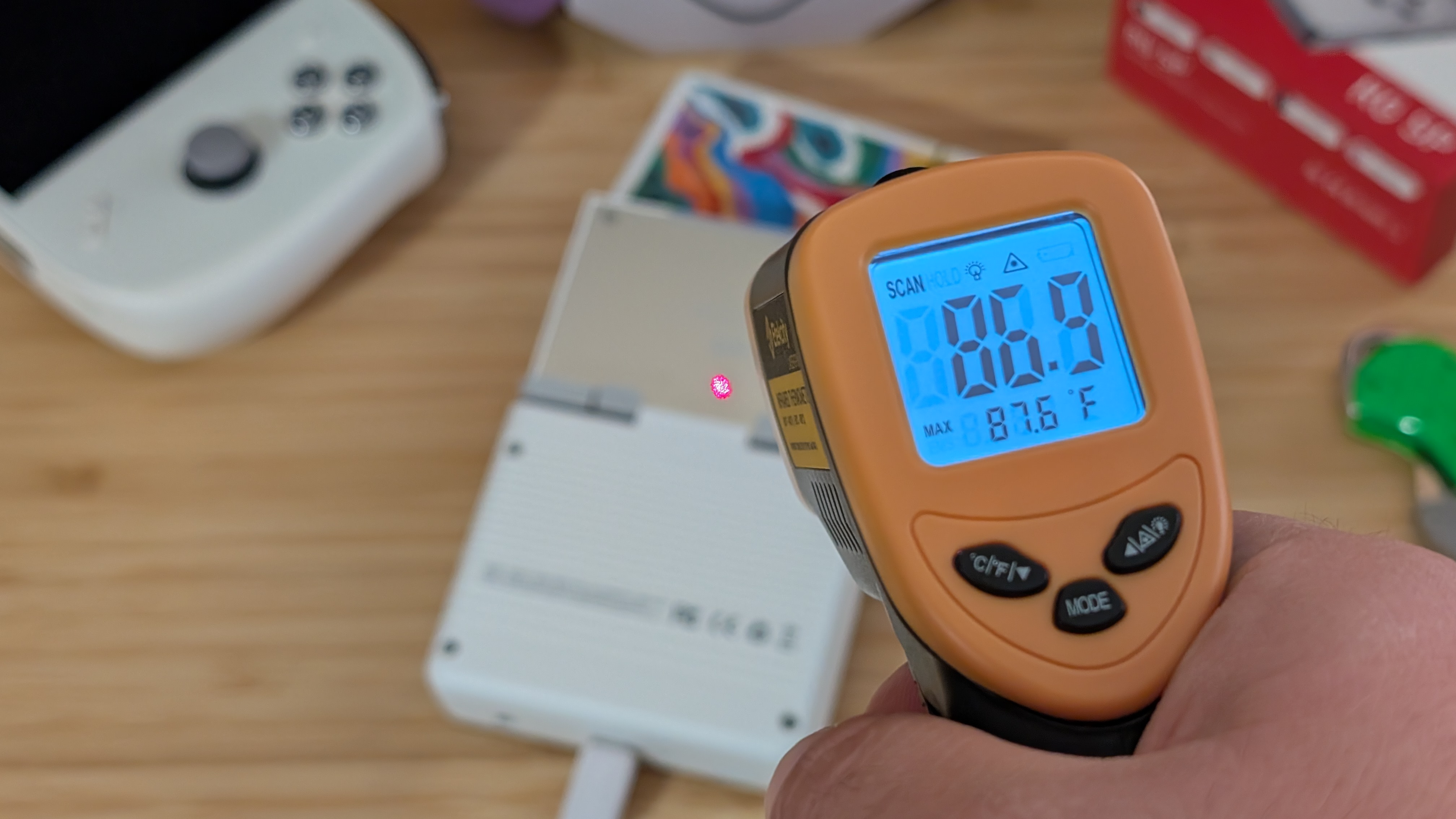
As for the thermals, I wanted to test this as hard as I possibly could just to make sure that I got what I wanted. For around 30 minutes, I left my Brick Pro plugged in, running everyone’s favorite game Bubsy 3D at full brightness. While doing so, I checked three spots with my infrared thermometer that I totally didn’t buy for the purposes of this review. Totally.
Those being the back where my fingers rest, directly above the triggers, and at the top of the metal panel. The temps I got were 80.0 Fahrenheit on the backplate, 85 at the top of the metal plate, and 86.9 right above the triggers, though dispersing quickly from there. Overall, it certainly gets warm, but I’ve felt worse.
Competition
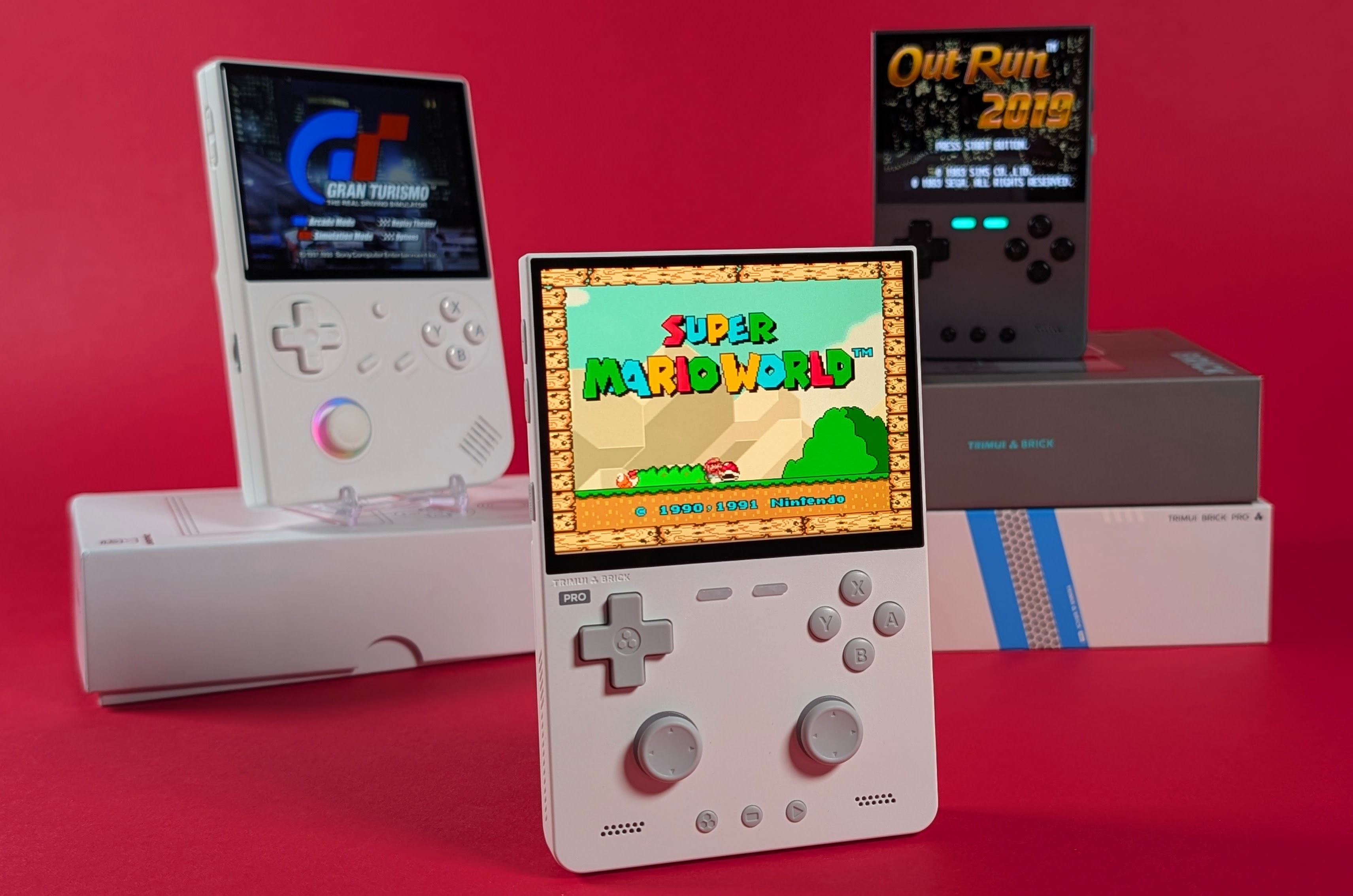
When it comes to competition, I think there are a few ways to look at this, but I want to strictly stay in the “vertical handheld” camp. From TrimUI themselves, they obviously have the Brick and Brick Hammer. These are smaller devices but retain almost all of the same DNA.
Get these if you want the Brick experience as it was originally intended. If you want to step up, but still remain in the budget space, the next option I’d look at is the Anbernic RG 40XXV. It’s a 4” vertical handheld that’s wide, comfortable, and has its own slew of custom firmware. It only has one stick, but I don’t think you need two on either of these devices.
Looking into the future, and on the higher end, I suspect the Mangmi Air Y will be a pretty good contender at hopefully a similar price. Running a Snapdragon 662, you’ll get the next tier of consoles up, and you’ll get Android out of the box with a touchscreen. That being said, you’re stuck with one stick again, and an even larger 4.2” display. If you want to maximize your budget and want to pass $100, the RP Classic will be the next option, but at $150 retail now, it is a hard sell.
Final Thoughts
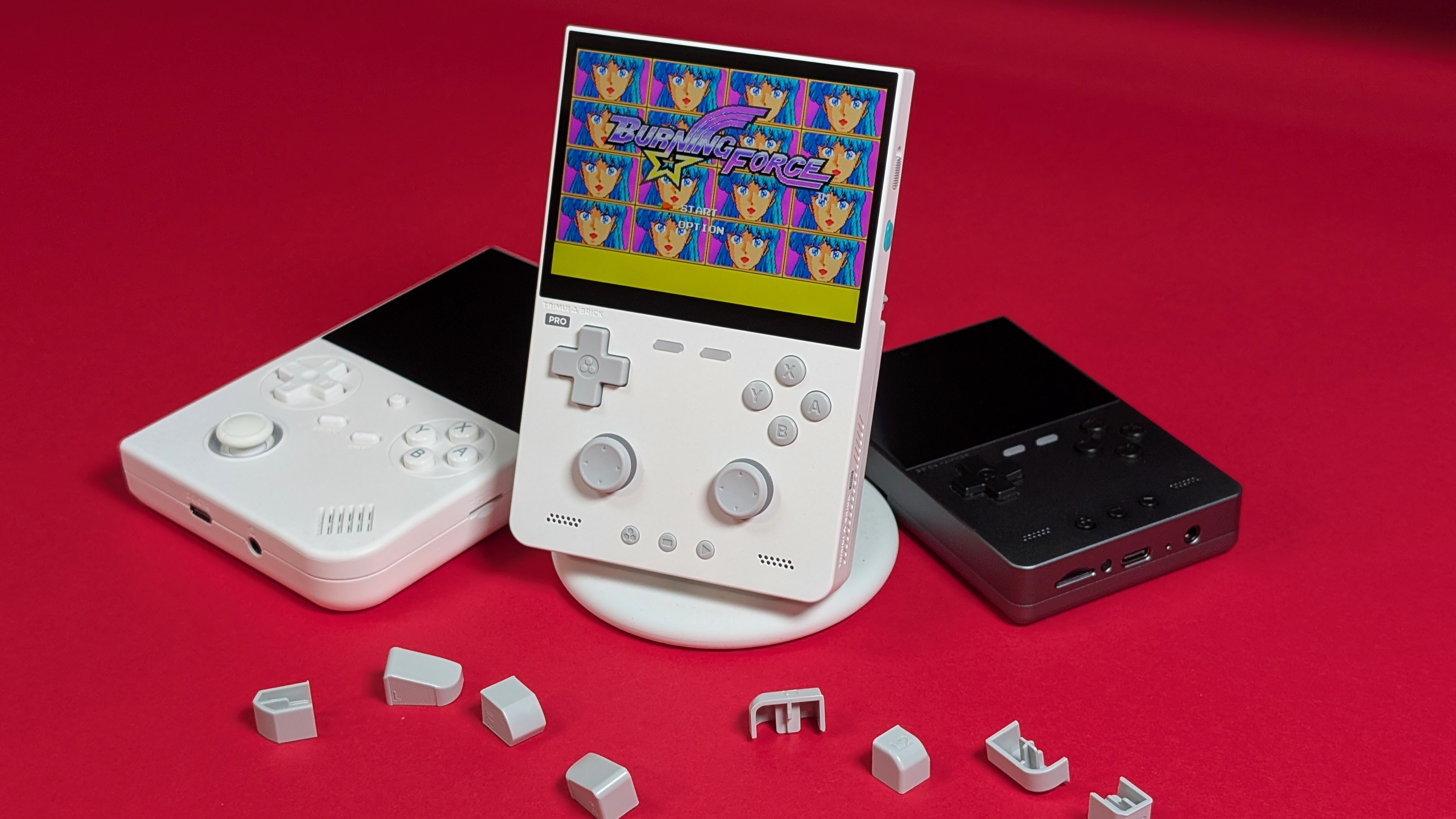
Overall, the Brick Pro isn’t a bad device. It’s really tolerable. But I think if you were someone who didn’t like the original two Bricks, you’re probably not going to be a fan of this one. Meanwhile, if you loved the Brick, you’ll probably love this overall package as well.
The real decision comes down to whether or not you need the sticks, and whether or not you need the larger display to go with it. For my needs, I don’t need either of these. I may not be getting younger, but at 26 my eyes still work well enough to see a 3.2” display. I like the controls of the Brick, but don’t appreciate the sticks. Because of that? The only upgrades to the Brick Pro make no sense to me.
But do what you want; if you like those adjustments, go for it. All I know is that buying a Brick Hammer for the purpose of this review has made me decide I’m going to box the Pro up when I’m done and save it for later. It’s not bad; it’s just not that Pro upgrade I wanted.
