

It seems that the amount of SteamOS replacement options only gets larger with every week. With the recent announcements of DroidDeck alongside constant GameNative updates, it seems that ArmadaOS is just picking up more and more new and old competition. But despite that, the team isn’t stopping any time soon, and their latest release shows that. With increased device support, increased app support and more, there’s plenty to like with their latest release.
As always, I put out the recommendations to check out what the Armada team is cooking in their usual sources. And for them there’s the big three. Their website for all of the links you could ever need, their Github for the full rundown on this and past updates, and their Discord if you’d like to chat with their community a bit more.
- Android apps in Game Mode with Valve’s Lepton
- Aurora Store integration thanks to support from the Aurora Team
- Dual screen support for all your favorite Android recomps
- Controller support, touch input, and file system integration
- Nested Desktop in Game Mod
- Add the Steam shortcut from Armada Store > Applications
- Runs Plasma desktop or mobile depending on your Armada Control setting
- Selectable Turnip graphics drivers
- New Drivers section under Advanced in Armada Control with Stable, Devel, and WinNative Turnip builds
- Drivers can be set globally or per game and custom drivers can be placed in ~/.local/share/armada/turnip
- Reworked controller calibration
- Calibration flow has been reworked to more reliability reach 100% on triggers and sticks in all directions
- Fixed trigger calibration shifting every sample on RSInput, Retroid, and MANGMI controllers (@Hydran00)
- Sleep and power improvements
- AYN Odin 2 sleep battery drain improved
- Fixed sleep wake hangs on AYN Odin 3
- Fixed a Wi-Fi scan timeout that could leave networking stuck
- Backported upstream storage and UART sleep fixes
- Steam now shows the charging time remaining in Game Mode (@xXJSONDeruloXx)
- Added a configurable minimum fan speed while charging under Settings > Experimental in Armada Control
- Graphics and performance improvements
- Added HDR support for AYN Odin 2 Portal, AYANEO Pocket EVO, AYANEO Pocket DS, Retroid Pocket 6, Retroid Pocket 5, and Retroid Pocket Flip 2
- Updated LAVD to match Valve’s configuration used on the Steam Frame
- Replaced GPU wedge work around with root cause fix (@gennro)
- HDR games now scan out directly without GPU composition on SM8550 and SM8750
- Fixed the frame limiter overshooting its target and stuttering when a game cannot hold the cap
- Sharp scaling now uses Snapdragon Game Super Resolution and MangoHud shows the active upscaler
- Improved game performance in CPU heavy games on SM8750 by no longer applying the Spectre v4 mitigation
- Fixed games starving the Steam interface of GPU time
- Fixed some x86 games crashing on SM8250 devices
- Device and controller improvements
- Added AYANEO Pocket Micro 2 support (@seilent)
- Fixed audio on MANGMI Pocket Max (@Soneoylys)
- Restored AYANEO Pocket S2 speakers and KONKR Pocket FIT and FIT Elite speaker volume (@mydanyi)
- Fixed the AYANEO Pocket S2 display
- Fixed KONKR Pocket FIT Elite display scaling (@xcqq) and added missing Pocket FIT refresh rates
- Mapped the AYN button on AYN Thor Lite
- Fixed AYANEO haptics high CPU usage
- Armada Control improvements
- Added RGB smart brightness and a saturation slider (@NullOcean)
- Added RGB support for Retroid Pocket Mini
- Added a picker for common environment variables (@dsancalm)
- Added a toggle for swipe gestures
- Armada Store improvements
- Added ARM64EC OptiScaler
- System improvements
- Added protontricks
- Added libxcrypt compatibility for AppImages
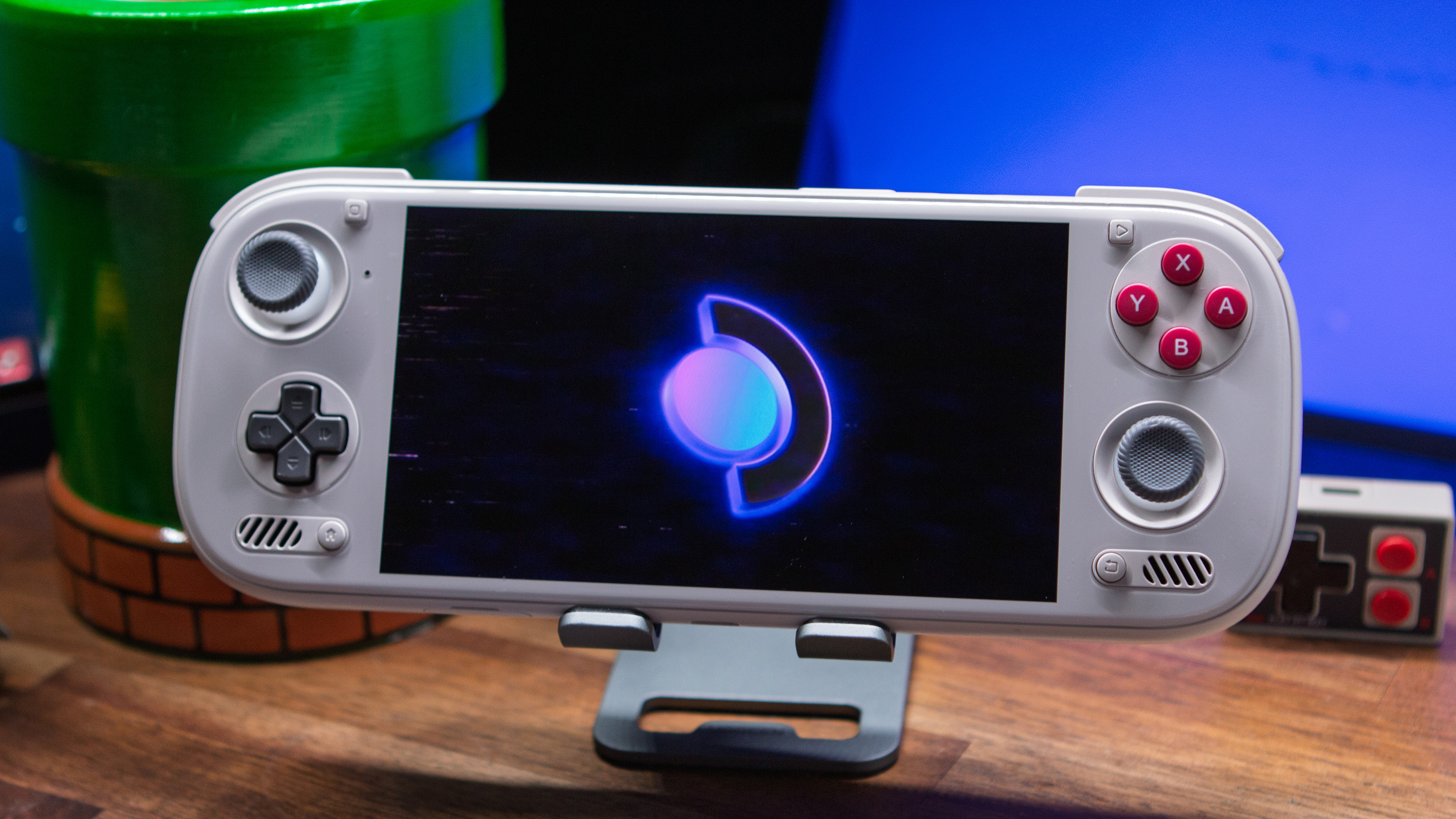
- Updated the boot splash logo and reduced its brightness
- Updated Mesa to 26.2.4, FEX to 2610, Gamescope to 3.16.31-ogc1, InputPlumber to 0.81.0, and Proton CachyOS to 11.0-20261005
Some of the biggest things this time around really come into the additional Dual-screen support, but also the idea of bringing Aurora Store and by extension more Android app support to the SteamOS experience. This will hopefully make the platform as a whole even more versatile for users, and I can’t wait to see what’s next. Though if there’s something that catches my eye the most outside of that, it’s the additional support for the Ayaneo Pocket Micro 2. Get ready for that line of “Pocket Sized Steam Deck” videos…
