

One of the primary complaints when it comes to Android handhelds, well, handhelds in general, is the often-disappointing battery life. That’s why many of us almost immediately flock to custom firmware, when available, as a lot of the underlying “crap” has been removed. However, there are still some that prefer to stick with “stock” Android, for one reason or another.
On the bright side, there are usually a few different steps you can take in order to stretch the battery life of your Android handheld. It’s just a time-consuming process, and even then, you might come out feeling like it was a waste. This is especially true when it comes to the variety of background apps and services that are running at any given time, regardless of whether you’re actively playing a game or not.
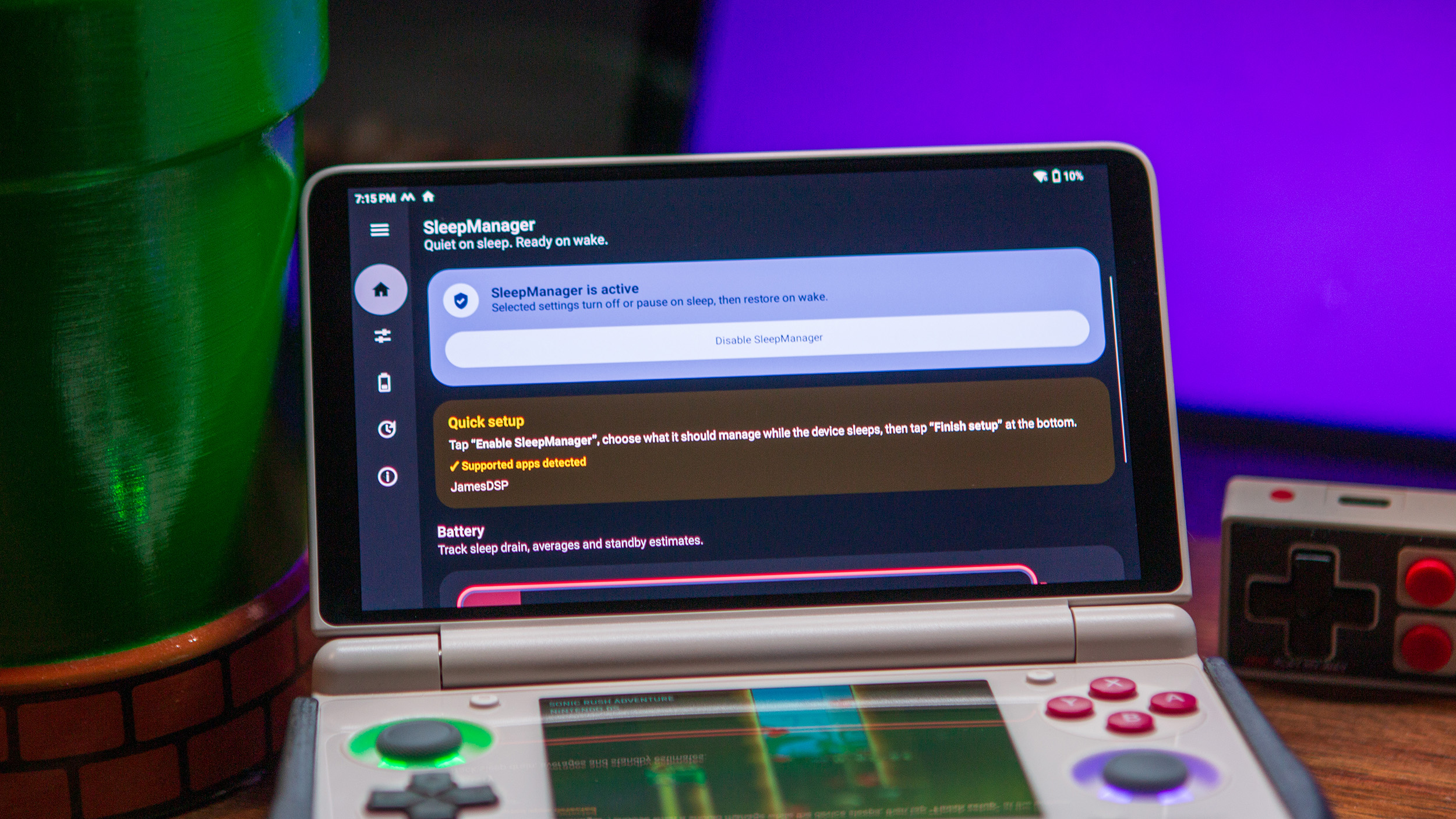
That’s where apps like SleepManager come into play, as it was designed as a way to help “Android handhelds, phones, and tablets use less battery while they sleep.” Here’s a quick overview of some of the “Main Features:”
- Turn Wi-Fi and Bluetooth off during sleep
- Enable Android Battery Saver during sleep on supported devices
- Manage Syncthing-Fork, BasicSync, RAOfflineProxy, Tailscale and JamesDSP during sleep and wake.
- Run optional syncs before sleep, after wake or periodically while sleeping
- Protect compatible clamshell handhelds from closed-lid false wakes.
- Add clamshell-specific lid, dock, power-button and Charging Separation behavior on supported devices.
Specifically with Android dual-screen handhelds, battery drain is almost always a concern. Given how the software occasionally feels cobbled together, I’m always wondering if my RG DS or AYN Thor are actually asleep when I close the lid. SleepManager tries to mitigate those concerns and has seemingly done a pretty good job of it, at least according to some of the comments and posts we’ve seen on social media.
Unlike some of the other apps that we’ve seen attempt to mitigate battery concerns, SleepManager doesn’t need your device to be rooted. Nor does it need for you to figure out Shizuku or deal with ADB commands. So really, you can just download the app, configure all of the necessary settings, and in a few days, you should begin seeing a meaningful difference in battery life.
For the sake of transparency, despite the GitHub repo not mentioning that SleepManager was built with the help of AI, the developer did recently confirm that it was built with “AI-assisted development.” This came after some controversy over on the r/AynThor subreddit, after a similar app (Wayfinder), was making its rounds in the spotlight.
I’ve linked some of the pertinent Reddit threads above, so be sure to read through them to form your own opinion. However, it does feel a bit like what we saw with PULSE, which became a forked project from ClusterTune. It too offers a lot of similar features and functionality at its core, while also introducing other features of its own.
As is the case with pretty much any app out there, I’d recommend trying them all out for yourself, and figuring out which works best for you. At the end of the day, I’m just happy to see that there are ways to make our handhelds even better, provided that said app isn’t just a blatant rip-off and gives proper credit where it’s necessary.

1 Comment
So AI is seriously ruining the hobby not only are hardware costs completely ridiculous.
Now we can’t even get apps or CFW without having to be wary of whether or not it’s a vibe coded scam. And look, I am sure some people might believe that these things improve battery, just like you can download RAM. But an app like this needs access to important parts of the OS to be able to turn off wifi and shut down other apps. You probably want it to be made by someone that not only understands these things but also someone whom you can trust. And the lack of an AI disclosure should seriously make you rethink that trust.