

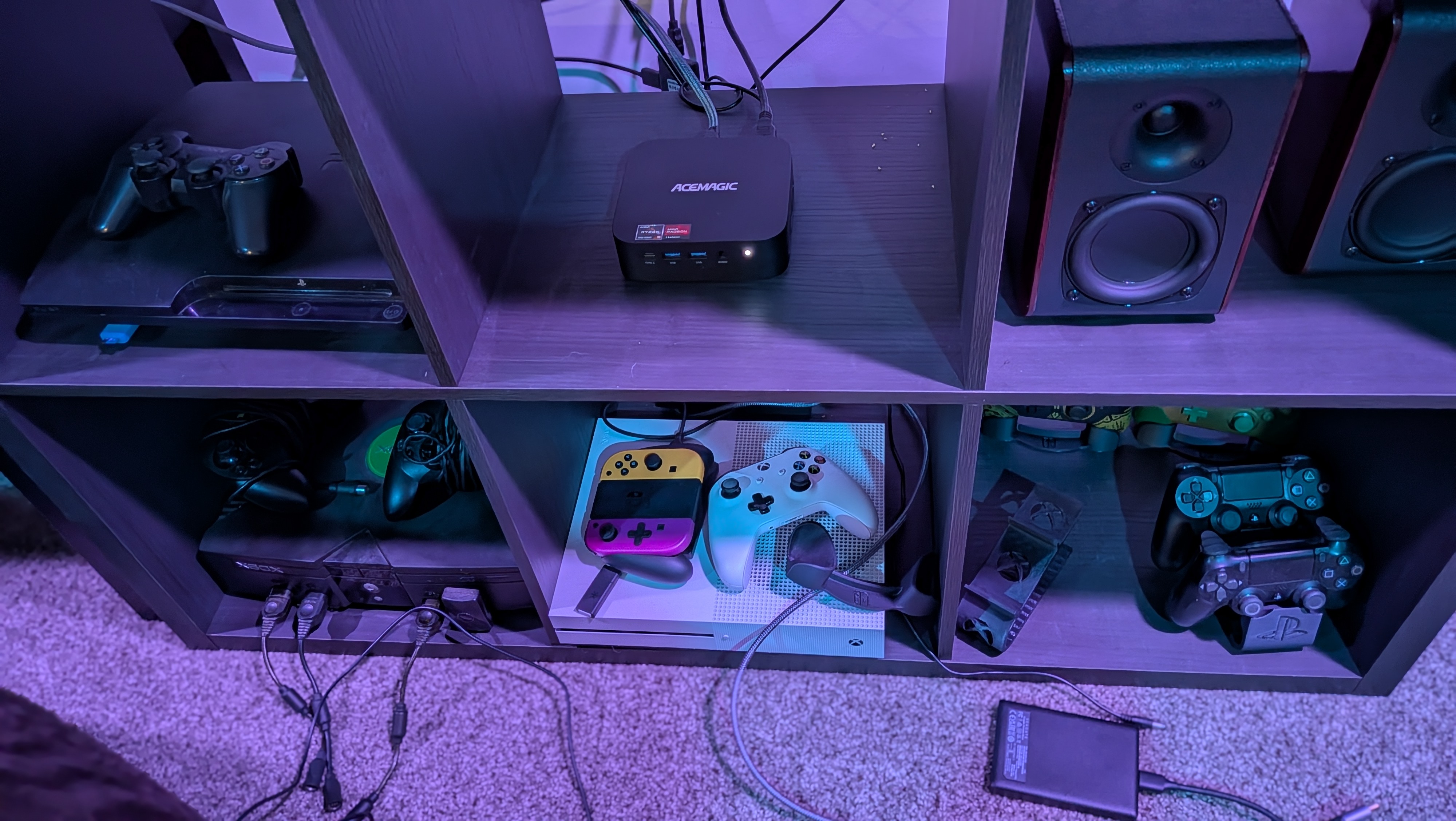
Between the recently announced 22 billion dollar Fox/Roku acquisition, the Steam Machine officially coming in at a price 33% higher than initially intended, and the consistent price hikes across the console landscape in 2026, it can start to feel like everyone is fighting for the slot to take over your living room.
Modern entertainment is all about walled ecosystems and keeping you, the user, within its fences. Content providers and hardware manufacturers alike know that the more control they have over the way you access your media, the more control they have over influencing you and your wallet.
Roku has been sliding into a pit of unusable adware-based obsolescence for a good while, even before the potential platform sale, and my wallet can’t handle too many more subscriptions for the ability to use the hardware I already own. What I need is a central living hub that’s all mine. A single solution that can provide direct access to games, movies, TV, music, and web-based functions all in one.
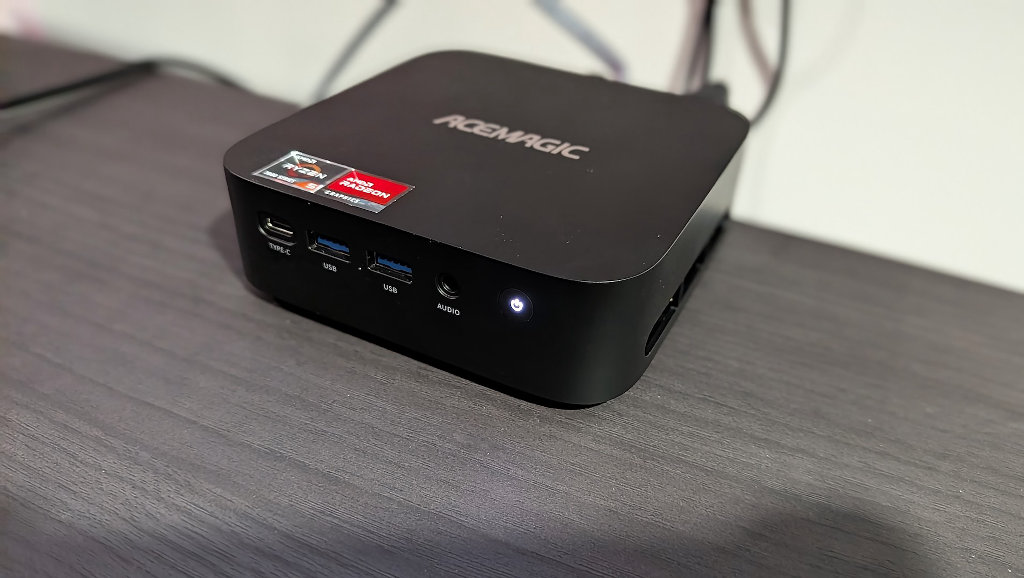
The way to survive this PC-partspocalypse is to make the most out of the hardware we already have access to and maximize its potential. Enter the AceMagic K1 Mini (7530U Edition). I recently used AceMagic’s lower spec’d R2544 version of the K1 to write about running ZimaOS dockers and a RomM server. Apparently, the company liked this potential use case because they sent two more PCs and told me to take my time with them to come up with more.
Thankfully, due to my obsessive nature and ADHD, I generally have plans mapped out prior to even having hardware to do it, so by the time the 7530U K1 arrived in the mail for review, I already had ideas of how I could turn this seemingly modest mini desktop into an entertainment powerhouse so simple to use that any child or grandparent could pick up a controller and feel at home.
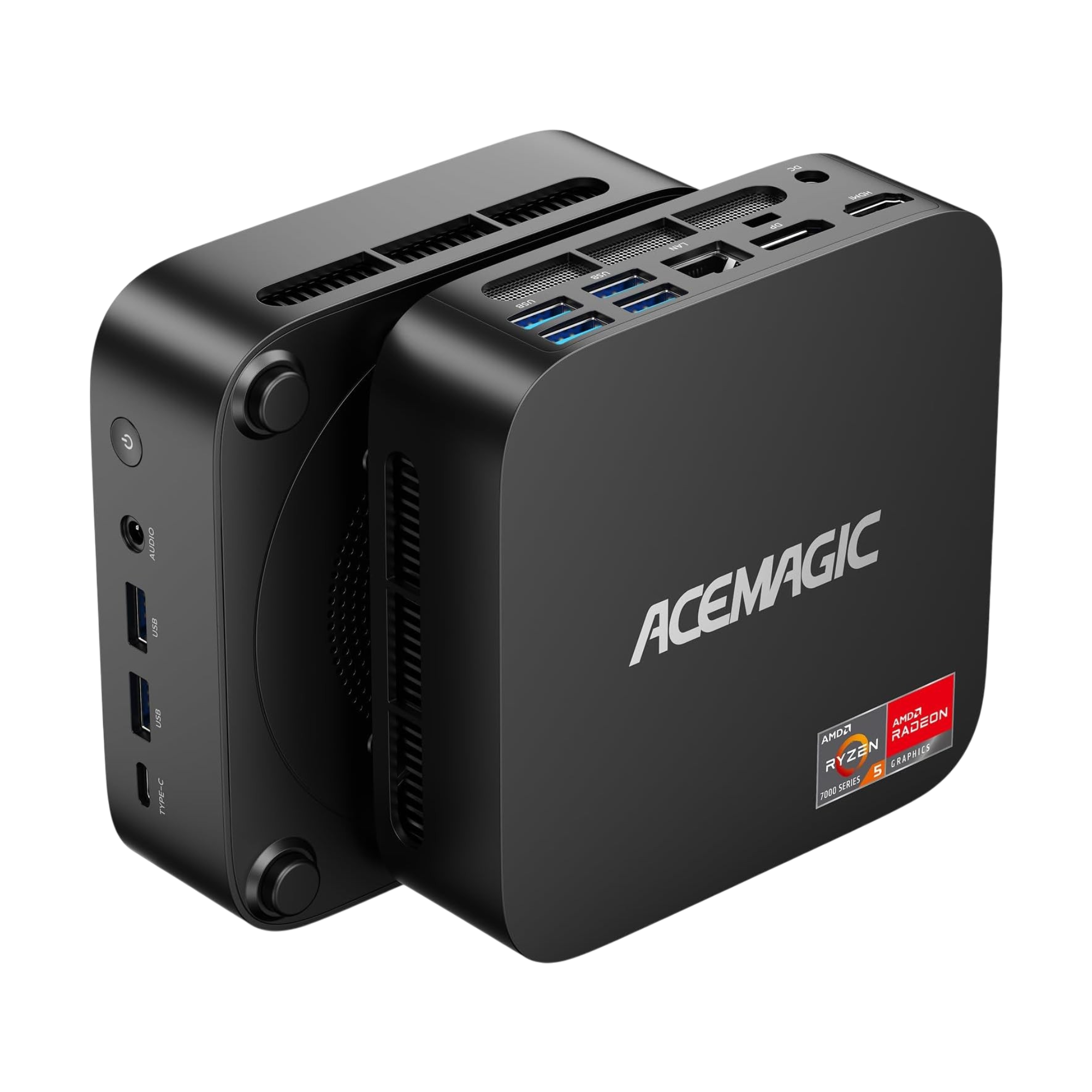
AceMagic 7530U Kron K1 Mini Specs
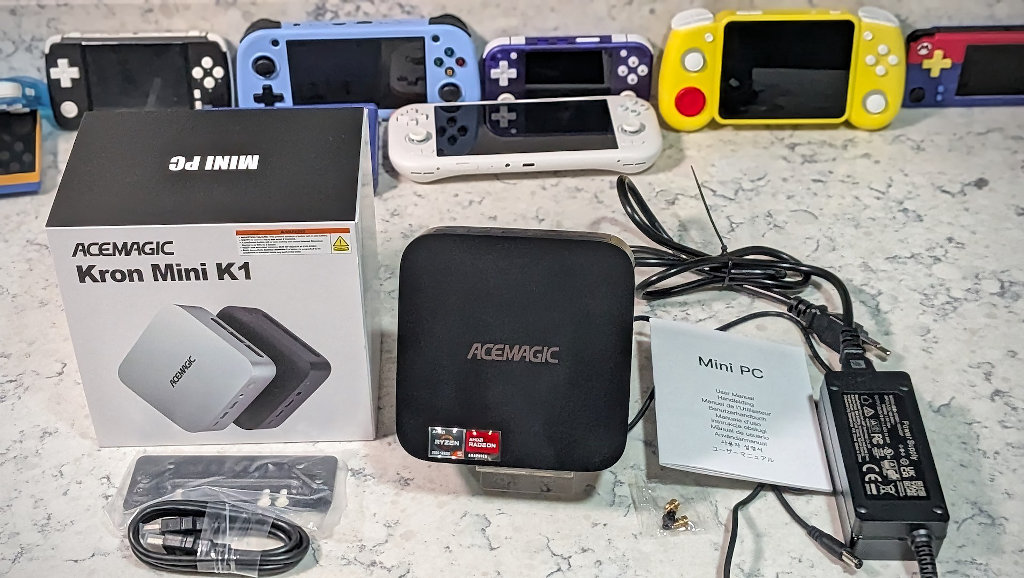
The big asterisk in this spec sheet comes with the RAM. The R2544 K1 unit that I’d previously written about shipped with a single SODIMM stick of 8GB DDR4. I opted to upgrade that PC with a matching stick to up the RAM to 16GB as well as unlock the power of dual-channel memory.
Since this 7530U K1 uses LPDDR4 (LP is for low power) soldered directly to the board, it is already configured for multi-channel use. I had been worried that I’d have to purchase another stick of RAM for the PC just to get dual-channel performance, but with LPDDR4, that’s no longer a concern. The included 16GB should have plenty of bandwidth to do what we’re asking of the machine.
| Specifications | |
|---|---|
| Hardware | |
| CPU | AMD Ryzen 5 7530U (6 Cores / 12 Threads) |
| Architecture | Zen 3 (TSMC 7nm FinFET) |
| Max Clock | Up to 4.3 GHz |
| GPU | AMD Radeon Graphics (Vega 7 architecture) |
| RAM | 16GB LPDDR4 (tuned to 3733 MT/s) |
| Storage | 512GB M.2 2280 SATA SSD (expandable) |
| Connectivity | |
| Ports | HDMI 2.0 + DP 1.4b + USB-C 3.2 Gen2 (Triple 4K@60Hz) |
| Wireless | Wi-Fi 6 / 6E + Bluetooth 5.2 |
| Physical | |
| Weight | 392G |
| Dimensions | 128.2 × 128.2 × 41 mm |
Should You SteamOS?
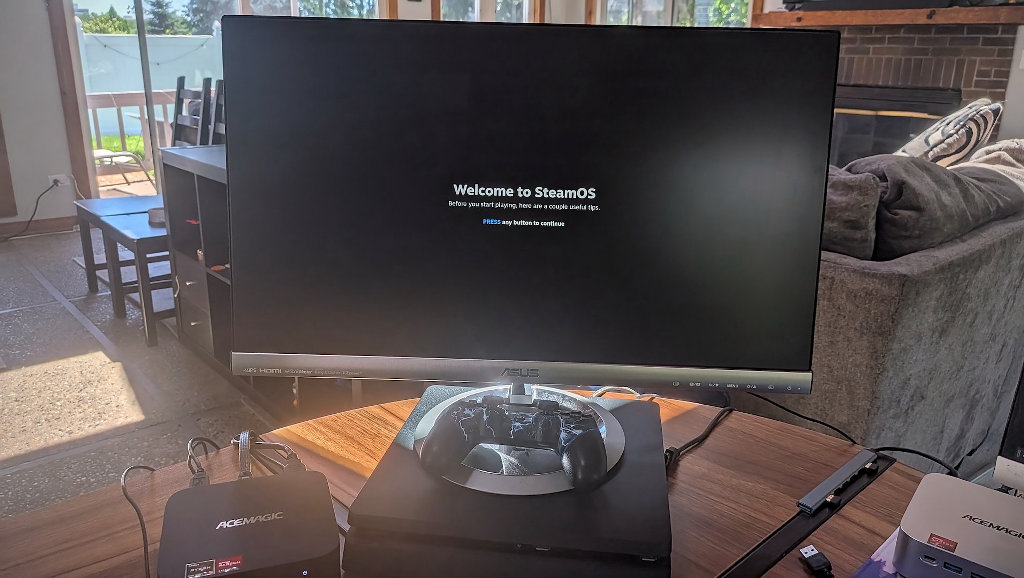
With the recent release of SteamOS 3.8.10 and Valve’s own Steam Machine, the temptation to go running straight to that release for this project was high. Building a living room box, the allure of matching the Steam Machine’s interface is undeniable, and I initially thought Bazzite would be the best way to recreate the magic.
But living room projects aren’t always as easy as they might seem on paper. The immutable nature of Bazzite’s design meant that any hardware conflicts it had with the K1’s 7530U hardware, drivers, or design resulted in it ending up hung and locking up. While prioritizing more of a “walled garden” experience is great for dedicated hardware, there might still be some development work to be done to allow Bazzite to work with all the quirks of mini-PC design.
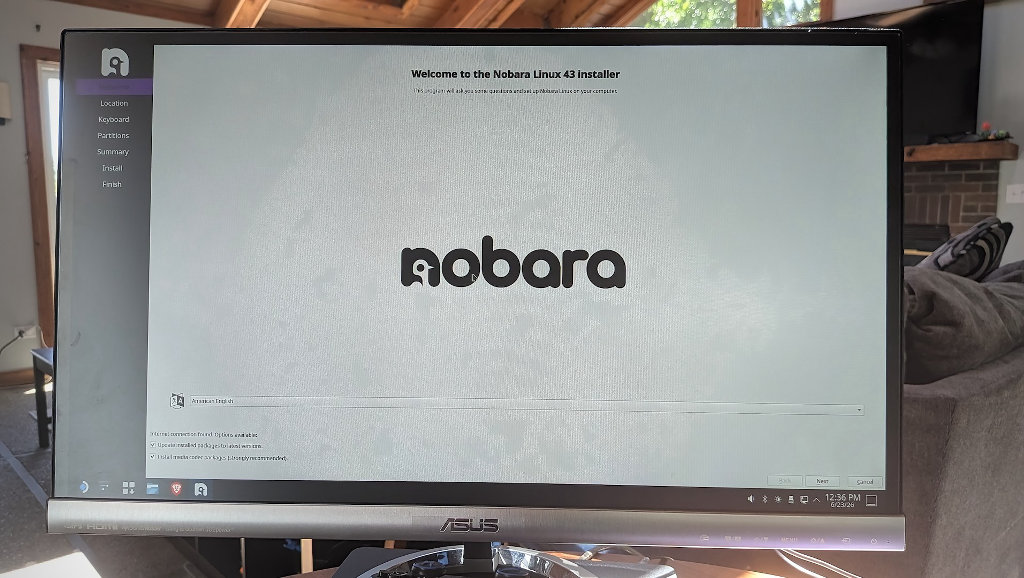
As Valve has officially unveiled the Steam Machine, I’m sure we’ll continue to see rapid development advances with SteamOS compatibility. Valve’s console box is launching at what are probably the worst market conditions imaginable, and that’s why I think users might want to consider more budget-friendly alternatives for the time being. So while I may install SteamOS on this AceMagic K1 in the near future, I’m going with Nobara Linux for now.
Nobara is a Linux project led by GloriousEggRoll, the very same developer who gave us GE-Proton. The project even has a Steam/HTPC living room build ready to go. After some early frustrations, I’m confident this will be the winner.
We want an it just works living room box, so for now we’re sticking with the operating system that we know just works.
We Have an OS. Now What?
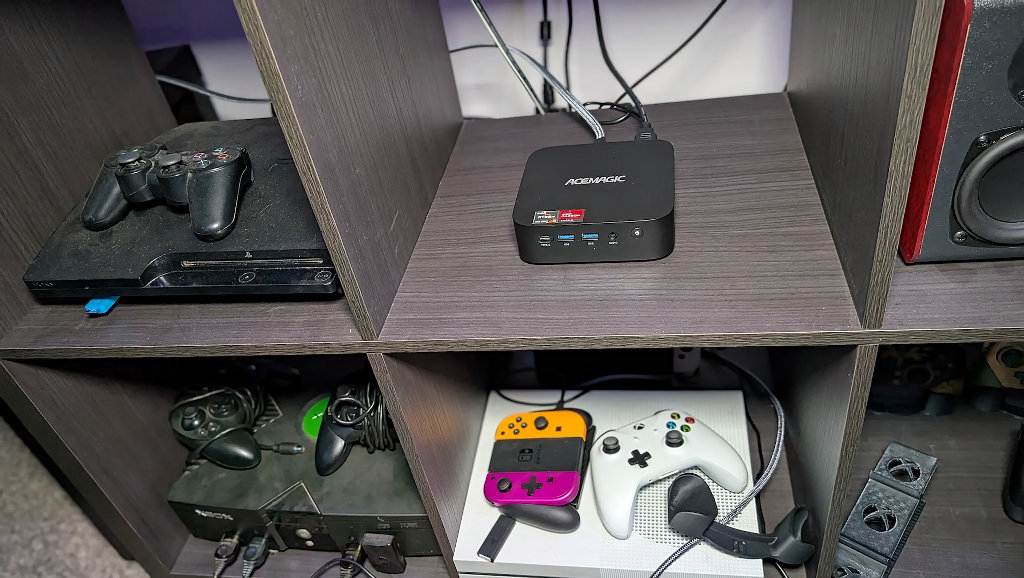
Now that we’ve landed on Nobara to run our AIO box, we’ve got some setting up to do to make it the media powerhouse we know it can be. When you first boot into Nobara (assuming you’ve chosen the HTPC as I did), you’ll be greeted with the same exact setup messages as if you’d installed SteamOS proper, just hopefully with better driver support.
After the initial install, we dip into Desktop mode to install performance and media tools. This is a one-time setup in desktop mode before the system lives its life as a console. After a quick double check that all the drivers we need are installed, we can grab Kodi, EmuDeck, and be on our way.
Kodi
Before there was Plex or Jellyfin, there was XBMC (Xbox Media Center). While Netflix was still sending out enveloped DVDs in the mail, savvy owners of the original Xbox were already streaming their digital media libraries. It was software that was well ahead of its time by a wide margin, and its core birthed projects like Plex that many users know and love today (except for their recent pricing decisions).
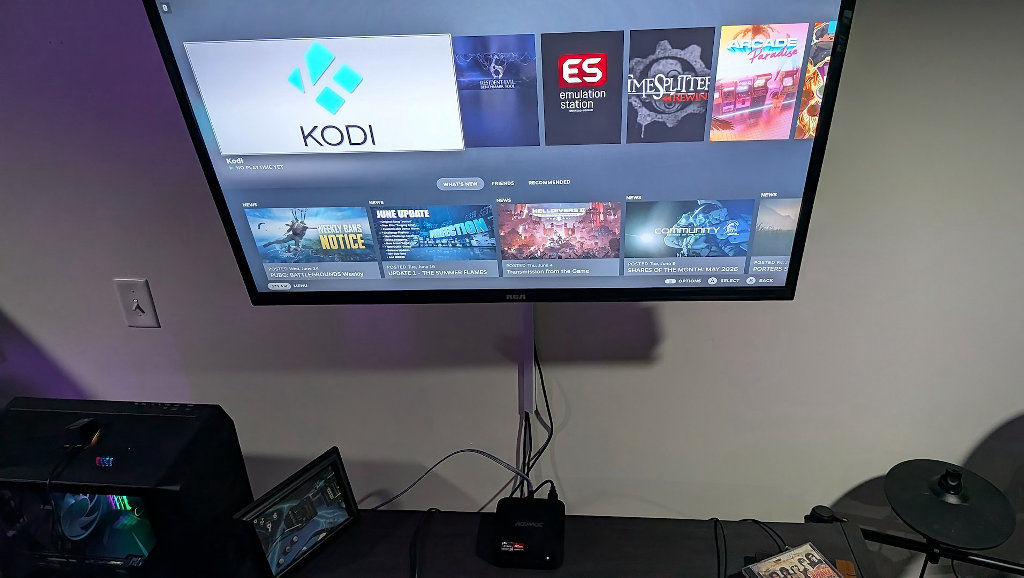
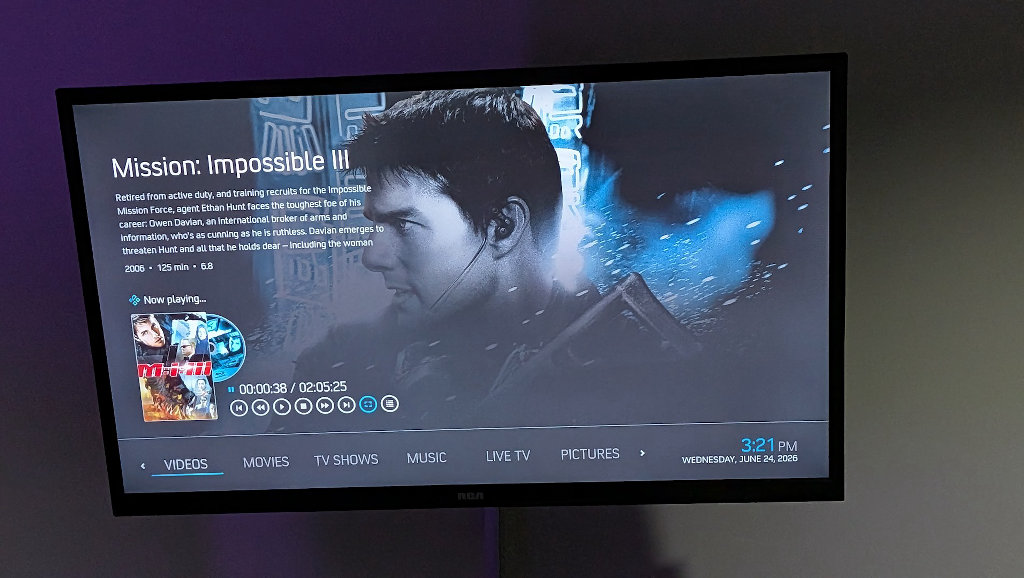
Kodi is the change that happens when XBMC outgrew its console origins and became the most well-maintained open source media solution out there. Seriously, most commercial streaming options have ripped design elements from Kodi over the years. It’s the perfect place to access all of my media shares on this living room solution, and I can boot into it directly from Steam Gaming Mode. Everything at your fingertips.
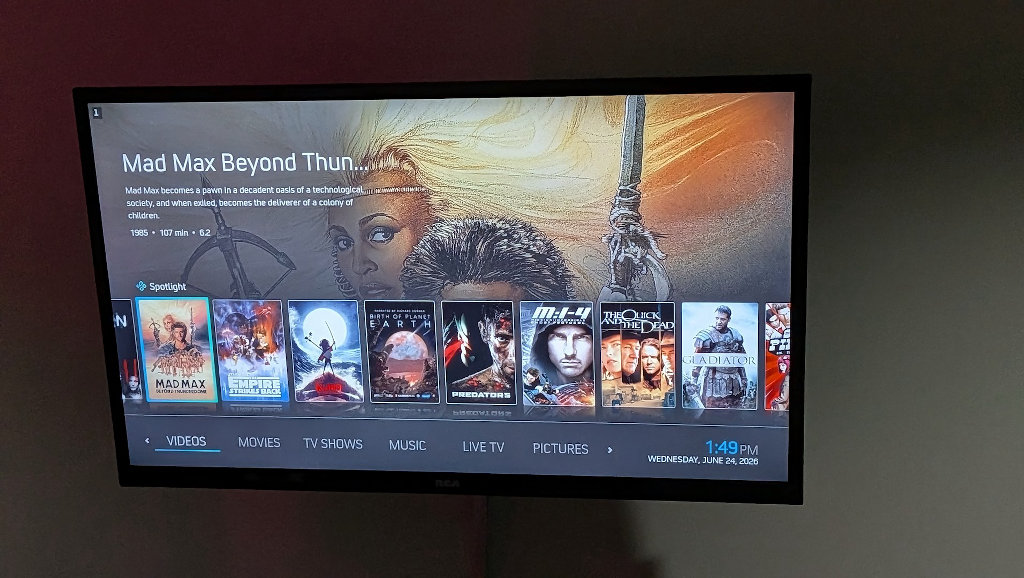
A massive add-on library means that once you’re in Kodi, the sky is pretty much the limit. My first order of business was to scan my local SMB media shares and set up a simple IPTV tuner for my Tunarr channels, but there are add-on options for just about anything under the sun, including robust Retroarch support, if you were so inclined.
EmuDeck
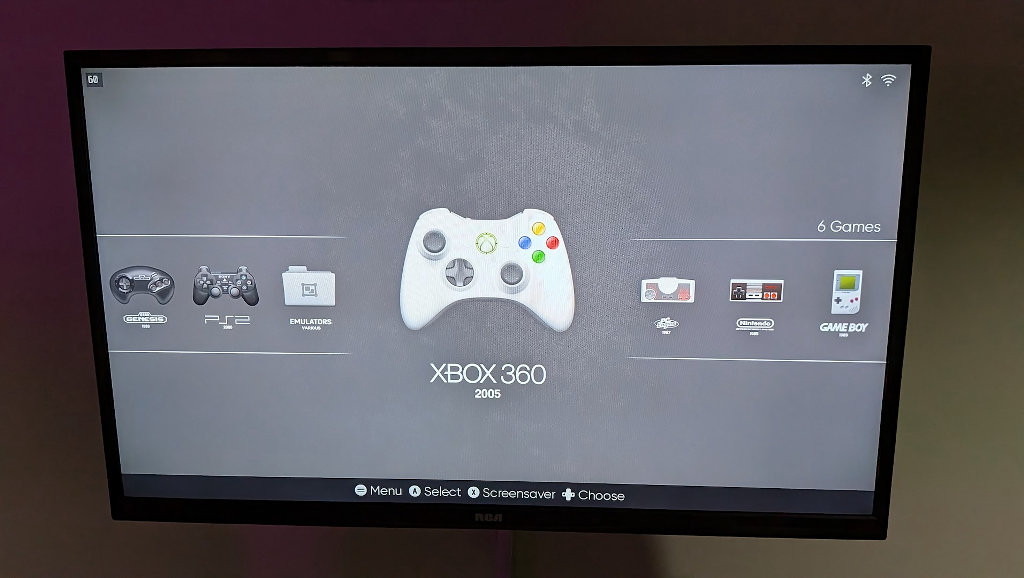
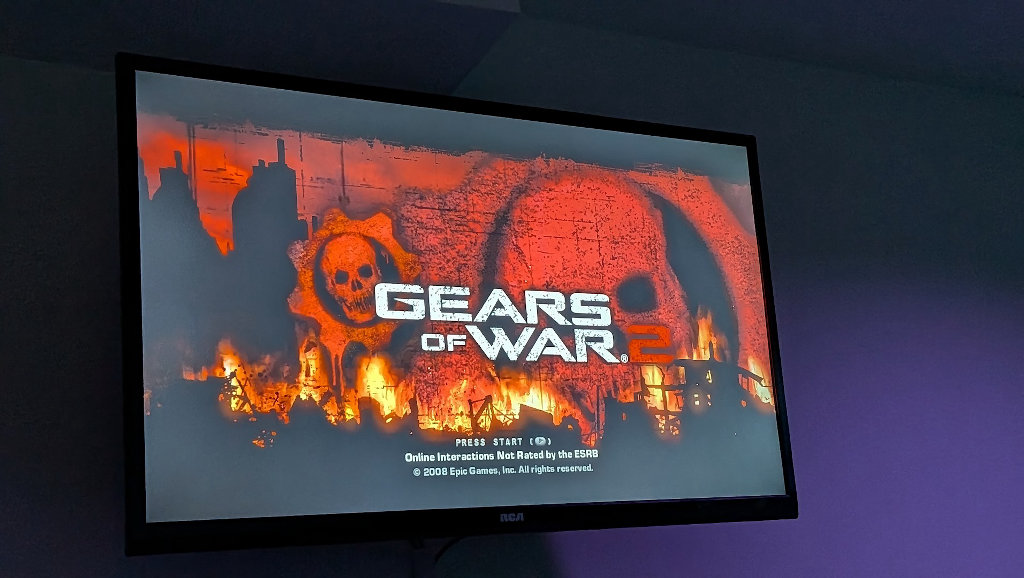
Anyone who owns a Steam Deck with even a passing interest in emulation should be familiar with EmuDeck. Simply put, it does everything for you. From a single installer file, users can tune their PC or device to run just about any emulator under the sun and have it configured and ready to go in just minutes. You’ll then be able to launch ES-DE directly from Steam Gaming Mode as you would any other application.
Decky Loader
If you’re looking to combine the function of a Steam Deck with the sleek menu system of a console intended for televisions, then Decky Loader is a must. This program is the key that opens the gate to a whole world of additional add-ons.
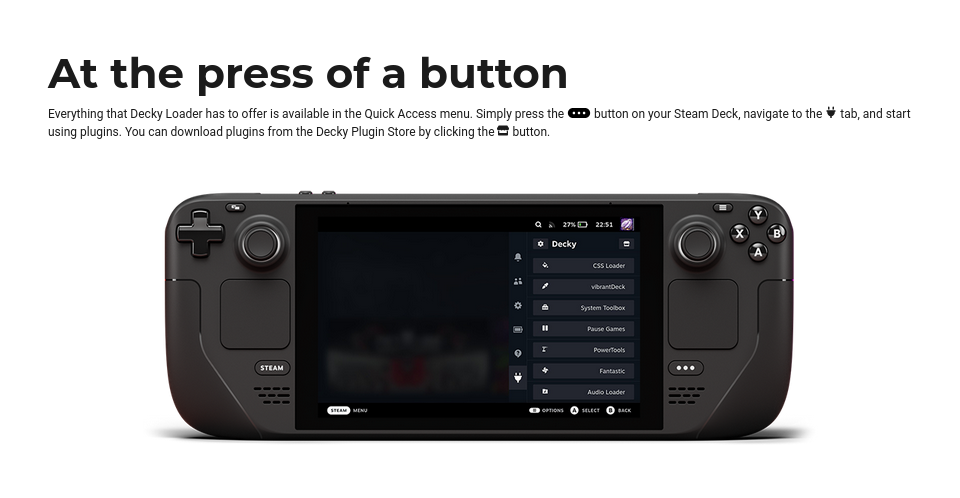
- CSS Loader: This brilliant little add-on lets you make the SteamOS layout all your own via themes. You can make your interface look sleek, minimalist, or whatever your preference may be to make the AceMagic K1 scream “media console” instead of just a PC.
- PowerTools: Perfect for an AceMagic/Mini PC. PowerTools gives you deep control over your CPU and GPU power management. You can use this to cap the TDP (Thermal Design Power) of your 7530U to keep the machine quiet in the living room, or let things rip for more demanding applications.
- SteamGridDB: This plugin lets you change the artwork of your games and apps (like Kodi) directly in the Steam UI. If a non-Steam game/app doesn’t have a nice-looking cover, you can search for a better one and apply it without ever leaving the couch.

Lossless Scaling
A while back, I wrote a guide on how to get the brilliant Lossless Scaling up and running on the Steam Deck. If you’re curious about the project, I’d recommend giving it a look, as it can considerably aid the performance and visuals in your PC and emulation libraries. It’s perfect for running games upscaled for a large TV, or squeezing some extra performance to make titles sing on the K1’s modest Ryzen 5 7530U.

Because we’ve elected to go with Nobara here, we can make use of LSFG-VK. This connects the Windows-based Lossless scaling to our Linux build by injecting a Vulkan layer. It’s something of a cheat code to unlock performance on the 7530U that would otherwise be out of reach.
Real World Performance
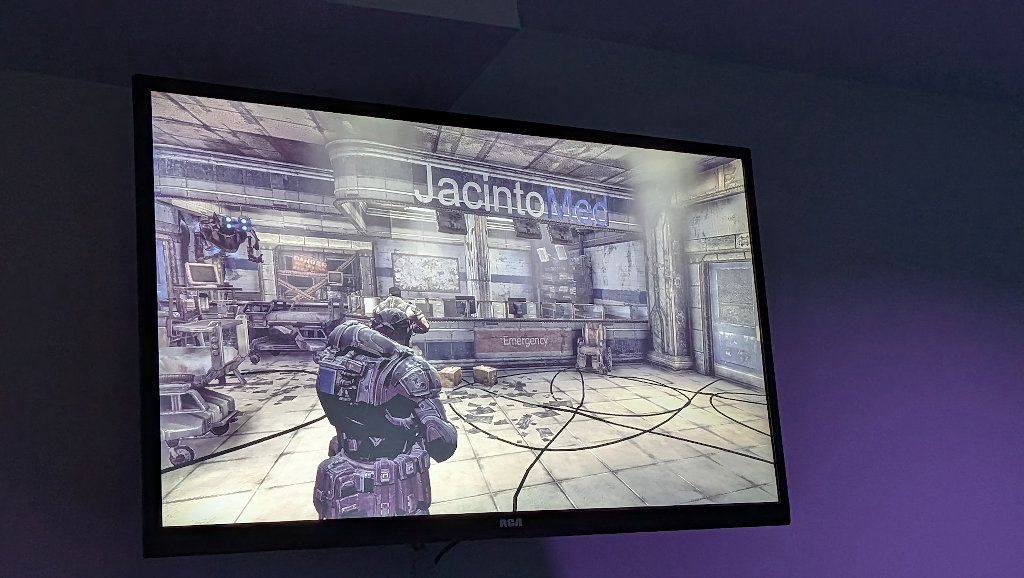
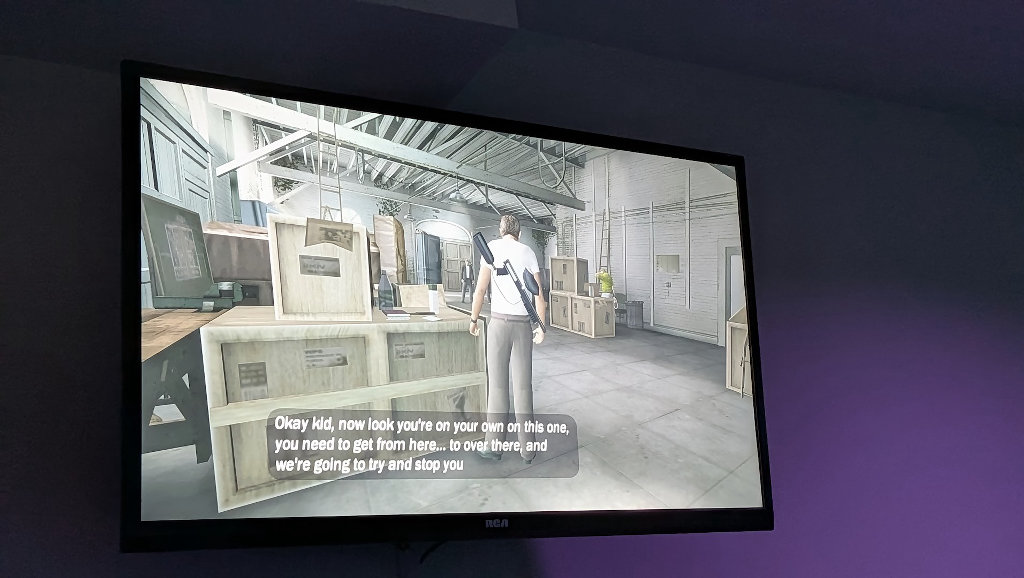
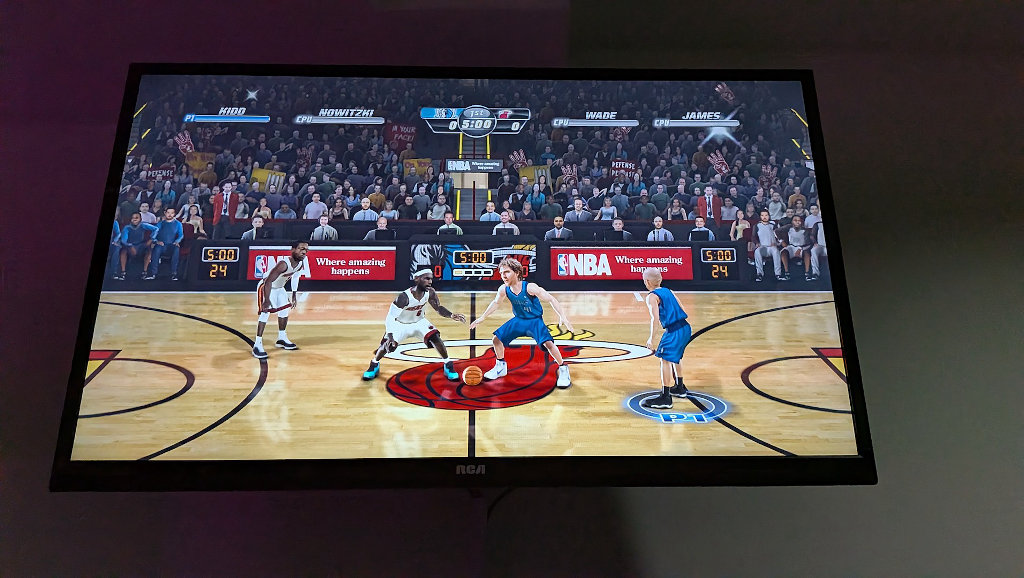
Translating specs on paper to real-world living room performance is where things get interesting. The Ryzen 5 7530U performed mightily against my expectations in testing. The majority of the PC games I play are indies, and as such, aren’t nearly as demanding as the latest AAA titles, but that doesn’t mean that those are entirely off the table either; it’s just important to keep your expectations within the realm of reality.
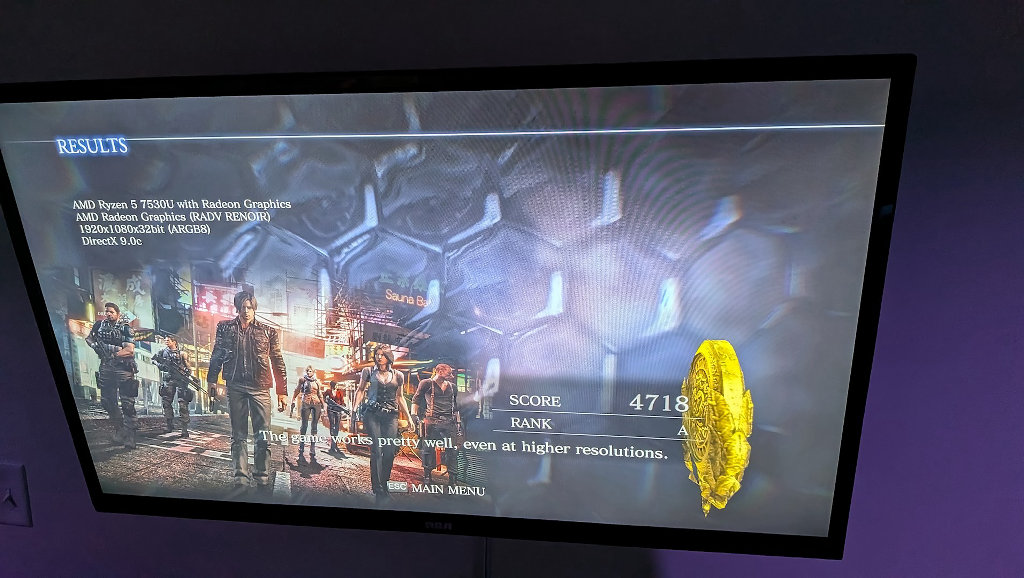
When talking about an HTPC, though, gaming performance is only half the battle. The K1 truly shines when running as a Kodi media box. I’ve tried streaming 4K video files over my network and playing them locally, and the AceMagic K1 chews on them with equal ease.
This box is one of the tradeoffs. We want max performance and function at the lowest price possible, and at that, I think the K1 Ryzen 5 7530U does a noble job all around. I’d love to check out something in AceMagic’s Retro X3 or Retro X5 line to get that last little bit of performance into the living room. Especially given the sleek retro aesthetic they’ve implemented. Worth a look if you’re not interested in waiting around for Valve to meet preorders.
Naming Confusions
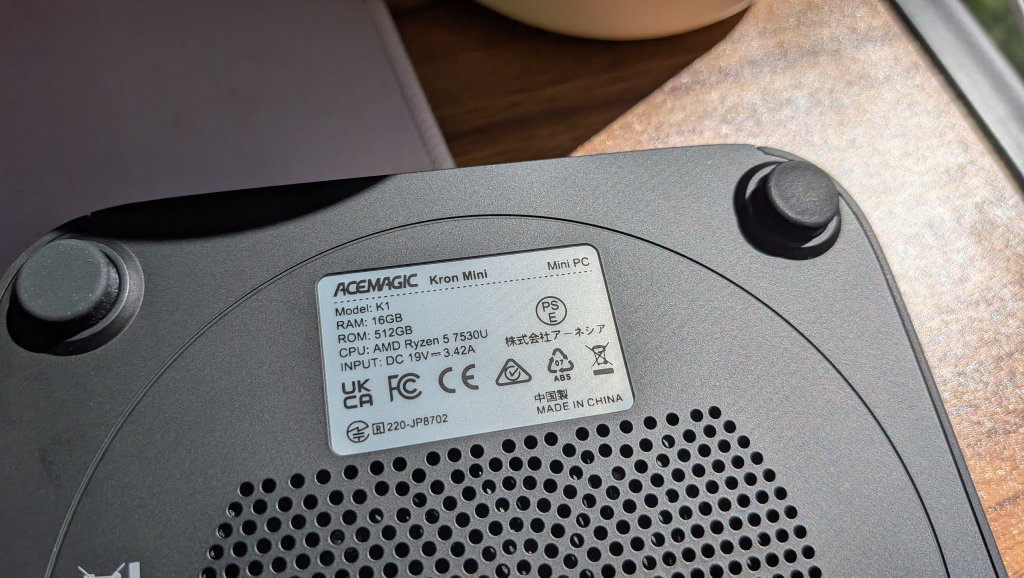
I wish AceMagic would do a little more to differentiate its models in the naming department. Both this machine and the R2544 I reviewed before it are named the K1 Mini. The machines are vastly different, so I could see where consumer confusion might enter the picture.
To be clear, there are multiple variations on the K1 Mini model. A quick Amazon search will reveal as many as 8 or 9 different variations, including various Intel-powered offerings. Double-check to make sure you’re selecting the hardware configuration you intend to.
Final Thoughts
With PC components and gaming consoles seemingly only getting more expensive by the day, we need to consider creative solutions to meet our entertainment needs. The AceMagic Kron K1 with the Ryzen 7530U met most every challenge I could reasonably expect it to. While I wish it had upgradeable RAM slots, I’m happy that the soldered LPDDR4 used in this model allowed for multi-channel performance.
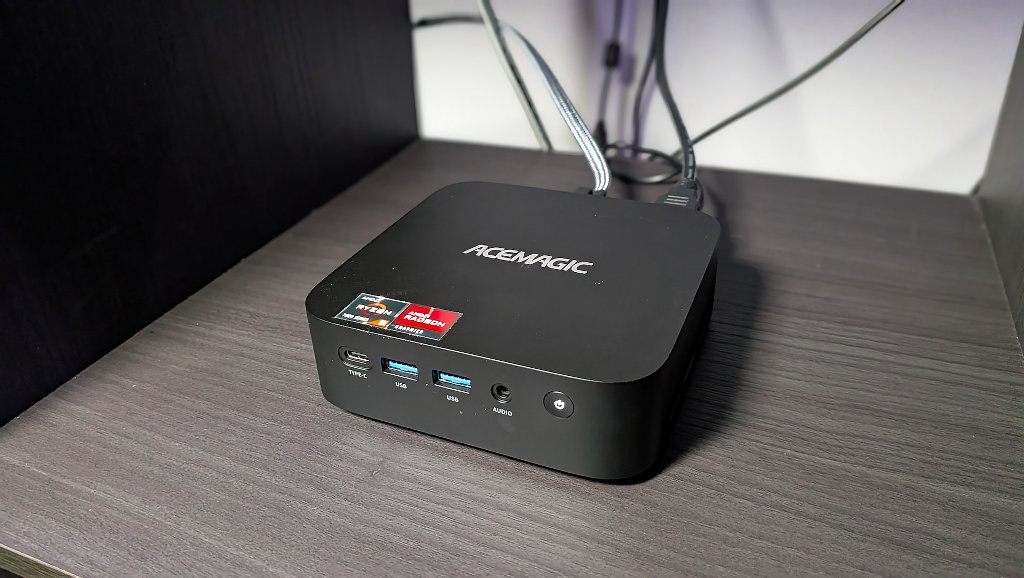
If you’re looking for a system to take care of all of your entertainment needs in one place, the K1 Ryzen 7530U is a great option. The reason I chose it for this project was specifically because of the processor’s power draw to performance ratio. The chip is usually reserved for slim laptops, so its modest power needs make it a great candidate for a central hub that sees a lot of household use.
While it might not be capable of hitting the highest highs of modern AAA gaming, there isn’t much it can’t play with the right tweaks. Add that in with awesome emulation performance, a loaded Kodi media center, and near-silent performance, and I don’t imagine I’ll be going back to my Roku to watch a movie anytime soon.
