

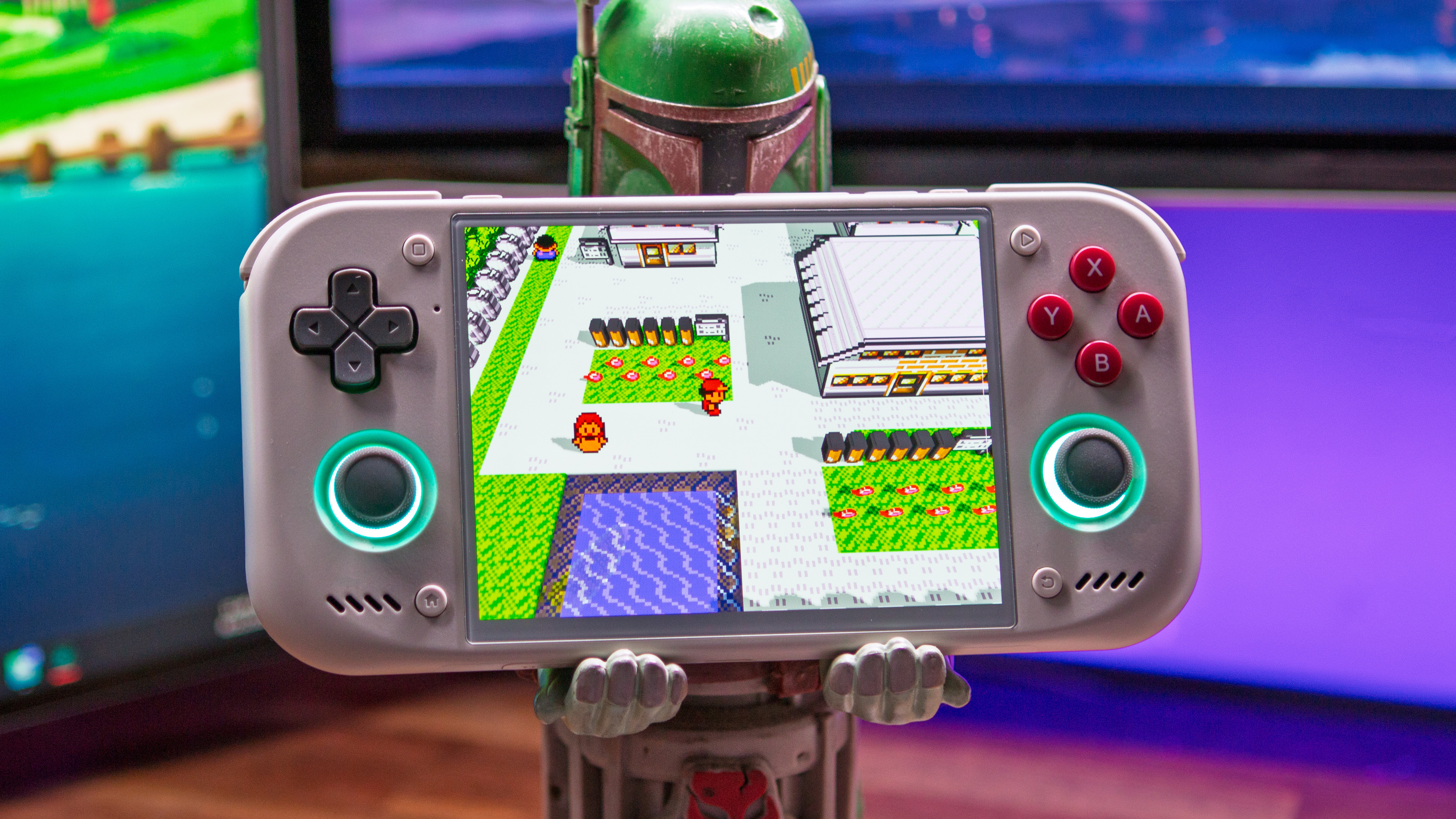
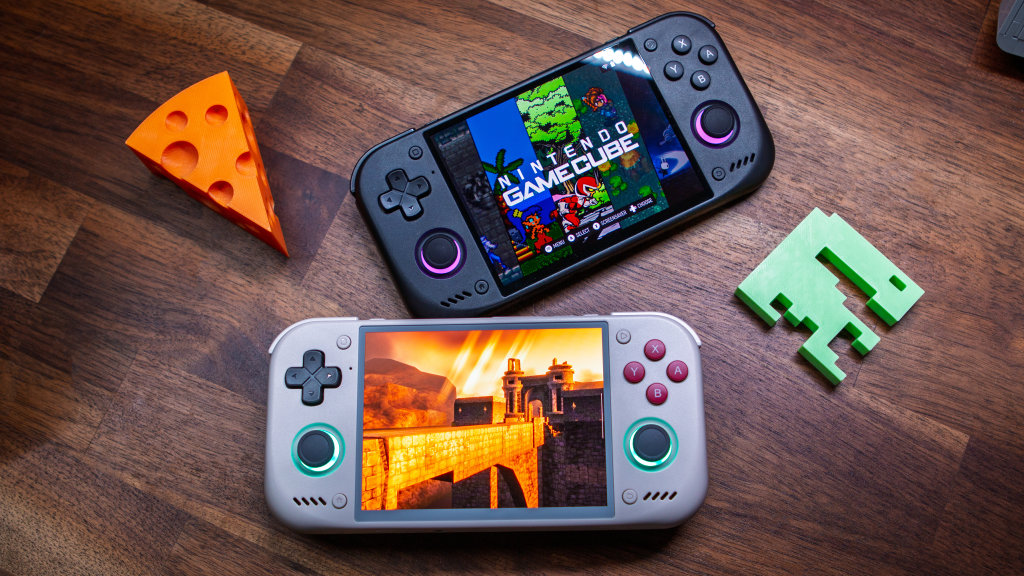
Retroid’s big release of 2026 (so far) arrived, and it’s set to become the quintessential handheld for all of your 4:3 retro gaming. The Pocket Nova is officially here, and after spending a couple of weeks with it, we’ve compiled just about everything that you would need. So without further ado, here’s the Retroid Pocket Nova Setup Guide.
Table of Contents
Where to Buy
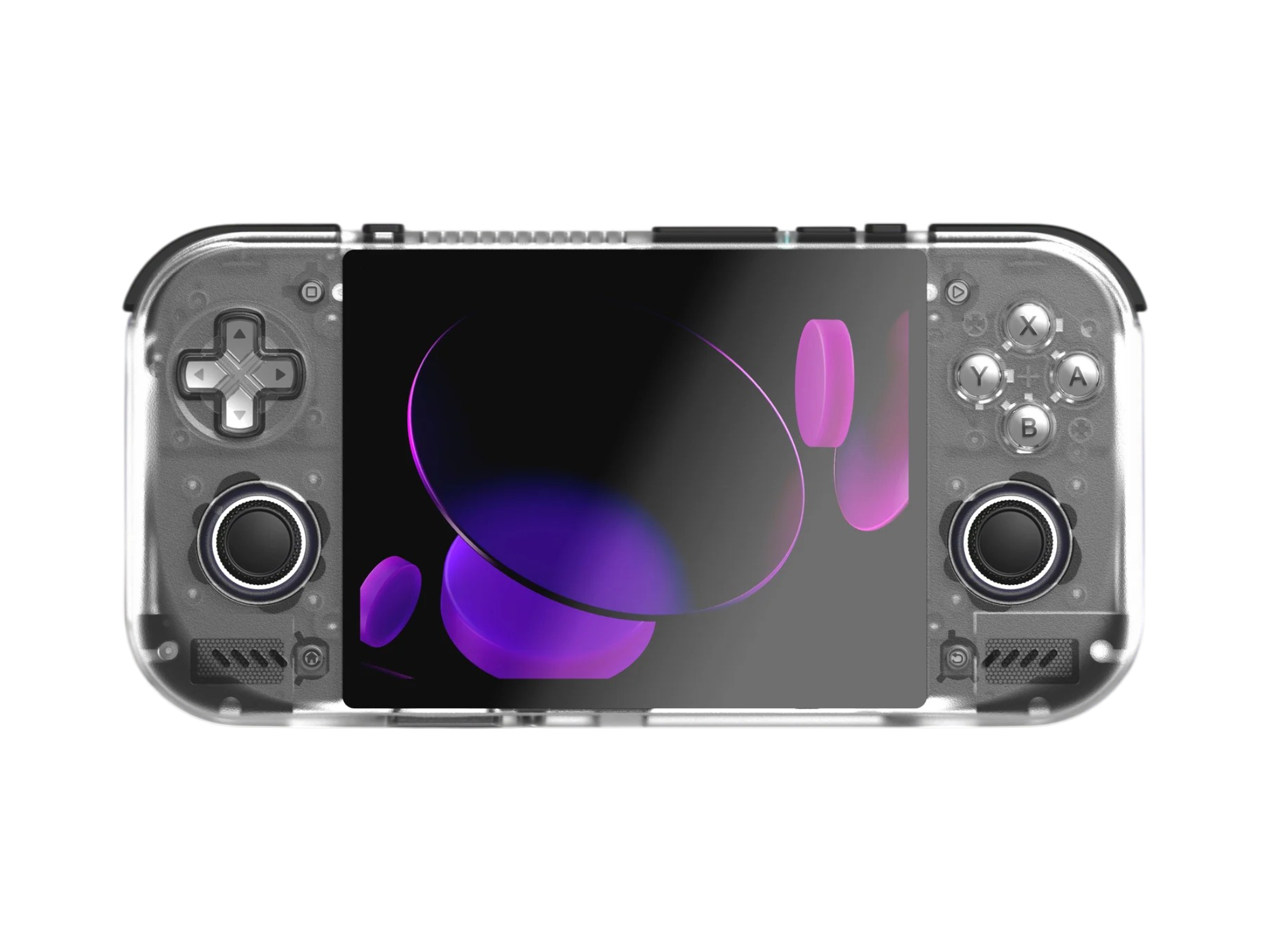
Retroid Pocket Nova
RetroidRetroid Pocket Nova Specs
| Hardware | |
| CPU | Qualcomm QCS8550 |
|---|---|
| GPU | Qualcomm Adreno 740 |
| RAM | 8GB LPDDR5X, 12GB LPDDR5X |
| Cooling | ✅ |
| Display | |
| Screen Size | 4.5-inch |
| Resolution | 1280 x 960 |
| Aspect Ratio | 4:3 |
| Refresh Rate | 120Hz |
| PPI | 355.56 |
| Storage | |
| Internal Storage | 128GB UFS 3.1 |
| External Storage | microSD |
| Battery | |
| Battery Capacity | 5000mAh |
| Charging Speed | 27W |
| Connectivity | |
| Wi-Fi | Wi-Fi 7 |
| Bluetooth | Bluetooth 5.3 |
| Ports | 3.5mm Audio Jack, microSD, USB-C |
| Video Out | Yes |
| Controls | |
| Sticks | Hall Effect |
| Triggers | Analog |
| Shoulder Layout | Stacked |
| D-Pad | Top Left |
| Audio | |
| Speakers | Stereo |
| Speaker Location | Front-facing |
| Headphone Jack | Yes |
| Physical | |
| Dimensions | 169.9 x 84.1 x 15.6mm |
| Weight | 255g |
| Form Factor | Horizontal |
| Software | |
| Operating System | Android 13 |
Recommended Accessories
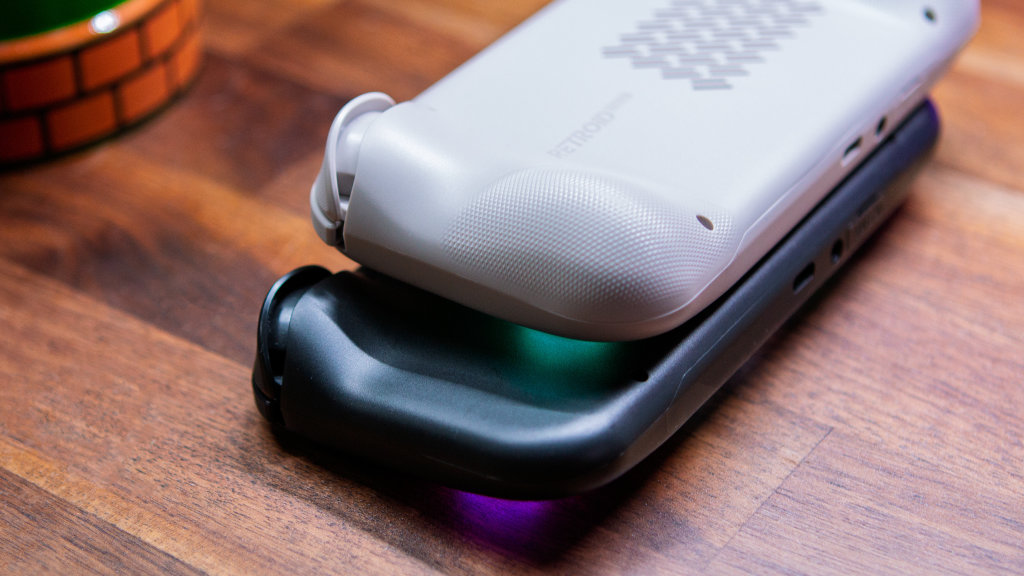
At the time of this writing, it’s still early in the release cycle for the Retroid Pocket Nova. As such, there aren’t very many third-party accessories that are tailored for this handheld. However, more and more options are appearing regularly, so we’ll be sure to keep this list updated as new accessories become available.
Cases, Grips and Protection
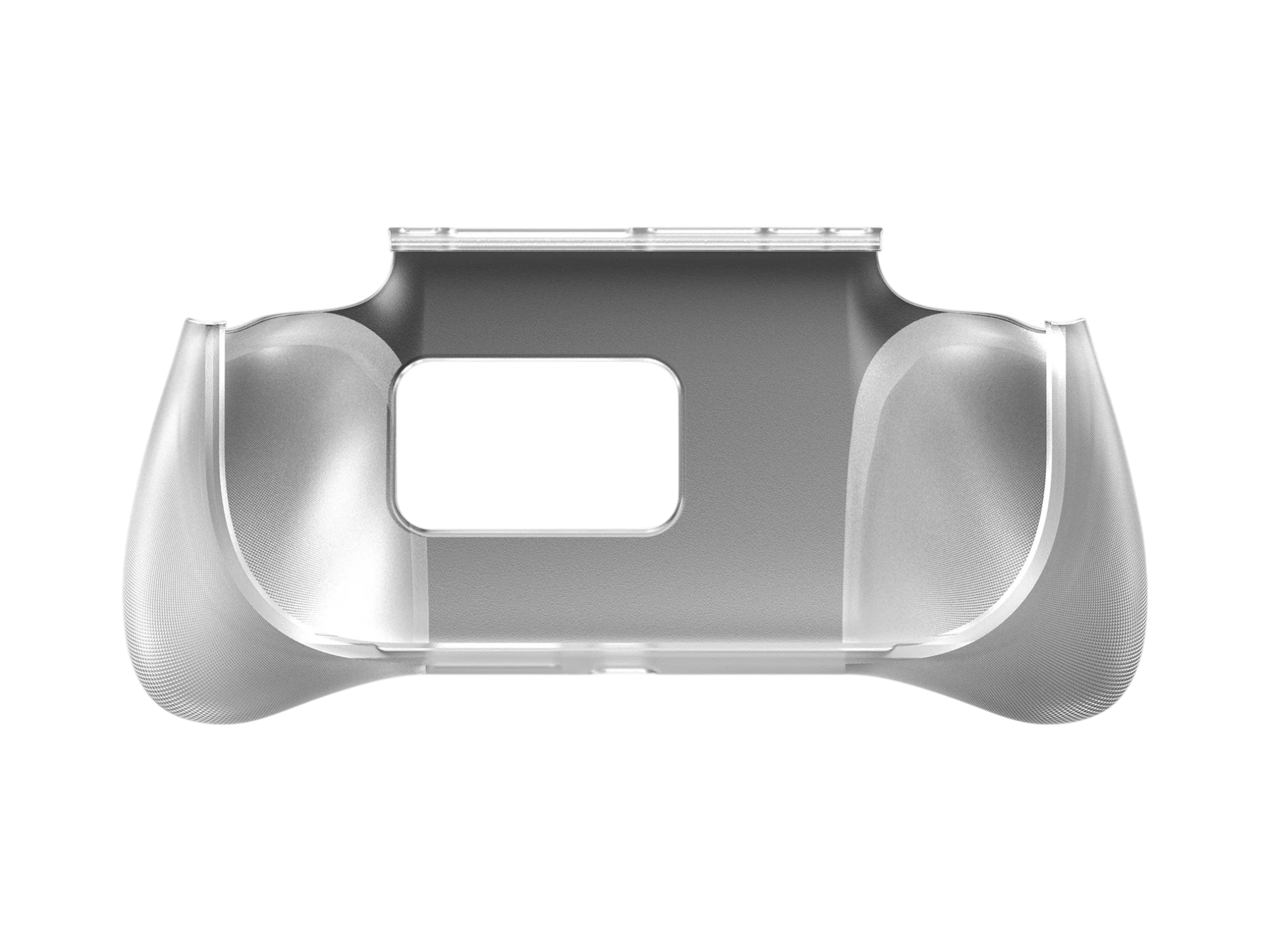
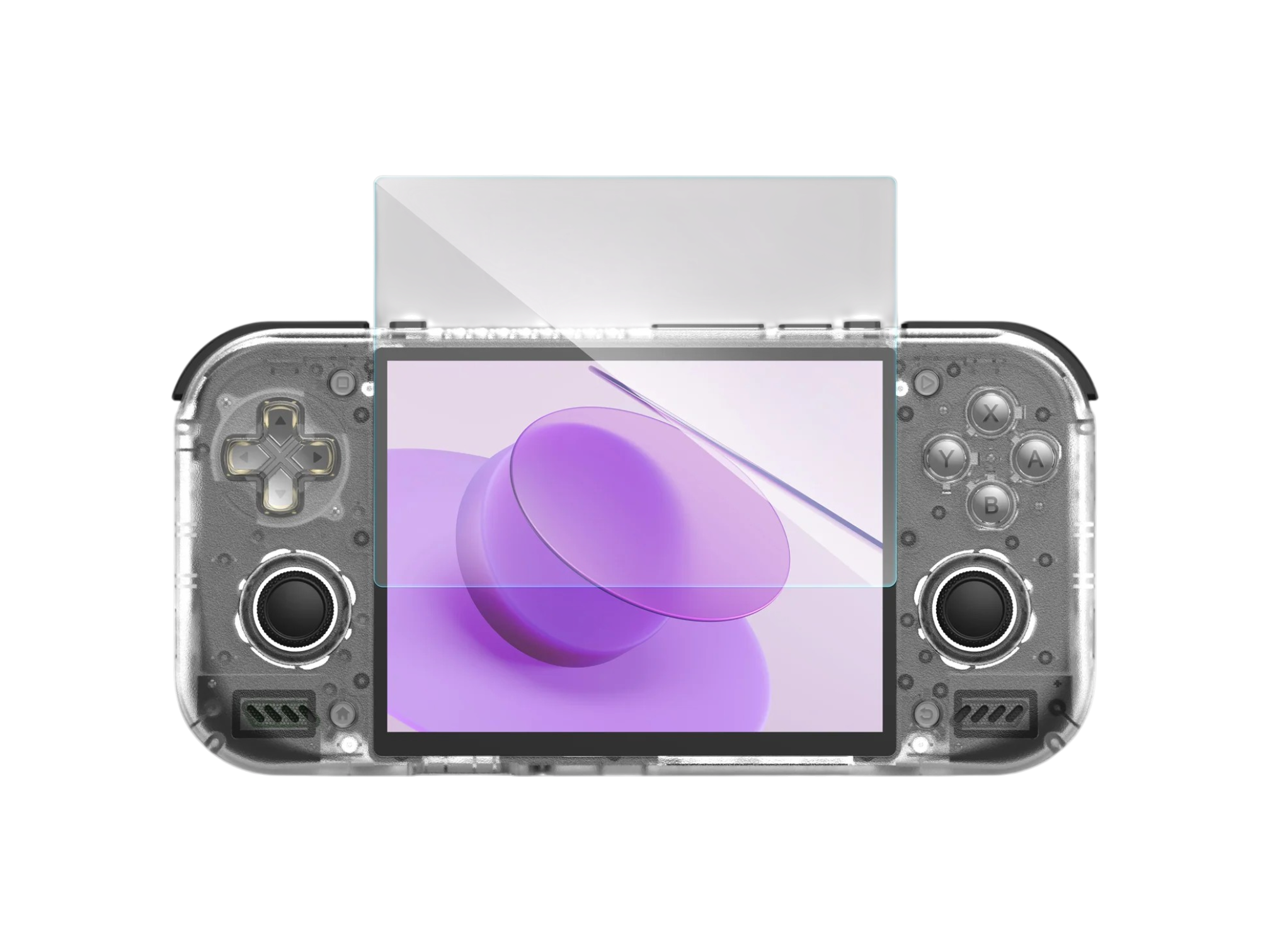
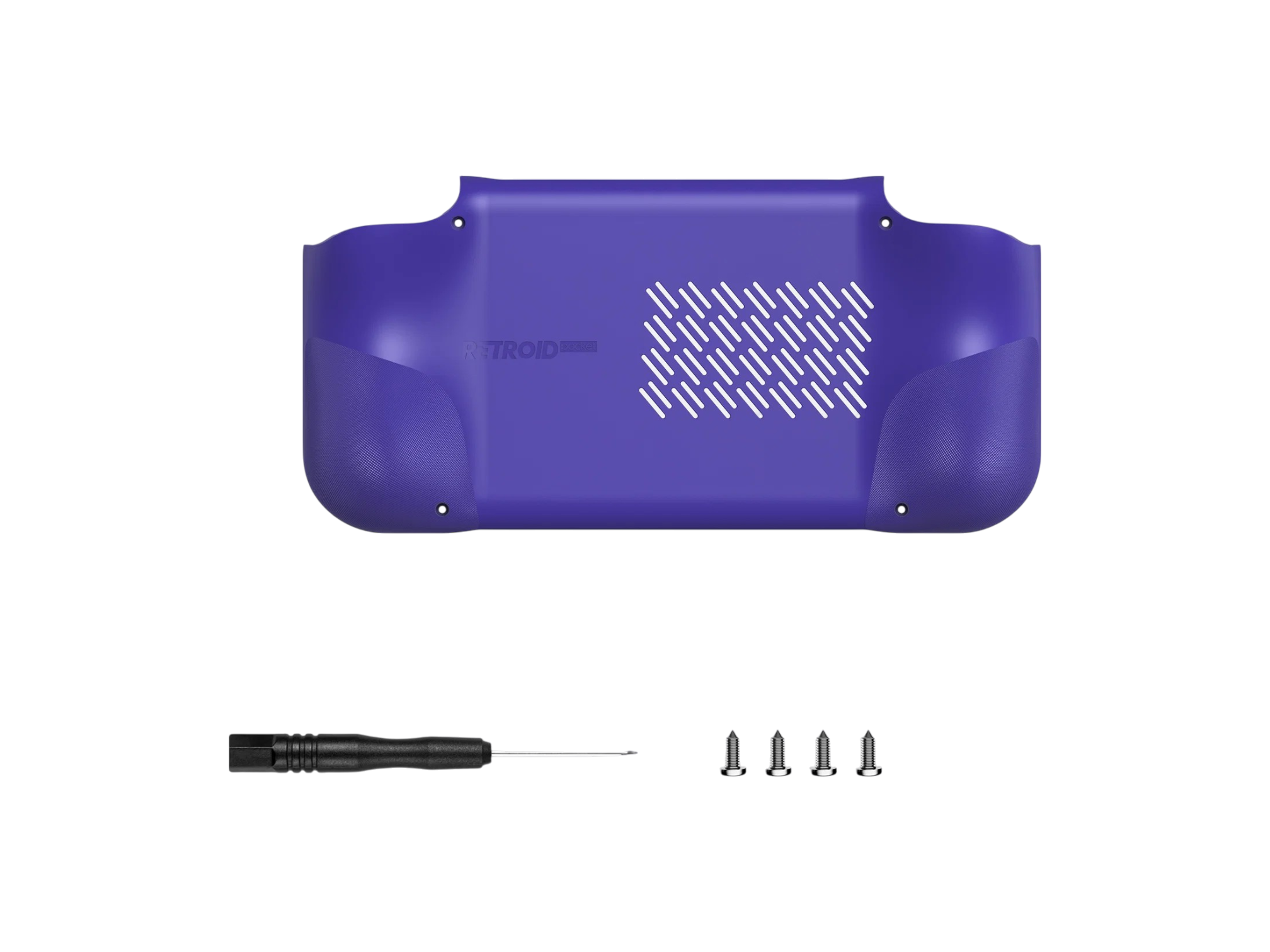
If you preordered the Pocket Nova, you were provided with the Bumped Back Shell and Screen Protector for free. That being said, we’ve found a few other options out there for those who want something a bit different than what Retroid has to offer.
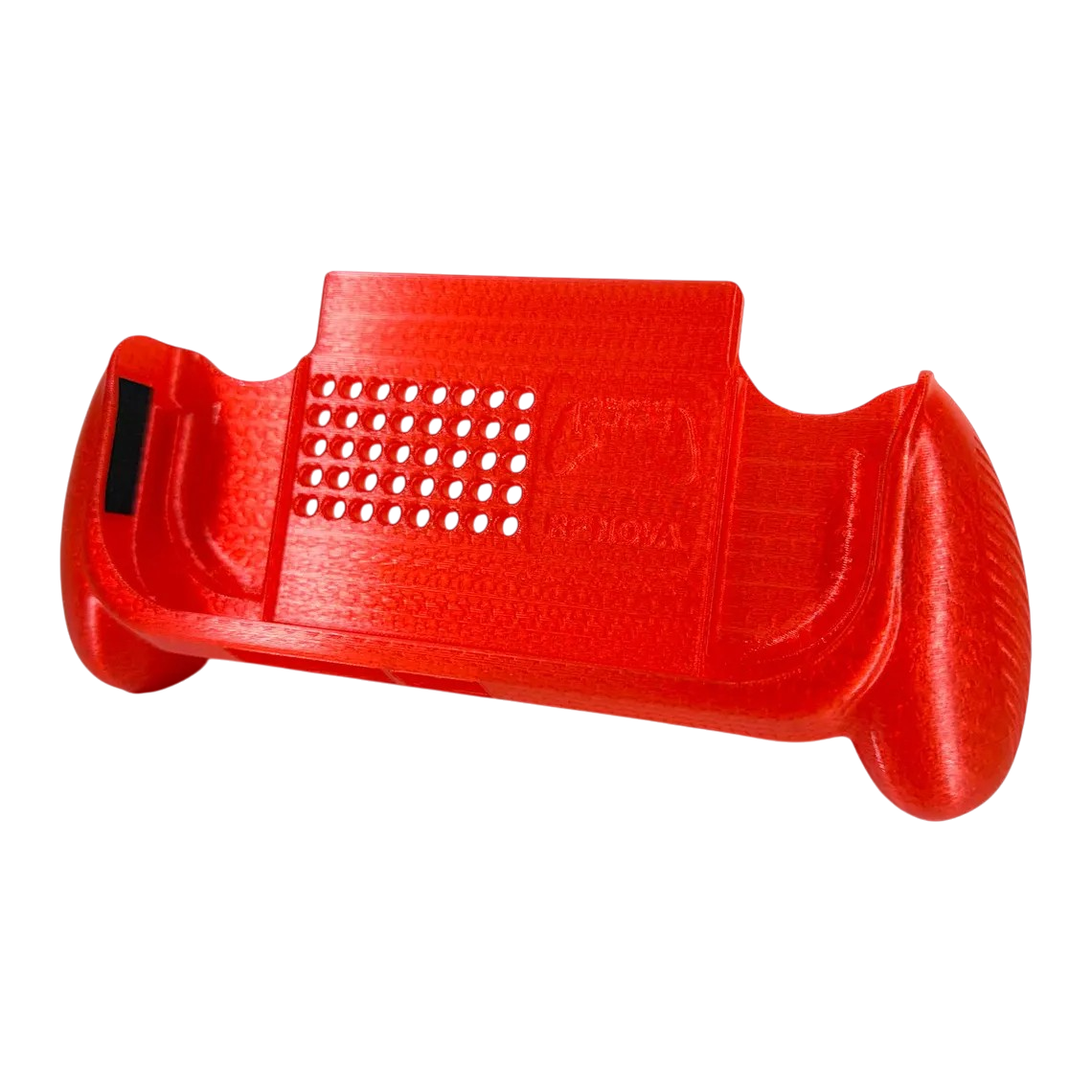
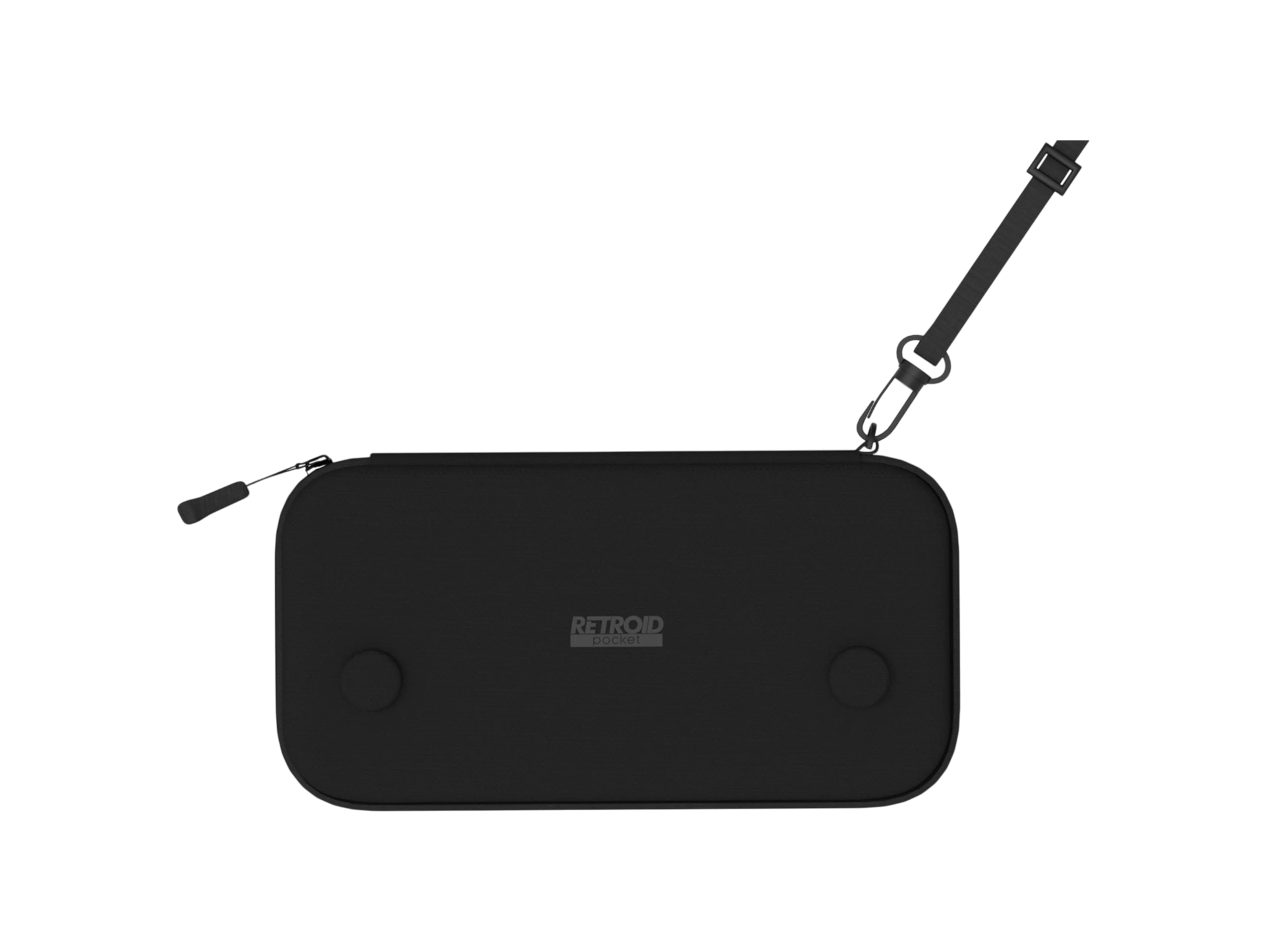
Retroid Pocket Nova Carrying Case
Retroid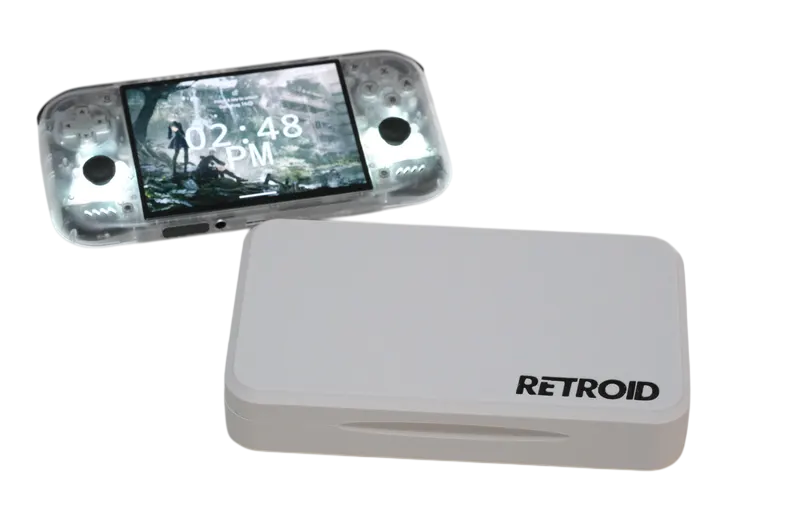
DIY
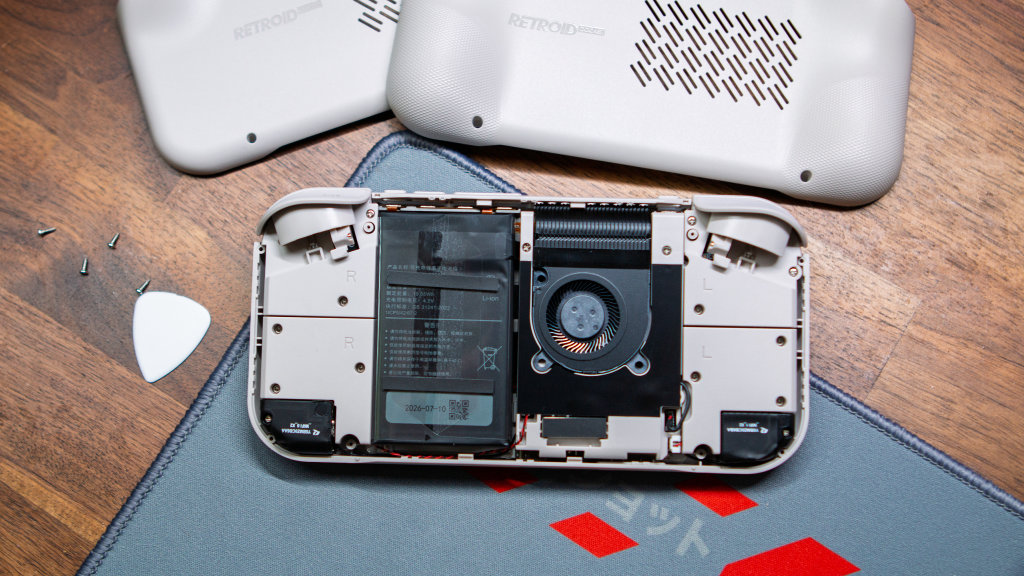
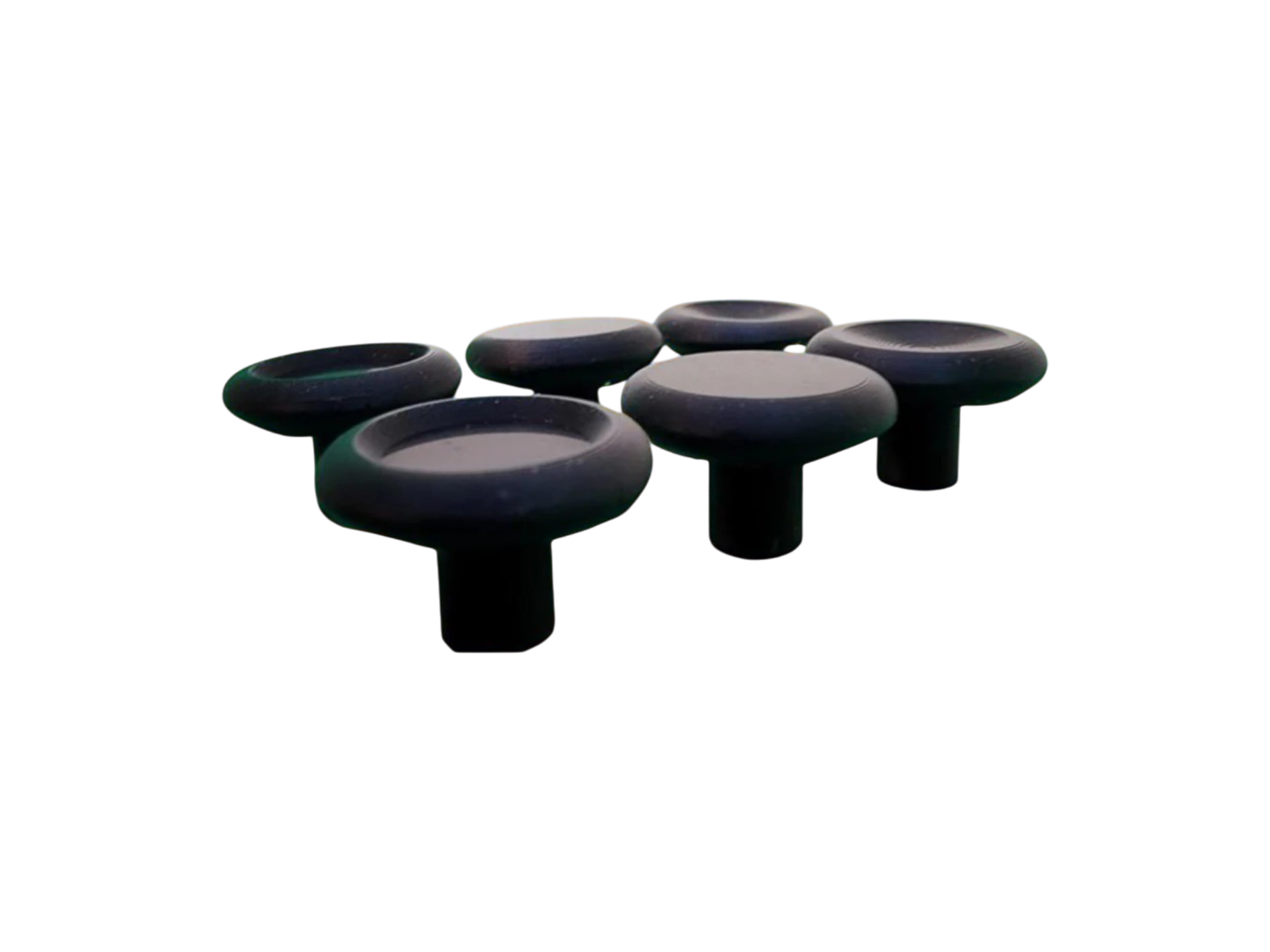
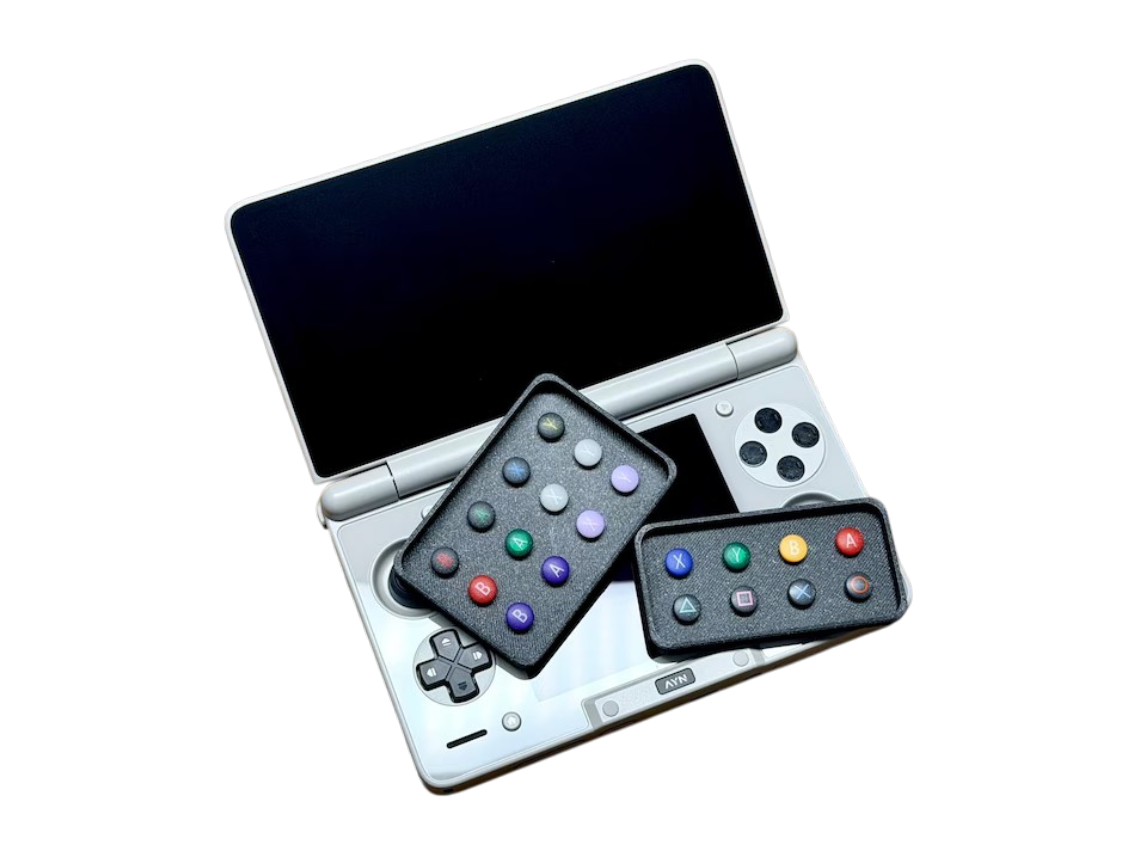
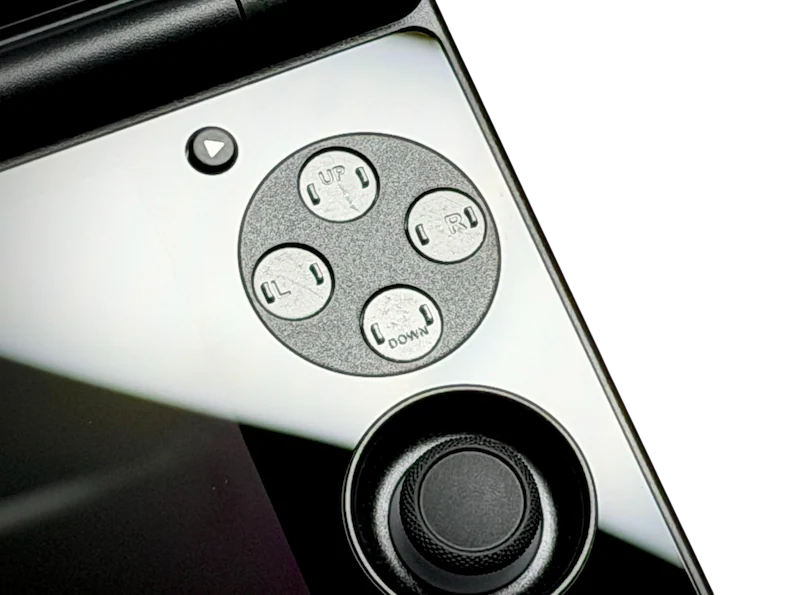
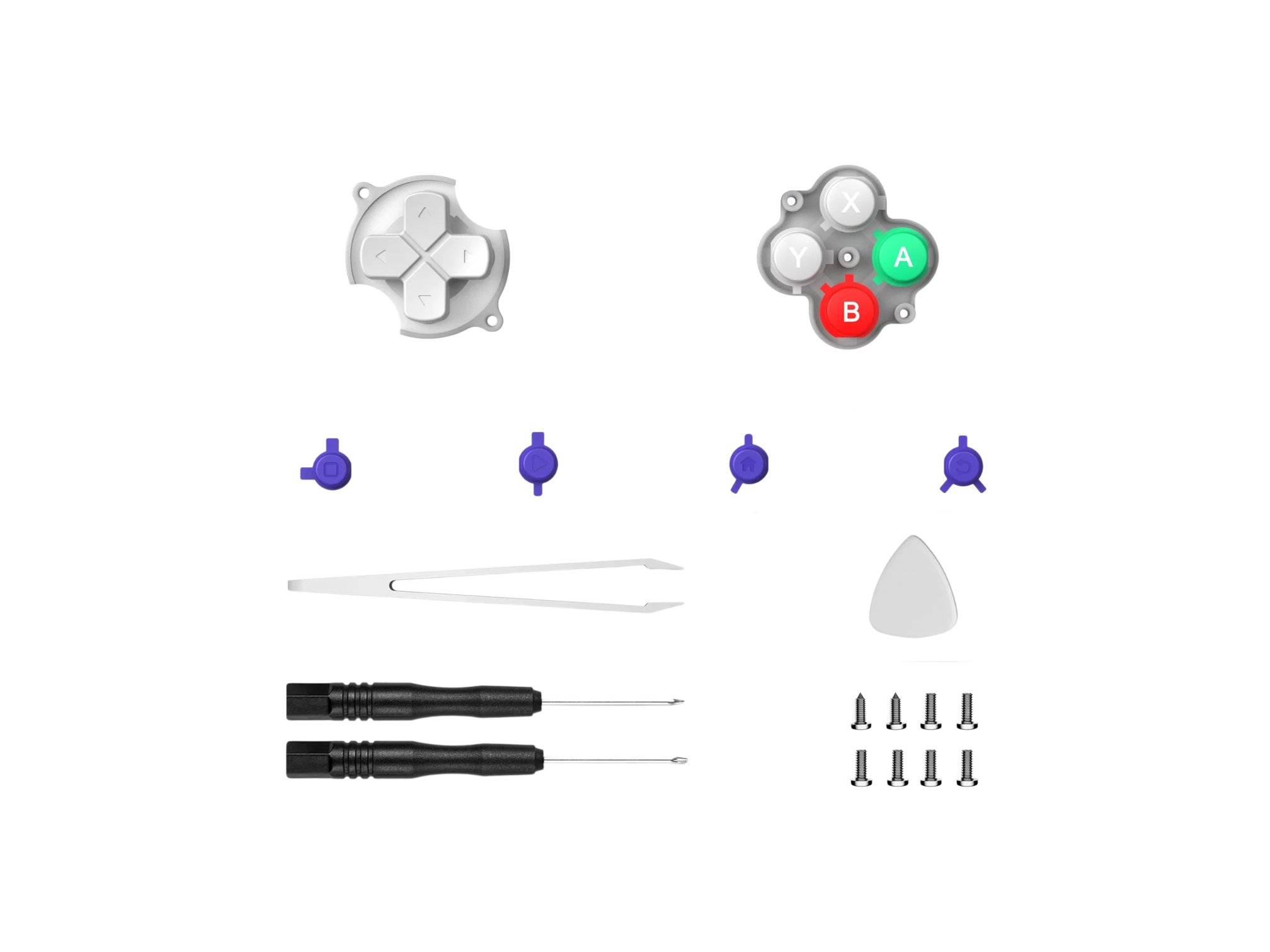
Something we’ve been appreciative of with Retroid releases has been the company’s inclusion of DIY solutions for common “annoyances.” This includes swapping out the back plate on the Pocket Nova, but you can also swap out all of your buttons for a different theme. Plus, Sakura recently launched its Magnetic Buttons, just make sure you get both the bases and the button caps, otherwise you might be a bit disappointed.
External Storage
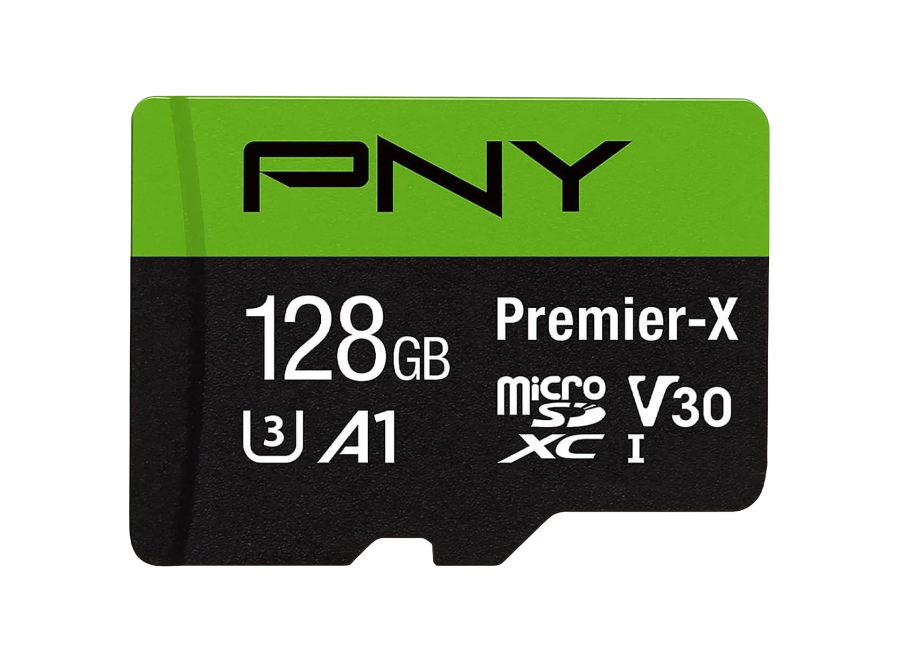
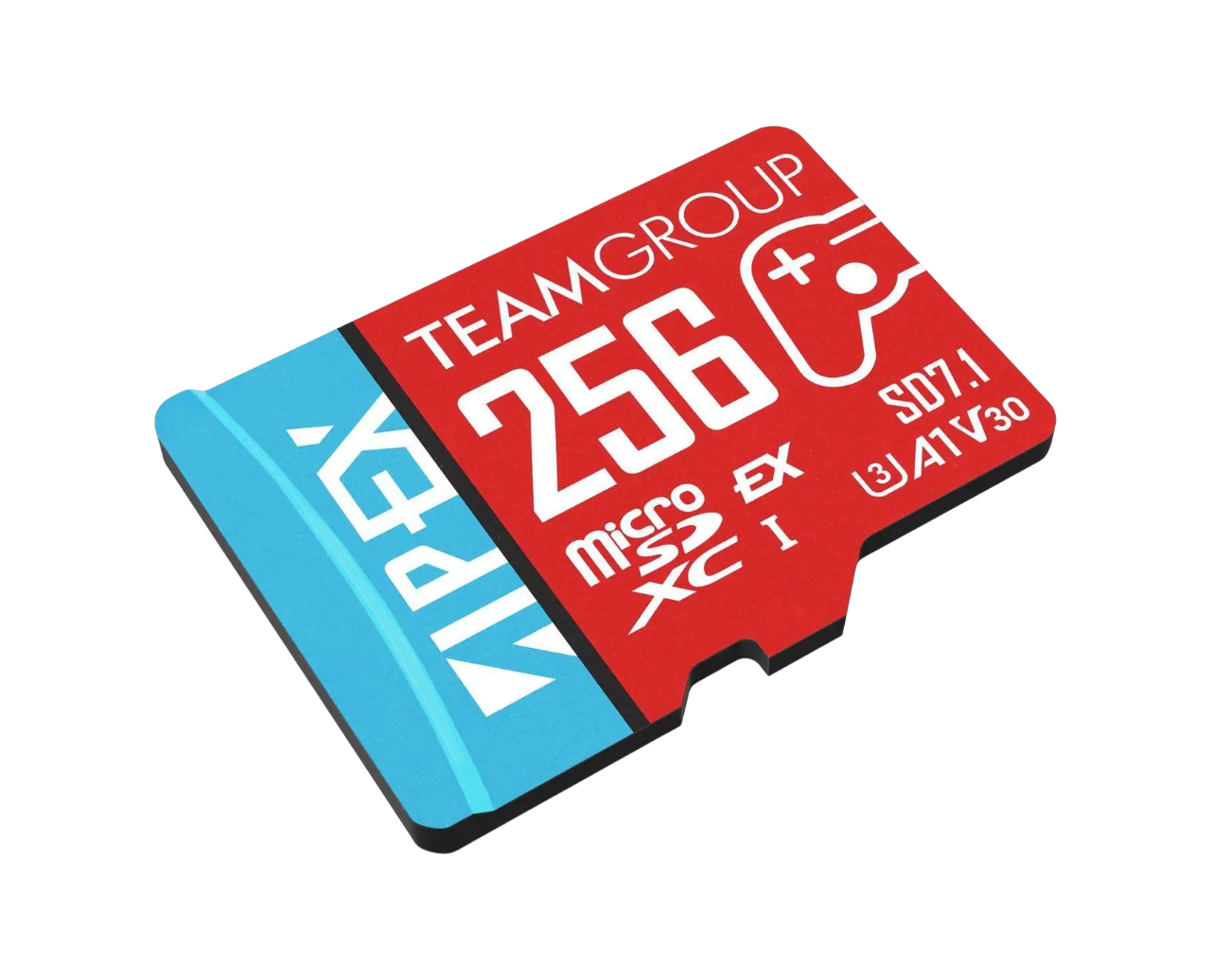
Unlike other Retroid “flagship” handhelds we’ve seen recently, the Pocket Nova only has one storage option available. While 128GB will be enough for the majority of your emulation and gaming needs, there’s a good chance you’ll end up wanting (or needing) more.
Given the current state of prices for microSD cards, it’s tough to recommend anything that costs as much as the Nova. But there are some solid deals for 512GB cards every once in awhile.

Emulators
Multi-system


Microsoft







Nintendo








Sega


Sony







PC Emulation



Miscellaneous



BIOS Files
This one is pretty self-explanatory, as you’ll have to rely on your own sources to locate BIOS files for the systems you plan to emulate. If you aren’t sure what systems require BIOS files to run, or even what those files are, hit the button below.
Games and Ports
4:3 Mods and Games
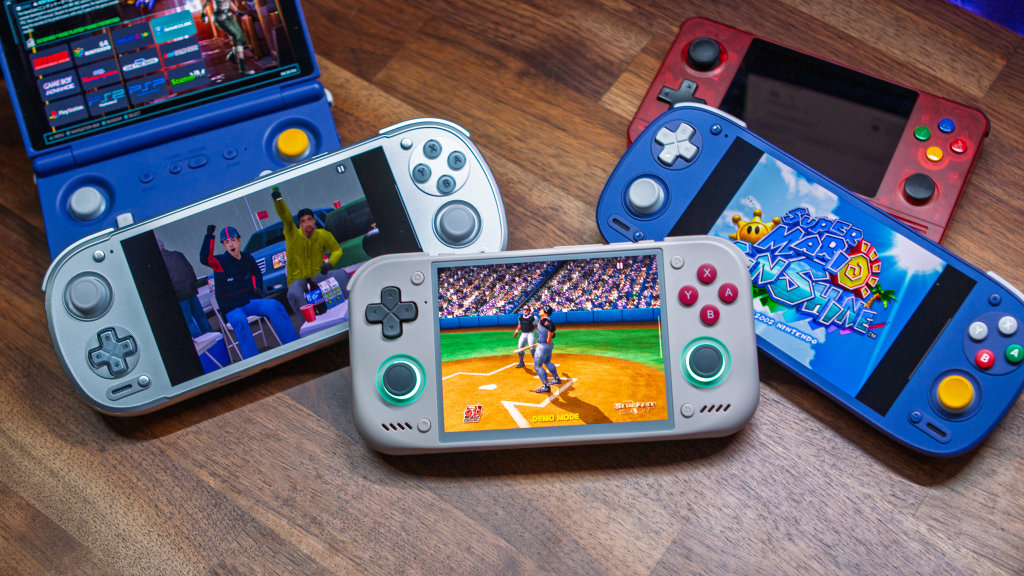
For many, the Retroid Pocket Nova has the potential to be the “perfect” retro handheld with its 4:3 aspect ratio. However, while many of the best retro games fit perfectly on the Nova’s screen, more modern titles rely on thinner and wider aspect ratios.
The first link you’ll find below is for the “Dores it 4:3?” curation on Steam. This is a compiled list “for newer or less obvious PC games that look good on displays that use screen resolutions of 640×480, 800×600, 1024×768, 1280×960, etc” Currently, there are more than 500 games in the list, making this a perfect jumping off point for PC emulation on the Pocket Nova.
From there, we’ve gathered a bunch of the different 4:3 mods and patches for both Switch and PSP games. These come from a variety of sources, but have been tested to properly display those 16:9 games in the Pocket Nova’s 4:3 aspect ratio, without dealing with smushed graphics or black bars at the top and bottom.
PC Ports



Apps and Utilities
Launchers
 Argosy Launcher Argosy Launcher |
Sync your entire game library from your self-hosted RomM server, download games and BIOS files on demand, track your achievements, and play across devices with automatic save sync—all from a controller-native interface designed for Anbernic, Retroid Pocket, Odin, and similar… | Download | Add to Obtainium |
 Cannoli Cannoli |
A frontend with just the right amount of filling! | Download | Add to Obtainium |
 CocoonFE CocoonFE |
An emulation frontend inspired by the 3DS UI built for single and dual screen Android devices | Download | Add to Obtainium |
 Console Launcher Console Launcher |
Console Launcher is designed for gamers to create a mobile console-like experience. | Download | Add to Obtainium |
 eOr eOr |
eOr — short for emulation, organized — is a fast, gorgeous game launcher for Android handhelds and phones. Point it at your games, let it pull box art, screenshots and video previews automatically, and launch straight into your games —… | Download | Add to Obtainium |
 iiSU iiSU |
iSU DS, the dual-screen launcher project from Sapphire Rhodonite. This is still an early prototype, so it’s mainly intended for testing, experimenting, and collecting your feedback. | Download | Add to Obtainium |
 NeoStation NeoStation |
There are already very good frontends like ES-DE which I've personally used a lot, like Daijisho and others. But in a purely personal assessment, I've never felt 100% comfortable with those applications. There's always some characteristic that makes me feel… | Download | Add to Obtainium |
 R-Shop R-Shop |
Premium console-native game manager for Android handhelds. Perfected for controllers. Seamlessly manage & download from RomM, SMB, and FTP. | Download | Add to Obtainium |
 RetroHrai RetroHrai |
A modern, unified frontend launcher for Android that brings all your games together in one beautiful interface. Play games from multiple emulators – retro classics, modern platforms, and everything in between – without juggling between different apps. | Download | Add to Obtainium |
 Pegasus Pegasus |
A cross platform, customizable graphical frontend for launching emulators and managing your game collection. | Download | Add to Obtainium |
 ZNeko Launcher ZNeko Launcher |
ZNeko is an emulation frontend and device-management ecosystem built primarily for Android handhelds. | Download | Add to Obtainium |
Streaming




Utilities
 CHDroid CHDroid |
CHDroid is the ultimate tool for converting your game ROMs into the highly compressed CHD (Compressed Hunks of Data) format, directly from your Android device! | Download | Add to Obtainium |
 ClusterTune ClusterTune |
ClusterTune is an Android utility for tuning CPU frequency limits on supported handheld devices. It lets you adjust CPU clusters, save performance profiles, and access quick controls from an Android Quick Settings tile. | Download | Add to Obtainium |
 Dhizuku Dhizuku |
A tool for sharing DeviceOwner permissions with other applications. | Download | Add to Obtainium |
 Syncthing-fork Syncthing-fork |
A wrapper of Syncthing for Android. Head to the "releases" section or F-Droid for builds. Please seek help on the forum and/or social media apps first before creating issues on the tracker. | Download | Add to Obtainium |
 Tailscale Tailscale |
Tailscale is a mesh VPN alternative that makes it easy to connect your devices, wherever they are. | Download | Add to Obtainium |
 App Manager App Manager |
A full-featured package manager and viewer for Android | Download | Add to Obtainium |
 ES-DE Android Apps ES-DE Android Apps |
This tool imports android apps into the ES-DE launcher, you need to download it independently. | Download | Add to Obtainium |
|
|
An open-source cross-platform alternative to AirDrop | Download | Add to Obtainium |
 Mimir Mimir |
Built to help organise ROM libraries safely on-device, with an initial focus on multi-disc cleanup and bulk ROM preparation for Android frontends used on devices like the AYN Odin and Thor. | Download | Add to Obtainium |
 MiXplorer MiXplorer |
MiXplorer (SD, FTP, Lan, Cloud and other storage explorers) is a fast, smooth, beautiful, reliable and full-featured Android file manager with a simple and intuitive user interface. | Download | Add to Obtainium |
 O2P Tweaks O2P Tweaks |
O2P Tweaks is an application that leverages the temporary root functionality of some devices to apply fixes and enhancements to Android handhelds. This app was originally designed for the Odin2 Portal. Most features work on other Android handhelds that meet… | Download | Add to Obtainium |
 PULSE PULSE |
Pulse is an Android utility for tuning CPU cluster and GPU frequency limits on supported handheld gaming devices — without Magisk or user-granted root. It relies on the device's built-in PServer service to write protected sysfs nodes, the same no-root… | Download | Add to Obtainium |
 RAOfflineProxy RAOfflineProxy |
A local proxy that lets you earn softcore RetroAchievements without an internet connection. | Download | Add to Obtainium |
Obtainium Packs
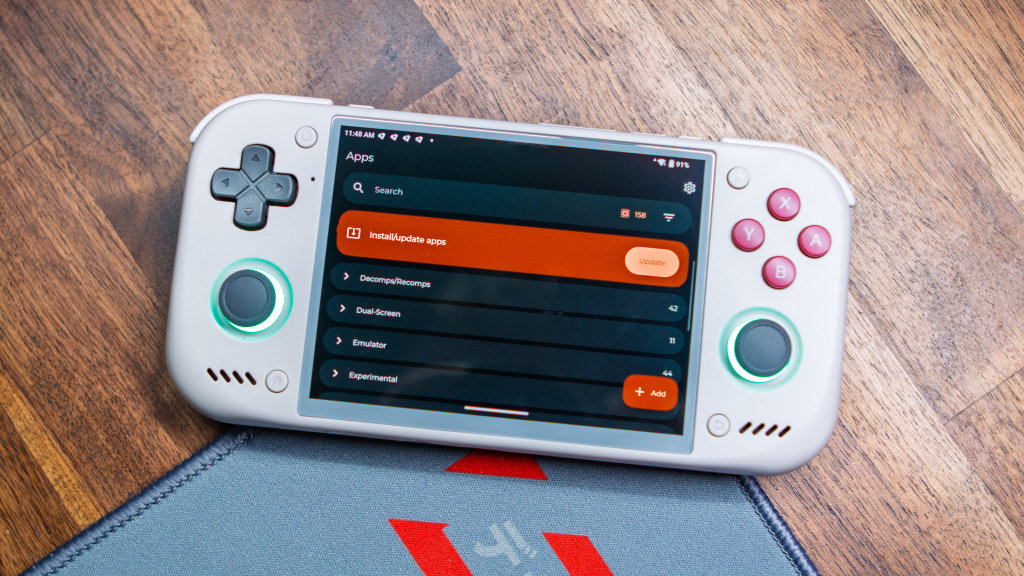
While we made sure to include the ability to add each app/emulator/game/utility to Obtainium via the buttons in the tables, that might a bit tedious for some. If that’s the camp that you fall in, there are three different ways to get everything imported into Obtainium.
RJNY’s Obtainium Emulation Pack has become the de facto starter pack for Android emulation. Given the recent surge in releases of games being ported to Android, the Obtainium Recomp/Decomp is another pack that covers those bases. From there, we put together a little something of our own, much of which is already covered by the other two packs, but with a few more options than you might expect.
Just head over to the appropriate repo via the buttons below, download the latest releases/JSON files, and import them into Obtainium on your Retroid Pocket Nova.
Retroid Launcher Tips/Tricks
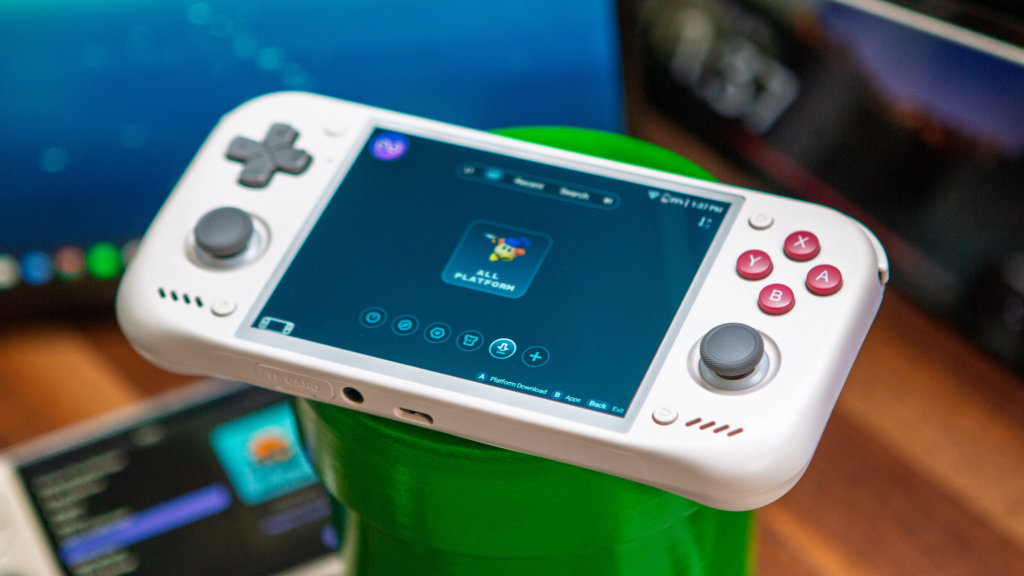
How to Update Pocket Nova
- Open the Settings app.
- Scroll down and select System.
- Highlight and select Retroid Pocket FOTA.
- Tap the check version button.
- If an update is available, follow the on-screen instructions.
Update Retroid Launcher
- Highlight the second icon from the bottom left and press A.
- Press R2 to scroll down and highlight Update.
- Wait for your Nova to finish checking for updates.
- If an update is available, follow the on-screen directions to install the update.
Add Systems/Platforms
- Highlight the second icon from the bottom right and press A.
- Select the systems that you want to import into Retroid Launcher, then highlight and select Download.
- Once downloaded, scroll left or right to highlight the system you want to add games for.
- Press the X button for Details.
- Scroll over to the Directories tab and press A.
- Highlight and select Add.
- Navigate to and select the folder where your games for the console reside.
- Once selected, highlight and select Synchronize.
- Repeat for the other platforms/consoles you want to play on the Pocket Nova.
Customize Retroid Launcher
- Highlight the “Shirt” icon and press A.
- Go through and customize the following settings:
- Game Grid
- Thumbnail
- Whether to place the game name above the thumbnail
- Whether to display the game name
- Background
- Is the background displayed when the game is focused
- Grid layout
- Do you want to display the letter search sidebar
- Thumbnail
- Game List
- Background
- Is the background displayed when the game is focused
- List layout
- Do you want to display the letter search sidebar
- List Item Layout
- Default
- Show More Information
- Whether to display the game logo
- Background
- Platform
- Thumbnail Style
- Rounded rectangle
- Edge blur
- Platform thumbnail loop browsing
- Whether to display “ALL PLATFORM”
- Thumbnail Style
- Theme
- Do you need a edge layer
- Theme color matching background image
- Is the background image blurred
- Handheld
- Whether the rocker lights follow the theme
- Game Grid
More Retroid Pocket Nova From RH
Website
- Retroid Pocket Nova First Impressions: The 4:3 Handheld I Didn’t Know I Wanted
- 5 Games That Look PERFECT On The Retroid Pocket Nova
- Retroid Pocket Nova: Everything We Know
