

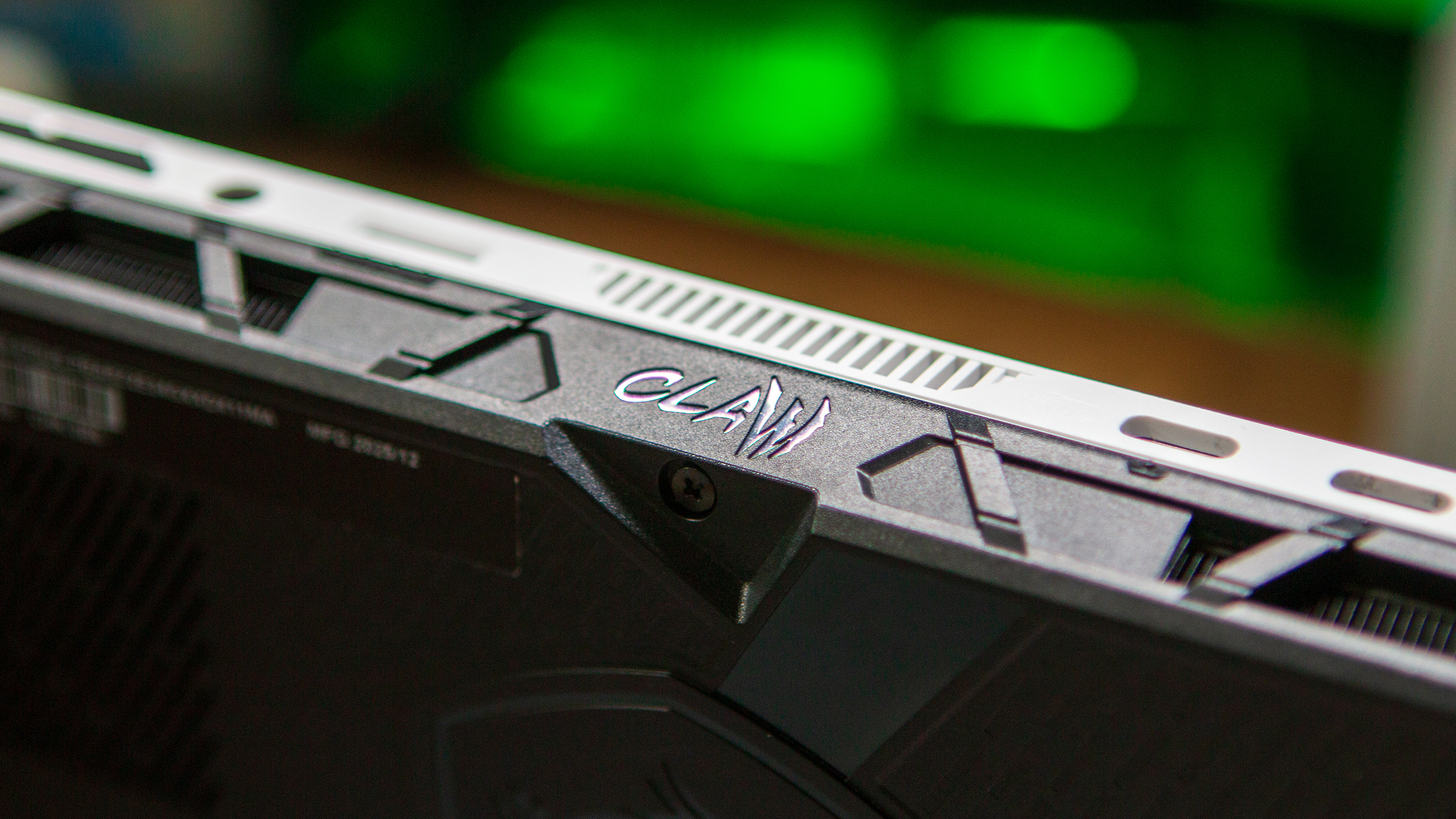
Unlike some of the others here at Retro Handhelds, I haven’t really put much focus into what MSI has been doing in the x86 handheld space. That being said, the MSI Claw A8 caught my attention as the company was introducing a redesigned shell, along with that awesome green colorway.
Part of the reason why I didn’t pay much attention to MSI is due to my experience with the original MSI Claw (A1M), which I picked up on launch day. However, excitement quickly turned to disappointment as it featured a subpar software experience and performance that didn’t really feel “up to snuff.” Although I know I’m in the minority, I also found the original Claw rather uncomfortable to hold for any longer gaming sessions, leaving me to reach for the Steam Deck OLED or other handhelds instead.
Needless to say, with the continued improvements to Windows on handhelds over the past few years, paired with the redesigned ergonomics, I had high hopes for the Claw A8.
Disclosure:
The device reviewed was provided as a review sample by MSI. This had no bearing on the conclusion of the review, nor did MSI have the opportunity to make edits or changes to the review before publishing.
Affiliate links might be present where applicable, and we may earn a commission on product purchases using those links at no extra cost to you.
MSI Claw A8 Specifications
| Specifications | |
|---|---|
| Hardware | |
| CPU | AMD Ryzen Z2 Extreme |
| GPU | AMD Radeon 890M |
| RAM | 24GB LPDDR5X |
| Display | |
| Screen Size | 8-inch |
| Resolution | 1920 x 1200 |
| Aspect Ratio | 16:10 |
| Refresh Rate | 120Hz |
| PPI | 283.02 |
| Storage | |
| Internal Storage | 1TB M.2 2280 NVMe |
| External Storage | microSD |
| Battery | |
| Battery Capacity | 80Wh |
| Charging Speed | 65W PD |
| Connectivity | |
| Wi-Fi | Wi-Fi 7 |
| Bluetooth | Bluetooth 5.4 |
| Ports | 3.5mm Audio Jack, 2x USB-C |
| Video Out | Yes |
| Controls | |
| Sticks | Hall Effect |
| Triggers | Hall Effect |
| Shoulder Layout | Stacked |
| D-Pad | Bottom Left |
| Audio | |
| Speakers | Stereo |
| Speaker Location | Front-facing |
| Headphone Jack | Yes |
| Physical | |
| Dimensions | 299.5 x 126.2 x 24mm |
| Weight | 765g |
| Form Factor | Horizontal |
| Software | |
| Operating System | Windows |
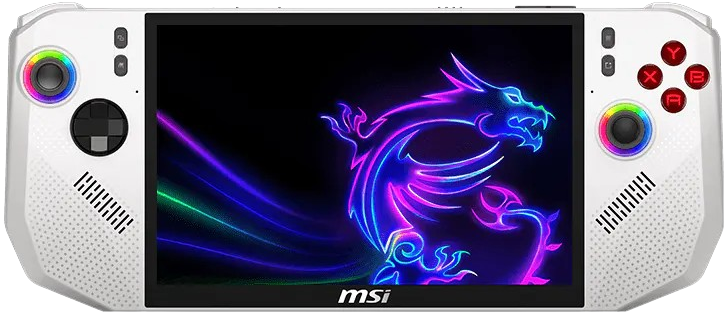
MSI Claw A8
What I Like
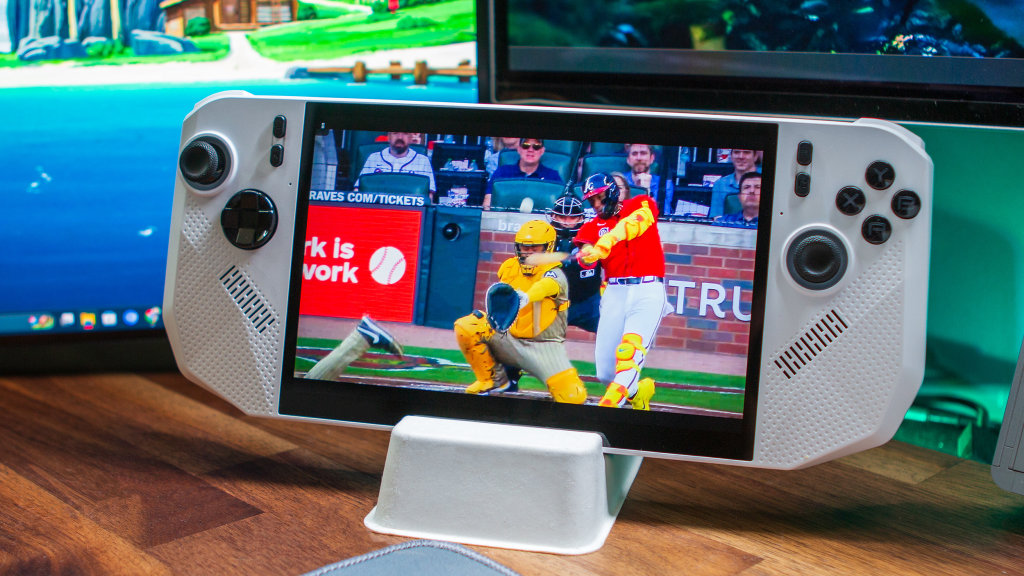
I’ve spent the better part of a month primarily using the MSI Claw A8 as my main x86 handheld, and it’s made me realize that larger screens are the way to go. Every other x86 handheld currently in my arsenal is 7-inches or below, and my aging eyes appreciate the larger screen real estate.
It’s not like this is the best 8-inch display that I’ve ever seen or anything, but it’s…solid. No, it’s not OLED, and I don’t even think it’s on par with the LCD panel that Lenovo uses in the original Legion Go or Y700 tablets. But MSI also isn’t using a terrible panel here, so you likely won’t be disappointed unless you’re an OLED evangelist.
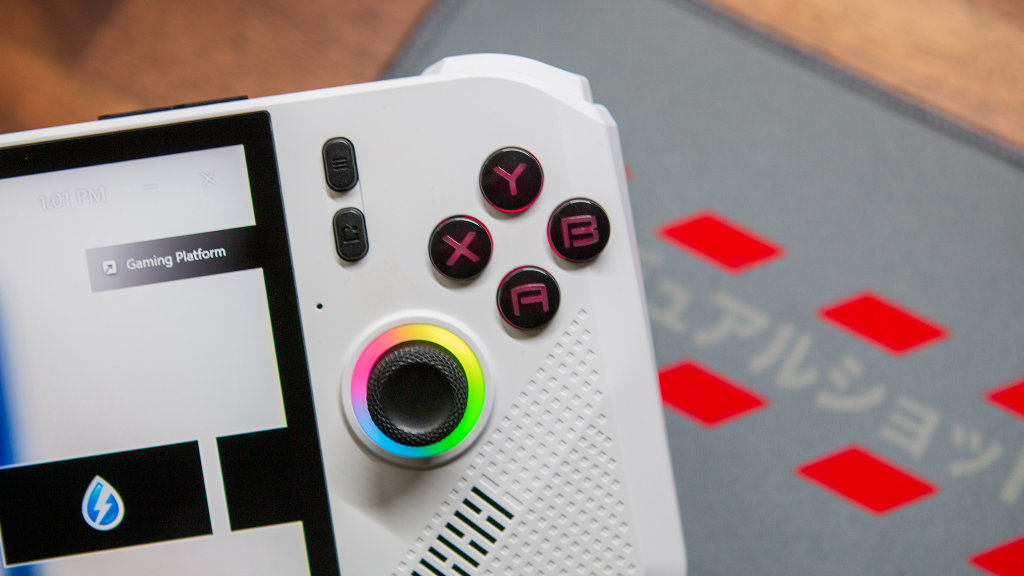
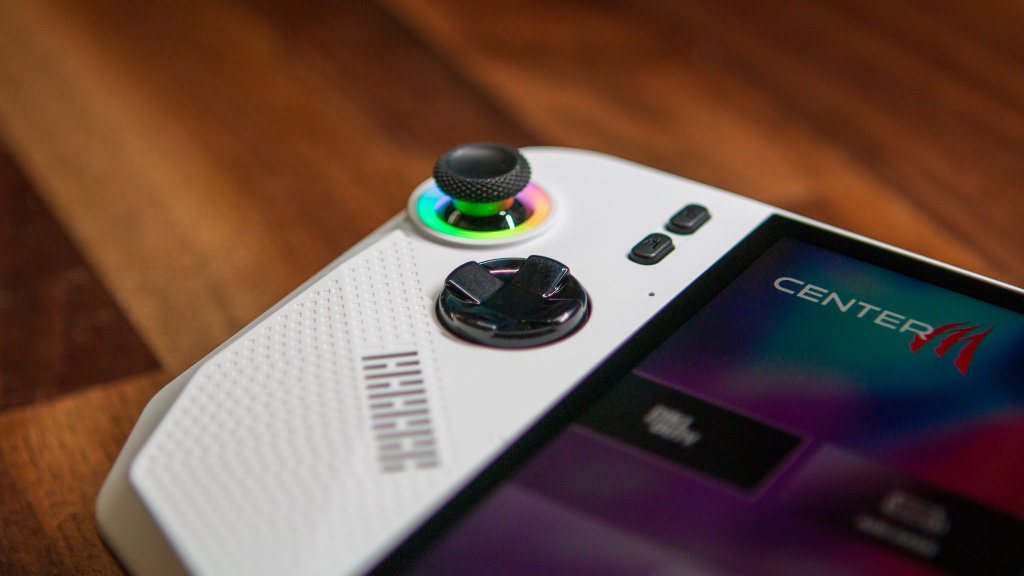
Something else I can appreciate is that MSI did something with the Claw A8 that I don’t think we’ve seen elsewhere: the ABXY buttons are actually backlit. So instead of just having the RGB rings around the left and right joysticks, there’s a bit of extra flair with the buttons, which I rather enjoy. Frankly, it’s something that I’d like to see come to more handhelds, but who knows if that’ll actually happen.
As for performance, well, what more can you really ask for from a handheld that isn’t in the same echelon as the GPD Win 5 or OneXFly Apex? The Claw A8 is equipped with the AMD Ryzen Z2 Extreme paired with 24GB of RAM, the same configuration that we see in the Lenovo Legion Go 2. Needless to say, I didn’t run into any hiccups or irritations when it came to actually playing games on the Claw A8.
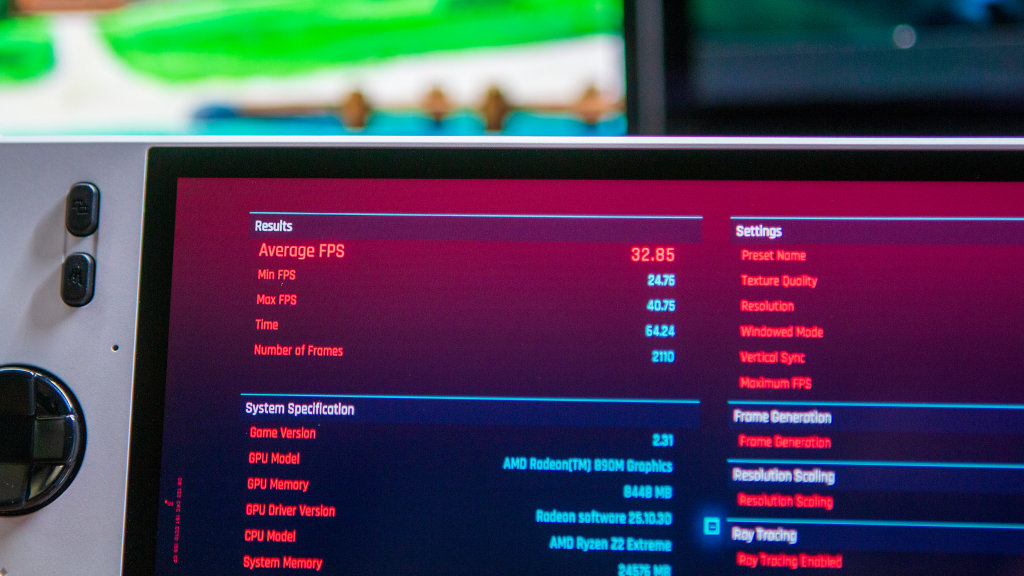
All told, I think MSI did a pretty bang-up job for the most part, as I came away actually wanting to play games on the Claw A8 and not just using it to run a bunch of benchmarks.
What I Don’t
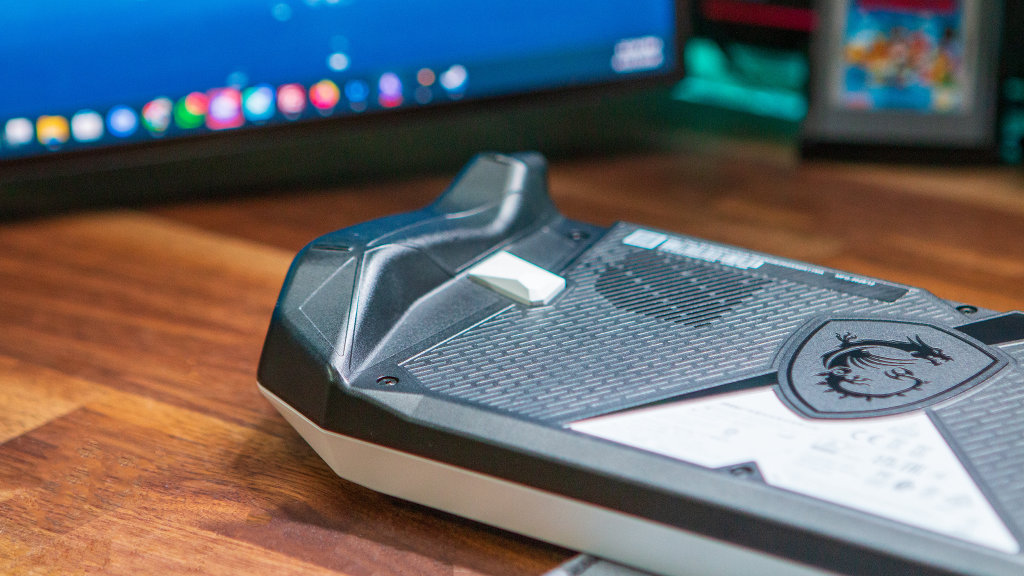
I’m going to get straight to the point. Here’s a message I sent to some of the RH guys the other night: “So for the past few weeks, I’ve been using the Claw A8 a bunch and reached the point of thinking that the ergo wasn’t awful. Then I picked up the XAX and immediately realized how ******* stupid I am.“
As someone who has been dealing with some sort of carpal tunnel that is seemingly just getting worse, I’m extremely sensitive to how it feels playing games on different handhelds. Even my beloved TrimUI Brick Hammer has been seeing less usage, simply due to the fact that my wrists start to hurt after just a few minutes of playing a game.
With the Claw A8, I haven’t been able to play a game continuously for more than maybe 30 minutes before my fingers start to get tingly and go numb. It reached the point that while I was playing both PowerWash Simulator and its sequel, I would be playing, and then have to set the Claw A8 down just to get the feeling back in my hands. That’s even with the auto-washer enabled, so that I wasn’t constantly holding down the right trigger.
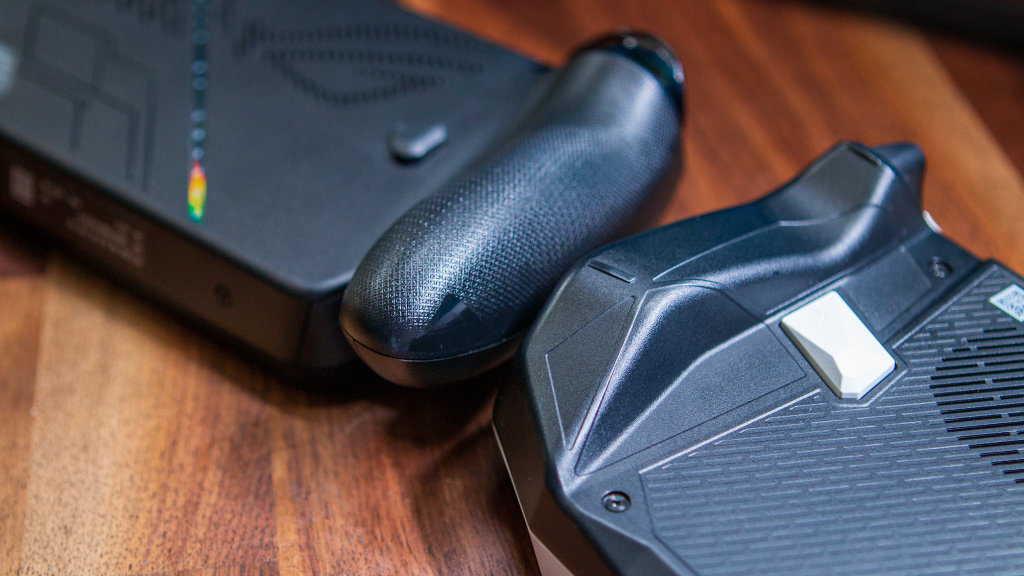
It’s obviously a bit different for “session” games like streaming MLB The Show via Better xCloud/Greenlight or Call of Duty. These games don’t force you to constantly interact with them due to cut scenes or rounds coming to an end.
On paper, having the separate grips instead of just curved edges on either side made me feel like there was a chance that this would be “the way” for me. Sadly, it’s just not the case, and it’s a recurring theme that I’ve seen from other creators in the space. Part of me wonders if opting for a more rounded grip, such as the Steam Deck or ROG Xbox Ally X, would have provided a different result.
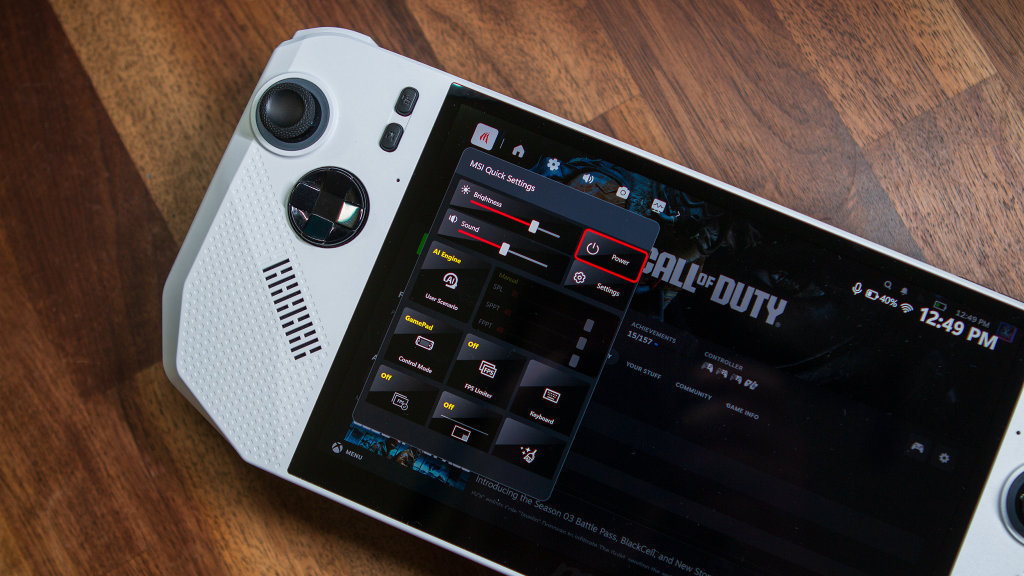
Before closing this section out, I did want to quickly mention the MSI Center software. MSI needs to go back to the drawing board here and get some fresh eyes on the project. It’s not the worst experience, but it’s certainly far from the best, to the point that I did whatever I could to avoid using it.
Even pushing the dedicated MSI Center button to bring up the overlay was an annoying experience. You’d press the button and start trying to switch between the different tabs, only for it to take you to the very first one, even if you manage to make it to a different one. It’s almost like there’s some type of delay baked in, and the only way to combat it is to train yourself to wait until it “resets” before trying to interact with the menus.
Conclusion
When it comes to performance and a few of the “intangibles” of the MSI Claw A8, I’d argue this is the company’s best x86 handheld yet. I’ve definitely enjoyed using it more than the original Claw, and it made me realize that it’s probably time to embrace larger-screened handhelds.
However, even if you ignore the rising costs from the ongoing memory shortage debacle, the Claw A8 is still a tough one to recommend for me. The ergonomics are simply not good, and I don’t really think there’s any way to solve this problem, outside of maybe some 3D printed mods or something.
That said, when you consider that the Legion Go S and Legion Go 2 continue to skyrocket to exorbitant and non-realistic prices, the Claw A8 and ROG Xbox Ally X are really the only two reasonably-priced Ryzen Z2 Extreme handhelds remaining. With that in mind, I’d recommend at least taking the Claw A8 for a spin, as the ergonomics might not be as big of a deal for you as they are for me.

1 Comment
I guess my question is, within the (ever expanding) handheld market, why would someone drop that much coin on the MSI Claw. It might be an OK clearance pick up, but at $1300 I really would expect the moon.