

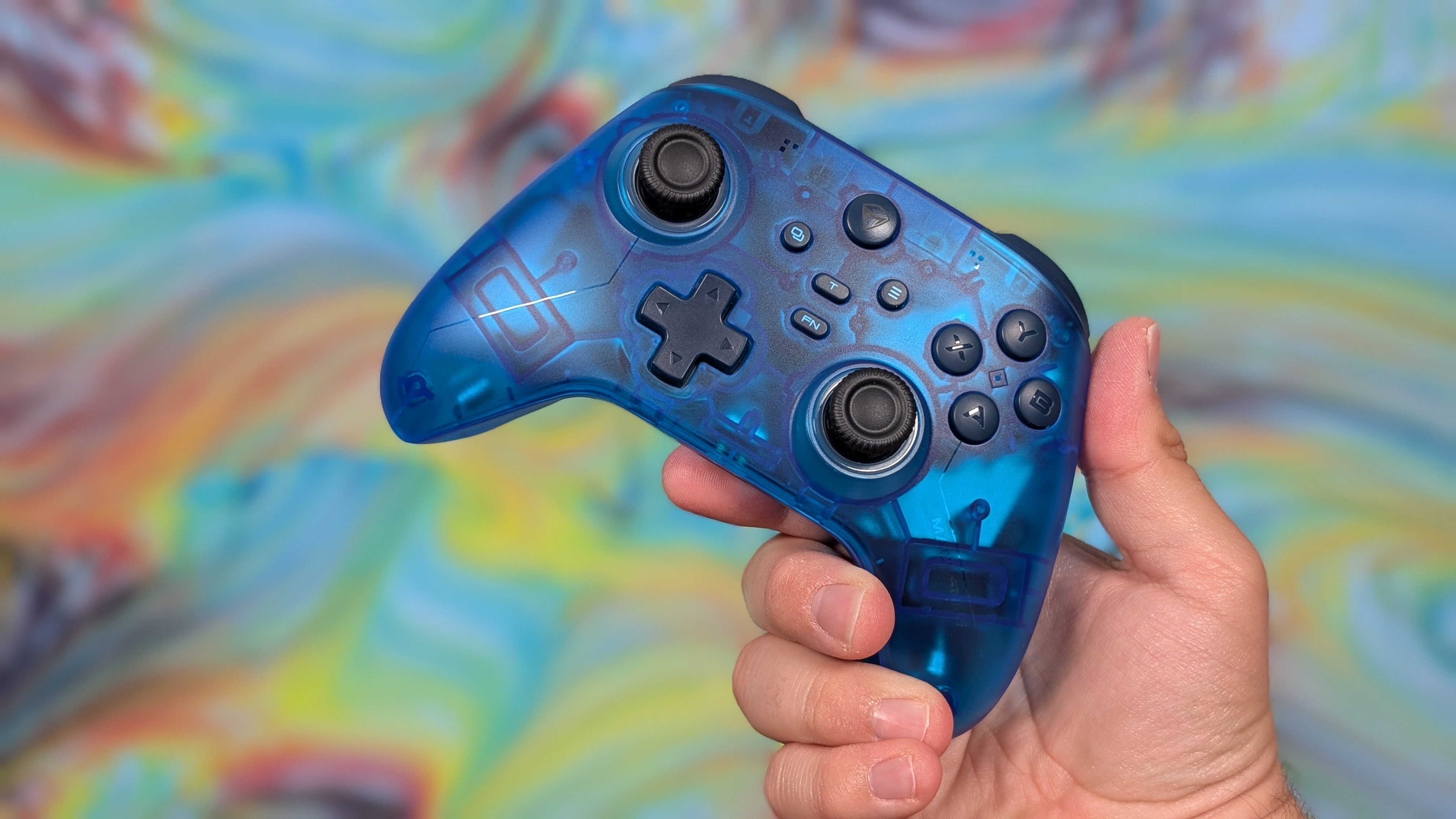
Just over a year ago, I reviewed a controller called the EasySMX D05. It was a solid controller with good build quality, decent controls, and at the time, a nice feature set for its $45 asking price. But while browsing AliExpress during one of their recent sales, I came across something that was almost familiar: the Machenike G3 V2.
Very similar looks, feature set, and goofy dock, but for only $25 after tax. For less money, is this the same controller? What’s different this time? And is it worth even less of your money now?
Well, that’s what I’m here to find out.
Disclosure:
This product was purchased with our own money and was not sent to us by the company. Affiliate links might be present where applicable, and we may earn a commission on product purchases using those links at no extra cost to you.
Machenike G3 V2 Specs
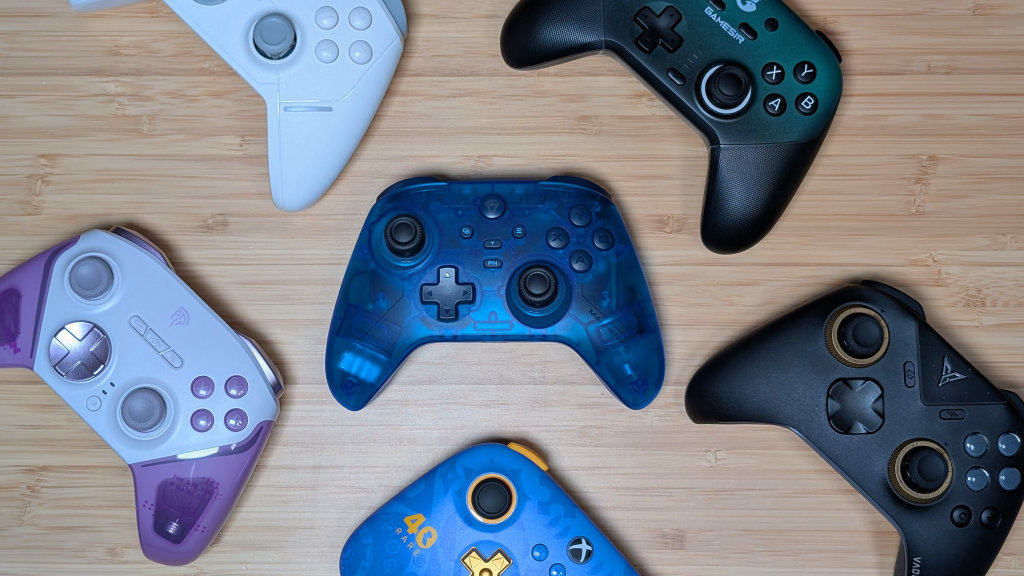
As I mentioned prior, I managed to pick up the G3 V2 for $25 during the last AliExpress sale. At that point, you’re spending less than 8BitDo Ultimate 2C money and arguably getting more value. If you choose to go the Amazon Route, you can get it for $38, or $30 if you’re fine without the gyroscope. As for specs, that’s for you to decide.
| Controls | |
| Sticks | Hall Effect |
|---|---|
| Face Buttons & D-pad | Membrane |
| Triggers & Shoulders | Membrane & Analog |
| Connectivity | |
| Options | 2.4GHz (@ 1000Hz), Bluetooth, Wired via USB-C |
| Compatibility | Nintendo Switch & 2, x86, Android, iOS |
| Extra Features | |
| Addt'l | Adjustable Vibration, Charging Dock, Adjustable Stick Tension, M1/M2 Buttons, Keylinker Software |
| Battery | |
| Capacity | 1000mAh |
| Charging Dock Included | ✅ |
| Physical | |
| Weight | 227g |
Ergonomics & Build Quality
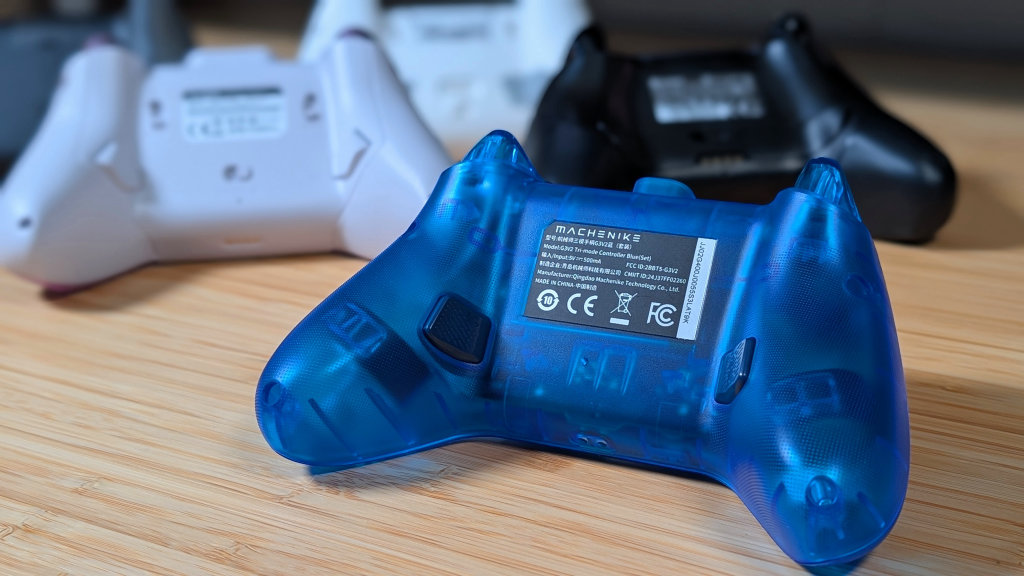
When it comes to ergonomics, you’re getting the traditional “built like an Xbox controller” design. Grips that angle outwards for easier reach to the thumbsticks, textured plastic for the grips so it doesn’t just fall away, and control placement that just makes sense in all honesty. The G3 V2 is inoffensive, and gets out of the way when it comes to thinking about how to hold it.
As for build quality, I could also describe it as inoffensive. The plastics are solid, there’s no creaking or groaning, and as a whole they’ve built the controller well. The smooth top plastic doesn’t have any accidental scratches in it, while the textured back doesn’t feel off or uneven in any way. It’s just completely fine.
Controls
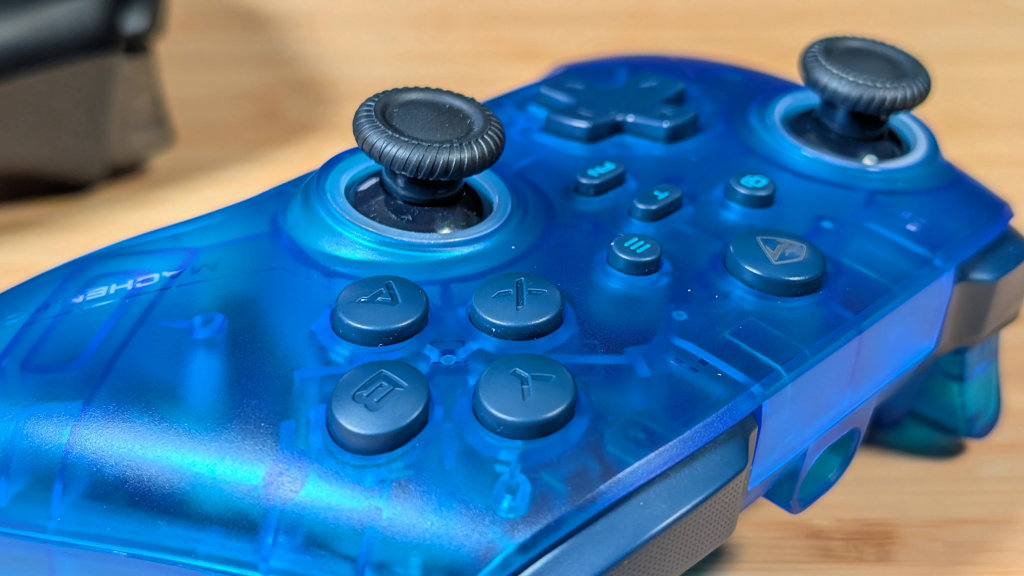
Getting into controls, there’s a decent bit to cover, but nothing out of the ordinary. The triggers and shoulder buttons are smooth, with a light click in the shoulders. They aren’t loud, clacky, or otherwise intrusive to the gameplay experience.
Though most of us are using headphones, or the game audio. The sticks are nice hall effect options that are smooth, responsive, and function fine under a stressful race of the Goliath in Forza Horizon 6. There is more to say about them, but that’ll appear in the “Bonus Features” section.
The D-pad is fine: no squeaking, decent pivot, and didn’t give me any accidental diagonals in a round of Tetris Effect. Last are the face buttons. Their light actuation force is nice, with the membrane being a good change of pace from all of the clicky controllers in the last year.
Once you get over the hump, they go down quickly and easily. My one complaint out of everything is that they’re both a bit clacky when pressed, and a bit rattly overall. If sound is your first issue, sure, this may not be for you. But for everyone that doesn’t care. Enjoy.
Bonus Features
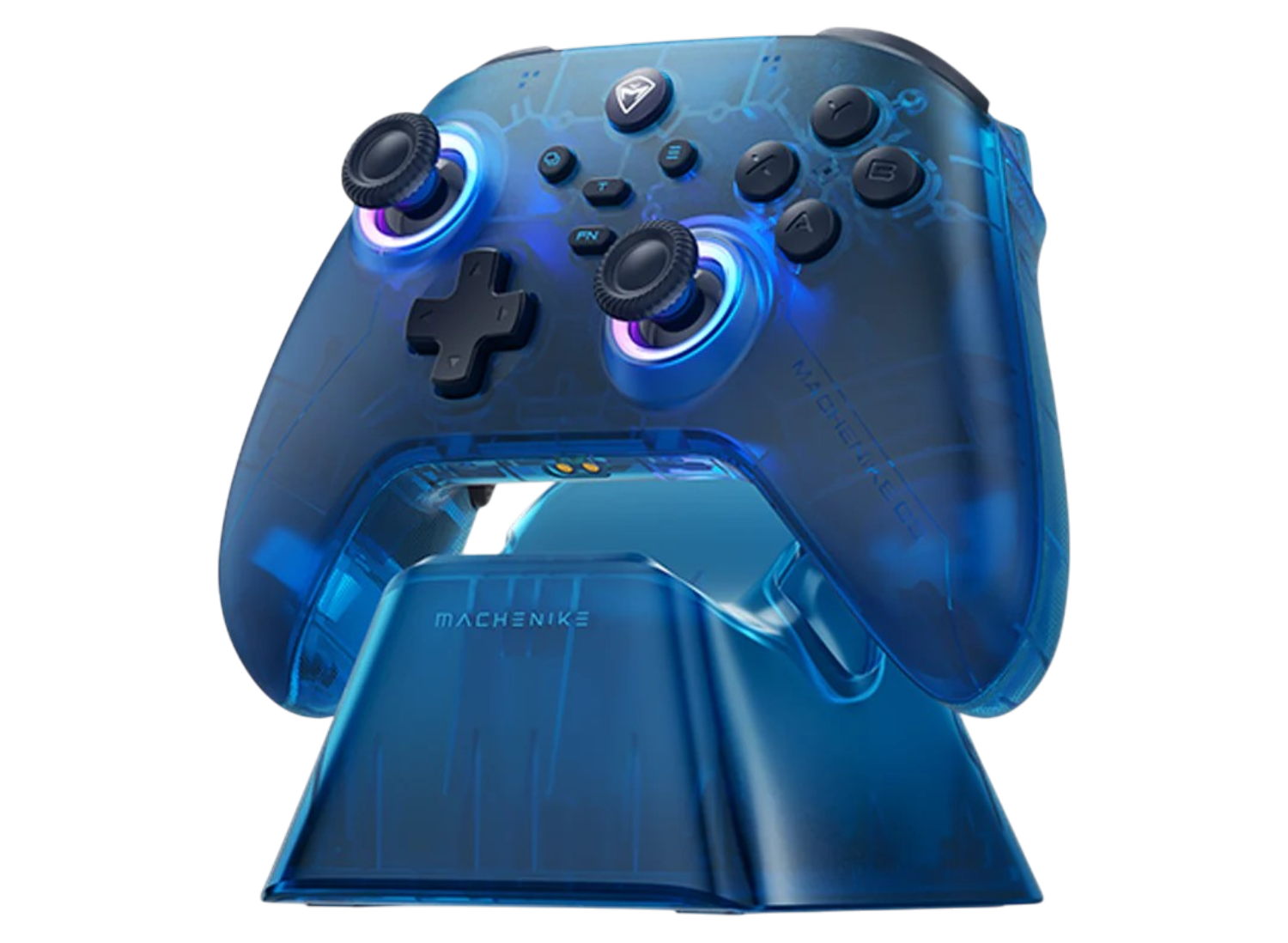
The Dock
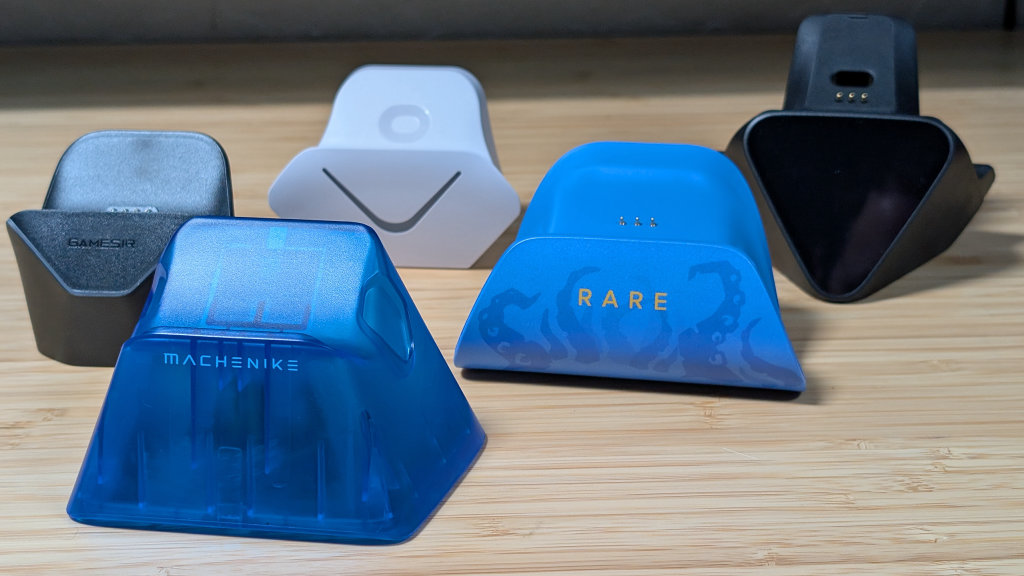
This is going to be a quick one because the dock for the G3 V2 is very heavily inoffensive. It’s plastic, lightweight, and humorously tall. It’s got two divots to fit the back buttons, and on the back is a USB-A slot for the dongle and a USB-C slot for your cable.
Up on the top, you’ve got two pins to place the controller on, and it all slots in well. While I do wish this dock was heavier to avoid it sliding around, even with the rubber feet, it does well enough. And man, it sure looks familiar.
Tension Adjustment
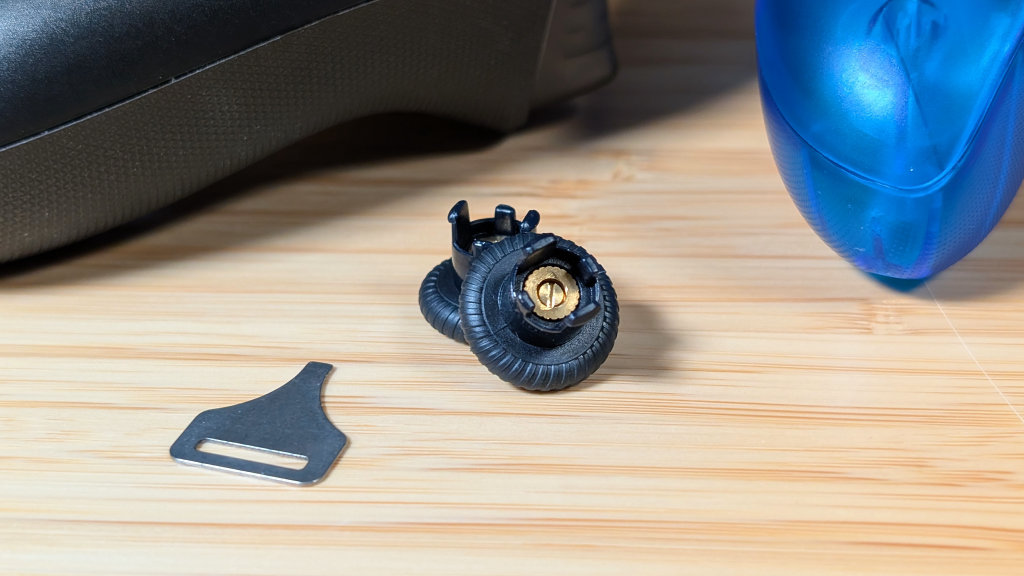
Now this is an interesting feature not present on the G3 V2’s cousin. If you pop the sticks off of the controller, you’ll notice two screws underneath. Grab the awkward little screwdriver that came in the box, and it’ll slot right into the screws.
Now I totally haven’t lost this screwdriver a few times, but if you do have it, you have two options. Twist to the right, and the tension of the sticks will loosen; twist to the left, and it’ll get heavier. Anywhere from 40 grams of force to 80.
While great to have, it’s impossible to use for quick tension adjustment, and it’s a bit finicky just to land the driver in correctly. Overall it’s cool, but I’d prefer to set and forget if you’re going to change anything.
Software
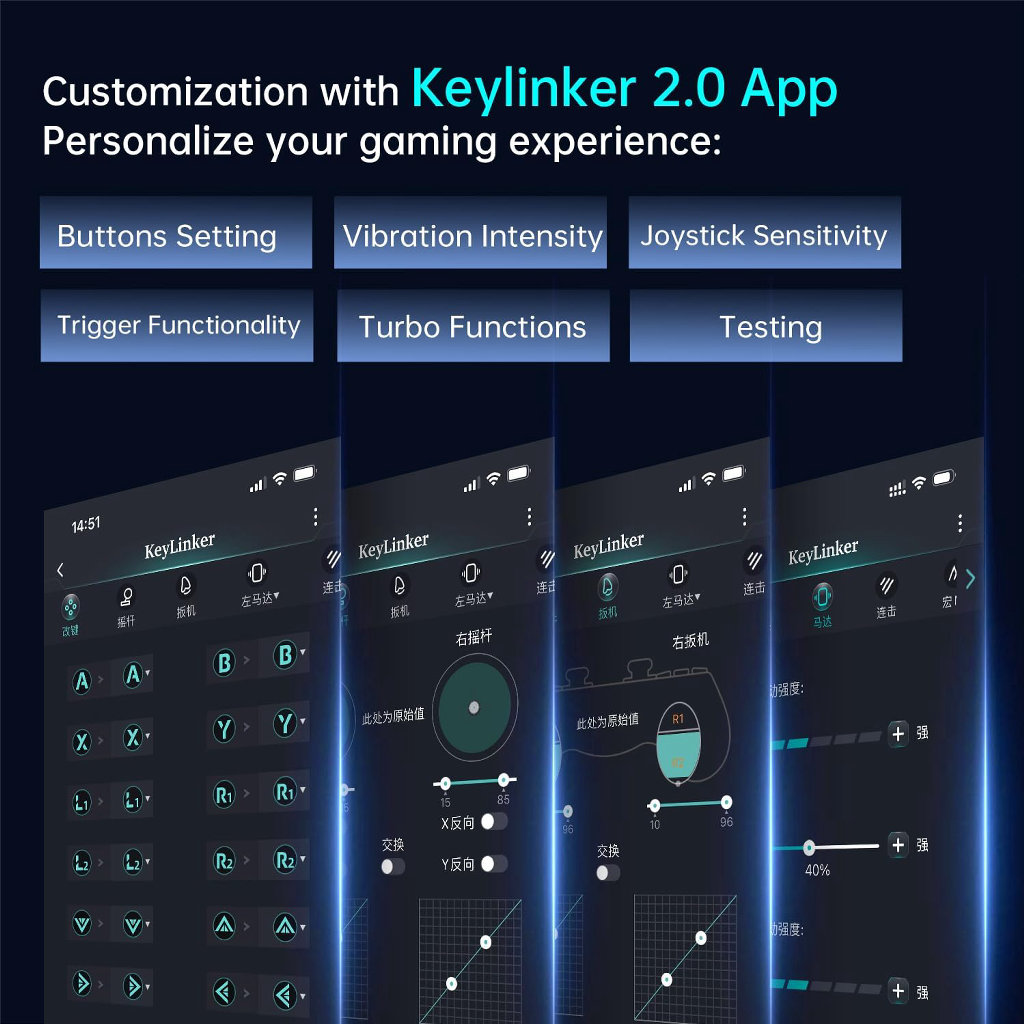
Technically speaking, there are two software options for the G3 V2. The Keylinker V2 app and the Mix Driver app on their website. That being said, I could never get the Mix Driver app to properly install, as it would always give me the same error code no matter what I changed. The Keylinker V2 app, on the other hand, was not too great. It works and allows you to change the functions of your buttons, particularly your M1 and M2, but it also just is whatever.
My personal preference is to simply adjust things on the controller. Similarly to the EasySMX D05, utilizing the FN and D-pad would allow you to change the RGB and the Vibration on the controller. And setting your back buttons with M1 and M2 can simply be done with the FN button and then selecting what you’d like them to be. Overall, it’s a better and easier experience than trying to connect to your phone over Bluetooth to change your controls
Final Thoughts
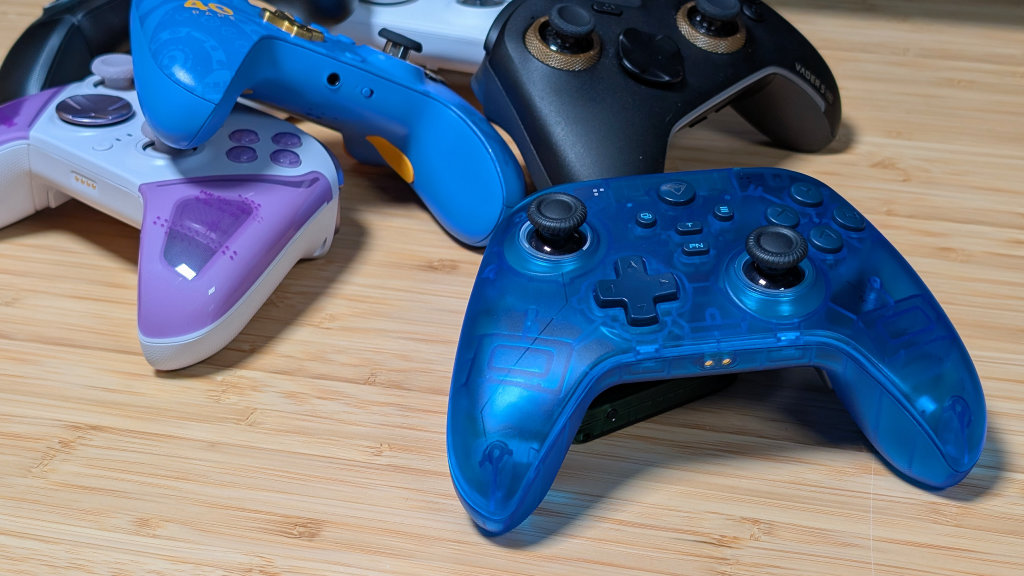
As a whole, the phrase I can use for the Machenike G3 V2 is that it’s inoffensive. I do really dig the transparent blue colorway, though black, pink, and white are also options. It is super familiar, being nearly identical to the EasySMX D05, but with some extra features. And because of that, I think it’s an easier choice to make on this controller. The D05 is currently $40 on Amazon, but this can be anywhere from $3 to $15 cheaper depending on where you can get it.
I’d certainly move my recommendation between the two to the G3 V2. If you’re looking at other options though, the biggest comparison goes to the GameSir Super Nova, which is regularly on sale for a similar price. Personally, between the two I prefer this due to its wider triggers, but I think the community as a whole has rallied behind the Supernova for being the de facto “An Membrane Controller.”
But really I think you’d be happy with either. Plus, on Amazon you can save $10 if you don’t want the Gyro controls. Which is a fine loss to me.
