

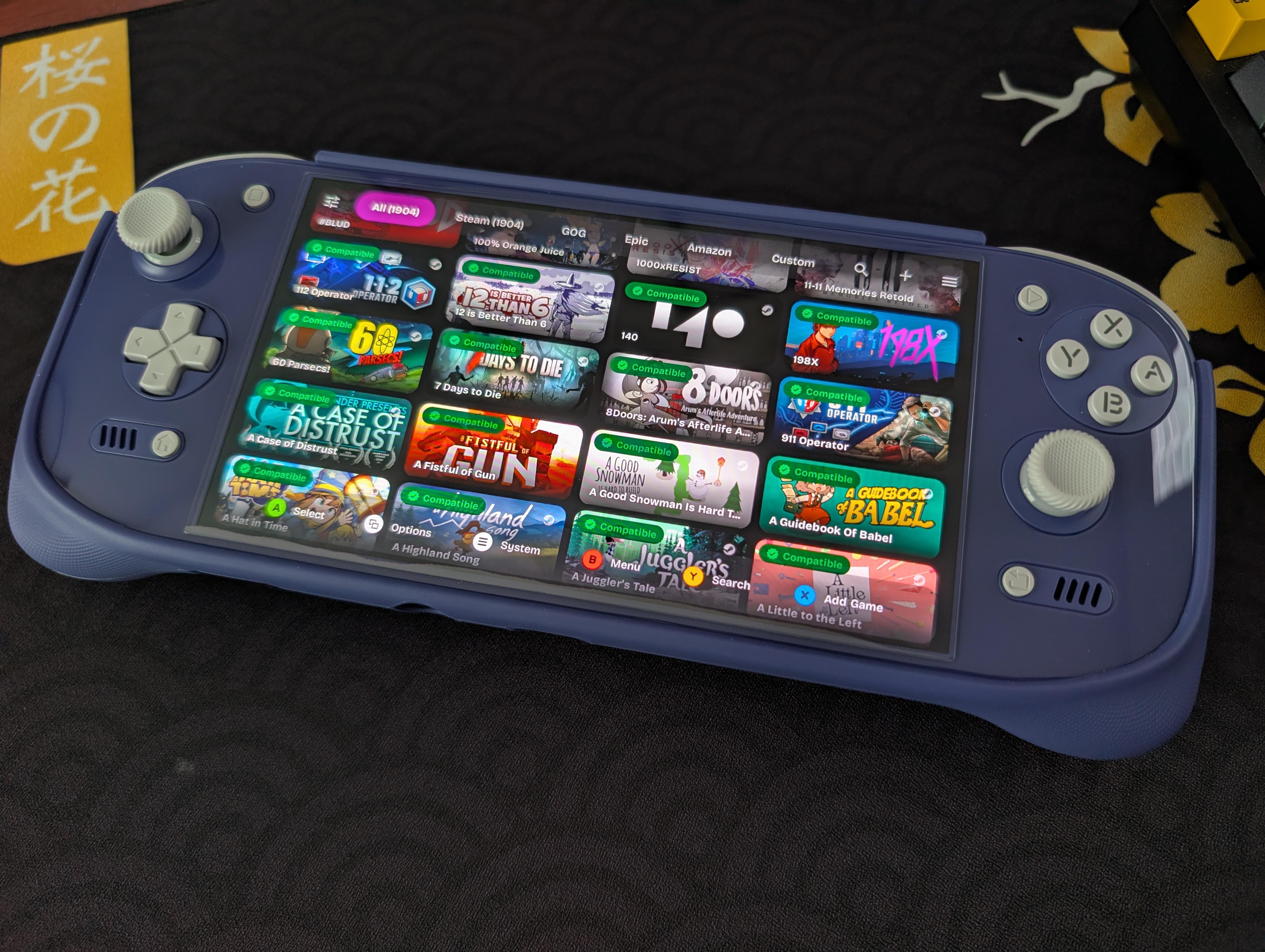
It’s only been one month since the last big update to Gamenative, but the team over there has been continuing their work to make the app not only easier to use and understand, but to also help improve compatibility. All of their continued work for the app has been a major help for those looking to get into x86 emulation without having to delve as deep into the menus you’d usually find in something like Winlator or even Gamehub. As of July 1st, the official release of Gamenative V1.1 is available to download, but if you had tuned in last week you’d have been able to check out their pre-release as well.
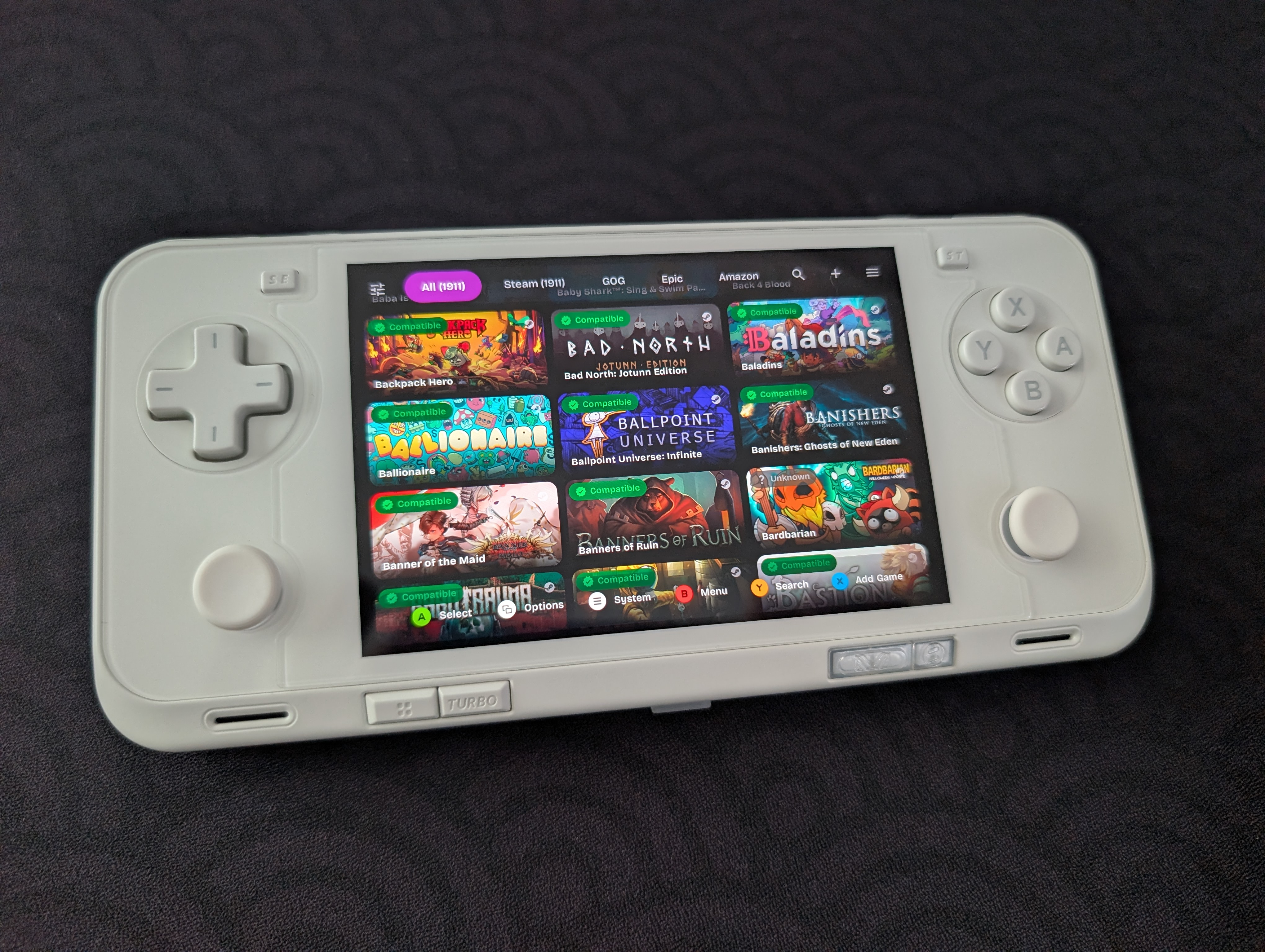
As always, be sure to check out their Github page directly for the full rundown of what’s changed, updated, or been added into the latest versions of Gamenative, but if you’re looking for the latest information about their new release; you can find the changelog for this one below.
Added since prerelease:
- ASR: rename lib, add fence and color format conversion to prevent surfaceflinger crash by @AndreVto in #1620
- fix Steam in China: javasteam query params handling by @joshuatam in #1652
- Fix: Clear needs unpack flag for non-steam games (fixes constant mono install) by @Catpotatos in #1638
- fix: GOG cloud save upload to prevent redundant transfers by @joshuatam in #1637
- Added changes to make app more navigable by controller in #1646
- apply gmem automatically for adreno 710, 720, 732 to reduce glitches in #1656
- Updated Steam/Epic/GOG notifications to correctly show background download notification in #1621
- Added default turnip driver for A12 devices (Retroid Pocket Classic) in #1647
- Added back delete container for installed games in #1648
- Prevent audio resume when exiting from QuickMenu that caused ANR by @joshuatam in #1635
- Fix recently played library sort by @xXJSONDeruloXx in #1509
- Fixed brightness manager in quick action menu by @xXJSONDeruloXx in #1623
- Add missing strings across all languages by @VinceBT in #1625
From prerelease:
- Added more granular device compatibility data so you know which games will work well on your device in #1568
- Massive improvements to Pulse audio – now reliable and low-latency by @joshuatam in #1574
- Added SurfaceFlinger renderer option – reduces latency, increases FPS by @AndreVto (based off @StevenMXZ‘s work) in #1582
- Massive improvements to Bionic Steam Client – now works reliably for DRM, online connection, DLC – but only on Proton 10, and online play may not always work
- Stopped infinite “Handling DRM” bug in #1575
- Fixed usb storage not being detected in #1585
- Added hero image to booting splash screen by @xXJSONDeruloXx in #1587
- Fix slowdowns faced when using onscreen controller by @Nightwalker743 in #1592
- Created build for Quest in #1580
- Fix Slay the Spire workshop mod launching by @Nightwalker743 in #1589
- Add custom games user-supplied cover image support by @Catpotatos in #1494
- Make driver and DXVK lists searchable by @Smithsonian1974 in #1558
- Fixed case-sensitive cloud saves (eg Disco Elysium for Epic Games) by @phobos665 & me in #1598
- Fixed GOG cloud saves for games that don’t have client id like Dead Cells in #1596
- fix: handle steam 0B depot download (fix recent update of Vampire Survivors DLC) by @joshuatam in #1590
- Fixed games that stopped working in v0.9.2: removed 2022 vcredists from preinstall steps in #1571
- Allow reusing active games from frontend instead of launching new ones in #1605
- Added gamefix for subnautica 2 in #1572
- Fixed several app not responding issues by @joshuatam in #1603
- add How Long To Beat stats strip to game pages by @xXJSONDeruloXx in #1282
- Fix keyboard Esc quick menu shortcut by @Nightwalker743 in #1532
- Fix: add Exynos HUD fallbacks by @xXJSONDeruloXx in #1573
- feat: Add QAM display brightness control by @xXJSONDeruloXx in #1525
- Add Hold Mouse Button While Touching gesture option by @Nightwalker743 in #1513
- Add relative touchscreen drag movement option by @Nightwalker743 in #1544
- Fix shooter mode touch-side joystick routing by @Nightwalker743 in #1534
- fix: steamservice crash on pic requests by @joshuatam in #1548
- feat: custom game import as Steam based on PrefManager toggle in Settings by @phobos665 in #1531
- Allow installation of full steam client after bionic client is enabled in #1552
- Updated winhandler and evshim to fix freezes in #1553
- feat: Improve Epic game download performance and reliability by @joshuatam in #1554
- fix: pulseaudio always extract, update apache-compress version by @joshuatam in #1556
- Allow ad-hoc signed builds of PRs by number in #1561
- fix: allow scrcpy motion event to move mouse by @AndreVto in #1567
- Fix installs on fresh SD cards in #1594
- Add DXVK sarek 1.12.0 by @Catpotatos in #1588
- fix(l10n): complete Korean localization by @sampple-korea in #1559
- Return empty defaults when ImageFs metadata files exist but are empty by @Smuger in #1565
- Fixed capsule art for GOG games in #1597
- Add touchscreen keyboard and inverted pan actions by @Nightwalker743 in #1522
- Repeat physical controller scroll bindings while held by @Nightwalker743 in #1602
- Fix: Adding custom games from USB OTG drives silently fails by @sam1am in #1520
- Add dinput override by @raynoxu1337 in #1495
- Fix Exit Game ANR from rumble futex teardown race by @Nightwalker743 in #1607
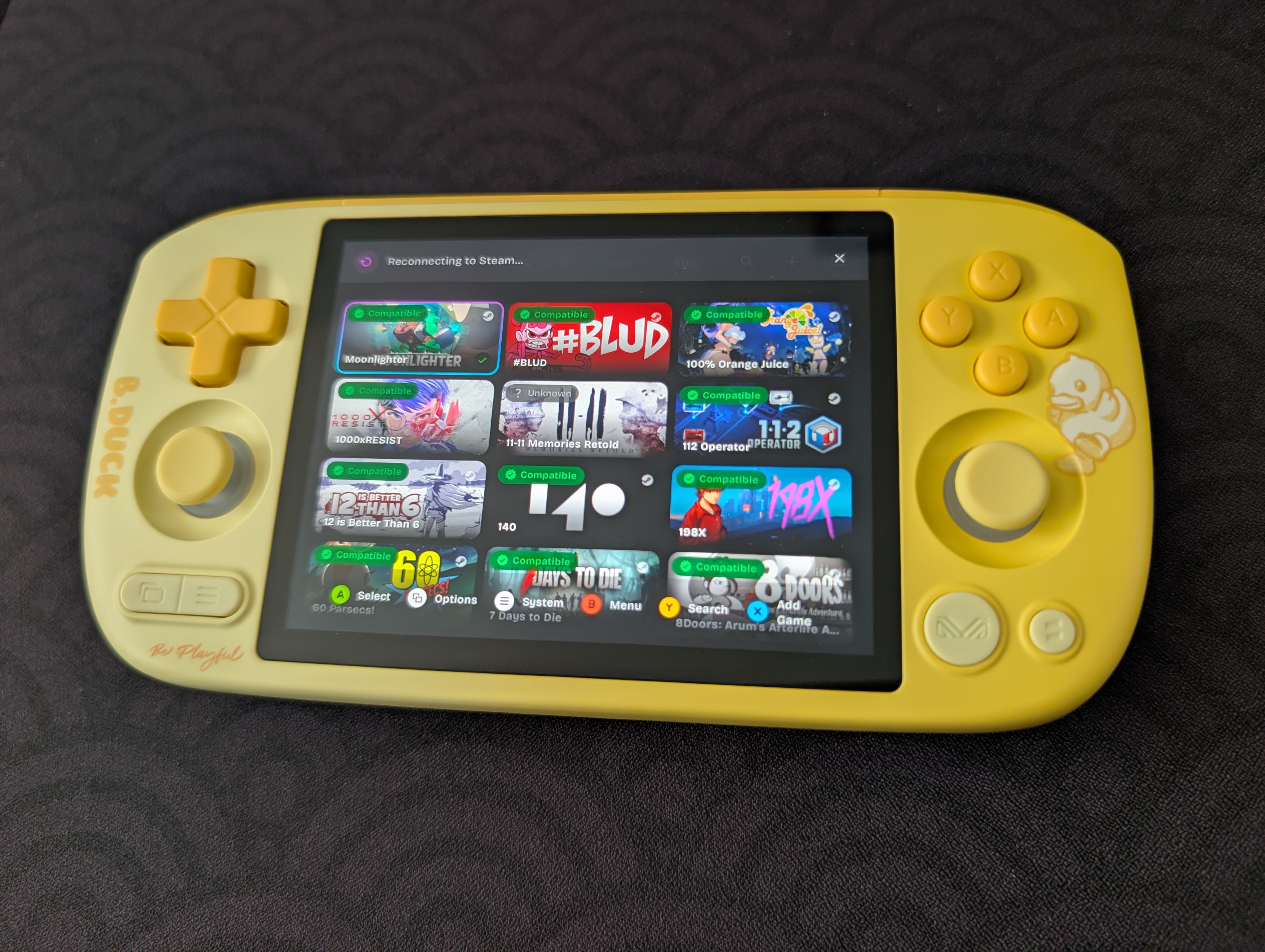
As always, there’s a lot to dig through in their changelogs, but some of the most important ones in my eyes is the team adding fixes for specific games such as Subnautica 2, and Slay the Spire. The most interesting little addition is the inclusion of Turnip drivers that will work for the Retroid Pocket Classic, which while good to have for more support with further devices, may end up impacting the upcoming Anbernic RG 55G1 if they end up using a similar chip thanks to leaked benchmarks.
As always though, we look forwards to seeing what the Gamenative crew is cooking up for the future. If you’re looking to keep an eye out on what they’re doing, be sure to check their Github, or drop by in their Discord as well. All because the app just keeps getting better with every release.
