

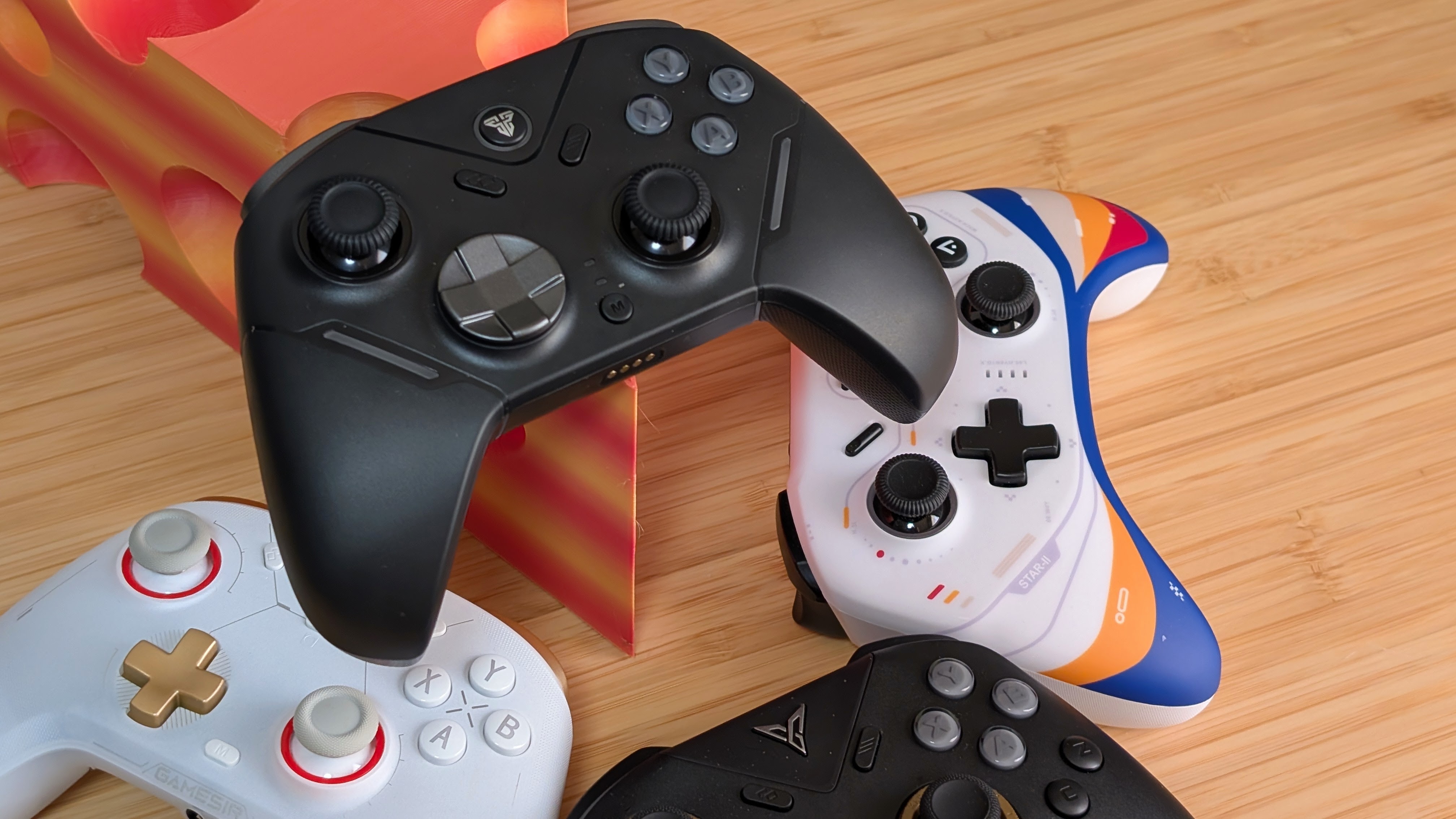
It really is that time of year when a bunch of controllers are rolling out from a number of different manufacturers. To be fair, when everything’s expensive, something has to be cheaper. On an unrelated note, Fantech is back once more with their latest controller, the Fantech Zenith Pro.
With a dock included in the box and a midrange price tag, can the Zenith Pro dethrone my favorite controller of 2024, the EOS Pro IIS? Or is this another solid controller with a dock that finds its way back to the box once more? Well, since Fantech was kind enough to send this one over for review, now’s the time to find out.
The device reviewed was provided as a review sample by Fantech. This had no bearing on the conclusion of the review, nor did Fantech have the opportunity to make edits or changes to the review before publishing.
Affiliate links might be present where applicable, and we may earn a commission on product purchases using those links at no extra cost to you.
Fantech Zenith Pro Specs
At the time of writing, Fantech has not yet released pricing for the US, and so I can’t go on my usual spiel about whether a price is worth it to you or not. That being said, it is listed on the Australian website for $59 AU, which roughly translates to $42. Do with that information what you will, but even at $49 USD, I’d have some decent things to say about it.
Just as an update to this part of the article. The official price on the United States eligible website is $39.80, so genuinely a really solid price.
| Spec | |
|---|---|
| Sticks | Hall Effect |
| Triggers | Dual Mode Forceswitch Hall Effect Analog + Micro Switch Digital |
| Face Buttons and D-Pad | Mechanical |
| Connectivity | Wired USB-C, 2.4GHz, Bluetooth 5.2 |
| Battery | 800mAh (8 hours) + Charging Dock |
| Additional Features | Dual Mode Triggers, 2 Remappable Buttons (M1+M2, C+Z, LM+RM), Mode Switch, Turbo, Macro Recording, Gyro |
| Software | Flydigi Space Station |
| Compatibility | Switch 1/2, x86, iOS, Android, "Tesla Vehicles" |
| Weight | 242 grams |
Build Quality and Ergonomics
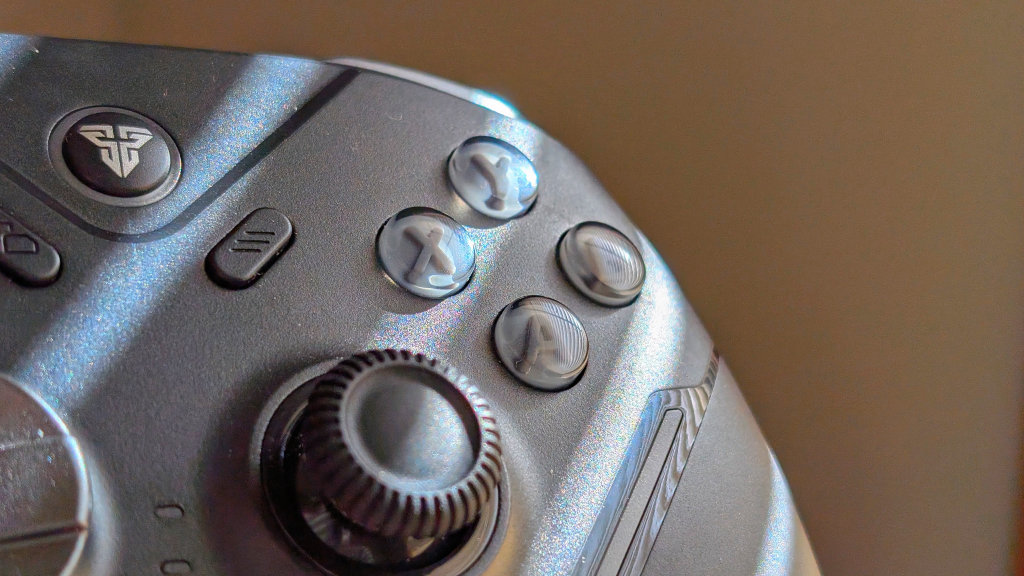
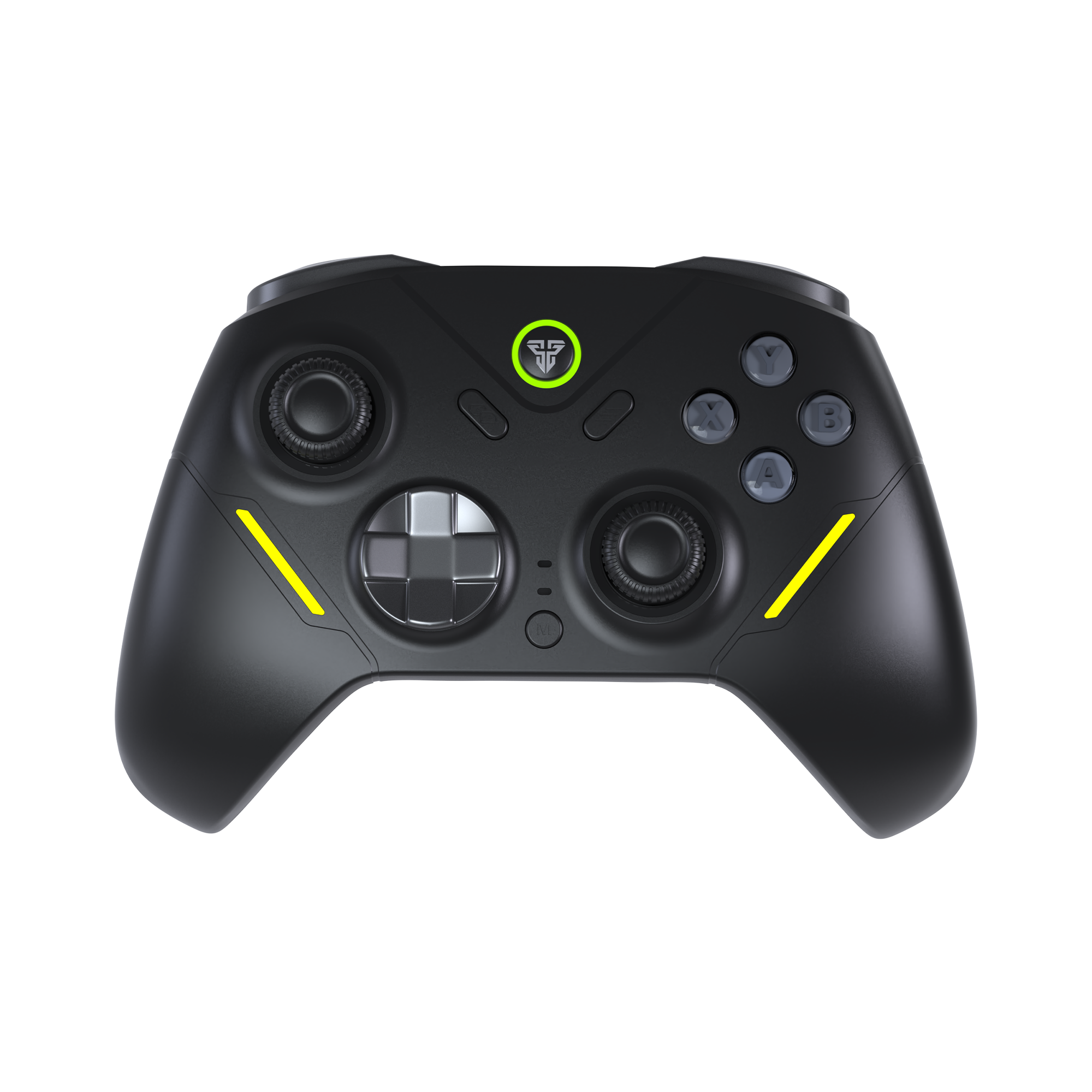
Kicking off with the build quality, the Zenith Pro is well built and feels sturdy. The controller doesn’t exhibit any creaking or cracking in my “torque” test, and manages its design well. In terms of build, the front of the controller is smooth plastic with glossier surfaces around the RGB lighting. Around back, the grips feature this textured plastic that at first felt almost rubberized, but upon a second check, is actually just plastic, which was quite a nice surprise.
As for ergonomics, it’s Xbox-esque. Unlike the Fantech EOS Pro IIS, this Zenith Pro follows the more traditional pathway of copying something known and good. What does that mean? It’s known and good. But aside from that, it’s nothing world-ending, and could be done by most other controllers as well.
Controls
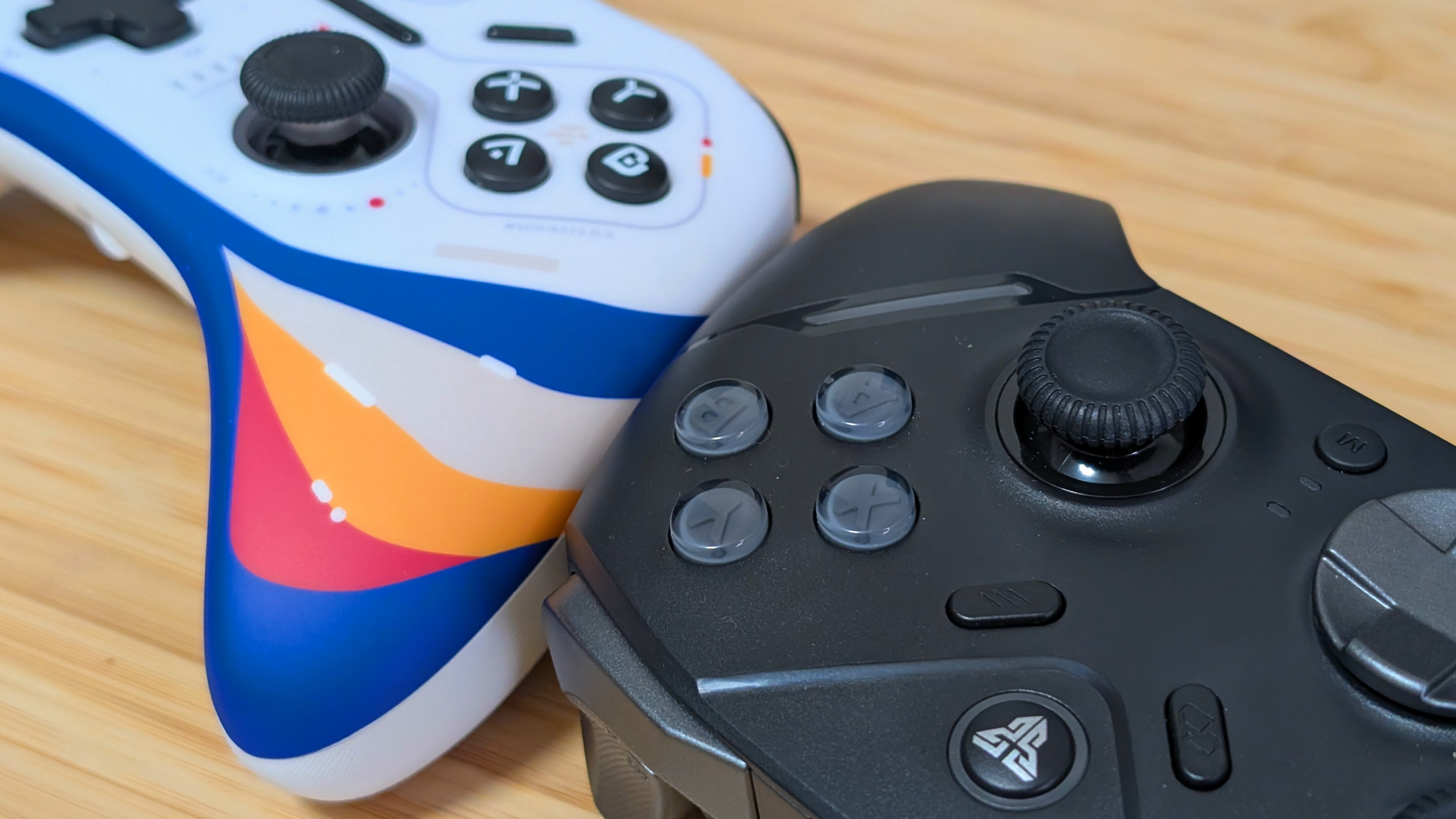
Here’s where a bit of comparison with my prior favorite, the EOS Pro IIS, is going to come into play. Starting with the face buttons, they’re all mechanical with a slight bit of mushy play to them before pressing. Similar to the EOS, but lower-pitched. The same is true of the dpad. Light to press, easy to pivot, and a lower-pitched click than the EOS.
L1 and R1 continue that trend, being light to click, but rather than being lower-pitched they’re about half the volume of the EOS Pro IIS. The triggers are also way better. While analog movement is similar, the Zenith is just a little bit harder to press in terms of tension; the digital triggers are way improved. The Zenith uses a micro switch for digital, while the EOS Pro uses the older “shortened travel” mode for the triggers. I love this change.
Lastly, some smaller things. The back buttons are easier to press on the Zenith Pro, and so are the Menu buttons. And lastly, while the sticks feel the same in terms of tension and movement, the Zenith Pro has a convex center with much thicker grip rings. For some, this is better, but for others, you may prefer the concave design of the EOS Pro II S
The Dock
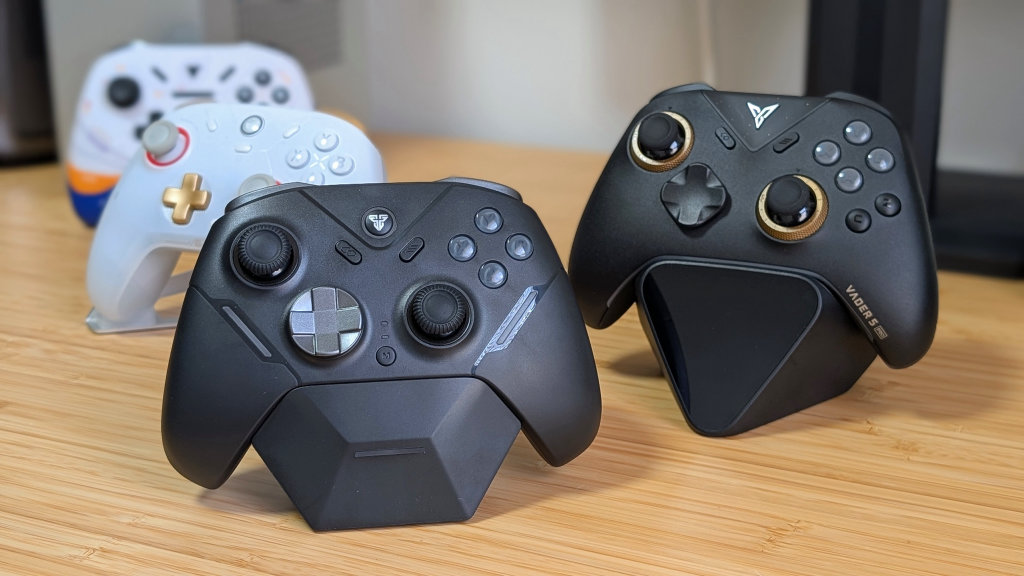
The big selling point of the Zenith Pro for me is the inclusion of a charging dock. When it comes to a dock, you want it to be easy to use, functional for your controller, and hopefully included. Compared to a few other controller docks, the Zenith Pro’s is shaped well.
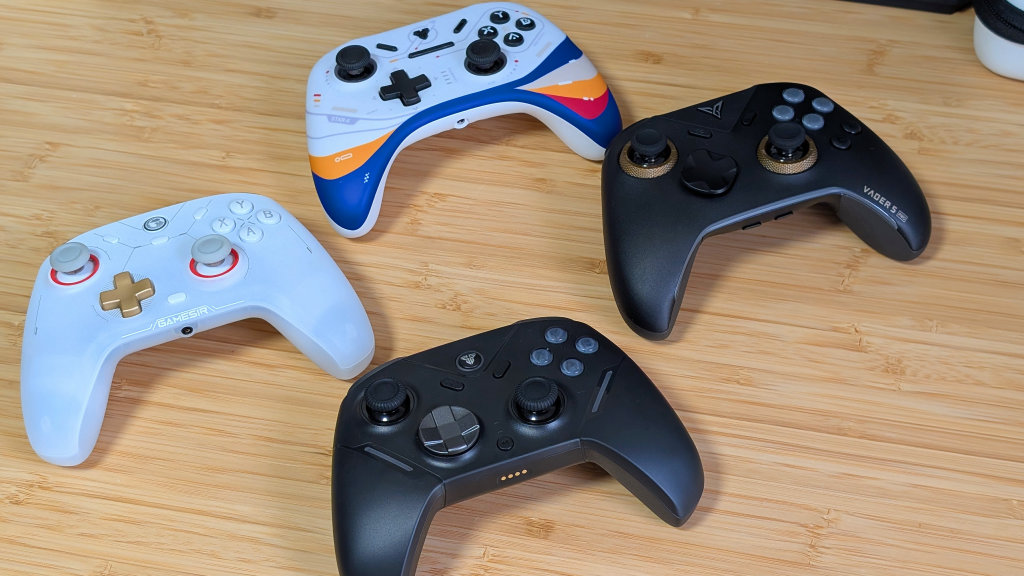
The GameSir Cyclone 2 only hugs the base of the grips but holds things well. The Flydigi Vader 5 Pro holds your controller high up and is a bit awkward to land on properly (and costs extra), and the 8BiDdo Gold Standard dock holds your controller pretty much perfectly all along the bottom.
The Zenith Pro, on the other hand, lands between the Cyclone and 8bitdo docks. It hugs a good bit of your controller’s bottom, but doesn’t cover everything. Is it perfect? No, but is it bad? Absolutely not. It’s a solid dock that I’m happy they included. The EOS Pro II S dock is sold separately.
Software
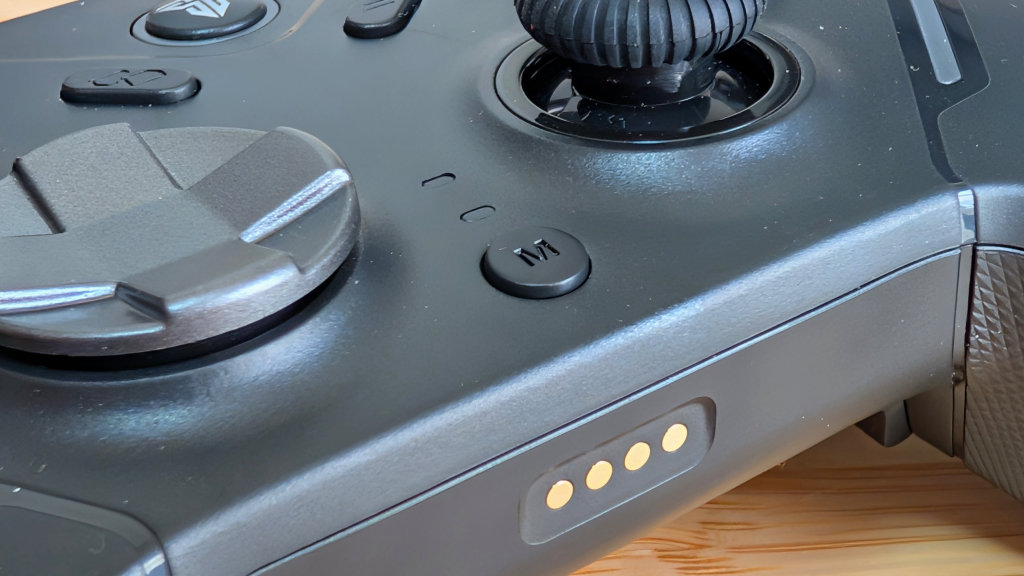
At the time of writing, there is non-released yet. Though I’m sure this is something they’re planning to do soon. Most of what you want to do with the controller is done on the device. The use of the M button can help record macros and activate your turbo functionality in the controller.
There’s nothing particularly amazing about what you can do, and for the most part, I didn’t bother to use it outside of testing. But it works well and is great for anyone that does prefer customization.
Battery Life
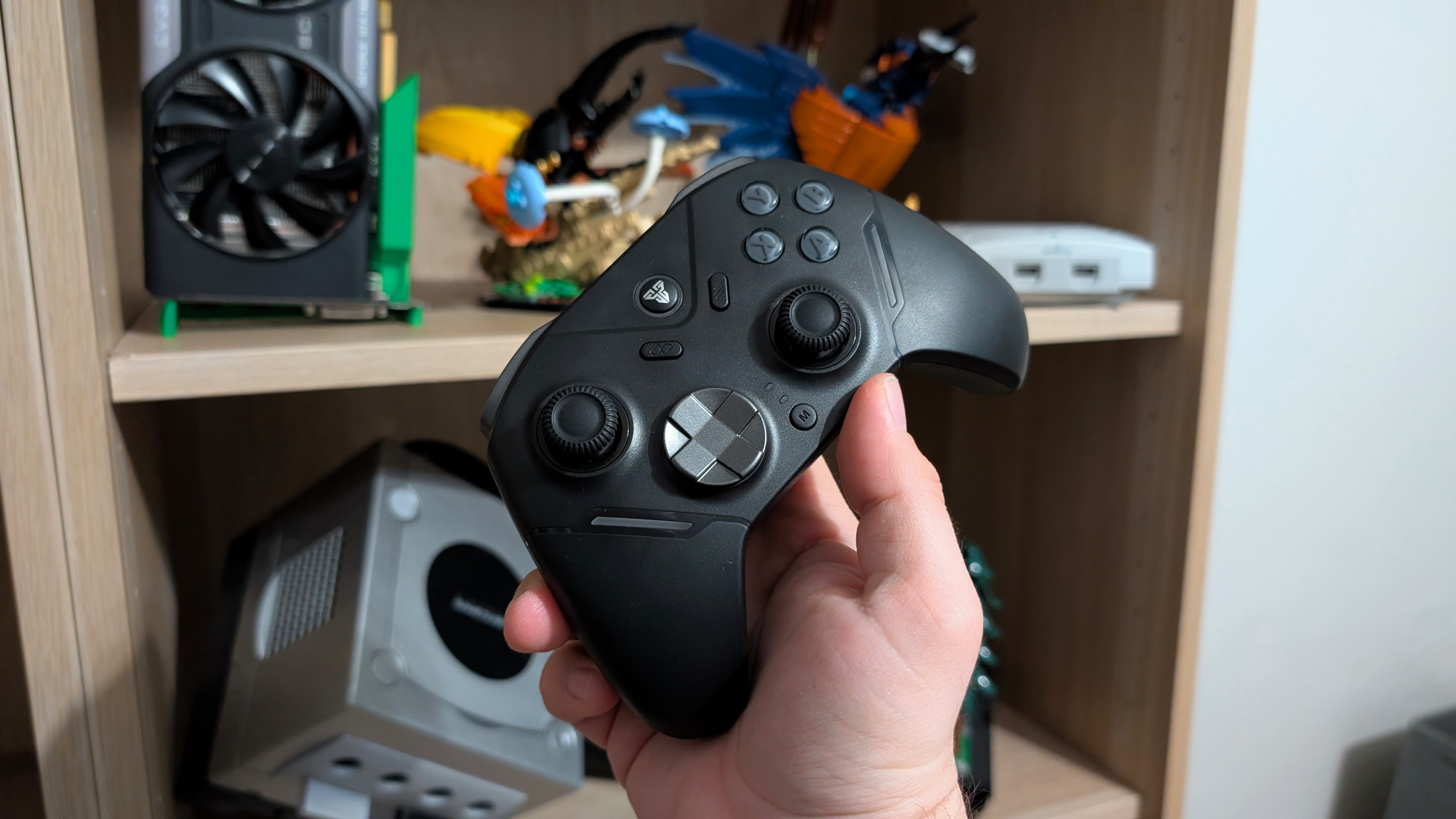
This is a brief note at the end of the review before my thoughts, but that’s the battery. Rated for just 8 hours on an 800mAh battery does not feel like enough. If you’re a sweaty gamer going all day, it won’t last.
If you’re forgetful about putting your controller on the dock after a long day, it might be dead before you use it next. In my opinion, controllers need longer battery lives without the excuse of having a dock. Just to help give you that feeling of stability, if you forget to charge it.
Final Thoughts
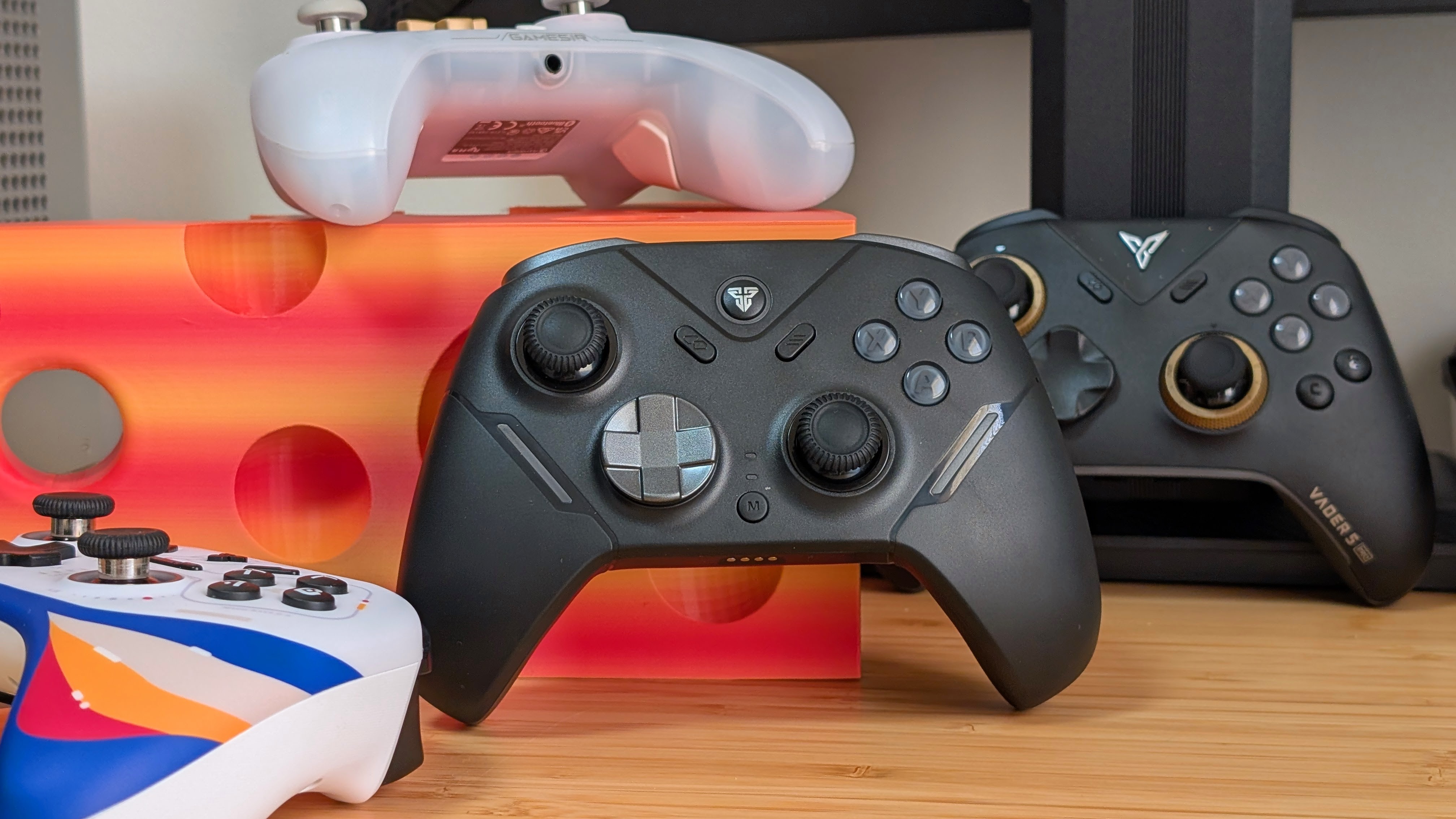
I really like the Zenith Pro. My biggest gripe is the shorter-than-normal battery life, but as many will say, “Just use the dock.” The dongle slots nicely into the dock, the dock sits nicely in my TV stand, and the controller has just been picked up and played with, no issues.
The unfortunate bit is that the Zenith Pro is coming into a crowded market if it lands around the $50 mark. Every company from GameSir to 8BitDo, EasySMX, Flydigi, and more all have a controller at this price that comes with a dock. So if I had to describe the Zenith Pro off of that alone?
“It’s a good, solid controller, but it doesn’t really stand out from the crowd.”
I like it, and I’ll be keeping it around, but be sure to look out for your options, because if another controller has the features you’re looking for. That’s obviously going to be the one to go for. To me, this is just an upgrade from the EOS Pro II S, which is a great change of pace.
