

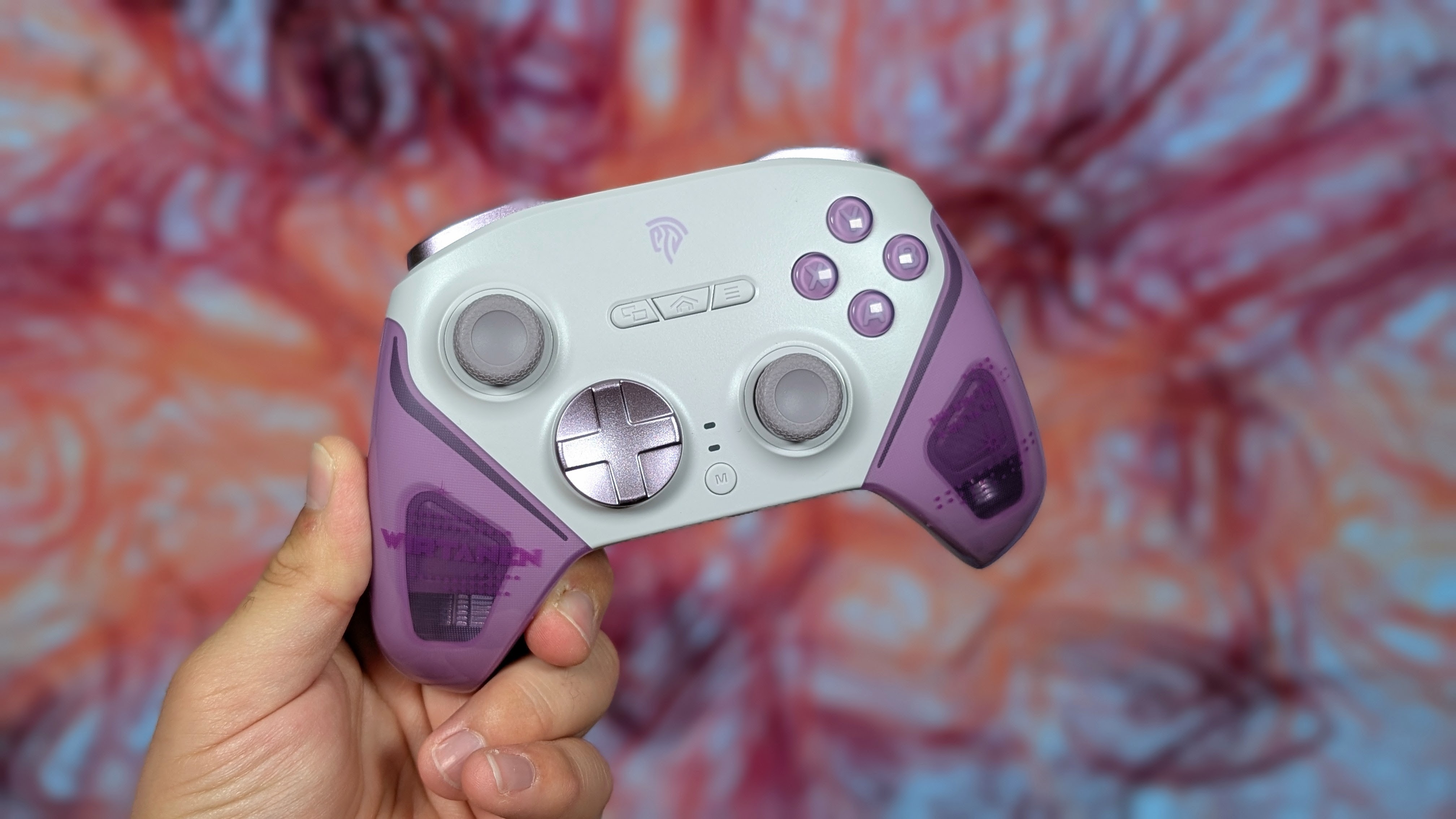
I’m no stranger to EasySMX at this point. I’ve taken a look at a number of controllers from Switch focused units like the S10 Lite to budget bangers like the X05 in my old “Controllers Under $40” article. But this time we’re focusing on their premiere controller. At least it was until they announced the Dune, the most alien looking controller yet.
The EasySMX D10 is their higher-end TMR-based controller with just about everything you’d need from 2.4GHz support to Gyro and even an RGB dock. But at its retail price, is it worth it? Or should you just consider something else? Well I grabbed this off of a recent AliExpress sale, and now’s the time to find out.
EasySMX D10 Specs and Pricing
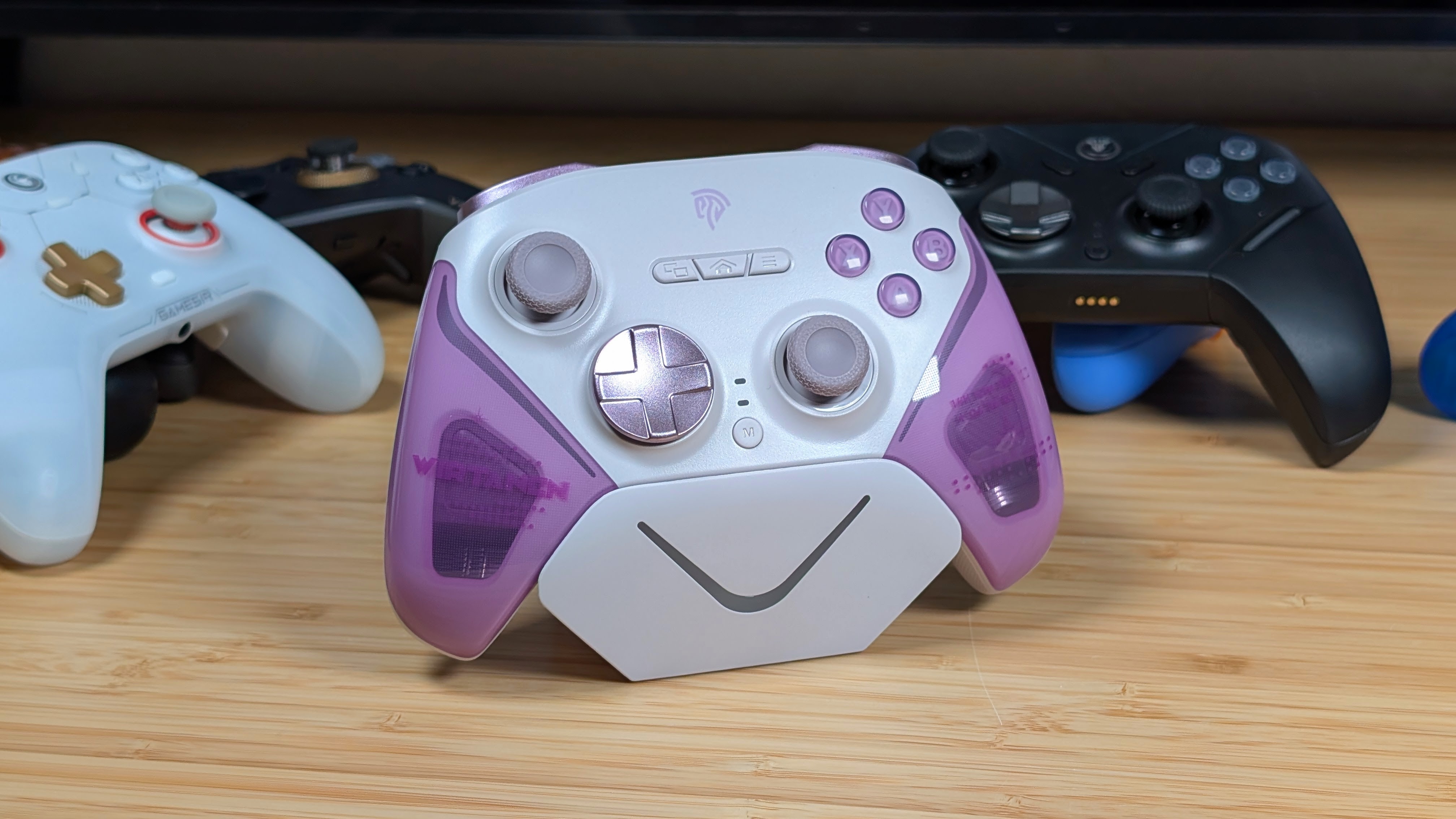
The cost of the EasySMX D10 varies a lot depending on where you get it and when. Their main website advertises it at $59.99, which isn’t terrible. Amazon on the other hand, has averaged it around $47.99 for the last 3 months thanks to my price tracker, and I paid $35.42 on AliExpress during their first June sale. So really, check the specs, and see what they might be worth to you.
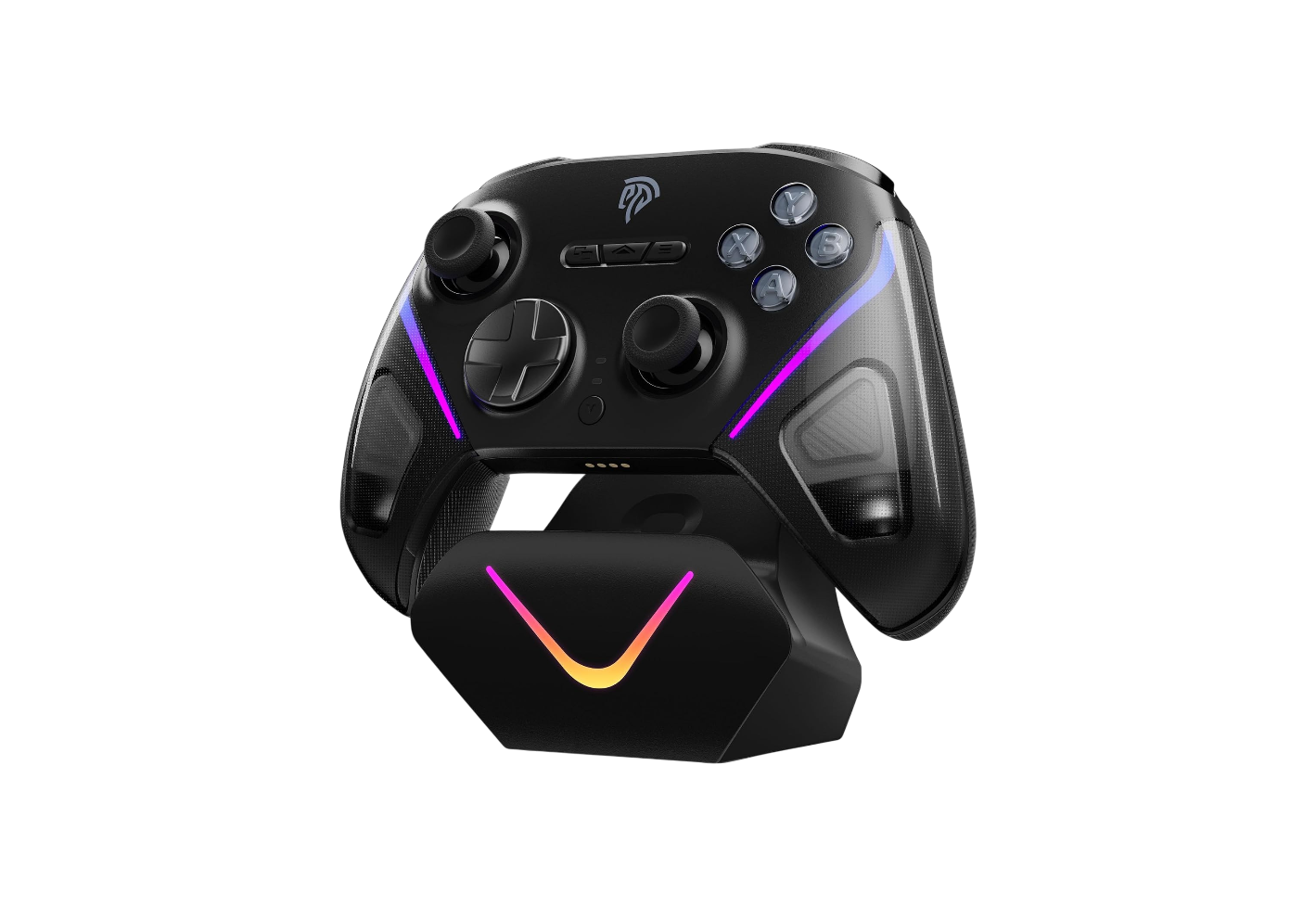
EasySMX D10
- Manufacturer
- EasySMX
- Face buttons
- ABXY (Xbox)
- D-pad
- Micro Switch
- Extra buttons
- Sticks
- TMR
- Triggers
- Dual Stage Hall-Effect/Micro Switch
- Trigger lock
- ✓
- Polling rate (Hz)
- 1000
- Adjustable vibration
- ✓
- Battery (mAh)
- 1000
- Charging port
- USB-C
- Charging dock
- ✓
- Gyro
- ✓
- Weight
- 253g
- Connectivity
- Platforms
Build Quality and Ergonomics
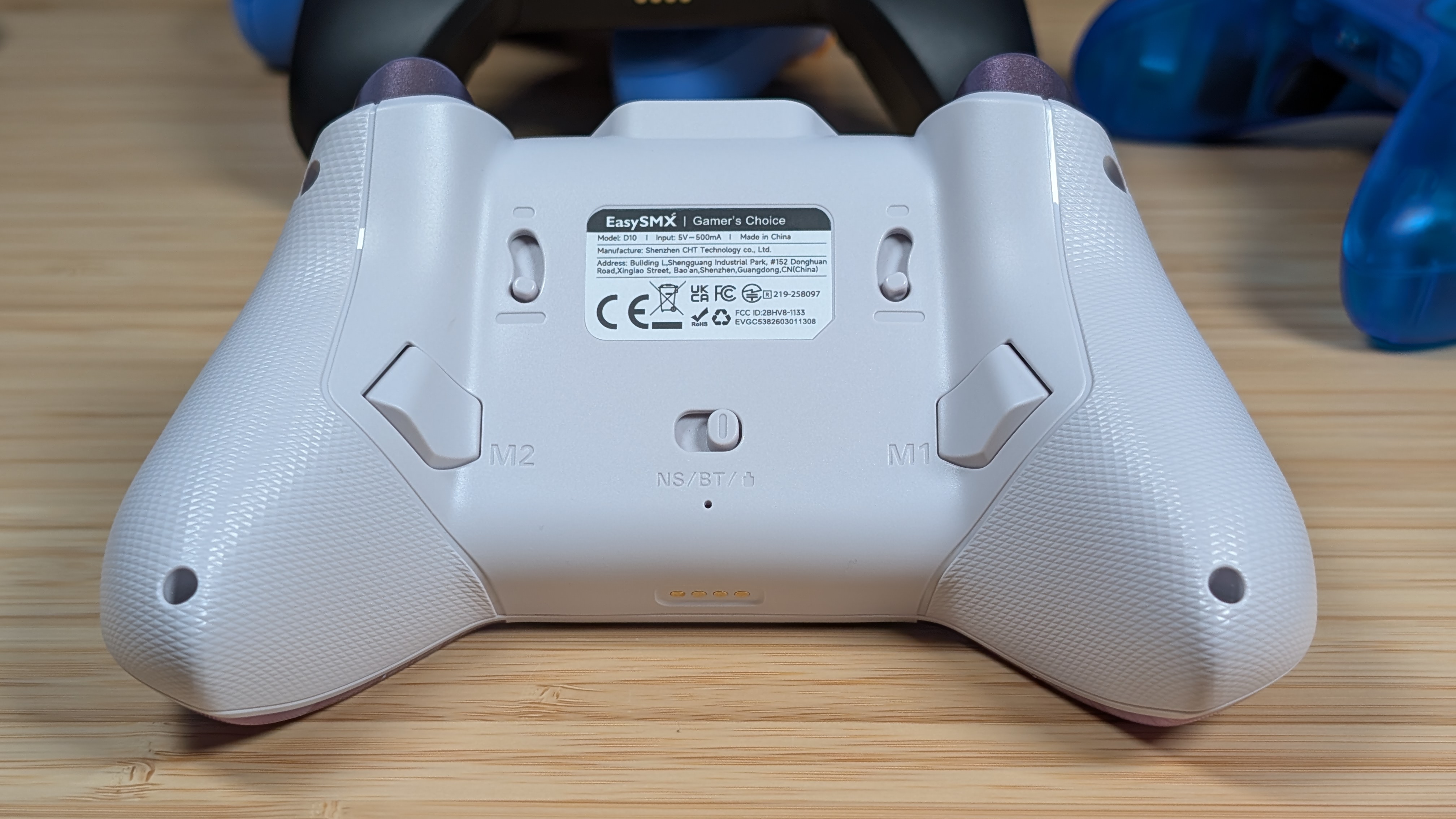
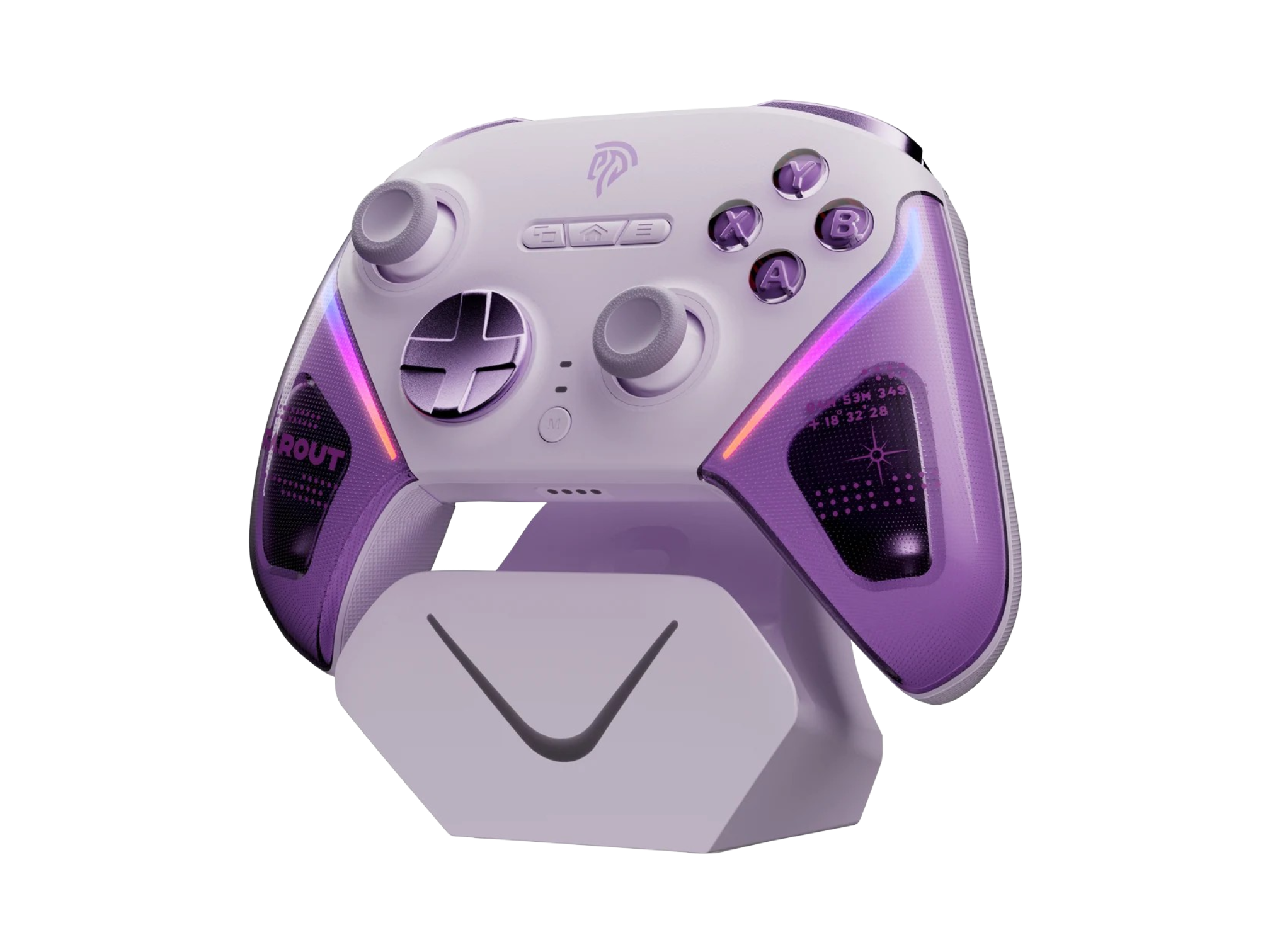
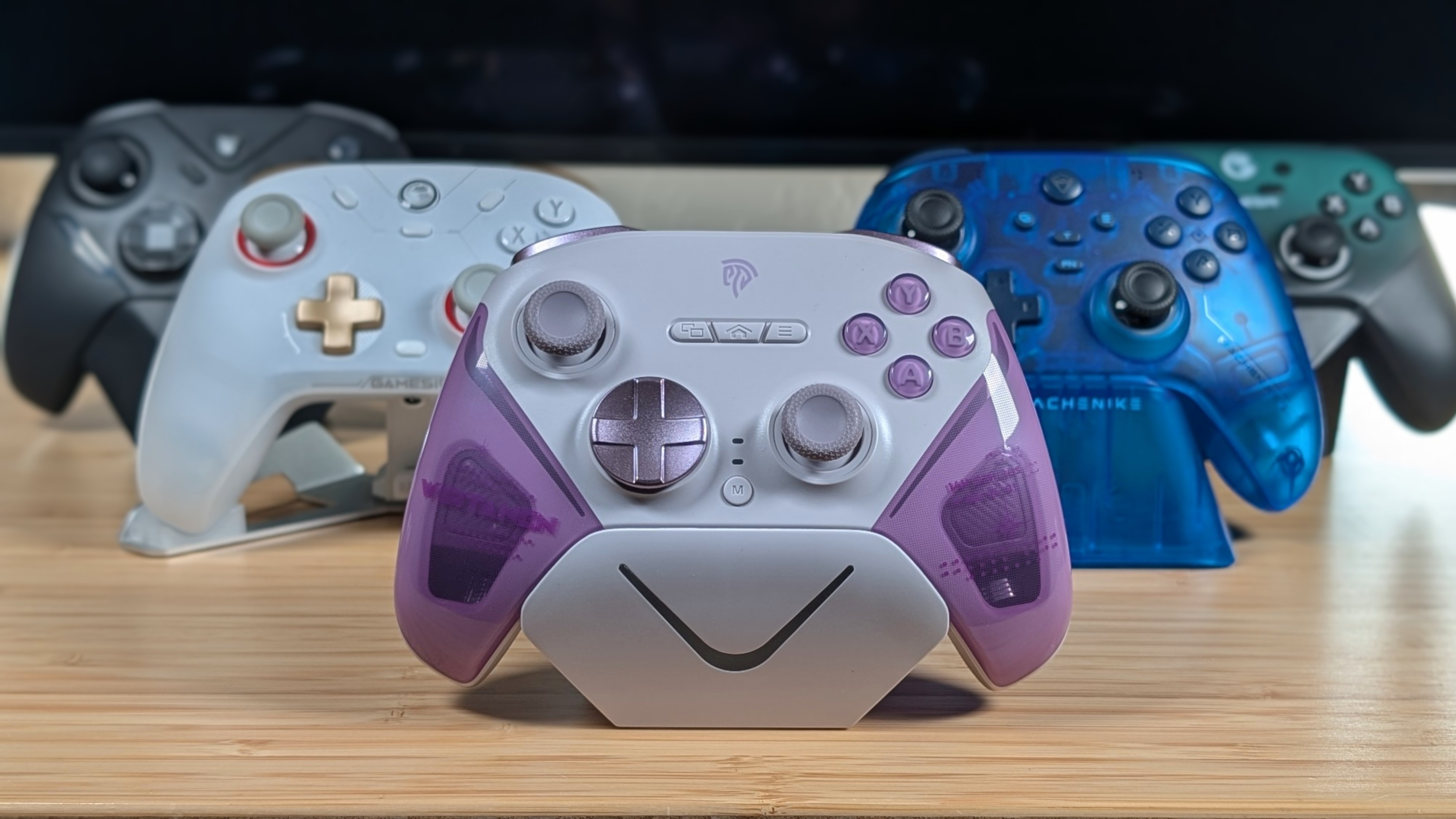
Ergonomics is a pretty easy one on this. It’s got the Xbox, asymmetrical layout and grips that angle just far out enough to be comfortable, but not so far out they make the controller awkwardly tall. The sticks are nicely positioned, and everything from triggers to the macro buttons are easy to reach. The triggers are a little shorter than normal, but they don’t feel awkward.
As for build, this is probably their best built controller yet. It’s solid, with minimal give if I try and torque it. The plastics themselves feel sturdy and are properly gripped in the right spots. Initially I thought the purple plastic was going to smooth, similarly to the Aolion K20, but upon receiving it, it’s actually textured as well. This helps the grip, showcases the gyro motors inside, and in general just makes the controller feel better. I really dig this one.
Controls
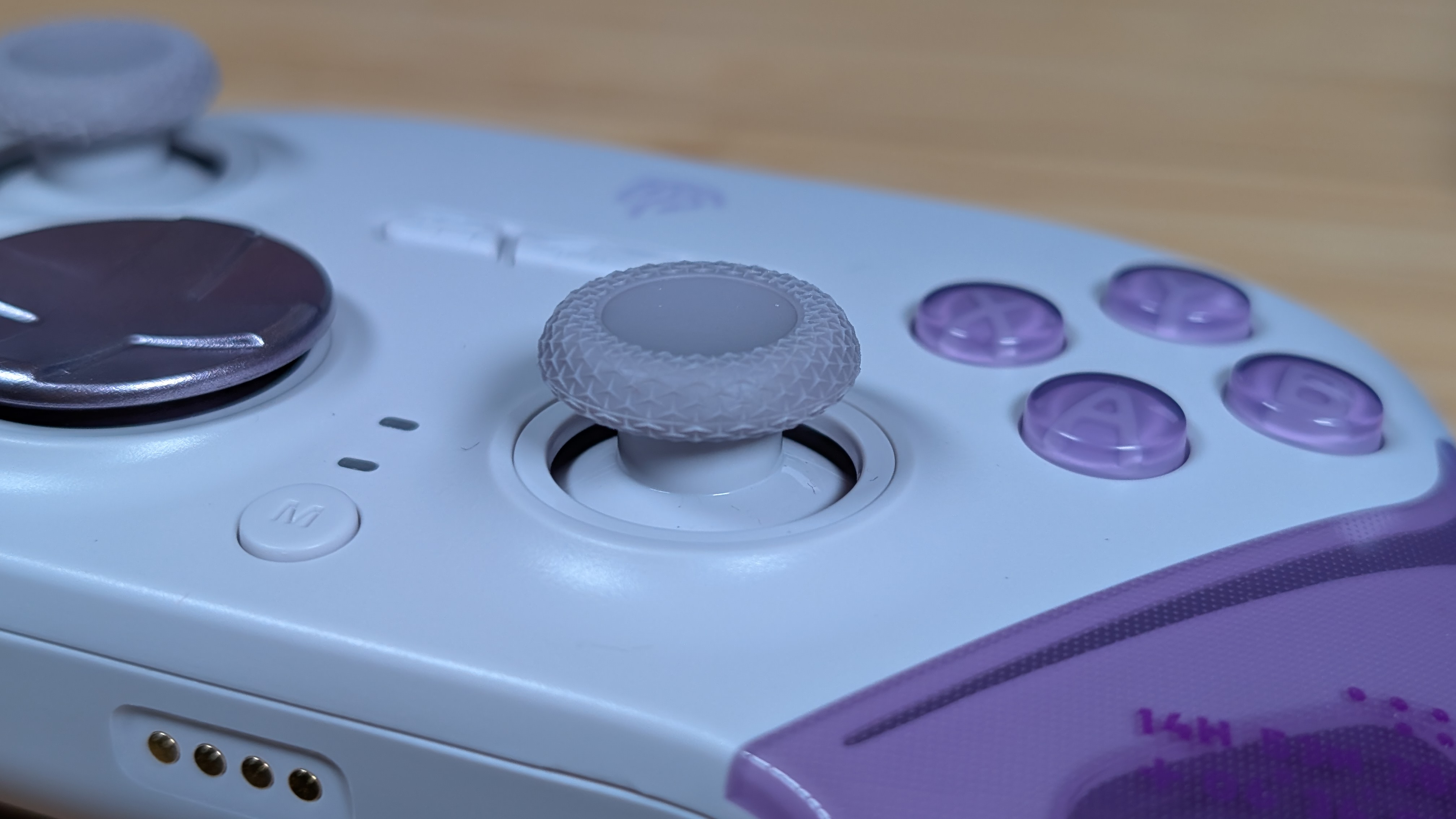
I think my favorite way to work through controls as of recent has been to start with the high point, and work my way down. Because of that, I’m going to start with the sticks, and not for the reason you’d think. Yes they’re TMR, and yes they’re super smooth and responsive, but the texture on them for grip is really nice.
It’s just enough of a concave dip to hold my thumbs, with a proper rubbery bumper to keep it in place, rather than be ribbed like other controllers. After that, second place goes to the face buttons. They’re nice and clicky, similar to a GameSir Cyclone 2, and in general have a satisfying click.
The triggers are next thanks to their smooth movement in games like Forza Horizon 6 as well as having MICRO SWITCHES, which is objectively the better short throw method. At the bottom are the D-pad and shoulders. The D-pad is responsive, but it’s the loudest buttons on the controller thanks to its micro switches, and while it pivots well, it’s a bit too sensitive in the diagonals for games like Tetrachroma. The shoulders are also fine and responsive, but are the most hollow part of the entire controller. Overall the controls are good.
Dock
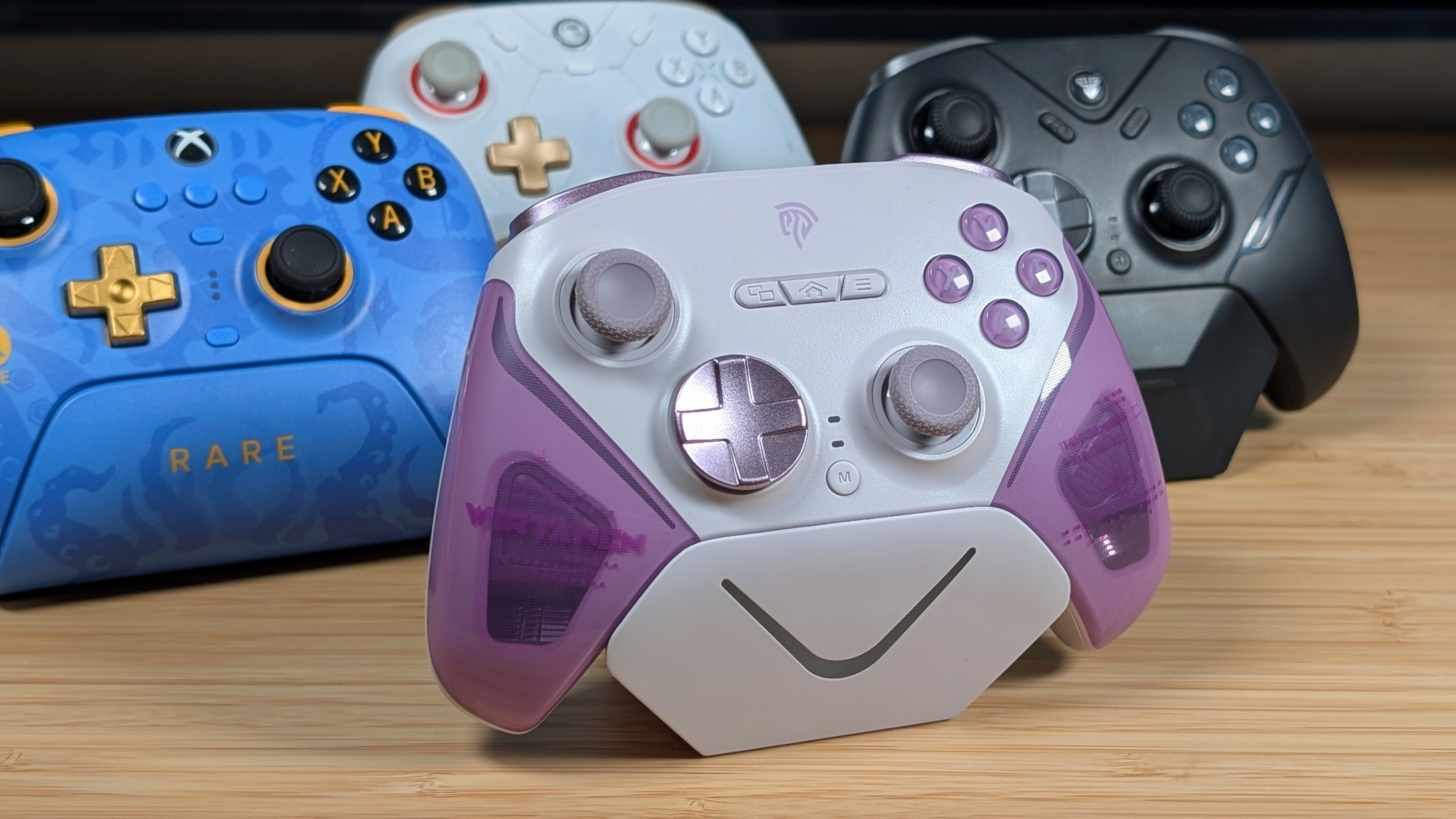
I really like this dock actually. It’s properly weighted without feeling hollow like the dock from their D05. It’s not hilariously tall, wide, or deep, and it hugs the controller. This is a dock that you can simply drop the controller onto and it’ll just sit in place charging between your uses. It even has a properly recessed slot for storing the 2.4ghz dongle, rather than letting it stick out like a sore thumb.
All of this isn’t even too concerning as the battery life on the D10 is pretty good as well. While they don’t specify the rated hours, my usual run of “lights off and go” got me through a couple of days of gameplay before having the low battery warning turn on. With that in mind, you could probably forget to charge this one, maybe two days, and not have to worry about having enough charge. It’s solid overall.
Software and Additional Features
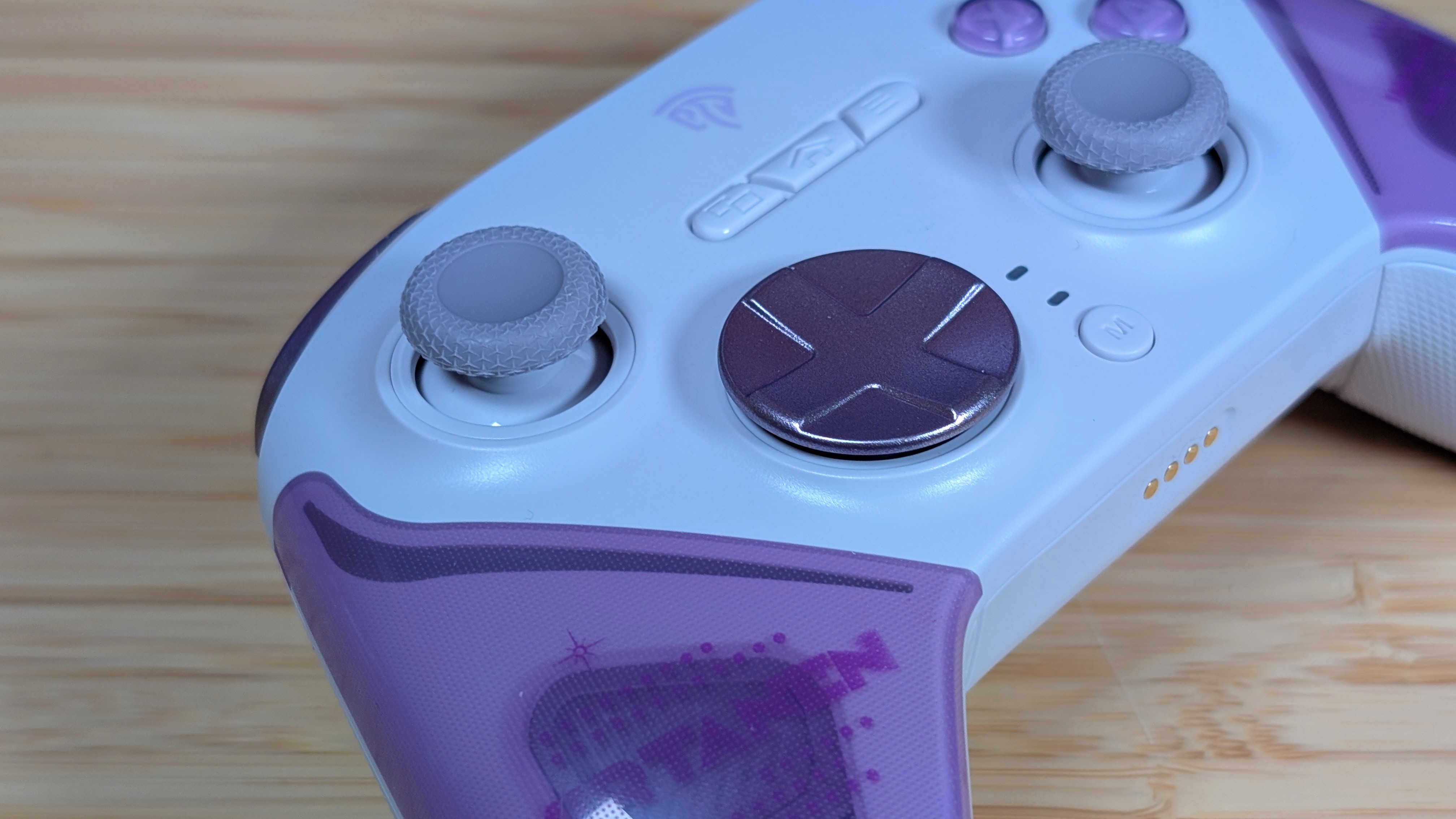
As always, my favorite thing is the D10 does not have required, or dedicated software to run the controller. You can boot it up, take it to whatever device you’d like and get it running with ease thanks to the 2.4ghz dongle. Most of your settings are done via button combinations for RGB, vibration and your M buttons, but once you set them you can easily forget them.
One thing I haven’t mentioned much in the past, but would still like to make note of it here, is that EasySMX provides drivers for both the controller and dongle on their website along with instructions on how to update it, as well as recommendations for how to verify your controller works on PC, Android, and iOS. It’s a nice touch that I feel some smaller brands forget about.
Final Thoughts
For anywhere from $35 to $60, there’s a lot of competition for this controller. If you prefer membranes this is not for you and I’d go for a Super Nova. If you don’t like the Xbox grip, grab an 8BitDo Ultimate, and if you want to spend slightly more for way more features, grab the Flydigi Vader 5 Pro. But I think this controller does something a lot of others won’t. It’s going to replace the Fantech Zenith Pro, and GameSir Cyclone 2 under my TV for casual gameplay.
There are a lot of great controllers out there that can meet your needs, and I’ve named a bunch in just the final thoughts, but this is EasySMX’s best controller yet, and it deserves that recognition. It may have better, cheaper competition. But it nails what I want in a controller well enough that it’s sticking around.
I just wish I had gotten it earlier in the green colorway.
