

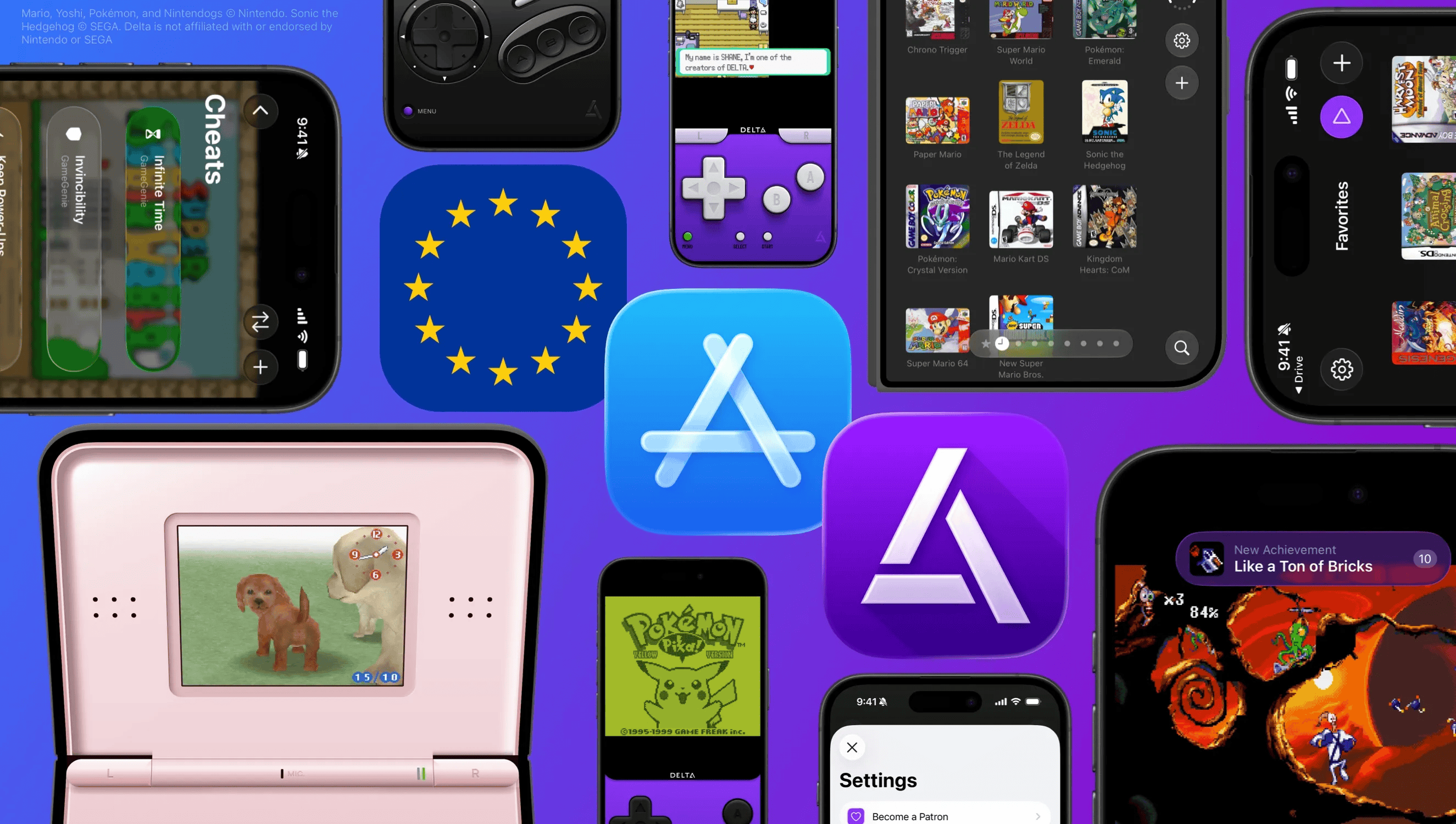
If you’re an iPhone user, there’s no doubt that you’ve heard of Delta in the emulation scene. But for those looking to keep up, Delta has been one of the biggest Nintendo emulators available on the App Store for a while now, but with their 2.0 update dropping, it’s looking to be even more. From controller and design updates to RetroAchievement and iPhone Duo support, it’s obvious they’re cooking pretty hard, and likely won’t be stopping any time soon.
If you’re looking to check out Delta, you can find it both on the AltStore or over on the App Store. And if you want more information you can be sure to check out their Bluesky account where announcements like the 2.0 Drop were shared as well.
The full list of updates are below, but there’s quite a bit to it. So if you want more information be sure to check out their Alt Store changelog as well.
iPhone Duo Support
- Optimized controller skins for every pose in both portrait and landscape
- Supports Split View multitasking with other apps
- Folding Duo puts DS games to sleep, just like closing the lid of a real DS
Sega Genesis Support
- Sega Genesis Compatibility
- New Genesis controller skins
- Built-in support for Action Replay and GameGenie
Liquid Glass
- New UI designed for Liquid Glass
- Fully adapts to all screen sizes from Duo to iPad
- System icons mark every page in your Game Library
- Default artwork now has a light, glassy look
RetroAchievements Support
- Sign in with your RetroAchievements
- Supports Hardcore mode
- Shows your achievement progress when you launch a game
Recents/Favorites
- New “Recently Played” and “Favorites” pages
- Jump back in to most recently played games
- Add games to “Favorites” via long-press
Animated Controller Skins
- Controller skins support fully animated buttons and controls
- Supports 3rd-party skins
- New official animated GBA skin, designed by Caroline Moore
Audio Settings
- New audio settings to control how Delta handles other apps’ audio
- “Mix with Other Audio” keeps music or podcasts playing
- “Pause Other Audio” pauses everything when the game starts
Game Boy Color Palettes
- Customize Game Boy games with color palettes for original Game Boy games
- Supports all official GBC Color Pallets
Custom Fast Forward Speeds
- Various Fast Forward speeds per-game
- Adjust game’s default speed in the Pause Menu or in Game Settings
Adjustable Screen Position
- Long-press to move game screen when playing with a controller
- Easily move the screen above your faceplate controllers
DLC
- Custom in-game experiences for classic Pokémon games
- Unlock event items, receive rare Pokémon, and more
- Supports all mainline GBA Pokémon games
Redesigned Pause Menu
- Redesigned & animated pause menu with Liquid Glass
- Large, centered pause menu buttons
- Dynamically adjusts pause menu layout
- Redesigned cheats screen
Redesigned Settings
- Reorganizes settings into more easily navigable layouts
- Displays icons for all top-level settings
- Redesigned controller input mapping
- New Lil’ Settings and Advanced sections
Custom Filters (Experimental)
- New custom game filters
- Set filters per-system
- Choose from a set list of defaults or import your own custom filters
Epilogue GB/SN Operator Support (Experimental)
- Use your GB/SN Operator devices with Delta, thanks to the Epilogue team
- Connect game cartridges directly to your iPhone/iPad
- Reads and writes save files to cartridge
- Support GBC/GBA and SNES games
Additional
- Added the ability to delete save states in bulk
- Fixed issue causing audio crackling for SNES games
- Fixed NES games occasionally opening to a black screen
As always, it’s awesome to see the development of emulation apps continue to improve over time, and with iOS being a particularly difficult nut to crack, seeing the Delta team succeed is even more awesome to me. If you’re running that new multi-thousand dollar iPhone and want to play some games from 30-40 years ago, be sure to give Delta a try.
