

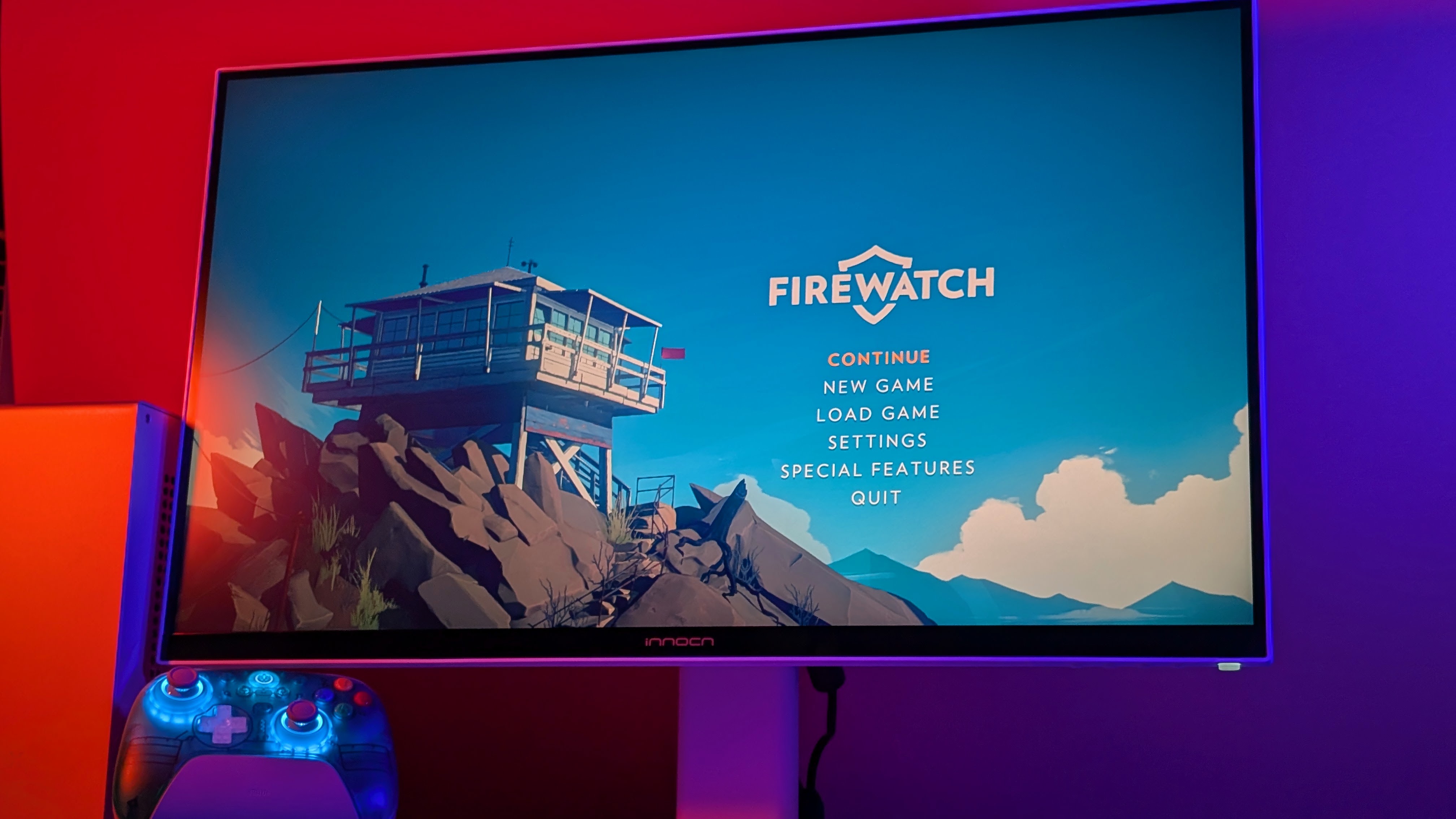
INNOCN is a brand name that hasn’t been too well known in the monitor scene, but they’ve always seemed to make solid options for those looking for something new. At one point I tried to coin them as the “Anbernic of Monitors”, but the truth is, while they are making monitors quite regularly, it’s not something you can expect to buy a lot of.
Because of that, finding one or two good monitors is the goal. And with the CB27U1 they’ve sent over, I think I’ve found one that is about as solid as you can get. But let’s see what really holds up.
Disclosure:
The device reviewed was provided as a review sample by INNOCN. This had no bearing on the conclusion of the review, nor did INNOCN have the opportunity to make edits or changes to the review before publishing.
Affiliate links might be present where applicable, and we may earn a commission on product purchases using those links at no extra cost to you.
INNOCN CB27U1 Specs
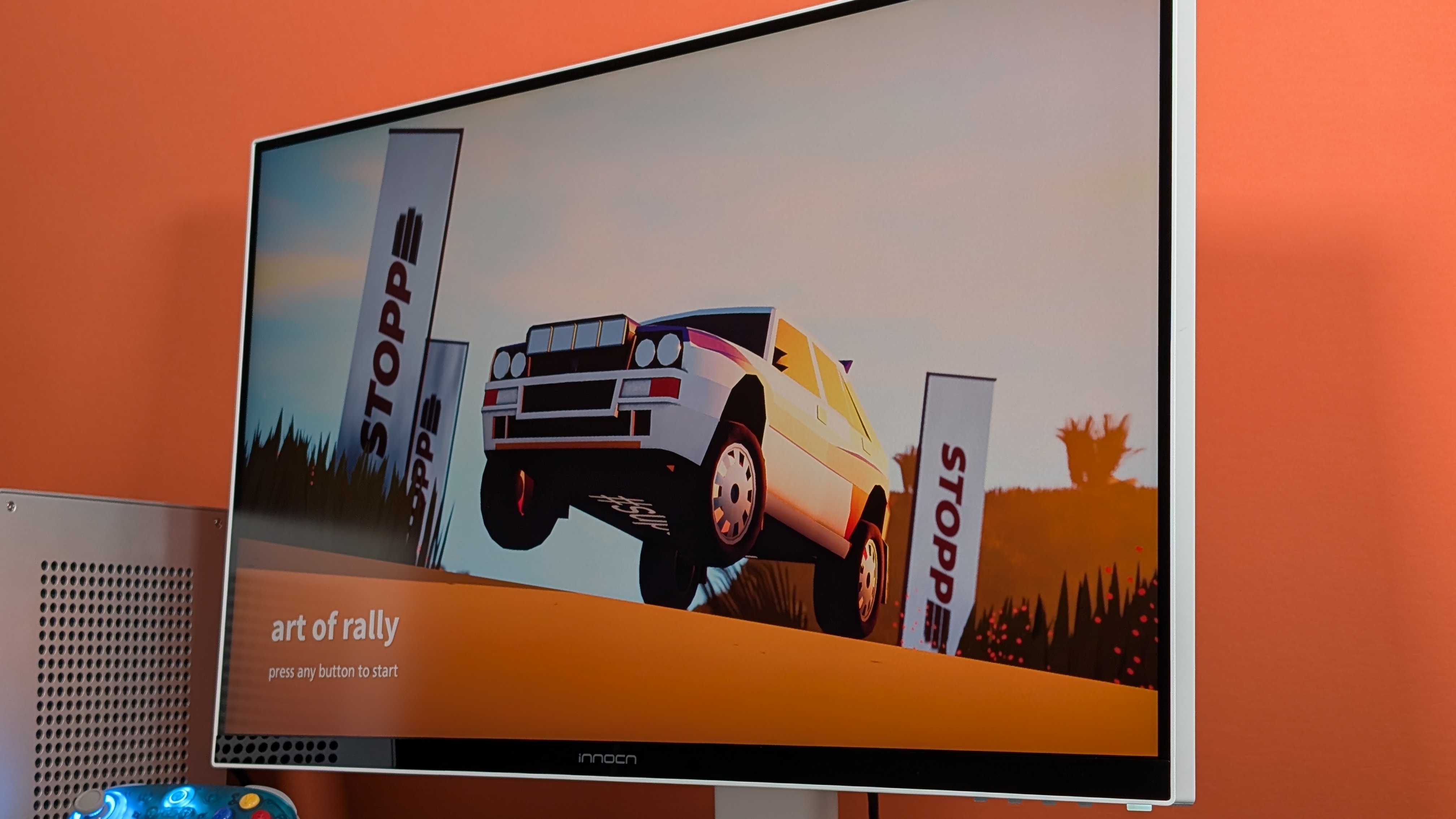
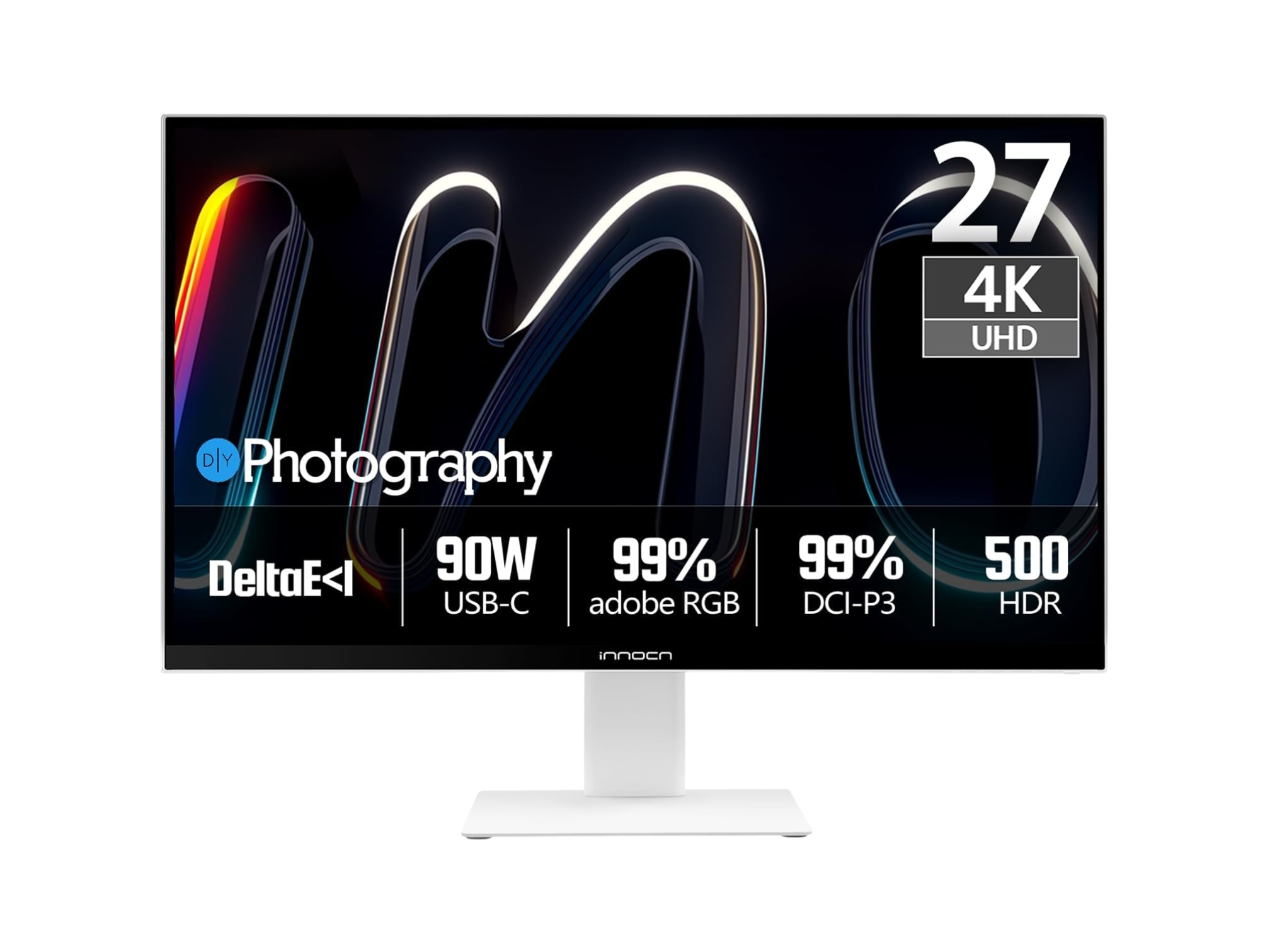
Getting this out of the way first, the INNOCN CB27U1, which I’m going to refer to as just the “CB27” going forwards, is not a cheap monitor. Retail price for this unit is $499, which as of recently has landed it in the same region as both “sale” OLEDs, and okay Mini LED panels. That being said, during the review process, we’ve seen it for as low as $380 on Amazon, and pick up a free monitor arm with it if that’s your jam. So at that price, which is way more appealing, you can check the specs to decide if it fits your needs.
| Display | |
| Screen Size | 27-inch |
|---|---|
| Screen Type | IPS |
| Resolution | 3840 x 2160 |
| PPI | 163 PPI |
| Refresh Rate | 240Hz @ 1080p / 120Hz @ 4K |
| Response Time | 7ms (OD) |
| Brightness | 400 nits |
| HDR Support | HDR500 |
| Physical | |
| Ports | HDMI 2.1, DisplayPort 1.4, USB-C 3.1 (90W Passthrough), USB-C |
| VESA Compatibility | 100 x 100mm |
| Extra Features | |
| Addt'l Features | Ergonomic Adjustable Stand, 99% Adobe RGB, 99% DCI-P3, Productivity Assistant Functions, PIP/PBP |
What I Like
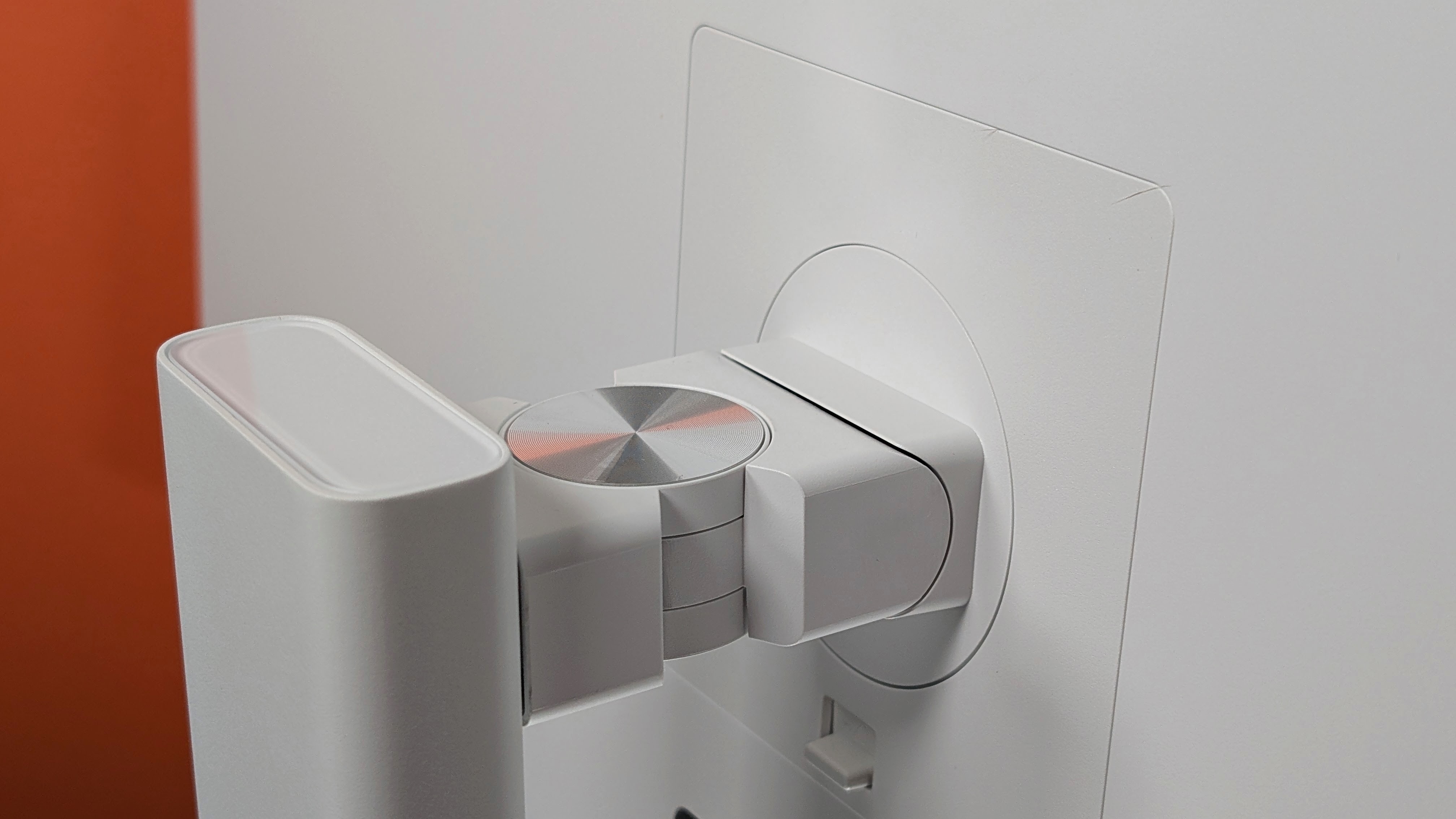
Rather than chop this up into a bunch of smaller categories, I’m going to try something new in the form of just lump summing my favorite bits into just a few categories of good, not good, and meh. Starting off simple though, I really dig the design of this monitor. It’s a nice white, with sleek sharp corners that aren’t too sharp. The base of the monitor is now a flat square, rather than the hexagon on the GA27T1M I checked out last year. There’s not a drop of RGB on it, and that’s how I like it. And I’m sure you would too if you bought this for “professional purposes” like they advertise.
Staying off of the display a bit longer, I want to share my appreciation for the actual stand itself. Tilt, Rotation, and Height Adjustment are all built into the stand, and it moves with genuine ease. Some monitors I’ve had in the past wouldn’t get tall enough for the 90 degree rotation, and I had to awkwardly angle it out to actually get it to spin. But on the CB27, that’s not an issue at all for me.
The I/O is really good, providing 4 separate inputs, including a 90watt Passthrough port if you wanted to connect your laptop to the display as well. Now personally I don’t own a Macbook, but I did try plugging this in to a couple of high end handhelds like the Odin 3 and the Konkr Pocket Fit (G3), and didn’t find any issues, but I also don’t see why I’d use this setup specifically. I’d still advise caution powering a handheld this way though. Overall I dug the I/O.
Finally, touching on the display itself; this is probably one of the best IPS panels I’ve used in a monitor. I’ve always been one to say a good IPS is pretty much as good as an OLED to me specifically, and this is one that sets that standard. The display is matte, which has made it easy as hell to photograph, but it also puts off no reflections which I love, but it really doesn’t stop there for me.
The Panel
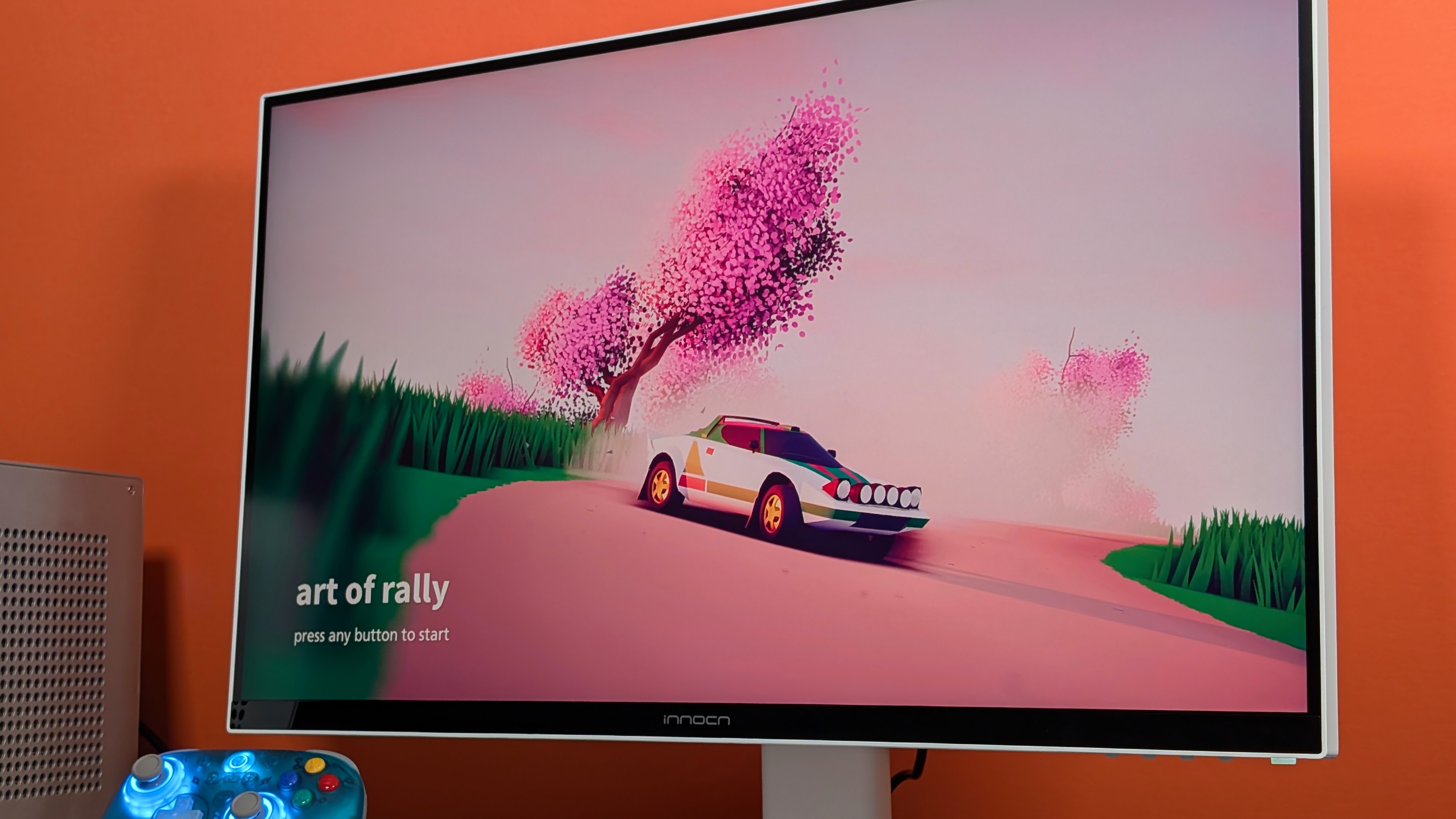
Ok I lied, I am putting the display in its own dedicated section just because I feel like there’s enough good to say here that I want to give it that separation. The panel has two display modes. “Professional” as I’ll call it is a 4K image at 120hz, and the “Gamer” mode which is 1080p at 240hz. As this monitor has sat at my work desk for a while, connected to the Mini PC’s I’m testing, I personally have kept the display on 4K. Because it is a professional panel for professionals (aka not me), it’s good to note that in their specs, and on the color calibration sheet included with the monitor that it’s been properly calibrated with the Delta E <1 color space in mind. And honestly? That probably really helps with how great this thing looks.
First, because doing actual website work has a lot more pixel real estate, and two, because running Picture-in-Picture mode means those Mini PC’s are getting a full 1080p resolution for the duration of my testing which is a perfect match for my benchmarks.
Aside from that, the colors on this thing are accurate, it never felt slow, and the matte image kept things looking crisp and clean. This monitor is likely going to be taking the place of my 25G2S that I’ve been using for work, and I won’t be looking back on that one.
What I Don’t
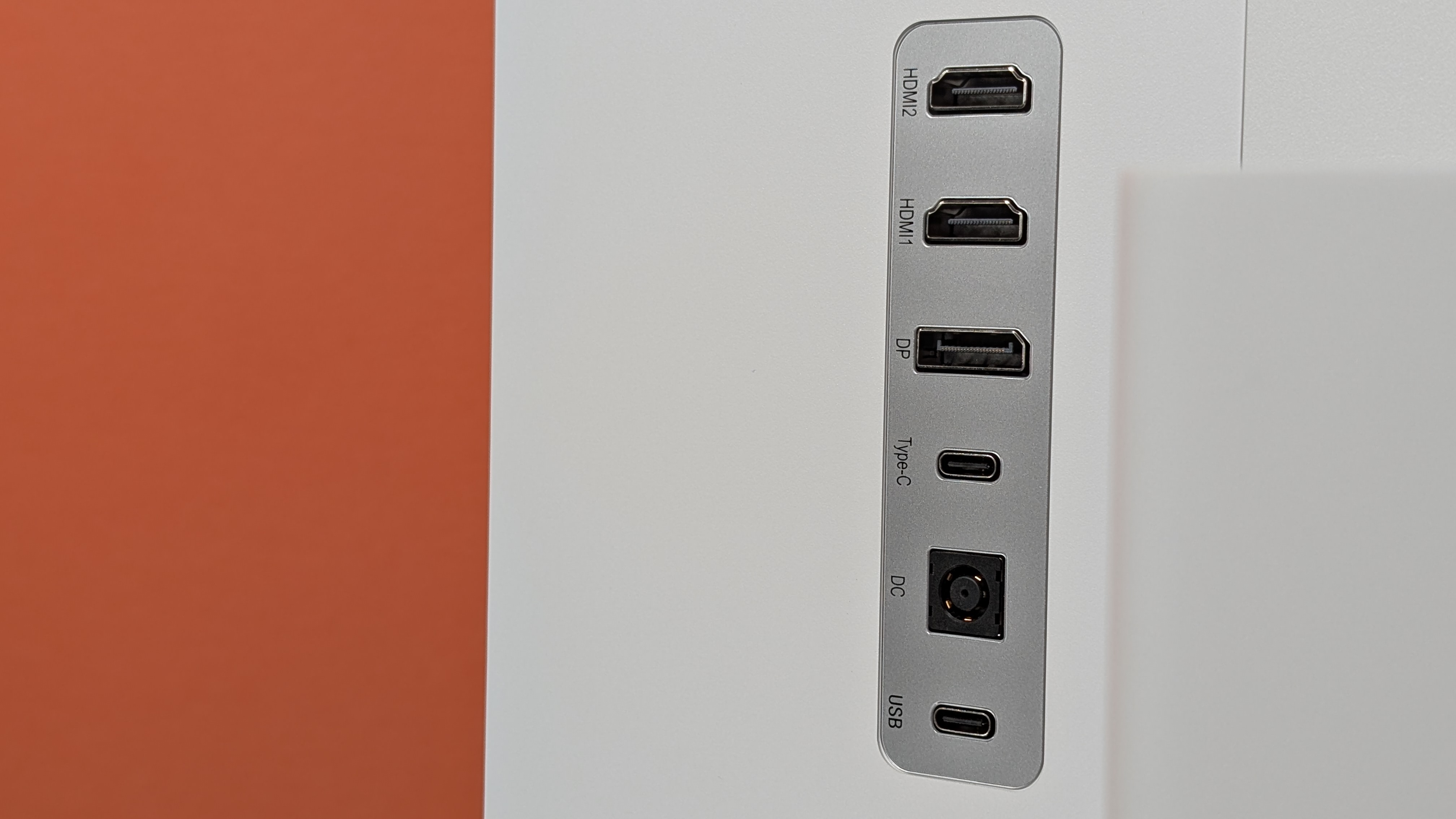
Here’s where a few of my nit-picky items come into play. But I think I’m going to start with the big one. I don’t like the panel around the I/O on this monitor. First off, it’s centered right behind the stand. So while some ports plug in fine, the Displayport port gave me issues with the cable they included in the box. The length of the cable housing was so long it was bumping into the stand itself and I ended up having to torque the cable enough to squeeze it in. As a whole that’s not ideal.
Going forwards, the silver plastic around the I/O is shockingly flimsy. If you’re someone that plans to plug things in and leave it, this won’t be an issue. However, I point it out because I was working around back pretty regularly. Stuffing things in and out of those ports meant seeing that panel flex a lot more than I was used to, and a lot more than I was comfortable with. Personally, I’d have preferred the solid plastic panel that the GA27T1M used, or the push up from the bottom that I saw on their 25M2S.
I guess sticking with the I/O panel finally, I’m not big into the lack of 3.5mm Jack. INNOCN offers audio out through the USB-C port on the back of the display, and they include a USB-C hub in the box that has the headphone jack, but in 2026 when things should still have an audio port I’d prefer just having the jack directly.
What’s Mid
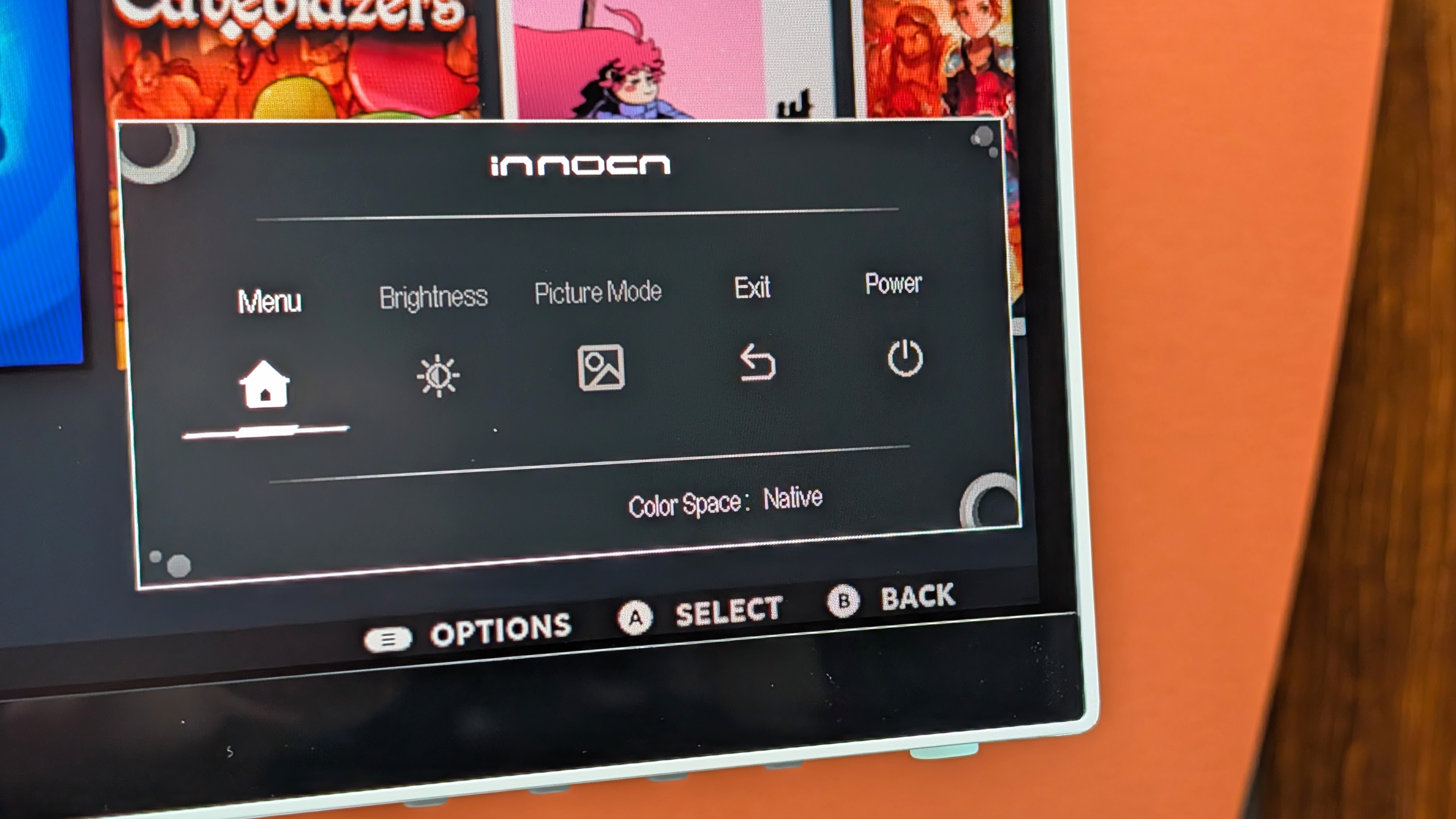
There’s really only one thing on this category, and it’s going to be the menu. Why? Because it’s really a mix of good and bad, so because of that you get the most middle of the road response towards this setup. The CB27 ditches the control nipple on the back of the panel, and leads with the five buttons on the bottom instead.
This is good! I’m not going to accidentally press the power button when trying to change inputs. The mid is that I still wish there could be an easier way to navigate the menus as I found myself accidentally going back and forth in menus when I didn’t mean to.
The actual menu page itself is fine, albeit a bit stylized for what it should be. It has everything from brightness, to I/O, to Picture-in-Picture and more. You can deal with it all there, and while it’s good, it took me a while to figure out that some options were grayed out because of what input I was on. Other options were grayed out because I had the auto brightness adjustment on and didn’t realize it.
The software setup is getting better, don’t get me wrong. I just think it needs a bit more work.
Final Thoughts
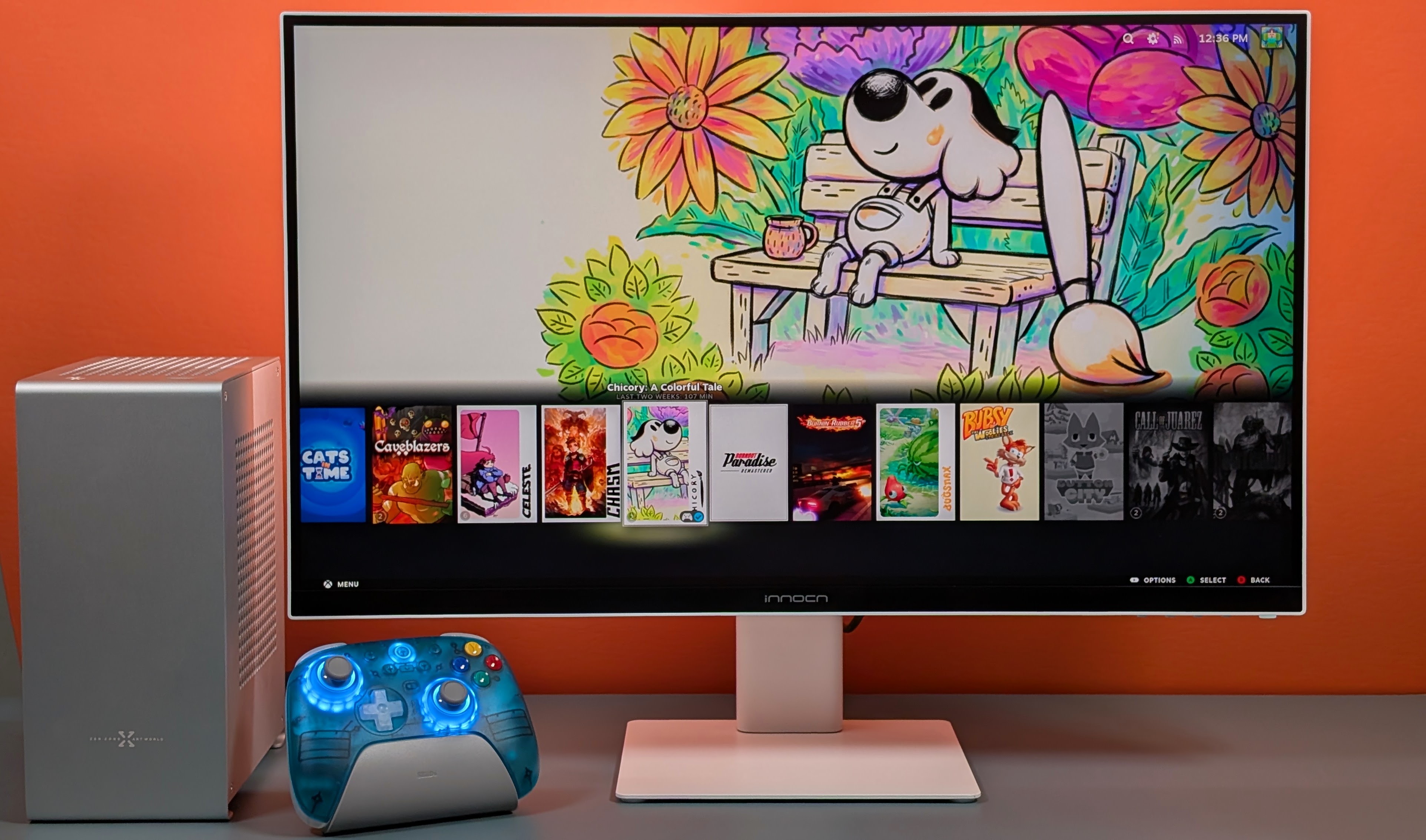
This is an incredibly professional looking monitor. They’ve gone for “Mac Studio Monitor on a Budget” and I think they’ve done a good job. It’s a great IPS that works even better for 1080p gaming. The response times are nice, the feature set is good, the stand is good and the I/O panel is really my biggest issue and longevity concern.
If you’re looking for something ultra high end, OLED, or even Mini LED there are going to be other, better options out there on the market for you to take a look at. But if you’re looking for a rock solid, color accurate monitor? This might be the next one to get. Plus it looks clean as hell. I really dig it.
