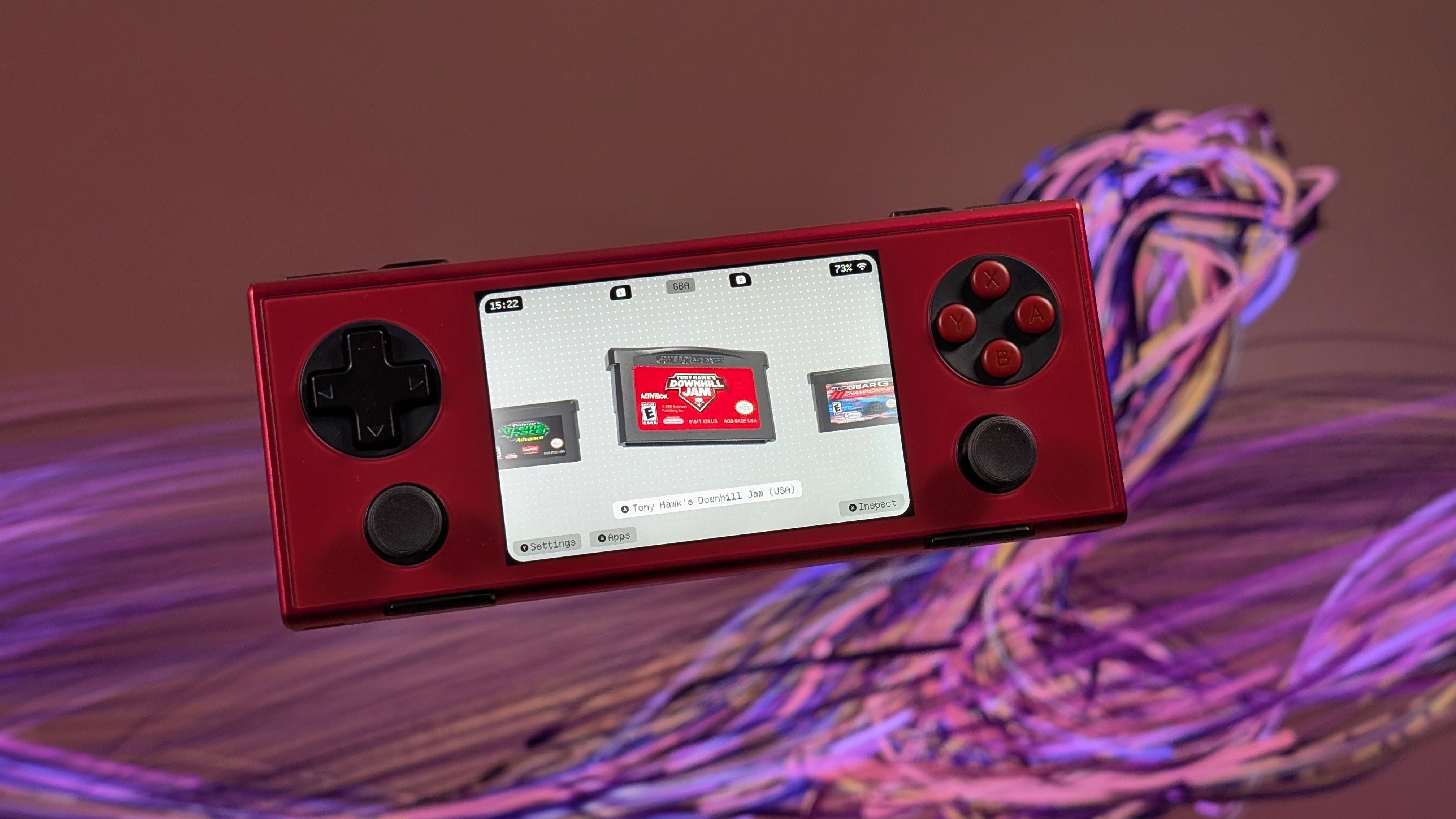
Over the past year or so we’ve seen quite the resurgence of new launcher options for Android handhelds. Much of the attention has been paid to dual-screen handhelds, and now Socket is getting in on the fun with the release of version 0.8.0.
That’s the defining feature of this latest update, as detailed on the Socket Launcher Patreon page. However, there’s much more going on beyond visible changes and improvements, as the update provides a significant boost for lower powered handhelds. According to the developer, Socket has been optimized and is now “allowing for a stable 60 FPS on the lowest tier KONKR Pocket Advance.”
You can check out the full changelog for Socket v0.8.0 below, and the update is available for download now, provided that you are a backer on Patreon. Looking through the comments of the announcement, it seems that this solves a lot of problems that people were dealing with, which is always great to see. Not to mention that we always love when new features are introduced, especially when it comes to dual-screen support.
Added
- Dual-screen support (Ayn Thor and similar): the bottom screen shows your apps with Pin, Add to Android Platform, App Info and Uninstall, and keeps a dimmed snapshot with a timer while a game is running. “Single Screen Mode” toggle under Settings > Tweaks.
- New on-screen keyboard, usable with the d-pad, stick or touch. B deletes, Y adds a space, X toggles shift (press twice for caps lock), L/R or the triggers move the cursor (hold to keep moving), Start confirms. “Use System Keyboard” toggle under Settings > Tweaks to keep Android’s keyboard.
- Playtime tracking, shown under the game title and in Inspect. “Precise Playtime (Usage Access)” toggle under Settings > Tweaks for exact times.
- Sort games by Title, Most Played, Recently Played or Recently Added, per platform in Edit Platform.
- Random game button.
- “Jump by Letter” toggle under Settings > Tweaks.
- “Haptic Feedback” toggle under Settings > Tweaks.
- Socket now asks you to press A after choosing a controller layout, so A/B are right even on handhelds that swap them in firmware.
- Warning under Max FPS when the device’s power saving mode limits the CPU.
Changed
- The Wi-Fi icon in the top bar now shows the real connection: crossed out when offline, hidden on mobile data or ethernet.
- Swipe down to launch now only works when the swipe starts on the selected cartridge, so pulling down the notification shade no longer launches games.
- Emulator launch arguments now support everything used by the emulator packs (intent flags, MIME types, categories, true/false and number values), so more emulators launch correctly.
- Label art no longer shimmers on small or tilted cartridges.
Fixed
- Controller layouts: Xbox and Nintendo had A/B and X/Y swapped, and PlayStation used the Nintendo layout. Everyone is asked to pick their layout once more after updating.
- RetroArch could get stuck on its logo when launching a second game.
- Long freeze the first time you switched to some platforms (Genesis / Mega Drive, SNES, GB / GBC, 3DS, Switch).
- Socket could crash and stop being the home app when pressing Home on Android 11 and older.
- DuckStation should no longer show an SBI error when launched from Socket.
- Renaming games: the keyboard covered the text being edited.
- Frame pacing issues on some devices.