

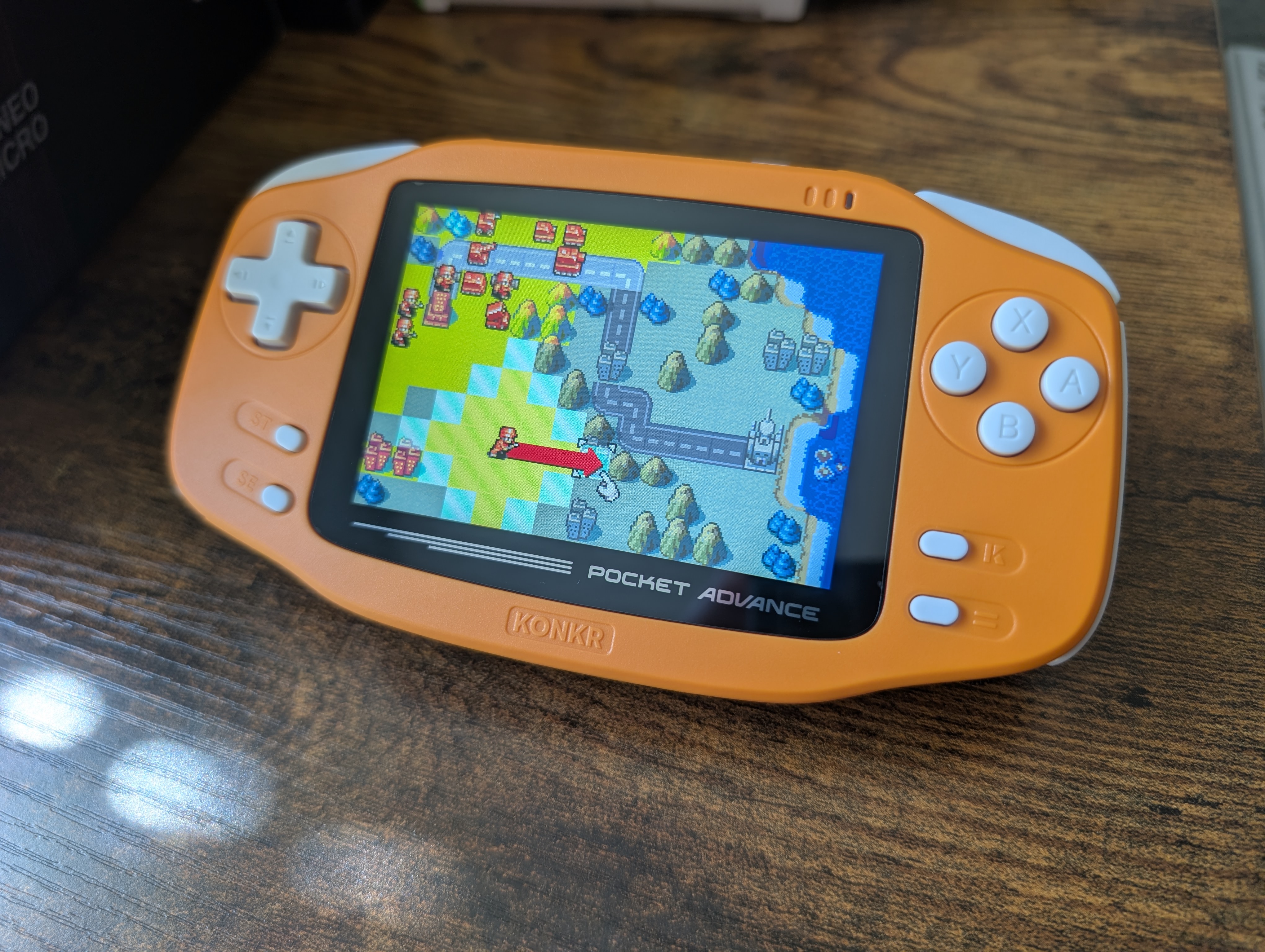
The KONKR Pocket Advance is a fun nod to the Game Boy Advance from AYANEO’s budget KONKR line. Coming in some fun colors and at a palatable price, it’s no wonder why it has sold so well. I’ve had about two weeks with the device, and as promised in my initial impressions article, I’m back for a full review.
Disclosure:
The device reviewed was not provided as a review sample from AYANEO. I have never received payment nor review samples from AYANEO, and every device that I own from them was purchased with my own money. AYANEO did not have the opportunity to make edits or changes to the review before publishing.
Affiliate links might be present where applicable, and we may earn a commission on product purchases using those links at no extra cost to you.
KONKR Pocket Advance Specs
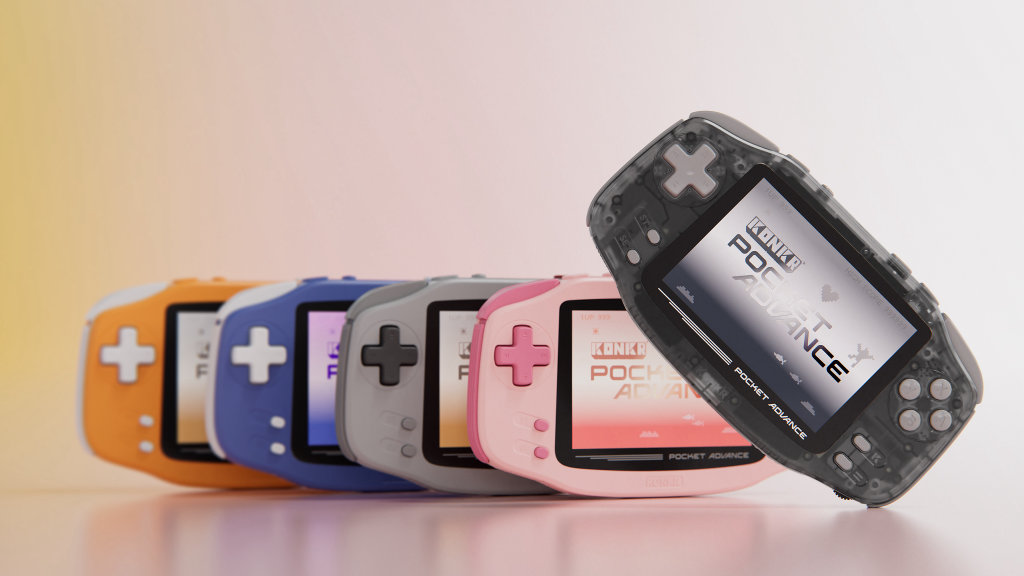
The KONKR Pocket Advance comes in five distinct colors (technically six, if you count the Developer Only Edition); Navy, Coral, Gray, Peach, and Onyx Ice, of which the latter two haven’t even shipped out to consumers yet.
We’ve got two RAM and storage configurations (3GB/32GB and 4GB/64GB), which while a bit small, is more than enough for what you’re actually going to be playing on this device. Remember, the entire Game Boy Advance library, including all regional variants, is less than 20GB.
The KONKR Pocket Advance utilizes a MediaTek Helio G90T, the same chip found in the AYANEO Pocket Air Mini. This means that the device will have no issue playing anything PSP and under, and you’ll even get some surprising GameCube, PlayStation 2, and Wii performance from this chip, but know its going to take some tinkering. Also, given that 3:2 screen, you’re going to end up with black bars when playing anything besides Game Boy Advance.

KONKR Pocket Advance
AYANEO
KONKR Pocket Advance
AYANEOBuild Quality and Ergonomics
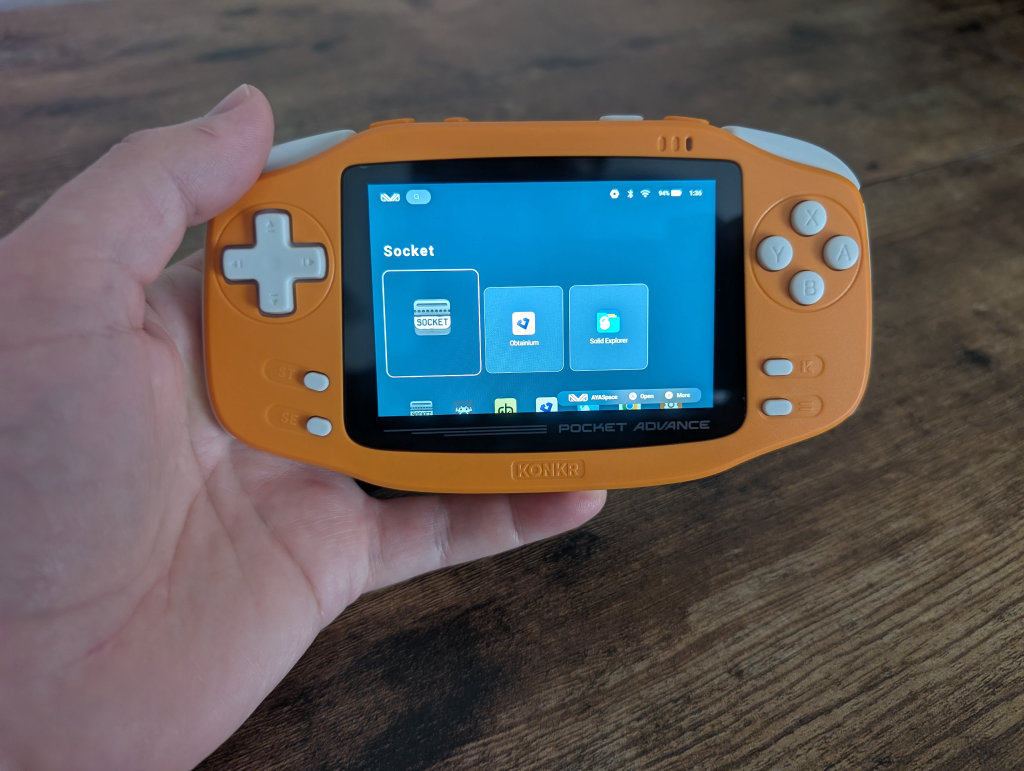
The KONKR Pocket Advance feels great in the hands, with a nice weight balance and high-quality plastic with texture in all the right places. The scroll wheel is actually a wheel (the Anbernic RG34XX had one that was more of a short twitch-switch), which I did accidentally nudge a time or two and mistakenly adjust the volume.
The microSD card sits behind an easily opened cover, and the speakers, which are down-firing, are quite loud and sound good to my ears. The fan is responsive and quiet, with several different performance modes to choose from in the AYANEO software options to adjust the speed.
I’ve had a lot of hours with this device now, and not once did I experience any pain or discomfort in my hands or wrists. Even without the oh-so-appreciated ergonomic bumps many newer devices have along the back, the KONKR Pocket Advance fits comfortably in the upper part of my palms, and the controls are located in such a way that I never found myself having to extend uncomfortably to reach buttons. The curvature of the device edges also helped to eliminate any discomfort.
Controls
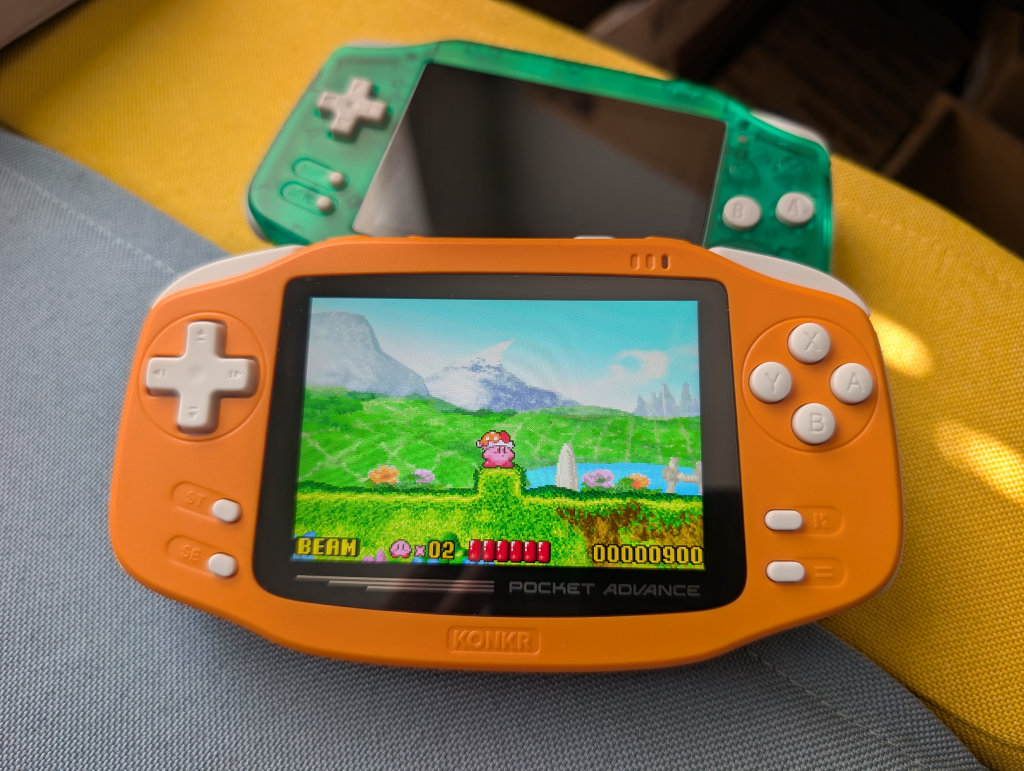
The buttons on the KONKR Pocket Advance are insanely quiet; it’s actually been one of my most favorite devices to play in bed if my wife happens to by lying next to me. We’ve also got a larger D-Pad than on something like the RG34XX, along with larger, flatter shoulder buttons, which I prefer. No analog sticks here, though you do have the software option to toggle the D-Pad to act as a left stick, which is both a handy and miserable experience.
Yes, the KONKR Pocket Advance has crazy mushy buttons, aside from the slightly clicky L2/R2 and LC/RC buttons along the top. I mentioned in my initial impressions that I felt I was missing inputs with the device because I would need to press harder or longer to register inputs (I tend to move my fingers rather quickly). While that is still the case from time to time, adjusting to the actuation of these buttons was relatively quick, and I’ve mostly had little-to-no issues since.
Software
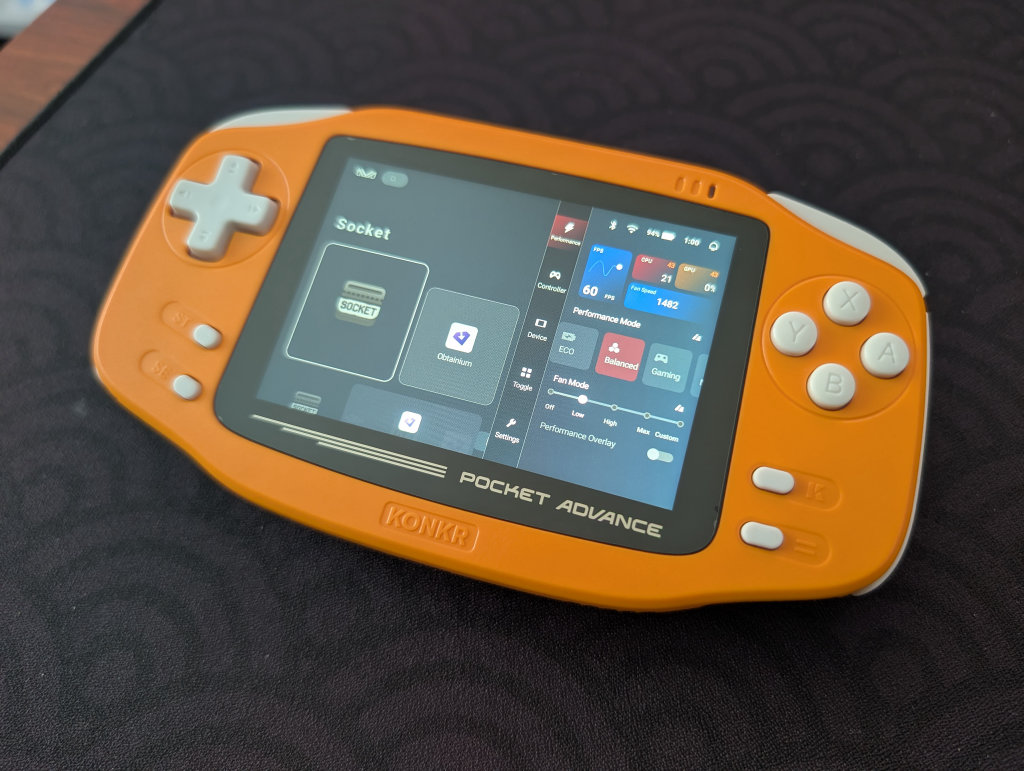
We have your typical AYANEO/KONKR software options available here. Clicking the KONKR “K” button will open up a menu, where you get a mix of a monitoring and performance panel and quick-hit settings and adjustments. You’ve also got the absolutely terrible AYASpace frontend that AYANEO offers, which I would recommend utilizing something like Daijisho or Beacon Game Launcher instead.
As a reminder, the Socket frontend exists and looks great on the KONKR Pocket Advance. The most recent build (0.6.0) addresses several bugs I had during my initial impressions, including the one that would kick me out of RetroArch whenever I put the device to sleep. Also, for those who don’t want to commit to a monthly Patreon fee, remember that the developer released an earlier build for the frontend for free to anyone who wants to give it a try.
Screen
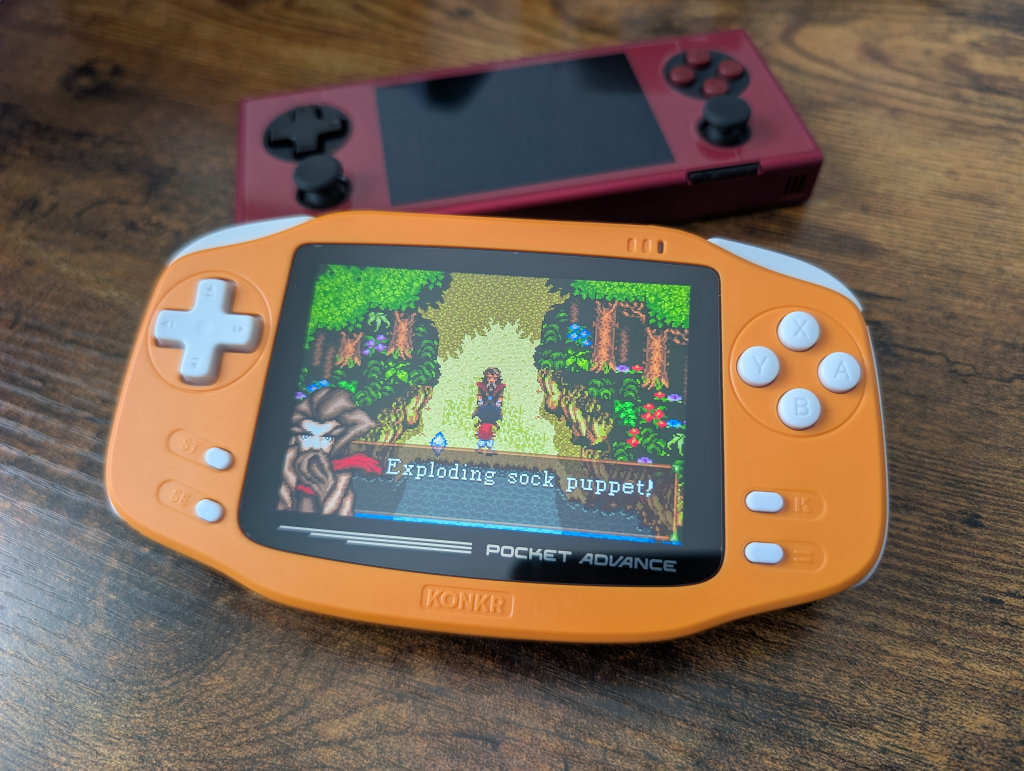
Not only does the KONKR Pocket Advance use the same chip as the AYANEO Pocket Air Mini, but it also uses the same crisp 960×640 LCD screen as the AYANEO Pocket Micro, Pocket Micro Classic, and Pocket Micro 2, as well as the MagicX One 35. Games look great, especially Game Boy Advance given its native 3:2 aspect ratio that matches this screen. Furthermore, it adds to the nostalgia that we’ve got curved bezels and a Pocket Advance logo that strongly mimics the original Game Boy Advance.
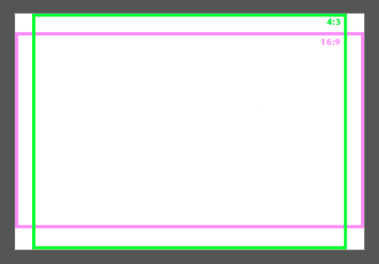
Keep in mind that other content will result in black bars while playing games. 4:3 content is going to give you vertical black bars along the sides, while 16:9 is going to give you horizontal black bars along the top and bottom. Given that the KONKR Pocket Advance already has a pretty small 3.5″ screen, this could be an annoyance for some.
Gaming Performance
Emulation
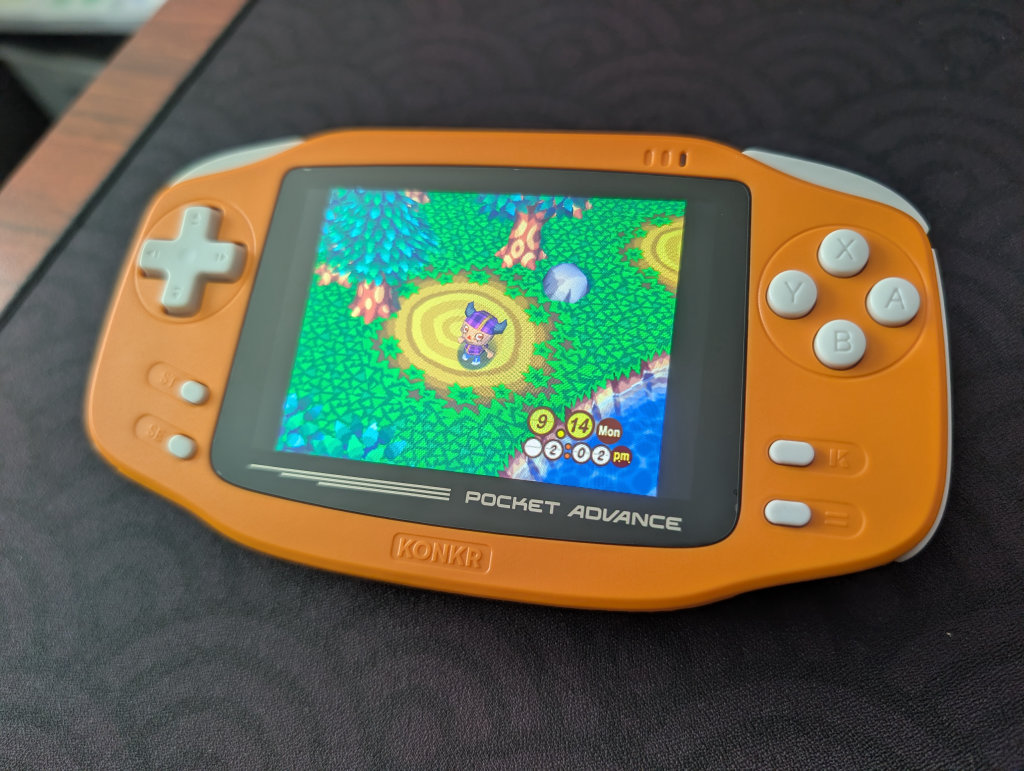
As mentioned previously, the Helio G90T will give you little issues when playing PSP and below. The sweet spot for this device is obviously Game Boy Advance, but you can easily play other retro systems. The biggest “hurdle” is going to be adjusting to black bars on 16:9 and 4:3 content, as mentioned previously. However, ensure that you have the fan on for anything PlayStation 1 and above, as the device can get quite warm. Keep it in Eco for the older systems, and put it in Balanced or Gaming for anything more demanding.
You can also get some surprisingly good performance out of this chip with systems like GameCube, PlayStation 2, and Wii, but don’t purchase this device thinking you’re going to be able to play those systems without some tinkering. Lowering resolution to Native 1x will get you a surprising amount right out of the box, but you’ll need to tweak some parameters here and there. Also, you’re gonna get black bars with anything other than Game Boy Advance.
PC Gaming and Streaming
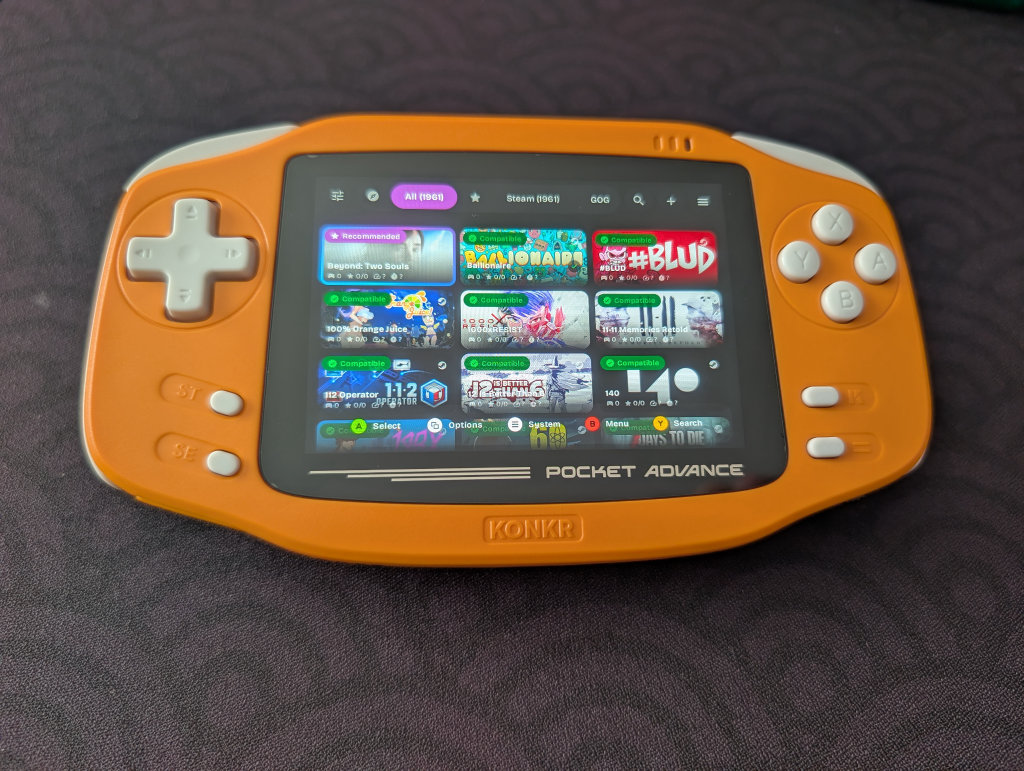
Ah, yes, streaming and playing PC games on a 3.5″ screen with 4GB or less of RAM and no analogue stick. If it sounds a bit rough, that’s because it is. I’m including this section here to be comprehensive, but I don’t recommend getting this device for any level of PC gaming. Using GameNative, I would get crashes constantly (if anything even booted), even with the 4GB model. Ballionaire, Gemporium, Sea of Stars; all consistently crashed or I couldn’t get to even boot.
Using Artemis and streaming was slightly better, as I was able to get Dead Cells running fairly consistently, but I also had a crash with that one. Setup and performance also depends entirely on your personal desktop/gaming PC and your home network.
Android Gaming
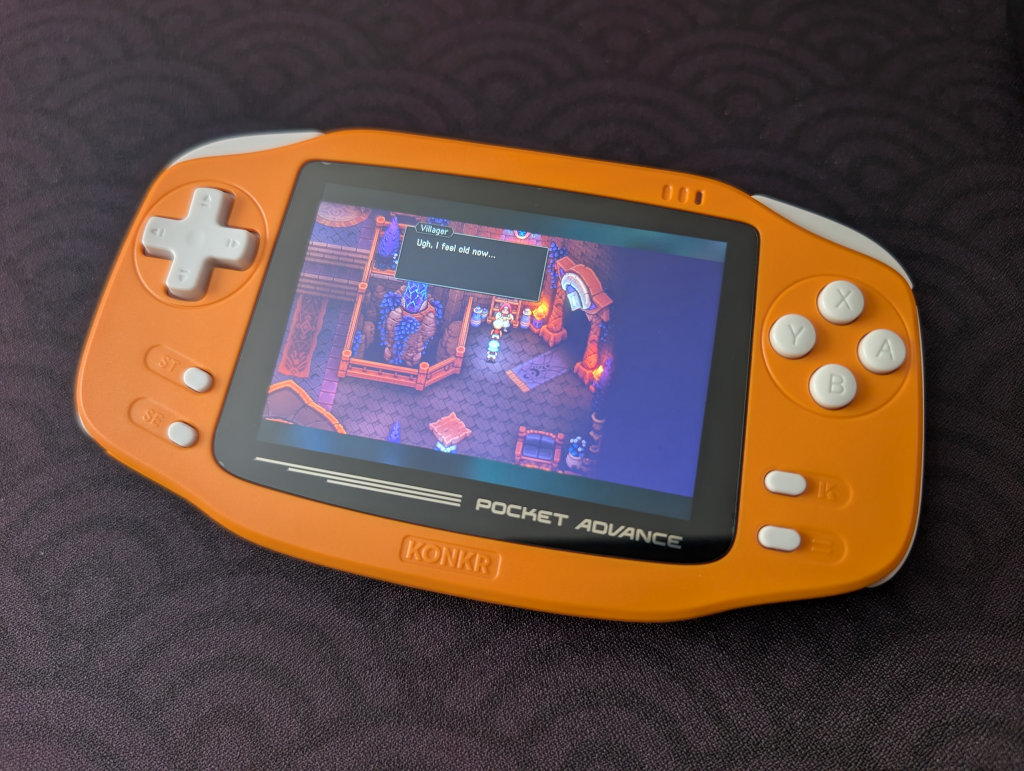
Android gaming was definitely a more compatible experience on the KONKR Pocket Advance, though that wasn’t terribly surprising. Do be aware that the 3.5″ screen with a 3:2 aspect ratio is going to give you some wonky scaling issues with some games. Games like Stardew Valley had dialogue boxes filling up the whole screen, along with other UI and menu items being offset, too small, or too big.
Playing Sea of Stars was super fun, especially since those graphics helped to lend a more nostalgic feel that matched the KONKR Pocket Advance. I didn’t run across any UI issues with this game, but that dialogue text was small. Again, if you notice the device getting a bit warm, make sure you’ve got the performance mode set to Balanced or higher.
Food for Thought
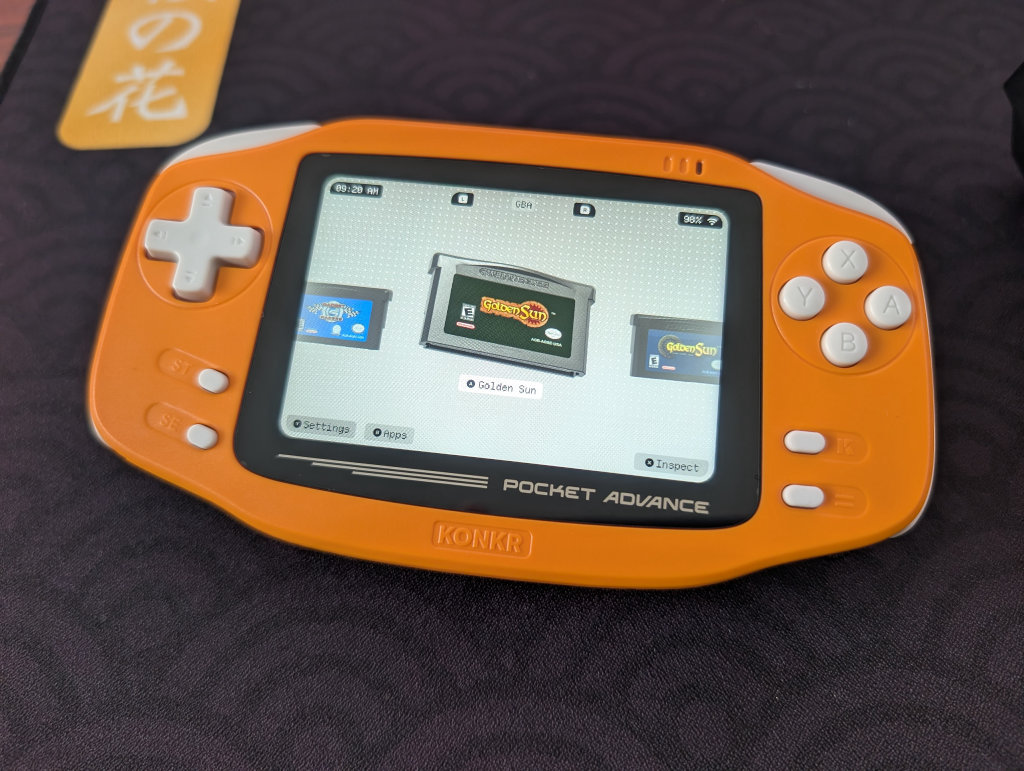
Despite the whimsy this device evokes, and how much I’ve enjoyed playing with it, I’m unlikely to actually keep it in my collection. I simply have too much love for the AYANEO Pocket Ace when it comes to playing Game Boy Advance games, and like the RG34XX, I don’t have enough nostalgia behind the original Game Boy Advance to keep one around simply for the looks.
That being said, especially if you have a lot of love or nostalgia for the Game Boy Advance, AYANEO nailed this one. It looks and feels great, it comes in several attractive colors, and you can get one at a great price.
