

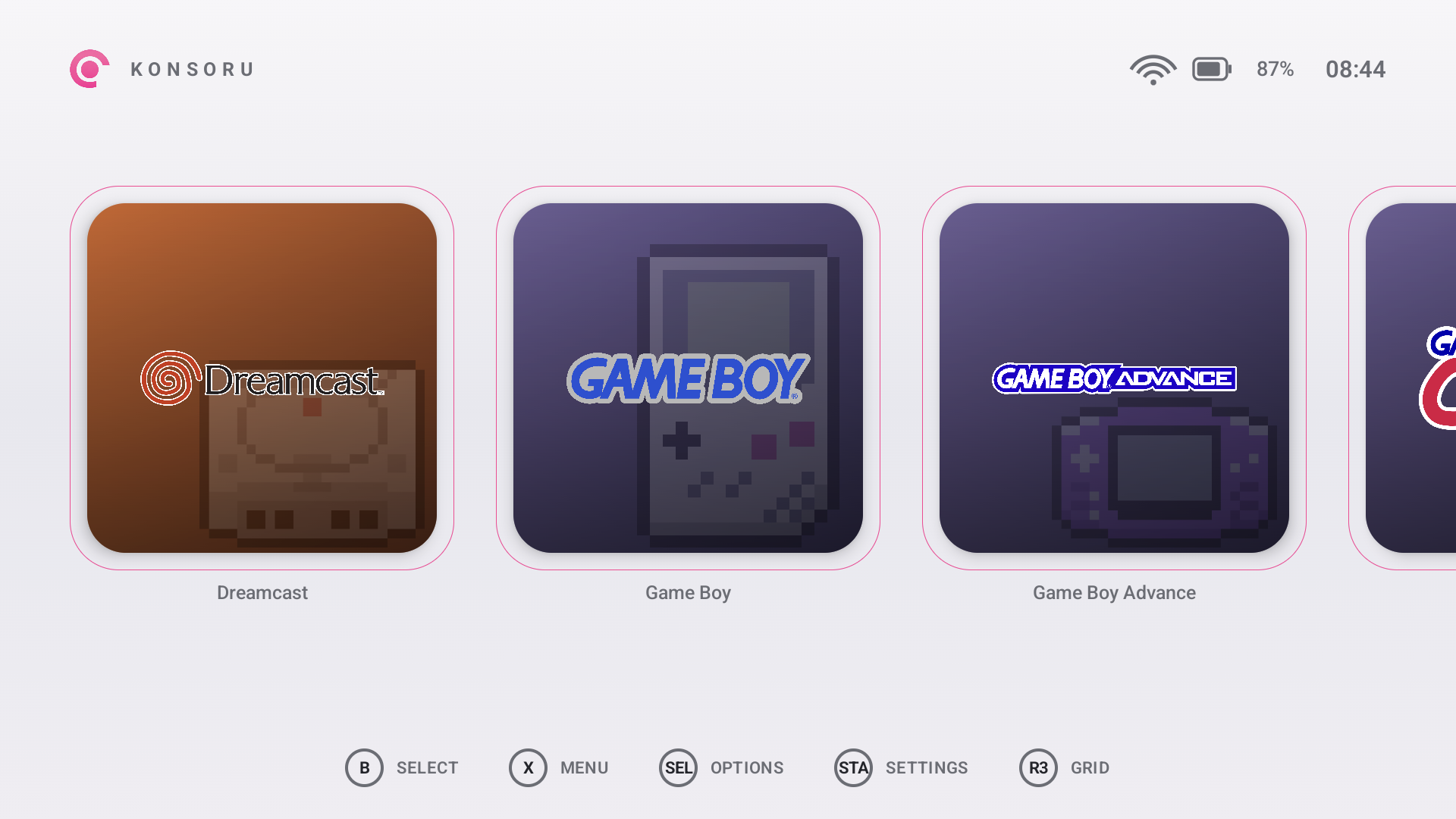
There have been a few launchers out there attempting to get a setup working for both single and dual screen devices. Whether that’s been iisu, Cocoon or something like the ES-DE Companion app. There’s a few options out there for those looking to tinker. Enter Konsuru a launcher that seems to have built and dedicated with love to the AYN Thor. With dedicated console interfaces, and a clean design, it looks like this is a more recent drop that’s aiming to be something even better for those looking for a unique dual screen setup.
When it comes to getting more information, there’s two places to go. The Konsoru Discord is available to ask questions, get more information, and just talk to others using the frontend. Meanwhile their Github is hanging around for a full changelog of all of the Beta releases that have been put out so far. And if you want to support the project further, they do offer a link to their Ko-Fi as well.
As mentioned before, Konsoru is a more “bespoke” frontend for the AYN Thor, and hopefully other dual screen devices in the future. This one features its own interfaces for a number of different consoles to help load games in their own special ways. Alongside that, Konsoru also offers RomM support, and a standard frontend experience for systems that may not have their own interface.
There was a decent bit in the v0.6.0 update that was dropped earlier today, and you can find that list below.
Guides/Manual Updates
- An Added Guide Hub on the Bottom Screen
- The Inclusion of Adding your own files to each game
- Ability to look up Guides and manuals through Konsoru on the Bottom screen
- Offline viewing of saved pages
- Guides re-open where they were left off.
- PDFs use Android’s own renderer and CBZ is read as a zip, so none of this made the download bigger.
Lower Screen
- App drawer in bottom left corner of lower screen view
- Lower screen dims to 10% for the duration of boot video
RetroAchievements
- RetroAchievements can be accessed during Gameplay
- Achievement Grid Rebuilt
Save Updates
- Sync goes through RomM’s own endpoint
- Fixed: a save state could be overwritten by a battery save
- Fixed: a replaced save is swapped in atomically
- Fixed: the server could send the app to a different host, with your API token
- Systems whose saves aren’t one file per game are held back
- Save sync needs RomM 5.0.0 or newer
Keyboard
- The on-screen keyboard has a cursor
Also
- The hide-game control in the game popup says “Hide this game” instead of being a bare checkbox.
- The project was reorganised: theme modules moved under
themes/, and the repository gained a
README, contributing and architecture notes.
It’s neat that more frontends are being produced and developed to help meet a niche that hadn’t been covered too much in the past. I hope the best continues for development of the project and I can’t wait to see where it goes next. Konsoru does also feature an AI Disclosure in their project, but they state it’s used for “debugging, code review, and documentation.” Though they immediately state AI-assisted code may also be included in the repository on Github. As always, do what you will with that, but it seems to be a solid foundation for a dual-screen frontend.
