

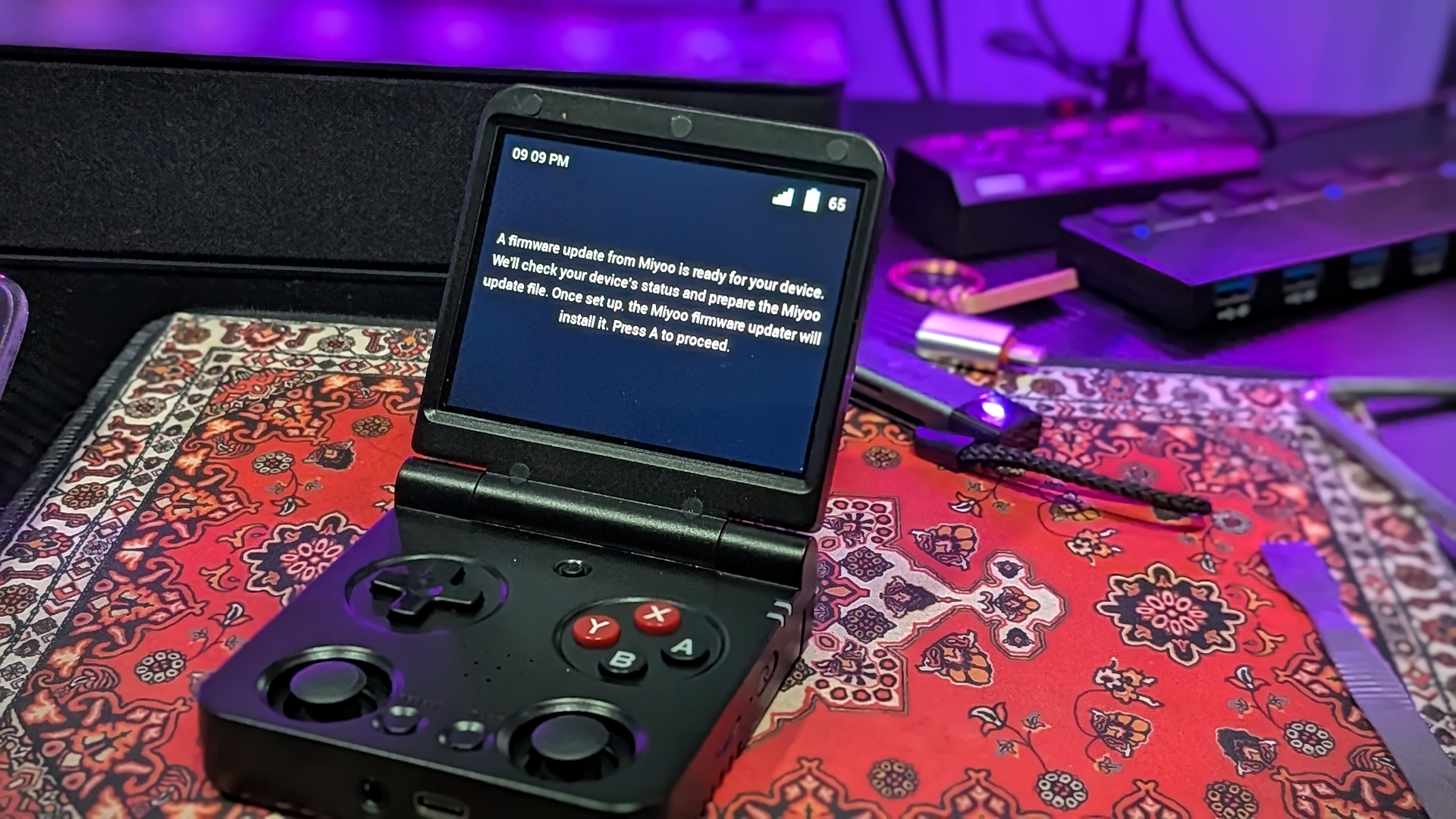
Although RAMageddon might have put a big damper on the new handhelds we’ve seen over the past year, this has opened the door for software and custom firmware to grow. spruceOS is the perfect example of this, as since August 6, there have been a total of eight updates released. It might not seem like much, until you consider that the last update before August 6 was back in April.
Nevertheless, spruceOS v4.5.0 is upon us, and it’s packed to the gills with plenty of new features. It even adds support for a few more devices, as the PowKiddy RGB30, RGB20SX, and Miniloong Pocket 1 “are now stable.” Not only that, but there are more devices in the pipeline, as the developers are working on adding support for the MagicX XU20, Zero 28, and Zero 40.
Beyond the added device support, the biggest new features of v4.5.0 is the addition of offline RetroAchievements. This has been one of those more surprising additions to the retro handheld scene on the whole, with one of the first implementations coming via the original melonDS fork from SapphireRhodonite. Since then, offline Cheevos support has been making their rounds across the space for the better part of the past year, and we’re happy to see it on spruceOS.
The update is officially available for download from over at the spruceOS GitHub. Just be mindful of which device you’re planning on using it with, as you might need dArkMoss or BaseOS if you’re trying to install it on a non-Miyoo or TrimUI handheld.
Hit the toggle below to checkout the full changelog, or just hit the button to head over and download the spruceOS v4.5.0 now!
New Devices
- Powkiddy RGB30, RGB20SX and Miniloong Pocket 1 are now stable on spruce with dArkMoss TF1 (@Sundownersport)
- MagicX XU20, Zero28 and Zero 40 are still in active development, testers wanted! (@CatalyticArkun @ryanmsartor)
New Features
- Offline RetroAchievements: play cached games without WiFi and sync later, cached games are marked in the game list and managed in RetroAchievements settings (@Sundownersport)
- RetroAchievements Softcore mode renamed to Casual (@Sundownersport)
- Themeable in-game menu (@Sundownersport)
- RGB LED settings on the Anbernic XX, including breathing and rainbow effects (@Sundownersport)
- RGB LEDs On/Off setting replaces the old disable option (@Sundownersport)
- Miniloong stick ring follows the RGB LED settings (@Sundownersport)
- USB Storage Mode on the Anbernic XX and dArkMoss devices (@Sundownersport)
- Bug reports upload over WiFi and show a code to share; logins and network names are removed first (@Sundownersport)
- Navigate menus with either stick (@Sundownersport)
- Menu sounds on the Anbernic XX, RGB30, RGB20SX and Miniloong (@Sundownersport)
- Brightness, contrast, saturation and hue settings on dArkMoss devices (@Sundownersport)
- Firmware Update app supports dArkMoss and always checks for the latest BaseOS and dArkMoss release (@Sundownersport)
- Boot To: DSi firmware option (@ryanmsartor)
- Anbernic XX: d-pad can act as an analog stick (@Sundownersport, @chrisj951)
- RGB30: volume buttons can be swapped (@Sundownersport)
- dArkMoss devices get 32-bit RetroArch, the Flip’s apps, core pickers, ScummVM, GVU, E-Reader, Gallery and PortMaster (@Sundownersport)
- Bluetooth rework: pair, connect, disconnect and forget devices, audio switches to a connected headset, reconnects at boot, and a Bluetooth icon shows in the top bar when connected (@Sundownersport, @CatalyticArkun)
- Bluetooth on the Flip, Smart Pro S, TrimUI A133P devices, Anbernic XX, RGB20SX and Miniloong (@Sundownersport, @CatalyticArkun)
- Gallery and Boot Logo apps on the Brick Pro (@ryanmsartor), Boot Logo on the Miniloong (@Sundownersport)
- Anyone can pick the OTA release channel (@Sundownersport, @ryanmsartor)
- French translations for About, tasks and the screensaver date (@NiCo-dev123)
Improvements
- DSperate updated to v3.0, with a user cheat database at
BIOS/nds/usrcheat.datand DSi BIOS checks (@beebono, @ryanmsartor) - gpSP updated to v1.1.0 (@ryanmsartor)
- Arduboy: Ardens and Arduous cores offered on every device under one entry (@Sundownersport)
- PortMaster bundle 2026.10.01 (beta) (@Sundownersport)
- GBA Health and Safety boot logos by crystaloyde (@ryanmsartor)
- SPRUCE theme: new and higher resolution system, home screen and app icons (@tenlevels, @ryanmsartor, @Sundownersport)
- Themes: text-only game list, images left, right, above or below text, scrolling long descriptions, line height set by font (@chrisj951)
- RetroArch mutes during fast-forward by default (@Sundownersport)
- Quick power-off is more responsive; user can set button hold duration for quick poweroff (@ryanmsartor)
- About shows SD card usage as space used of total (@BackwardsCire)
- Firmware Update shows the Volume Down instructions on the Brick Pro (@BackwardsCire)
- ScummVM shows on the Brick Pro (@BackwardsCire)
- Gamelist Generator skips NAOMI and Atomiswave (@BackwardsCire)
Bug Fixes
- Anbernic XX: screenshot shortcut saved nothing (@Sundownersport)
- A30: OpenBOR failed to find its libraries (@ryanmsartor)
- Miyoo Mini: no sound during fast-forward (@Sundownersport)
- Brick: LED brightness only applied to the top bar (@ryanmsartor)
- Brick Pro: LED settings didn’t affect the back LEDs (@ryanmsartor)
- TrimUI A133P: RGB LED switch didn’t restore the right colour and effect (@ryanmsartor)
- TrimUI: boot froze with a USB DAC plugged in, because the controller was assumed to be event3 (@duyquang6)
- TrimUI A133P: WiFi conflicts with the stock wpa_supplicant (@CatalyticArkun, @Sundownersport)
- WiFi: typing a password could drop keys (@CatalyticArkun)
- WiFi: invalid password message shown when backing out with B (@chrisj951)
- dArkMoss: power-off could turn into a reboot (@Sundownersport)
- mupen64plus: save state previews weren’t saved (@Sundownersport)
- USB Storage Mode: controls stopped working on some TrimUI devices (@Sundownersport)
- Activity log crashed when one entry couldn’t load (@chrisj951)
- Master System listed twice (@chrisj951)
- Updater failed on devices without ifconfig (@Sundownersport)
- Update app kept saying an update was available after installing (@ryanmsartor)
- Miniloong: wrong charging status (@Sundownersport)
