

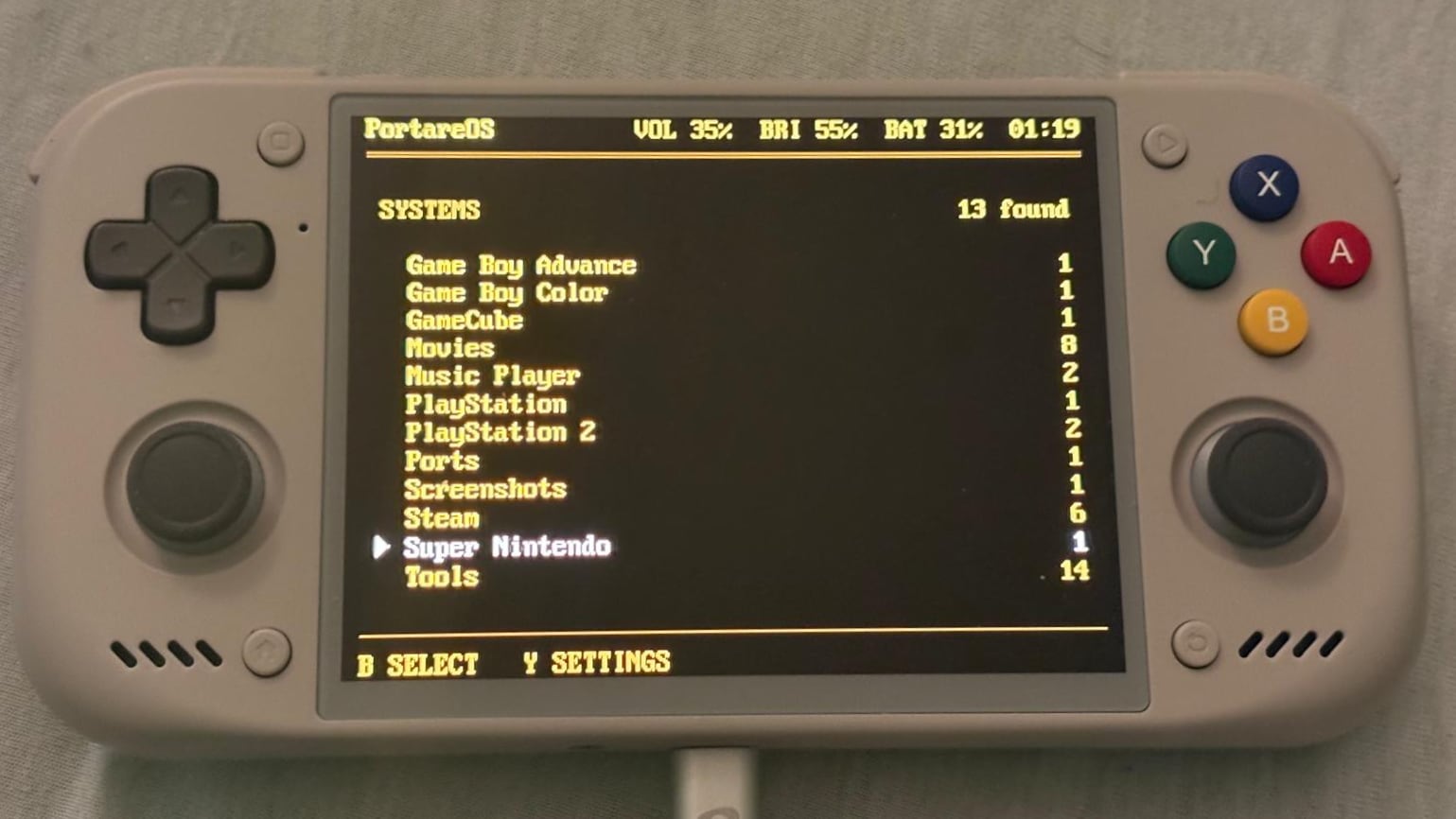
PortareOS is a new Linux operating system built around the Retroid Pocket Nova, with a focus on how old games reach its screen and speakers. The project tunes its display, audio and emulator settings specifically for the handheld’s 1280×960 panel, aiming for consistent frames, color accuracy, clear audio and low latency.
It began as a ROCKNIX fork and now maintains its own packages. After Recalbox 11 added the Nova, this is another option for owners willing to try Linux on the handheld, with the entire project concentrated on that one device.
The launcher is a simple text-on-black list of systems and games. There is one selected emulator per system, with scaling, shaders and settings already chosen. PortareOS concentrates on NTSC timing; PAL is outside its plans, as are most widescreen systems apart from PSP.
Its variable-refresh work lets the screen follow a console’s frame rate. A roughly 60 FPS game can have each frame scanned twice on the 120 Hz panel, keeping its original pace without asking the emulator to render another frame. The documentation includes Super Mario World and Tekken 3 tests, plus work to match audio rates and reduce input delay.
The software list reaches from familiar cartridge consoles to PS2 and Xbox experiments. The status table on their Github breaks down where each system currently stands, with GameCube currently hanging without sound. Beyond games, PORTAMP plays music and mpv handles movies. M2 can bring up a text game guide stored beside a ROM, while the launcher handles Wi-Fi, Bluetooth and updates that install on restart.
Getting started means writing an image to a microSD card and following the bootloader guide. Internal installation is available too: first-time dual boot keeps Android but resets its data, while Replace Android removes it. The developer describes the work as fully AI-assisted, with testing and tuning documented in the repository.
Our Pocket Nova review covers the hardware; PortareOS gives owners a focused way to spend more time playing on that screen and less time choosing settings.
Source: PortareOS on GitHub
