

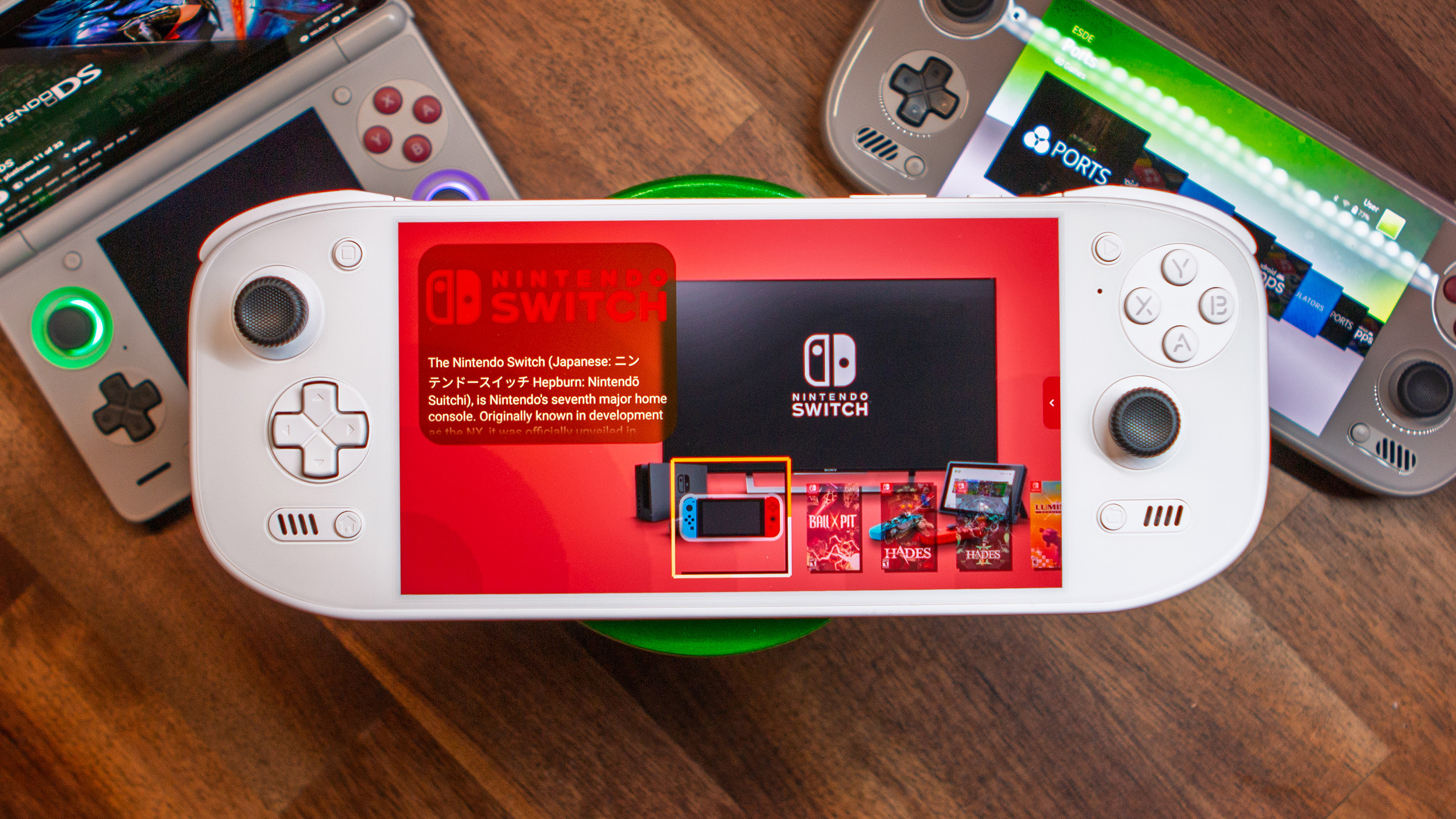
In an unexpected turn, as the year comes to a close, I was able to get my hands on the new AYN Odin 3 Portal thanks to Stubbs. For the first time since the Odin 2 Portal, this wasn’t really on my radar to pick up for reasons that will be explained a bit later.
So far, I’ve had the Portal for about a week and have been using it more and more over the past few days to formulate some kind of opinion. Without further adieu, here are my AYN Odin 3 Portal first impressions.
The device reviewed was provided as a review sample by AYN. This had no bearing on the conclusion of the review, nor did AYN have the opportunity to make edits or changes to the review before publishing.
Affiliate links might be present where applicable, and we may earn a commission on product purchases using those links at no extra cost to you.
AYN Odin 3 Portal Specs

| Specifications | |
|---|---|
| Hardware | |
| CPU | Qualcomm Dragonwing Q8 |
| GPU | Qualcomm Adreno 830 |
| RAM | 12GB, 16GB |
| Cooling | Intelligent Cooling System |
| Display | |
| Screen Size | 7-inch |
| Resolution | 1920 x 1080 |
| Aspect Ratio | 16:9 |
| Refresh Rate | 120Hz |
| PPI | 314.7 |
| Storage | |
| Internal Storage | 128GB UFS 3.1, 256GB UFS 3.1, 512GB UFS 3.1, 1TB UFS 3.1 |
| External Storage | microSD |
| Battery | |
| Battery Capacity | 9000mAh |
| Charging Speed | 60W |
| Connectivity | |
| Wi-Fi | Wi-Fi 7 |
| Bluetooth | Bluetooth 6.0 |
| Ports | 3.5mm Audio Jack, microSD, USB-C 3.1 |
| Additional Details | Displayport Alt Mode (4K@60Hz) |
| Video Out | Yes |
| Controls | |
| Sticks | 2x, Hall Effect |
| Triggers | Hall Effect |
| Shoulder Layout | Stacked |
| D-Pad | Bottom Left |
| Audio | |
| Speakers | Stereo |
| Speaker Location | Front-facing |
| Headphone Jack | Yes |
| Physical | |
| Dimensions | 257 x 101 x 17.2mm |
| Weight | 450g |
| Software | |
| Operating System | Android 15 |
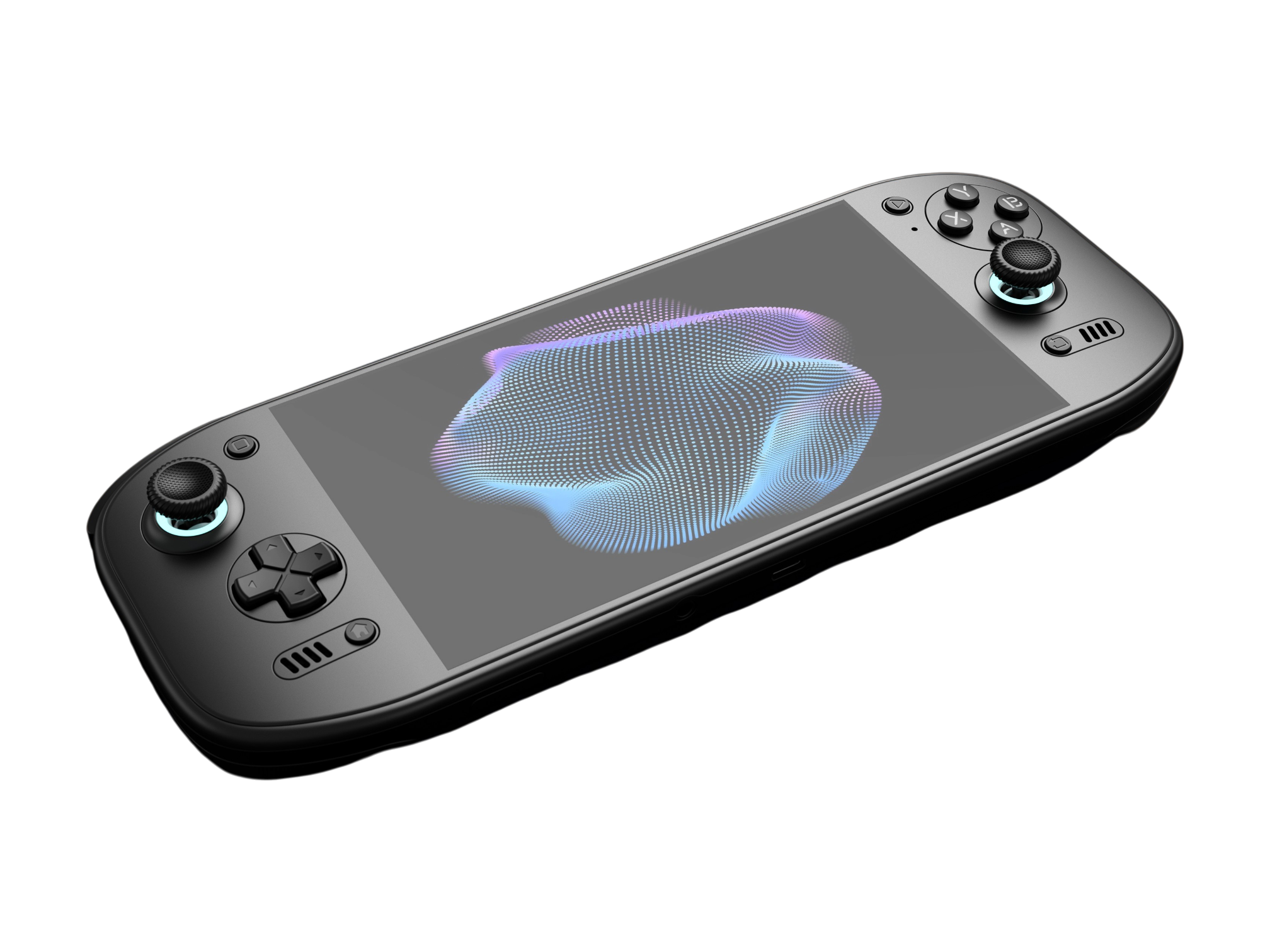
AYN Odin 3 Portal
AYNDesign and Display
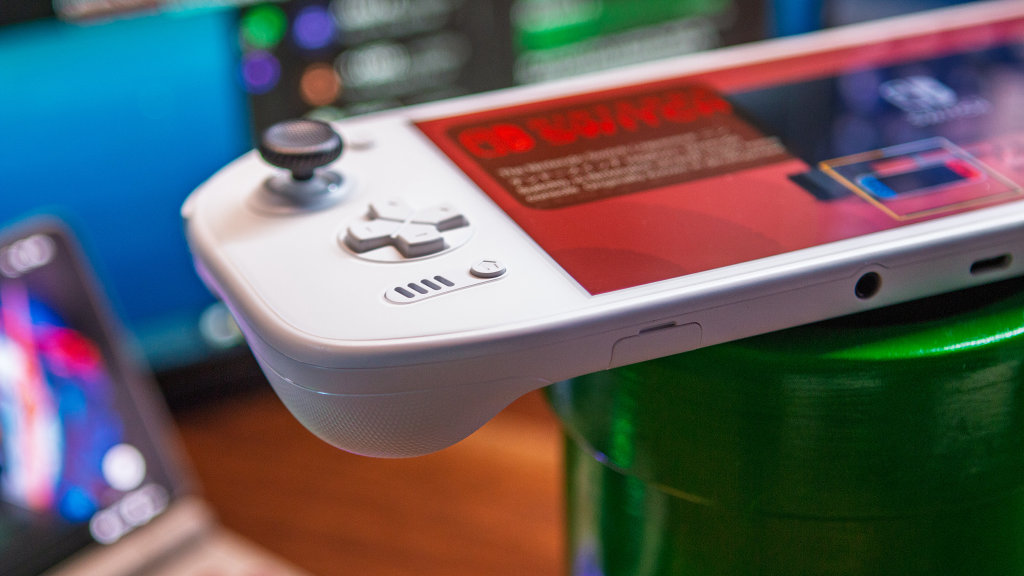
Seeing how AYN introduced a new design with the Odin 3, I wasn’t quite sure what to expect from the Odin 3 Portal. The Odin 2 Portal had problematic ergonomics and a front glass panel that was smudged as soon as it touched fresh air. So when the Odin 3 Portal was first shown off, I had a lot of mixed feelings.
Besides the ergonomics, which I’ll get into in the next section, one thing about the Odin 3 Portal stood out to me beyond anything else. AYN stated it was using a “fingerprint-resistant AG glass finish” with its latest handheld, and on paper, that sounds great. But I was still skeptical, as glass is a fickle material and being able to deliver on those claims, especially during mass production, would be a tall order.
Much to my surprise, I absolutely LOVE the way that the Odin 3 Portal feels under my palms. The finish covers all of the glass on the front, with the obvious exception being the display itself. But even with this White review unit, I no longer see palm imprints or fingerprints on the surrounding glass.

It doesn’t feel cheap at all, retaining the premium design that we expect from AYN. I’d even go so far as to say that I actually wish AYN had used this AG glass finish on the Odin 3 and AYN Thor. However, I do wonder if switching to this kind of finish would have resulted in different color options being available for those handhelds.
Moving past the glass and onto the display itself, AYN definitely delivered here. The Odin 3 Portal is again equipped with a 7-inch AMOLED panel, complete with a 120Hz refresh rate, and everything just looks fantastic.
I really don’t have anything else left to say about the display, as it’s just a nice-looking AMOLED screen. Then again, I’m not really much of a screen snob.
Ergonomics

Ever since dipping my toes into the world of retro handhelds and dedicated emulation, I’ve largely stuck with AYN. It started with the Odin 2, and has continued over the years, with the lone exception being the Odin 2 Portal.
While it packed the same power as the Odin 2, while offering a larger battery and a vastly-better screen, one thing held me back. Ergonomics. Nothing I seemed to do actually helped improve the way the Odin 2 Portal felt, to the point that it ended up as a “show piece” until earlier this year when it exited my collection.

After seeing that AYN was sticking with a very similar design with the Odin 3 Portal, I had basically written it off and had no intentions of getting one. However, after spending a few days with the Portal, I’m kind of stuck between a rock and a hard place.
While the Odin 3 Portal’s ergonomics are definitely improved over its predecessor, I still feel as though its lacking compared to other similarly-sized handhelds. On the bright side, I’m able to play games for more than 20-30 minutes at a time without my hands getting cramped or annoyed. But I do think that I need to try using a grip to see if it’s able to overtake my beloved Odin 3 Ultra.
Performance
Just like the Odin 3, the Odin 3 Portal is powered by Qualcomm’s Dragonwing Q8, which comes with the Adreno 830 GPU, and up to 16GB of RAM. As such, we can expect a flagship gaming and emulation experience. Those specs and the larger screen, paired with the continued improvements being made to apps like GameNative and DroidDeck, make the Odin 3 Portal an enticing option for just about anyone.
Because life continues to get in the way for reasons I can’t explain, there are a bunch of tests that I’m still planning to run on the Odin 3 Portal for the full review. This includes Switch 2 emulation, along with some more in-depth PC gaming emulation and of course, getting Armada up and running.
Oh yeah, Armada is already available for the Odin 3 Portal if you want to take it for a spin.

So far, I’ve tried out MegaBonk via DroidDeck, OpenBonk (thanks Rob), and I dabbled in a bit of Switch and Xbox 360 emulation. Unsurprisingly, MegaBonk and OpenBonk both worked flawlessly and without a hitch.
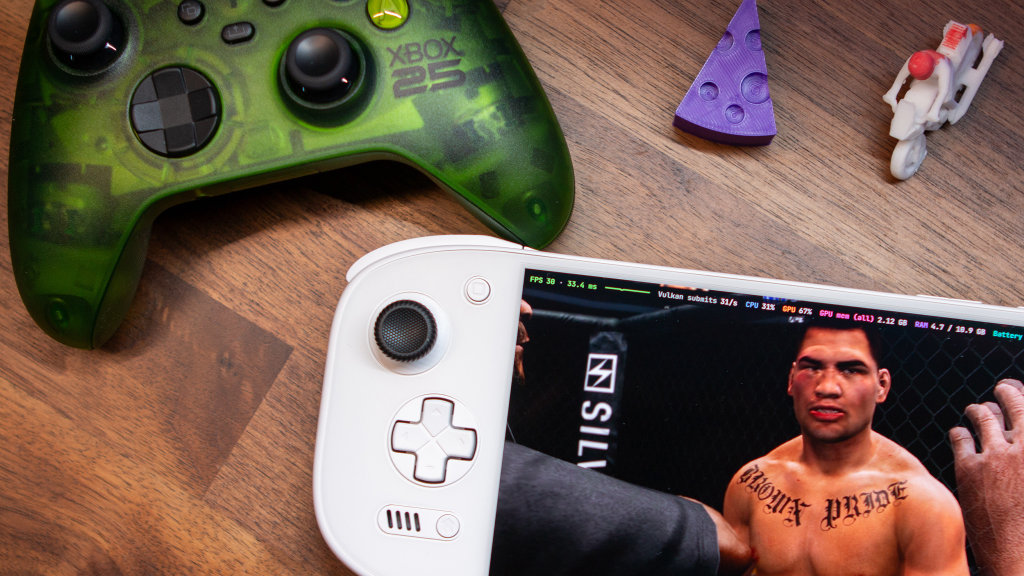
With OpenBonk specifically, I’m seeing between 100 and 120fps, while only drawing 8W of power (thanks to an upcoming build of PULSE. As for Xbox 360, I was trying out X360 Mobile for some UFC Undisputed 3, but it felt like each Brock Lesnar punch took 3 years to actually throw. Then I switched over to XenDroid+ and after loading up the latest Turnip driver from StevenMXZ, the game is now playing comfortably between 50-60fps.
For those who like synthetic benchmarks, here are some quick tests that I ran:
Geekbench 7 CPU
- Single-Core: 2336
- Multi-Core: 8102
Geekbench 7 GPU
- OpenCL: 15619
- Vulkan: 19019
Initial Verdict
So far, I’ve actually enjoyed my time with the Odin 3 Portal, but I’m still not 100% sold on it being “the one.” Even if I were take the Odin 3 Ultra out of the equation, I would be looking to pick up the Odin 3 Portal Max, which carries a $699 retail price tag. Taking into consideration that I would be dual-booting Armada and Android, I’d have to wonder whether just opting for something like the ROG Xbox Ally would be a better solution.
The Xbox Ally is an x86 handheld with much-better ergonomics, the same amount of RAM (as the O3P Max), and I could toss in a spare 1TB M.2 drive. Plus, I’d still have the microSD card slot at my disposal.
However, if you’re looking at either the Base or Pro models, both of which include 12GB of RAM, then it’s a different argument. And if that’s where your budget or needs land, then the Odin 3 Portal is a much easier recommendation. You get a big, beautiful screen, excellent emulation and gaming performance, and don’t have to worry about a handheld that attracts all of the dust and fingerprints in the world.
