

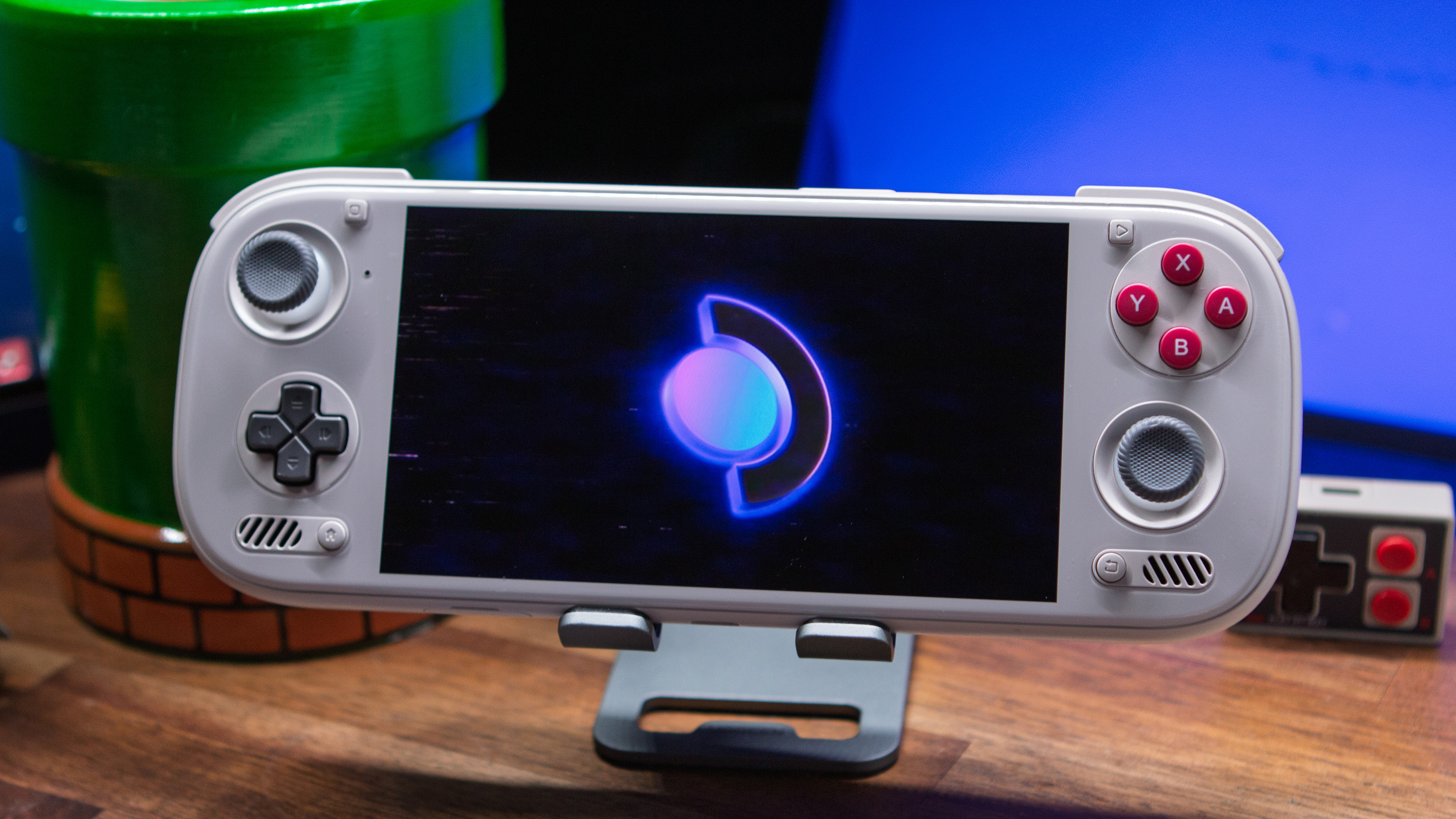
If you haven’t been keeping up, Armada is one of the latest alt operating systems on for high end handhelds to hit the scene. But rather than be an emulation focused OS like Rocknix, Armada aims for the skies looking to drop full on SteamOS onto your handhelds. If you’re rocking any of the most powerful devices or you’re looking to be a madman just to run three operating systems on your Odin 3, this is an excellent option to add to your arsenal.
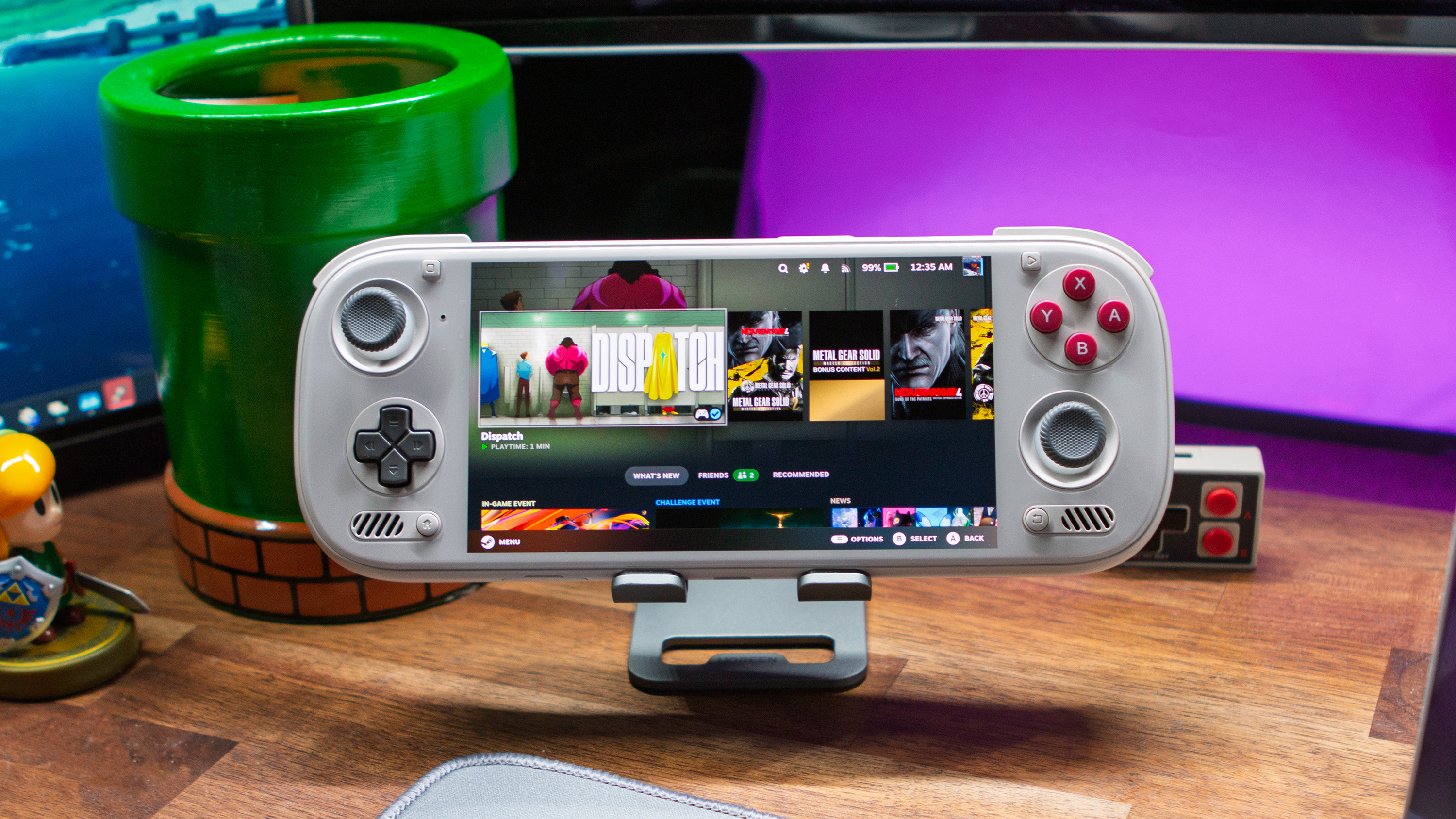
So what’s supported? There’s a good chunk of handhelds that Armada supports, running chips like the 865, 8 Gen 2, G3X Gen 2, G3 Gen 3, and 8 Elite. But if you want the full list of devices on their website you can find that below.
- AYN Odin 2
- AYN Odin 2 Mini
- AYN Odin 2 Portal
- AYN Thor
- AYN Odin 3
- AYANEO Pocket EVO
- AYANEO Pocket S2
- AYANEO Pocket ACE
- AYANEO Pocket DS
- AYANEO Pocket DMG
- AYANEO Pocket S 2K (Untested at this time)
- KONKR Pocket Fit (8 Elite and G3 Gen 3)
- Retroid Pocket 5
- Retroid Pocket Flip 2
- Retroid Pocket Mini V1/V2
- Retroid Pocket 6
- Retroid Pocket Nova
As with any Software update article I share, I’m always going to recommend you also check out their official sources for more information, and a deeper dive rundown if that’s what you’re looking for. In the case of Armada that includes their Github, their Website, and of course their Discord. It’s always worth a look if the changelog doesn’t answer all of your questions. As for the latest update in their Beta release.
Release 20260907
- New experimental dual-screen experience for AYN Thor and AYANEO Pocket DS
- Launch Plasma Mobile on the bottom screen from Armada Control, with a persistent brightness control
- Armada Store now offers preconfigured DRM-leasing builds of melonDS and Azahar for using the second display
- Native sleep is now the default on all supported devices
- Improved SM8550 sleep stability and power use with full CPU cluster collapse, USB autosuspend, and controller and UART fixes
- Reduced accidental wake-ups: volume keys no longer wake devices, closed clamshells ignore the power button, and lid-open wake is debounced
- New RGB lighting controls in Armada Control (@antnyhills, @Ga1dz1, @Rayekkk, and @drewano)
- Set lighting power, brightness, and colour, with settings restored at boot
- Supports AYN Thor, Odin 2 Portal, Odin 3, Retroid Pocket 5, Pocket Flip 2, Pocket Nova, Pocket 6, and KONKR Pocket FIT Elite
- New touch and controller friendly fan curve editor in Armada Control, including custom curves, fan stop, ramp timing, smoothing, minimum speed, and live temperature feedback (@Alexandreaam)
- Updated defaults for per-game performance and Proton settings
- Vulkan real-time priority is enabled by default, Gamescope receives higher priority, and non-SM8250 devices now default to Proton Experimental
- Display and HDR improvements
- External monitors can now be used in Game Mode
- Fixed dim SDR content and clipped HDR highlights on HDR-capable displays (@Rayekkk)
- Added HDR support for the AYN Thor
- Improved OLED brightness scaling on AYN Odin 3, Thor and Odin 2 Portal; AYANEO Pocket EVO; and Retroid Pocket Nova
- Device and controller improvements
- Added rear-button support for Retroid Pocket 6, Pocket Nova, and AYN Odin 2 Portal
- Fixed the KONKR Pocket FIT Elite backlight current limit (thanks @mrdidit)
- Added broader Steam Controller, game controller, and VR device support
- Game and application compatibility improvements
- Fixed native AppImages accidentally invoking FEX, improving RPCS3 performance and restoring Epic login in Heroic
- Fixed missing environment paths for native Non-Steam games (@tslmy)
- Fixed CJK font rendering in Xenia
- Fixed Armada Control dropdowns freezing Quick Access Menu input while a game is running (@drewano)
- Update and installation improvements
- Much faster image builds and smaller incremental updates using Chunkah
- More accurate update progress and storage checks, with a consistent 2 GB update reserve
- More reliable Steam bootstrap extraction and FEX guest filesystem mounting
- Internal installs now use the ARMADA EFI partition name; existing ROCKNIX labels are migrated automatically
- Added Tailscale CLI, btop, wl-clipboard, and binutils
- Increased compressed swap capacity while retaining a bounded memory footprint
- Updated to Kernel 7.2.3, Mesa 26.2.2, InputPlumber 0.78.1, KWin 6.7.4, jupiter-hw-support 3.7.20251020.1, and ROCKNIX ABL 1.1.8
This biggest note here to me is the additional support for a dual screen experience, and while it’s very much in the early days, it’ll be awesome to see what the team does in the future. If you’re interested in SteamOS be sure to give it a look as I’m sure the team has plenty more to keep cooking in the future.
