

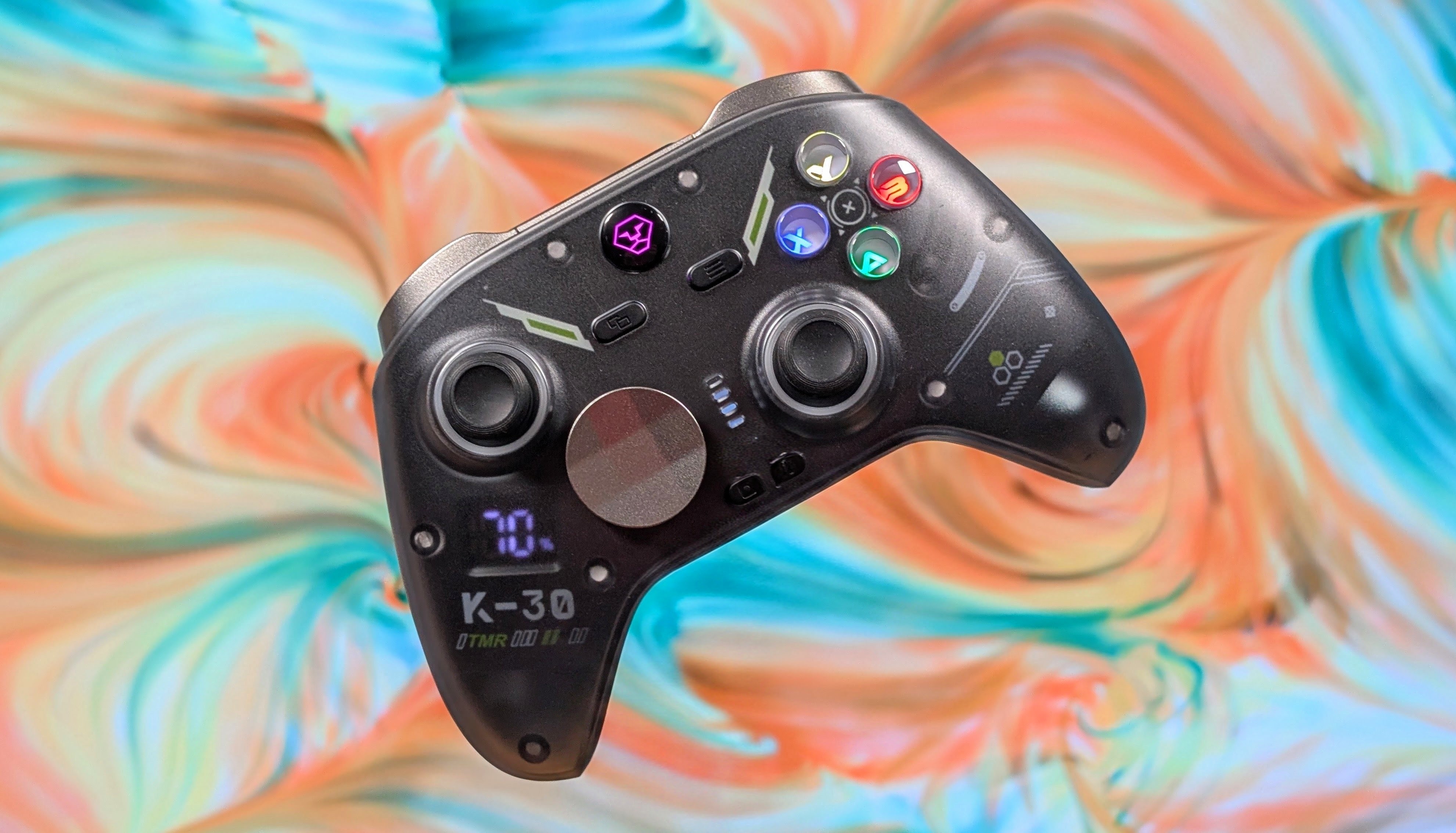
I like gaming peripherals. Despite primarily wanting to cover handhelds, I really do enjoy covering what you can use to play games otherwise. Whether that’s controllers, keyboards, or even gaming mice as of recent, I enjoy talking about that content. Some companies I’ve covered a lot, like 8BitDo, GameSir, and Fantech.
But some I rarely talk about just due to minimal interest or minimal releases, and Aolion is one of those. The K30 is only the third time I’ve covered products from Aolion, but in my initial thoughts on both the K10, and the K20, I felt they were really good for their value proposition.
Well swing around for a third go, and this time Aolion actually sent the controller over for review, and not only does it feel higher quality, it comes with a higher price tag as well. So is this one worth it over its predecessors? Well that’s what I’m here to find out.
Aolion K30 Specs
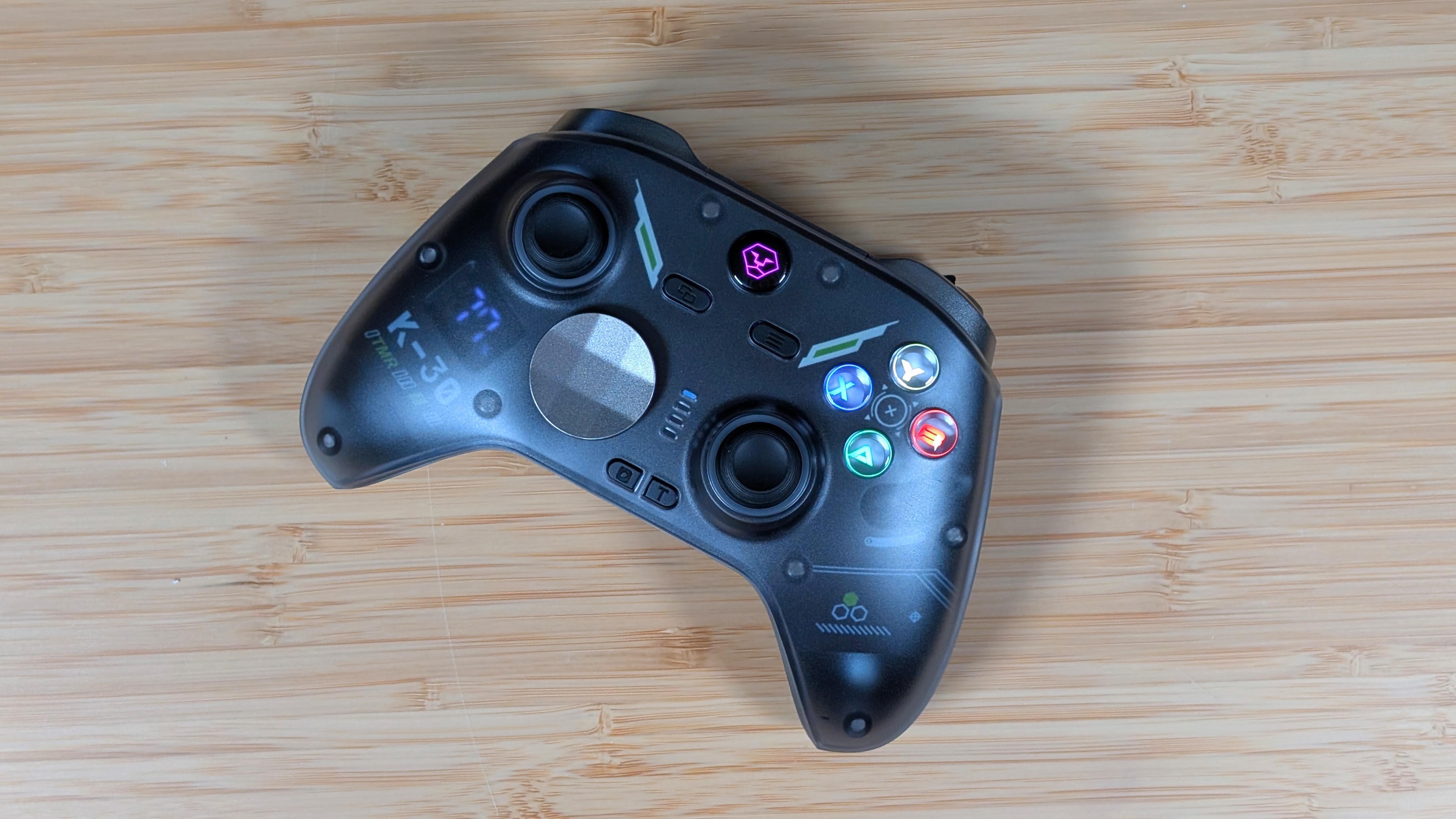
Starting off where we always do. The price of the Aolion K30 changes depending on what you’re looking for. If you want just the controller and nothing else, you’re looking at just the controller, it’ll cost you $49.99 on both Aolion’s website, and on Amazon, though they have a “list price” of $69.99. Jump up to include the charging dock, and would you look at that. It’s $69.99 with no higher list price. How you want to see that is up to you, but what you should see are the specs. Those will help you decide.
- Sticks: TMR
- Dpad: Micro Switch
- Face Buttons: Conductive Rubber Membrane
- Triggers: Dual Stage Hall Effect & Micro Switch
- Battery: “Up to” 22 Hours (RGB Off)
- Compatibility: x86, Android, iOS, Nintendo Switcha
- Connectivity:Bluetooth/USB-C/2.4ghz (Up to 1000hz in 2.4ghz and Wired)
- Weight: 256 grams
- Extra Features: M1/M2, Adjustable Rumble, Gyro, Swappable Stick Height and Dpad, Changeable Face Button layout, Keylinker software, (optional) Charging Dock

Build Quality & Ergonomics
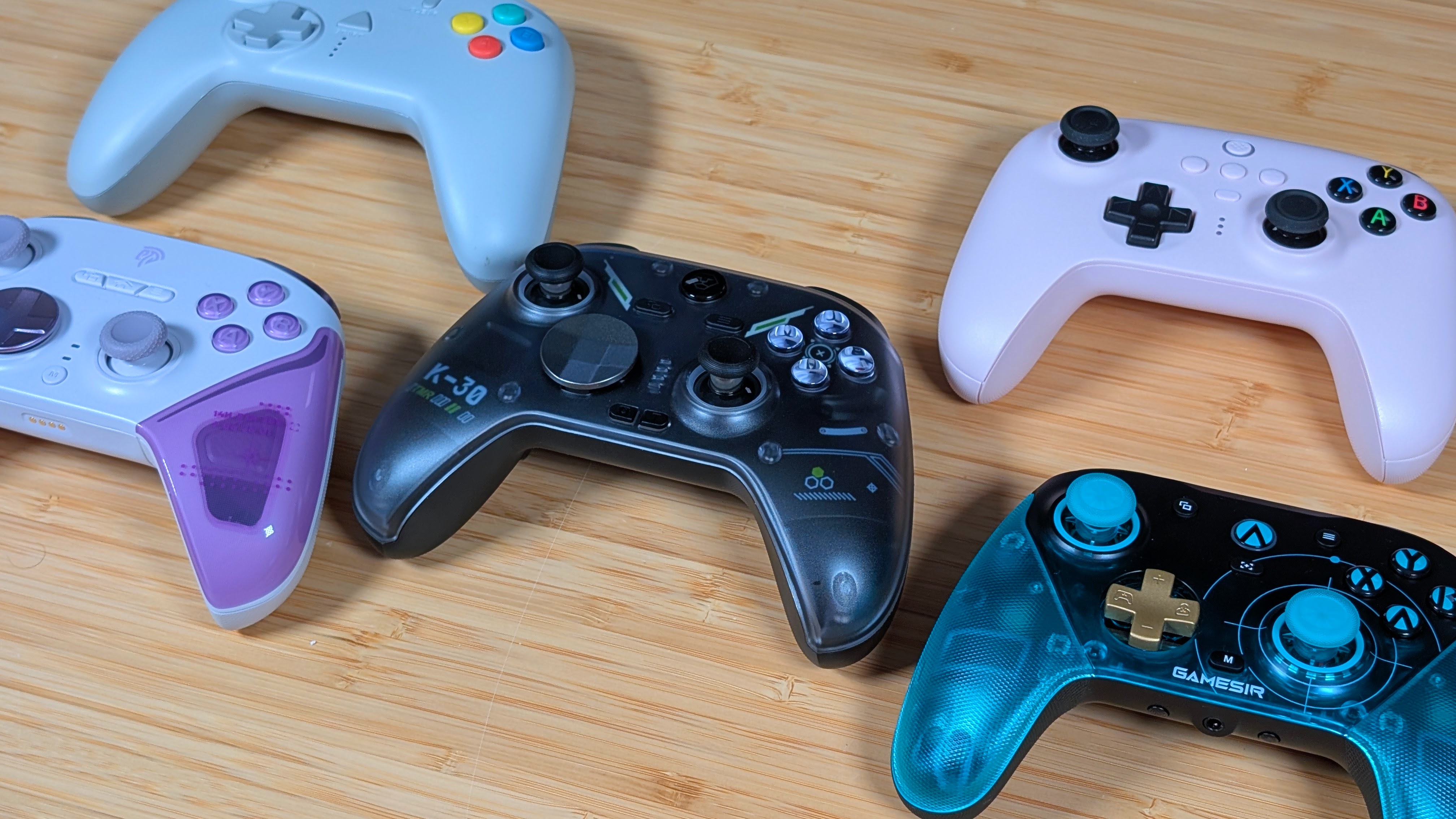
Ergonomically speaking, the K30 is truly nothing remarkable. They’ve taken the general shape of the Xbox Series controller and modeled it into theirs. Just like dozens of other controller options on the market, they’ve taken what works and used it themselves. I will never fault a company for using traditionally good ergonomic designs, but if you slapped a solid black face plate on the K30, it may be hard to tell the difference.
As for the build quality, it comes out 95% of the way there in my books. The back grips are textured plastic rather than rubber, which means you’ll need to clean the grooves out eventually, but you won’t have to worry about the corrosive salt in your hands wearing the rubber away into a gooey mess. The face plates are also a smoother, but still textured plastic that feel solid, rigid, and honestly pretty good for grip. The only two build quality concerns are things I’ll talk more about in the later sections, but that would be the shoulders, and the screen. Otherwise this is a well built, quality designed controller.
Controls
The Top and Back
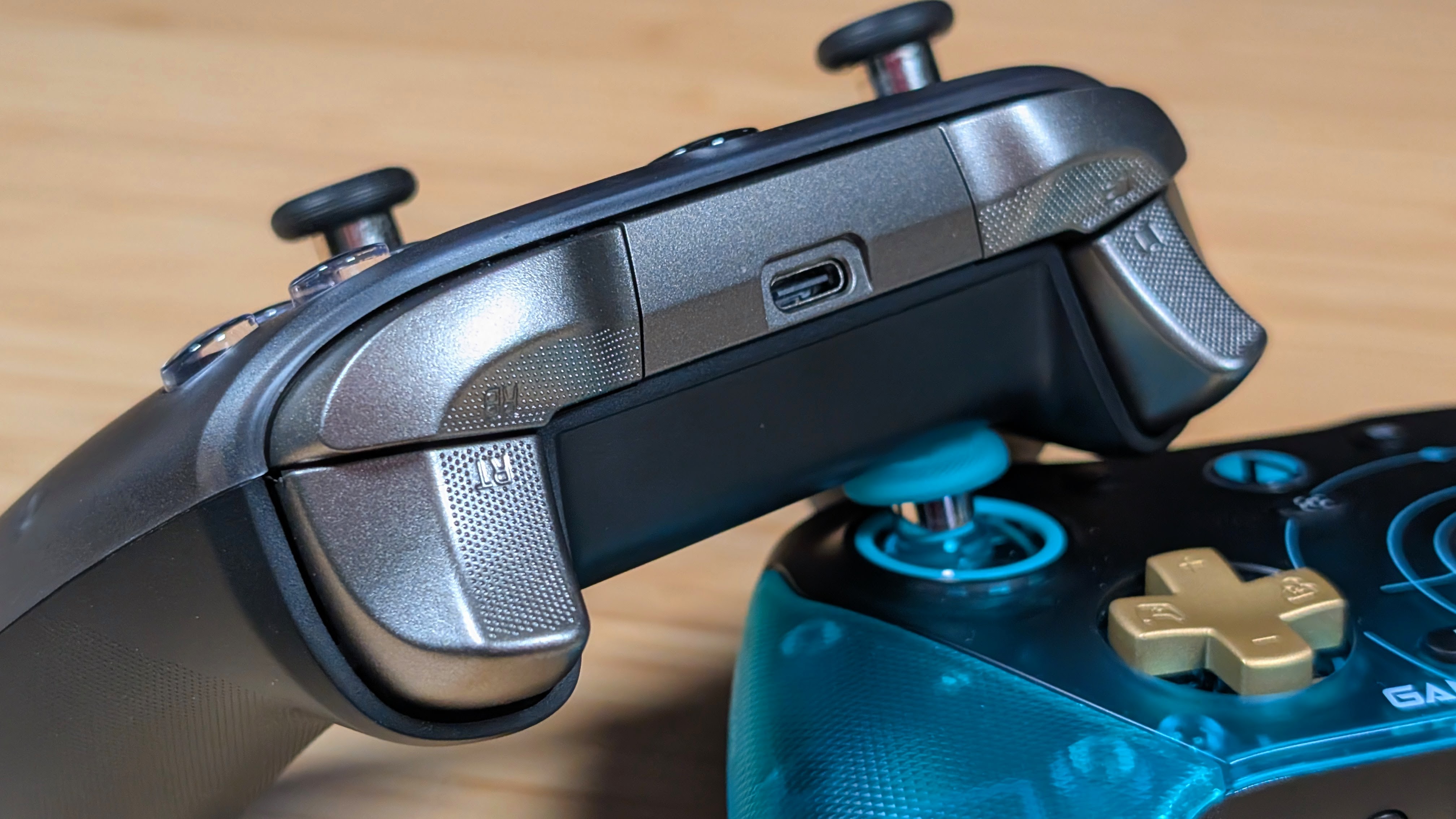
I’ve separated the controls into two sections, really because I think there’s enough to cover in one that it shouldn’t be one extra long chunk of the review. Regardless, the M1/M2 buttons are quiet clicky, and while they’re within reach, they’re just lower than where my middle fingers lie, so I won’t ever accidentally hit them.
And that’s fine, because controllers with back buttons that get in my way do get the middle fingers in more ways than one. They’re functional, but personally I’ll never use them past my normal controller testing. They do make for a better horn button in Forza though.
The shoulder buttons are also quiet and clicky, but in my time using them in a rush to get all the stories completed in Forza Horizon 4 for another piece, I’ve noticed that my right shoulder is quite a bit louder than my left one. This was the same issue I had with my K20 unit, but it’s a bit frustrating to see it here as well. As for the triggers, I love them.
They’re slightly enlarged over a Series controller; they’re smooth, reactive, and have the correct implementation of a short stop. That being a micro switch rather than a toggle that shortens them with a thump. Those triggers are really one of my favorite things.
The Front
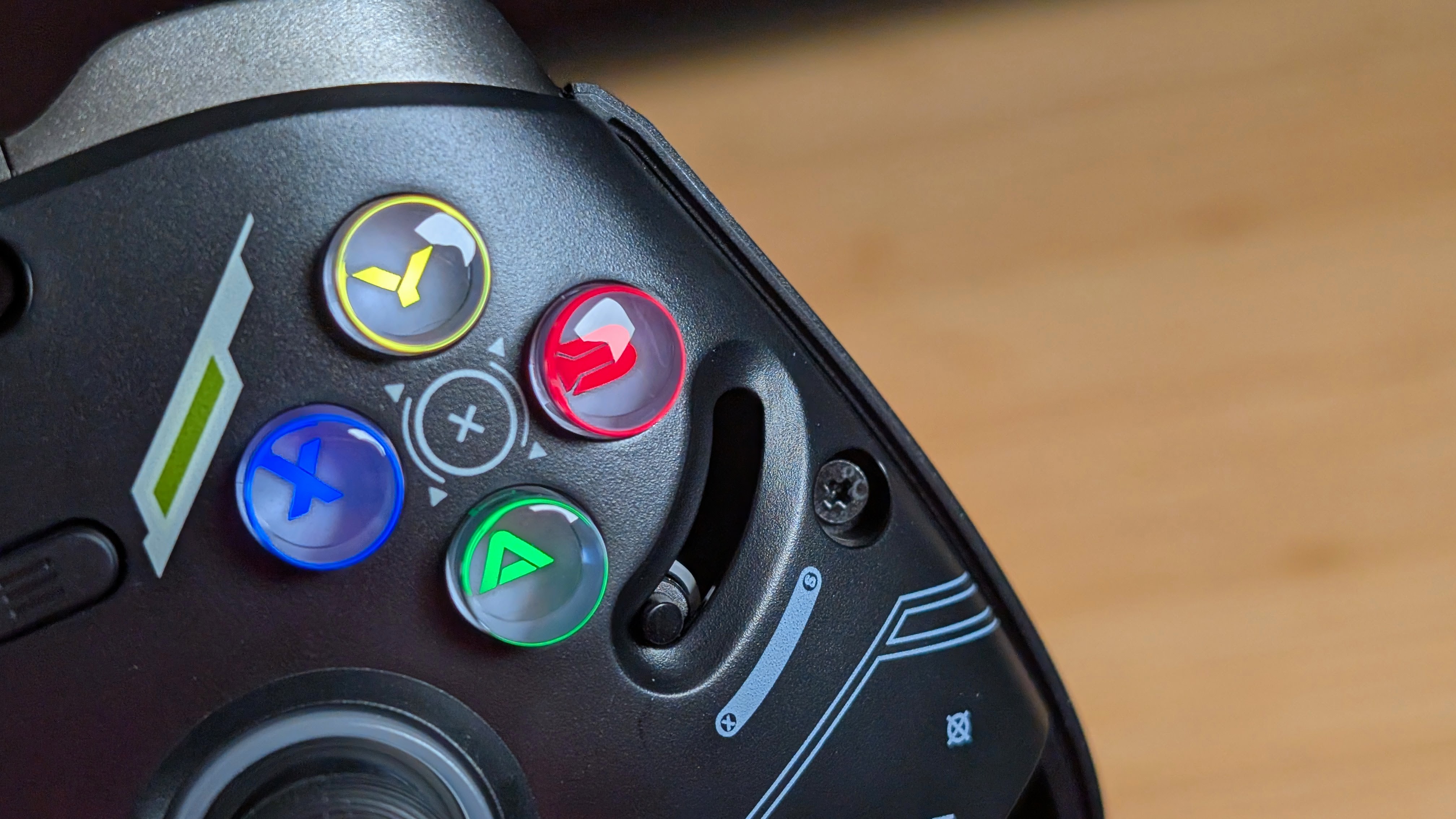
Getting onto the front, I’ll start with the high point in the sticks. They’re TMR, which means you won’t have to worry about drift, and in general they’ll use slightly less power than Hall Effect. They work incredibly well for twin stick shooters, and when I’m playing Enter the Gungeon, I never have any problems knowing I’m doing exactly what I’m supposed to.
Following this up with the face buttons, they’re membrane rather than the clicky ones we’re all used to now. They have that same clack that you’d recognize from a Series controller, but require a little more pressure to use. Overall, they’re nothing spectacular, but if you know what you’re getting yourself into with most traditional controllers, this should be no surprise to you.
My absolutely favorite bit though is the switch underneath the faceplate that lets you swap from Xbox to Nintendo layouts with ease. If your RGB is on, it’ll switch from colored to white glyphs as well. This type of customization is incredible, and I want to see more of it.
Last is the dpad. Normally I’d swap out the shield for a traditional cross, but strangely I noticed that, no matter what orientation I placed it in, down always seemed to require way more tension than the other directions. The shield resolved this a bit, but it wasn’t perfect. Being tactile means you can physically and audibly hear which direction you’re going, and diagonals are as easy as being able to feel it. It’s a solid dpad with questionable control.
Software
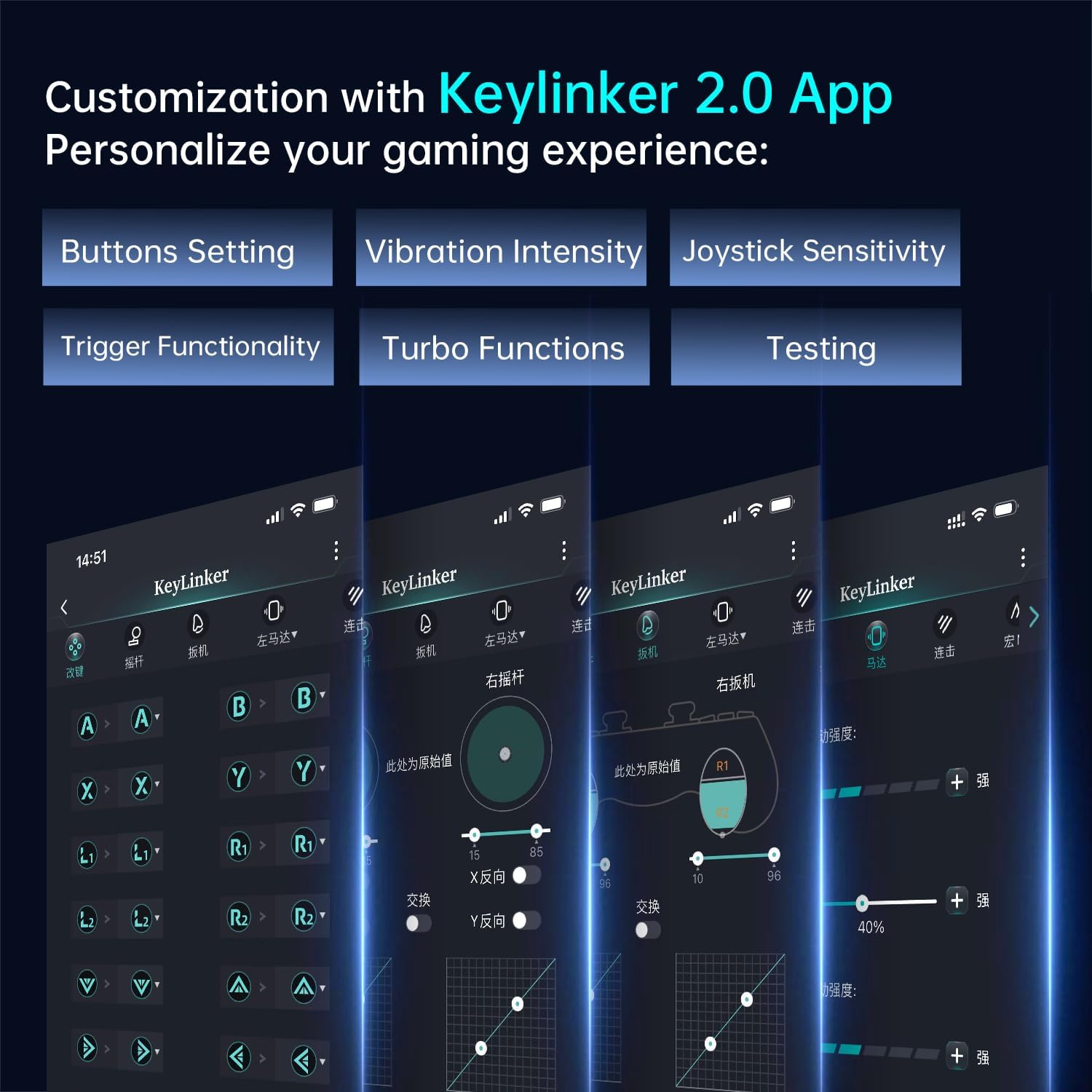
This is going to be a short section because the software is just kind of half-thought-out. If you want to make adjustments to the controller, one of the recommended methods is through the Keylinker App. That may seem familiar, because it is.
I’ve seen this app used by companies like Machenike, among others. It’s an okay piece of kit, but it’s mobile only, and in my opinion, too much of a pain in the butt to really want to use on a regular basis. If you choose to use the software, make sure you do it all the way, set it, and forget it so you don’t have to come back.
Extra Gubbins
Battery
Splitting this into just four really quick mentions, the battery life on the K30 has been excellent so far. They advertise 22 Hours with the RGB off, and I can believe it. Thanks to the screen, I can keep track of where my battery is at any given point, and it was really easy to just watch that number drain while the RGB lights were on. If they’re your vibe, they’re your vibe, but for me. I’d prefer the extra battery.
Personally, following this review, I will be buying the dock off of Amazon for about $18, as I prefer it for the peace of mind, and as a location for me to park the controller when I’m done. I do wish it came as standard overall, but I understand bringing the price down for users that don’t need it.
Customization
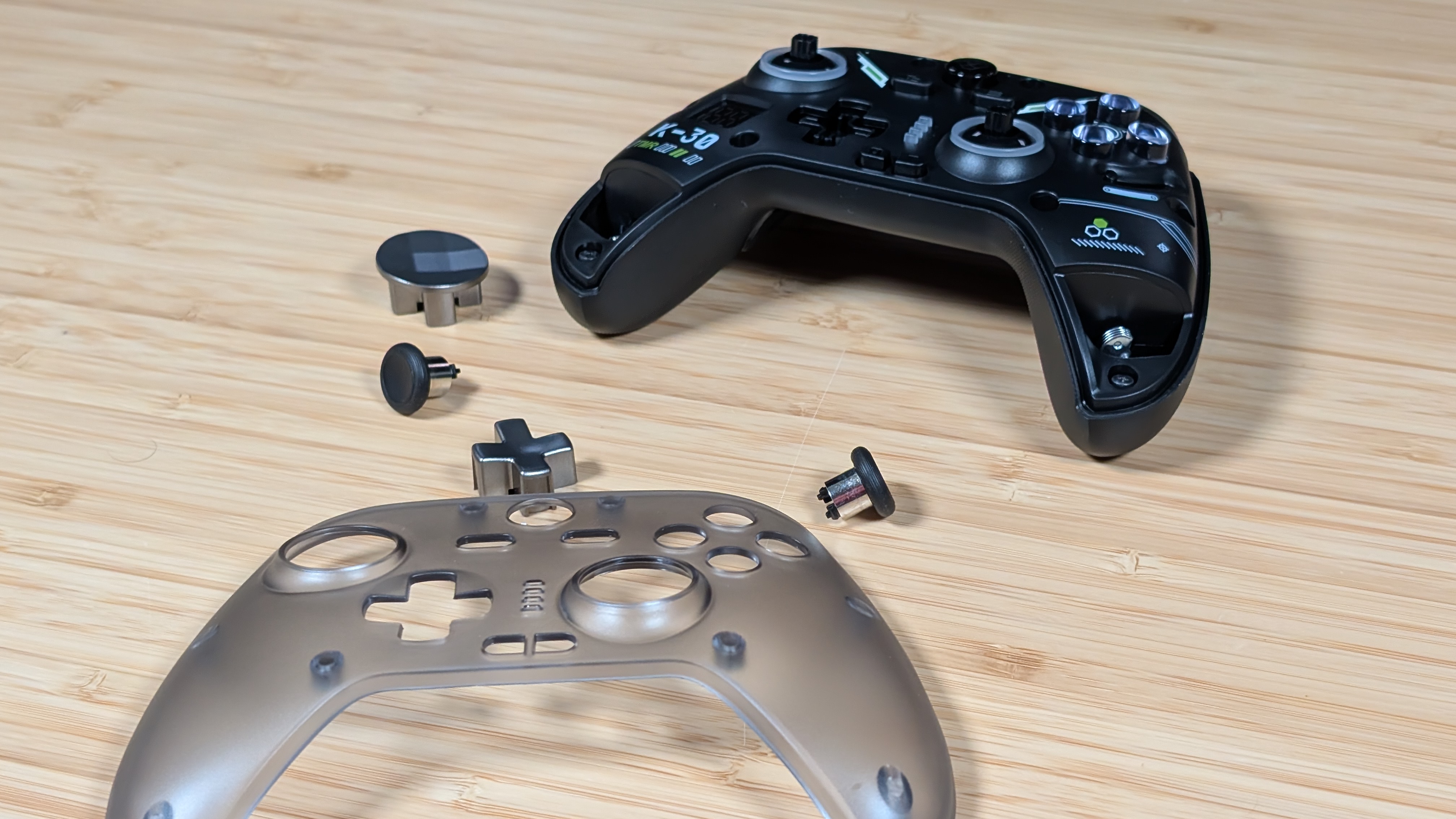
There’s a good bit of customization to the controller. You can toggle RGB and change its color using the RGB button on the back; you can adjust the rumble using the menu buttons in combination with your face buttons. But what I enjoy most is the swappable D-pad and optionally swappable sticks.
You can choose your style and set it to go. This has been a similar thing to past controllers from Aolion, but this time I think I do prefer the standard layout and the dish dpad for this controller. It’s a good setup overall, but if you want to change things, the option is there.
The Screen
No, you can’t do everything on the display; it’s just for battery. Rather than a colorful pixel display that shows connection, options, and battery. Aolion has gone for an 8-segment display that shows you your battery life, and it’s under your left hand all of the time. If you don’t want it, the menu buttons in combination with B can turn it off and on, but I chose to leave it on myself.
The reason I’m bringing this up here is that mine definitely seems to be a bit awkward. A few of the segments flash randomly as if they aren’t getting enough power, and especially while charging, I noticed some lights go out completely. I like this setup more than a dedicated display for battery life’s sake, but something here just feels…off.
Final Thoughts
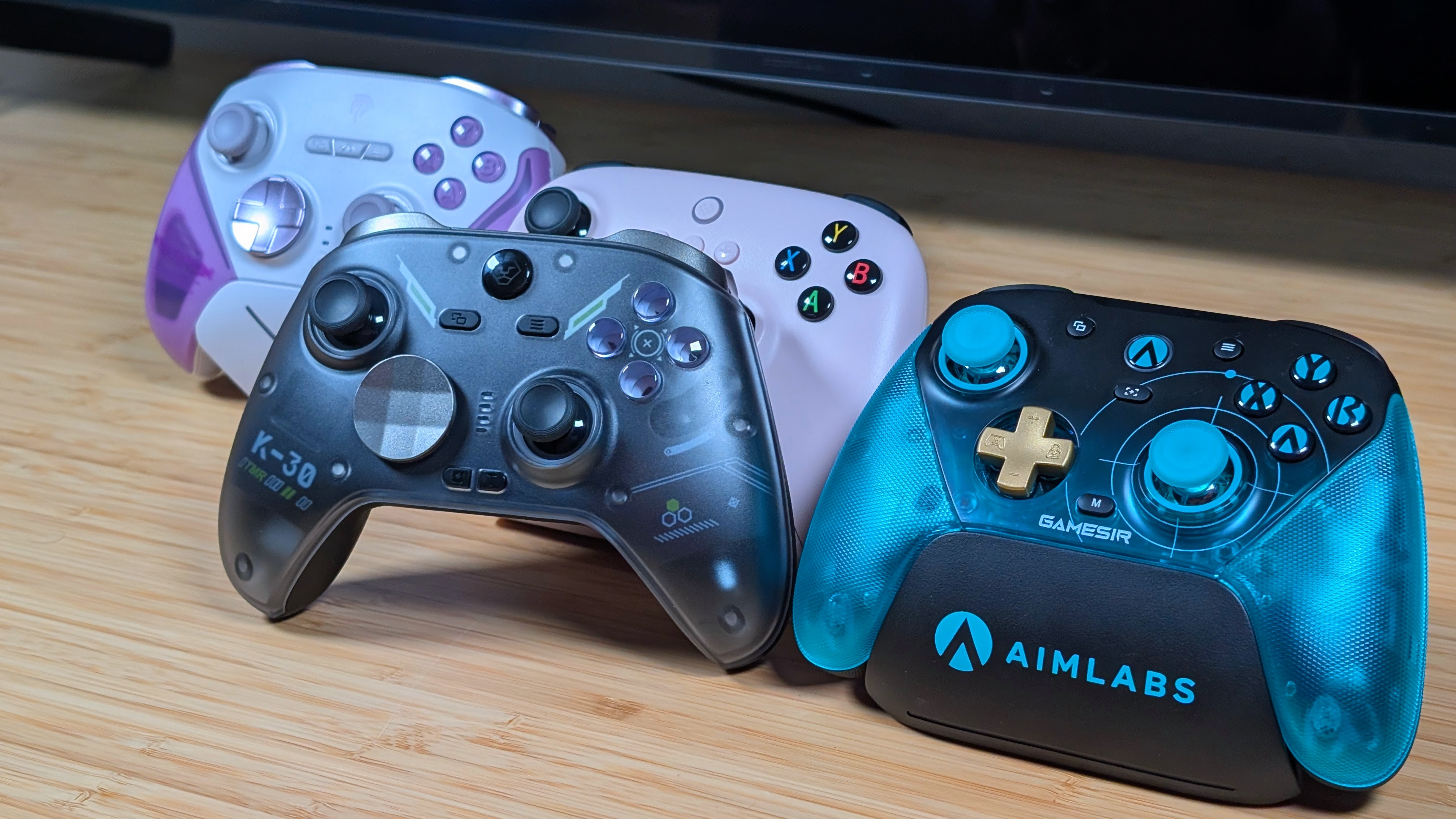
The Aolion K30 is a conventionally “good” controller. Good build quality, solid controls, and plenty of features that you could genuinely find. That being said, it has a couple of awkward inclusions as well. Differing sound profile shoulders, a tighter down button, and a flashing battery display.
At the older pricing of the K10 and K20 I could see these all still being understood and acceptable at the lower price tags, especially with the dock. But I find it to be a harder sell at $50 and above, especially with the dock being an $18 add-on. If this controller has what you’re looking for, I would say go for it.
At this point you can get a lot of alternatives, from the Fantech Zenith Pro to the 8BitDo Ultimate 2, or even pushing a bit higher in price to the GameSir G7 and T7 Pro. It’s a tepid recommendation, but I would rather tell you to wait for a sale. I’m going to continue to use this one for a while longer, especially with the dock incoming. I do like Aolion’s controllers; this one just may have needed a bit more time to bake.
