

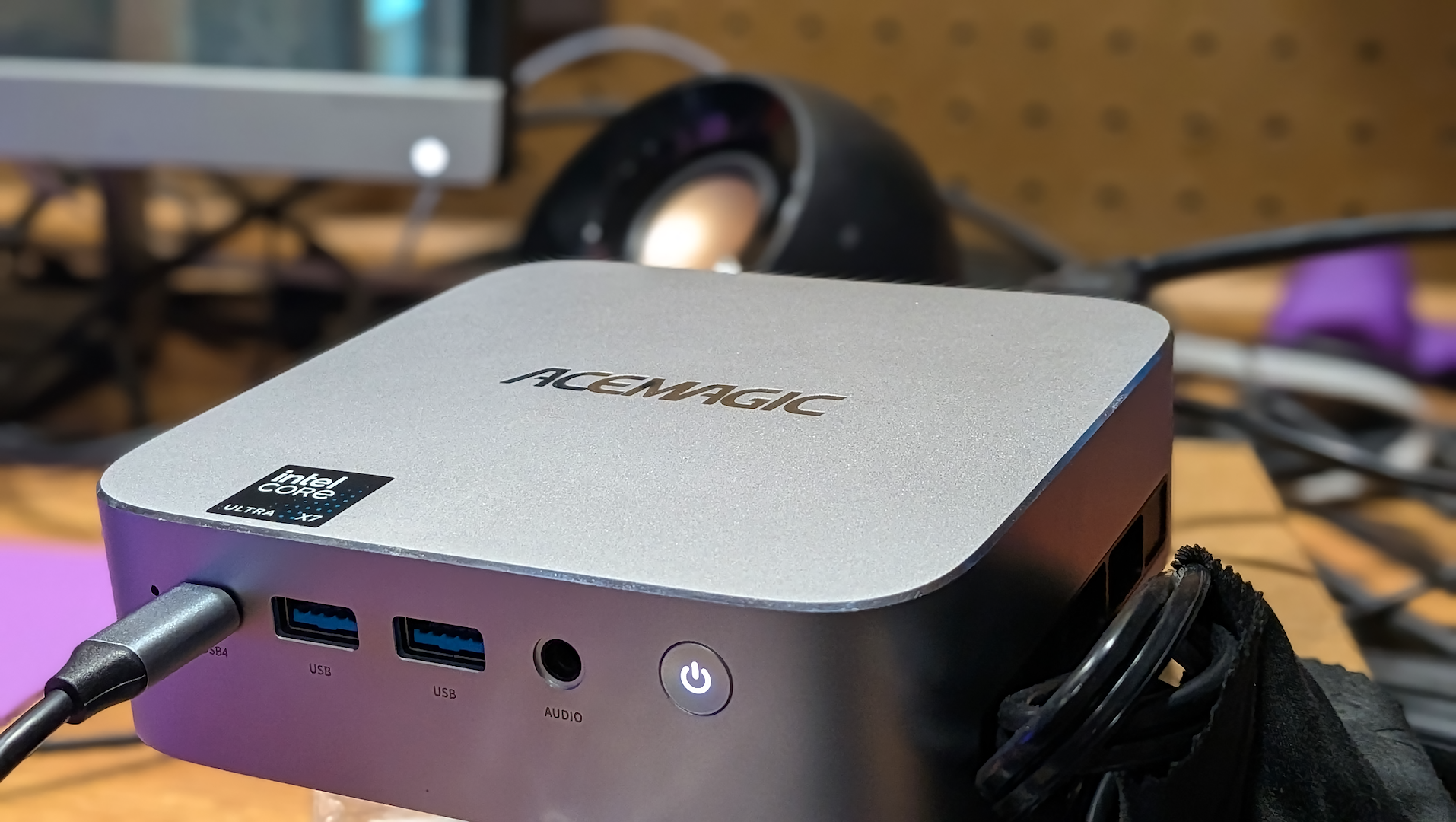
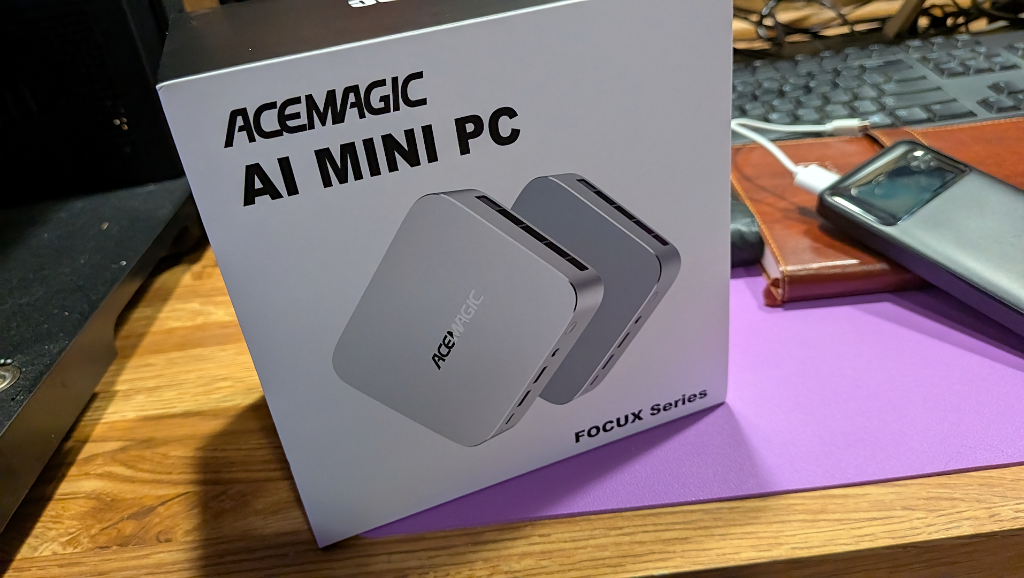
When AceMagic reached out and said that they were sending their latest mini-PC in the Focux line, I initially didn’t give it a great deal of thought. When I recently reviewed the AceMagic K5 back in August (2026), it was my first real foray into a PC with dedicated NPU hardware. The mini-PC debut of the Intel Wildcat Lake SoC brought with it an advertised 16 TOPS of AI acceleration.
A desktop workhorse that had the added bonus of running local AI inferences via its dedicated hardware. A cool tinkering journey for a reviewer like me, but driver immaturity led me to take a ‘wait and see’ approach to figure if there would be continued value in the dedicated hardware performance.
Fast-forward to a couple months later, and the new AceMagic FOCUX F2A waiting in my mailbox. My initial hesitations about the unit just being a slightly different NPU box were quickly dashed when I took a look at the specs. This is a brand new flagship processor, an Arc iGPU, and a promised 180 TOPS total AI performance.
At an MSRP of $1,299.99 (less with the ubiquitous Amazon mini-PC coupon sales), the FOCUX is double the cost of the K5, and with good reason. This unit isn’t competing with the K5; it’s on another level entirely. We’re now in Mac Mini M4 pricing territory, or entry-level workstation levels.
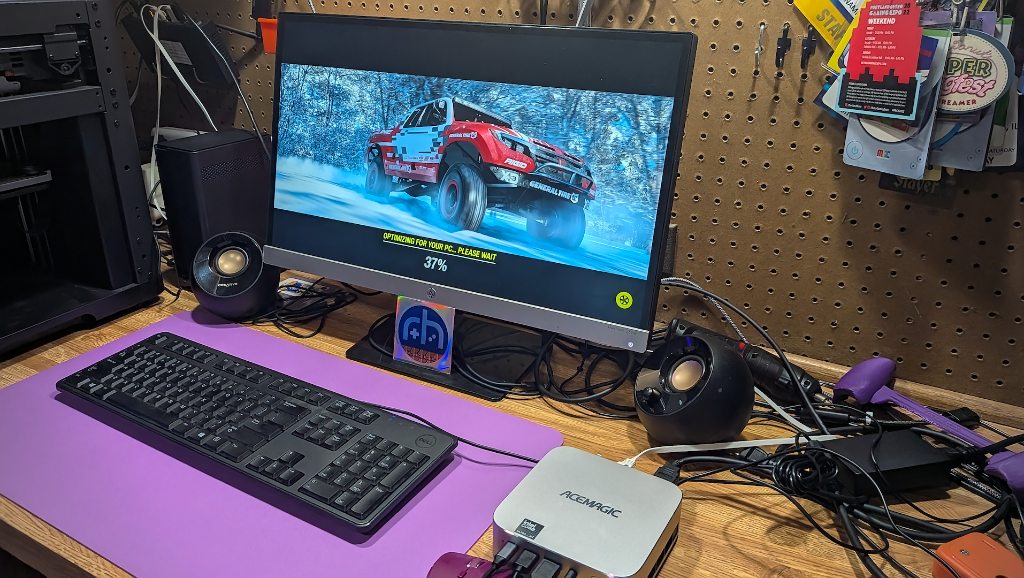
The question with the AceMagic FOCUX becomes not whether it’s a capable mini-PC, but if the cost is justified when compared to similarly capable custom desktop setups?
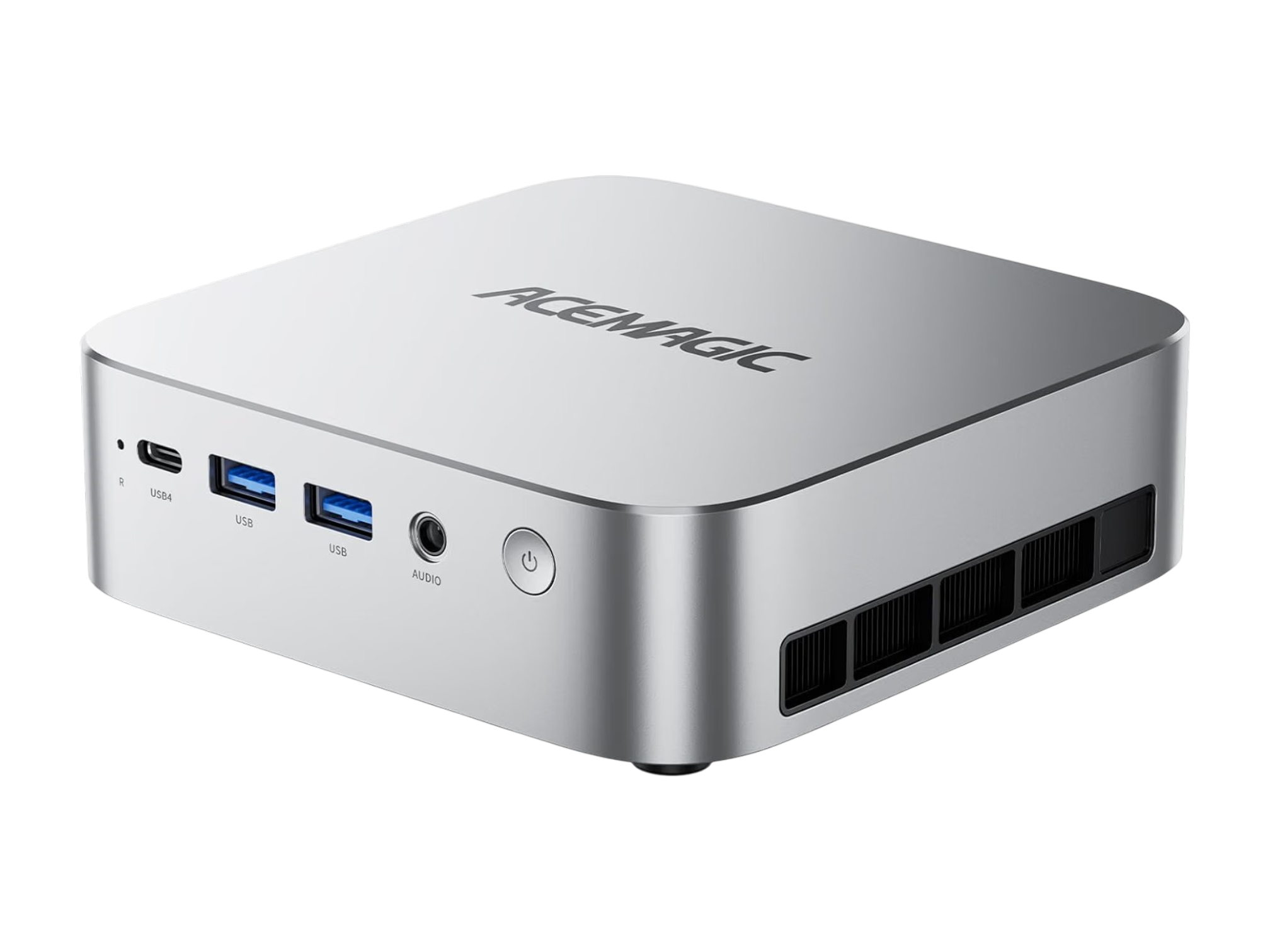
AceMagic FOCUX F2A Specs
| AceMagic FOCUX F2A Specs | |
|---|---|
| Hardware | |
| CPU | Intel Core Ultra X7 358H (Panther Lake) |
| GPU | Intel Arc B390 iGPU |
| NPU | Intel® AI Boost NPU(NPU 5 Architecture) |
| RAM | 32GB LPDDR5 (7500MT/s) |
| Connectivity | |
| Wireless | WiFi 7, Bluetooth 5.4 |
| Video Output | 1× HDMI 2.1 TMDS (4K@60Hz), 1× DP 2.1 (8K@60Hz), USB4 Type-C [Supports DP 1.4 display + supports USB4 transfer protocol (40 Gbps) + supports PD 100 W input and 15 W output] |
| Ports | Front: 1× USB4 Type-C, 2× USB 3.2 Gen2 Type-A, 1× 3.5mm audio jack Rear: 1× HDMI 2.1 TMDS 1× DP 2.1 2× 2.5GbE LAN 1× Full-featured USB-C (20Gbps, PD 100W, DP1.4) 2× USB 3.2 Gen1 Type-A 1× DC-in 1× Security keyhole |
| Physical | |
| Dimensions | 128 × 128 × 37 mm |
| Weight | 402g |
| Power | DC 19V / 6.32A, 5.5×2.1mm connector, up to 65W TDP design |
| TDP | 25-65W (PL2 65W, PL1 54W ) Max Design Power: 65W Stable Sustained Power: 54W Low Power Mode: 25W |
| Software | |
| OS | Windows 11 Pro |
Geekbench
| Device | Single-Core | Multi-Core | Price Context |
|---|---|---|---|
| ACEMAGIC FOCUX F2A | 2,431 | 13,369 | Flagship ($1,140) |
| AceMagic M1 (i9-13900HK) | 2,545 | 8,976 | High-end (~$700) |
| AceMagic K5 | 2,283 | 7,637 | Mid-range (~$400) |
3DMark & Real World Gaming
| Test | Score | Context |
|---|---|---|
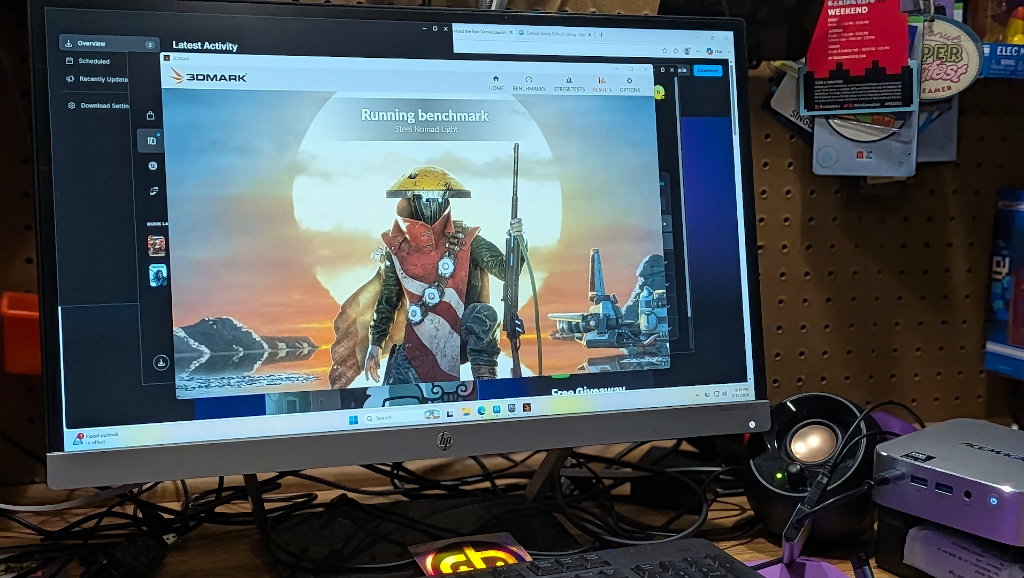
| Night Raid | 38,869 (GPU: 59,654) | Low-power I-GPU standard |
| Fire Strike | 10,938 (GPU: 13,112) | DX11 legacy compatibility |
| Steel Nomad Light | 4,176 | DX12 Ultimate metal rendering |
| Mesh Shaders | +278.8% gain | Next-gen geometry handling |
| Sampler Feedback | +49.0% gain | Texture optimization |
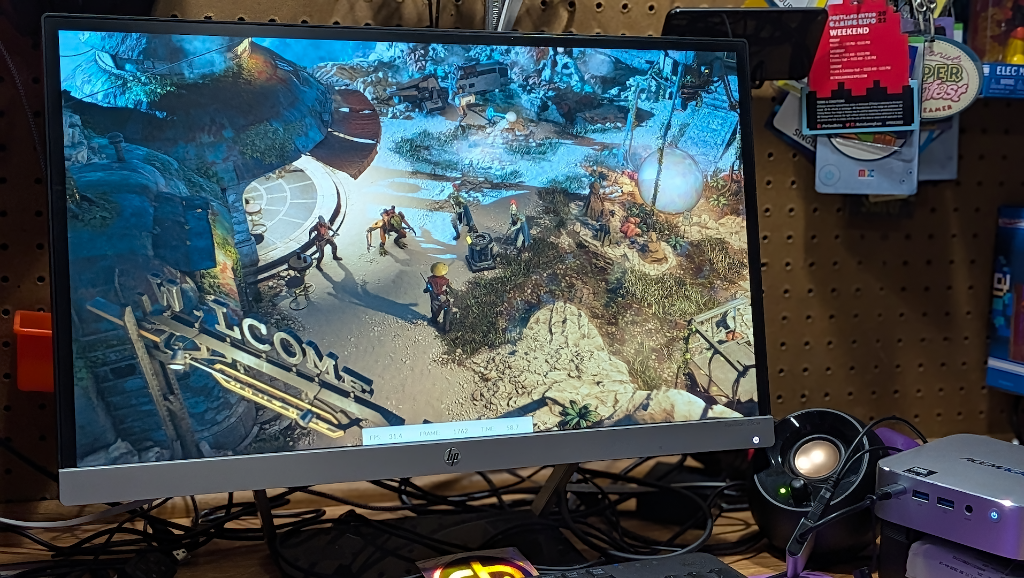
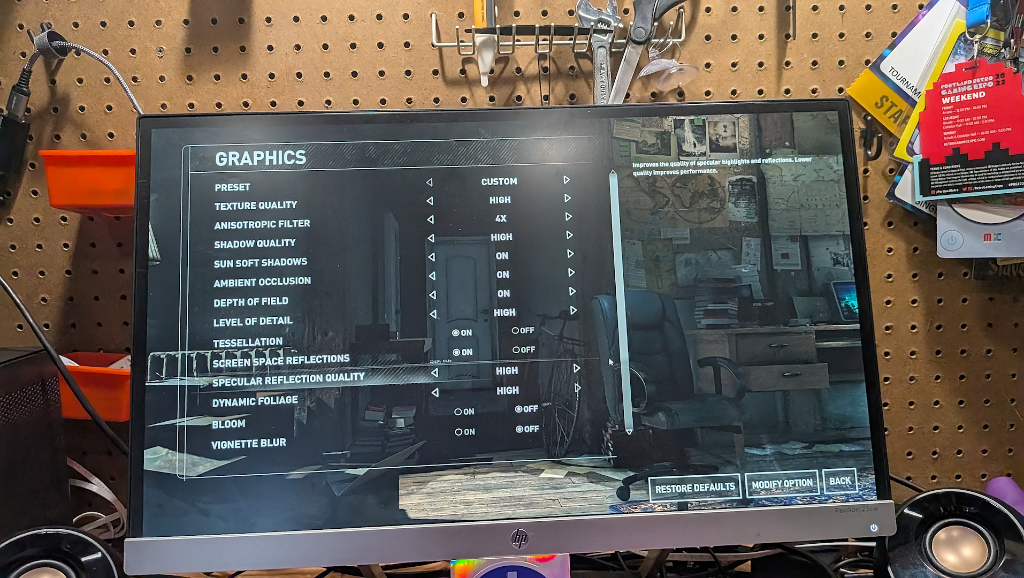
Rise of the Tomb Raider (1080p High settings with triple-buffered VSync, SSAA 4x anti-aliasing, tessellation, and screen-space reflections enabled)
Rise of the Tomb Raider has a great built-in benchmark when you want to get a quick idea of a system’s capability. The standard medium/low settings benchmark hit a constant 60FPS with zero stutters, so I wanted to see what would happen if I cranked the settings all the way up. The F2A still delivered some decent numbers, but don’t go listing your GTX4070 on eBay just yet. Considering how far iGPUs have come in a relatively short period, it’s still damn impressive to me.
| Location | Avg FPS | Min FPS | Max FPS |
|---|---|---|---|
| Mountain Peak (1080p High) | 49.92 | 29.58 | 64.74 |
| Syria (1080p High) | 34.34 | 26.64 | 41.48 |
| Geothermal Valley (1080p High) | 35.15 | 25.38 | 46.42 |
| Overall | 40.13 | — | — |
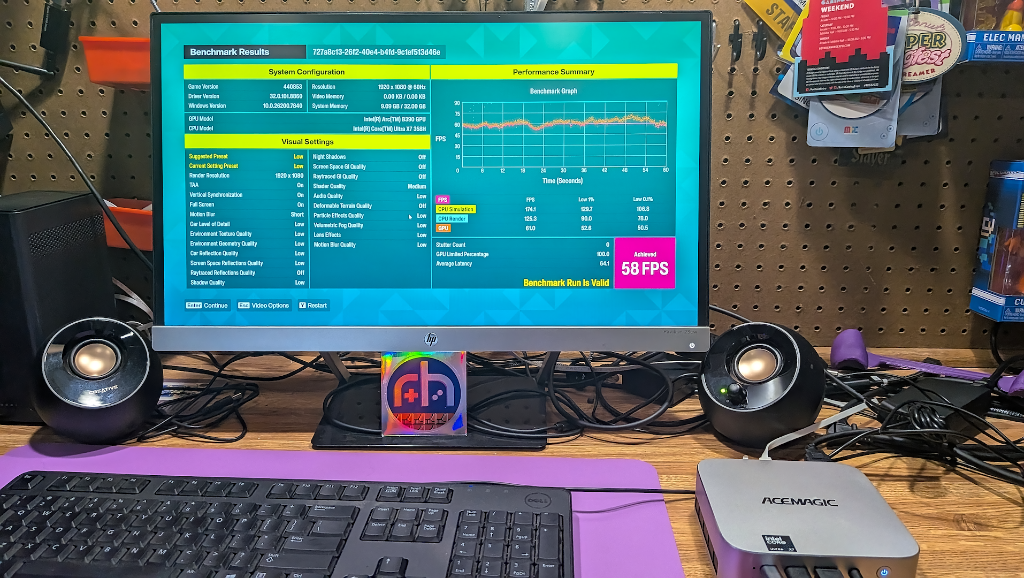
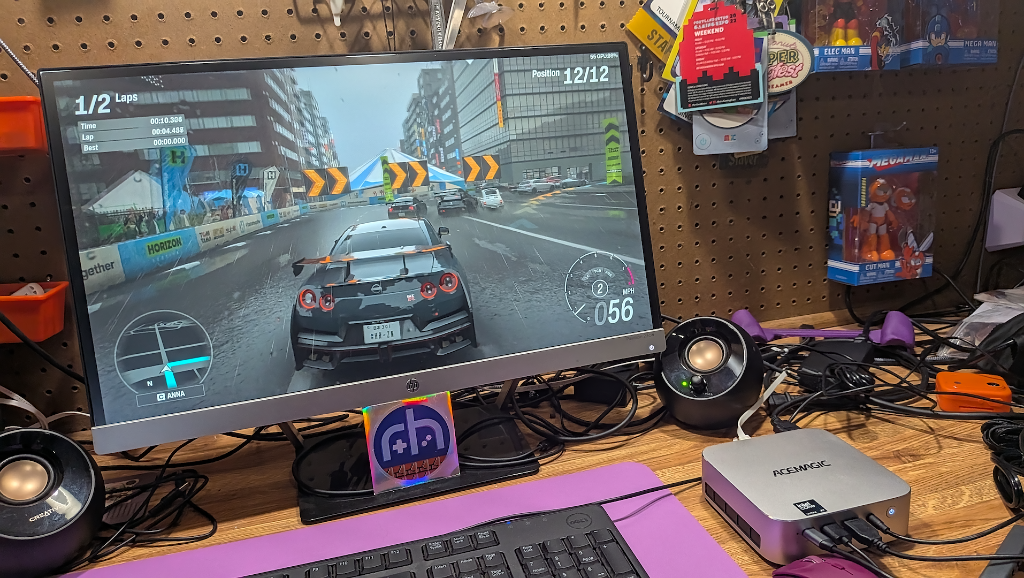
Forza Horizon 6 (1080p Low Preset)
| Metric | Result |
|---|---|
| Average FPS | 58 FPS |
| GPU-Limited | 100% |
| Stutters | 0 |
| Latency | 63.7ms (Average) |
AI Performance: OpenVINO NPU Testing
Tests run with proper Intel OpenVINO toolkit and Arc NPU drivers installed.
| Backend | Single Precision | Half Precision | Quantized | Best Use Case |
|---|---|---|---|---|
| NPU (OpenVINO) | 3,122 | 39,345 | 60,711 | LLM inference, Stable Diffusion |
| GPU (DirectML) | 8,564 | 14,985 | 5,646 | General GPU compute |
| CPU (ONNX) | 3,360 | 1,358 | 6,241 | Text classification |
Score one for purpose-built silicon. Once the proper Intel NPU drivers were downloaded and installed, the neural unit absolutely chewed on its assigned tasks when compared to the GPU. Despite all the RAMpocalypse pain the AI boom has inflicted on consumers and PC enthusiasts, maybe there’s a lesson for us all here.
Brute force power isn’t the way. For the last decade or so it seemed that the solution was to just apply more power to solve problems, but these NPU benchmarks prove that there’s no strength substitute for the right tool for the job.
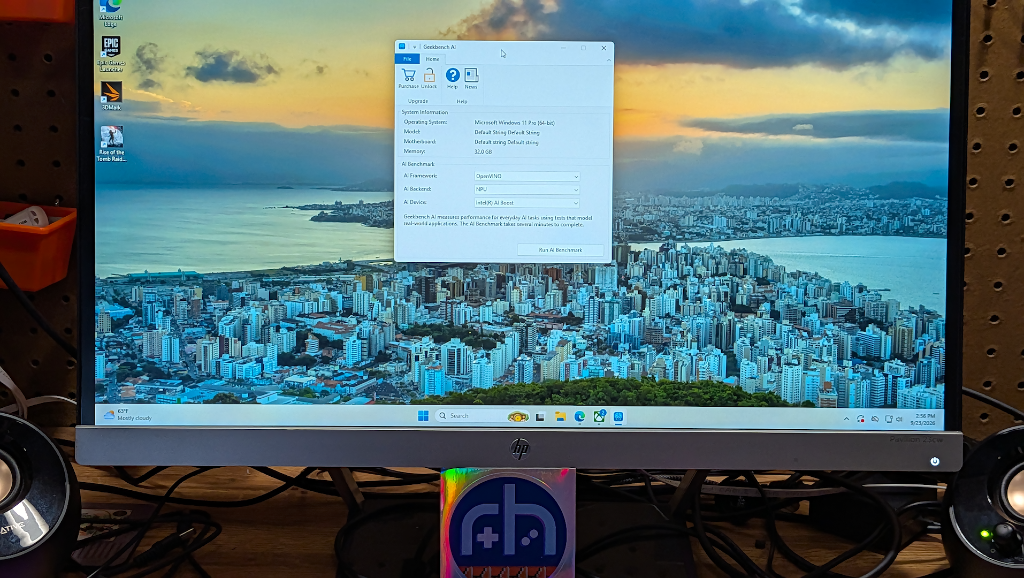
Best I could tell, the F2A shipped with no NPU drivers at all, just the same ol’ OEM Windows 11 install. It wasn’t until I went out and fetched the right hardware drivers that I could even run the OPENVINO Geekbench AI tests on the NPU. Prior to that, the GPU was the only thing accessible. All the hardware power in the world isn’t worth a hill of beans if you don’t have the instructions to tell it how to run.
Once the proper drivers were loaded, the NPU absolutely obliterated the performance of the GPU in half-precision and quantized workloads.
Software & Drivers
When I previously reviewed the AceMagic K5, it was just as much a journey of frustration as it was one of discovery. The NPU drivers were so immature that I couldn’t even initialize the chip properly in testing until Intel magically dropped a new driver patch at the end of my review process. One that had already seen me bashing my head against my workbench trying to figure out why a company would ship the cart before the horse, but such are the times in which we live.
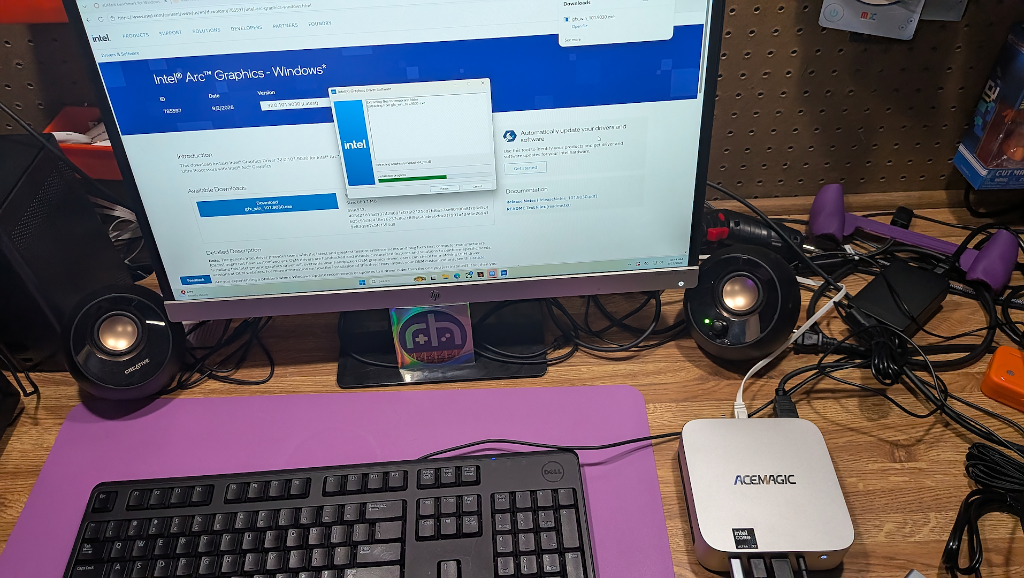
The FOCUX F2A debuts in September of 2026 with Panther Lake support that is significantly more mature than where I was with the Wildcat 6 weeks earlier. The problem? AceMagic are still shipping this unit with a standard Windows 11 Pro OEM install. I’m all for the short setup times that comes with their method for sidestepping windows online registration, but I need the box to function as it should out of the box too. Including some NPU drivers isn’t a lot to ask.
I can’t help but feel an eerily familiar feeling from the handheld world, where we often see devices debut with brilliant hardware, and an OEM software package and ROM collection that are a mess at best. The idea that the user should sort things out for themselves is a big ask, and not everyone reviews tech for a living.
Your standard consumer will expect NPU functionality out of the box as advertised. At minimum, AceMagic should be including an insert with the PC that tells users to make sure they’ve downloaded the latest drivers from Intel.
Final Thoughts
The AceMagic FOCUX F2A comes with some serious spec firepower, the question is whether you will be able to harness all of its capability. When I reviewed the K5, I called it “purpose-built for a niche audience that wants it.” The FOCUX F2A is still niche, but it comes with knobs that all go to 11.
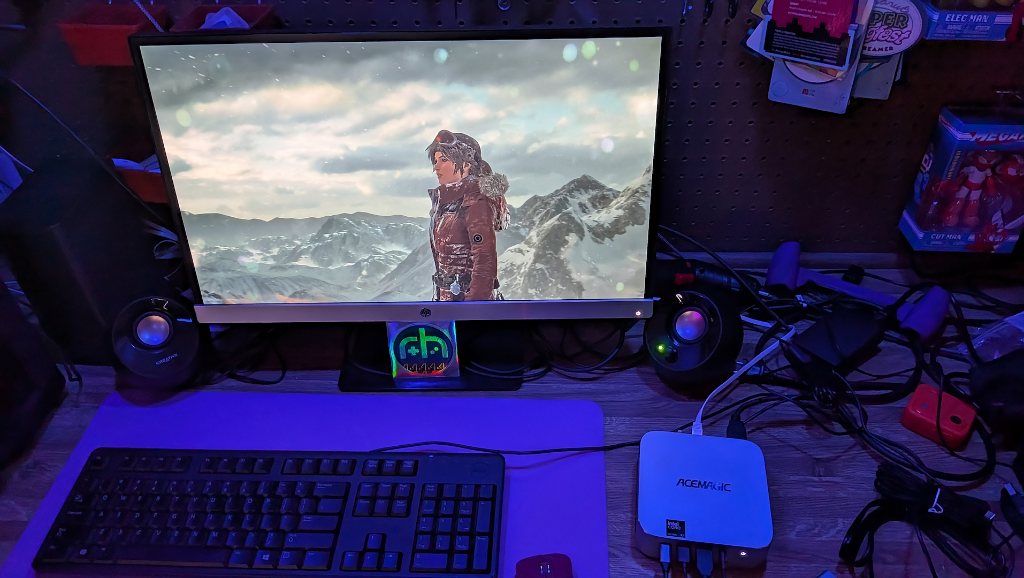
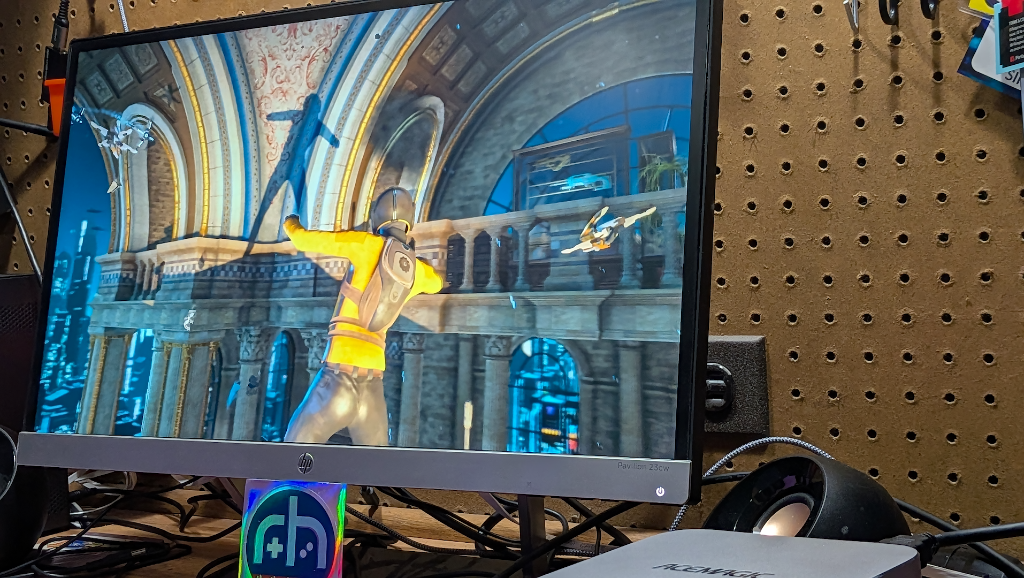
Gaming on the K5 was a total afterthought. The hardware simply wasn’t designed for the graphical demands of modern titles – but the F2A? The F2A is a fairly capable gaming machine thanks to the included Arc B390 iGPU. This changes the math. It’s an all around capable desktop machine with the added benefit of serious NPU power – not a niche system that only really excels (excuse the pun) at running Excel and giving Windows CoPilot a local boost.
If you’re someone who is already down the local-AI rabbit hole and need the Panther Lake chip now? Then I think there’s enough here to justify the cost. Just thinking about dipping your toes into the pool? The question becomes more difficult. The price tag means that this is enthusiast hardware, and it should be treated as such. If you’re looking for similar gaming performance at a lower price, there are certainly options out there.
The FOCUX F2A is a powerful, future-looking mini-PC that delivers what it claims, it just may take some time and driver maturity before it truly shines. This is a capable system with the right power where it counts, but budget and use-case will likely be the determining factor of whether it will be best for you.
