

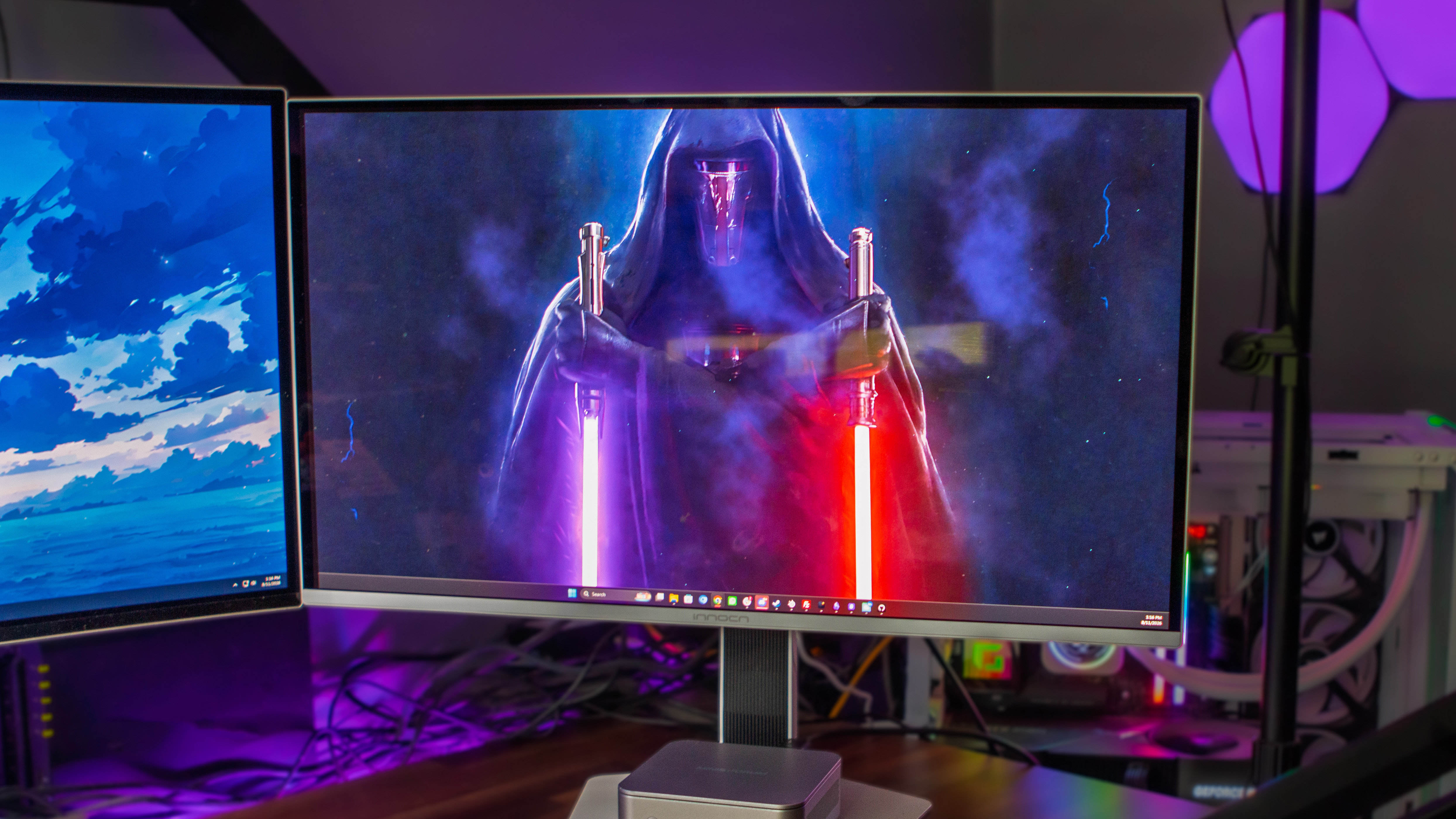
Some might not know this, but in addition to my obsession with smartphones, tablets, laptops, and handhelds, I also have a “thing” about monitors. I don’t know where it came from nor when it started, but I rather enjoy having extra screens at my disposal. For instance, until the INNOCN GA27M1Q arrived on my front porch, my in-home setup consisted of a 49-inch Samsung OLED monitor, flanked on either side by the now-defunct Dell S2721DGF monitors, and a 42-inch LG G2 TV mounted on the wall above.
Sadly, one of those Dell monitors ended up biting the dust after about 5 years, meaning it was time to find a replacement. Needless to say, I jumped at the chance to add the GA27M1Q to my setup to see if it was going to be a worthy replacement. After a couple of months of using it, I’m here to share my thoughts.
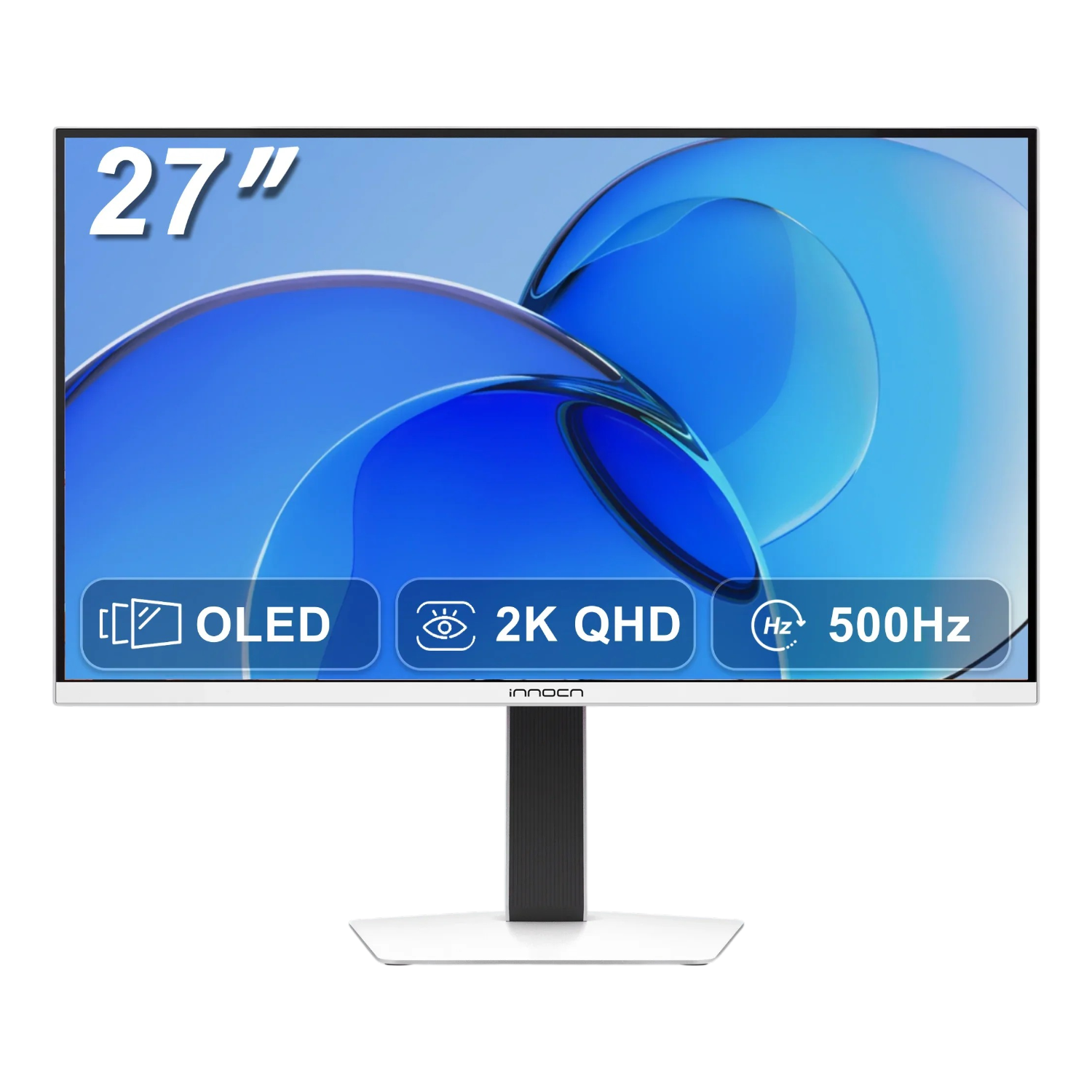
INNOCN GA27M1Q Specs
| Display | |
| Size | 27-inch |
|---|---|
| Panel Type | QD-OLED |
| Resolution | 2560 x 1440 |
| PPI | 110.8 |
| Refresh Rate | Up to 500Hz |
| Response Time | 0.03ms |
| Brightness | 300 nits |
| Extra Features | |
| HDR Support | VESA DisplayHDR 500 True Black |
| Gaming Features | Adaptive Sync, G-Sync, FreeSync, FPS/RTS Game Modes, Game Plus |
| Physical | |
| Ports | 2x HDMI 2.1, 2x DisplayPort 1.4, USB 3.1 Gen 1 Type-B (Upstream), 2x USB 3.1 Gen 1 Type-A (Downstream), 3.5mm Audio Jack |
| VESA Mount | 100 x 100mm |
| Audio | |
| Speakers | 2x 3W |
INNOCN GA27M1Q: What I Like
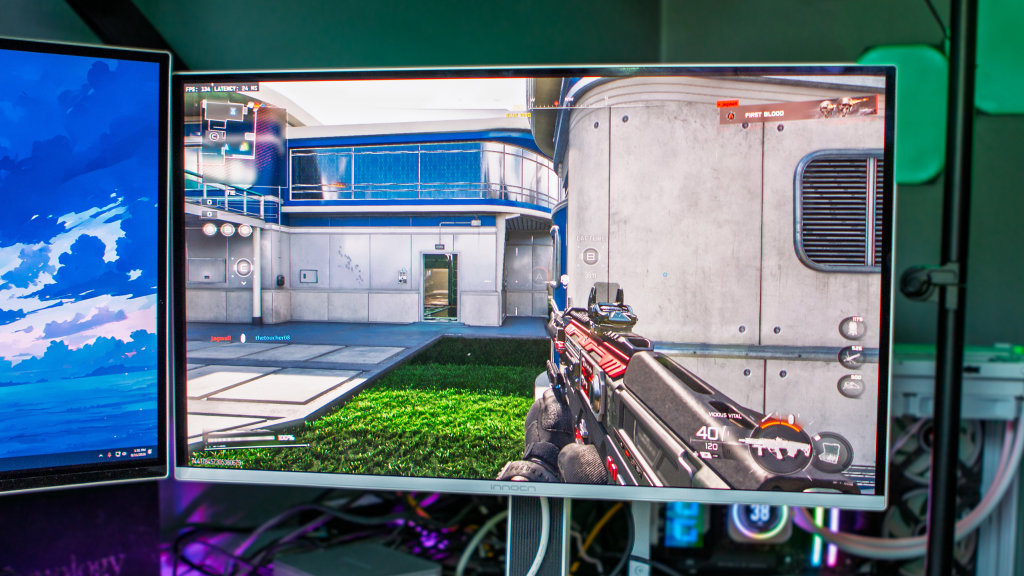
There are three main selling points (for me) with the INNOCN GA27M1Q: it’s QD-OLED, sports a QHD resolution, and has a fast refresh rate. Technically, it’s even faster than the Samsung Odyssey OLED G95SC that operates as my main display (240Hz). However, unless something funky is going on while playing Call of Duty, I never really notice until it drops below 60Hz-90Hz anyway. So to have a monitor equipped with a 500Hz refresh rate seems like a bit of overkill for these aging reflexes.
That being said, since the GA27M1Q has largely been relegated to a secondary/tertiary screen anyways, the extra Hertz tend to get lost in the daily grind. Even still, I have started turning the monitor horizontally with one of my mini PCs connected to it while I try (and fail) to build some type of sensible and useful home lab.
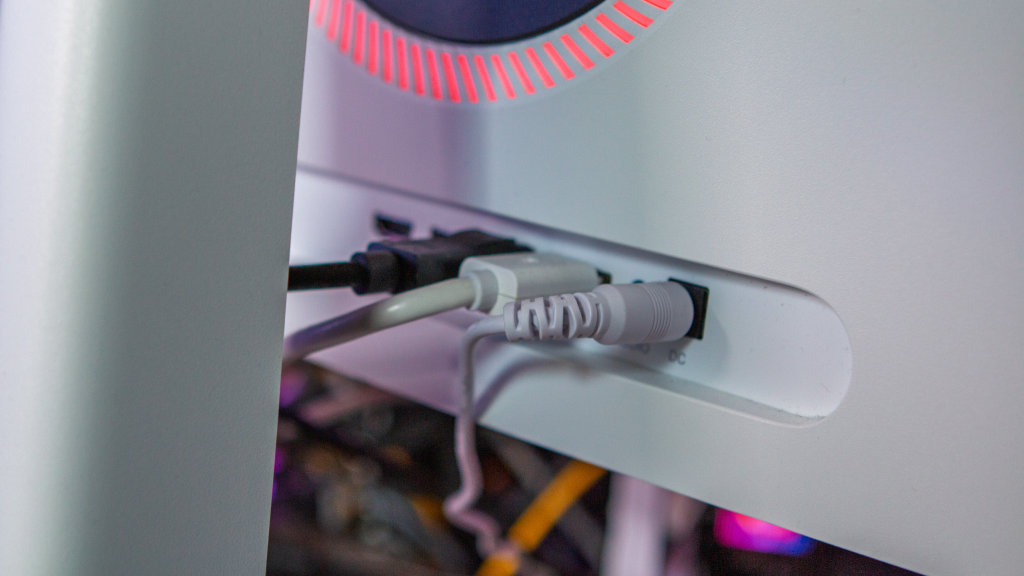
One of the reasons why I am using this monitor for my home lab testing is thanks to the ports on the back. Not only are there plenty to go around, but all of them are easily accessible, facing outwards instead of towards the bottom like some other monitors out there.
This design choice makes it really easy to just quickly plug in different devices while I’m tinkering with things. It’s one of those “set it and forget it” features that you take for granted until the next time you need to plug something in, so I appreciate INNOCN’s design decision.
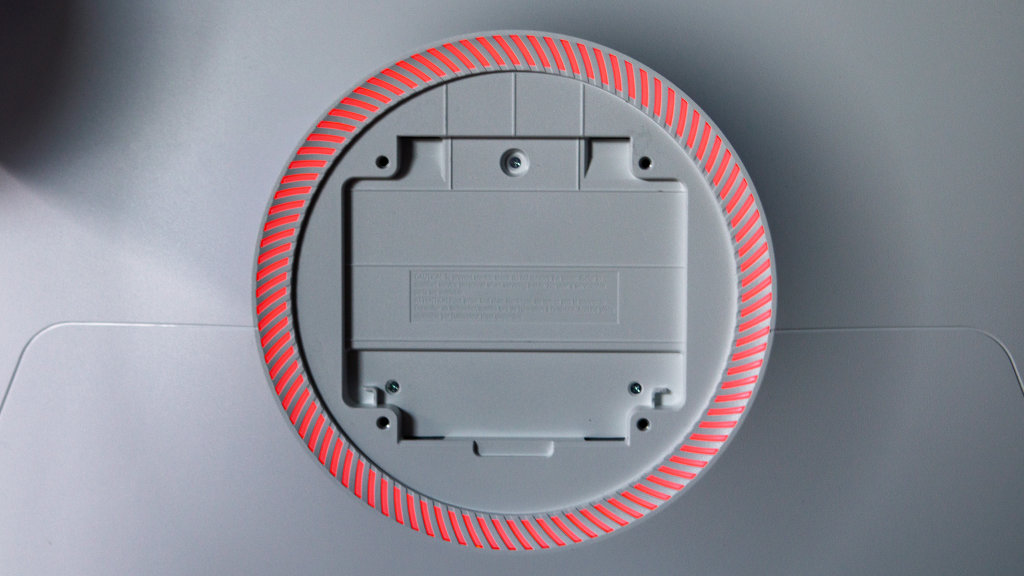
Something else that can get occasionally taken for granted is VESA mount compatibility. Thankfully, INNOCN thought of that as well, as there’s a 100 x 100m VESA mount that is hidden when using the provided adjustable stand. So far, I’ve just stuck with the stand, but a future project might change that, and again, it’s flexibility that I enjoy having.
As for the display itself, I haven’t actually done any calibrating or changed any of the picture modes. I just took the GA27M1Q out of the box, made room on my desk, attached the stand, plugged it in, and have been using it like that since then.
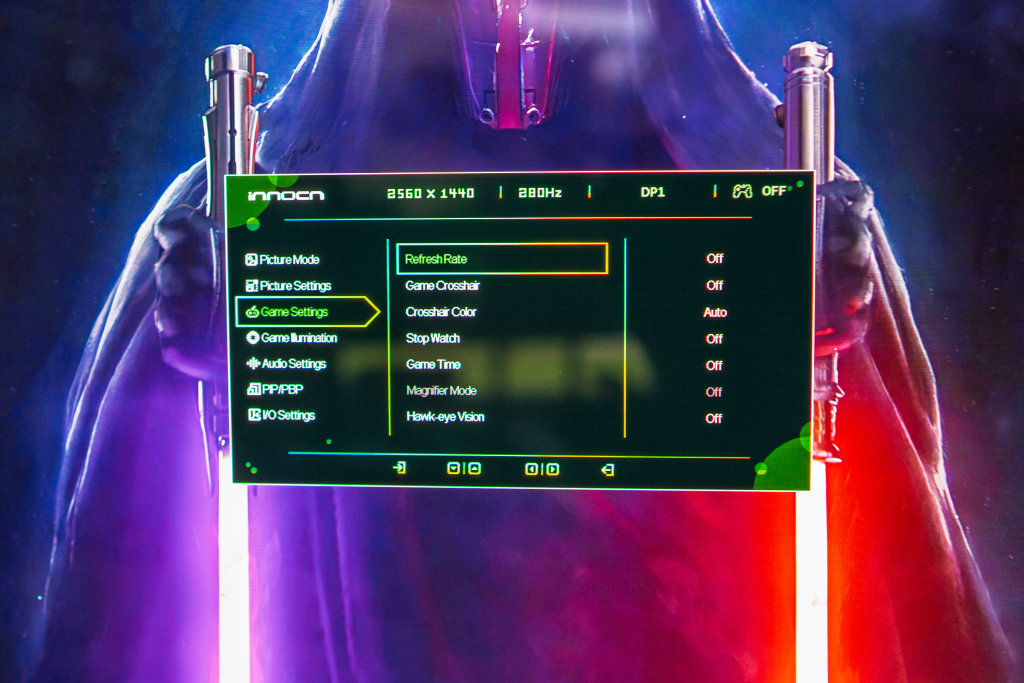
That being said, there are a bunch of different ways to make adjustments to the display via the OSD. INNOCN made sure that everyone can fine-tune the picture to their own personal preferences, without needing to install an app or rely on your PC to make changes.
One more thing that I’ve come to appreciate, and it probably won’t be everyone’s cup of tea, but it’s the finish on the panel itself. Unlike many other “gaming” monitors, the GA27M1Q has a glossy finish as opposed to matte.
I’m not sure exactly what it is, but I actually prefer this over the matte finish on my other 27-inch monitor and my 49-inch ultra-wide. Of course, this opens the door to potentially needing to deal with glare, but my setup is such that I haven’t run into those issues.
INNOCN GA27M1Q: What I Don’t

A common theme for monitors in recent years has been the introduction of “smart features.” My Odyssey G9, for example, essentially doubles as a smart TV with Samsung TV built-in, along with the ability to install apps. It’s rather annoying, frankly, so I’m happy that INNOCN hasn’t gone down this path.
However, if there’s one thing that I wish the GA27M1Q did have, it would’ve been the ability to navigate the built-in menu with a remote. Instead, you have to navigate the OSD using the “nub” on the back, which feels a bit archaic. It doesn’t take away from the overall experience offered by INNOCN’s monitor, but is something that I wanted to at least point out.
Lastly, when the monitor launched earlier this year, it retailed for around $999. That’s about on par with similar QD-OLED or OLED monitors with this set of features, but over the past few months, prices have been steadily dropping lower and lower.
That being said, the $774.99 retail price might still be a tough pill to swallow, unless you’re dead set on QD-OLED and want the 500Hz refresh rate. There are some alternatives, but they all seem to hover around the $700 to $900 range. While I enjoy the GA27M1Q, I’m not sure that I’d fork over that kind of money, even if it were my primary monitor.
Should You Buy It?
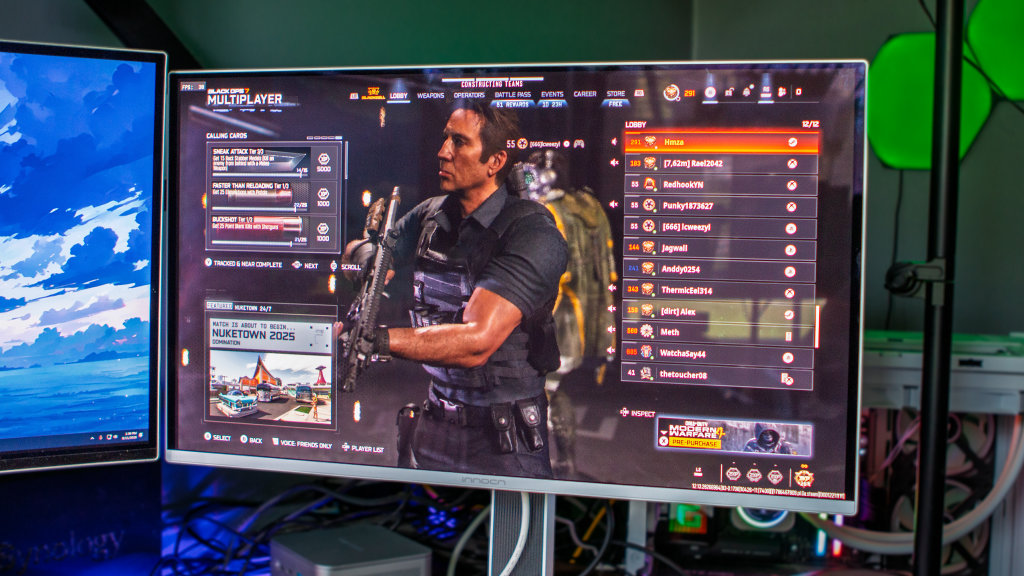
Ignoring price, if you’re in the market for a new monitor and want just about all the bells and whistles one could want, then the INNOCN GA27M1Q should be on the shortlist. Factoring in price, while I think it’s a bit too expensive at retail, the nice thing is that you don’t actually have to pay that.
At the time of this writing, you can get the GA27M1Q direct, brand new, from INNOCN for $649, saving $125. However, it’s also on sale over at Amazon, priced at $599, and if you want to save even more, INNOCN is selling refurbished models for $499.
I appreciate INNOCN staying price-competitive with similar gaming monitors from MSI, ASUS, and Samsung. However, I also would recommend picking up the GA27M1Q while it’s on sale as opposed to paying full price. Getting a 27-inch QD-OLED monitor with a 500Hz refresh rate and a gorgeous panel for $500 to $600 to use as your main screen seems like a no-brainer to me.
