

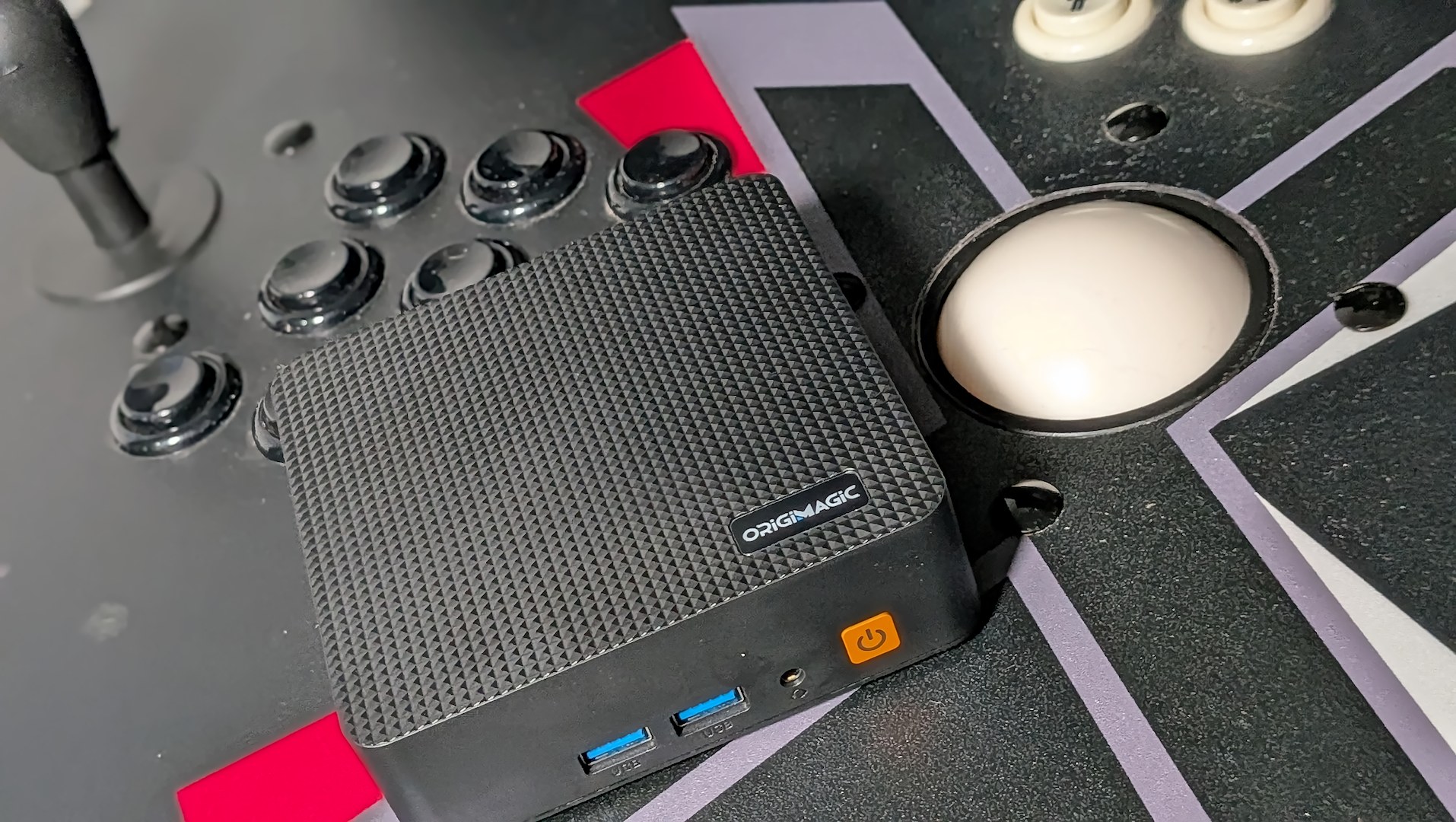
There’s no getting around the fact that if you’re into personal computing as a hobby in 2026, we live in strange days. Basic component pricing on RAM and HDDs has exploded beyond the stratosphere and entered the orbit of galactic neighbors.
This leaves me in a strange position when considering many of the PCs that arrive for review. I have to overlook their hardware limitations and forget what I thought I knew about fair pricing. The PC manufacturers didn’t cause this situation; they’re dealing with it.
Disclosure:
The device reviewed was provided as a review sample by Origimagic. This had no bearing on the conclusion of the review, nor did Origimagic have the opportunity to make edits or changes to the review before publishing.
Affiliate links might be present where applicable, and we may earn a commission on product purchases using those links at no extra cost to you.
Everyone in the space is doing their best just to keep their heads above water (keep doing good work with those bundles, Microcenter). We’re in an era where we have to do more with less, maximize efficiency, and hope that one day things will get back to some semblance of normal that we knew in the past.
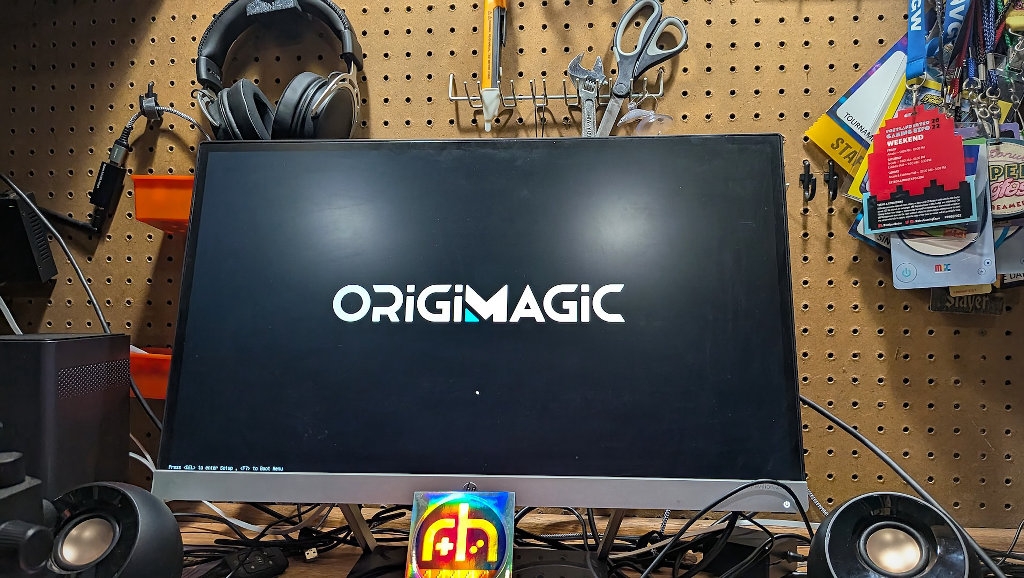
Where I might have scoffed a bit at the Origimagic Comet Series C5’s somewhat dated hardware specs in the before times, that was then. Now I need to think about the best applications to put the hardware package to use. Knowing the performance ceilings, but taking advantage of where it shines. That in mind, the C5 made a perfect stealth PC to replace an ancient used tower in my X-Arcade Tankstick Cabinet.
OrigiMagic C5 Specs
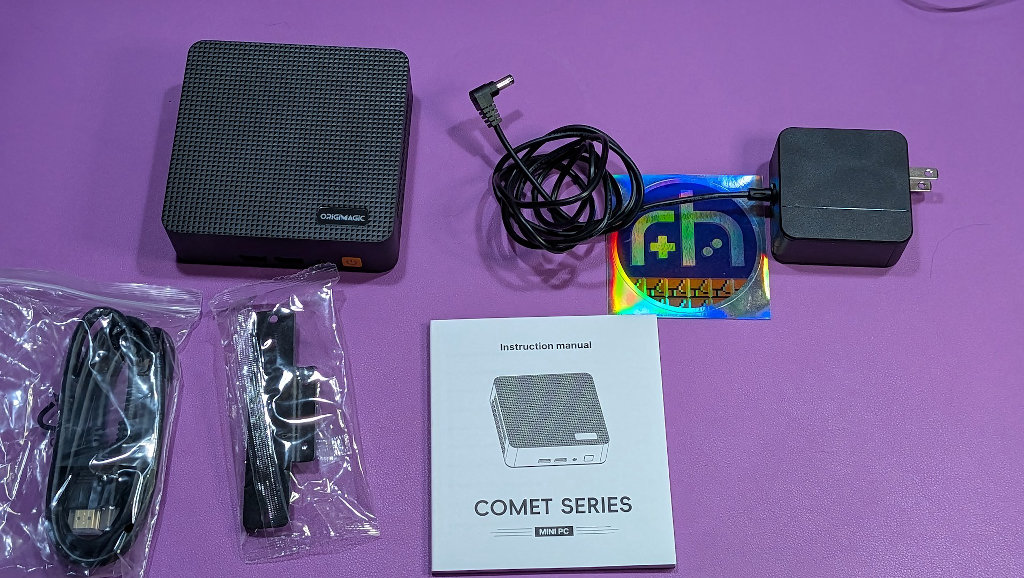
| OrigiMagic C5 Specifications | |
|---|---|
| Hardware | |
| CPU | AMD Ryzen 5 3500U (Zen+, 4C/8T) |
| GPU | Radeon Vega 8 |
| RAM | 8GB DDR4 (upgradeable SODIMM slot) |
| Input | 19V ⎓ 3.42A DC barrel jack |
| Storage | |
| HDD | 256GB NVMe SSD |
| Extra Features | |
| TDP | 15W |
| Connectivity | |
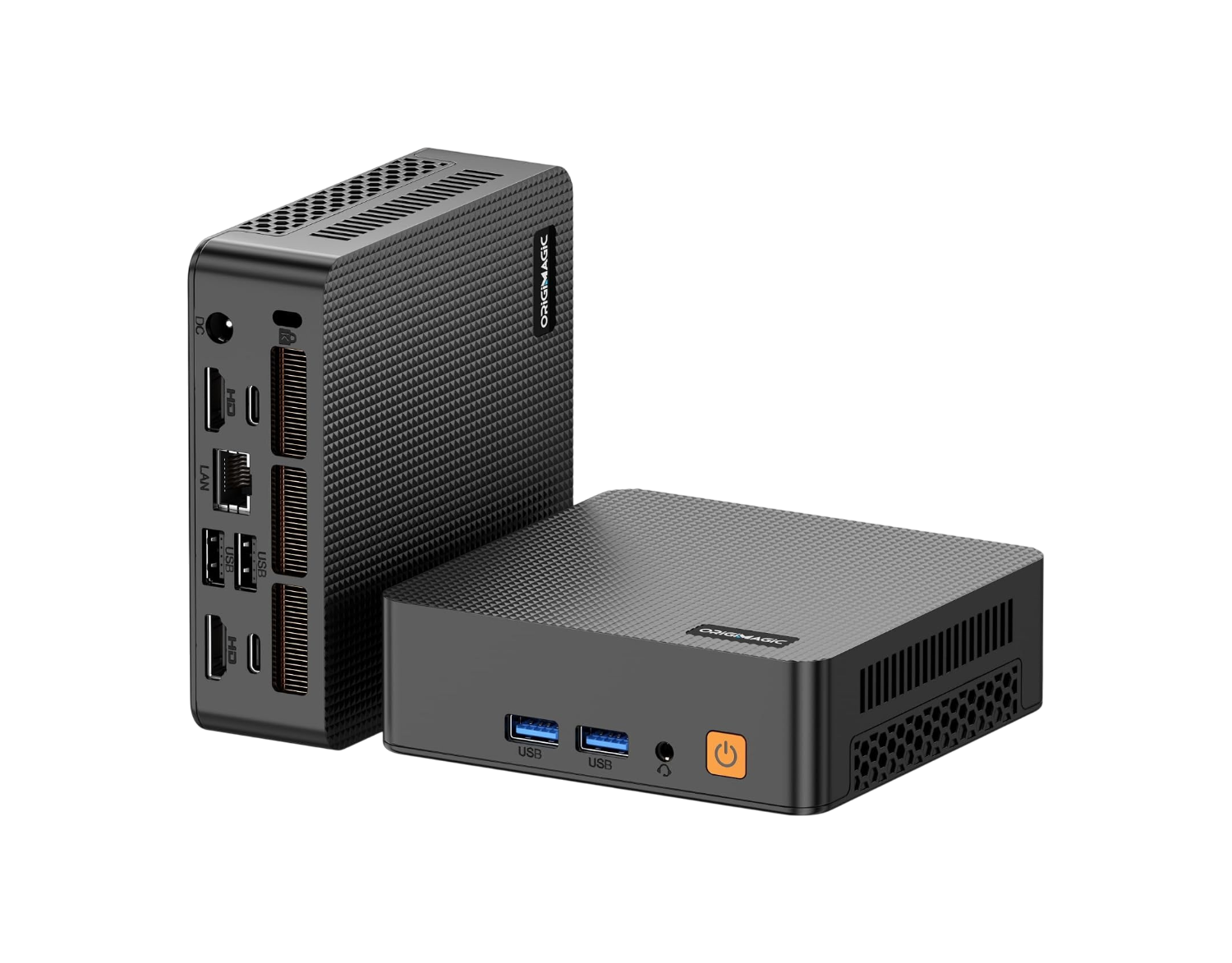
| Front Panel | 2x USB-A 3.0, 3.5mm headphone jack |
| Rear Panel | 2x USB-A 3.0, HDMI 2.0, 1x Gigabit Ethernet |
Geekbench
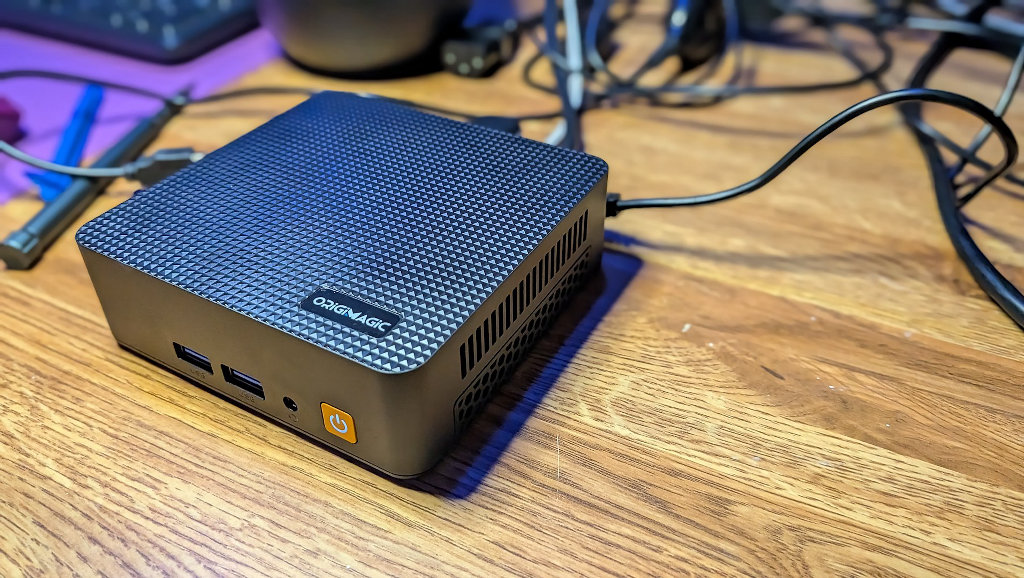
Origimagic C5 Geekbench 6
| wdt_ID | wdt_created_by | wdt_created_at | wdt_last_edited_by | wdt_last_edited_at | Device | Single | Multi |
|---|---|---|---|---|---|---|---|
| 1 | andrew | 26/02/2026 04:08 PM | nick | 06/08/2026 04:26 PM | Origimagic C5 (AMD Ryzen 5 3500U) | 1,034 | 2,696 |
| 5 | andrew | 18/03/2026 10:27 AM | andrew | 18/03/2026 10:27 AM | AceMagic M1 (13900HK) | 2,545 | 8,976 |
| 6 | andrew | 18/03/2026 10:28 AM | nick | 06/08/2026 04:26 PM | AceMagic K1 7430U | 1,888 | 6,902 |
| 7 | andrew | 18/03/2026 10:28 AM | nick | 06/08/2026 04:27 PM | Mllse G3 | 1,194 | 2,974 |
| 8 | andrew | 18/03/2026 10:28 AM | nick | 06/08/2026 04:30 PM | Acemagic Vista V1 (Intel N150) | 1,084 | 2,870 |
Origimagic C5 - Geekbench GPU
| wdt_ID | wdt_created_by | wdt_created_at | wdt_last_edited_by | wdt_last_edited_at | Device | Vulkan | OpenCL |
|---|---|---|---|---|---|---|---|
| 5 | andrew | 18/03/2026 10:31 AM | nick | 06/08/2026 04:57 PM | Origimagic C5 (AMD Ryzen 3500U) | 6,332 | 5,580 |
| 6 | andrew | 18/03/2026 10:31 AM | nick | 06/08/2026 05:02 PM | Acemagic Matrix Mini M1 (Intel Iris XE Graphics 96EU) | 16,893 | 13,173 |
| 7 | andrew | 18/03/2026 10:32 AM | nick | 06/08/2026 05:06 PM | AceMagic K1 7430U (AMD Radeon Graphics) | 12,765 | 11,847 |
| 8 | andrew | 18/03/2026 10:32 AM | nick | 06/08/2026 05:07 PM | Mllse G3 (Intel UHD Graphics 730) | 3,776 | 3,231 |
| 9 | andrew | 18/03/2026 10:32 AM | nick | 06/08/2026 05:08 PM | Acemagic Vista V1 (Intel UHD Graphics 730) | 4,458 | 4,279 |
Some Background
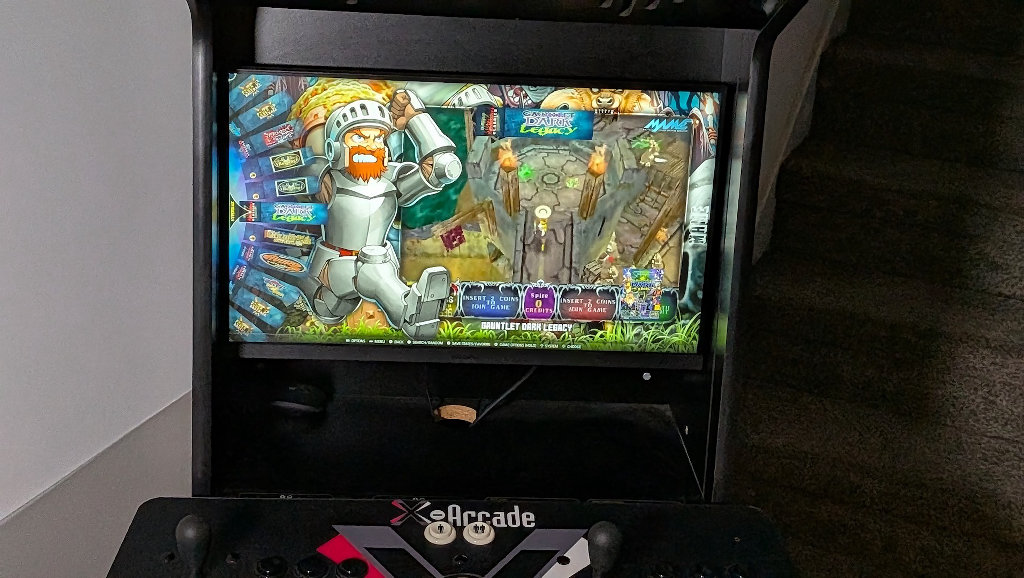
I’d purchased the X-Arcade cabinet and tankstick setup on Craigslist somewhere around 2010. I’d had a round of birthday roulette go my way at the casino, and was left with singed pockets where a burnt hole would soon appear. Never one to shrug off a good impulse purchase, I answered a Craigslist ad for the loaded MAME project cabinet I’d always wanted.
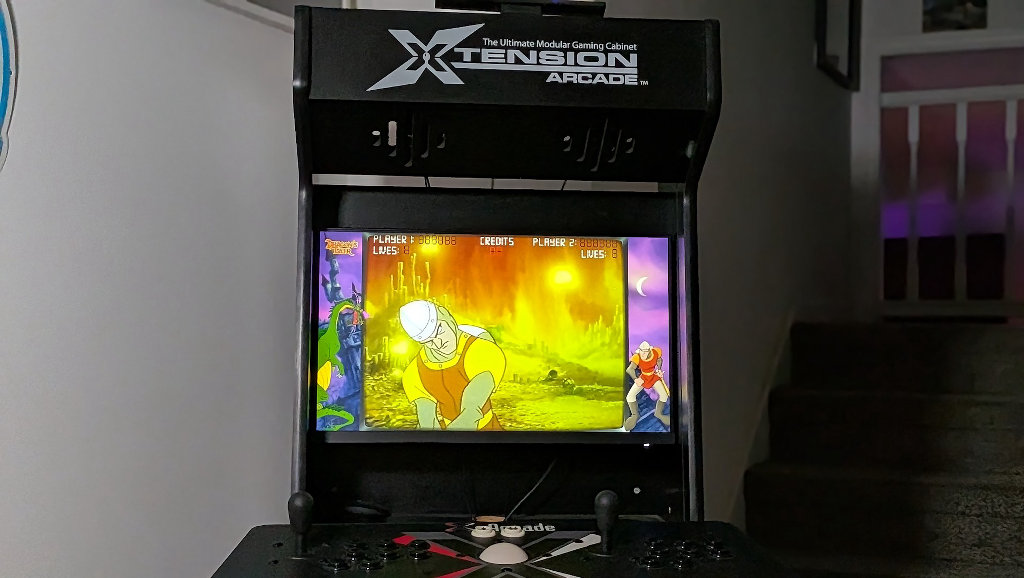
I’d bought the cabinet, tankstick, and purpose-built PC inside from a new dad that no longer had the time to dedicate to the project. Back then, putting together a massive Hyperspin package running on Windows was no small feat. I spent dozens of hours to finally get things running the way I’d wanted, and even then it was far from a painless experience. I’d regularly have to step in at parties to get things back to square one after an unknowing user got lost somewhere in the menu mire.
Batocera makes life so much easier. Not only does it dump all the overhead bloat of running Windows, but it’s just about the most intuitive and user-friendly experience possible; certainly so when compared to the old Hyperspin headache days.
Raw Power Isn’t Everything
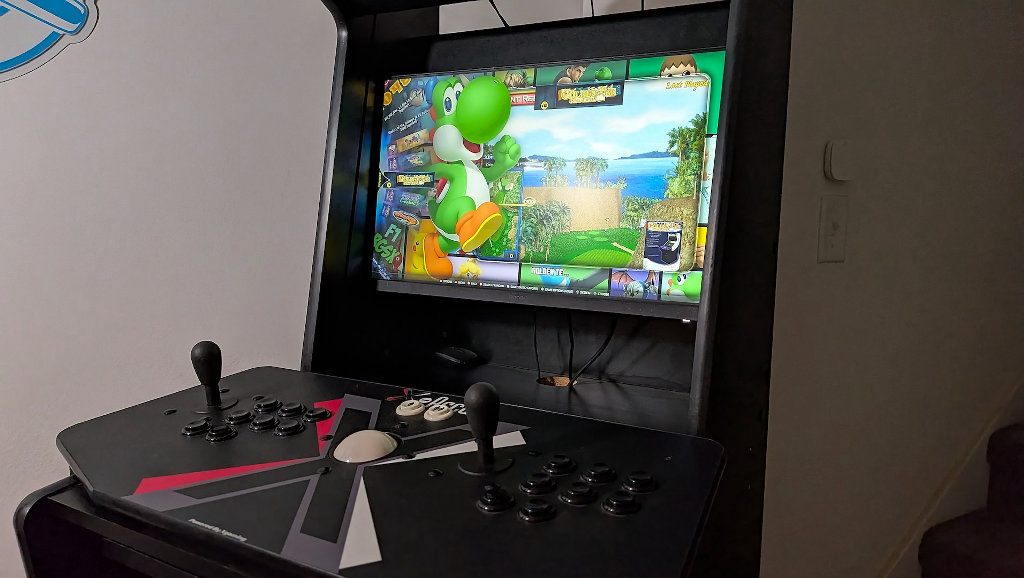
One of the most common attitudes I hear with PC projects, and especially the type that I enjoy, is that something lacks worth if it’s not up to running the latest AAA titles. That it cannot be considered a gaming machine. Top-tier PC gaming has turned into something of an unaffordable arms race for internet clout.
When combined with the fact that brute force is the order of the day over optimization, I question the need for some of these systems. Sure, it’d be cool to be able to emulate Switch and PS3 games on my arcade cabinet, but realistically, what am I going to do then? Play Mario Odyssey with a Tank Arcade Stick? Absolutely not.
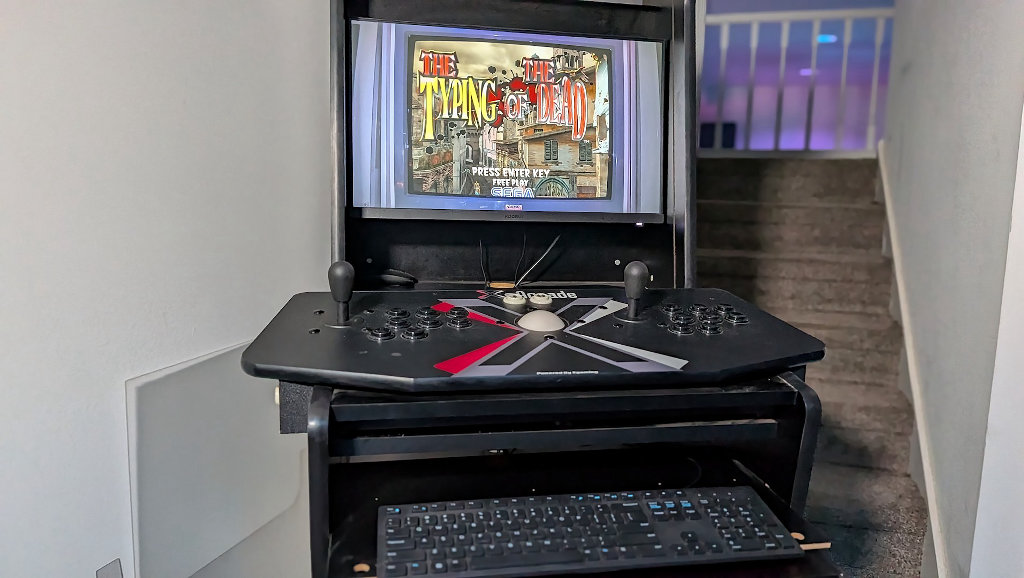
I have tons of options to emulate those games, and in much more appropriate settings (like on a handheld or my couch). This is an arcade cabinet made for playing arcade games. That’s what I need it for, and that’s exactly where the C5 meets my needs.
The C5’s Ryzen 5 3500U and Radeon Vega 8 graphics are nothing by modern AAA standards, but they’ll run the hell out of the titles that my old pre-2010 used iBuyPower setup would choke on. With modern processors come modern cores and threads. CPU-heavy games like Gauntlet Legends or NFL Blitz would choke on older systems because they lacked the code to take advantage of a dedicated video card, instead bottlenecking the CPU load, which led to a slow, choppy gameplay experience full of audio issues. No more.
Batocera Arcade Performance
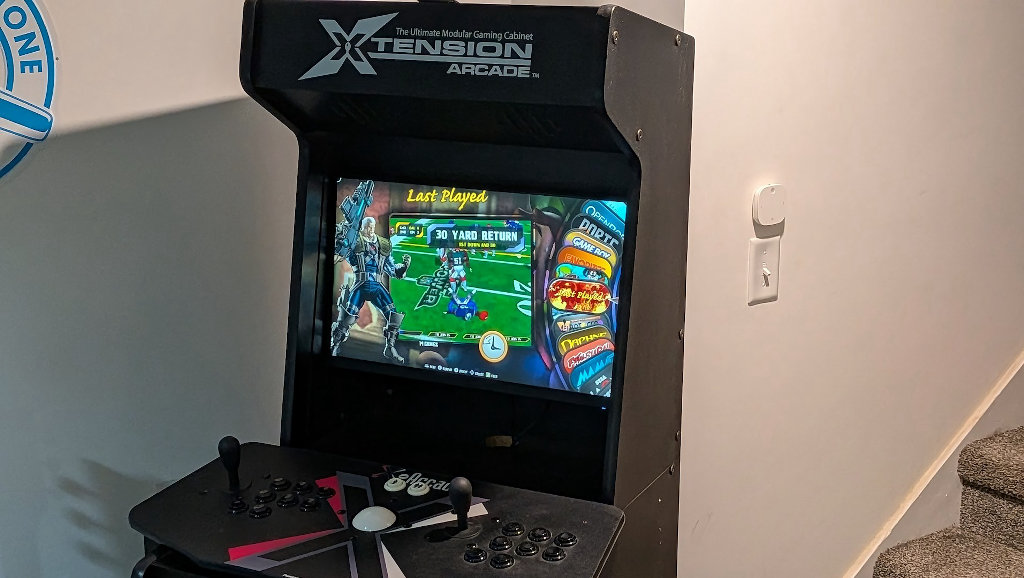
The C5’s aging 3500U with Vega 8 is a demonstration that just because something has a few years on it, it doesn’t mean it’s devoid of value. The fact that actual advances in PC tech have only slowed down and gotten more expensive emphasizes that we should treat capable hardware as such, regardless of age.
The right tool to get the job done. I don’t need a wrecking ball to hang a picture nail when a regular hammer will do the job just fine. The reality is that it’s much more suited to the task’s needs, and that’s how we’ll have to start thinking about hardware.
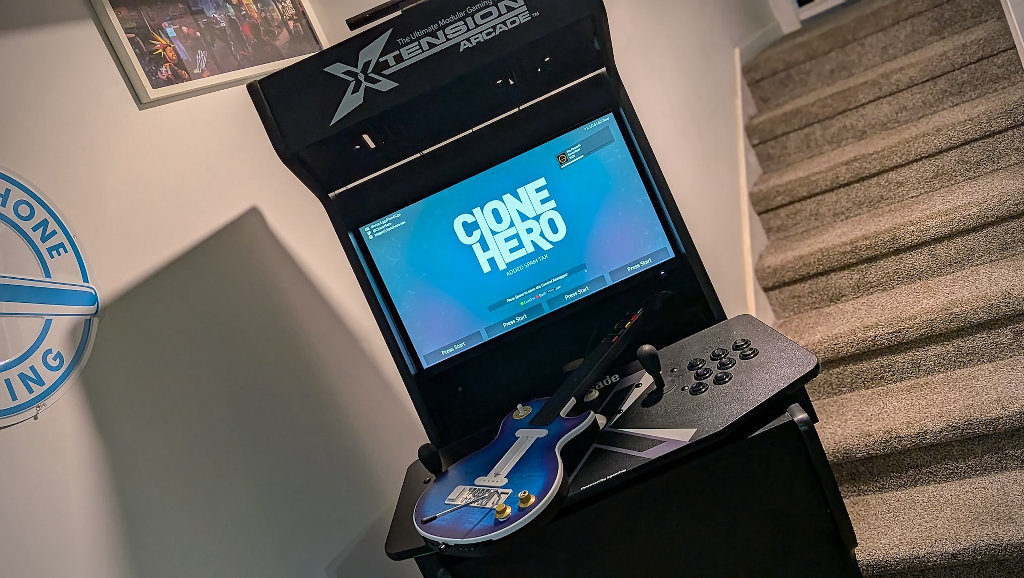
This machine is powering an everything arcade experience, and does so nobly. I have the full history of arcade games up to about 2005 at my disposal. I don’t need much more than that. FOSS downloadable bonuses like YARG and Clone Hero mean that I can play modern tracks with my CRKD Les Paul while standing (or stooled) at the arcade cabinet. It’s brilliant.
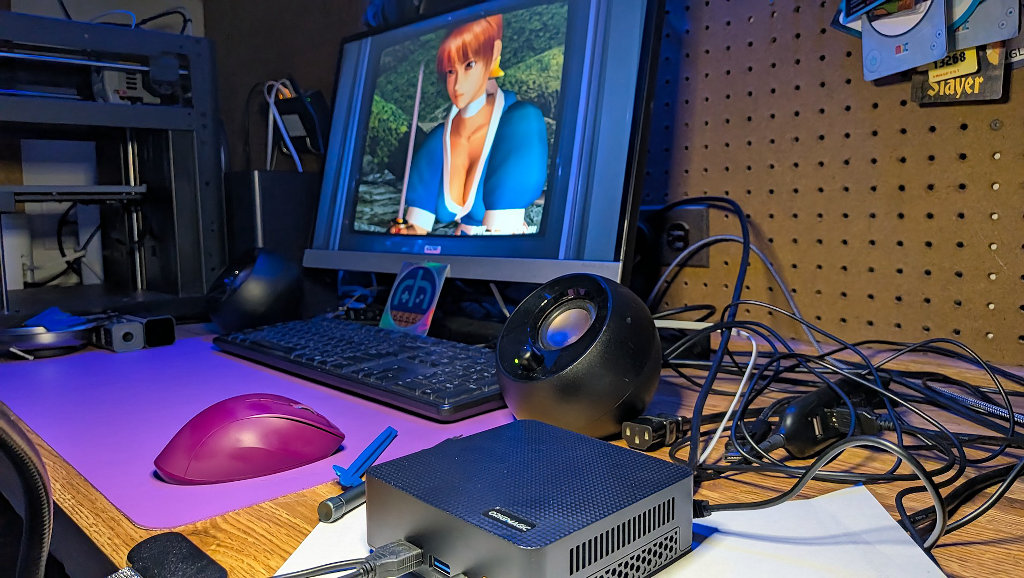
The best part? I wrote a Batocera image to an external USB 3.0 stick, so the whole thing is entirely portable. I can choose to boot from either the OEM Windows installation on the internal drive, or Batocera from the USB. Should I ever need a Windows PC in a pinch, I have one ready and waiting.
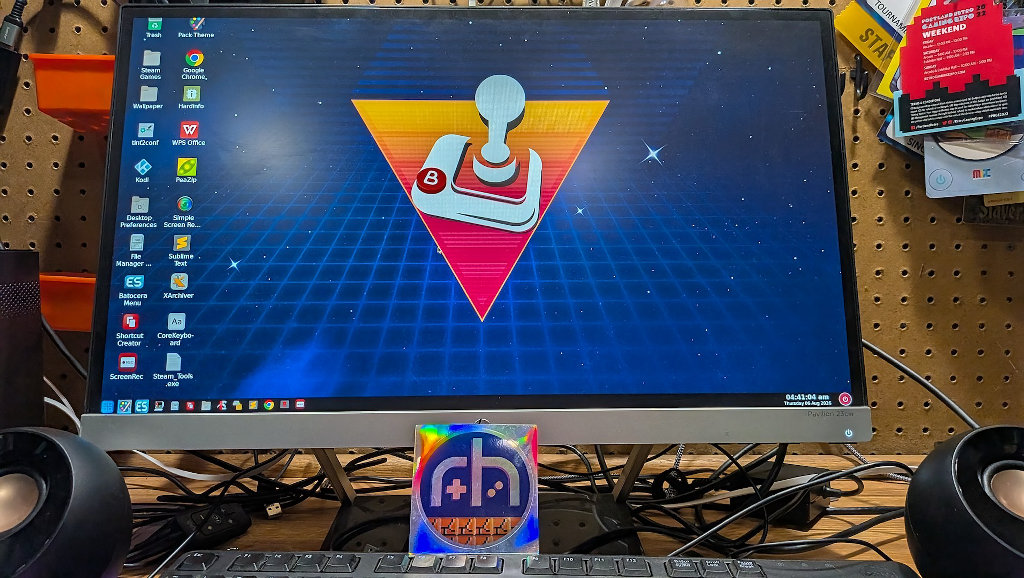
The image that I used for this project was a package put together by community member BooBooMan. Fans of the arcade scene are likely familiar with his various works. This package contains no ROMs, so I’m comfortable sharing it here. What it does contain is all the setup tweaks and additional useful programs you could hope for. To put it in handheld terms, if the base Batocera package was a stock Anbernic Android experience, the BooBooMan image is more like the GammaOS version. Streamlined and ready for use.
Why This Build Rocks
- 64GB → auto-expand: Flash to any USB/SSD/SD ≥64GB—on first boot it grows to the full capacity of your media.
- RGSX ready: In-OS content manager—select what you want and it installs, then just refresh gamelists.
- Team Pixel Nostalgia polish: A clean, nostalgic presentation that looks mint on TV or monitor.
- PC friendly: Runs on most x64 PCs; great on small form factor/mini PCs.
- Tweakables out of the box: Sensible defaults, shaders optional, controller setup is quick.
What’s Inside
- Batocera v41 base (fresh, tidy).
- RGSX integration (content manager). See more here
- Team Pixel Nostalgia styling & QoL tweaks.
- Clean 64GB image designed to grow on first boot.
A Stealthy Server
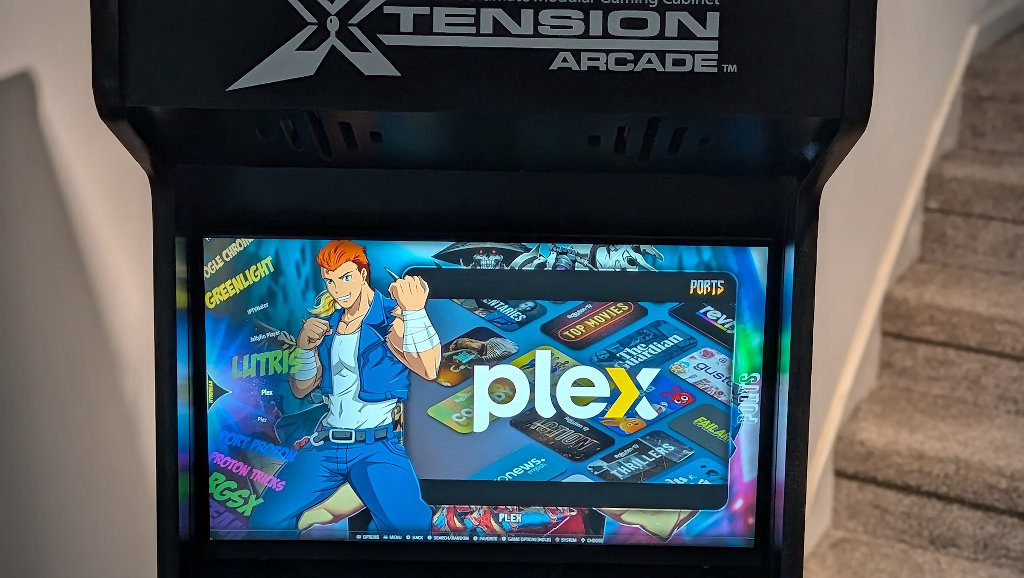
Beyond just running your favorite classic arcade titles, Batocera can act as a fully capable desktop machine, and even a server. The custom img that I installed contains the base Batocera package without ROMs, but does include a ton of handy utilities. One of which is a dedicated Docker setup.
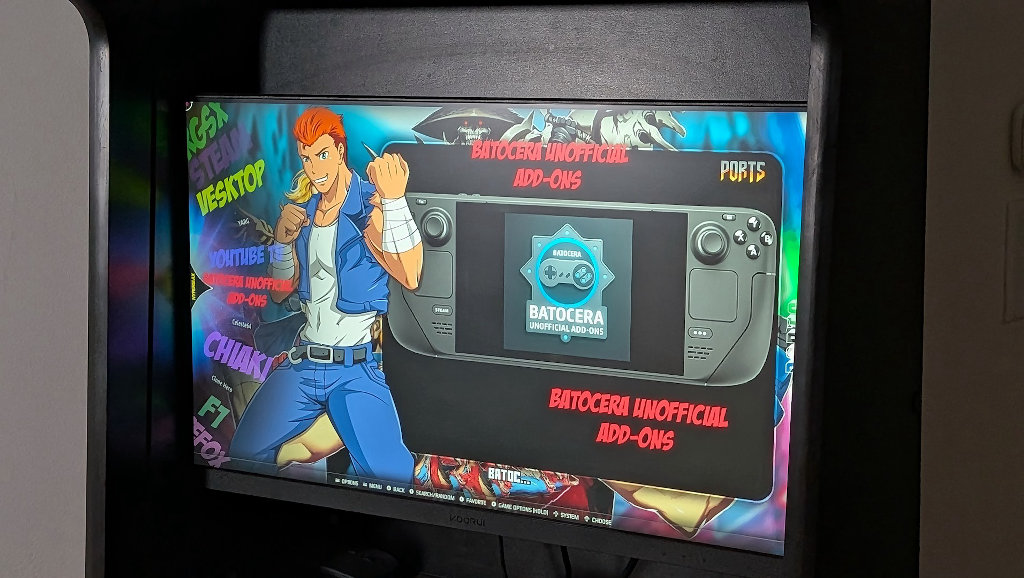
While the cabinet might only realistically see a few hours of arcade gaming per month, its low power draw and capable hyperthreading CPU mean that it can pull double duty and act as a media server. I can run Plex, Jellyfin, Emby, RomM, Pi-Hole, and a whole host of other useful network projects while the arcade cabinet would otherwise be sitting idle.
That’s the exact kind of maximizing efficiency that we need to concentrate on in these crazy days of inflated pricing. Why buy two systems when you can do all the jobs with one?
Closing Thoughts
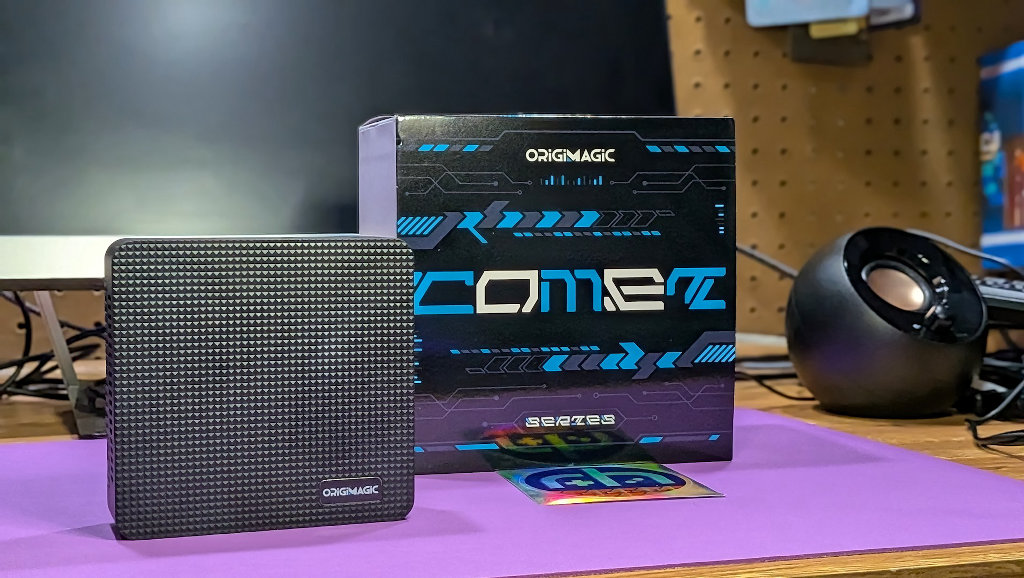
I’m not going to pretend like some of these lower-powered mini-PC articles are easy to write. It’s a crowded field with a ton of SKUs and models that can all start to bleed together for you, the reader. I try to come up with use-cases that best suit the hardware. It’s hard to get mad about inflated prices when outside market forces are dictating prices. It might stink, but it’s the reality of our current situation.
At ~$230, I think the C5 is a fair value for the functions I’ve assigned to it. That’s not to say that it’s the only option on the block. If the C5 will do what you need it to, it’s an entirely sensible option, but shop the deals. Prices in the mini-PC space fluctuate constantly, and despite the brand on the shell, many are white-labeled internal configurations. Find the hardware you need for the job first, then start price comparing options.
While it won’t set the hardware world on fire, the OrigiMagic C5 represents a decent value in a market where prices seem to increase every other day. This PC knows what it is, and if you know what you want to use it for, it very well might fit your needs.
