

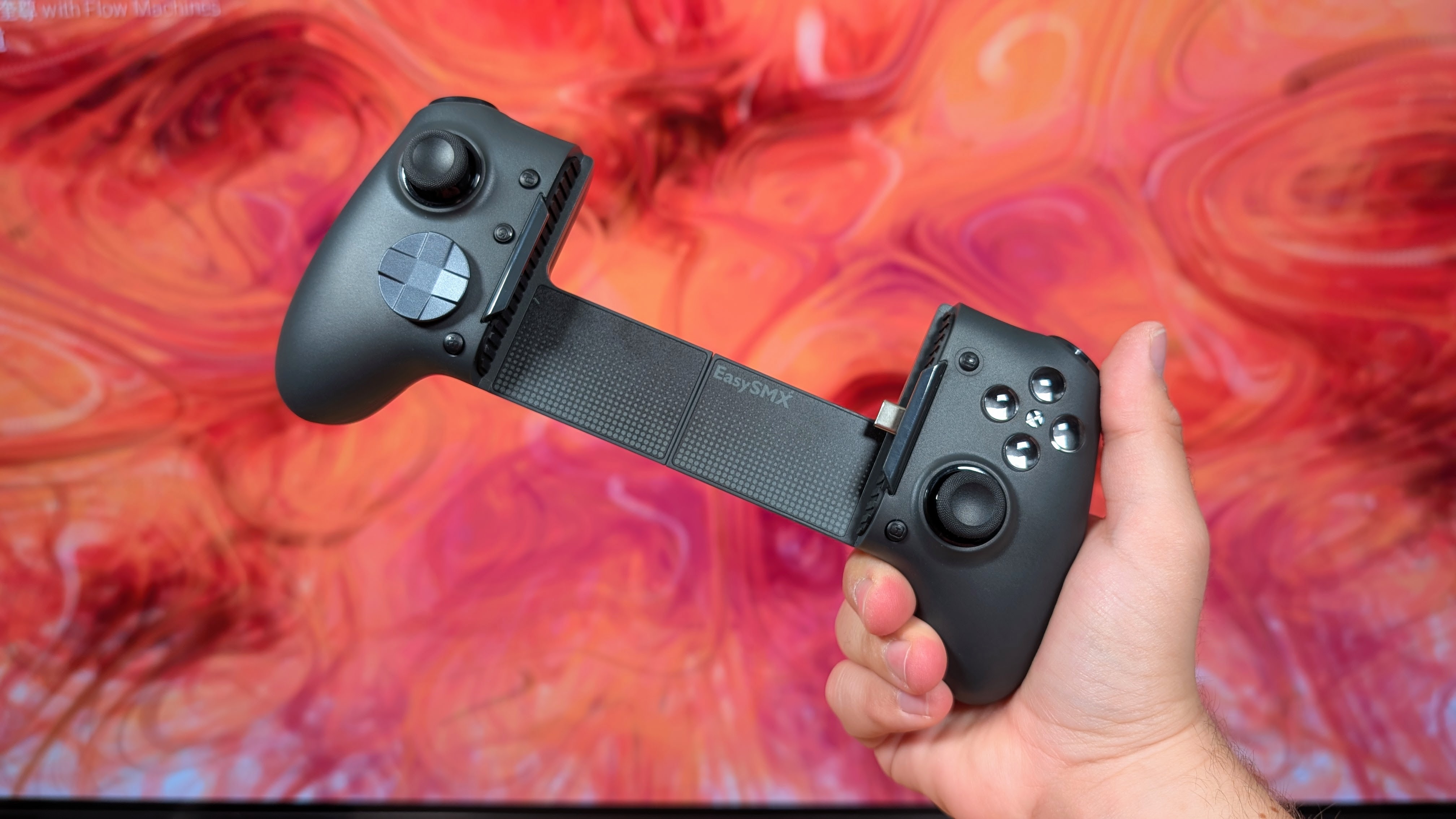
A wise man once said, “The best handheld is the one you have on you”. While for some that may be the EDC device they toss in their Retro Handhelds branded crossbody bag, or the thing they toss in their backpack, that’s not usually going to be the device you have on you for immediate use. For most people, that’s going to end up being their phone, and whether that’s doomscrolling, shitposting, or playing level 700 of Candy Crush, it’ll usually be where you go first. Enter the telescopic controller market.
Is it going to fix having gaming easily accessible? Well, not really. But it will give you a cheaper option to throw in your bag than tossing in a third TrimUI Brick into the lost pocket you’ll never find. And of those, the EasySMX M20 is aiming to be a great option for smaller and larger screened devices, with what I’ll call a really cool trick up its sleeve. So is it worth it? And is it worth the slot in your bag? That’s what I’m here to find out.
Disclosure:
This product was purchased with our own money and was not sent to us by the company. Affiliate links might be present where applicable, and we may earn a commission on product purchases using those links at no extra cost to you.
EasySMX M20 Specs
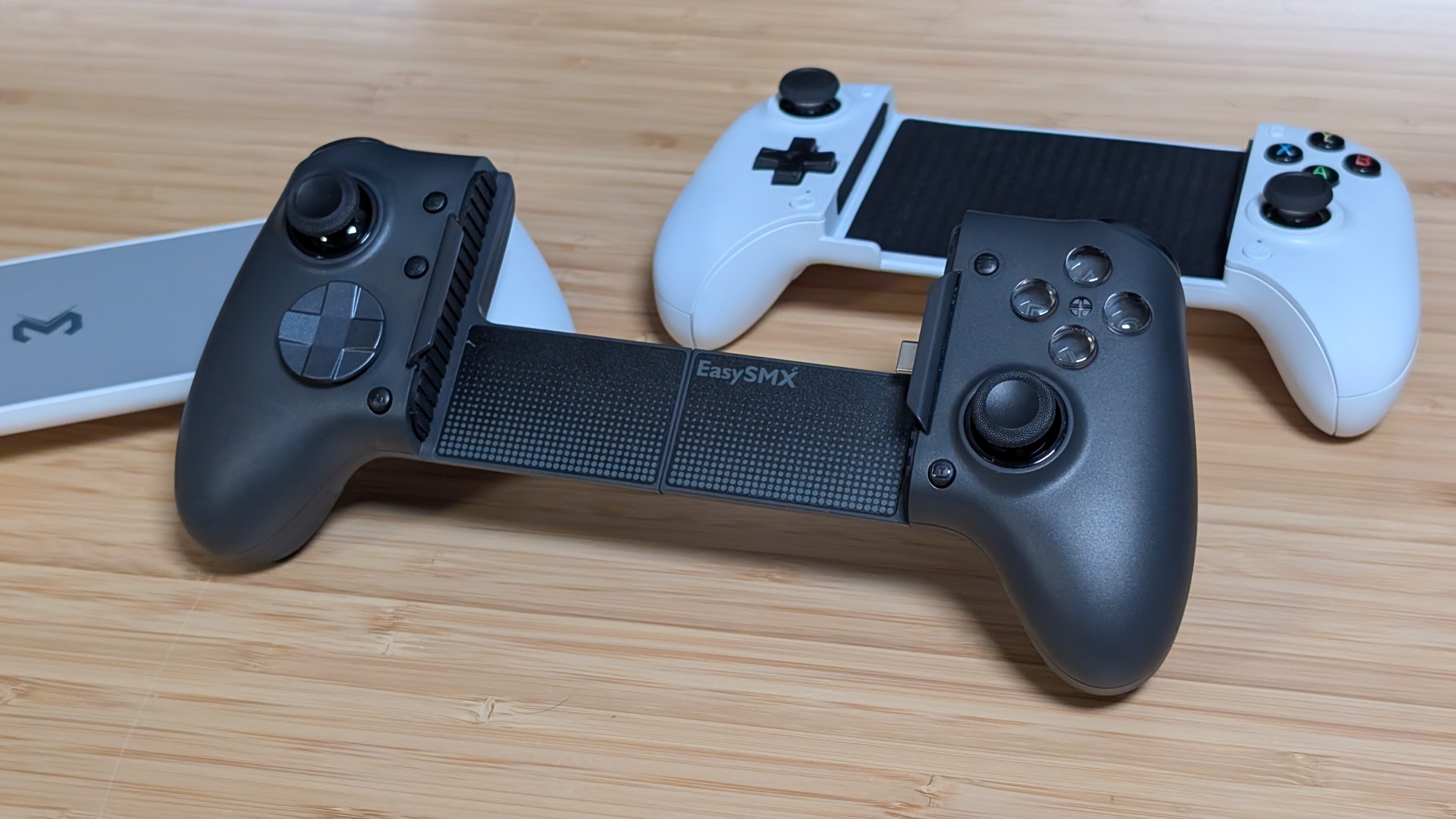
If you were to pick up the EasySMX M20 at its full retail price, you’d be looking somewhere around $69.99 through their website. That being said, I picked mine up off of Amazon for closer to $52 thanks to a combination of coupons that were sitting on the page. As a whole, expect this to be around that range until AliExpress coupons can really stack up on the savings. But what does it have to offer?
| Spec | |
|---|---|
| Sticks | Hall Effect |
| Face Buttons | Full Tactile Mechanical |
| Triggers | Dual-Stage Hall Effect |
| D-pad | Tactile (Rare Edition: Zinc Alloy and Gold Color Painted Tactile) |
| Shoulders | Clicky |
| Connectivity | USB-C |
| Polling Rate | Up to 1000Hz |
| Compatibility | Android & iOS (iPhone 15+), x86 over Cable |
| Additional Features | 10 Level Vibration Adjustment, Turbo, M1/M2, Dual Stage Triggers, Swappable D-pad, passthrough charging |
| Battery | 1,000mAh up to 20 Hours + Charging Dock |
| Weight | 240g |
| Stretch Range | Up to 215mm |

Build Quality and Ergonomics
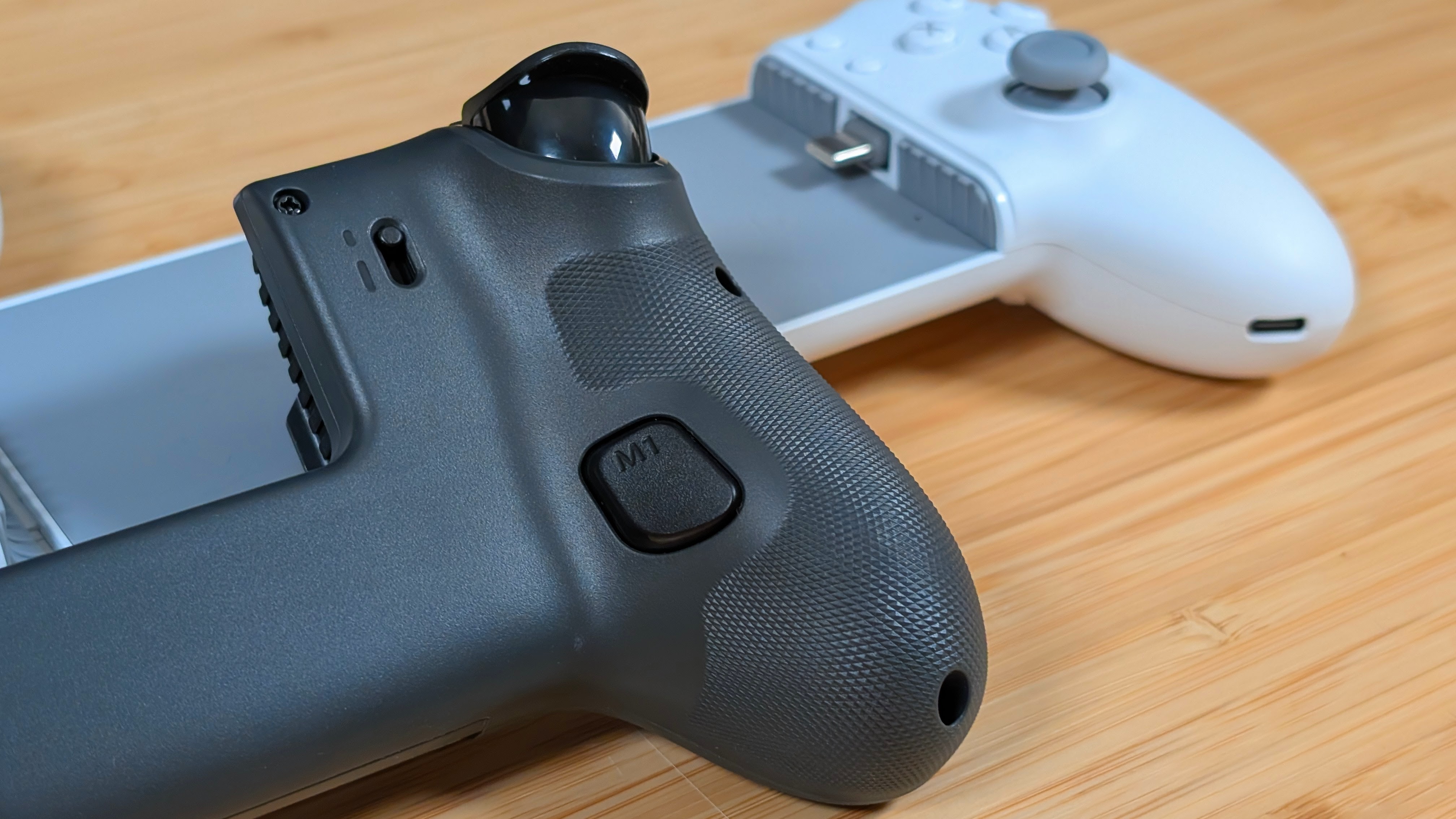
Kicking off with a strong spot, the M20 is super ergonomic. Thanks to the big meaty grips, you can handle the controller super comfortably. My thumbs land just within range of the sticks and controls, meaning I don’t have to strain my hands to reach them. The triggers and shoulders are nicely positioned and sized, and even the M buttons are placed perfectly so I never have to worry about using them if I don’t want to. As a whole, ergonomics are great, and so is the build quality.
Which I say as I can’t find a single scuff or plastic mark throughout the controller. It’s built with solid plastic, and it doesn’t feel like it’s going to break when I’ve got a phone or tablet in it. The grips are textured plastic instead of rubber, which I appreciate, and while I’d recommend giving it a clean every now and again, I don’t think it’s going to break down over time. Just like most telescopics, it does have a bit of give in the center, but I don’t think that’s going to be the biggest concern for most people, as you likely won’t be using it as a PC controller too much. Overall? I dig it.
Controls
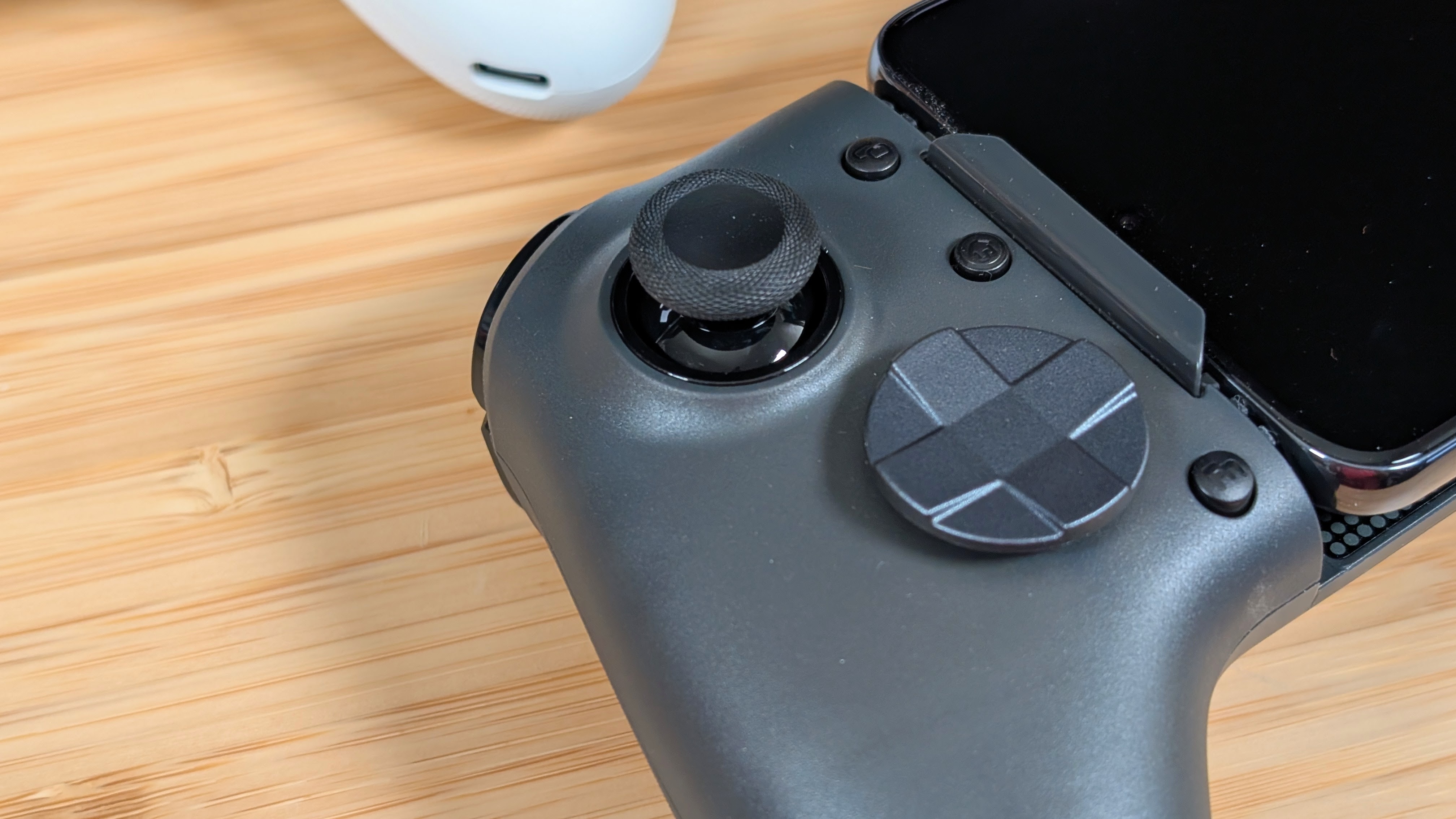
There’s a decent bit here, but for the most part it’s all quite standard. The sticks on the M20 are hall effect, 1000hz polling compatible, and across my Gran Turismo 3 runs have been pretty acceptable in terms of response. The face buttons and D-pad have a nice mechanical click to them as well, with the face buttons in particular having minimal give before actuating.
The D-pad, on the other hand, goes immediately, and makes it obvious when you hit a diagonal thanks to how loud it clicks. And if you don’t like the shield dpad like me, you can easily switch over to a shield with a more traditional cross in the middle.
As for the shoulders, they’ve done these pretty perfectly. Nice and clicky without being obnoxiously loud, and they’re large enough you’re not going to miss them. The triggers are equally as beefy and manage to be accurate enough for racing games like Grid Legends on the Play Store, but they also are perfect in their dual mode implementation. Flip a switch, and they’re a microswitch trigger. Just like something similar to the GameSir Cyclone 2. They’ve done this really well, and it’s worth commending them for it.
The Stretch
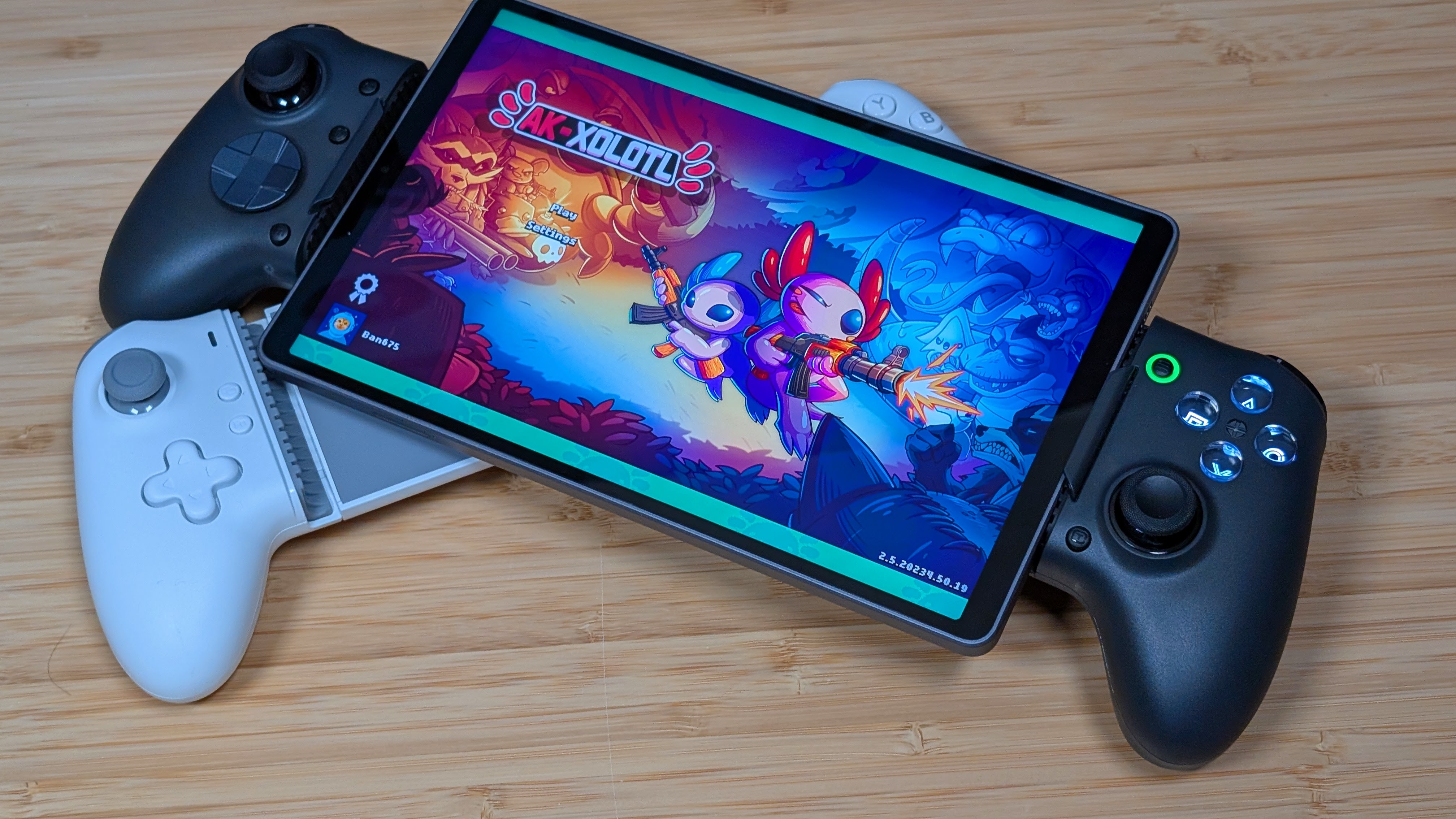
I have a number of devices with USB-C that I can now test with telescopic controllers, ranging from my personal Google Pixel 9 Pro at 163mm tall, up to my iPad Air 4th Generation at its decently sized 247mm height. The rated 215mm length seems to be pretty spot on, as every phone I own with USB-C slips in just fine and connects automatically.
The iPad is way too long as you’d obviously expect, but the Alldocube iPlay Mini 80 Ultra fits into it practically perfectly. Because of that, an 8.8” or 9” display is about the most you’re going to push into this thing. So if you’re looking for something to hold an even larger tablet, you may want to look elsewhere.
That being said, alongside the usual stretch comes a pair of additional bumpers that you can slot into the controller to help securely hold your smaller devices if you choose to use them without a case. When testing with a Google Pixel 8 Pro, that definitely seemed to help avoid the awkward “device angles inwards on the left side” that I’ve had with other devices.
I’ve noted that using my Pixel 9 Pro in its lightweight case prevents the USB-C port from fully seating into the device unless I remove every rubber bumper entirely. So really, they’re nice to have, but unnecessary if you have a case at all. I’d probably keep it around for tablets though.
The Bonus Features
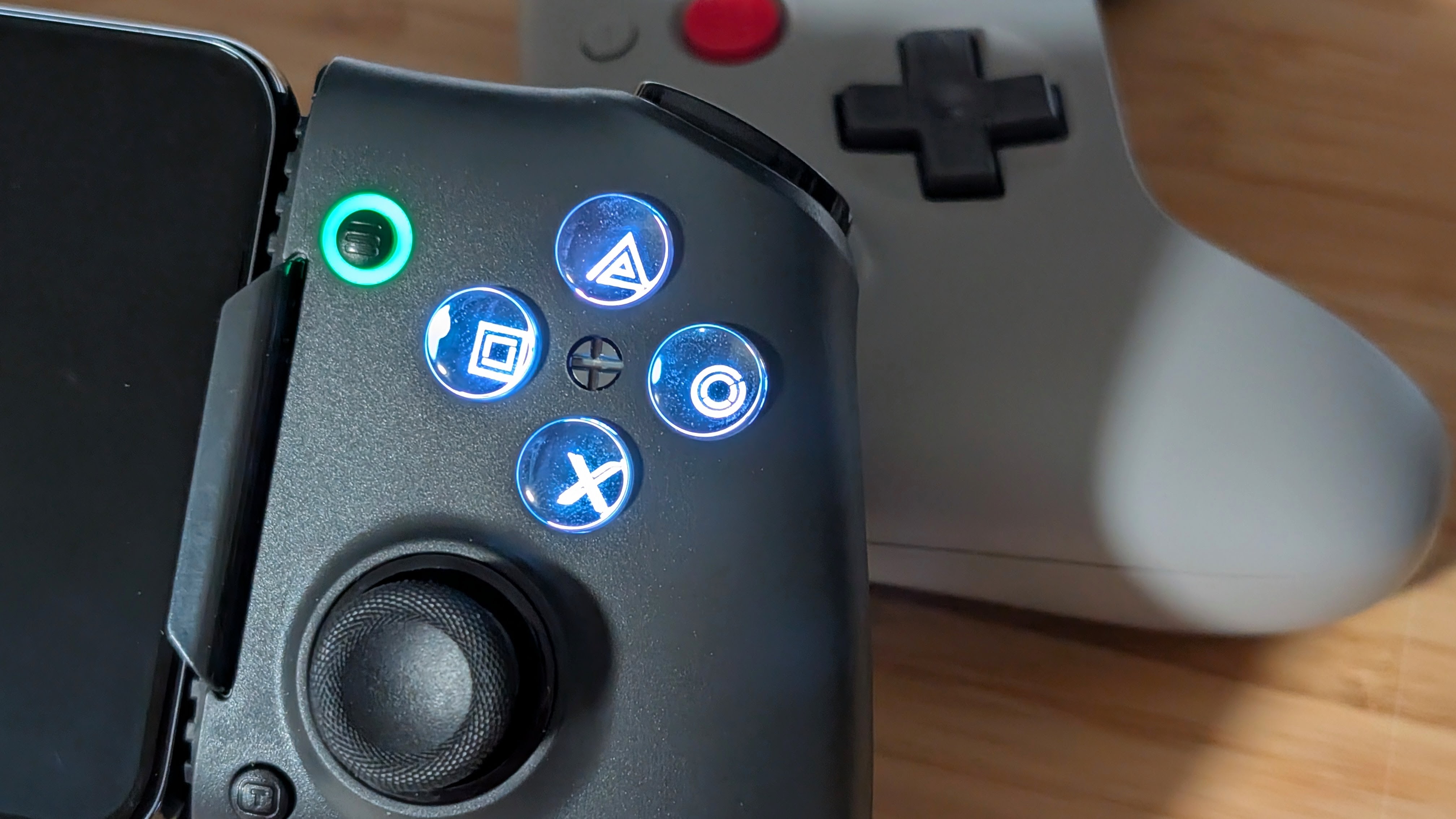
There are a lot of bonuses with this controller. The swappable dpad and dual stage triggers are something that I’ve already mentioned, but I think it’s worth discussing again, as these really do add to the customization of the controller. If you prefer one D-pad style over another, or if you need digital triggers over analog, it’s as easy as a switch or popping one thing out and back in.
The Turbo and Macro features are nice to have and easy to control on the device thanks to not having external software; if they’re your cup of tea, they’re great add-ons and worth mentioning. But I don’t think any of this is as cool as the main feature. The face buttons.
In the box you get a tiny flat head screwdriver, but if you lose it you can use anything similarly sized. Take that to the center of your face buttons, give it a twist, and you’ve gone from your standard XBOX Layout buttons over to everyone’s favorite PlayStation iconography. The controller buzzes when you make this change to ensure you notice what’s happened, but in my opinion this is great for those wanting to stream PlayStation games, or emulate any of the PlayStation consoles you can on the go. I like the flexibility, and I really hope more companies do this over the “Xbox/Nintendo Layout swap” feature.
Competition
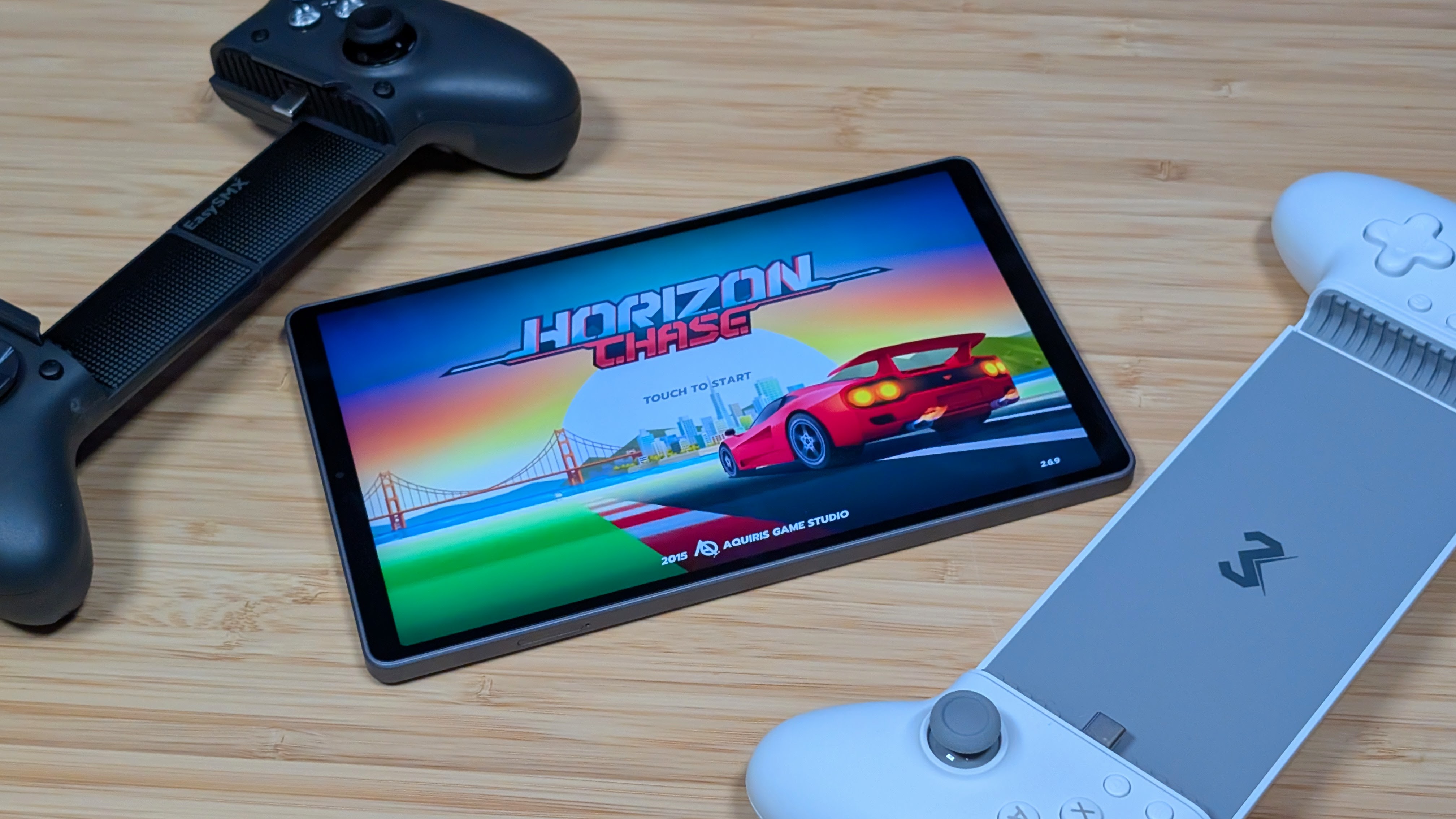
When it comes to competition, you’re going to be looking at a number of different controllers that range in features, quality, and size. But I’m going to cut out any that don’t get up to the size of the M20. On the low end, you’re probably looking at the Gamesir X5 Lite, which gets up to 213mm, features most of the same controls, but only has digital triggers.
The Memo S3 Tablet would be another, as it goes up to 276mm, though I would say its controls are of lower quality. The Abxylute S9, S8, and S8 Lite are all controllers that would fit this bill in the $40-$70 range as they stretch long enough, have solid controls, and are competitively priced.
The last ones I’d mention are the GameSir G8 line and the larger Razer Kishi controllers. They’ll do the same as everything cheaper, but with Gamesir you need to make sure you grab the G8+ as the standard Galileo only goes up to 185mm. It’s a weird, large market of controllers, but there are plenty of options aside from the M20.
Final Thoughts
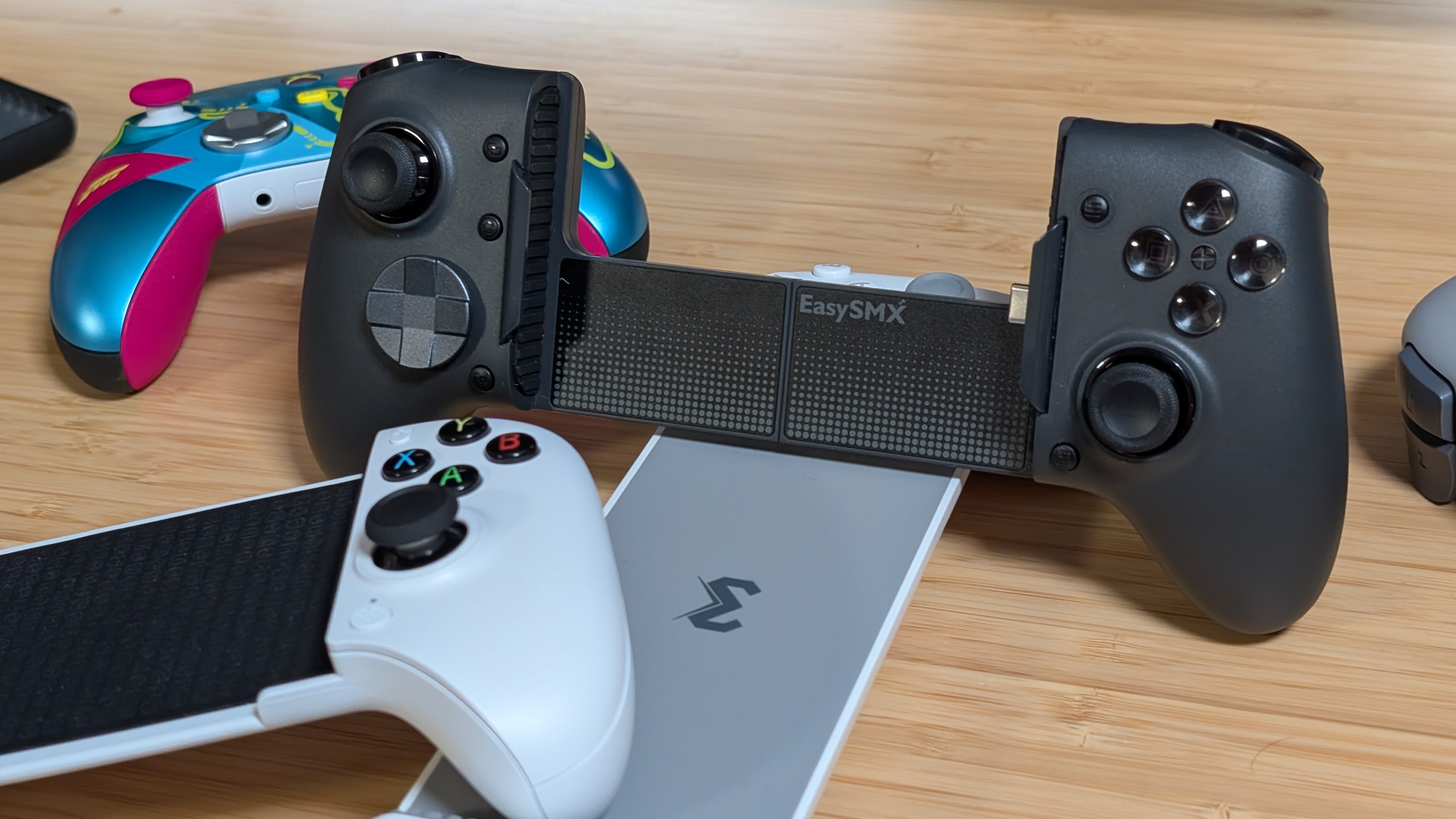
As a whole, what do I think? I think the EasySMX M20 is a well-built, quality, ergonomic, telescopic controller that can genuinely cover a lot of your mid-sized screens with ease. It’s got a bunch of extra features, it’s got a control layout you really don’t see too much, and as a whole I think it manages to be one of the best options in this $50-$80 price range.
Does EasySMX have as much pull as someone like Gamesir? Definitely not. But are they making controllers even better now than they ever have? Between this and the EasySMX D10, I definitely think they are. If you’re looking for a PlayStation-focused device and you don’t want to shell out hundreds for a PlayStation Portal, grab this, download the PlayStation streaming app, and go to town. But even for general use, it’s great.
This is going to dethrone my longtime telescopic controller, the Memo S3, and it’s not even close. If you can, you should give this one a try, as EasySMX is really stepping up their game.
