

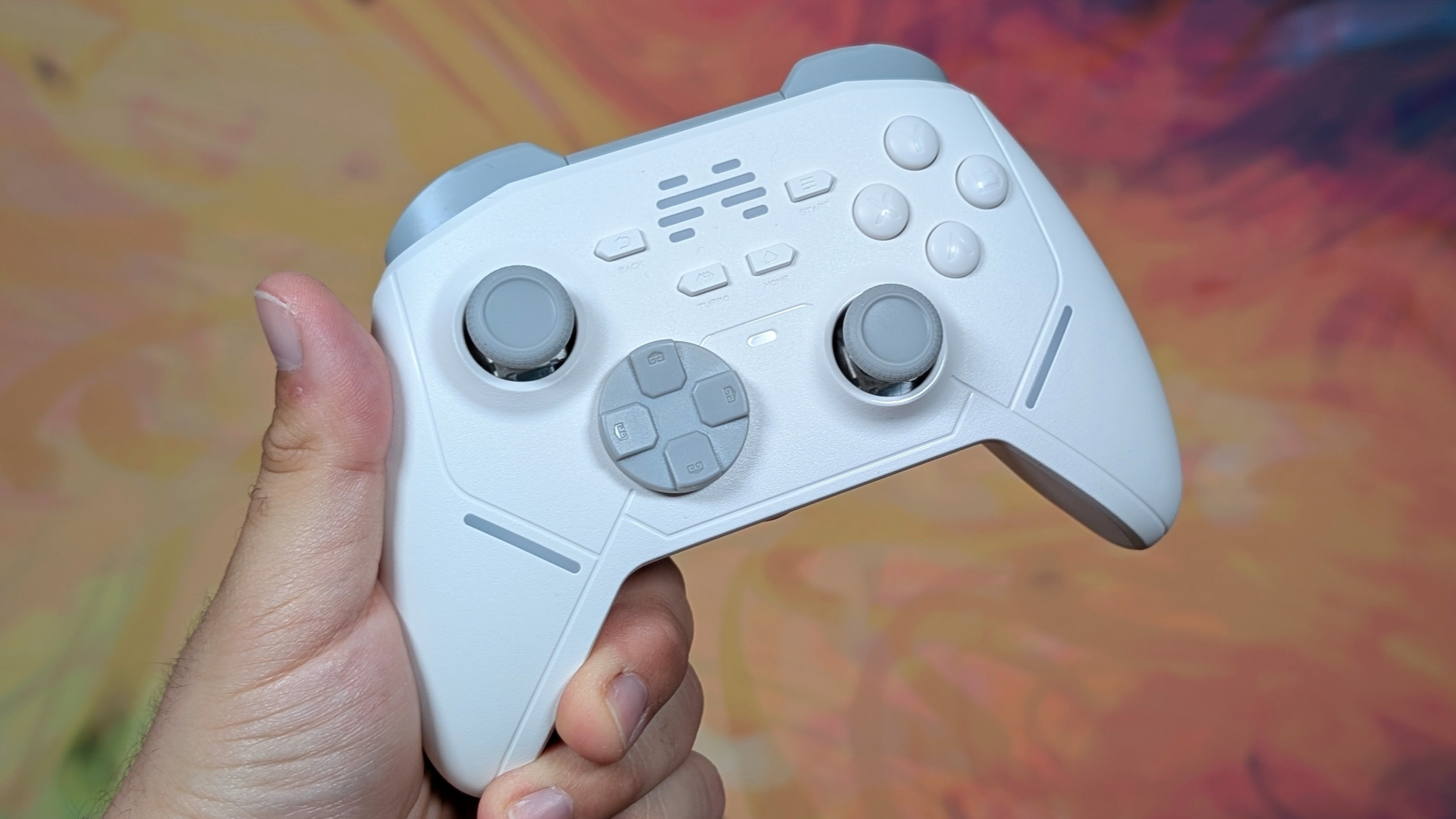
Beitong. It’s probably a brand you haven’t heard too much about. It’s not your EasySMX or GameSir. And it’s definitely not your 8BitDo. But Beitong makes a wide swath of controllers that cover just about every need you may have. From the high-end Zeus 2 Elite with swappable components to the bottom bare bones Asura 2 Pro that can be had for under $20.
If you have a budget they likely have a controller. So what happens if we meet somewhere in the middle? What does a more standard controller from them look like? Well I bought The Beitong Kunpeng 20 on Amazon, which is more frequently called the Beitong KP20, and I’m going to take a look at it, and see if it’s a worthy contender in the sub-$50 controller space.
Beitong KP20 Specs
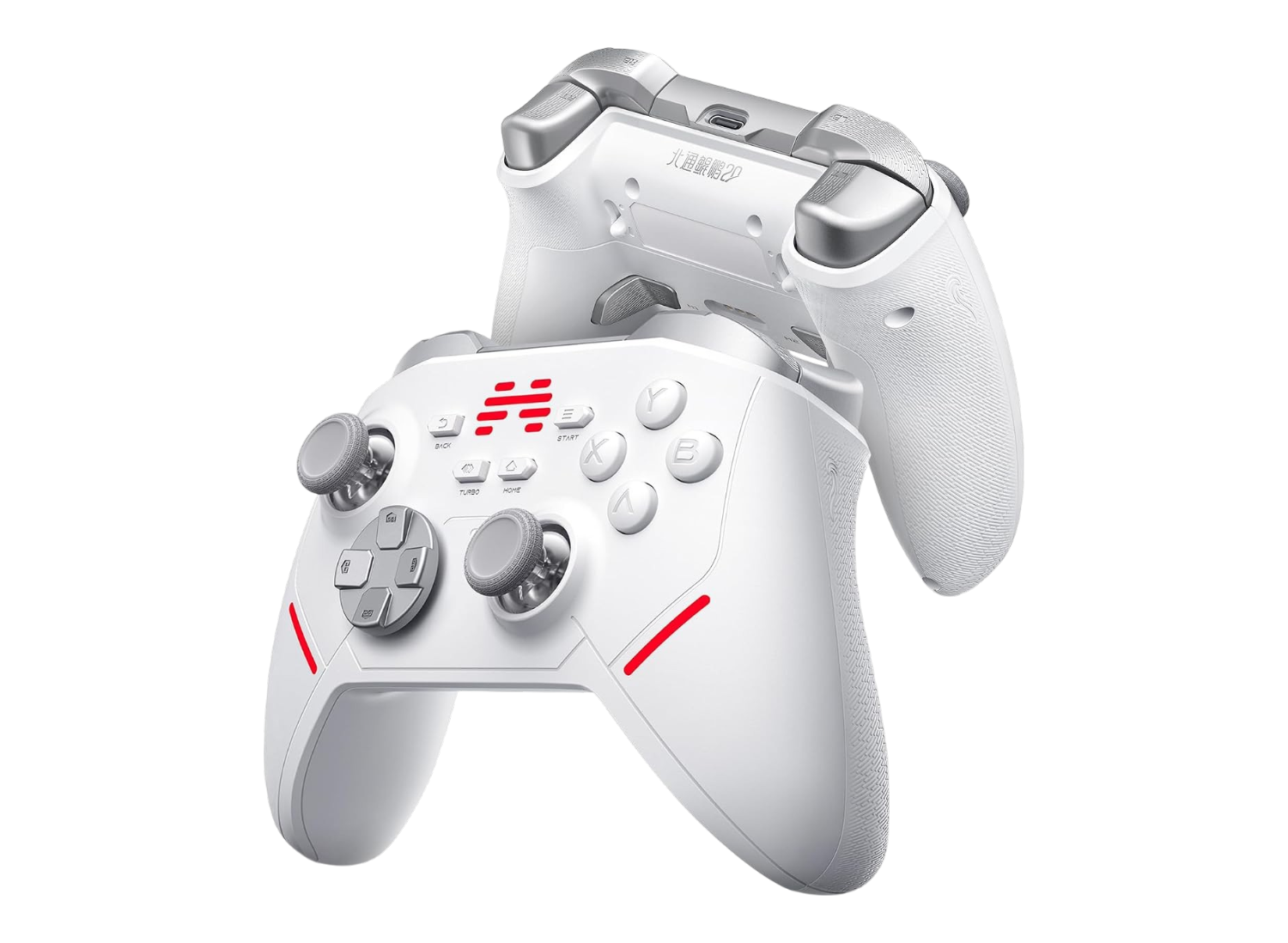
When it comes to pricing, that certainly varies. I’ve seen the controller go for anywhere from $30 to $45. Alongside of that, Beitong also sells an optional dock you can buy that works for this, the KP40, and the KP70 controllers. This on its own through Amazon is about $10-$11. As a whole this package can come out to around $40-$55. In a crowded controller market like that, specs are one of the things that can tell you if it’s worth it at this price.
Beitong KP20
- Manufacturer
- Beitong
- Face buttons
- —
- D-pad
- Mechanical
- Sticks
- TMR
- Triggers
- Dual Stage Hall-Effect/Micro Switch
- Trigger lock
- ✓
- Polling rate (Hz)
- 1000
- Gyro
- ✓
- Back buttons
- 2
- Battery (mAh)
- 600
- Battery life (hrs)
- 8
- Rumble
- Self Developed Ai Vibration
- Connectivity
- Platforms
- Weight
- 244
Ergonomics and Build Quality
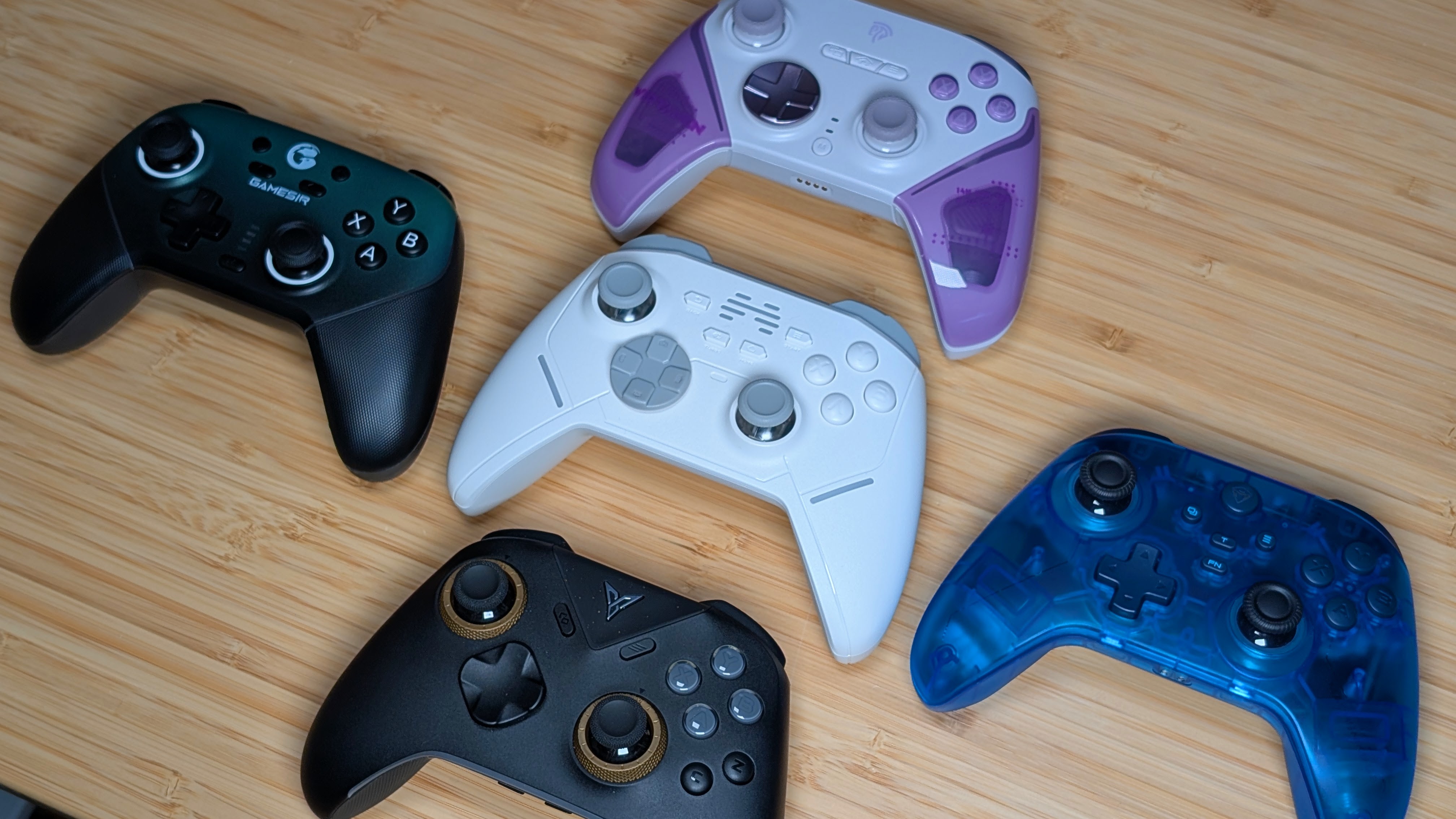
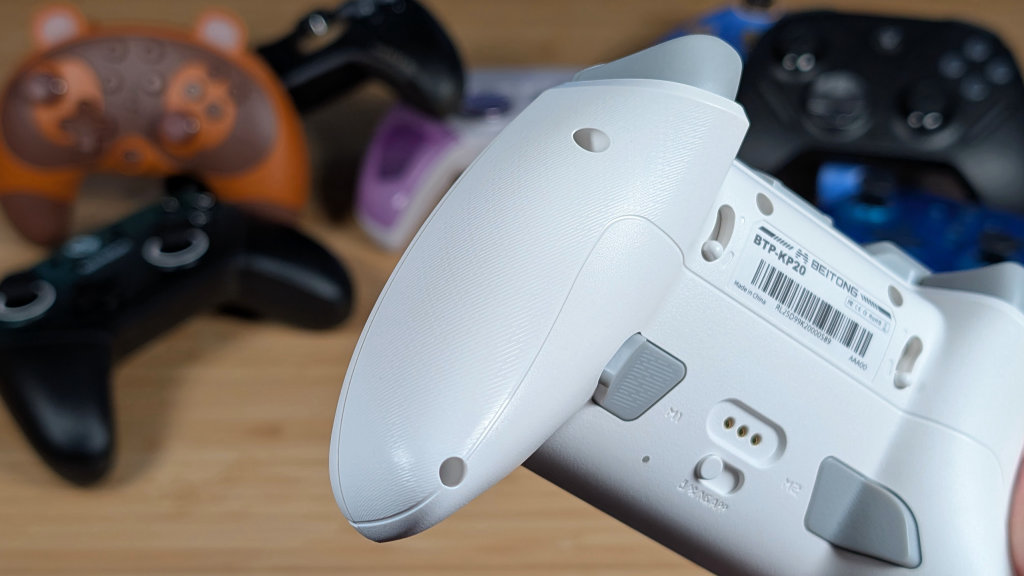
Starting off where we always do with build quality and ergonomics, I want to say that the KP20 is. Tall? Compared to some recent controllers I’ve taken a look at, the KP20 is just a little bit longer in terms of its height from grip to trigger.
Not enough that it makes a difference to me, but just enough that I do notice it. Ergonomically though it’s nothing out of the ordinary. Asymmetrical stick layout, Xbox-style grips. The grips extend far enough to be comfortable and overall positioning in the controller feels really well. The KP20 gets an ergonomic pass, but still is a bit strange.
And that strangeness comes from the plastic itself. Over my time using it I’ve noticed the smooth plastic getting a bit slippery despite almost having a gritty texture. Sure there is some textured plastic to try and help, but for me it lands nowhere where my grip actually matters, meaning eventually this becomes a slippery controller for me. Otherwise this controller is well built for its price, and I think manages to come out on top in that sense.
Controls
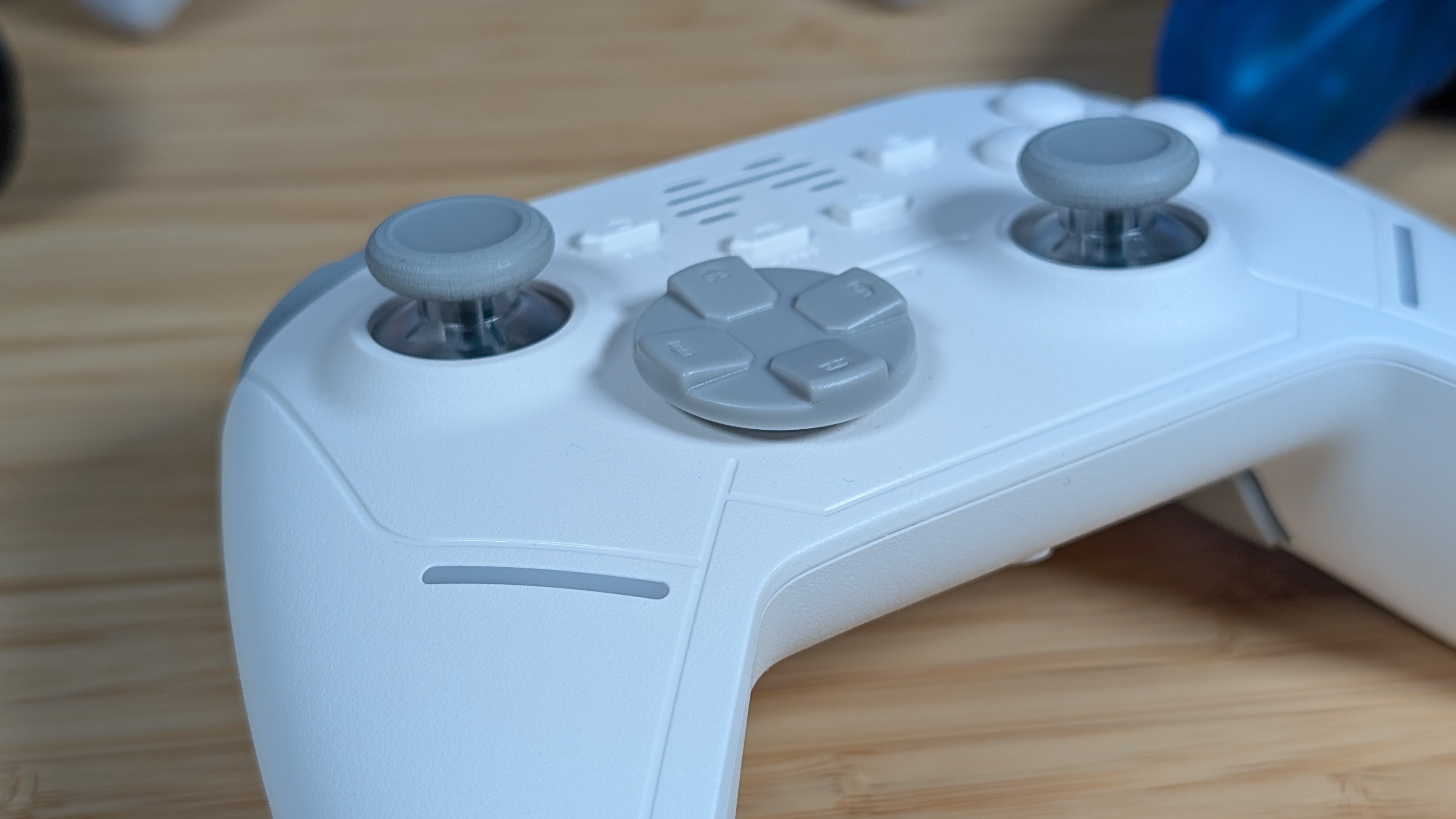
There’s a decent bit to cover when it comes to the controls on the KP20, so I’m going to start with my favorites, and work my way down. That means I’m starting with the sticks. The TMR sticks in the KP20 are super smooth, and really responsive.
Across a number of games including Big Hops, Forza Horizon 6, and Blazing Beaks, I never once ran into an issue with these sticks, and for the budget sector, they’re great to have. Following that is the face buttons, which are mechanical, but have a slight bit of mush before they actuate. They aren’t the fastest buttons in the world, but they sound good and are super responsive.
The D-pad is my next stop. It’s a loud, clicky, and almost hovering D-pad that manages to have decent pivot, but it’s way too easy to hit diagonals if I’m just trying to go down. For something like Tetris Effect, this has been detrimental to my gameplay. The triggers are next as, while the hall effect analog triggers are fine; the short throw setup is bad.
Rather than use a micro-switch they just insert a block to stop your trigger from moving further, but this controller has the weakest stops yet, as just a bit more effort easily pushes past them. It’s really not great. Last are the M1/M2 buttons. I haven’t used them much, but I want to know that their volumes are quite different. M1 is a quiet clicky button, while the M2 is easily twice as loud.
The Dock
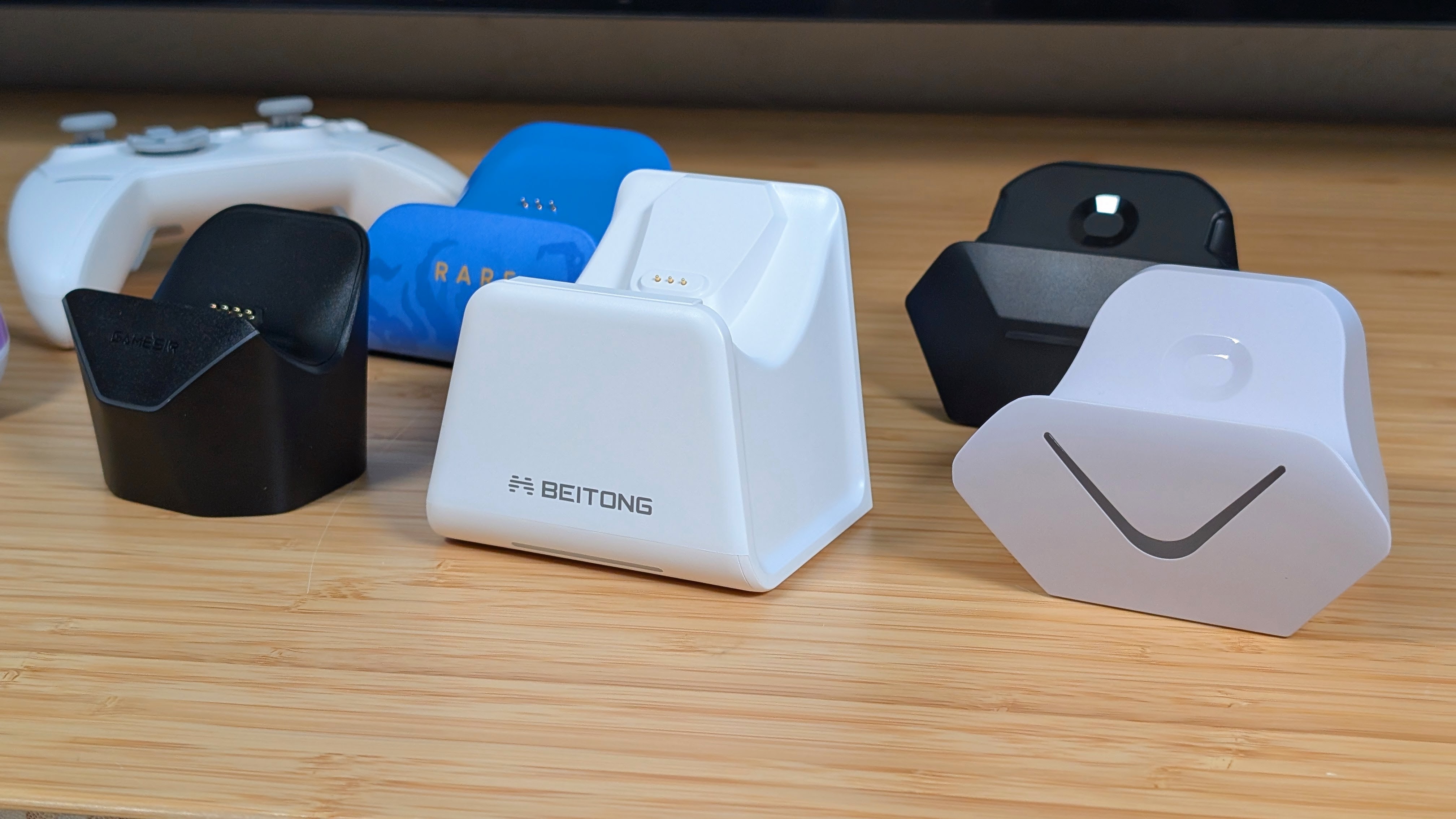
Technically, you don’t have to have a dock with this controller. And in that sense you’d be okay. But for just $10-$11 I think getting the controller dock as an additional add on is worth the cost. Not only does it work for multiple other controllers, but it has a recessed slot for the dongle so it isn’t sticking out like mad, because this dongle is quite large.
Unfortunately, it does take a bit of finagling to get the controller to properly rest on the POGO pins, but once it does, it stays. This dock doesn’t hold the controller and it shows as just small bumps have knocked the controller out of place. It’s also hilariously chunky, all things considered, and I think it is my newest “largest controller dock.”
The other reason you should get the dock is the short 8 hour battery life. If you want to make sure the controller is charged when you want to play, this is something you should grab. Even if it’s not the best, or the most ideal; at $10 it’s worth the convenience.
Software
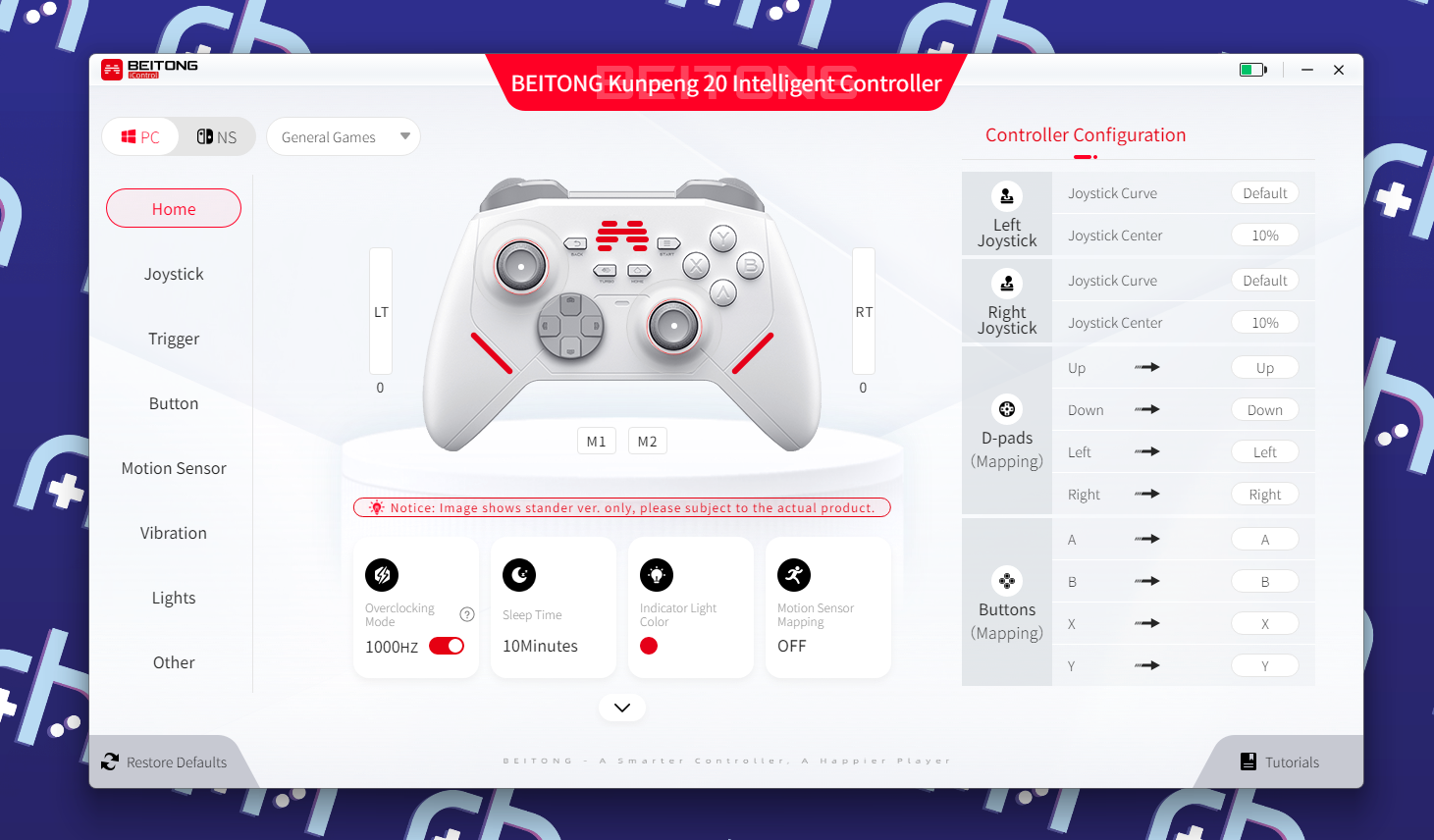
The KP20 attempts to satisfy everyone when it comes to controlling the device. Most of your changes can be done on device. Turbo, and M1/M2 mapping can be done with just the menu buttons and selecting what you want to use, RGB can be turned off thanks to additional keybinds, and more.
But if that’s not your vibe, they also have the. BEITONG Kunpeng 20 Intelligent Controller. Software that lets you manage all of that and more on your PC. From remapping controls, and tuning your sticks, to adjusting Gyro, sleep time, and more. The software is full featured if a bit awkward, and as a whole is fine.
I just won’t use it too much as I like the stock experience.
Final Thoughts
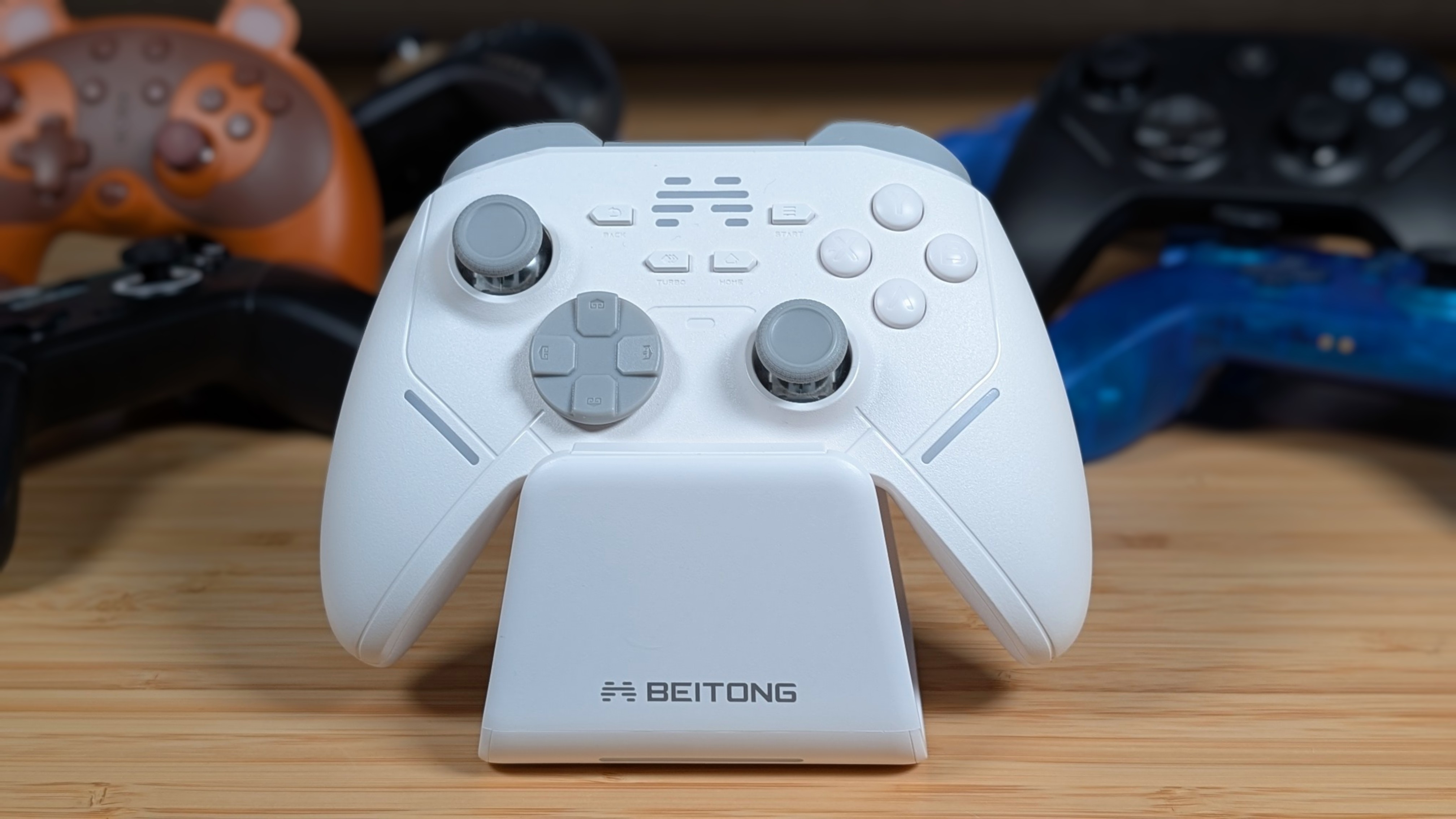
So. Is it worth it? I think it really depends on the price you can find it for. If the KP20 lands at the high end of around $40-$45 before the dock, I think there are better options. GameSir’s Cyclone and Super Nova feel better in terms of plastic and controls.
8BitDo’s Ultimate controllers land at this price regularly and offer a bit more, and EasySMX has had a few controllers that I’d really consider over this. That being said, if it’s $30 I think I can see the appeal. Especially if you can find the special bundle deal on Amazon that sells both the dock and controller at that $30 price.
The KP20 offers a lot in terms of functionality, build quality and software. However I find that it falls a bit flat in terms of plastic texture, trigger quality, and just the dock being a bit jank; partially due to its ability to support multiple controllers.
It’s not a bad controller, but just like their namesake in the public, it’s definitely not the first you’ll think of. Get it, try it, and see if you like it. But there will always be the big controller brands to go back to if it doesn’t work out.
