

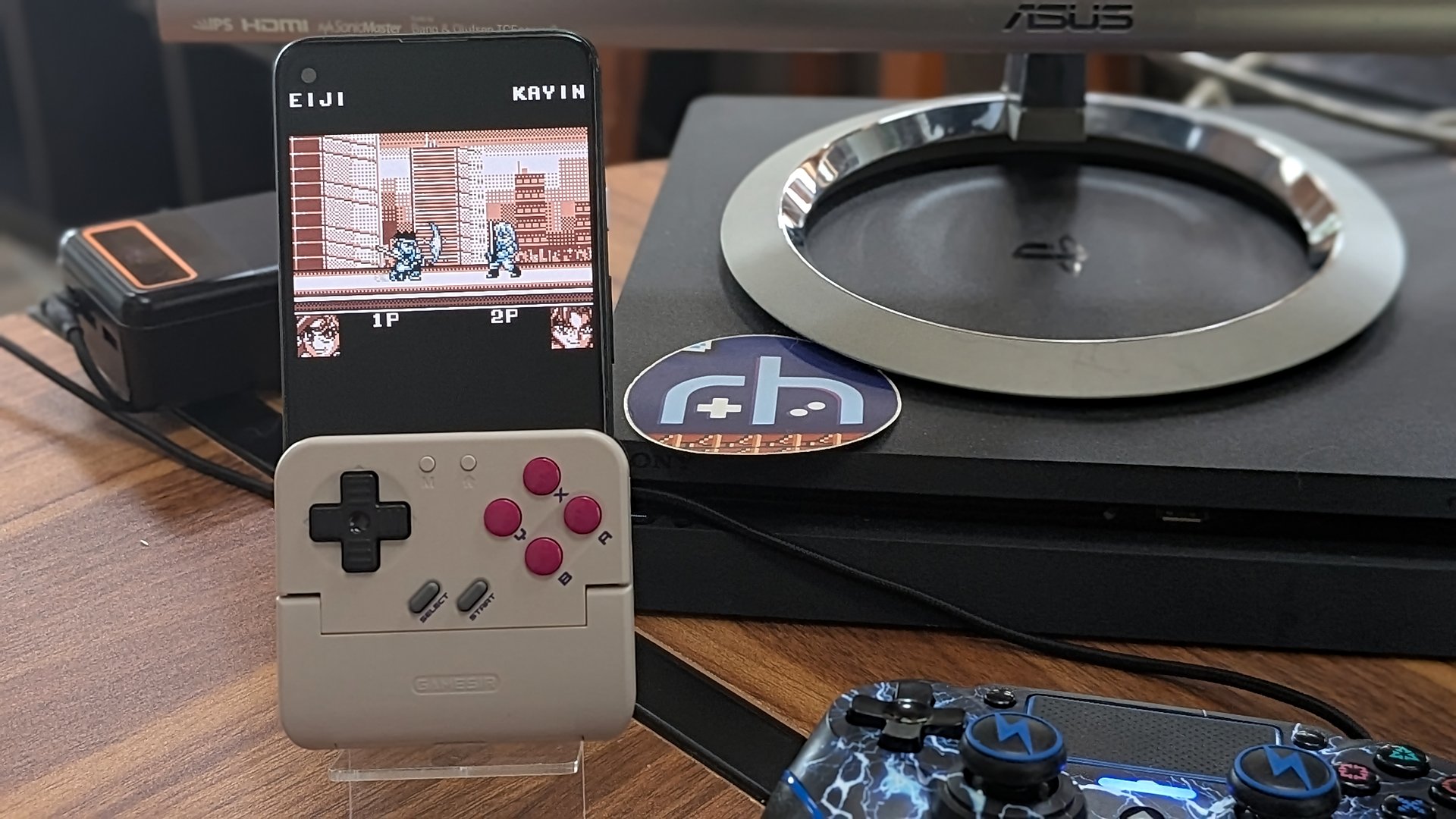
Phone controller peripherals have never really been my thing. Before I ventured down the rabbit hole of emulation handhelds with the Anbernic RG280M back in 2021, I had purchased the Razer Kishi. The Razer device was going to deliver the promise of a new world of Xbox game streaming and classic emulation from my phone. The thing is, I never used it. The device actually worked quite well, and similar peripherals I’ve had the chance to try in the meantime have only refined the experience. Still, on the shelf they sit.
For whatever reason, there has always been a disconnect between me and gaming on my phone. I don’t know if it’s my old-man brain telling me that games should be played on dedicated gaming systems and phones are for other business, or if the experience just always felt like something of a compromise. Either way, the phone usually stayed only for phone things, until now…
GameSir Pocket Taco Design and Specs
The GameSir Pocket Taco offers a different design than most of its competitors. A small clip-on controller that turns your phone’s portrait mode into a DMG-style handheld. Content to let others battle it out in the space for 16×9 high-end mobile gaming, the Taco is a gaming accessory that knows exactly who it’s for – which is to say, us.
| Specifications | |
|---|---|
| Connectivity | |
| Charging | USB-C |
| Wireless | Bluetooth |
| Hardware | |
| Weight | 62G |
| Battery | |
| Life | ~30 Hours |
| Size | 600mAH |
| Controls | |
| ABXY | Membrane |
| D-pad | Membrane |
| Triggers & Bumpers | Tactile Switch |
| Physical | |
| Dimensions | 78 x 70.9 x 20.7mm |
| Weight | 62.2g |
| Software | |
| Compatibility | iOS, Android, and Other Platforms |
| Customization | via GameSir App |
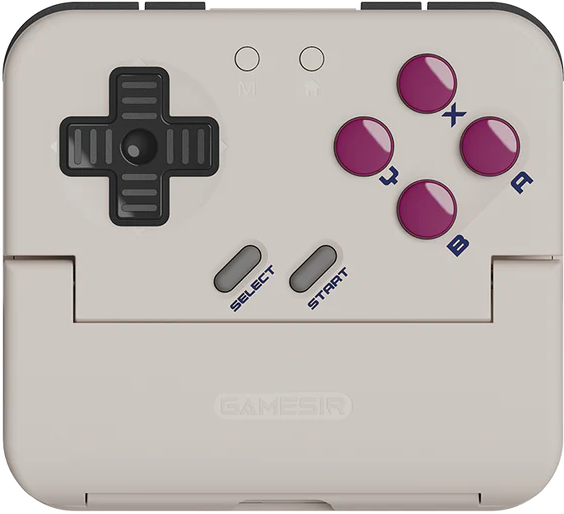
GameSir Pocket Taco
Controls
If the base controls aren’t good, any other features don’t really matter. Thankfully, the Taco’s are excellent.
The D-pad on the GameSir Taco feels about as good as I could imagine; the amount of travel and pivot are spot on. Small ridges on each directional input stop your thumb from sliding around during play. I wasn’t sure if I’d find them annoying at first, but after a few days of gaming, I’ve come to love them.
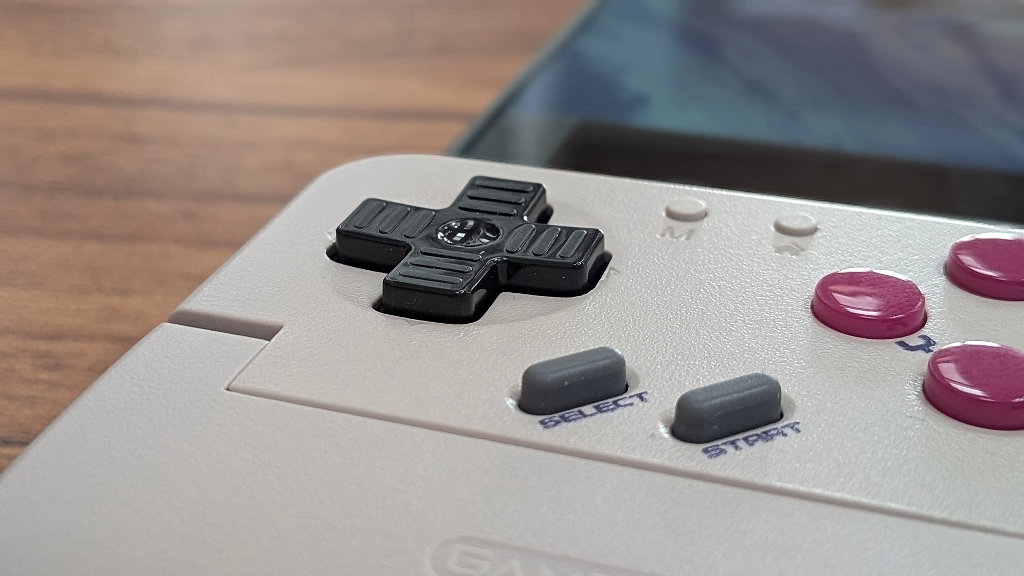
Face buttons are uniform domes, with the B and A buttons seeing a slight indent for comfort. They don’t have a ton of travel, but players will be able to feel each press without any accidental inputs. The START and SELECT buttons are rubber membranes straight out of the NES/SNES era.
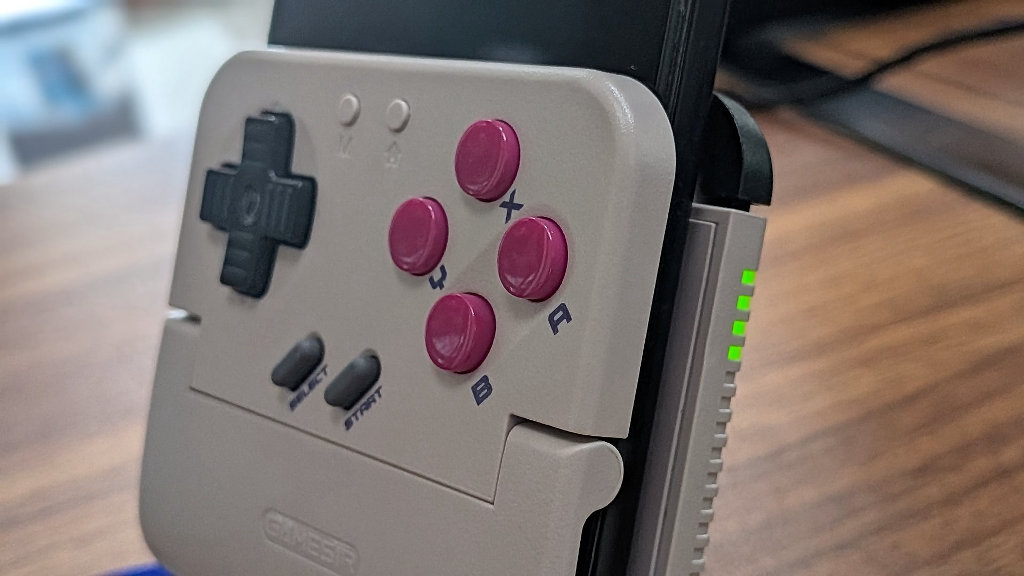
The shoulder buttons match the curves of the “taco shell”. They are discrete, but there when you need them. I had no trouble mastering perfect boost drifts in Mario Kart DS. Plus, unlike a lot of retro handhelds out there, the shoulder inputs are actually quiet – no worries about waking up a sleeping spouse with these triggers.
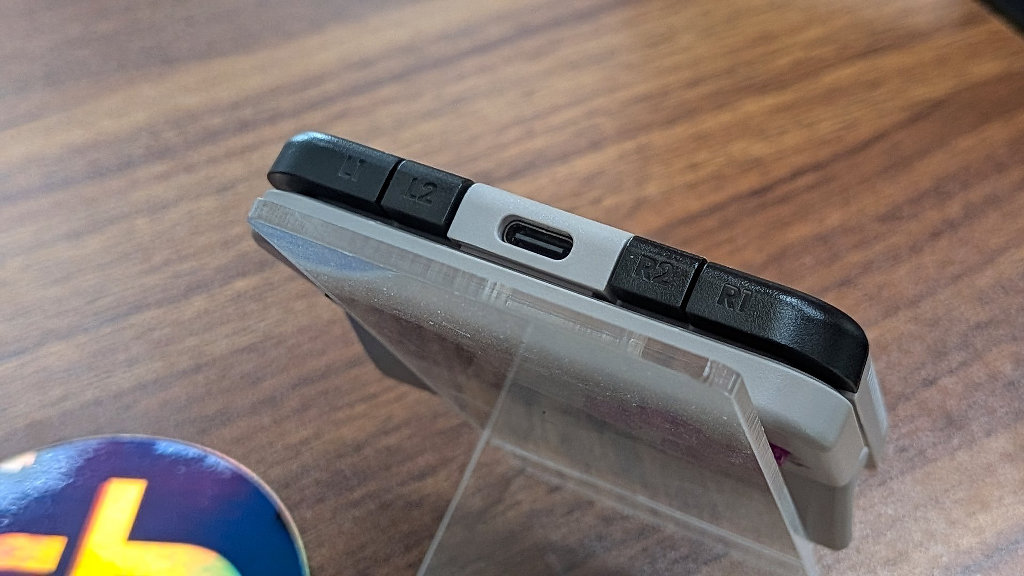
Again, this is a device designed around retro emulation and retro-style experiences. If that was the assignment, GameSir has nailed this test. I’d feel just as at home using the Taco as I would an SNES controller. In fact, that’s probably the closest thing I could relate to the Taco experience. It just feels right.
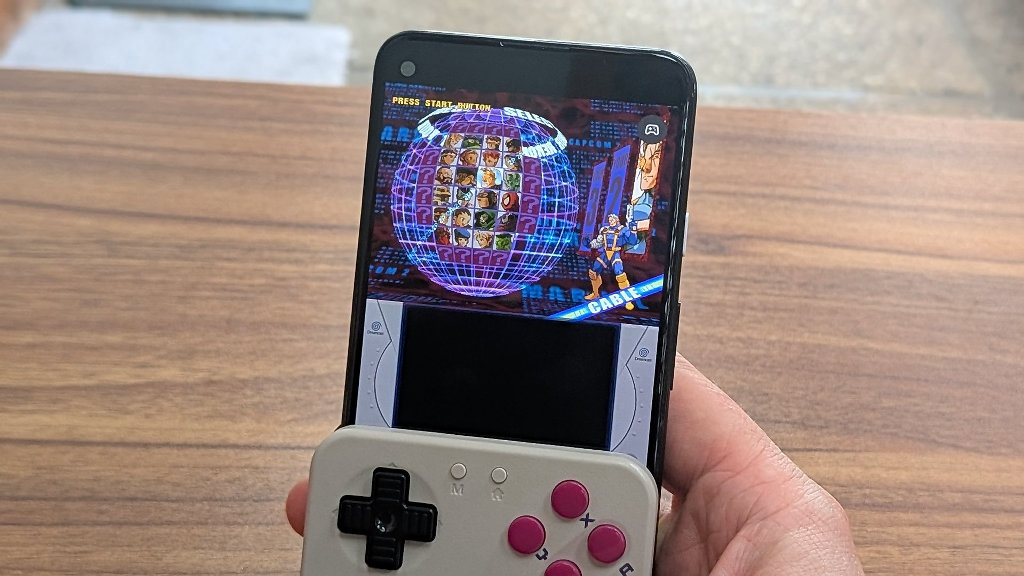
Keep in mind, we all know that you can map the D-pad to act as an analog stick for emulating systems like Dreamcast, N64, or even more modern entries. The trouble is that I already have a million ways to do that if I want it. The Taco is designed to display games on the upper half of your phone screen.
Why would you even want to play games that default to a 16×9 display using this setup? It’s certainly nice that you can if you wanted to, but it’s silly to focus on that aspect when the peripheral was clearly designed with older systems in mind.
Design and Ergonomics
The whole idea of “pocketability” in retro handhelds has always been a concept I’ve had trouble relating to. When I leave the house in a pair of jeans, I’ll have my wallet, keys, and phone. There’s not generally a whole lot of pocket real estate left over for a handheld. I’ll throw a handheld in my backpack for travel, sure, but I could count on one hand the number of times I’ve actually left the house with a handheld in my pocket. The GameSir Pocket Taco has changed my outlook.
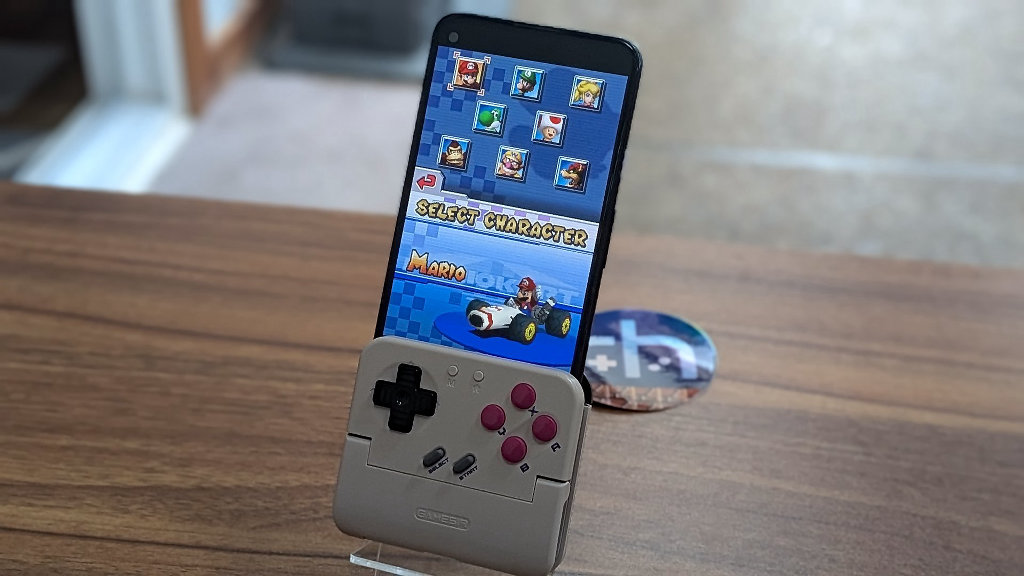
Since I’m going to be carrying my phone anyway, the Taco is slim and compact enough to come with me, and if I choose to do some gaming while I’m out, the only thing I need to do is clip the shell onto my phone. Given that most phones made in the last 5 years are more than capable of running a whole slew of systems, it really opens up my options without having to haul around a dedicated device.
Connectivity
I’m someone who regularly curses the technology of Bluetooth. With most Bluetooth devices I use, there are annoyances. Whether it be controllers need to be paired and re-paired again, handshake issues, disconnects, or whatever demon decides to disconnect my left earbud while I’m walking the dog – it’s just not my favorite tech. I like my AUX jacks.
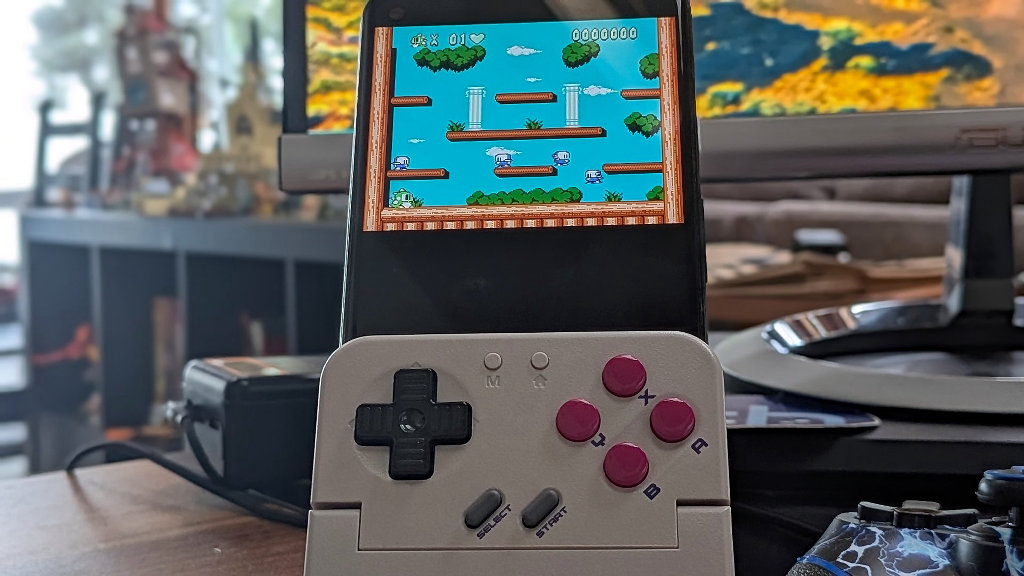
Having said all that, and knocking some wood for the future, I’ve had none of those annoyances with the Taco. Once I paired it with my phone the first time I’ve had smooth sailing. The device powers on and connects when it detects that you’ve slotted in your phone, and shuts itself down after the phone is removed. Should you actually want to use the device as an external controller, you can just hold down the home button to connect to an external phone or device.
Gaming
All of my testing on the GameSir Taco was via Android, so I can’t comment on the device’s functionality in the Apple world, but per Wulff Den’s video on the subject, it looks like Delta emulation compatibility on the iPhone is top-notch.
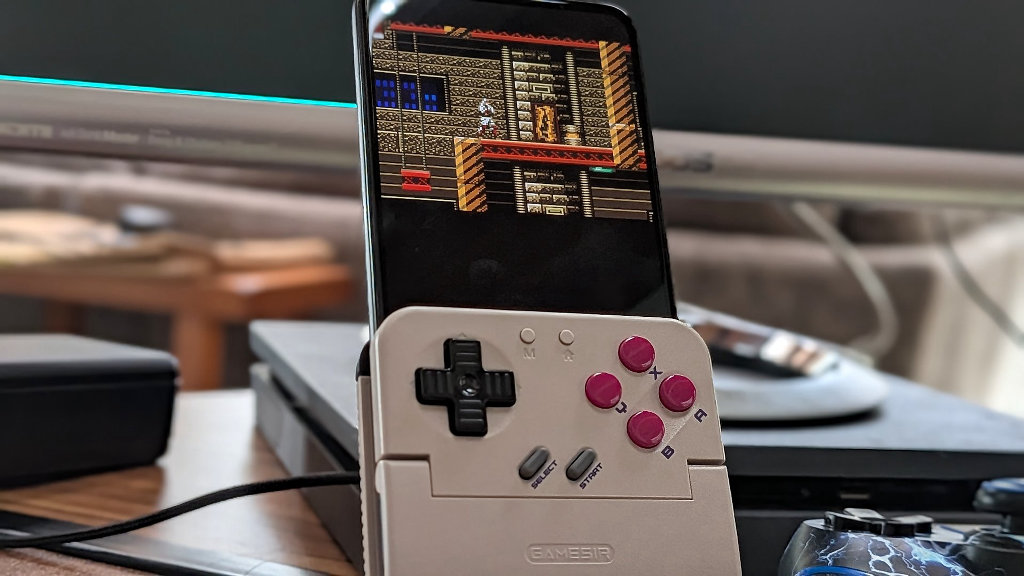
All the games I tested on the device were played on various Google Pixel hardware via Retroarch. I installed Daijisho as a launcher as well, but I found the native landscape orientation to be cumbersome for this use case as I was constantly having to flip things around.
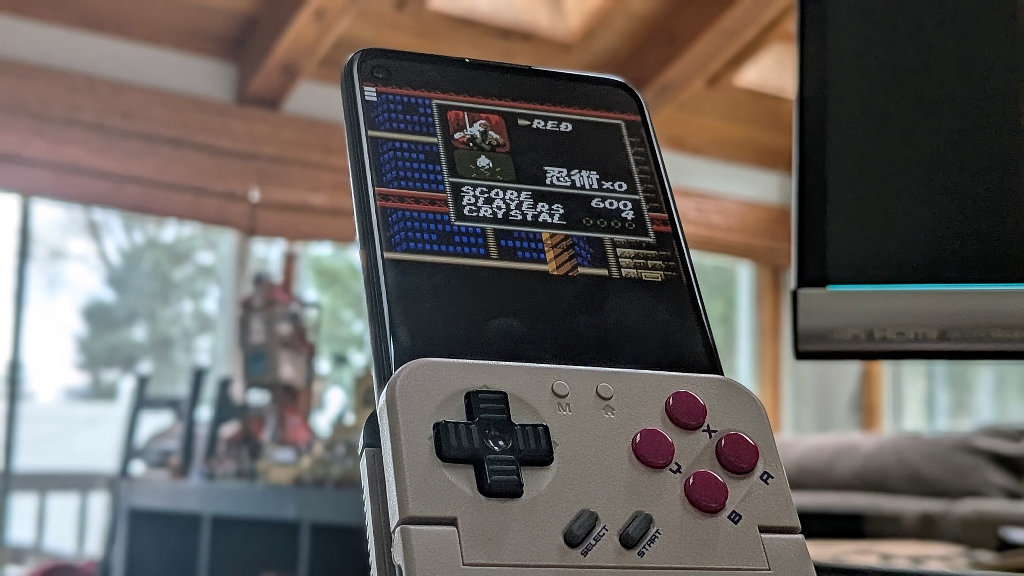
Outside of some minor tweaks in Retroarch to get everything displaying on the top 3/4 of the screen properly, I’d say that the Taco was plug and play. Nintendo DS games did take a slight bit of adjusting to fit both screens properly, but it’s easy enough to play with settings to find your preference.
Companion App
If you’re so inclined, you can download the GameSir Companion App for the Taco and really adjust things to your liking. Buttons are fully remappable, settings are adjustable, and any updates for the controller will be available.
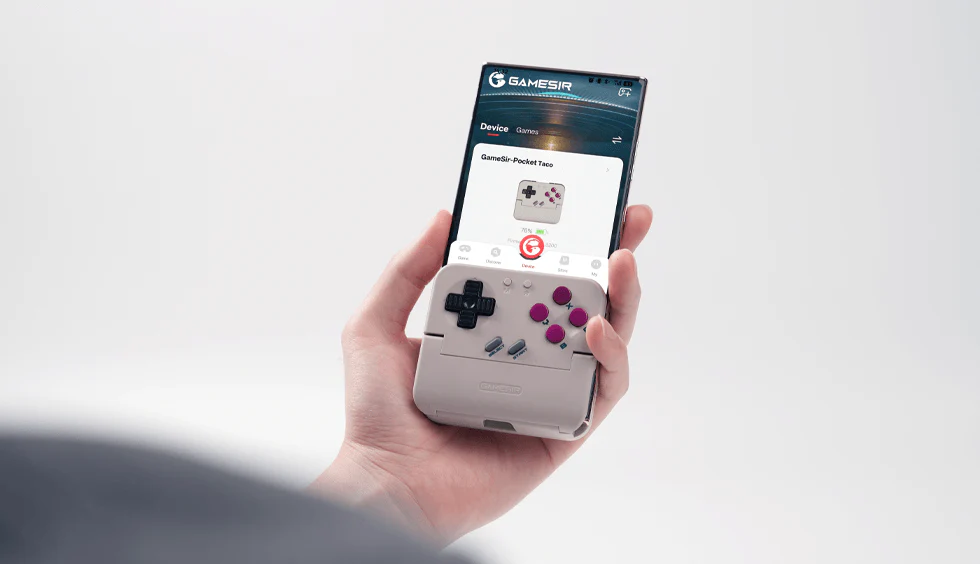
Any of the functionality that we’ve come to expect from retro handhelds can be achieved with the companion app for the controller. If you’re more of a default Nintendo controller button layout than Xbox, the app should have you covered.

TL/DR
The GameSir Pocket Taco is the first device I’ve used that I would actually consider throwing in my pocket on the way out the door without any expectation of gaming. It’s small and compact enough that you can bring it along in a “just in case” scenario. GameSir has delivered a pocketable, low-cost controller that nails the feeling of retro gaming.
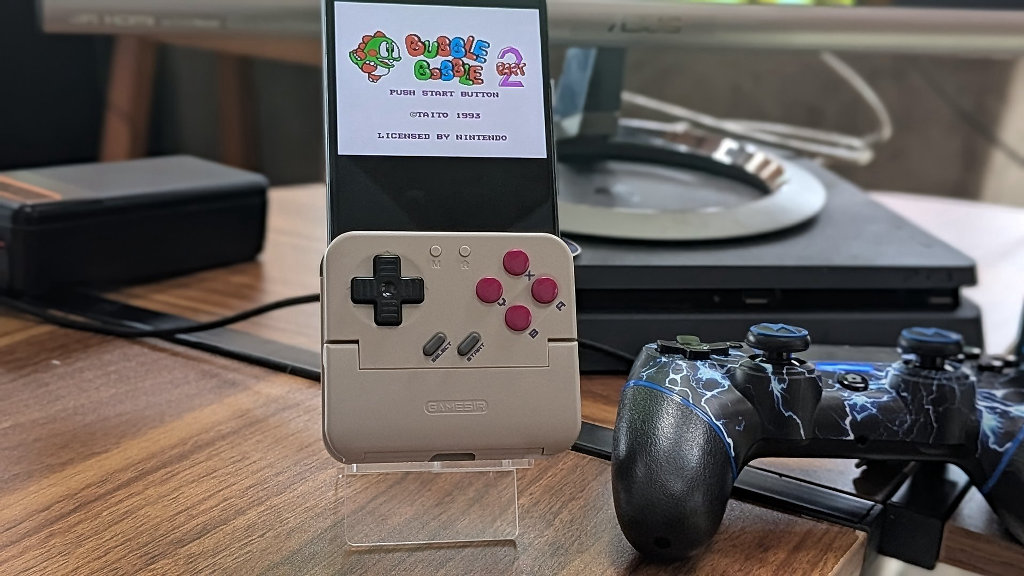
GameSir was smart to concentrate on the retro experience with the Taco. Not just because it gives them the opportunity to release additional SKU designs in the future, but because it’s made to do one thing really well – and it delivers.
I can’t say that this is the be-all end-all of controller design, but it is a smart functional design that performs very well with its intended application. With the official price currently sitting at $35, I think there’s value to be had. This is a specific use-case device, but if it fits a niche as it did for me, you might just find yourself throwing it in your pocket on the way out the door, too.

2 Comments
Nice review! Oddly I heard from a couple other reviewers that the dpad isn’t that good and the controls could have accidental inputs. Maybe an early batch or something? Skill issue? Who knows, but I’ve certainly been eyeing this controller for some time now!
I really wanted to like the Pocket Taco but the D-pad on mine was really bad. I would get false inputs in directions I didn’t want all the time. Tetris is one of my favorite games to play when killing time and the D-pad would routinely not work correctly which made playing Tetris an exercise in anger. The rest of the controls were great but the horrible D-pad ruined the experience for me.