

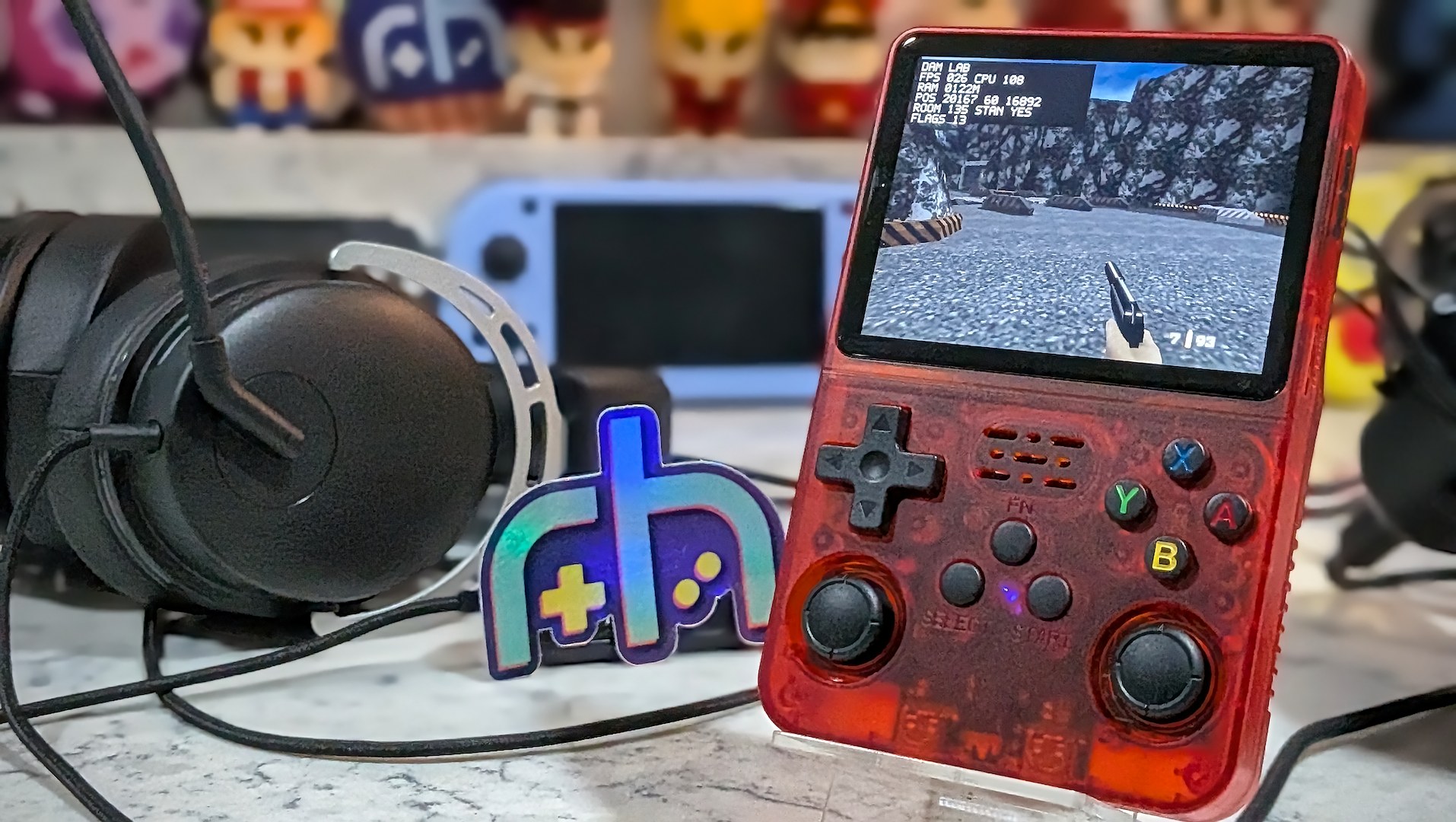
I’m an R36S fanboy. I don’t think I’ve ever made any bones about it. It’s the people’s champion. A budget friendly solution that can be mass produced for next to nothing and still delivered to consumers for ~$25 halfway across the world with profit margin left to spare.
It’s an emulation workhorse – even if it can’t reach too far beyond its PSX ceilings. As drivers for the RK3326 continue to mature, community enthusiasts have continued to knock down what were once thought of as hard performance walls.
There’s a certain kind of magic in watching something run on hardware that was previously labeled as too weak. I’m a guy in my 40’s, and it’s perhaps because I grew up watching the graphical arms races throughout my youth that I now yawn at the dwindling returns we see in generational console leaps. To my way of thinking, we crossed over “good enough” years ago.
People today often just want hard stats to determine a device’s functional worth, but that’s never the entire story. I’m much more interested in the intrepid community teams squeezing performance previously thought impossible than I am brute-forcing flawed software to run better via beefier specs.
It’s this sense of adventure and making the impossible, possible, that excites me. The original Tomb Raider running on an Odin 3 isn’t particularly interesting or impressive, but running on a Game Boy Advance? That’s incredible.
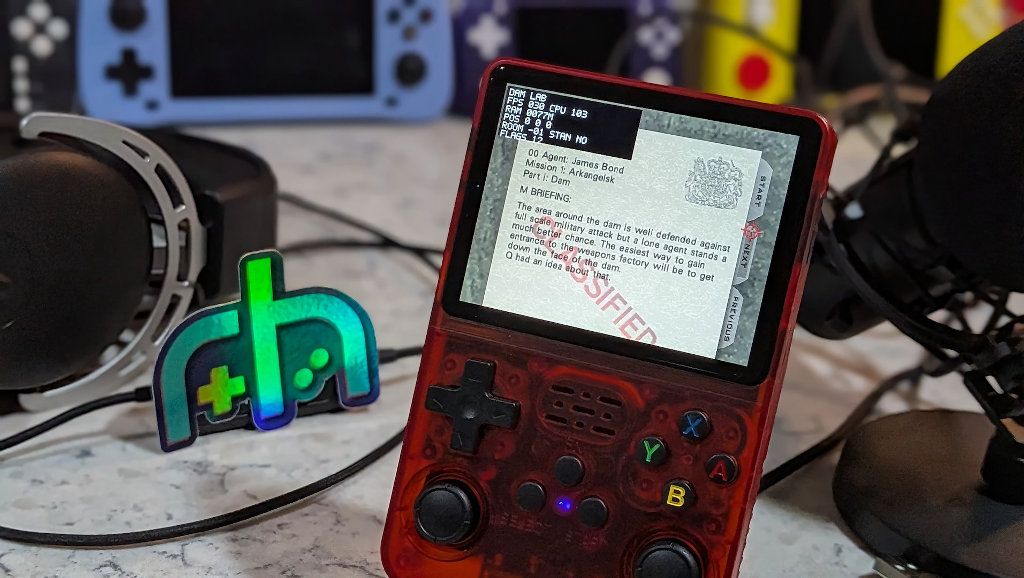
Much like the Bully R36S port before it, the new GoldenEye 007 N64 – ARM64 Alpha takes a known, loved game, previously thought to be impossible to run on modest RK3326-chipped hardware, and gets it running natively on the hardware in a playable state. Follow along as I try to get this classic up and running on my favorite little budget behemoth.
Port Clarity
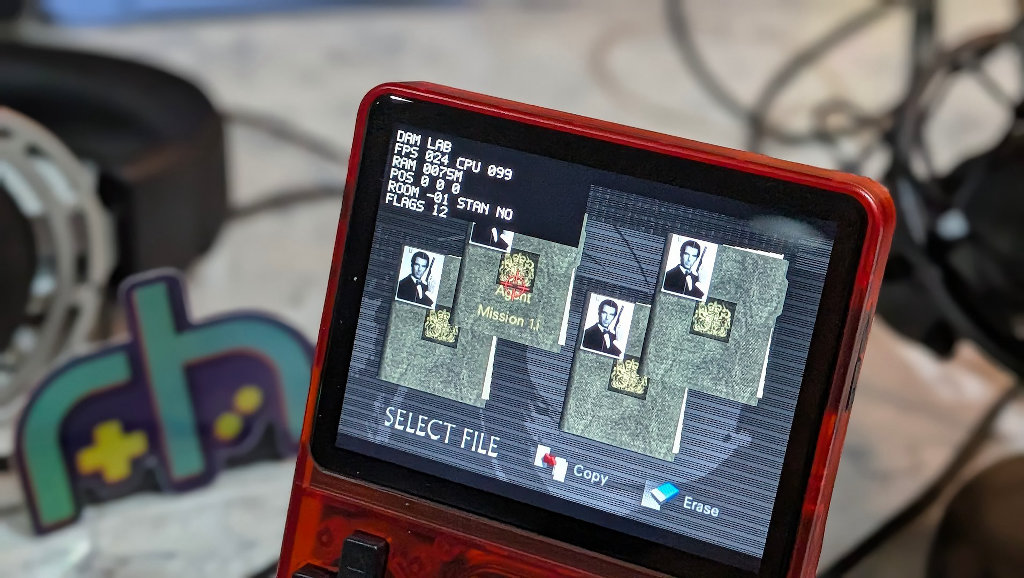
Before we dive into the how-to, let’s take a second to clarify what this project is, and what it isn’t.
This is not N64 emulation, but rather a reconstructed N64 codebase compiled as a native AArch64 binary, and using the runtime data contained in your NTSC-U GoldenEye ROM. Mouthful, eh? This project is also not to be confused with the recent Xbox 360 Goldeneye Recomp project or the jkdansereau PC Port. Those are both really cool projects, but today we’re here for the R36S-specific port.
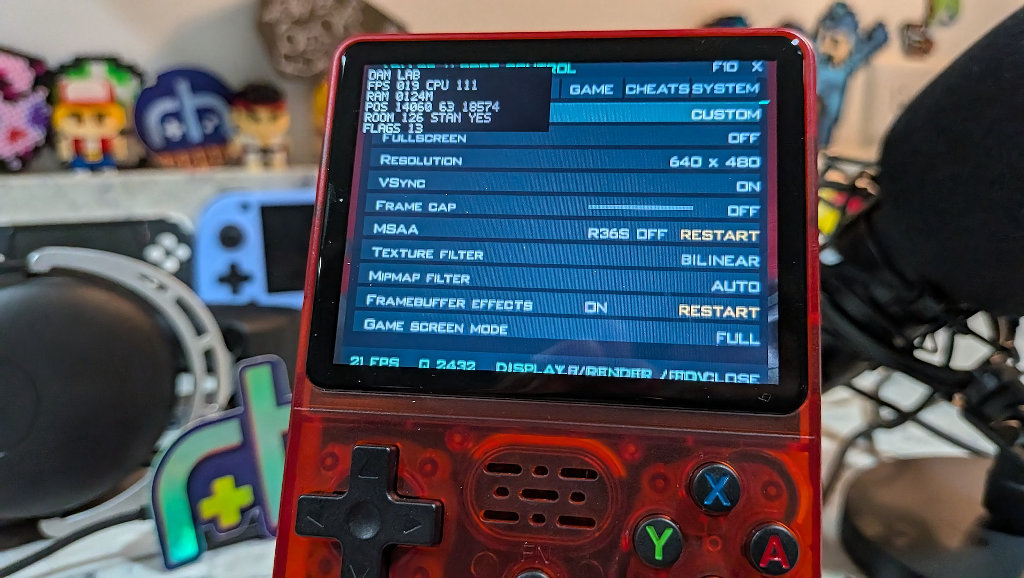
The port is currently in the Alpha stage and still considered to be experimental, but things should continue to move quickly as the developer estimates that the port is 85% done. Just don’t expect seamless perfection – yet.
Mistakes Were Made
I made the initial mistake of glancing over the included README file and assuming that “for R36S/dArkOSRE” meant either-or. It wasn’t until I hit a wall trying to figure out why GLIBC dependency for the port was higher than what is contained in ArkOS. It’s right there in the port title. This is an AArch64 port. Meaning it needs to run on a Debian Linux distro like dArkOS. Duh, right? Well sometimes we Nicks overlook the obvious in these situations and end up doing the Sideshow Bob Dance.

So let me be clear. dArkOS or dArkOSRE (recommended for R36S specific tweaks) are mandatory for this port right now. Both of these distros are AArch64 and ditch the old Ubuntu base for a more modern Debian Trixie – the secret sauce in getting those C libraries up to snuff and allowing the GoldenEye binaries to link properly.
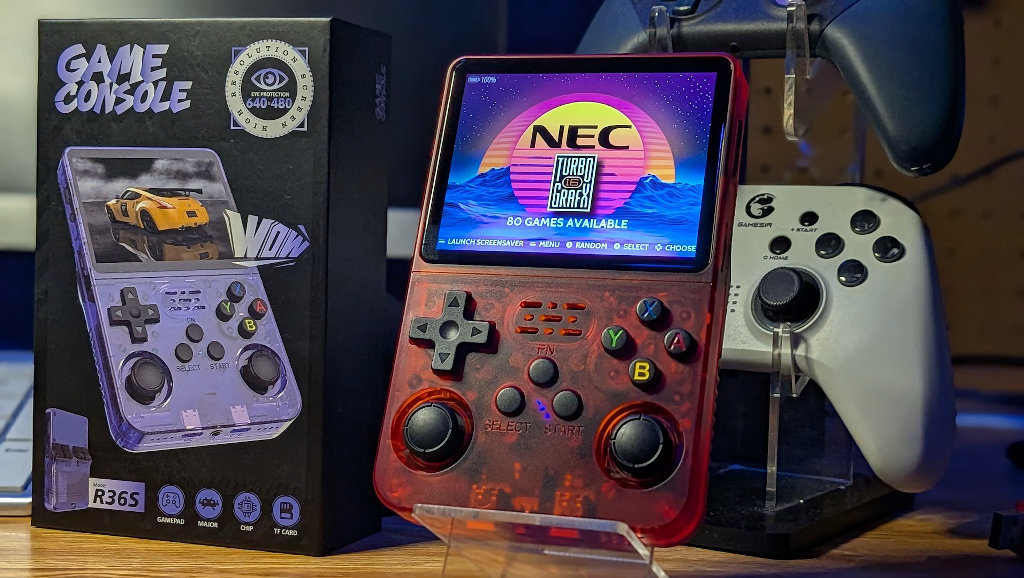
Experimental GoldenEye 007 AArch64/GLES build for R36S / dArkOSRE.
After installation, place a legally obtained US NTSC big-endian GoldenEye 007 ROM at:
ge007/data/ge007.ntsc-final.z64Expected SHA-1:
abe01e4aeb033b6c0836819f549c791b26cfde83The first launch generates the required PC-layout sidecars locally from that ROM and then starts the game. No ROM, extracted assets, or generated sidecars are included in the package.
Select+Start exits back to EmulationStation.
Thanks to the n64decomp/007 contributors and the GoldenEye PC-port contributors. ARM64/R36S work and PortMaster packaging by bitflipunix and Tomobobo710.
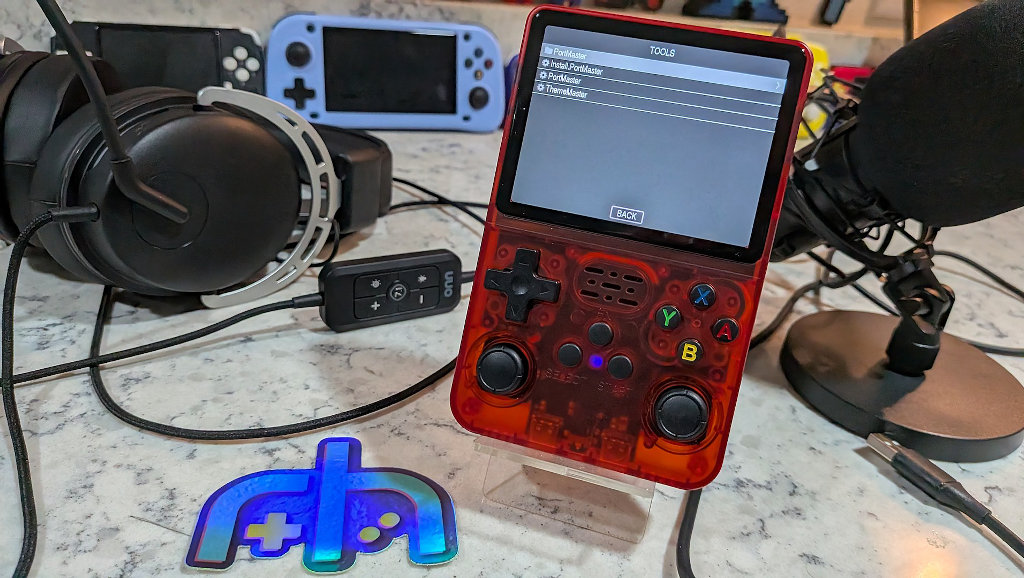
I don’t know about anyone else, but as cool as Portmaster is, I’ve always found getting ‘premium’ titles running usually comes with some trial and error headaches. Ready to Run titles are just that, but any time I go to try and install a premium title and the associated legally obtained files, there seem to be directory structure or permissions headaches. Installing the core files from inside the Portmaster app helps a great deal, but in situations like this, that isn’t always possible. Until now?
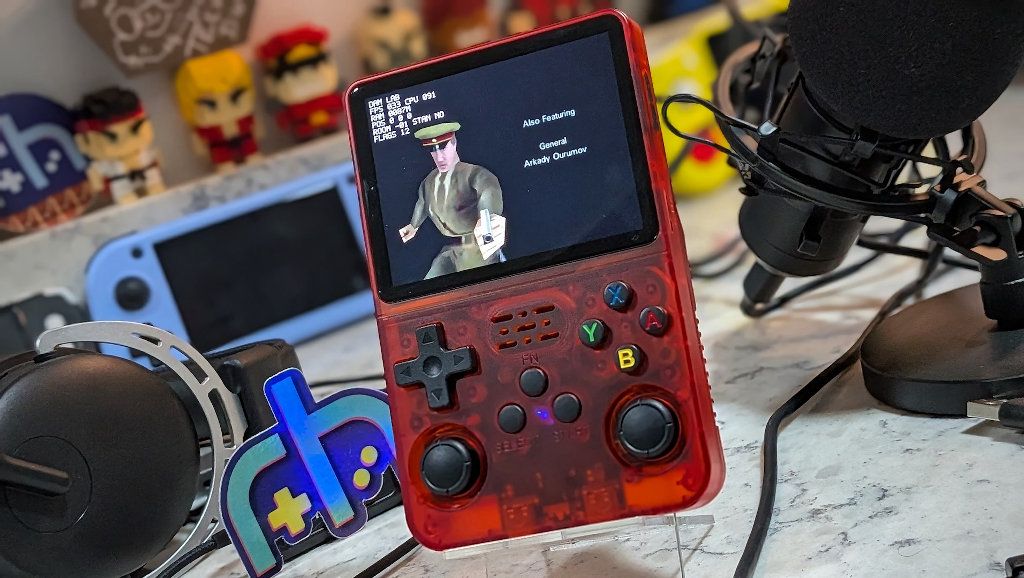
I wasn’t aware, and maybe you weren’t either, that PortMaster now includes a handy AutoInstaller feature for unreleased or in-development ports. I could have saved myself some additional headaches by looking into this earlier, but we live and learn. I’ll outline the much simplified process below.
How-To Install The AArch64 GoldenEye Port On Your R36S
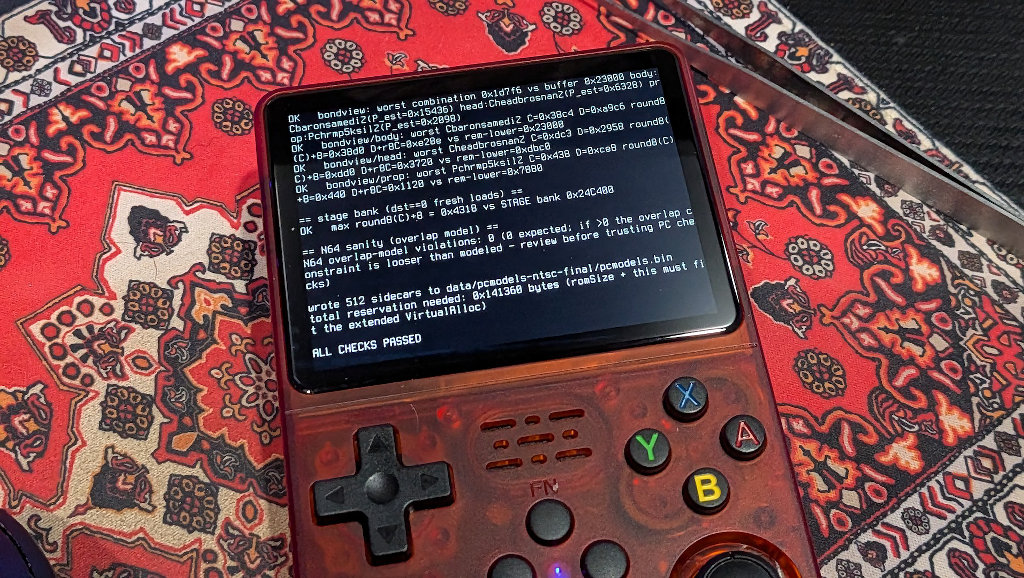
The port is still currently in Alpha, and this is evidenced by the fact the game quits via bug after you complete the initial dam level. According to the developers, the port is already 85% done, so expect rapid updates. I wouldn’t be surprised if things have evolved by the time you’re reading this. Anyhoo, the below process should remain valid regardless of updates on the port.
Mind the Checksum Trap
Before going any further, you’ll need a good NTSC-U (USA) GoldenEye ROM (unzipped). The port will only load with a specific checksum, so only that specific region variant will work. If you try to just rename a .v64 or .n64 ROM file as the correct .z64, you’ll get a “GoldenEye has the wrong SHA” error. Ask me how I know!
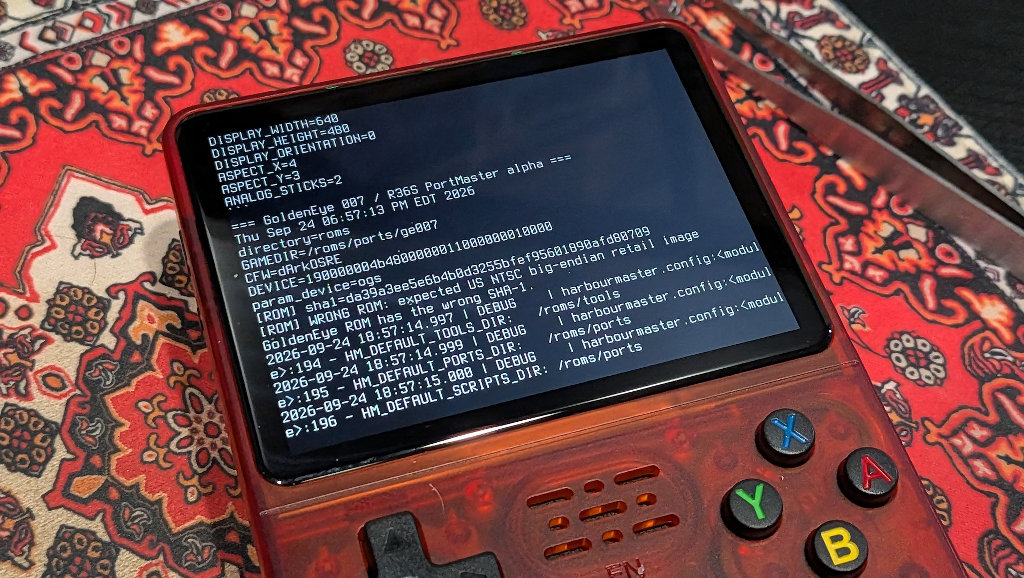
Before you do anything else, verify the ROM SHA-1 hash directly on your PC. The output should match this hash string: abe01e4aeb033b6c0836819f549c791b26cfde83.
- Here are the commands to run in your OS terminal to check the ROM
- Windows Powershell:
Get-FileHash ge007.ntsc-final.z64 -Algorithm SHA1 - CMD Prompt (Windows):
certutil -hashfile ge007.ntsc-final.z64 SHA1 - macOS/Linux:
sha1sum ge007.ntsc-final.z64
Let the AutoInstaller Do Its Thing
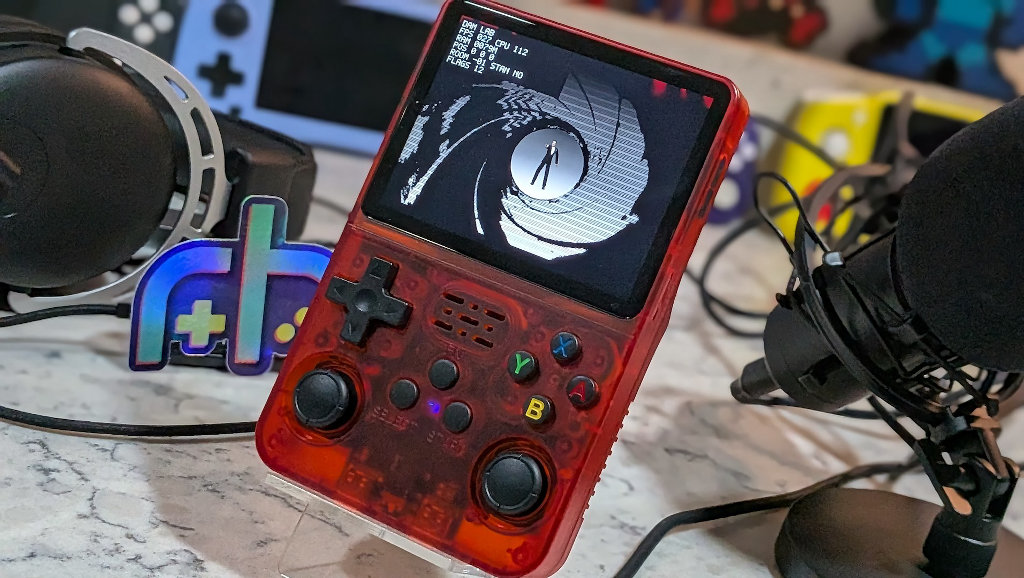
Move the Zip of the port package to your R36S SD card’s EASYROMS partition and in the /ports/autoinstall/ directory.
Open PortMaster and the software will automatically unpack the .zip archive, place all the files in the proper directories, and set all the proper permissions. From there it’s only a matter of adding the game.
- Add Your ROM: Place your verified ge007.ntsc-final.z64 (the file must match this name exactly) ROM inside /ports/ge007/data/.
- First Launch: Navigate back to your Ports under Tools on the R36S. You should now see GoldenEye listed. Launch the game! The first boot will take approximately 30-60 seconds of black screen time before the game launches. After that it should be much quicker.
Some Thoughts
Projects like the GoldenEye AArch64 Port make a $25 device like the R36S feel like magic. What was once muddied behind classic N64 blur is now crystal clear. A much closer resemblance to the vision of GoldenEye that exists in many people’s mind’s-eye memory.
Combine the visuals with dual analog controls, and you have something that looks and feels much closer to the spiritual successor Timesplitters series than the janky compromise that is the experience of trying to play the classic version of GoldenEye in 2026.
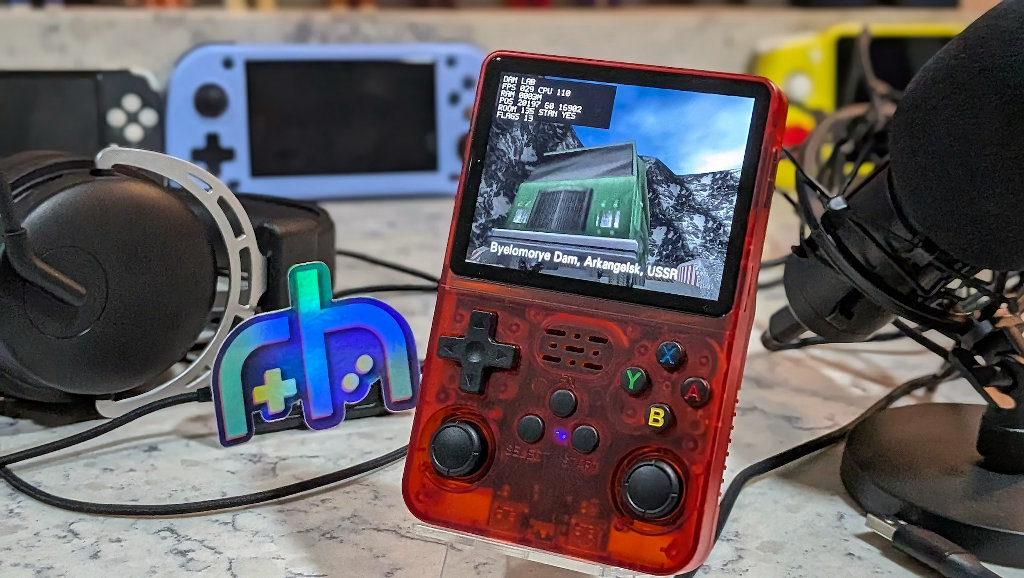
Just when you might have thought the device has taken its last bow, the R36S can play games you’d never thought possible before. Once the development matures beyond Alpha and the bugs are ironed out, this should be another gold standard port. All thanks to the work of community enthusiasts in it for the love of the game. If that’s not a great hobby community then I don’t know what is.
- Description
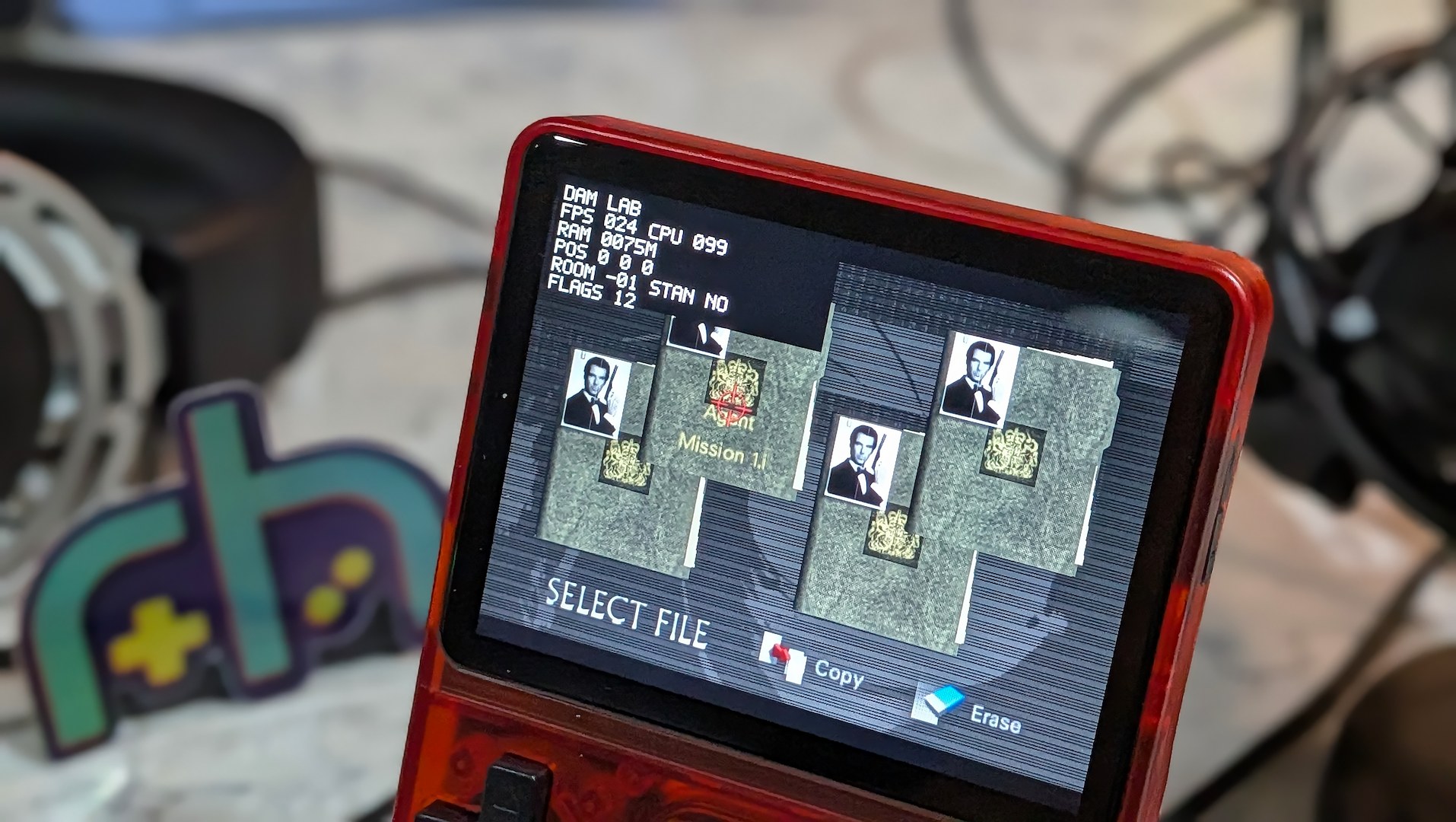
- GoldenEye 007's reconstructed Nintendo 64 codebase is now running natively as an AArch64 Linux / SDL2 / OpenGL ES application on R36S-class handheld hardware.
- Genre
- fps
- Supported OS
- Download
- Download
