

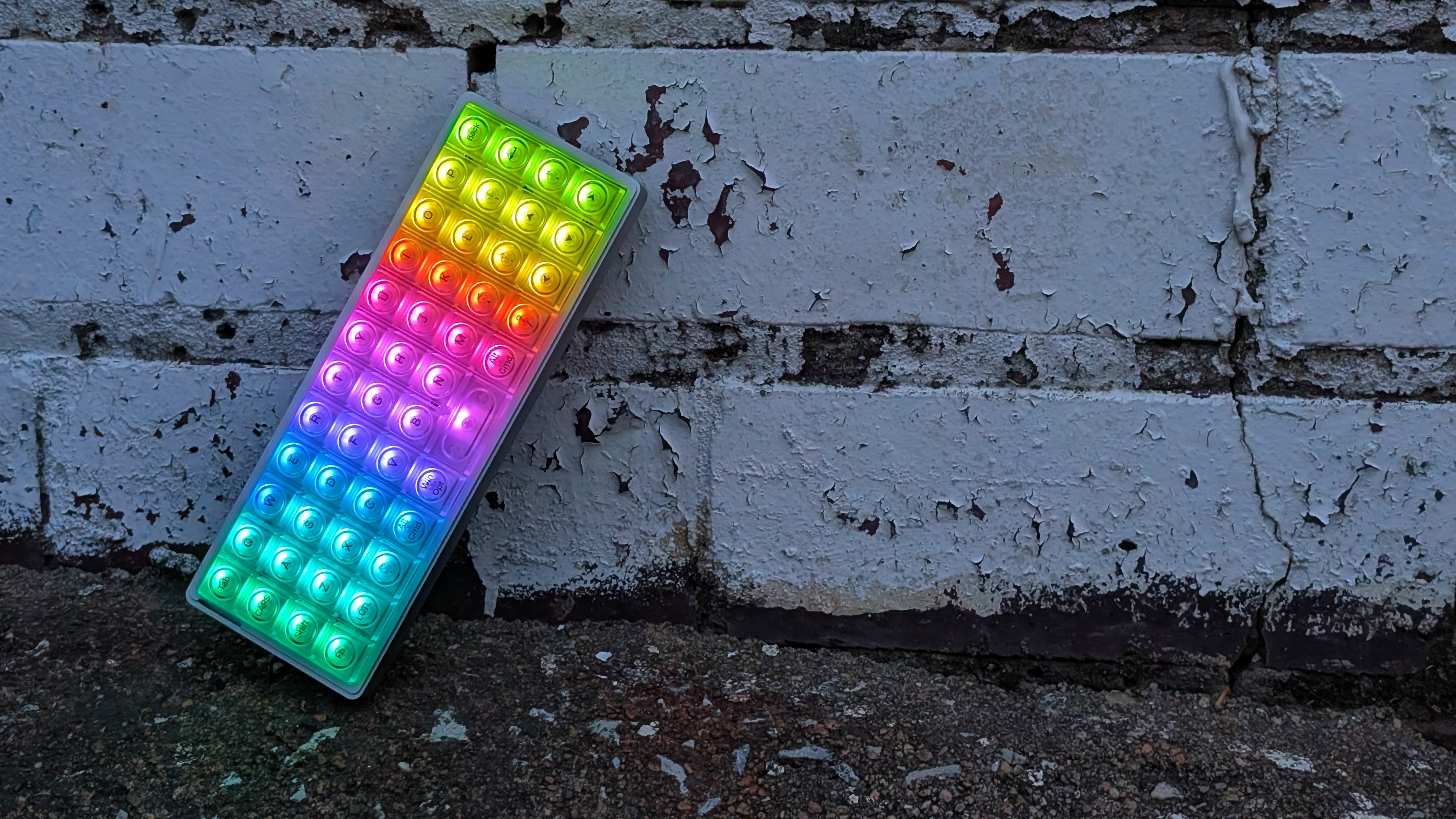
What’s the smallest you would go for your keyboard? Ten Keyless? 65 percent even? What if we could cut it down way further? Remove dedicated number keys and upper punctuation, and then manage to line it all up on a grid rather than stagger the keys.
That’s what Epomaker decided to do with the Luma40. A $115, wireless, aluminum, ortholinear, 40% keyboard. But is it any good? And is it going to be worth your money instead? Well, thanks to Epomaker for sending it over. That’s something I can finally figure out for you.
Disclosure:
The device reviewed was provided as a review sample by Epomaker. This had no bearing on the conclusion of the review, nor did Epomaker have the opportunity to make edits or changes to the review before publishing.
Affiliate links might be present where applicable, and we may earn a commission on product purchases using those links at no extra cost to you.
Epomaker Luma40 Specs
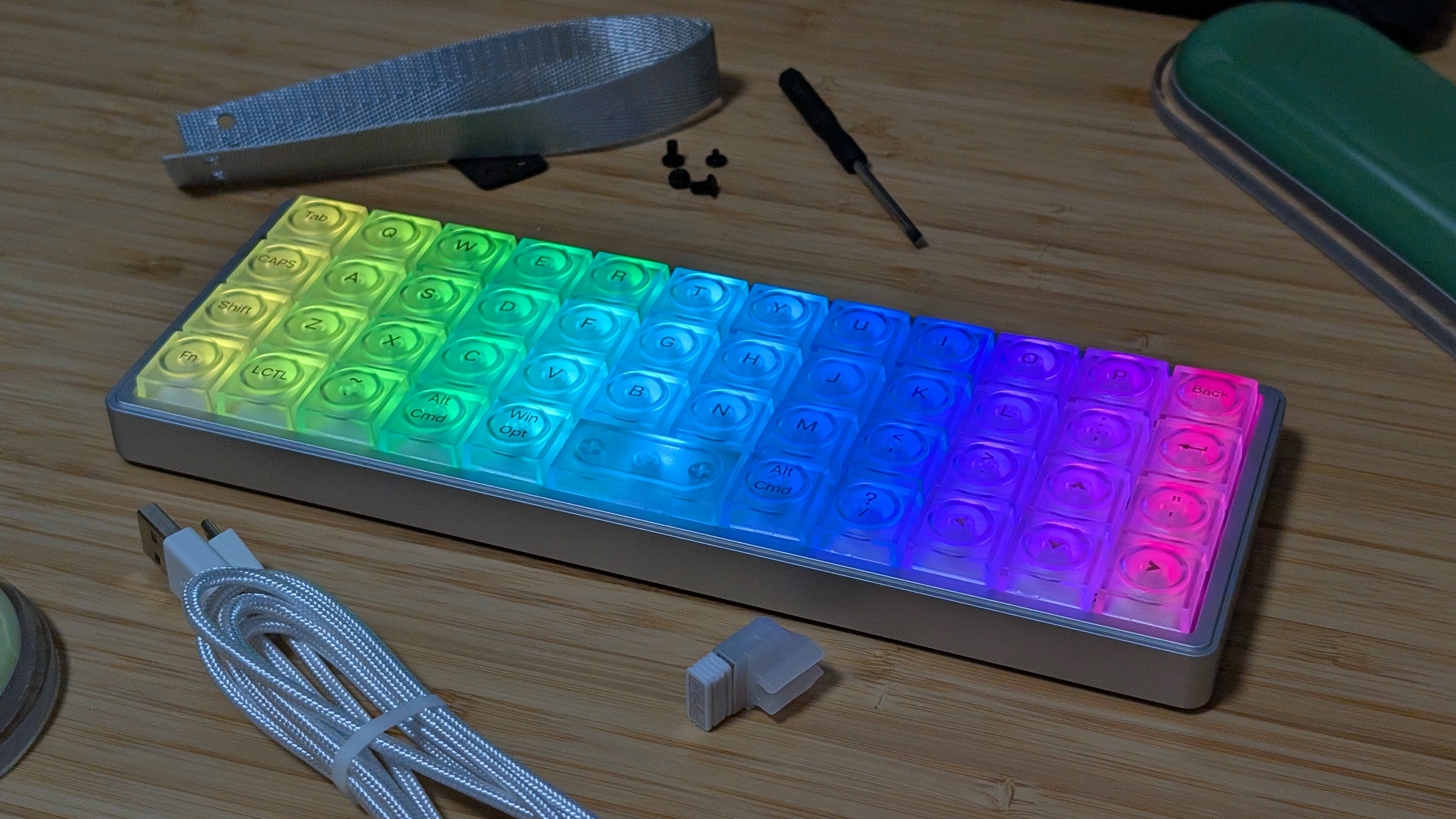
At $115 on Epomaker’s website, the Luma40 is not a cheap keyboard despite stripping away most of its features in the process. Despite that, it has a premium build quality and specs that would be pretty fitting for the price. But the real question is, does it have value for you?
| Hardware | |
| Switches | Kailh White Rain Low Profile Switches (Linear) |
|---|---|
| 60gf Bottom Out, 2.8mm Travel, Full POM construction | |
| Keycaps | LAK Low Profile |
| Battery | |
| Capacity | 1450mAh |
| Expected Life | 7 Hours with RGB, 75 Hours with RGB Off |
| Physical | |
| Layout | 40% Ortholinear |
| Dimensions | 240 x 87 x 20.8mm |
| Weight | 410g |
| Connectivity | |
| Options | USB-C, Bluetooth 5.0, 2.4GHz |
| Extra Features | |
| Extras | 3/5 pin Hotswap |
Build Quality and Design
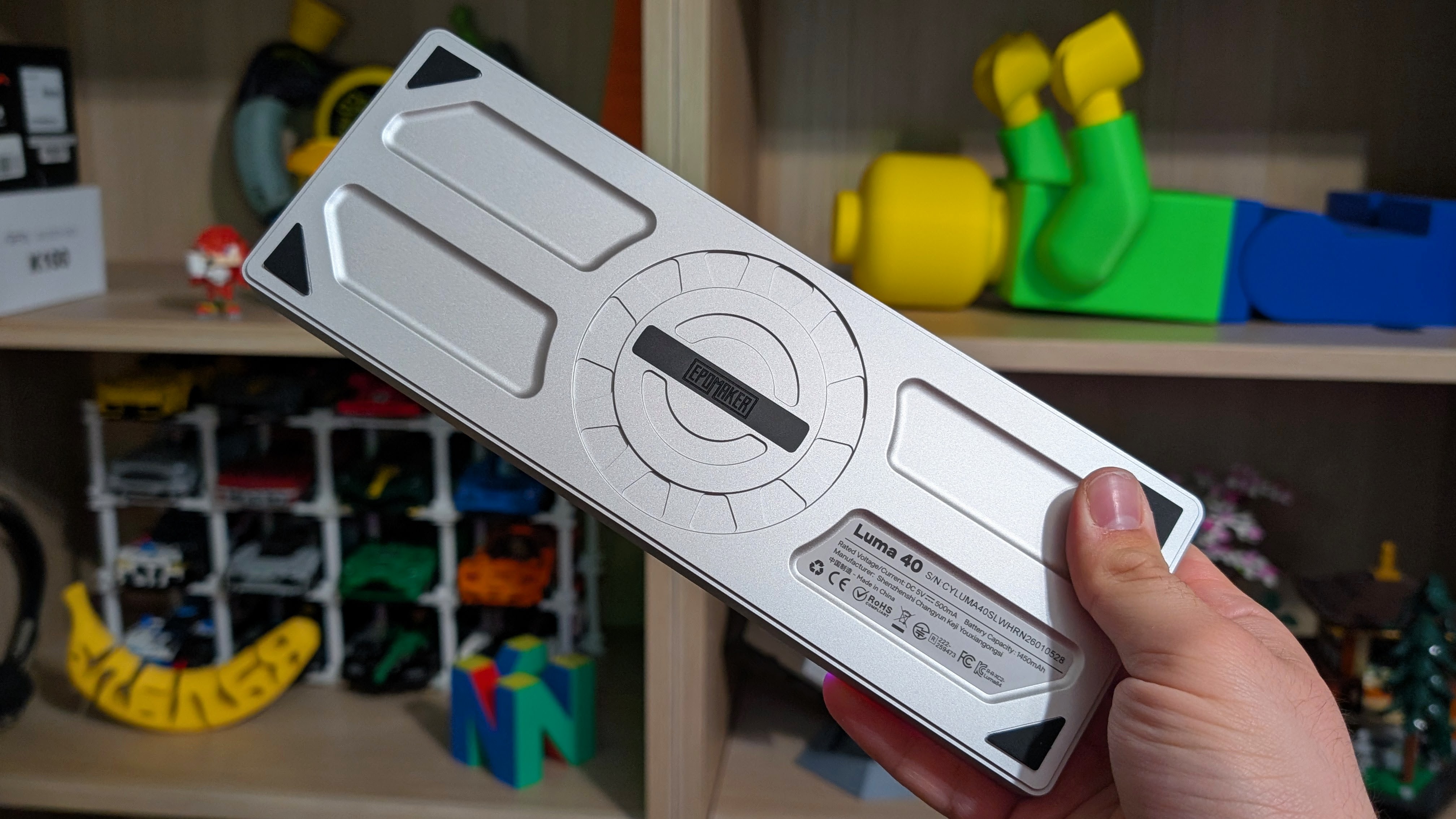
The first thing I want to start on with the Luma40 is probably its most positive attribute: the build quality and design. Despite being a svelte 410grams, the Luma40 feels dense and well-built thanks to its aluminum shell. The nice cutouts along the bottom are a good design choice, even if they don’t add anything to the non-adjustable height, and during my time with the Luma40, I felt like I was using a quality piece of kit.
The nice thing about an aluminum build is that it feels quality enough that you can just toss it into a bag and take it with you. With a 40% being as small as it is, transportation or just general moving around is likely going to be something you want to do often, and not once did I feel like I couldn’t just throw it into my cable bag and take it to work with me. For the price, it’s absolutely solid.
Switches

Next up comes the switches. For those that may not know, low-profile switches are not only shorter in height, but also shorter in total switch travel. That means once you get used to it, you can usually type a bit quicker on low-profile switches.
While linears may not be my first choice every time, the Kailh White Rain switches are a nice choice, with a soft bottom out and an overall quiet sound when typing. If a larger keyboard used these switches, I think you’d be okay taking this to the office.
During my time writing this review on the Luma40, I came to appreciate the switches, and while my typing speed isn’t as high as it is on most other boards, I don’t think these are the problem.
Keycaps and Lighting
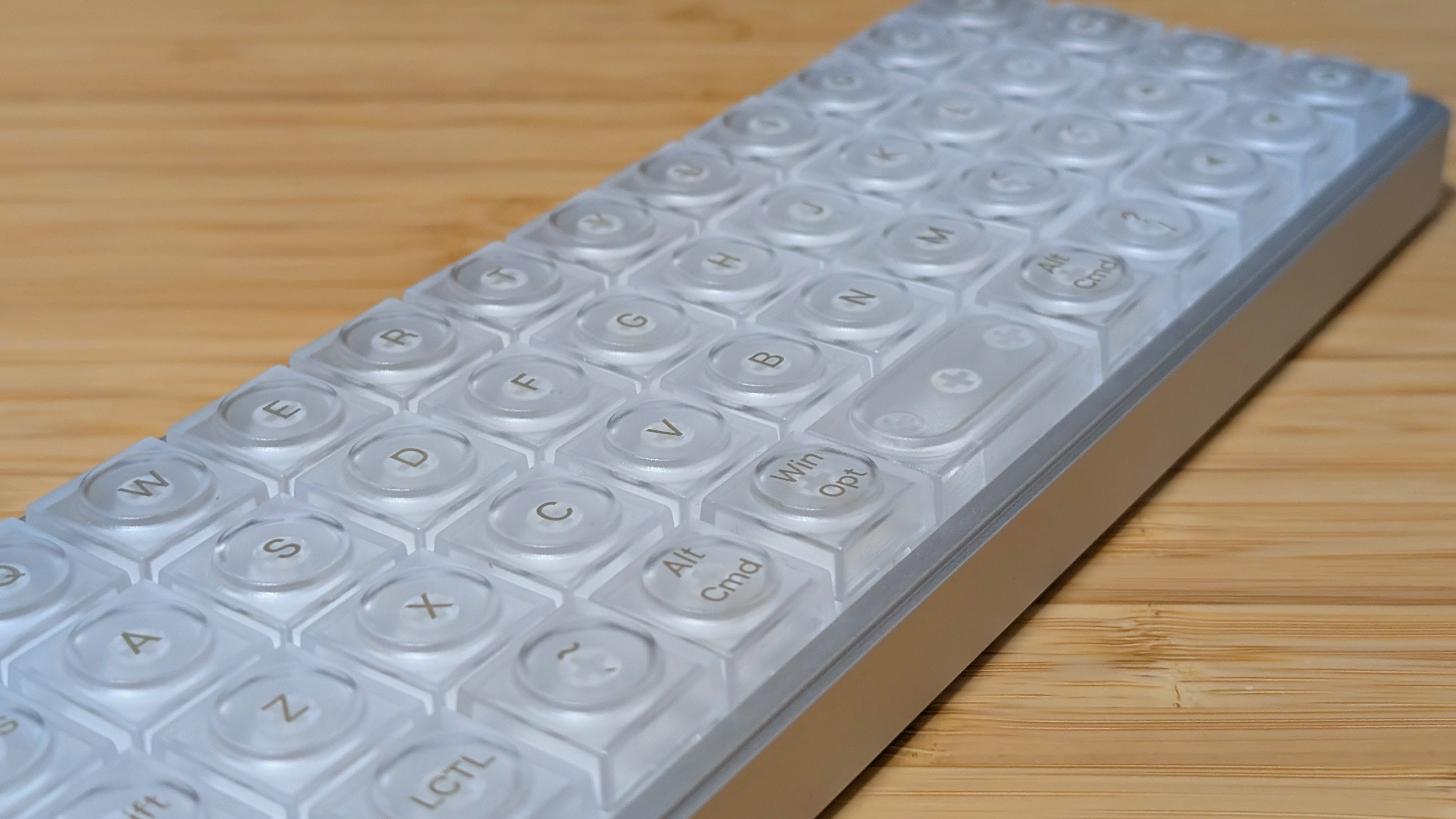
Here’s a slightly more mixed bag for me personally. The Luma40 uses transparent keycaps with a round circle on top to tell you where each key is specifically. While I got used to it over time, I don’t think these would be my first choice. Using something with a flat profile, such as XDA profile would be something I’d prefer.
To add insult to injury, as someone who prefers lighting off, this isn’t the biggest issue, but when I used the lights on, I noticed it was a bit harder to read the text on top of the keycaps. The keycaps are completely usable for most circumstances, but for customization and readability’s sake, if you change the keyboard layout in the software, other keycaps may be better.
Software
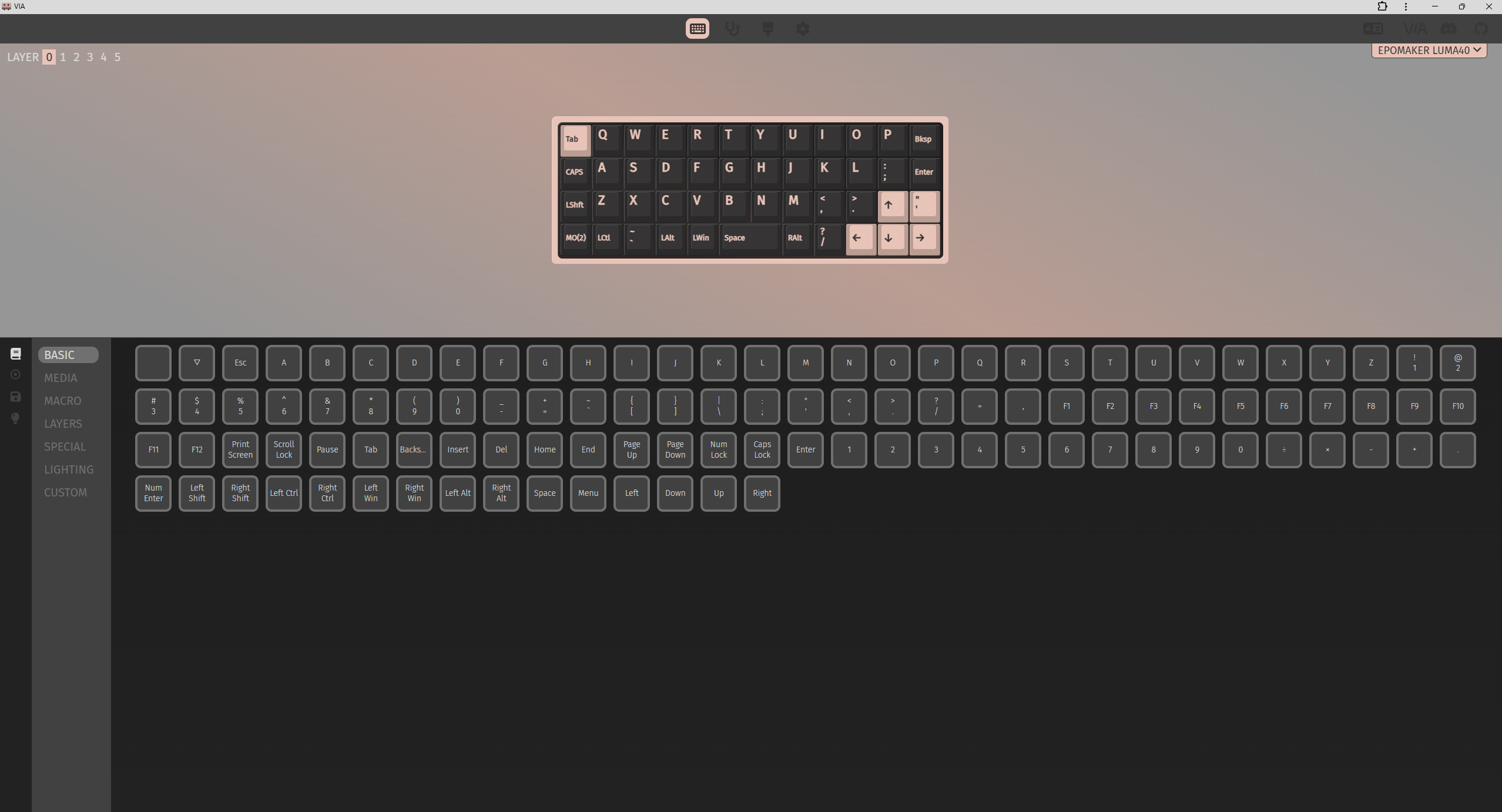
Speaking of software, the Luma40 once again makes use of VIA, an open-source web-based software. The great thing about this is that it’s not absolute garbage. The downside is that you do need to make sure your keyboard is properly plugged in and on the Bluetooth switch in order to be registered by VIA.
That being said, once you’re in, you can manage all of your layers and even test them thanks to the integrated key tester. If there’s one thing I wish more companies would do, that would be to utilize something like VIA instead of their own dedicated software.
The Add-Ons
Battery
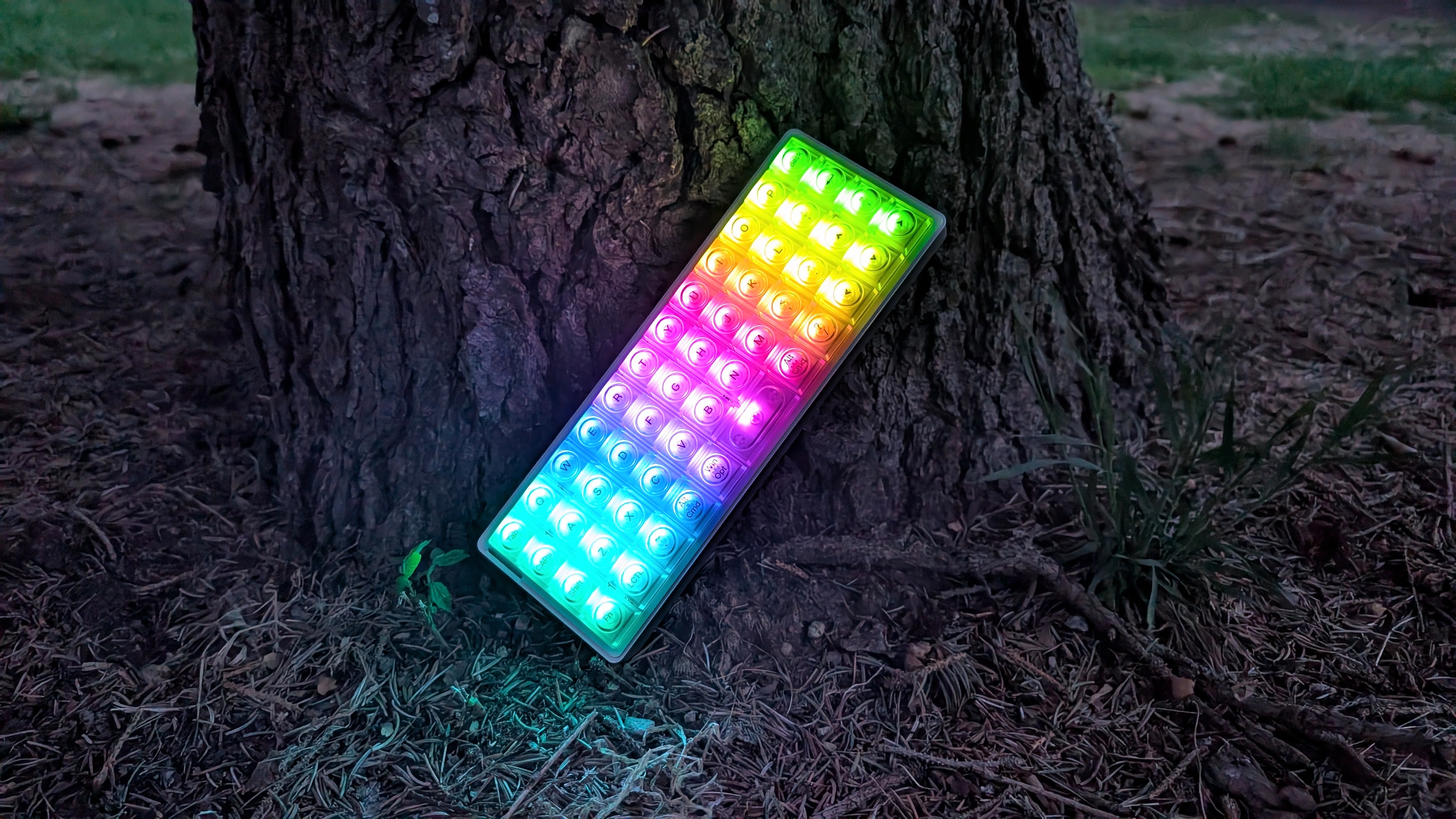
There are a couple of notes that I want to make in terms of the add-ons, and the first of those is the battery life. If you want to use RGB constantly, I likely wouldn’t recommend the Luma40 unless you want to charge it daily. I’ve yet to come across a keyboard with a battery that I can kill this easily.
Most of the time, I would get 2-3 days of general use with RGB on before having to recharge the keyboard. However, once I turn the lights off, longevity just jumps to once a week at most. Battery life is what you make of it; just be careful with what you do.
Layout
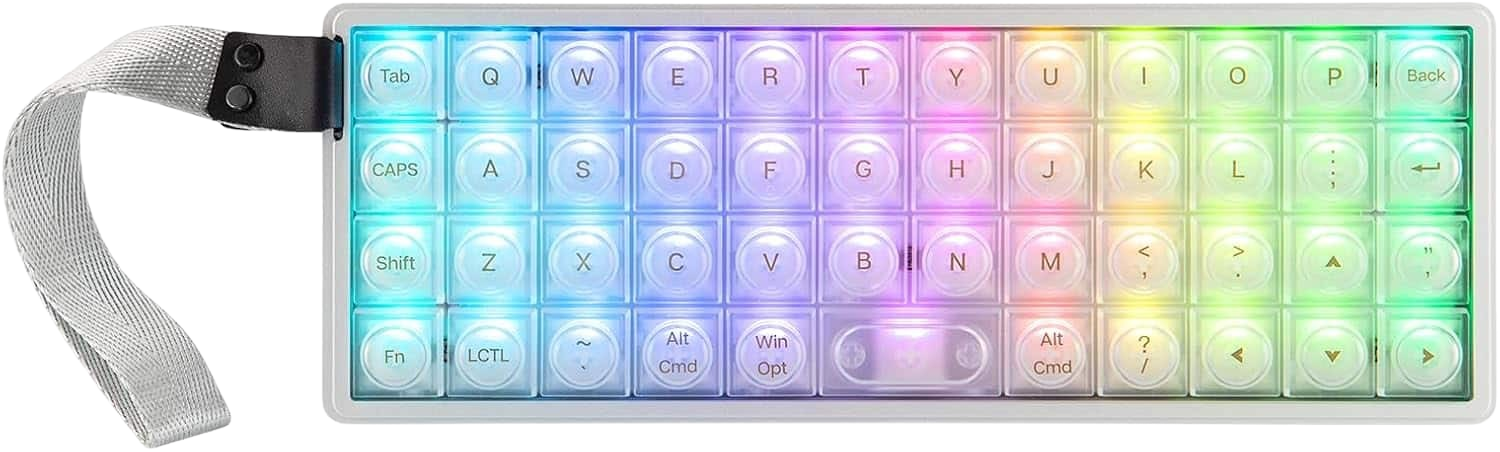
For those of you typing on a normal keyboard, you’re staring at a staggered layout. The Luma40 does something different and stacks all of its keys in a grid. For some, this makes things easier; for me, that made this review a bit harder to type out.
This is my first time trying an ortholinear keyboard, and while I see the appeal, even now I struggle to reach even 3/4 of my normal typing speed of 100WPM. For those who use ortho already, this will feel right at home.
Use Case
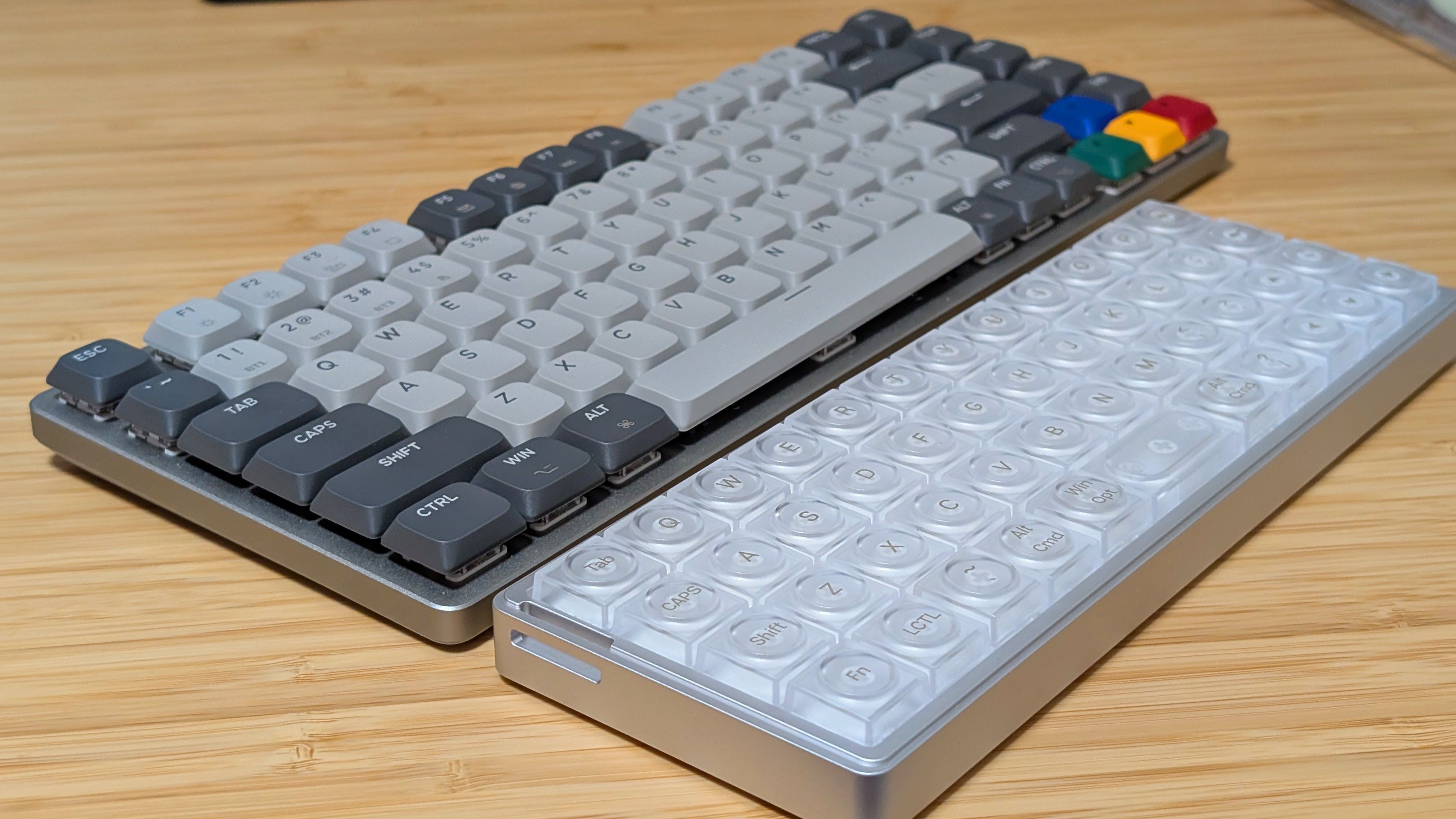
Travel, moving around, and using this on HTPCs. That’s been the main use case for me with the Luma40. Up until now, I’ve used the Fantech Maxfit Air 83 for all of my “moving around the apartment with my keyboard”, but at 75% size, it is a bit larger.
Since I’ve received the Luma40, I’ve plugged it into my home theater PC with regularity and have used it for logins and any other sudden keyboard usage moments. It has genuinely been a nice-to-have for things like that, and would be a good choice for those who need to type in their password 4 times to get it right.
Final Thoughts
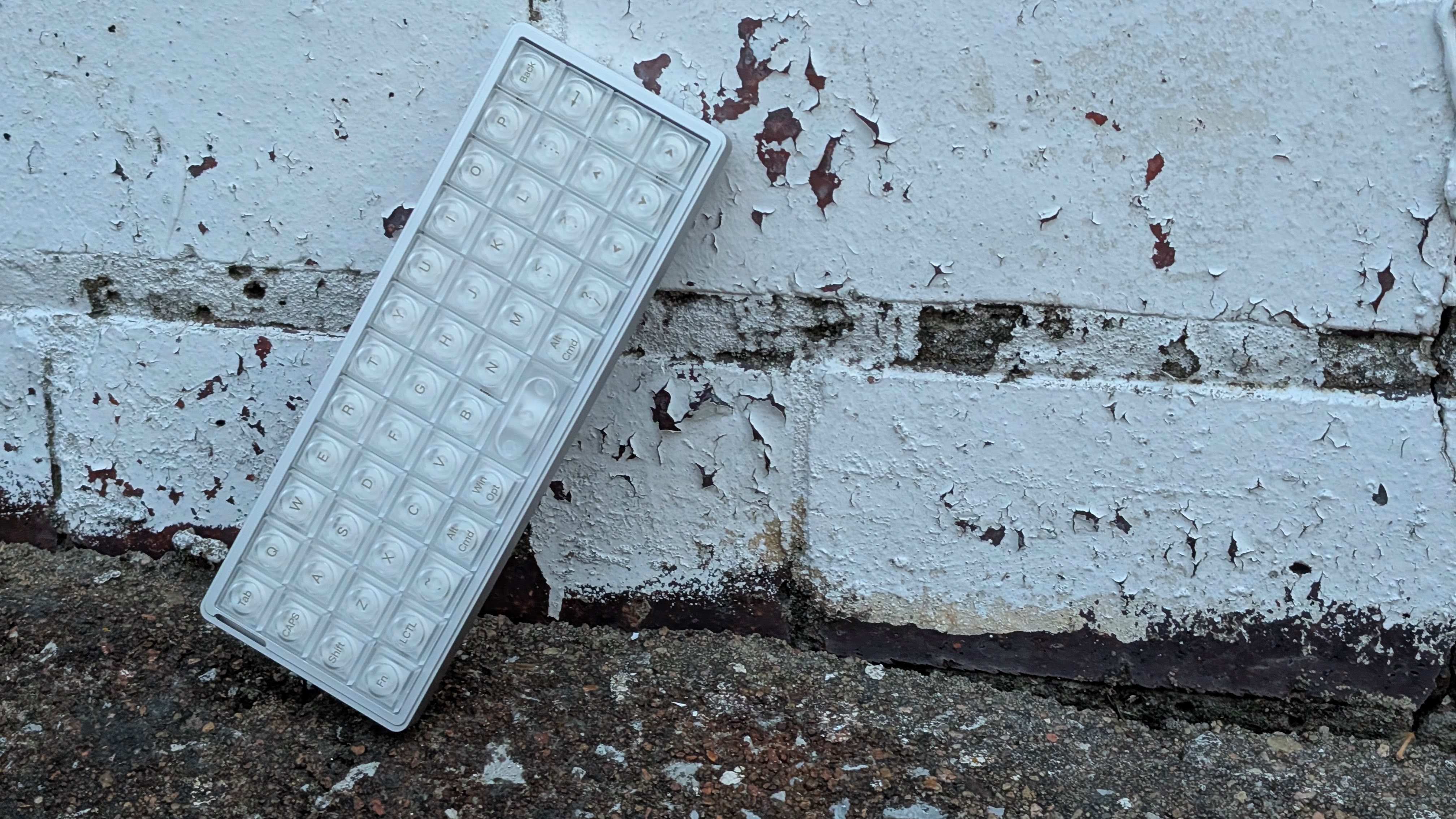
The Luma40 is not a cheap keyboard. But they pack a lot into a small package (like Stubbs). Aluminum, wireless, and tri-mode connectivity. No matter what you want to attach this keyboard to, you’ll be able to manage it. Would I personally recommend this as a primary keyboard? Probably not. And that’s coming from someone who’s used a trio of UT47.2 keyboards from Keyhive. 40% keyboards are already difficult to get into, and ortholinear makes it even more difficult to swap to.
If you’re looking for a challenge, want a smaller keyboard, or a travel board, I think the Luma40 is a good choice. Maybe as a secondary or tertiary board, but as a board to have in your kit regardless. It’s not for everyone, it’s not even for me as my primary board, but it has a use. I’ve found mine, and if you buy the Luma40, I hope you find yours too.
