

At the time that this review was published, we were under the assumption that the Odin 3 was powered by the Snapdragon 8 Elite. However, AYN reached out and provided clarification, instead stating that it uses the Qualcomm Dragonwing Q8 SoC. You can read more information about these changes here.
I’ve said it a lot, but two years ago, AYN released a handheld that shook up the market, the Odin 2. For the next two years, despite developments from companies like AYANEO, the Odin 2 remained the de facto go-to for most users, similar to the Steam Deck in the PC handheld market. The only replacements came in the form of Odin 2 upgrades in the 2 Mini and 2 Portal. Run into the end of 2025, and we’ve got what might just be the new standard going forward: the AYN Odin 3.
With a brand new chip, a brand new level of performance, and an OLED display straight out of the gate, this is looking promising. But is it held back by stability or compatibility? That’s what I’m looking into this time around.
AYN Odin 3 Specs
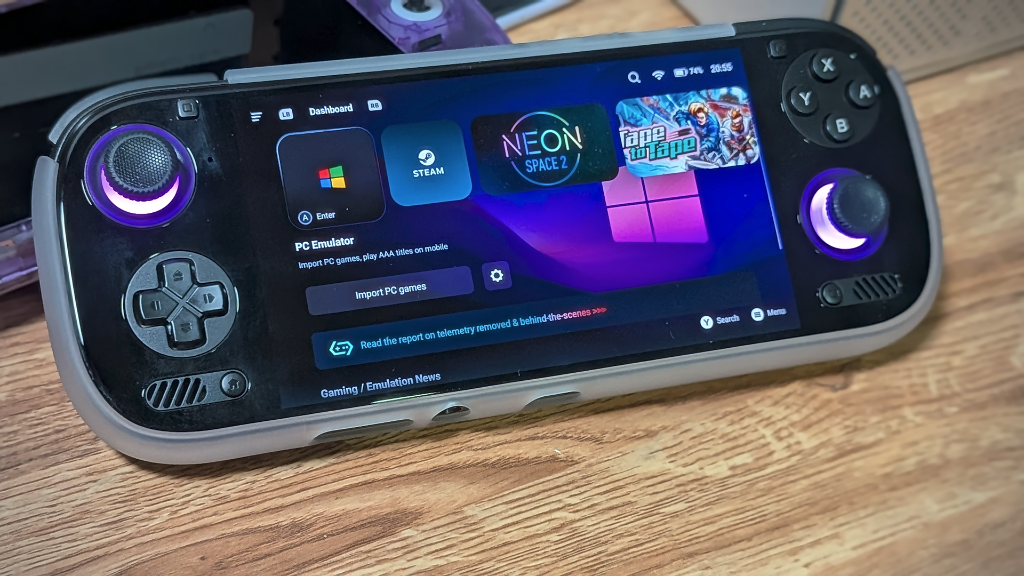
At a base price of $329 and rocketing up to $519 for the all-new Ultra tier, the Odin 3 mostly covers the sub $500 price range in terms of performance and what you get for it. But the question is, was that worth it? I’m testing the Odin 3 Max, which sits at $449, but depending on your needs for RAM and storage, you could go lower.
| Specifications | |
|---|---|
| Hardware | |
| CPU | Qualcomm Dragonwing Q8 |
| GPU | Qualcomm Adreno 830 |
| RAM | 8GB LPDDR5X, 12GB LPDDR5X, 16GB LPDDR5X, 24GB LPDDR5X |
| Display | |
| Screen Size | 6-inch |
| Resolution | 1920 x 1080 |
| Aspect Ratio | 16:9 |
| Refresh Rate | 120Hz |
| PPI | 367.15 |
| Storage | |
| Internal Storage | 128GB UFS 3.1, 256GB UFS 4.0, 512GB UFS 4.0, 1TB UFS 4.0 |
| External Storage | microSD |
| Battery | |
| Battery Capacity | 8000mAh |
| Charging Speed | 60W |
| Connectivity | |
| Wi-Fi | Wi-Fi 7 |
| Bluetooth | Bluetooth 6.0 |
| Ports | 3.5mm Audio Jack, USB-C |
| Video Out | Yes |
| Controls | |
| Sticks | Hall Effect |
| Triggers | Analog |
| Shoulder Layout | Stacked |
| D-Pad | Bottom Left |
| Audio | |
| Speakers | Stereo |
| Speaker Location | Front-facing |
| Headphone Jack | Yes |
| Physical | |
| Dimensions | 224.8 x 87.5 x 16.6mm |
| Weight | 390g |
| Form Factor | Horizontal |
| Software | |
| Operating System | Android 15 |
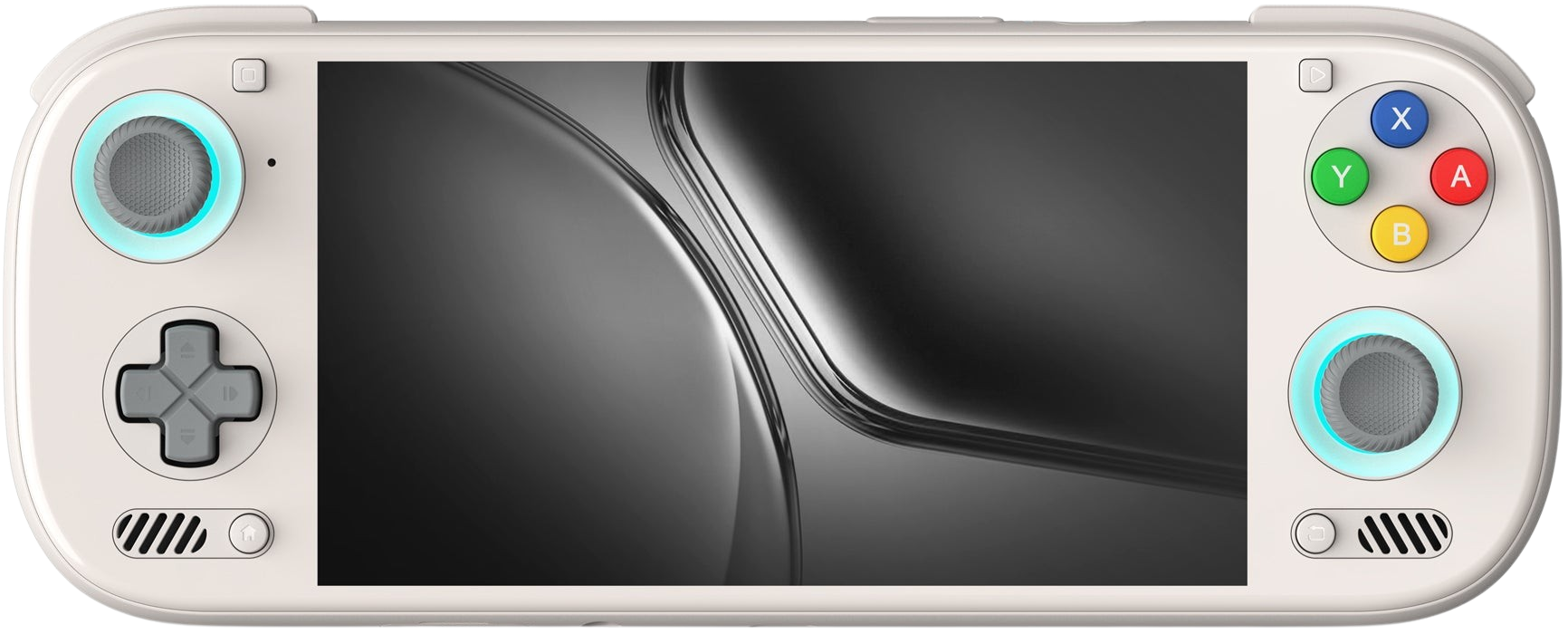
Ergonomics
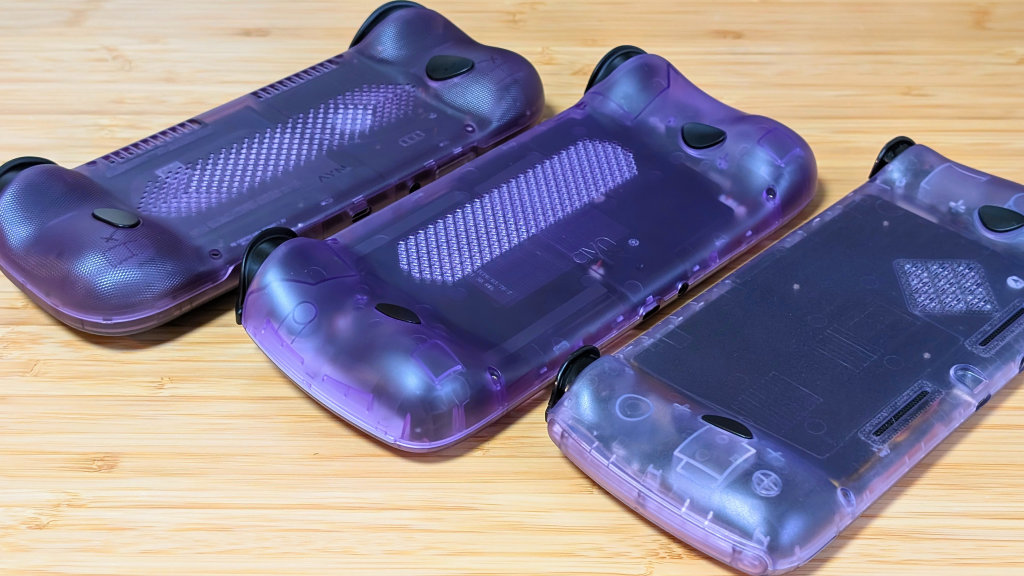
The Odin 2 has been my go-to handheld for the last two years, mostly coming down to one thing: ergonomics. The Odin 3 is a slightly shorter device by comparison, but holds a similar thickness to the Odin 2. The big difference comes down to the more gradual slope in the grips on the back of the handheld.
For some, this is a downgrade, but to me, pairing it with a new textured grip feels like a compromise that was worth it. Unlike some flat slab handhelds, it feels like I can properly use my middle and ring fingers to grip the handheld, rather than squeeze it with my palms.
From the front, the left stick and face button land perfectly for my thumbs. This is compared to the dpad and right stick, which are inset, but I’d have preferred them to be closer to the screen. But without being able to see where the actual beze is, I can’t tell how much closer they could have gotten. Ergonomics are great as is, but for some, I might recommend the TPU grip that AYN sells on their website. This will likely be a hit or miss for most people.
Controls
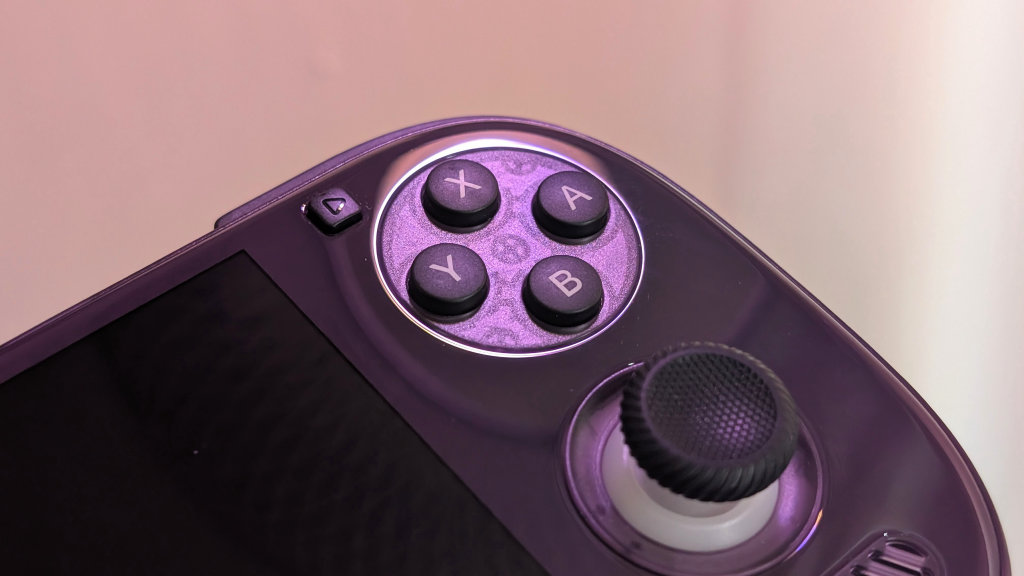
When it comes to controls, there are some familiar bits. The D-pad is practically the same as the Odin 2, though mine feels a bit lighter. The triggers and shoulders are just as clicky, but are now wider than before, which helps the ergonomics. The difference comes in the face buttons and sticks.
The face buttons have a similar tension to past AYN handhelds, but now are much quieter than before. For the quiet button modders, you might not have to touch this. The sticks, on the other hand, are now larger, with full-sized caps and thicker shafts that’ll give you a much more pleasant gameplay experience. This does mean your hype sticks won’t really work this time around.
Overall, controls are exactly what you should expect from AYN, but now better.
Display
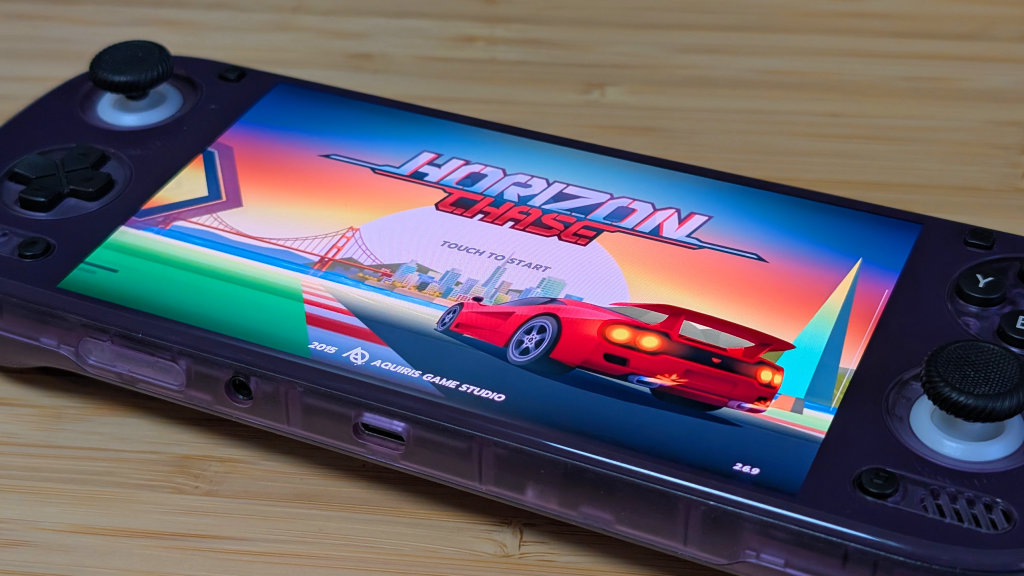
This is going to be a quick and easy one. Remember the AYN Thor? This is going to be the same as the main panel, that 6” AMOLED display with 120Hz refresh rate. That being said, I mostly left mine on the 60hz refresh rate unless I was playing an Android game that could specifically take advantage of the performance.
For those of you who enjoy shaders and more in depth retro gaming setups, this panel means you’ll be able to run your games with black frame insertion to give you a better experience than you otherwise would have. As a whole, this is probably one of my favorite panels due to its colors, brightness, and refresh rate. When I need it.
Performance and Stability
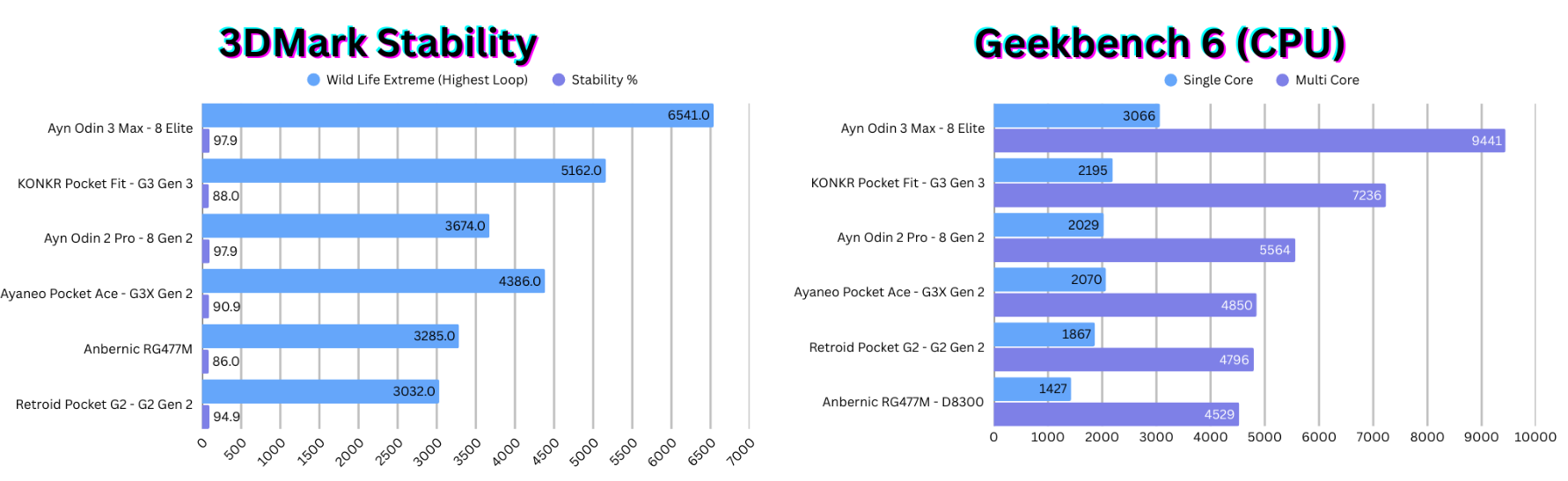
This is a bit of a new topic for me to touch on, but with a lot of concerns last year over some of Anbernic’s high-end Android handhelds’ stability, I wanted to check that across some other handhelds as well, starting with the Odin 3.
Taking a look at pure CPU performance, the Odin 3 runs away with it, scoring nearly 30% higher in single-core performance and nearly the same percentage higher than the G3 Gen 3 in multi-core. 3D Mark is where we want to see stability, though. Using the Wild Life Extreme stress test, the Odin 3 managed a high loop score of 6541, with a stability rating of 97.9%, which means over time, it’s going to handle its heat really well. The Odin 2 and Retroid Pocket G2 manage 95-98% stability ratings as well, but the disappointment comes from the others. AYANEO/Konkr both sit at 88-90%, while the Anbernic RG477M on GammaOS only manages 86%.
The Odin 3 has the cooling to do things right, and it shows.
Emulation Performance
The big question. What does it play? How well does it play it? Well, the answer is yes, and yes.
The “Lower” End
If you’re worried about anything below GameCube and PS2, you really shouldn’t be. If something on the low end doesn’t run out of the box, it’s not broken, and neither are you. It’s just a matter of making sure your RetroArch drivers are set to Vulkan. After that, everything should run just fine with or without your shaders. Touching into GameCube and PS2, I found most games would run at 1080p just fine, and while some may give you issues, going back down to a lower resolution, or even just native, because I’m lazy, worked for me.
The “Higher” End
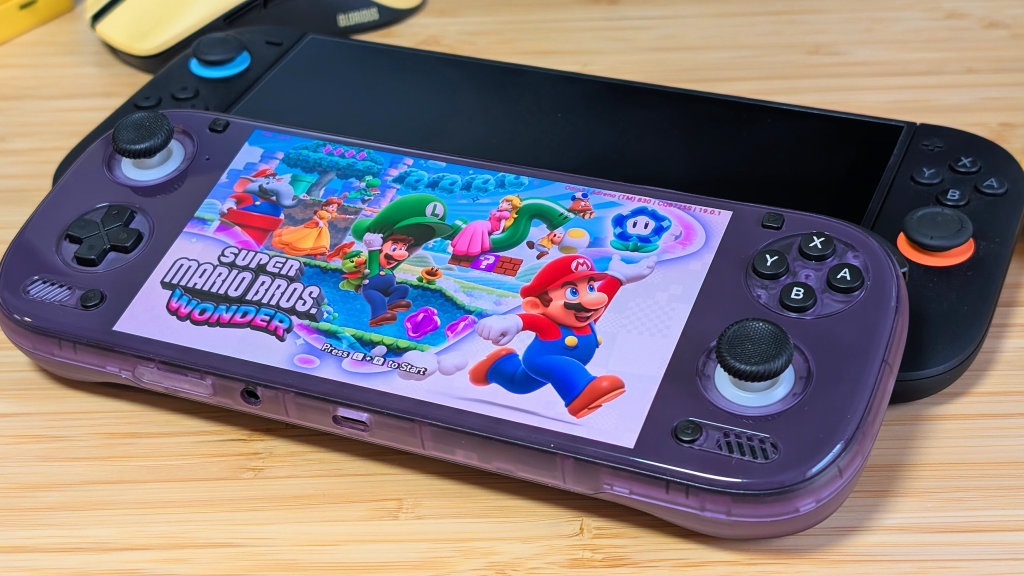
Stepping past GameCube and PS2, you get to the higher-end stuff. Your Switch and PS3 emulation specifically. PS3 isn’t one I’d usually pick to tinker with first, but with RPSCX, you can surprisingly get decent performance out of some PS3 games. The 8 Elite is still going through that “developmental” phase, and some things won’t work right away, but once they do, you’ll be pretty happy with the results.
On the Nintendo Switch end of things, I’ve been pulling from my library of legally obtained games to give it some run-throughs with Eden. Some of my personal favorites, including Cursed to Golf, Untitled Goose Game, and Wandersong, all worked well, but in the cases where they weren’t working, I’d end up trying out another emulator like Citron. Again, compatibility is in the works, but as time goes on, you’re going to run into fewer and fewer graphical issues in games like this. The Odin 2 is what finally got me to try Switch emulation, and the Odin 3 is what’s going to get me to continue.
The “x86” End
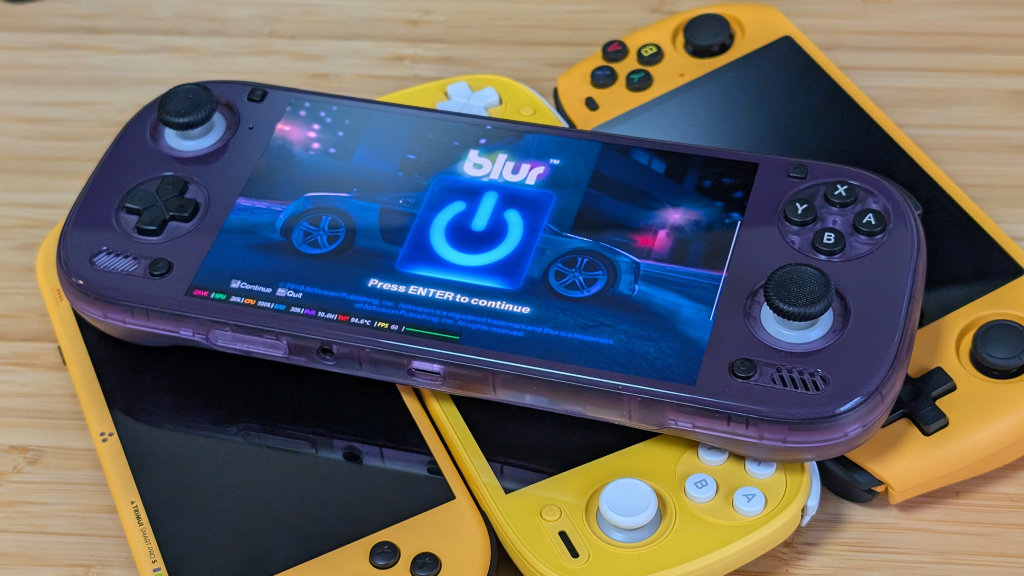
GameHub, GameHub Lite, and GameNative. Those are the three x86 emulators I worry about anymore. Winlator is still a great and effective tool for those who want to get in the weeds, but it’s not for me. X86 emulation in the past couple of years has started to pull me away from Switch emulation because it helps me cover the indie games I like playing, but now with Steam Cloud support.
Enter the Gungeon, Parking Garage Rally Circuit, Marble it Up! Ultra, Megabonk, and Bombrush Cyberfunk are just a few examples of games I could download through GameHub or GameNative and just run. Making only minor adjustments to settings if I wanted to up my performance.
But stepping past that, importing games like Blur through GameHub really solidifies that I might not need an x86 handheld as much as I, or even you, think you might. There’s still a lot of tinkering and a lot of work to be done, but the 8 Elite has the power to play most of what you want while still not destroying your hands with heat.
Final Thoughts
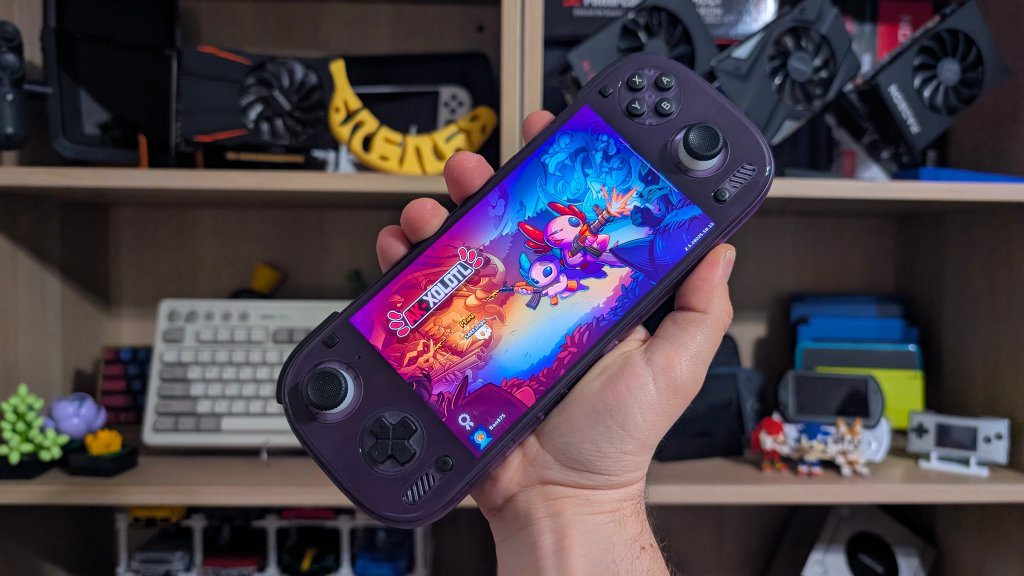
The Odin 3 isn’t perfect. I don’t like the glass front for both weight and design reasons. The fan can start to whine if I’m pushing it hard for too long, and because of the need for different Switch emulators, I don’t use a front end as much as I’d like. However, with impressive performance, battery life, and improvements in controls, the Odin 3 is going to be my go-to handheld for the foreseeable future.
The 8 Elite stands above everything else in terms of power, but if you want pure compatibility, the Konkr Pocket Fit, or any 8 Gen 2 handheld might be better for your needs. That being said, considering the Odin 2 Pro lasted me 2 years, and my hope is that the Odin 3 Max will do the same. If the community decides to back this chip just as much as they have the 8 Gen 2, this will have legs to carry us that far, if not further. The Odin 3 is already one of my favorite handhelds of the year, and I’m not sure much will change that.

3 Comments
Great write up
Imo the Odin 3 does play pc games a little better than a 8 Gen2 device. But when it does, it sounds like a vacuum, sucking all the fun out of your game. Really not worth the upgrade.
Odin downgraded RAM from 5X to 4X impacting performance without advising buyers of the change. It is due to ram shortage but honesty goes a long way and they did not advise customers they had downgraded