

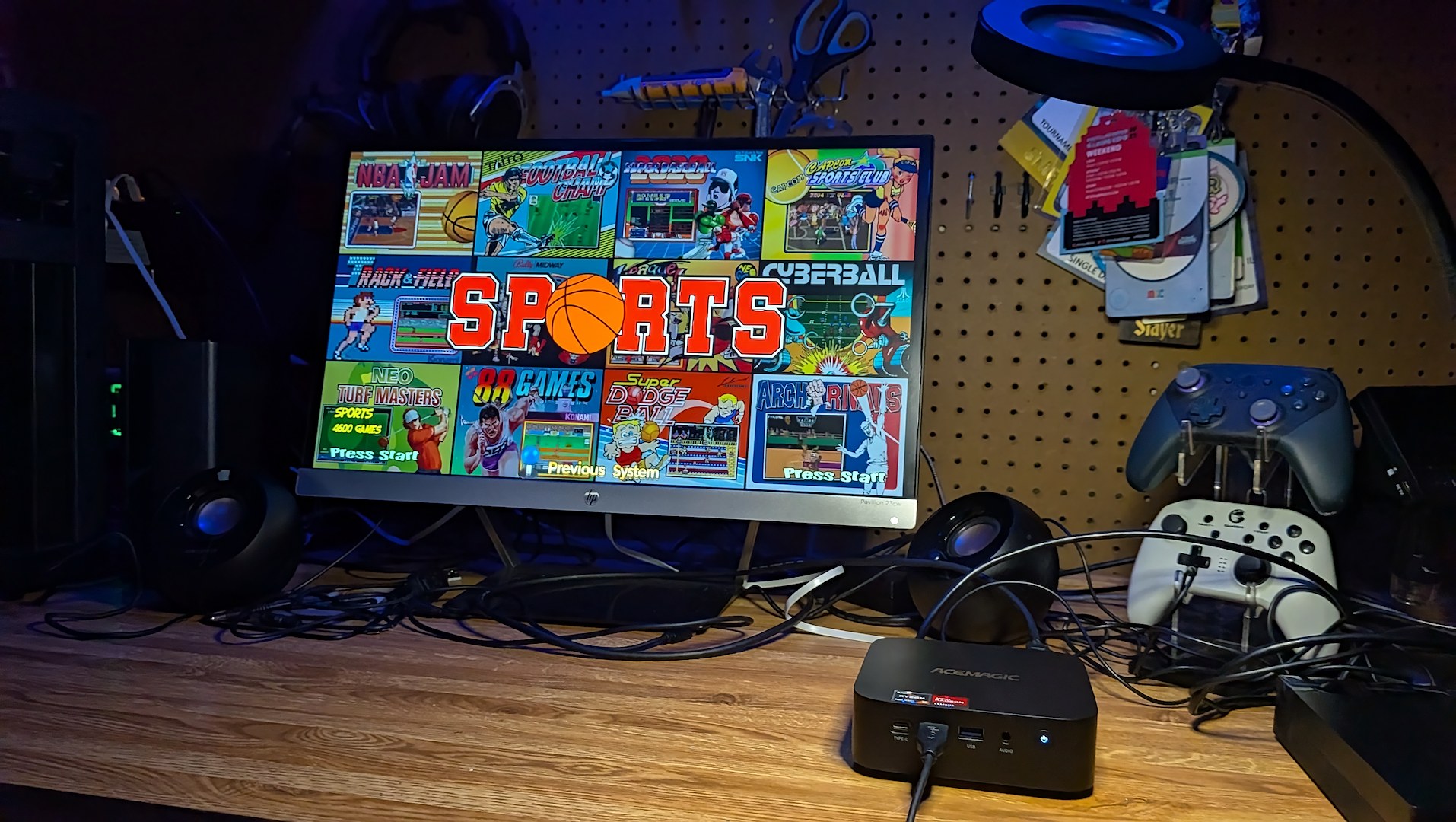
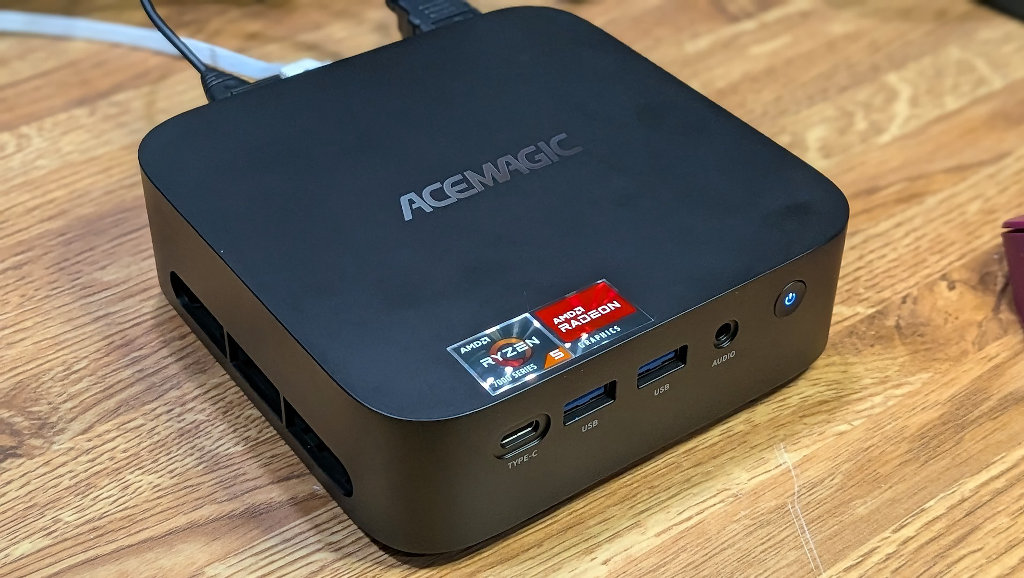
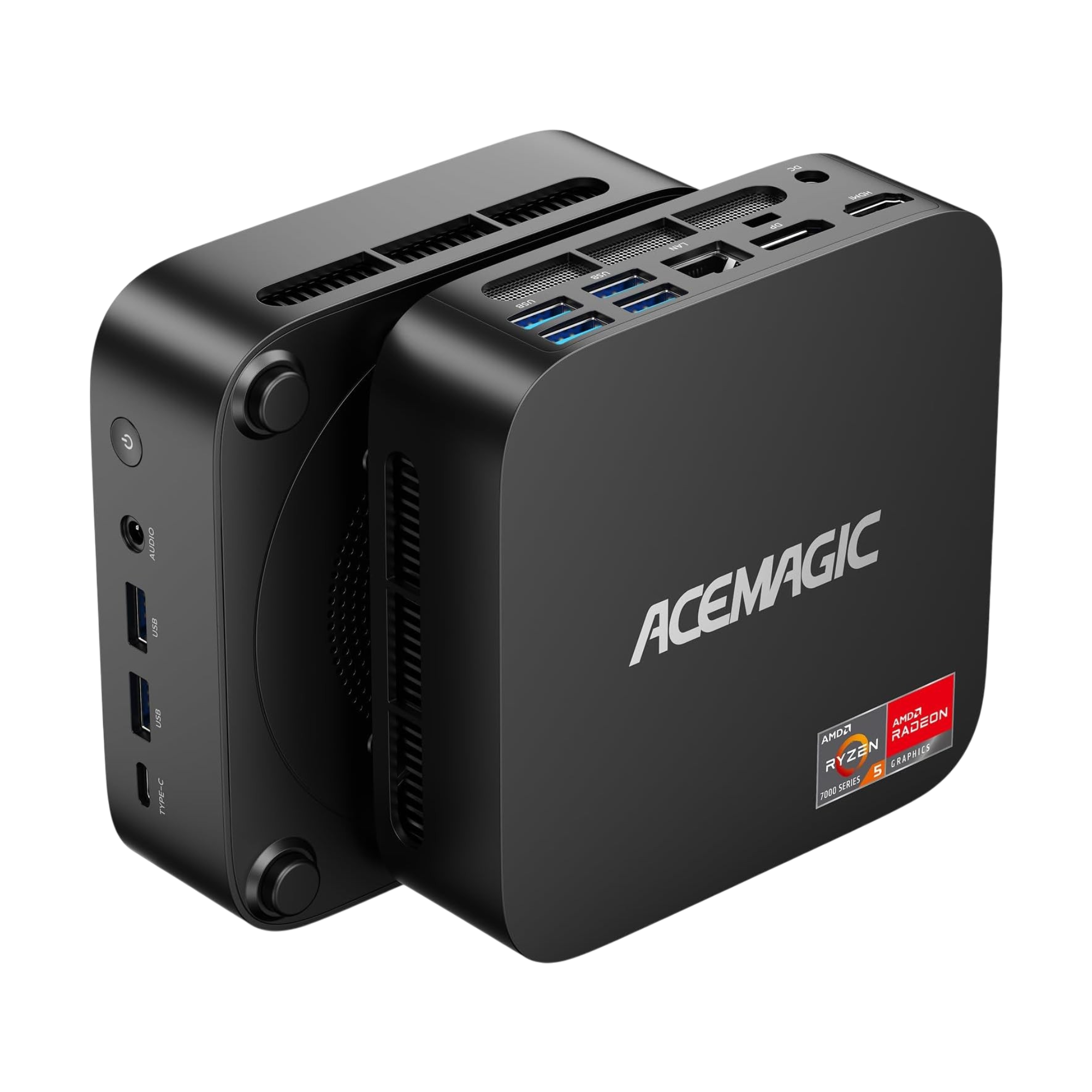
Cards on the table time here. This is the fourth Acemagic mini-PC that I’ve received for review in the last few months. While I’m honored that the company trusts my writing to give a fair take, at some point it becomes difficult to keep coming up with fresh review angles when we’re discussing similar hardware. The 2544 made for a great little homelab box with ZimaOS. I wrote about the 7530U unit as an HTPC living room PC and Steam Machine light. Both of those were under the K1 line of mini-PCs from Acemagic. Now comes another K1, the 7430 model.
My own review fatigue makes no difference to you, the reader, though. You want to know how to differentiate all these models to find the one that actually works for your use cases. The thing is, though, we’ve kind of reached a point in computing where a relatively inexpensive PC in a chassis the size of a ham sandwich can handle the workload for the vast majority of users out there.
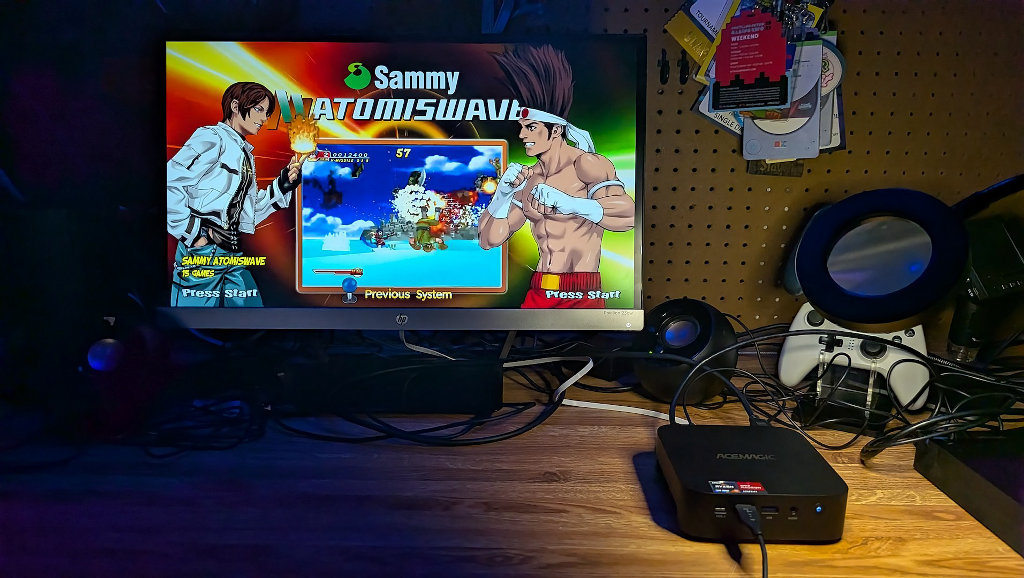
So rather than pretend that this version of the K1 contains some inherent magic akin to me discovering fire, I’d rather put it through its paces focused more directly on our emulation hobby. You already know this is going to be a perfectly fine little office machine and suitable daily driver; let’s see what bonuses it can pack in on the side when focused on tasks beyond Excel and YouTube.
Disclosure:
The device reviewed was provided as a review sample by AceMagic. This had no bearing on the conclusion of the review, nor did AceMagic have the opportunity to make edits or changes to the review before publishing.
Affiliate links might be present where applicable, and we may earn a commission on product purchases using those links at no extra cost to you.
AceMagic K1 (7430U Edition) Specifications
| AceMagic K1 Mini 7430U | |
|---|---|
| Hardware | |
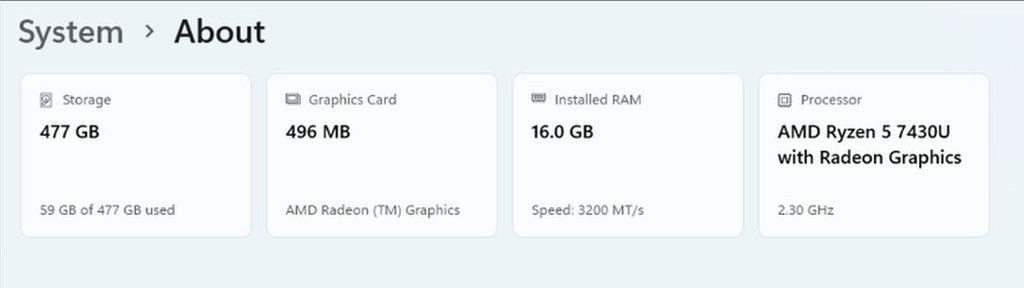
| CPU | AMD Ryzen 5 7430U 6C/12T Up to 4.3GHz |
| GPU | AMD Radeon™ Graphics (GPU clock speed: 1800MHz, GPU cores: 7) |
| RAM | 16GB: 16GB LPDDR4X 3733MT/s (Onboard LPDDR4X), cannot be upgraded or replaced |
| Storage | 512GB : 512GB M.2 2280 SATA SSD (1 x M.2 2280 SATA & PCIe slot, 1 x M.2 2280 SATA slot; 2 hard drive bays supporting a total of up to 4TB) |
| Connectivity | |
| WiFi | WiFi 6 |
| Bluetooth | BT 5.2 |
| Video | HDMI 2.0 (4K@60Hz) ×1 USB3.2 Gen2 Type-C (4K@60Hz) ×1 DP1.4b (4K@60Hz) ×1 |
| Audio | 3.5mm Phone Jack x1 |
| Power | DC 19V-6.3A,DC Header 5.5*2.1mm |
| Physical | |
| Ports | 10M/100M/1000M adaptive RJ45 Gigabit Ethernet Port ×1 USB3.2 Gen2 Type-A Port ×2 (10Gbps) USB3.2 Gen1 Type-A Port ×4 (5Gbps) USB3.2 Gen2 Type-C ×1 |
| Weight | 392g |
| Size | 128.2mm×128.2mm×41mm |
| Software | |
| OS | Windows 11 Pro |
A Brief Thank You
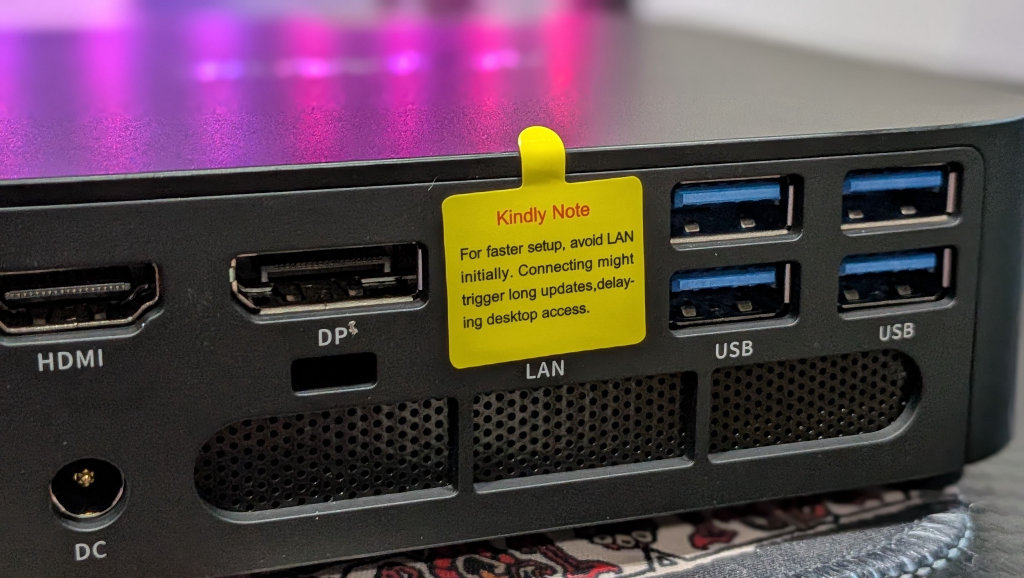
This is something I’ve been thinking about when reviewing these AceMagic mini-PCs recently, and I wanted to put something down in writing here to express my eternal gratitude. On every AceMagic unit I’ve received, there are notices covering the entire PC and Ethernet port, warning users not to connect to the internet prior to completing the Windows 11 install process. The listed reasoning on the case is to avoid any lengthy patches or updates, but we all know better.
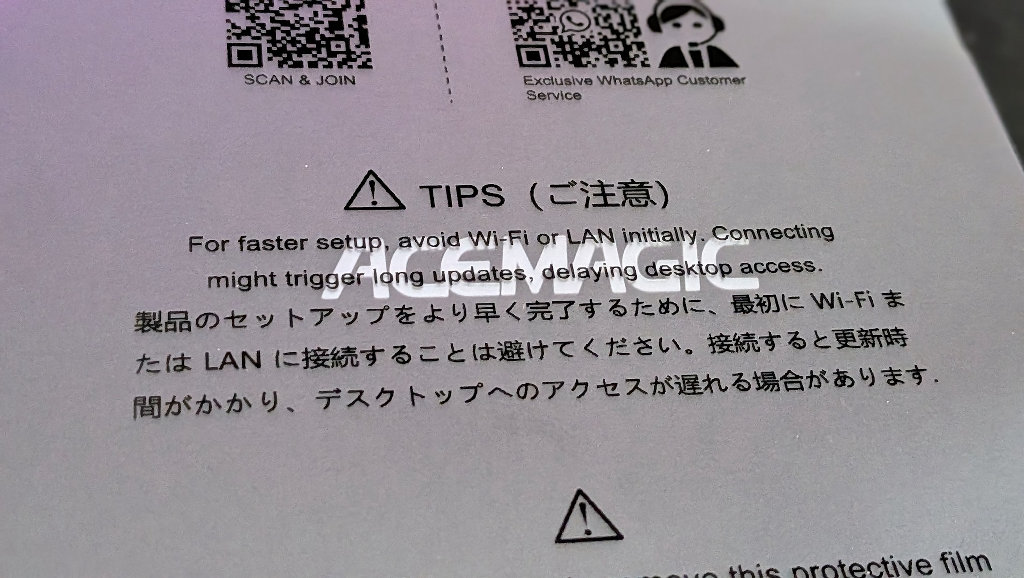
The AceMagic mini-PC lineup, like many others in the space, uses a custom Windows 11 OEM install procedure. By keeping the internet unplugged during initial install, users are able to click that magical “I don’t have internet” button during the portion of setup dealing with registering online and enabling a OneDrive account that’s pretty much required to access Windows now.
A tip of the cap to you, noble heroes of Windows de-bloat. Nobody wants that crap anyway, and you just took me from power-on to functional desktop in under two minutes. Much obliged.
AceMagic K1 7430U Geekbench Results
Emulation Performance
While it is fun to think up different use-case scenarios for PCs with such a small physical footprint when compared to a classic ATX tower, this is still Retro Handhelds. Let’s take a look into some emulation performance action.
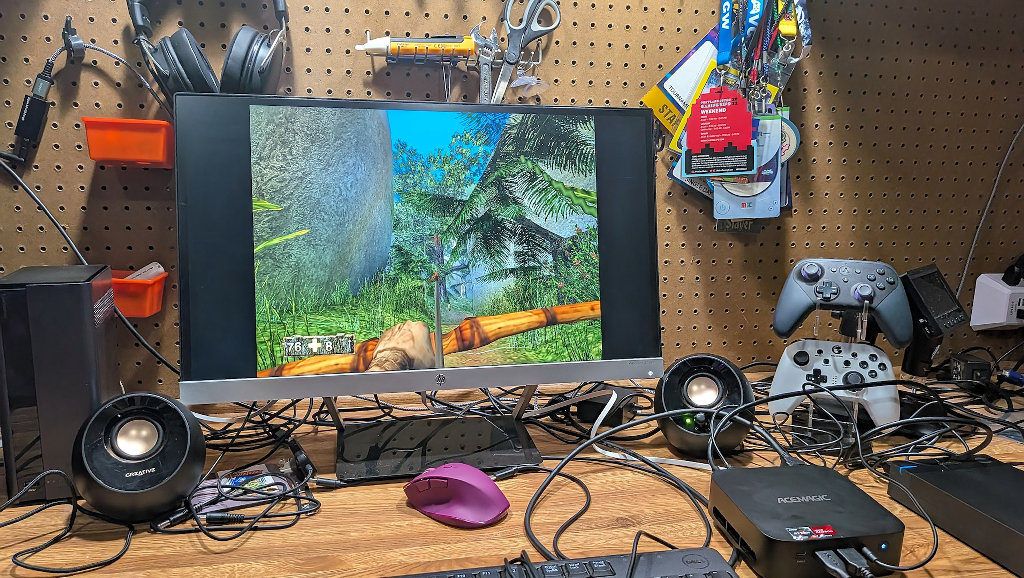
Today’s testing comes from pairing the 7430U K1 with a 12TB Kinhank external drive that I still can’t believe is sold on and fulfilled by Amazon, with total impunity. Rules are just for us little people, I suppose. Anyhoo, onto some gaming fun.
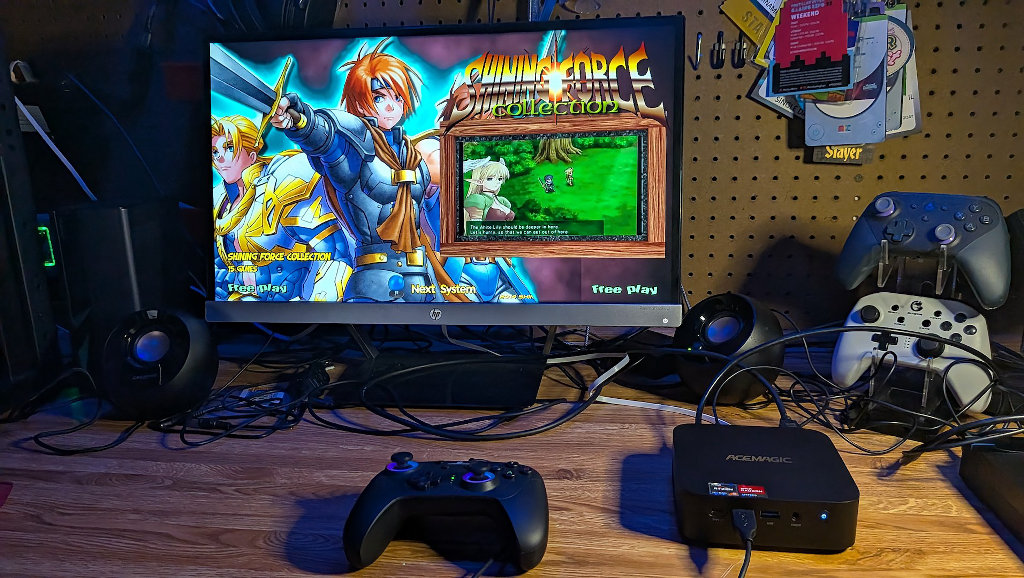
Performance is mostly in step with what we’ve come to expect. Everything up to the PS2 and GameCube era will run just fine, with some opportunities for 2x upscaling on those 6th gen systems, but don’t expect it to be a given on more demanding titles.
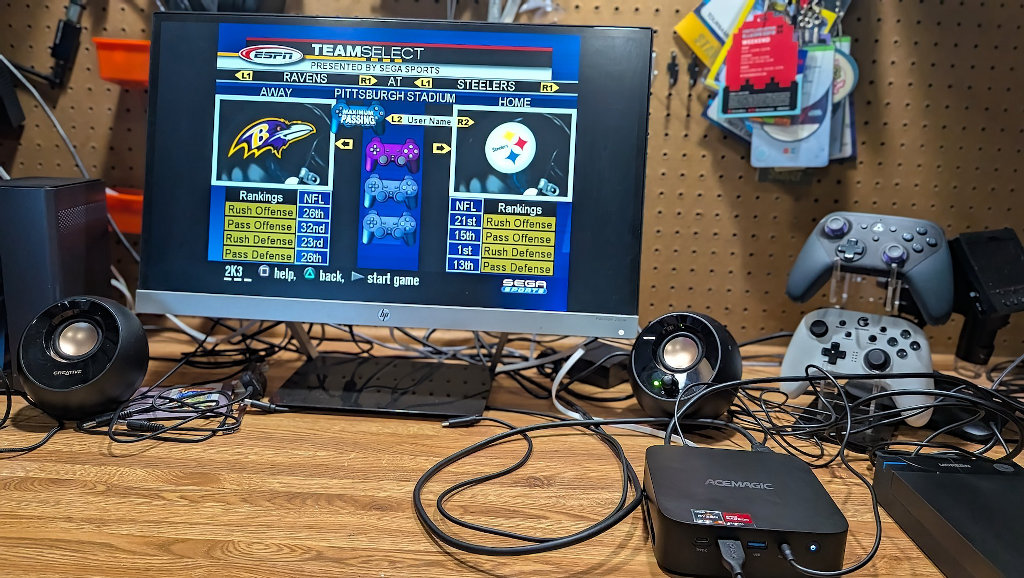
WiiU was mostly perfect, but I did experience the occasional screen tear and dip down to about 50-55 FPS in heavier sections of Mario Kart 8. The majority of favorites from the library run well, and certainly better than their port counterparts on Nintendo’s hybrid handheld.
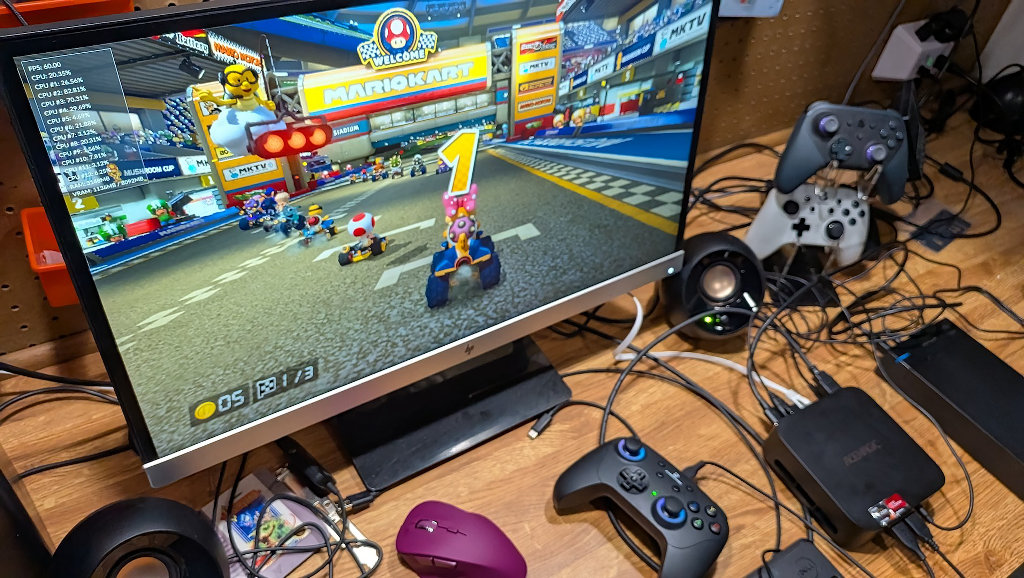
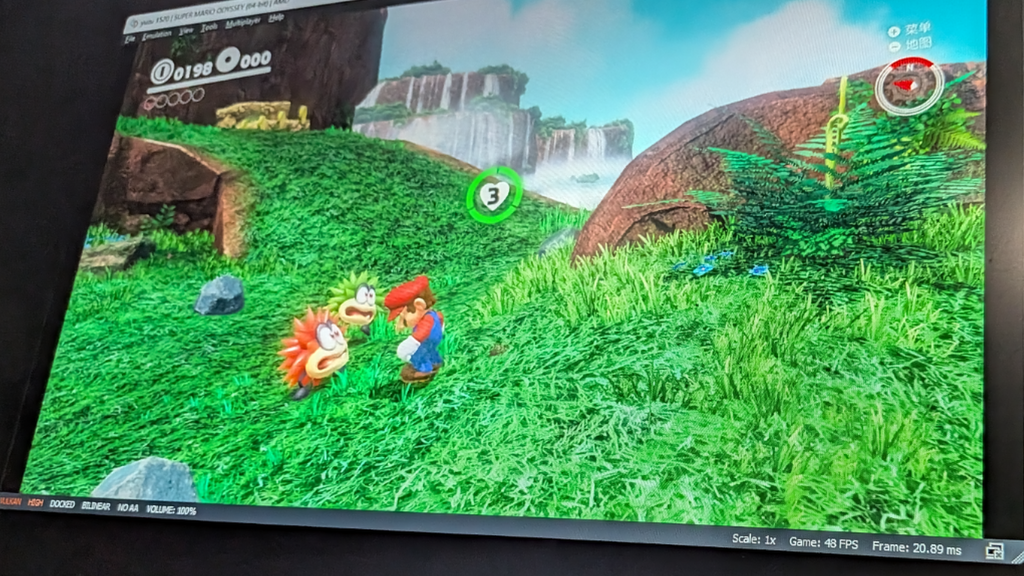
Switch performance was hit or miss. Lighter titles should be fine, and even Mario Odyssey was entirely playable, running at about 48-50FPS in Docked mode. Tinkerers should be able to find additional tweaks to pull a little more out of things. Once you get into heavier titles like Breath of the Wild or Xenoblade, though, your experience will change pretty quickly.
Loading into Uncharted 2 on PS3, I got a true idea of where our ceilings were. After compiling the initial shaders to load the game, I reached a PS3 loading screen where more shaders compiled, the PC fan spun up, and everything got stuck. It was likely to be a long shot anyway, but you should probably consider the notoriously stubborn-to-emulate system off the table with this one.
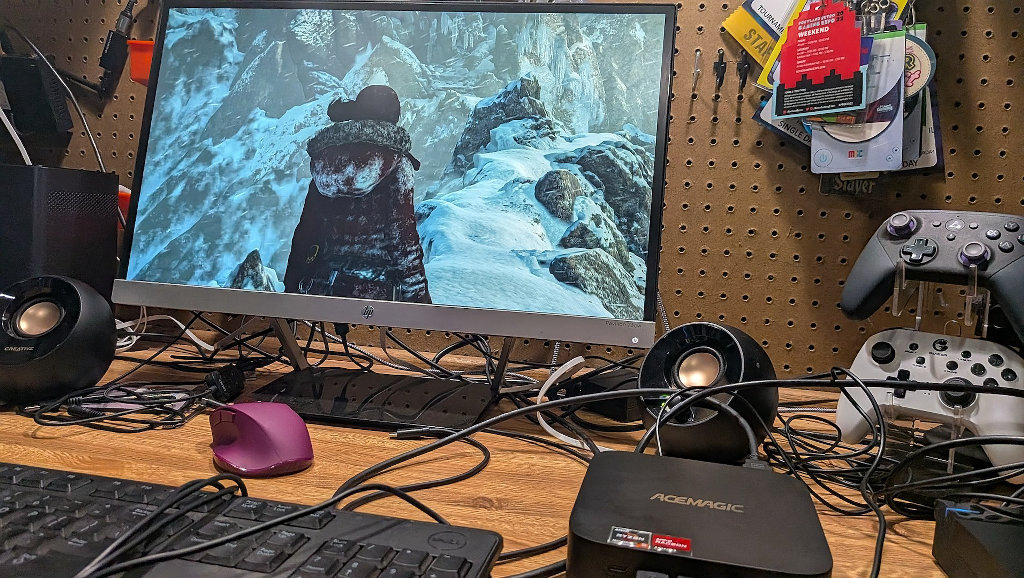
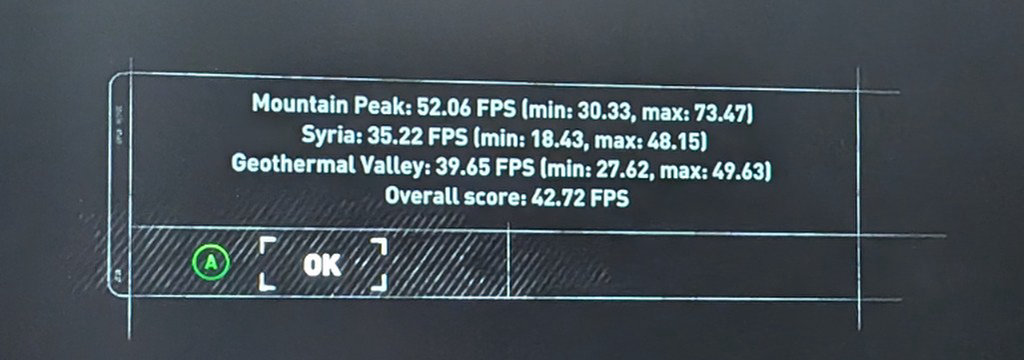
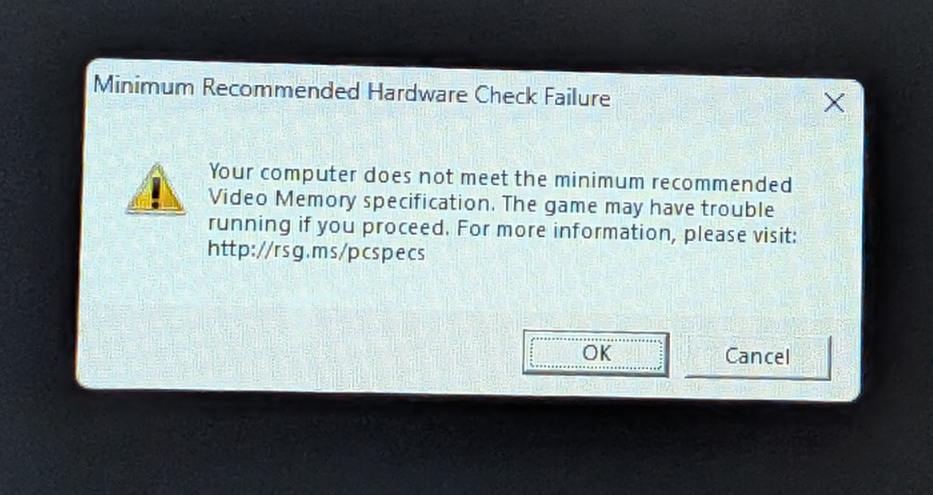
PC gaming will have to remain on the lighter side, as I was only able to pull an overall score of 42.72 out of the famous Shadow of the Tomb Raider benchmark @ 720 medium. Playable, but not great. GTA V testing was over before it began, as a memory warning knocked testing off course right from the jump.
When I tested the 7530U version of the K1, it was on Nobara Linux. I can’t help but feel that the 7430U deserves the same treatment. I understand that Windows 11 is the standard for the majority of folks shopping for a desktop PC solution, but it takes up a lot of overhead, and I think we could probably squeeze some extra performance with a more lightweight OS.
Final Thoughts
The Acemagic K1 line of PCs offers a variety of entry-level to mid-range performance in a reasonably priced package with a small physical footprint. It handles my daily office and life tasks, emulation, lighter PC gaming, and streaming, all while sipping on power.
The 7430U processor is just slightly edged out by its 7530U cousin, but both are definitely seated in the same section of the same ballpark. The differences are fairly negligible, and I’d say if you’re trying to pick between one or the other, just go with whatever the best deal is. It’s unlikely you’ll ever feel the differences in performance in any meaningful way.
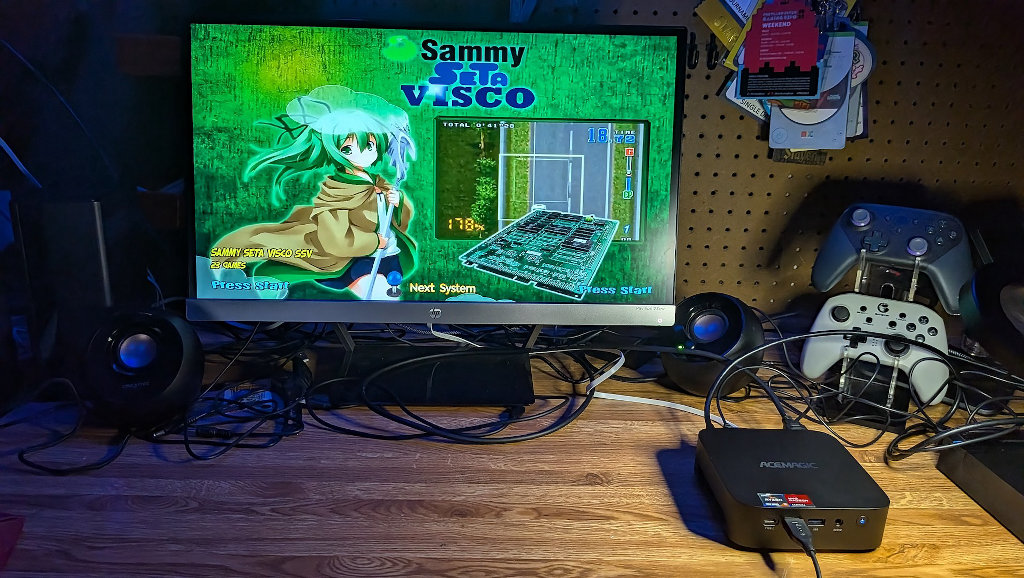
At the time of writing, the K1 7430U model is listed at $339.00 on AceMagic’s website, with additional deals available through other sellers. It’s worth comparing and shopping around if you’re looking to score a deal. I could see this making a great secondary PC, especially if you wanted a dedicated station to serve as a sort of home base for all your handheld collection needs. It’d certainly be a viable candidate for either the always-on RomM server or the HTPC project.
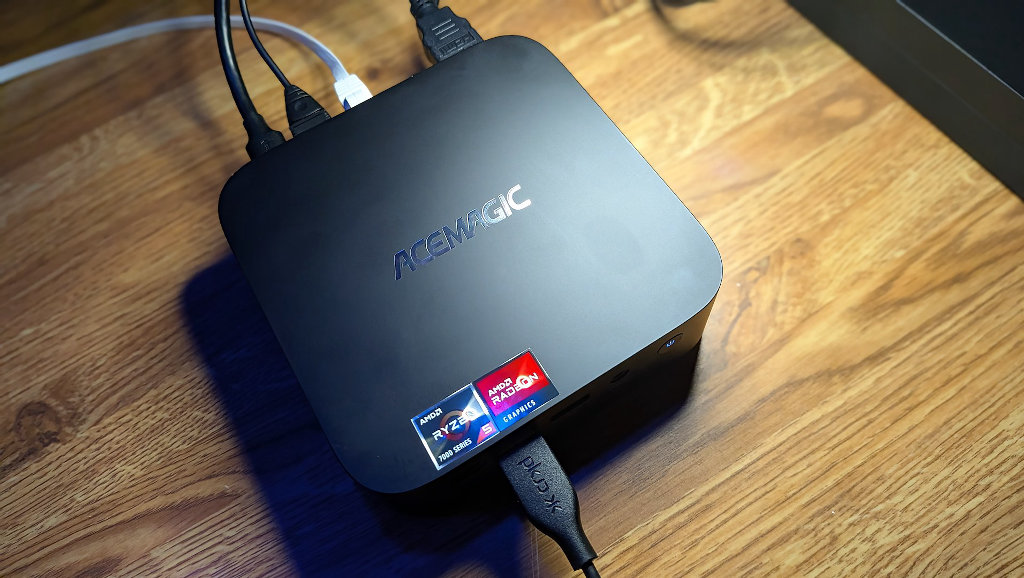
The K1 Mini 7430U edition is a perfectly good daily use mini-PC. There, I said it. If you’re looking for a finished PC package that can still be had for a reasonable price in the midst of the current component price explosions, the Acemagic K1 7430U is an entirely decent option. Its only crime is that it’s very similar to another middle-of-the-road offering in the same lineup, but if you’re in need of a jack-of-all-trades solution with a tiny footprint, the 7430U is a solid choice.
