

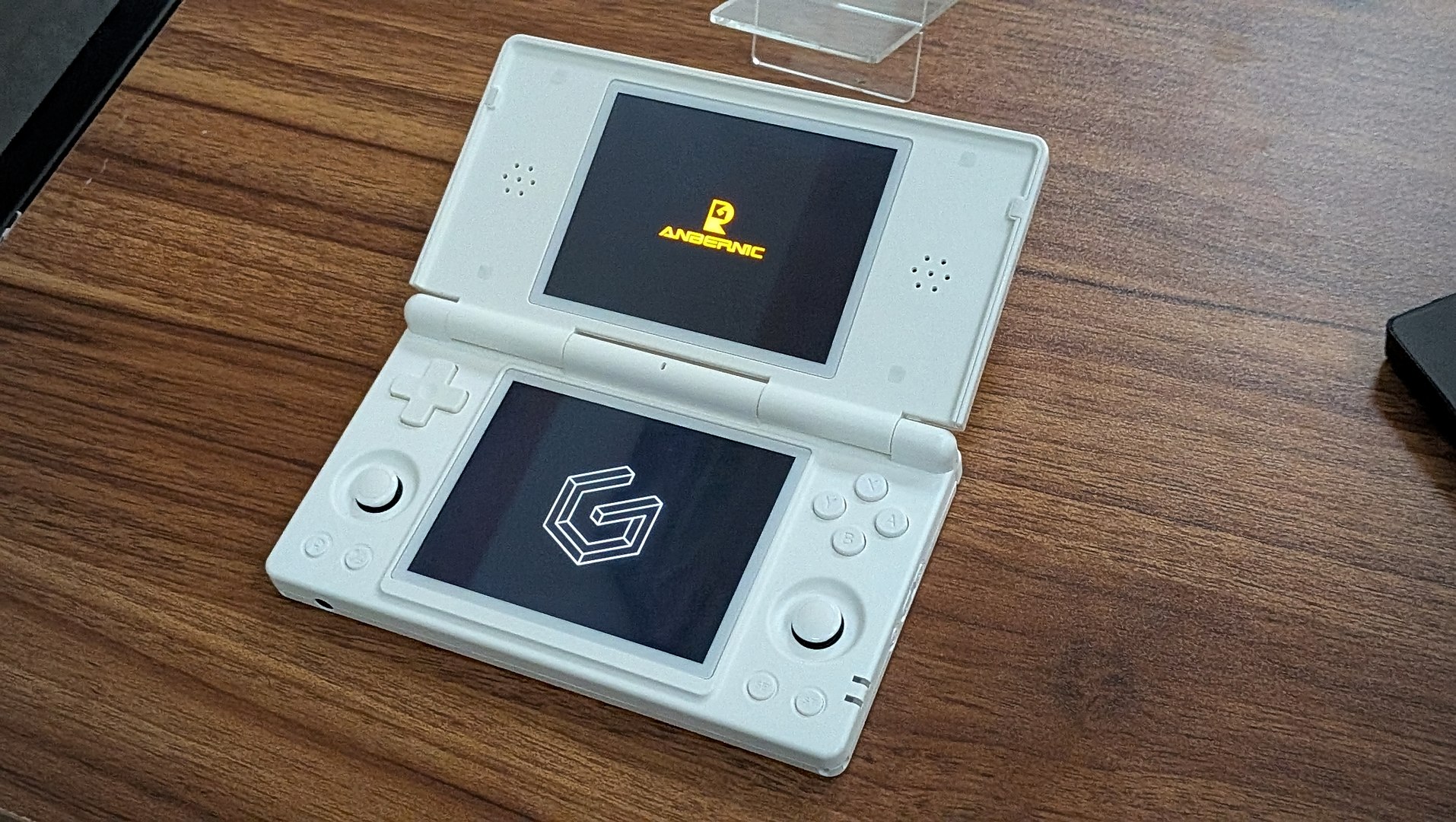
After weeks (or months?) of teases, the day has finally arrived. GammaOS Nano v1.4 has been officially released for the Anbernic RG DS, bringing with it more features and changes than you can shake a stick at. Seriously, this is not your “run-of-the-mill” iterative “point” release, as it brings a complete overhaul to GammaOS Nano as we know it.
We knew this was going to be a big deal, not just from how long it’s taken Gamma to release it, but also because of a blog post that was posted a few days ago. Gamma provided a lot of excellent details about what goes into the development process, and it’s definitely a blog post that everyone should read.
Recommended Reading: GammaOS Next 1.4 Dev Blog
You might be a bit surprised to see that this release is solely for the RG DS, despite mentions of the RG Rotate and other devices being slated to get the update. The RG DS just happens to be the first out of the gate, with more device-specific versions arriving in due time. As far as we know, along with the RG DS, the first batch of GammaOS Nano v1.4 devices include the aforementioned RG Rotate and the TrimUI Brick.
From there, we will see GammaOS arrive on more and more devices as Gamma works through various potential last-minute bugs. So how can you download GammaOS v1.4 for the RG DS now? Well, the build is now live on GitHub, but you’ll need to head over to the Gamma Patreon and subscribe as this is a “Patreon exclusive for now and will go public later.” In the meantime, check out the full changelog for v1.4 over on GitHub, or the abridged version for the RG DS below.
GammaOS v1.4 for Anbernic RG DS
- Three full home themes
- The RG DS boots into the DSi System Menu theme by default, and you can switch between three complete themes at any time:
- DSi System Menu (default) – a faithful Nintendo DSi home for the dual panels, with the dual-screen carousel, glossy blue selection frame and DSi-style dialogs on the bottom touch screen.
- PS3 XMB – a 1:1 recreation of the PlayStation 3 XrossMediaBar with the animated wave wallpaper, glass icons with live light refraction, the analog clock and the authentic menu animations.
- Minima – clean, fast, minimalist themes inspired by MinUI and NextUI for people who just want to get straight into their games.
- DraStic-nano – faster DS emulation with RetroAchievements
- RG DS Control Center for single-screen apps
- Custom wallpapers, including video wallpapers
- In-game overlay on a power-button hold
- Improved sleep mode
- Built-in media, browser and more
- Platform Fixes
- Known Issues
- GammaOS Nano ships with NO Google Services. This is a deliberate design choice for maximum performance, battery life and a clean boot-to-play experience. There is no Full variant for Nano on RG DS.
- On a cold boot the bottom screen may occasionally come up with wrong colors or wrong positioning. Once the device is fully booted, just turn the screens off and back on again and it will correct itself.
- If you ever used Rocknix (or another mainline distribution), this can affect your ability to restart or turn on the device. You must unplug and replug the battery to fix this. This happens if you ever used Rocknix on an SD card or flashed to eMMC.
- DraStic RetroAchievements currently supports Softcore only. Hardcore is pending approval from the RetroAchievements team.
- Performance improvements are mainly for NDS/DraStic. Do not expect 3DS titles to run any better.
- The RG DS boots into the DSi System Menu theme by default, and you can switch between three complete themes at any time:
