

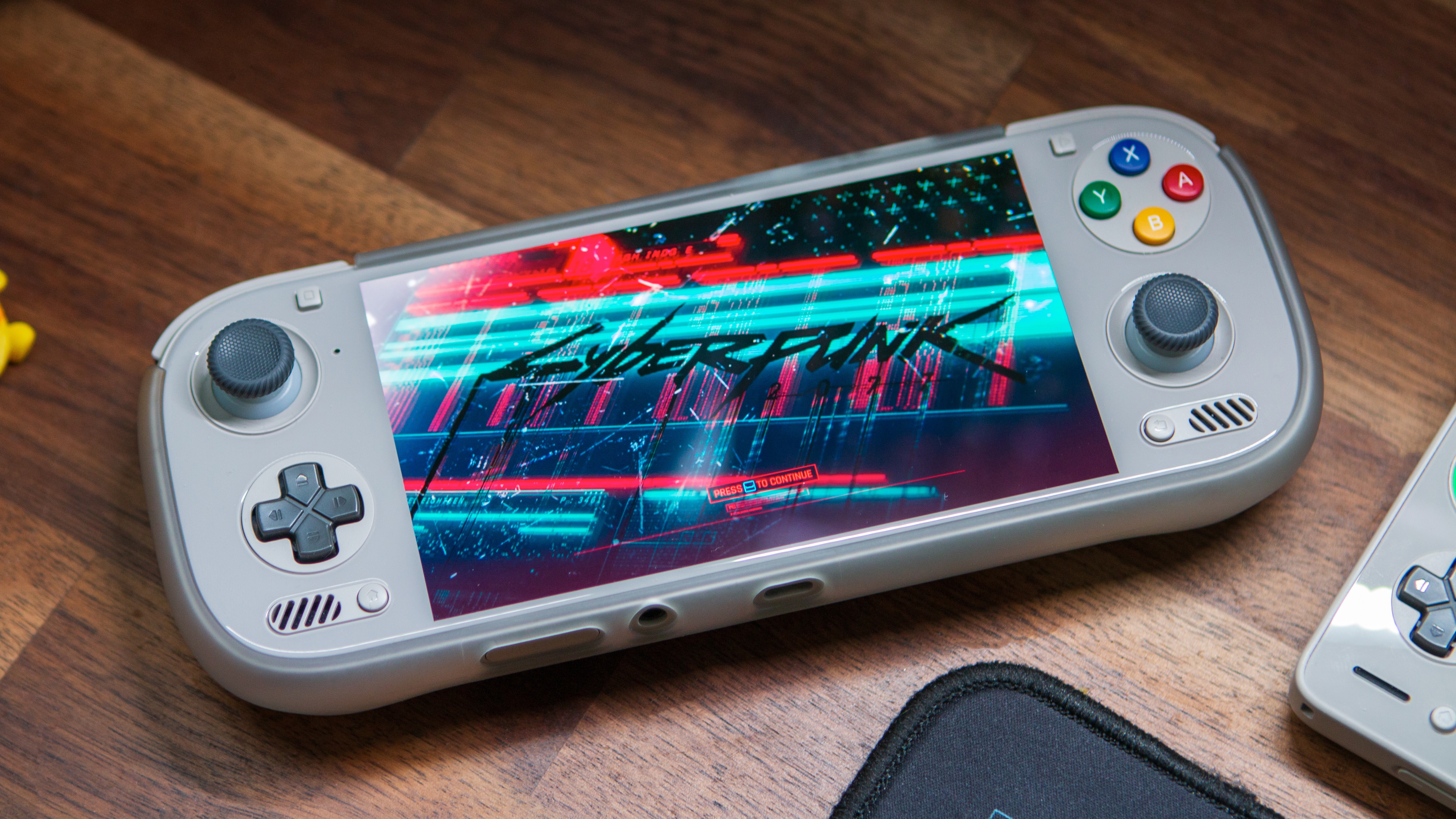
Despite the recent appearance of the Steam Frame, and by extension SteamOS on Arm over the last week or so, the Armada team has continued their cooking. The team has already stated they don’t expect much change in the direction of Armada after that, and the recent update they’ve put out really shows that. With some nice quality of life upgrades and changes, Armada is continuing to evolve for the better.
As always, I put out the recommendations to check out what the Armada team is cooking in their usual sources. And for them there’s the big three. Their website for all of the links you could ever need, their Github for the full rundown on this and past updates, and their Discord if you’d like to chat with their community a bit more.
As always you’ll find their Changelog below for more information, with some of my personal favorites highlighted.
- Improved sleep behavior
- Lower power consumption on SM8550/SM8650/SM8750 during sleep. Up to 50% reduction in battery drain.
- Faster Wi-Fi connection after waking from sleep.
- New Armada Tools desktop app/command line interface
- View device information, storage, IP addresses, and installed OS and Steam versions
- Enable SSH, select Stable/Beta/Preview update channels, install OS updates, and roll back to the previous version without Steam running
- Repair Steam by restoring the bundled client while preserving games, saves, accounts, and settings
- Device and controller improvements
- Increased Retroid Pocket 6 touchscreen sampling to 119hz from 28hz (@diogotr7)
- Improved analog input and increased reporting to 250 Hz on RSInput controllers for Retroid Pocket 6 and AYN Odin 3 (@diogotr7)
- Removed the built-in Odin 3 stick deadzone (@diogotr7)
- Fixed DisplayPort detection on SM8250 Retroid devices (@Tom42-eu)
- Fixed input freezes for devices connected through USB hubs/docks (@keks2293)
- Graphics and game compatibility improvements:
- Fixed Quick Access Menu appearing behind games
- Fixed bottom screen Gamescope startup during display handoff
- Added kernel support for FEX’s unaligned atomic emulation and backpatching
- Added dependencies needed by EmuDeck
- Waydroid improvements
- Restored controller input, including handling hotplug and Android restarts without duplicate controllers appearing in Steam
- Made Armada’s Android Mesa drivers available during first initialization
- Armada Control improvements:
- Added Simplified Chinese, Brazilian Portuguese, and European Portuguese translations (thanks @mydanyi and @Raxcoms)
- Added conservative CPU governor support (thanks @dsancalm)
- Updated default power profiles: Eco and Balanced use the conservative CPU governor
- Removed the CPU realtime scheduling option because it caused stability problems
- Fixed controller calibration and system commands when using native ARM64 Decky Loader
- Added optional automatic sleep logs under Documents/sleep-logs, with detailed kernel tracing to help diagnose suspend and wake problems (thanks @xXJSONDeruloXx)
- Armada Store improvements
- Initial support for MANGMI Pocket Max and MANGMI Air Y Pro
- Audio is Not Working at this Time
- Added Armada OS ID
- Added armada-rebase helper for switching image tags/testing forks
- Consolidated packages into main repository
- Updated Linux to 7.2.6, Mesa to 26.2.3, FEX to 2609, Gamescope to 3.16.29-ogc2, and NetworkManager to 1.58.1
Of the updates stuff like initial support for Mangmi Devices is awesome to see and improvements towards battery drain will always be welcome. As Armada continues to improve, I can see a lot more people attempting to make the switch over to it for their devices. And that’ll be awesome to see in the near future. Until then, be sure to continue supporting the Armada team, and check out their Github for more information.
