

Since 2015, the “best TV box” on the market has pretty much been the same thing this whole time: the NVIDIA Shield TV. For the longest time, nothing was really surpassing it in performance, and if it was, it was usually Apple. On the Android side of things, most alternatives were lower cost, lower performance, or just featured a terrible Amazon software suite.
Fast forward to now, and things are getting better on the low end. Walmart has their Onn streaming lineup, Google is releasing things, and Amazon has managed to get even worse, all while Roku continues to exist. With all of that in mind, the Shield TV continues to stay on top, but maybe you need something else?
Disclosure:
The device reviewed was provided as a review sample by Ominibox. This had no bearing on the conclusion of the review, nor did Ominibox have the opportunity to make edits or changes to the review before publishing.
Affiliate links might be present where applicable, and we may earn a commission on product purchases using those links at no extra cost to you.
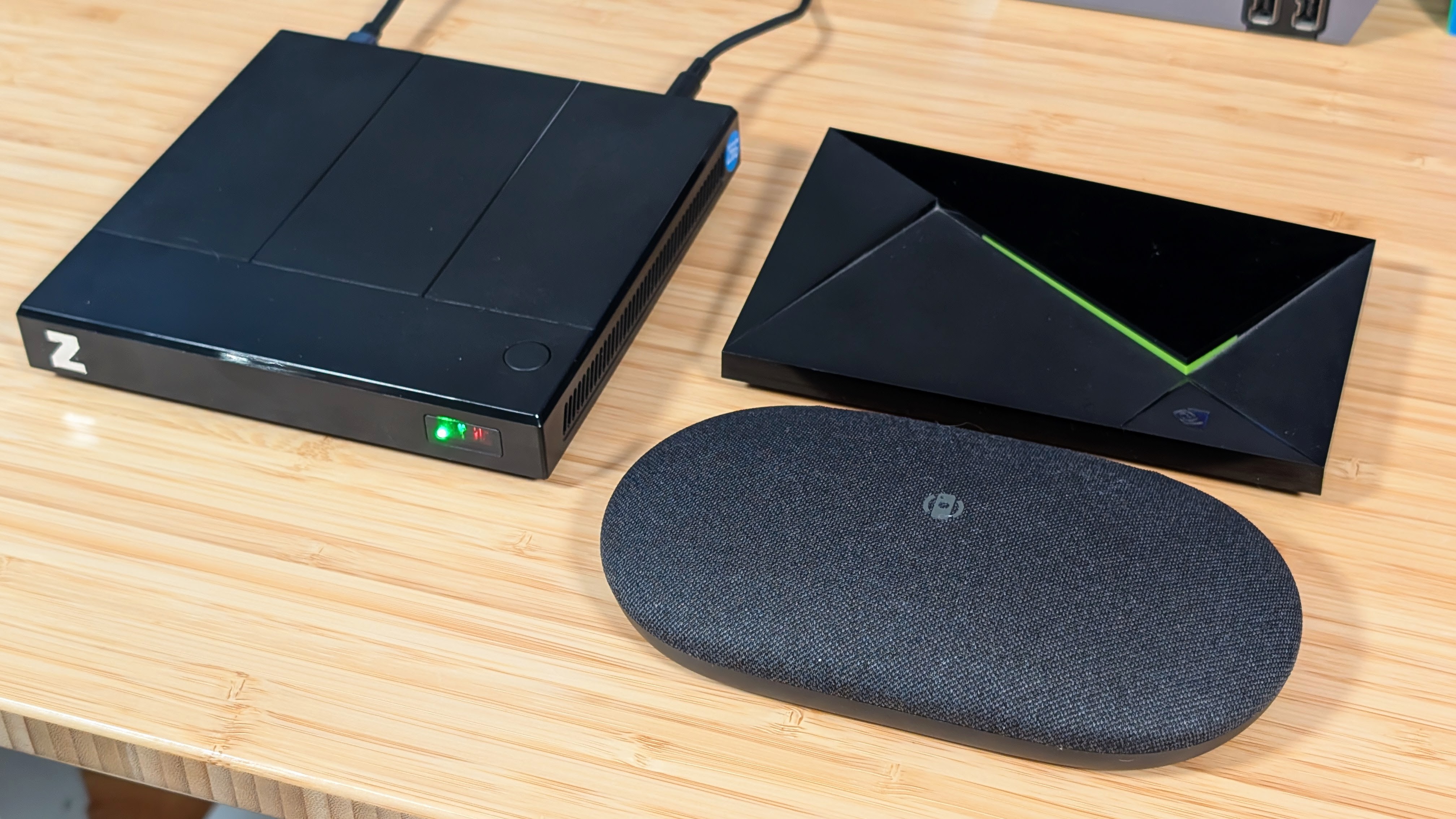
The team at Ominibox decided to send me over a review unit for their Z Box Lite. A TV Box that they want to use to replace the Nvidia Shield TV, or for their higher-end machine they advertise as a “Steam Machine Alternative.” While I don’t personally agree with that second choice, I think the team at Ominibox has made quite the experience in a compact package. Enough to the point I’ve put in enough time to get me to actually want to talk about it. So let’s see. How is it? And should you buy it?
Ominibox Z Box Lite Specs
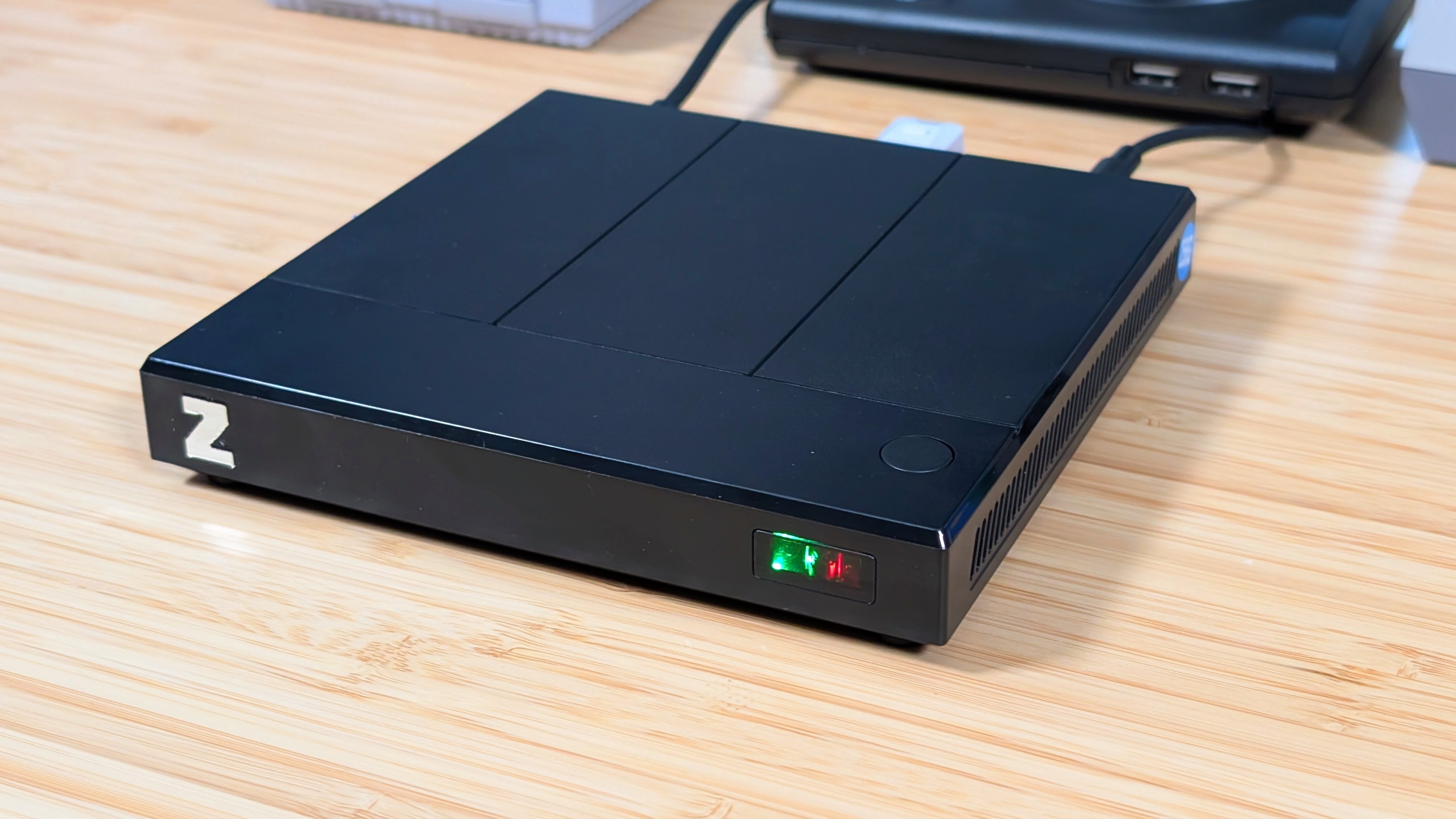
Just to cover everything at once, there are two tiers to this lineup. The Z Box Lite, and the Z Box. I’m taking a look at the lowest-end model with 8GB of Ram, and 256GB of storage for just $189, but you can double the RAM at $289. The Z Box features a higher-end 8 Gen 3, with either 12GB or 16GB of RAM and 256GB of storage for $289 and $349, respectively. But at nearly half the price for the base model, I’m curious to see if those specs really make a difference.
| Hardware | |
| CPU | Qualcomm Snapdragon 8 Gen 2 |
|---|---|
| GPU | Qualcomm Adreno 740 |
| RAM | 8GB, 16GB |
| Storage | |
| Internal Storage | 256GB, 512GB |
| External Storage | microSD |
| Connectivity | |
| Wi-Fi | Wi-Fi 6E |
| Bluetooth | Bluetooth 5.2 |
| Ports | Ethernet, microSD, USB-A, USB-C 3.2 Gen 2 |
| Video Out | Yes |
| Software | |
| Operating System | Android 14 |
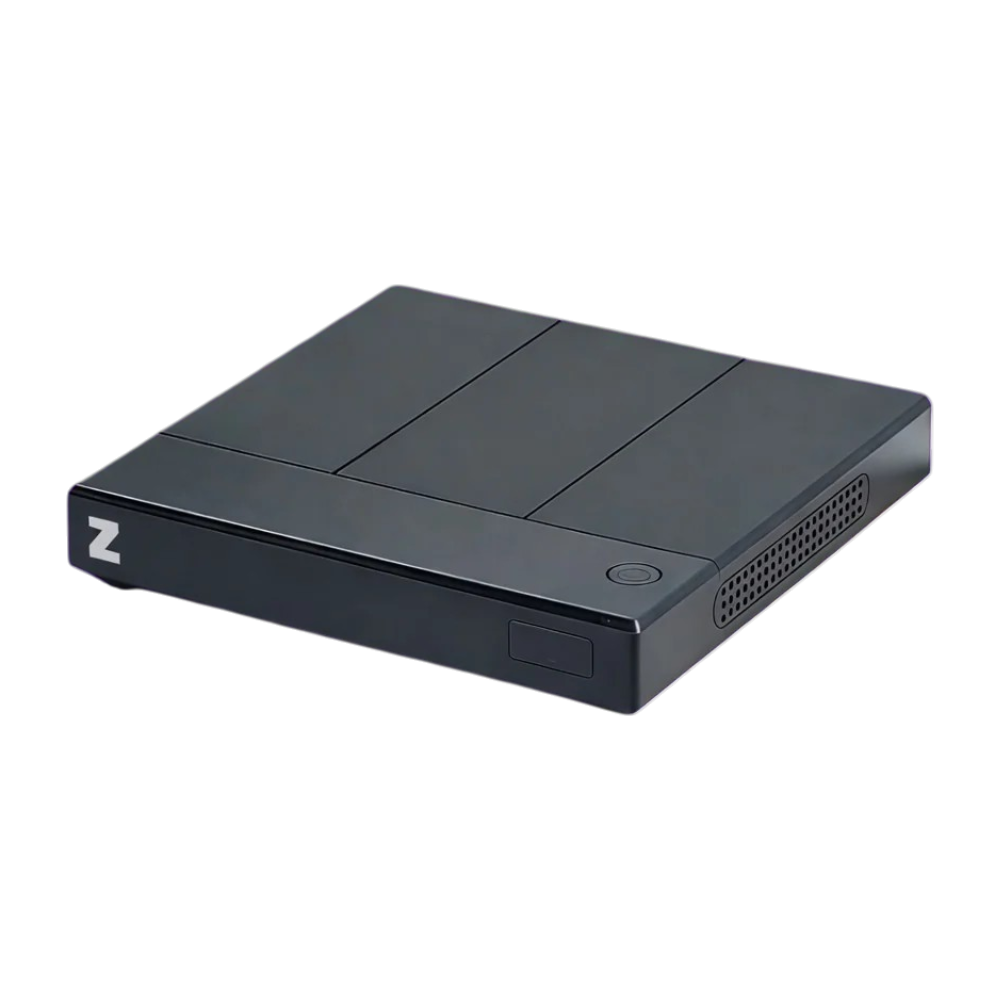
Ominibox Z Box
Ominibox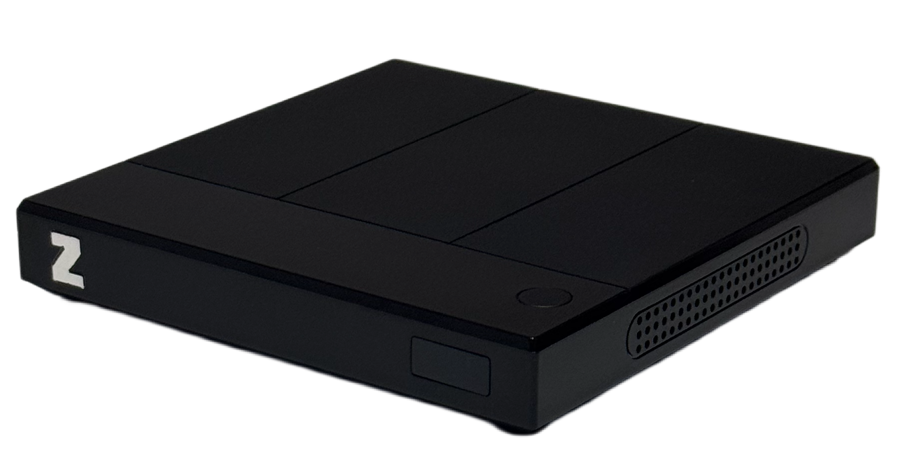
Ominibox Z Box Lite
OminiboxBuild Quality
I may end up splitting this into a bunch of weird chunks, but just like everything else I want to talk about how well the thing is built, and the quality you get out of the box. The Z Box feels decently built with solid plastics. You’ll get a solid thunk out of it if you’re one of those people who hit your devices, and the rubber feet do a really good job of holding it in place. The remote feels a bit cheap as well, but functionally it’s solid; I will talk more about this when I get into the software and usability portions.
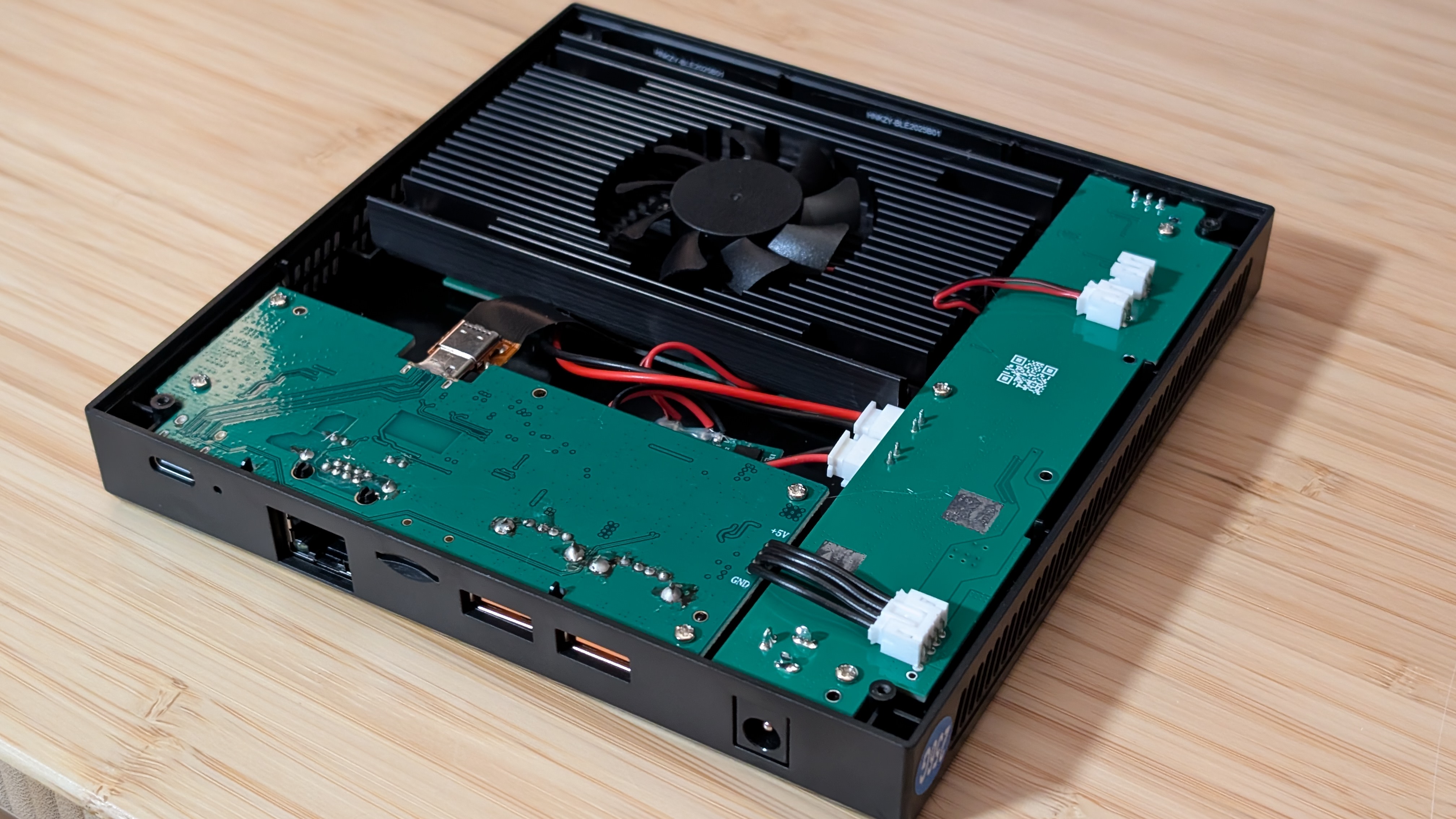
While I haven’t told the team this, I did open it up to see what was inside the Z Box Lite. You should never have to do this unless you lose an SD card to it, but it’s straightforward. Peel the feet away, unscrew four screws, and the bottom pulls away with zero clips.
Once inside, you can see 3 different boards. One for the power button and power plug in the back, one board that covers the I/O, and a third board with a fan that houses your CPU, RAM, and Storage all in one. It’s certainly an odd shape and size for a board, but it may make sense later on. Overall, I am pleased with the build quality for such a small team.
TV Box Usage
I know I called this a tinkerer’s delight, but I want to note the main thing someone might buy this for first, and that’s as a dedicated TV box. The frontend included is pretty basic, but the remote navigates it easily. If you want to download a new app like Hulu, Dropout, or Nebula, you’ll be able to use the full Android-based Play Store rather than the Android/Google TV variant. It is a bit hard to navigate off the bat, but the mouse mode on the remote absolutely helps.
Once you have your favorite apps downloaded like Peacock, Apple TV+, and Curiosity Stream, you’ll just need to open them up, and you’re off to the races. Thanks to the Widevine L1 support, everything streams in high quality, and it just seems to work for me. If you don’t want to tinker and just want to watch shows off of Paramount+, this would be great for it. But it’s also overkill in terms of power.
Performance
I’m not getting to the software just yet, but I have been hinting about what’s off about it here and there so far. But this might add a bit of fuel to the fire. The Snapdragon 8 Gen 2 is a powerful chip, and the second most powerful put into a “TV Box”, only behind their 8 Gen 3 model. To help kind of confirm that, I’ve included benchmarks between the NVIDIA Shield TV, the Z Box Lite, and the AYN Odin 2 for comparison.
As you can see from these benchmarks, the Z Box absolutely trounces the Tegra X1+. Whether that’s doubling the GPU score, more so in Wild Life Extreme, or 5-6x multiplying the score in CPU testing. It’s doing great work for that. But I also noticed how it falls behind the Odin 2 Pro. Not by a lot, but enough I wouldn’t call it within percentage error.
The worst, though, is in Wild Life Extreme, where the 57% stability shows that it just can’t sustain its performance long term. Turning on the “green mode,” as I like to call it, increases the 57 to a 67% stability, but also lowers the total score overall. So it’s really hit and miss.
During my testing, and thanks to some input from Azile over in the RH Discord, this might come from the fact that the fake battery in the Z Box Lite does still drain, and while I haven’t seen it go below 70%, it seems that it may have an impact on performance overall. With a bit of tinkering and terminal, you could get performance to ignore this drain entirely, but for now that is still a present issue.
Software
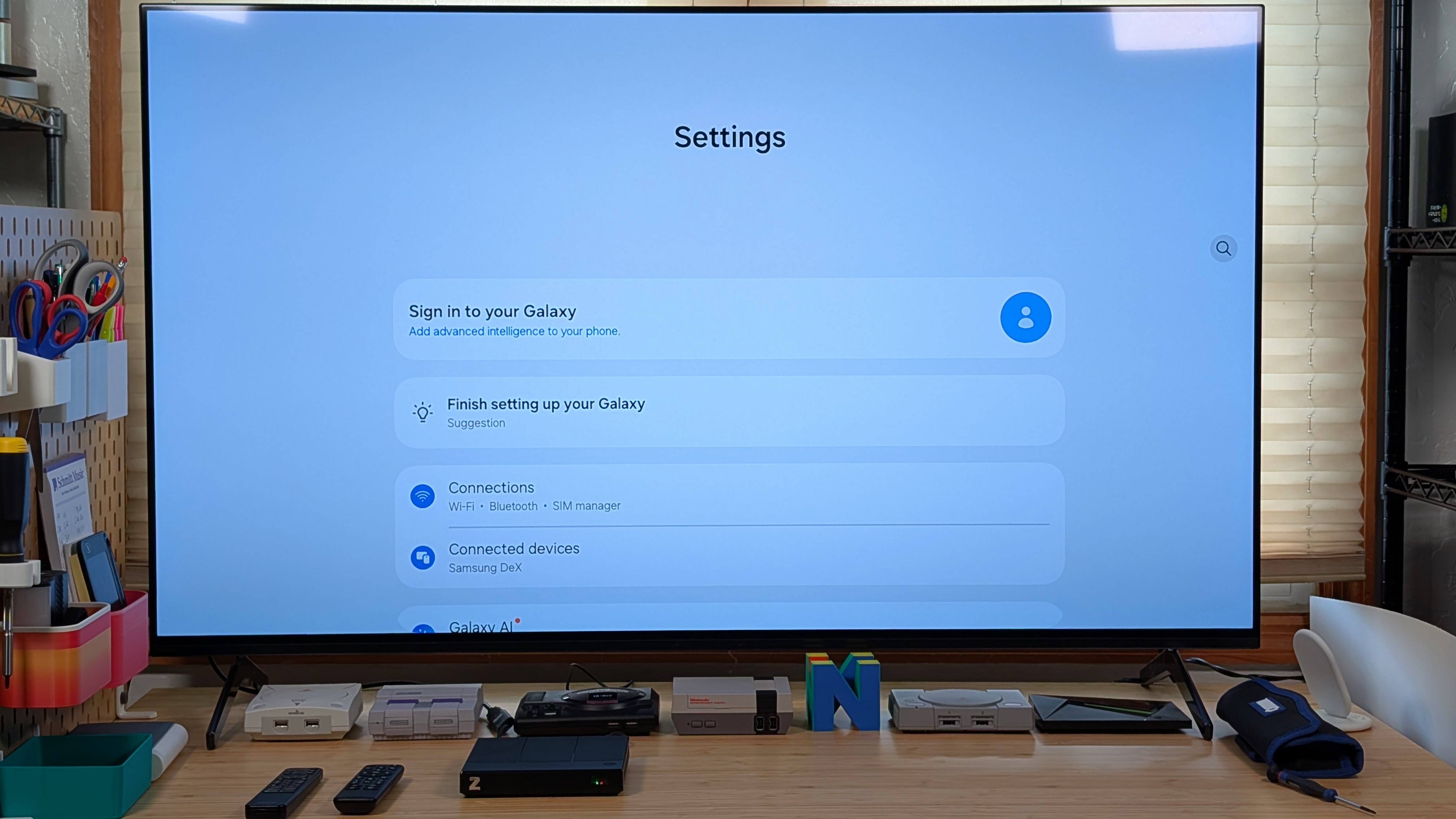
I’m going to skip over my discussion on the main launcher, but this box runs Android, and not just any Android, but it’s running over One UI 7.0, which, for those unaware, is Samsung’s flavor. That means you get the normal Samsung settings page, but you also get additional features like Dex compatibility.
Hit the Dex button on the remote, watch the screen flash, and suddenly you’re in a desktop scenario. That’s great because once I plug my mouse and keyboard in, I can use it like a desktop to set up all of my emulators and frontends with ease.
Using a mouse and keyboard ended up being way easier, as I could just load up Obtanium and the Play Store and navigate through to download Dolphin, Redream, and RetroArch among other things. A bit of an odd note is that some launchers simply wouldn’t boot on this. Cocoon and iisu both crashed upon booting and wouldn’t let me go any further.
In the end, after running through other front ends like Daijisho, Beacon, and Console Launcher, I ended up settling on RetroHrai, which has been the most controller-friendly frontend for me personally. Other than these quibbles, the rest of the software is exactly as you’d expect. It’s just like a phone. Particularly a Samsung phone with an 8Gen2 and a fake 3900mAh Battery.
Home Console Usage
Emulation Performance
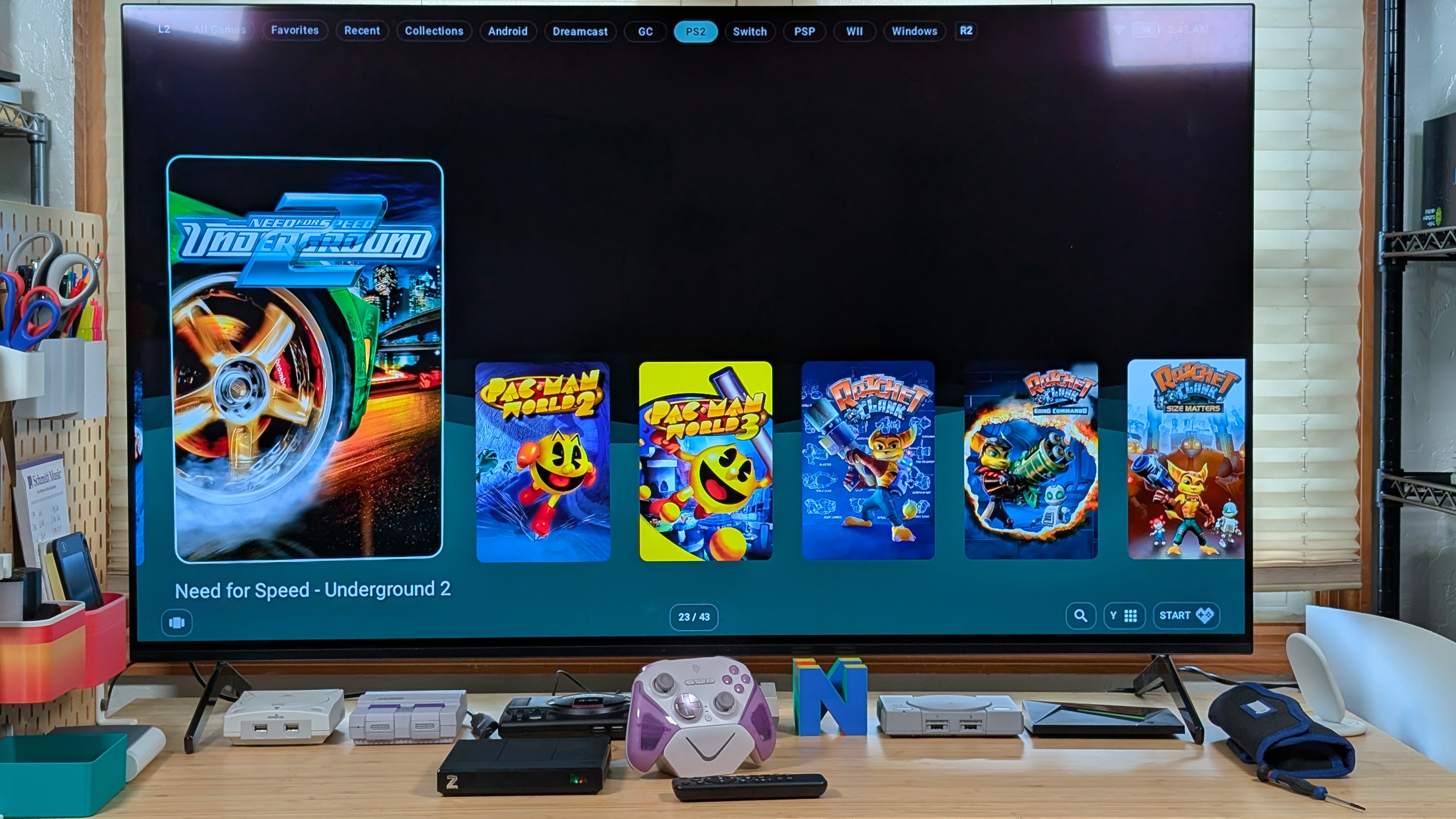
Because of what the entire website is, I obviously wanted to use this as a home console-styled box rather than a TV box. And while I did settle on RetroHrai for now, I’m still waiting to see how the Wave launcher turns out when it hits its 1.0 release. In terms of performance, I’m going to skip everything from Dreamcast and below because it works perfectly. Upscaled to be a solid 1080p works on most platforms for me.
Stepping up to GameCube and PS2, you’re once again going to run into minimal issues. For the duration of my testing, I did use NetherSX2 (Turnip), but with the recent developments going around for ARMSX2, it might be time to change my methodology in testing over to that. But everything from Animal Crossing and Wave Race: Blue Storm to Burnout 3 and Ratchet and Clank ran great.
Honestly, I might go back and try to beat a few games with this. After I trim down the library. Things start to go a bit awkward with Switch as, despite being a perfectly cromulent 8 Gen 2, I do get more stuttering in home console mode than I would normally on my Odin 2. Part of me wants to say it’s the stability of the system, but it may need more time to tinker.
X86 Performance
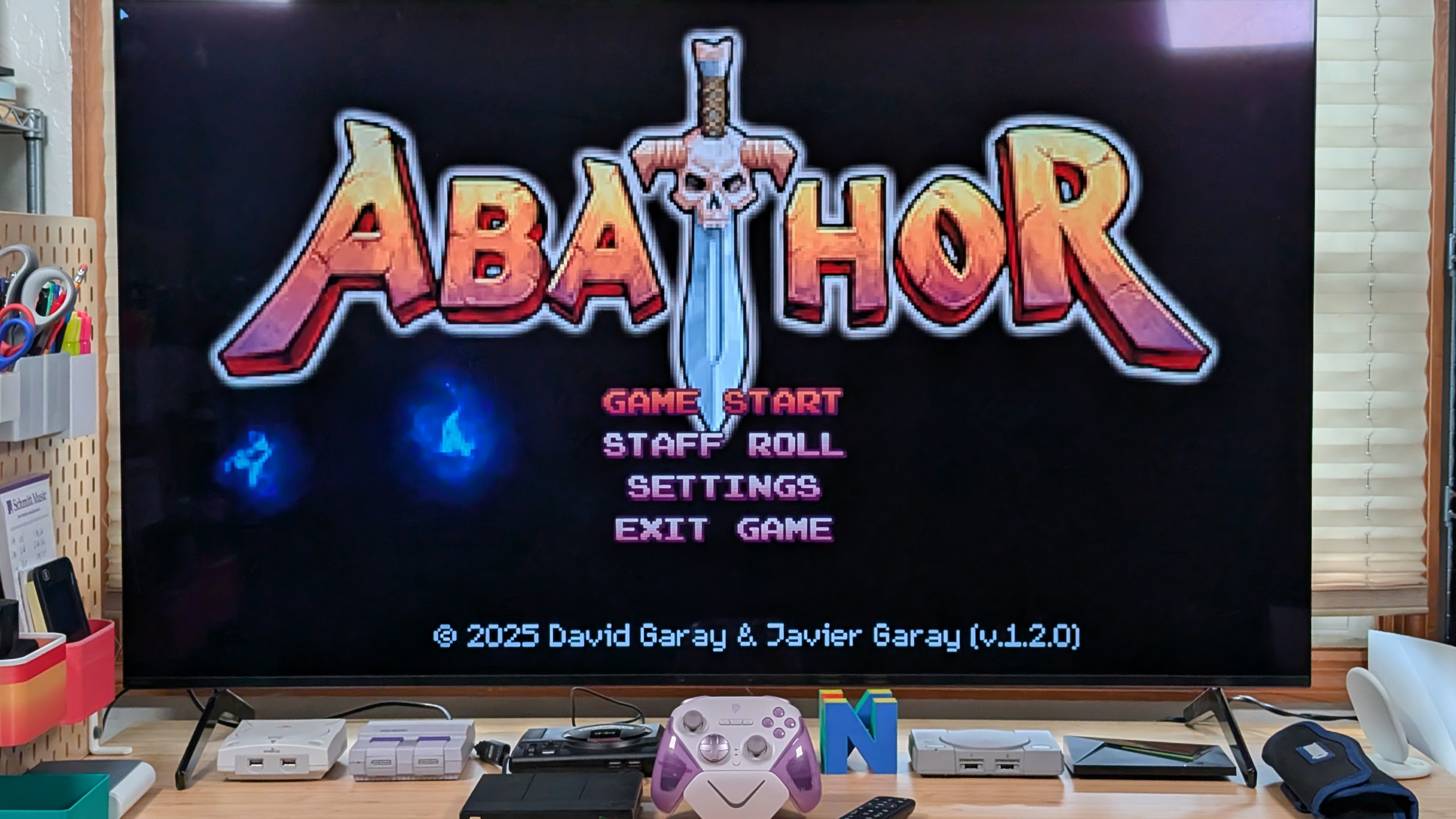
When it comes to x86 performance, it fares surprisingly well considering the Switch stutters. I was able to boot up my usual run of retro and 2D-inspired games and play them with no problems. Whether we’re covering Backpack Heroes, Cursed to Golf, Rubato, or any of the other games I cover on a monthly basis, it seems to pick up just fine.
For the most part, I was testing this with GameNative, but if you really want to delve deeper into the tinkering aspect of this, I would recommend plugging in a mouse and keyboard, grabbing Winlator, and going to town. There’s a lot you can do with it.
One thing I would be super curious about is if there’s a possibility of seeing alternative Steam OS styled systems port their way over to this. Whether that’d be something fun like Armada, or even Pocknix. Overall though, you can push this as you would an Odin 2 or RP6, but I wouldn’t expect to run much on the high end.
Additional Gubbins
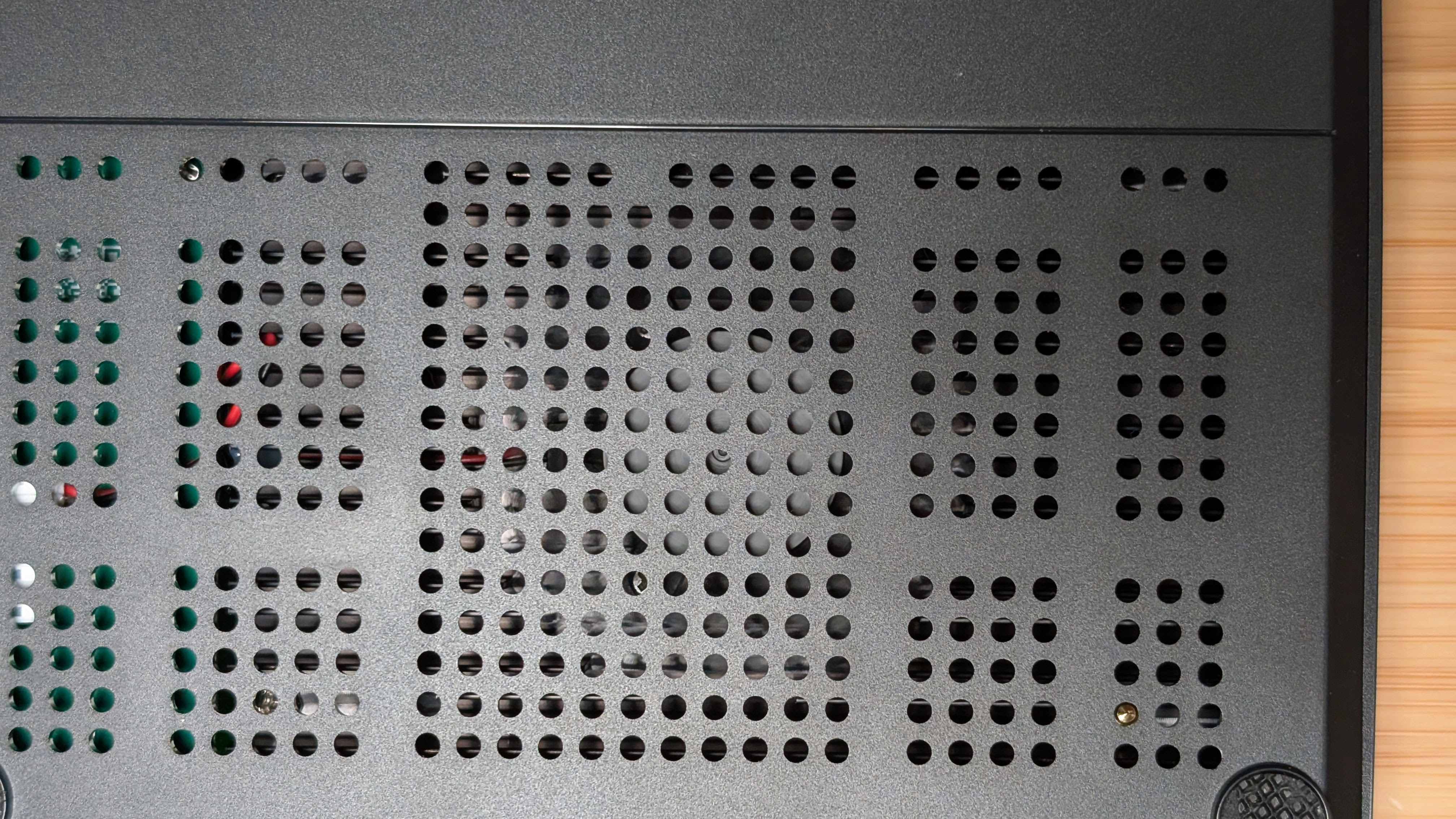
This is just the last little bit before getting over to my final thoughts. The fan that is in the box is basically silent. It doesn’t matter which mode I ran it in; I really never heard it. Could be a good thing or bad thing, but I do wish I could crank it up to help stability in the system. I almost wonder if Clustertune would have an effect here as well, though I haven’t had enough time working with it.
The other thing to note is the remote does have its own awkward issues. The air mouse mode, while great, seems to easily drift after a minute, meaning you’re slowly rotating your entire body just to point it further to the right than before. Outside of stability there, some buttons don’t seem to do much on first press, and for things like app switching I found that I have to click it a couple times just to work.
Oh, and one more thing. There’s no HDMI port on this. You have to use a USB-C adapter, and the one they included in the box is the smelliest HDMI adapter I’ve ever gotten. I had to leave it to air out for a bit.
Final Thoughts
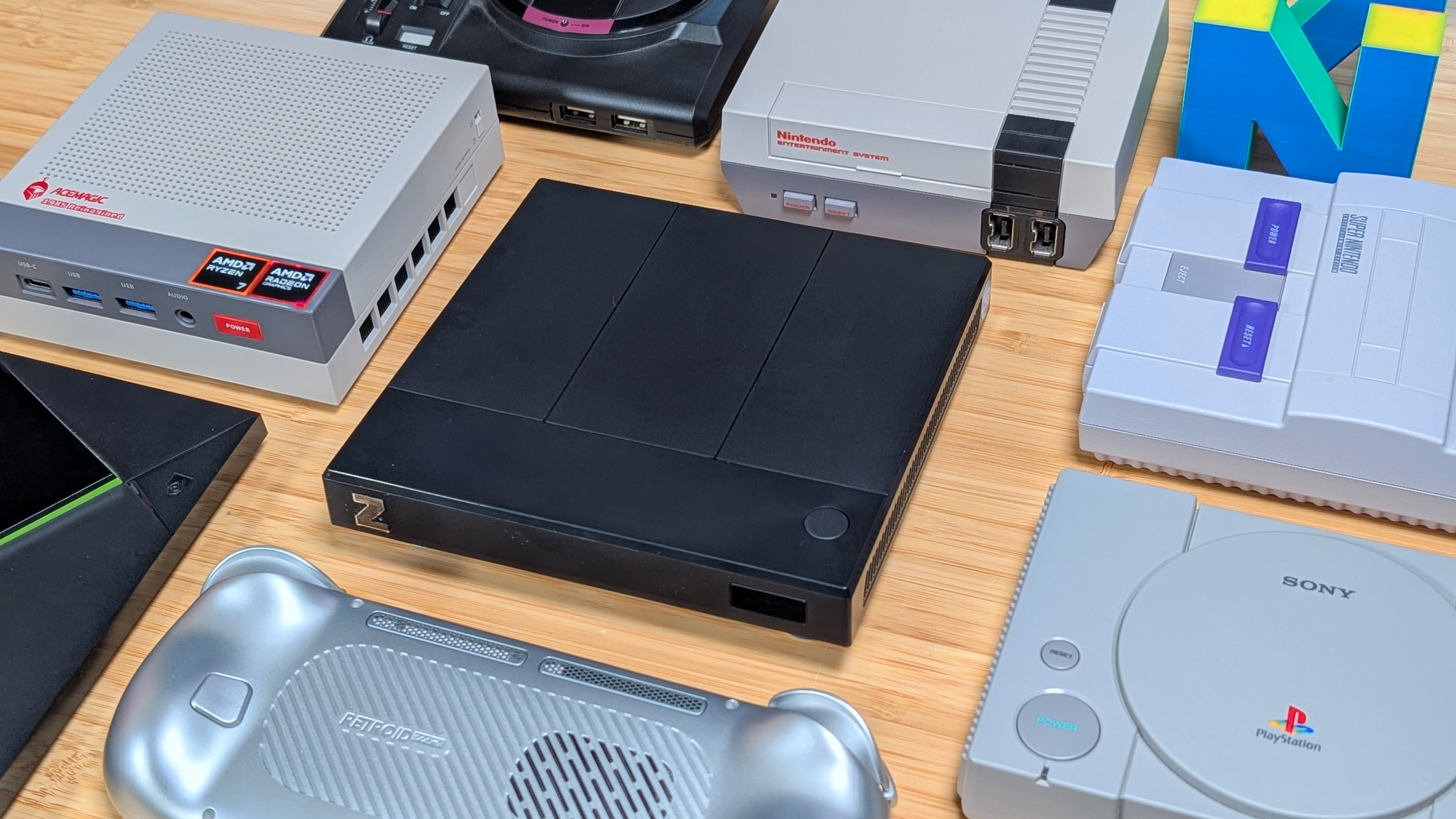
This is a machine that seems to do a lot right. It’s got a lot of power, it’s got a decent frontend for TV watching, and it’s got an open enough setup for you to tinker with it to your heart’s content. That being said, it also ends up being a bit of an awkward beast. You need mouse mode just to access certain things, and the stability overall leaves a lot to be desired in terms of performance.
This is an excellent all-around device, but I think it’s more for the tinkerers than anything. If you want to fiddle and fuss with little bits and plug it in like a desktop, I think this is a machine worth giving a try. For $189 plus shipping, you’re getting an experience that’s a bit different than the norm.
That being said, who’s to stop you from buying a used Android phone with similar specs and doing the same thing? Let’s just call this a “clean tinkering box” and leave it at that. Personally, I’m going to do the tinkering until I have a nice set-top box for gaming. Who needs the Raspberry Pi anyway? It’s basically the same price now.
Ominibox Z Box
Ominibox

2 Comments
Any idea of thermals on this?
How is this tv friendly if it’s using regular android instead of android tv?
All the streaming apps will be their mobile equivalent instead of their tv equivalent….