

When it comes to gaming, especially retro gaming, one of the first things you’re going to think about is your controller. Whether that’s your handheld or a standalone controller for big-screen gaming, it’s usually the first place you go. If that wasn’t your situation when you were younger, that means you were likely a PC gamer, and at that point your thought process goes for the display, and then likely your keyboard after that.
But what about the mouse? While they used to be a whatever peripheral due to poor lasers or balls you have to clean regularly, they’ve evolved into their own entire market thanks to rapidly increasing technology in mouse sensors.
Disclosure:
The device reviewed was provided as a review sample by Epomaker. This had no bearing on the conclusion of the review, nor did Epomaker have the opportunity to make edits or changes to the review before publishing.
Affiliate links might be present where applicable, and we may earn a commission on product purchases using those links at no extra cost to you.
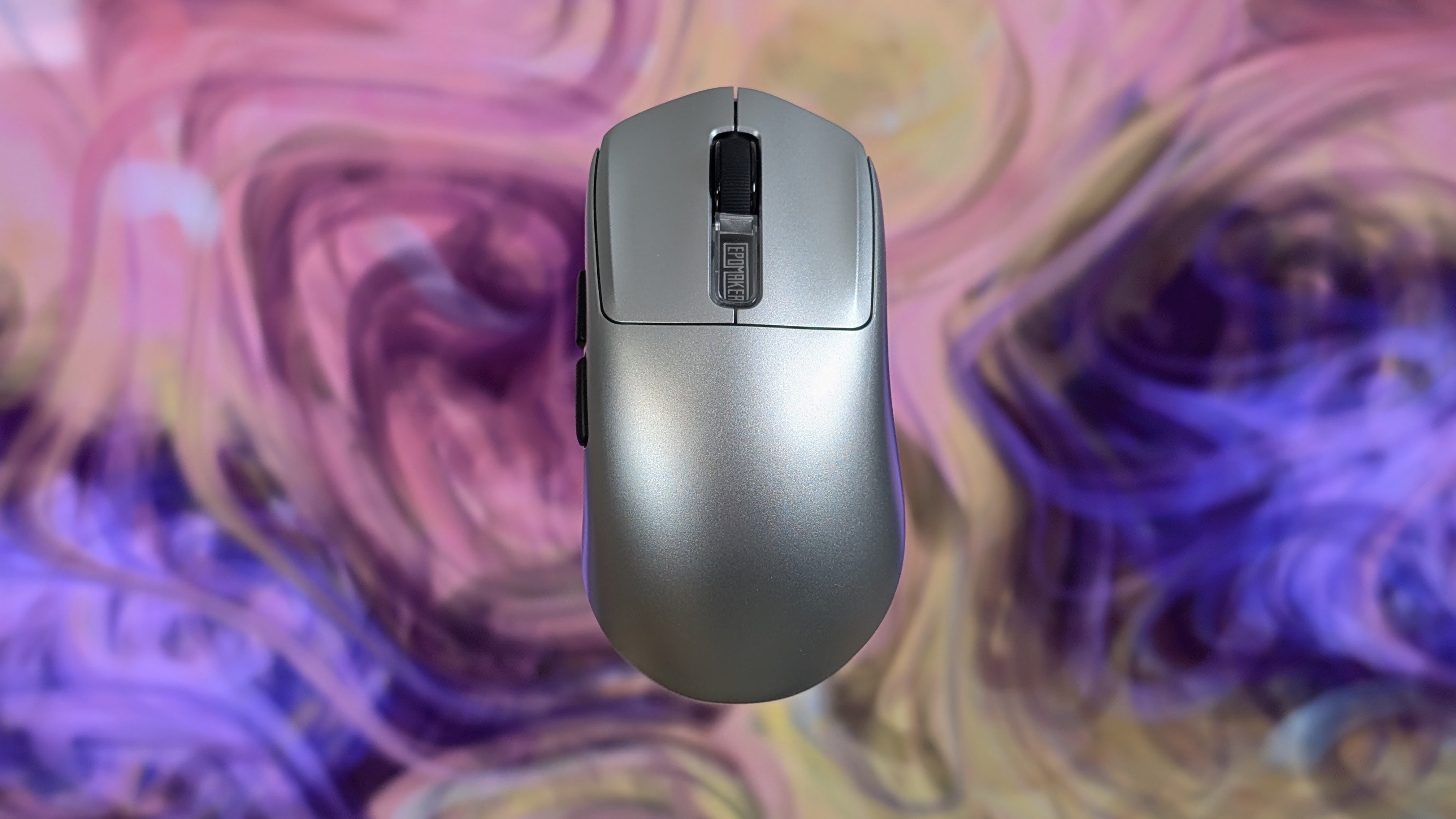
Fast forward to today, and Epomaker has sent over its NEX Pro for review to see how it handles. Admittedly, I was mostly interested due to the PS2 silver colorway and how it matches the Retroid Pocket 6, but now that I’ve had some time with it, I can certainly give my opinion on how it does.
Epomaker NEX Pro Specs
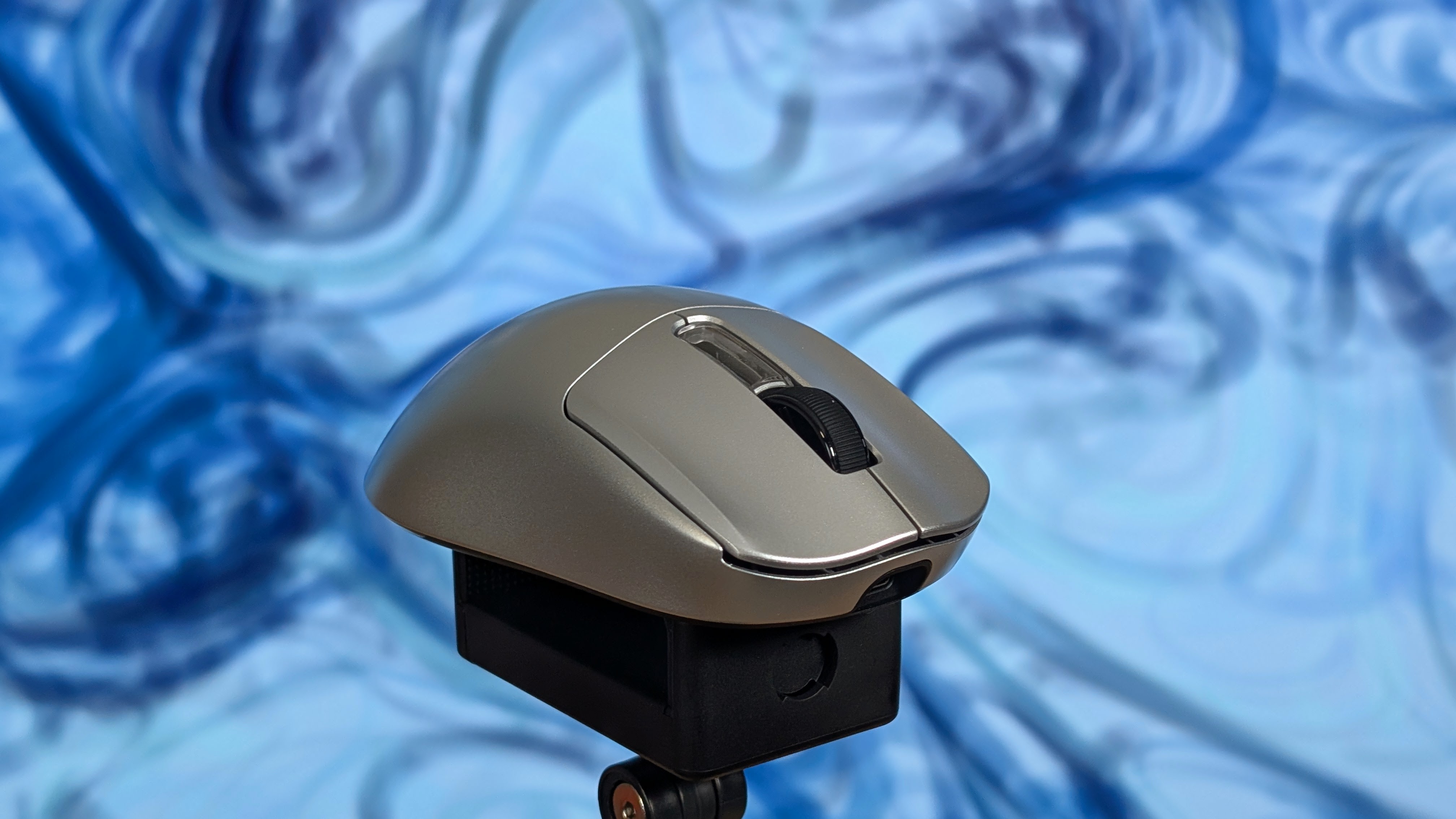
It’s important to note there are two versions of the NEX mouse. The NEX Lite is a lower-powered PAW 3311 mouse that comes in around $35, but for this review we’re looking at $79.99 for the single silver colorway. If you go onto Amazon, you can likely find this with a coupon for around $10-$12 off, which will certainly help with pricing. But for $80, is this mouse worth it?
| Spec | |
|---|---|
| Sensor | PAW 3950 |
| DPI | 6 stage @ 400, 800, 1600, 3200, 8000, 42,000 (Can be adjusted in software) |
| MCU | Nordic 54L15 |
| Switches | Omron Optical (60 grams of force) |
| Connection | 2.4GHz, Bluetooth, Wired Over USB-C |
| Polling Rate | 125Hz (Bluetooth) up to 8000Hz (2.4GHz) |
| Compatibility | x86, Android, iOS, PS4 and PS5 |
| Battery | 500mAh |
| Battery Life | 350 hours at 125Hz, 50 hours at 8,000Hz |
| Dimensions | 122 x 65 x 42mm |
| Weight | 65g |
Build Quality & Ergonomics
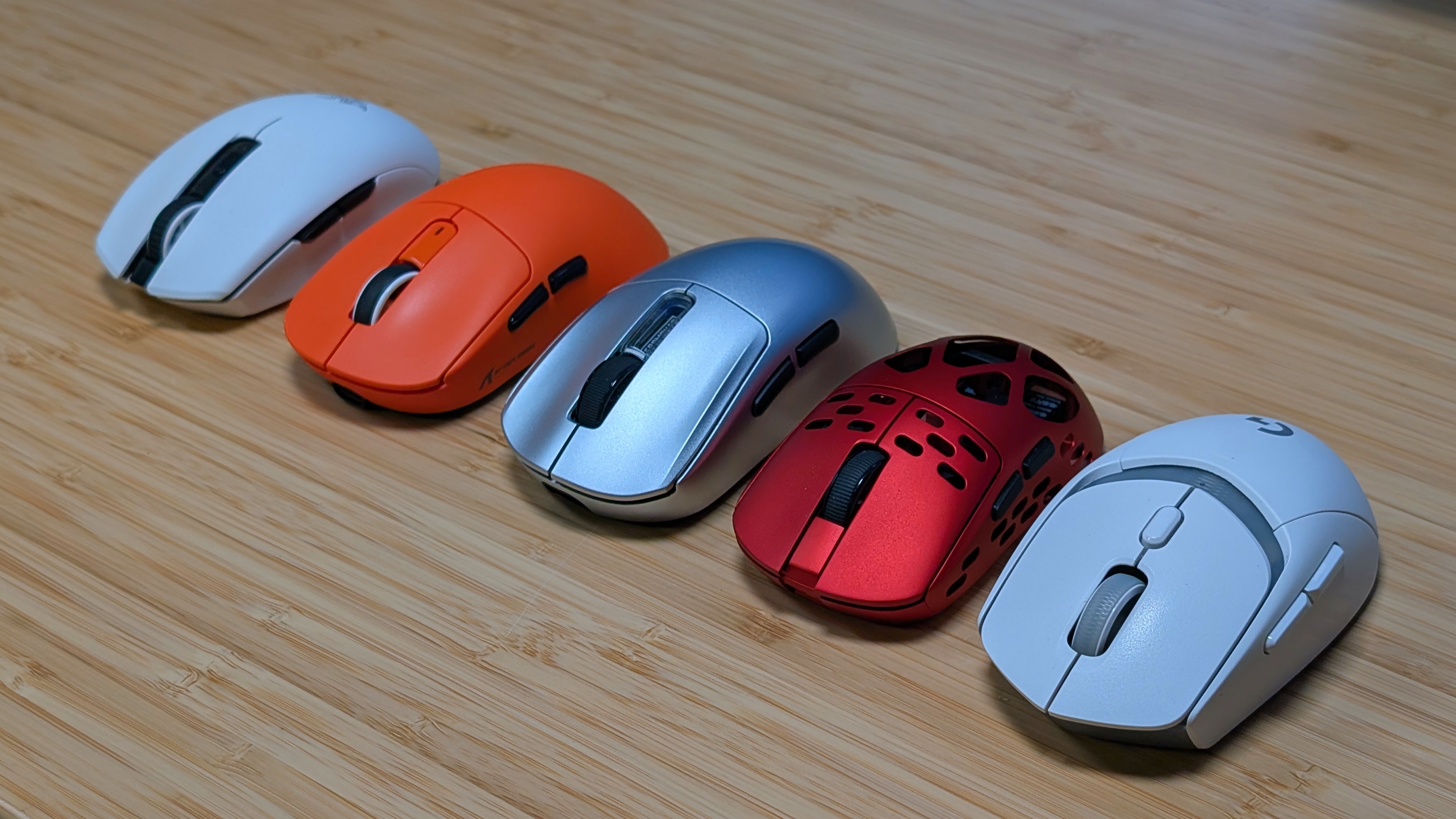
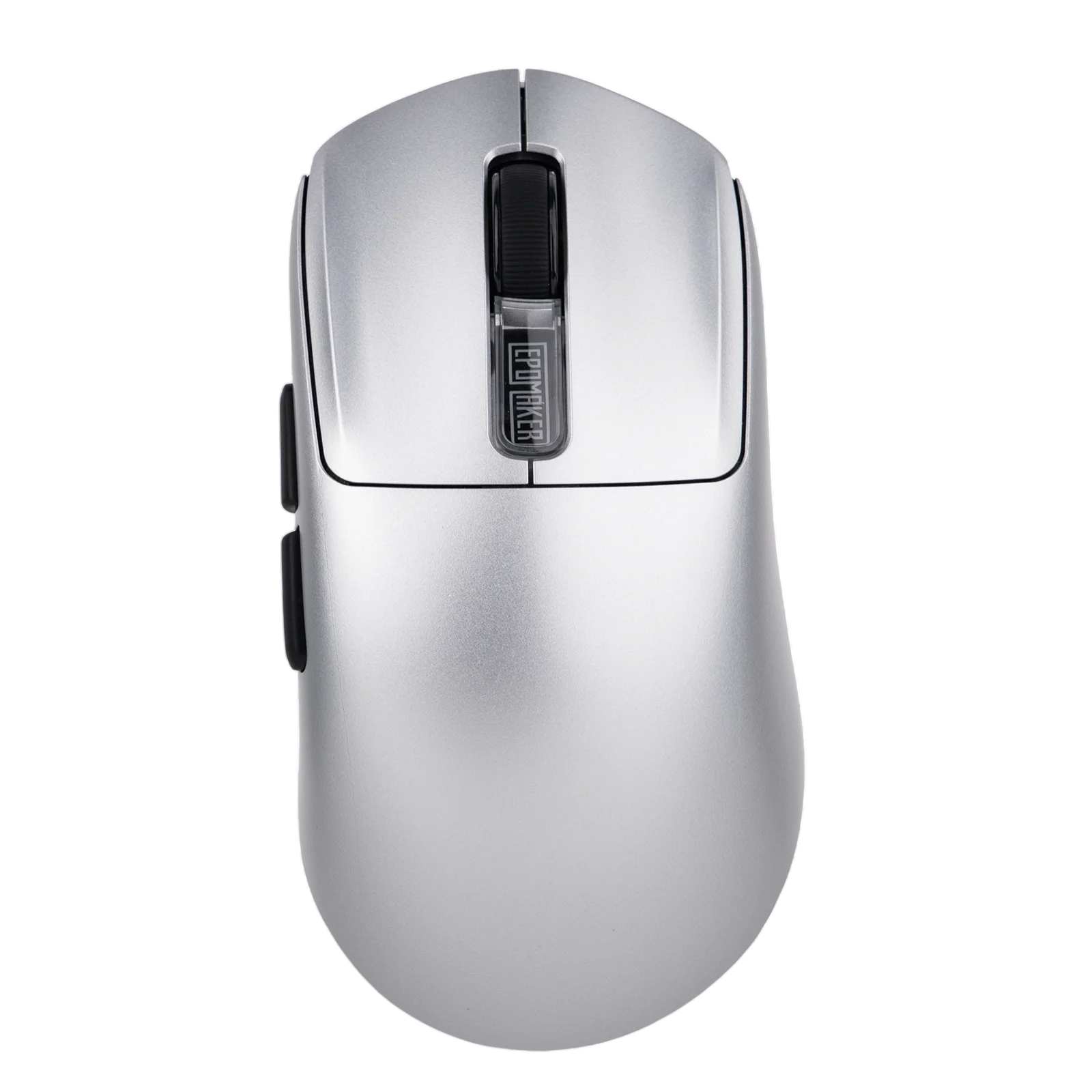
The build quality of the NEX Pro is quite well done. The plastic surface of the mouse is sturdy, with only a minimal amount of flexing on the sides if you decide to be he-man and squeeze it hard from either side. The plastic itself is minimally textured, and if you ask me, I’d probably want to use some grip tape for better support.
When it comes to ergonomics, you’re looking at a large-format ergonomic mouse that places the main hump of the mouse right in the center, and just angles to the right a bit while you hold it. Admittedly, I’m a meathead who palm grips most of my mice, which means I’m placing most of my hand right onto the back of the mouse. For me, it’s a fairly comfortable mouse, reminiscent of my time with the Roccat Kone Pure Air. If you’re looking for a big, lightweight mouse, this might be a good option for you.
Mouse Clicks & Controls
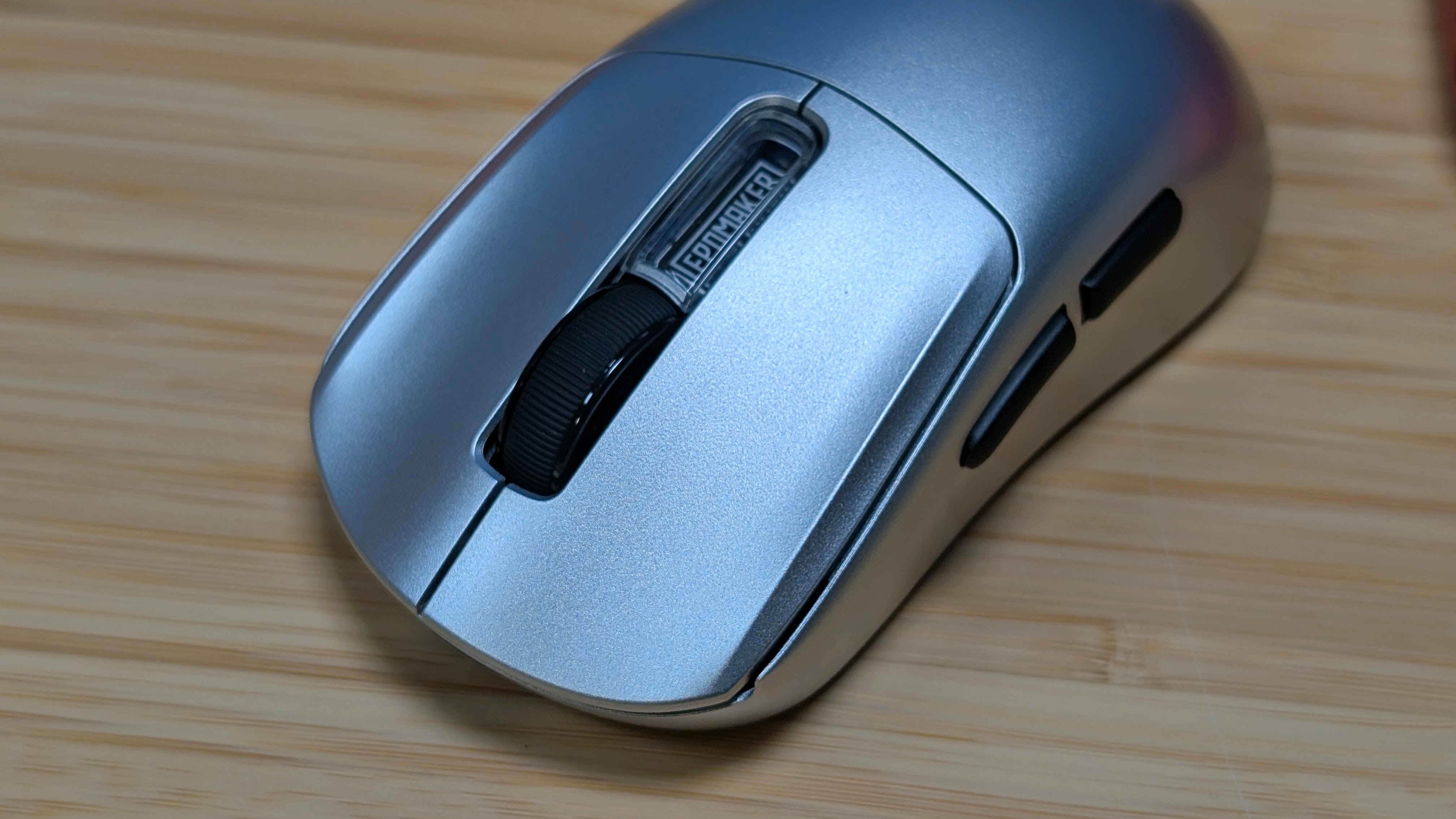
The NEX Pro utilizes traditional Omron Optical switches, which means they’re quick to actuate, fast moving, and as a whole have minimal travel to them. There’s little play before you click the mouse, and it activates pretty quickly after. The clicks on the mouse are a bit high-pitched and are definitely a bit awkward-sounding compared to both the Logitech G309 and Razer Orochi V2 that I use on a normal basis. Overall though, the clicks are fine.
And if you’re curious about how the sensor tracks, it shouldn’t be an issue. The PAW 3950 works perfectly fine, and never gave me a hint of uncertainty during use that wasn’t my fault. There was no jittering when turning my mouse quickly, and as a whole it picked up everything with ease. During my time put into older first-person classics like Half-Life, the original Call of Duty, and a bit of Serious Sam Classic, I was honestly feeling pretty good overall with the Epomaker NEX Pro.
The Dock and Battery
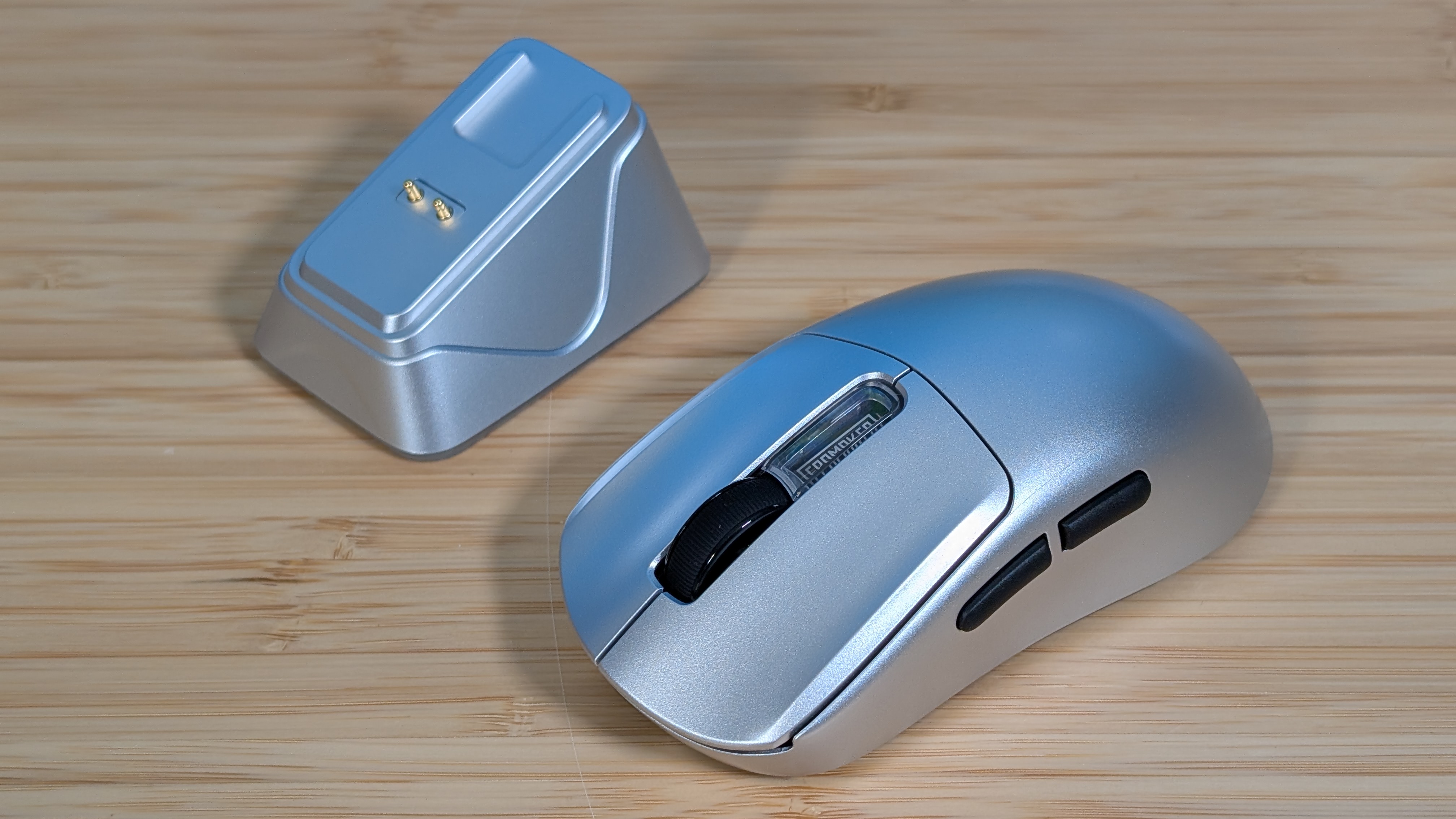
Now the dock is an important part of the kit, and that’s because it’s also the dongle. If you want maximum performance, you need to have this one sitting out somewhere on your desk. That’s not a bad thing, given that it’ll be an easy way to charge your mouse when you’re not using it, but it’s worth noting. Thanks to the magnetic POGO pins, the mouse generally just falls into place with ease. I used to primarily use a Razer Viper Ultimate, and the dock experience with this feels very similar to that. Though I will note, the sticky surface on the bottom of the dock is very strong. Be careful with it.
Battery life for the NEX Pro is a solid 350 hours at 125Hz, or just 50 hours at the maximum 8000Hz. Just like most people, I will never be able to take full advantage of that full polling rate, and as such I’ve just left it at the standard 1000Hz. That means I’ll probably land closer to around 100-125 hours of battery life, but I would never know.
The reason for that is just the fact that being able to leave it on the dock means I’ll never have to worry about it being uncharged. My favorite thing for both controllers and mice is the optional dock to help remove battery worries from my mind. And thanks to that, the battery isn’t a concern for me, and hopefully you.
Software
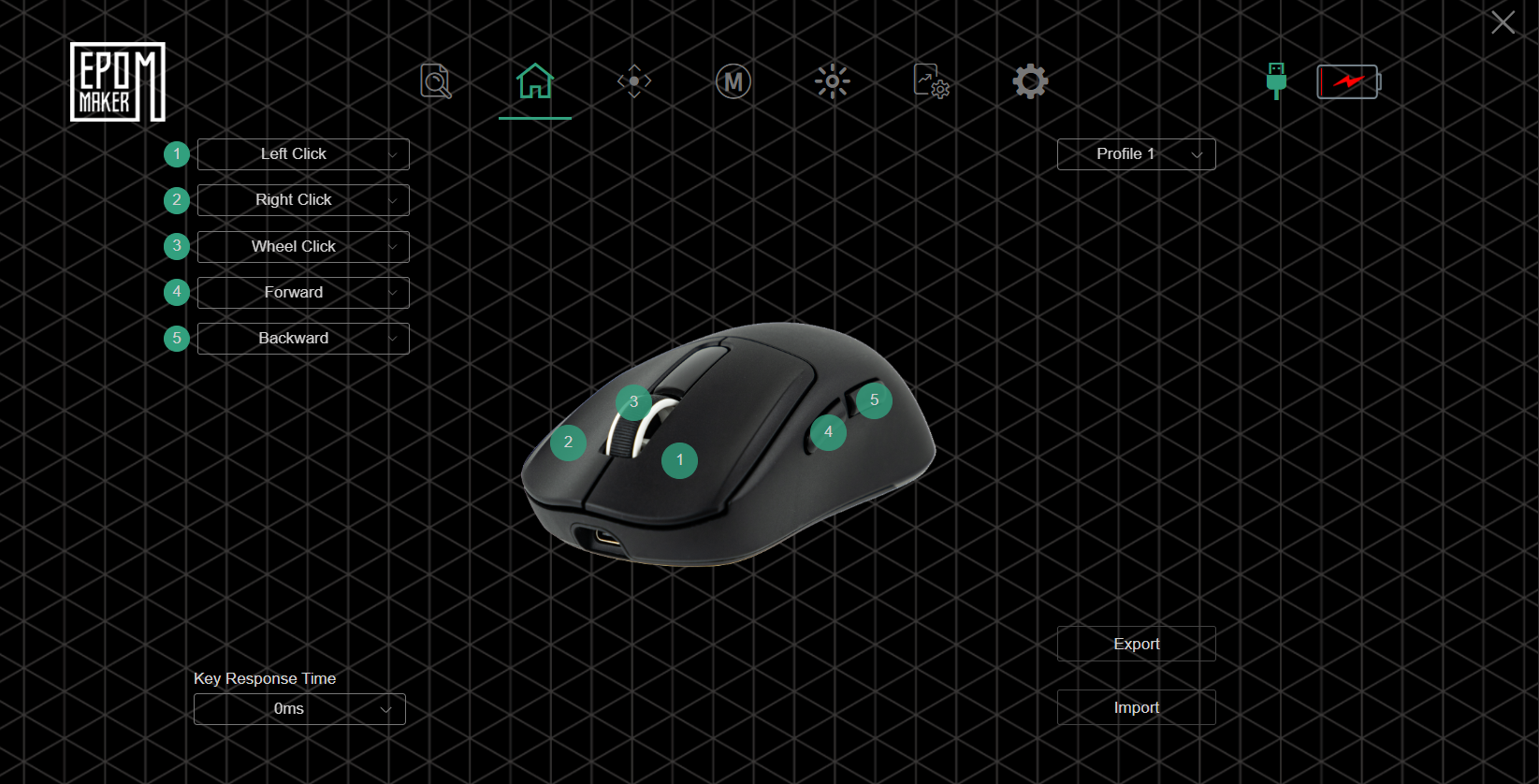
I have had mixed feelings about Epomaker’s software throughout most of my reviews. My favorites being the web-based VIA for stuff like the Epomaker Luma40, while my least favorite was likely the standalone software from the RT98. That being said, the web-based driver software for the NEX Pro lands somewhere in the middle.
It’s nice that it’s not another piece of software to install, but it feels a bit cludgy in its web-based implementation. It manages your polling rate, DPI, mouse controls, and even DPI lighting all from the software, and for that I commend it. But with most mouse software I’ll tune it, set it, and forget it.
Final Thoughts
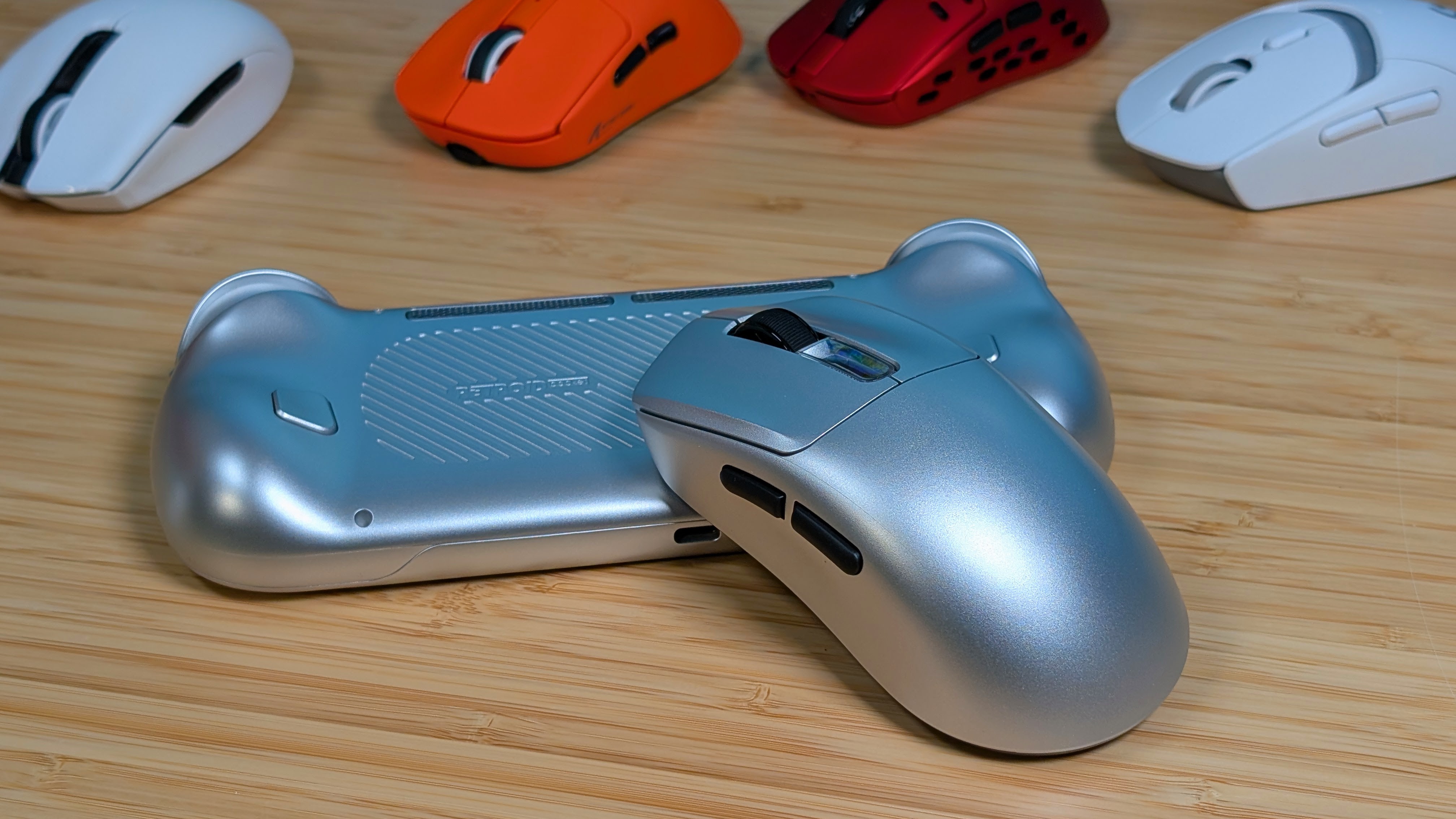
Overall, how is it? It’s a great mouse with minimal issues, quibbles, or concerns. The web-based software is its own flavor of jank, but as a whole you shouldn’t have to worry about performance during day-to-day usage. The PS2 Silver definitely is what drew me towards it the most, but the convenience of having a dock at all times is just another step up. This will likely find its way to my mouse rotation thanks to that.
For $80, this is a lot cheaper than the main options from Logitech, Razer, and Corsair, but it’s also a decent bit more expensive than other companies like ATK, Attack Shark, and MCHose. If you’re fine with a middle-of-the-road price for a large, ergonomic gaming mouse, absolutely go for this.
I’m probably going to plug it back in for some more time in Condition Zero.
