

If you haven’t been keeping up on frontends recently, a lot of people are aiming to emulate the feeling of the 2007-2017 Era of Nintendo in terms of design. The bright, vibrant, and full of life design in both visuals and sound design that a lot of us miss. But what there hasn’t been a whole lot of is an attempt to emulate the idea of Sony’s PSP and PS3 menus. XMB is something that we’ve seen pop up as a menu option in something like Retroarch, and GammaSqueeze seems to be working on something similar for GammaOS Nano. But as of today there seem to be two options. Wave Launcher, which is currently in development, and Play Field Portal, which just dropped its 1.0.0 release.
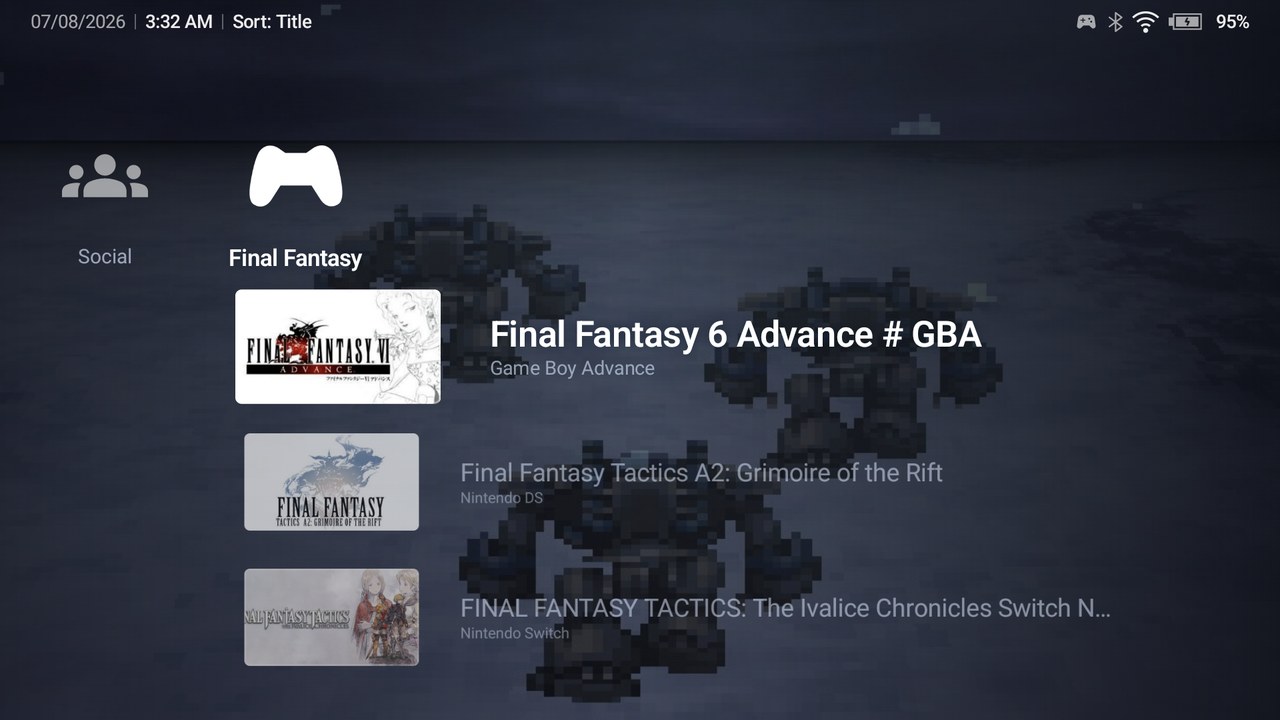
Play Field Portal is exactly what it sounds like, an XMB styled front end that’s been developed as a frontend for your Android device by user JohnnyCallado. Everything from your crossbar menu to your submenus and more, it seems that he’s aiming to give you the full Android experience with just one single page. As of July 8th we officially have first stable release of Play Field Portal, and while I absolutely recommend visiting the GitHub directly, the release highlights for this release are as follows.
- A Custom Theme System
- Legacy .ptf Theme Import Support
- Theme Studio Tool
- Social Media Through Discord Integration
- Storage access without Borad Access Permissions
- Input Parity between Touch and Controllers
- Hardened File Handling
When you do go to download Play Field Portal, you are given two options for your APK download. One option with Discord integration, and one without the Discord SDK. Personally, if you want thinks as cut down and slimline as possible I would likely recommend going with the latter unless you want everyone on Discord to see how many hours you’re putting into the Phoenix Wright: Ace Attorney Trilogy again.
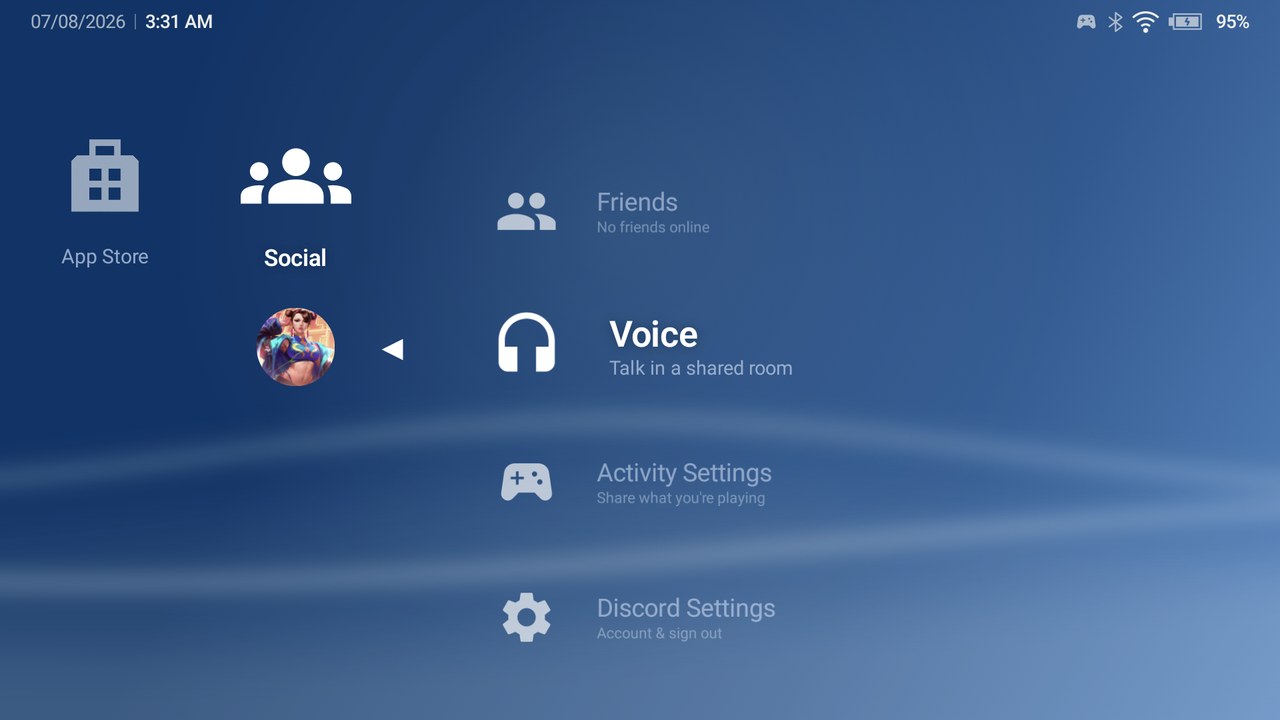
With the number of design focused frontends coming out like iisu, Cocoon, Koji and more, it’s nice to see launchers take a step back to focus on simplicity like Beacon or Play Field Portal. I do want to note that, while Claude was used in the development of this Front End, it certainly sounds like this was more of a tool for development over anything. Always be cautious when checking out frontends and tools in that case, but this one definitely seems like a step in the right direction, and I’ll certainly be giving it a try myself.

2 Comments
Has anyone figured out where the artwork goes? Deeply buried in an android folder somewhere? I don’t see any option to change it either.
I love the idea of this frontend but I will never understand why many of these frontends expect you to scrape your entire library from scratch every time. It just makes me not want to try it.
I had someone mention this as well. I will look to add this to the next update.