

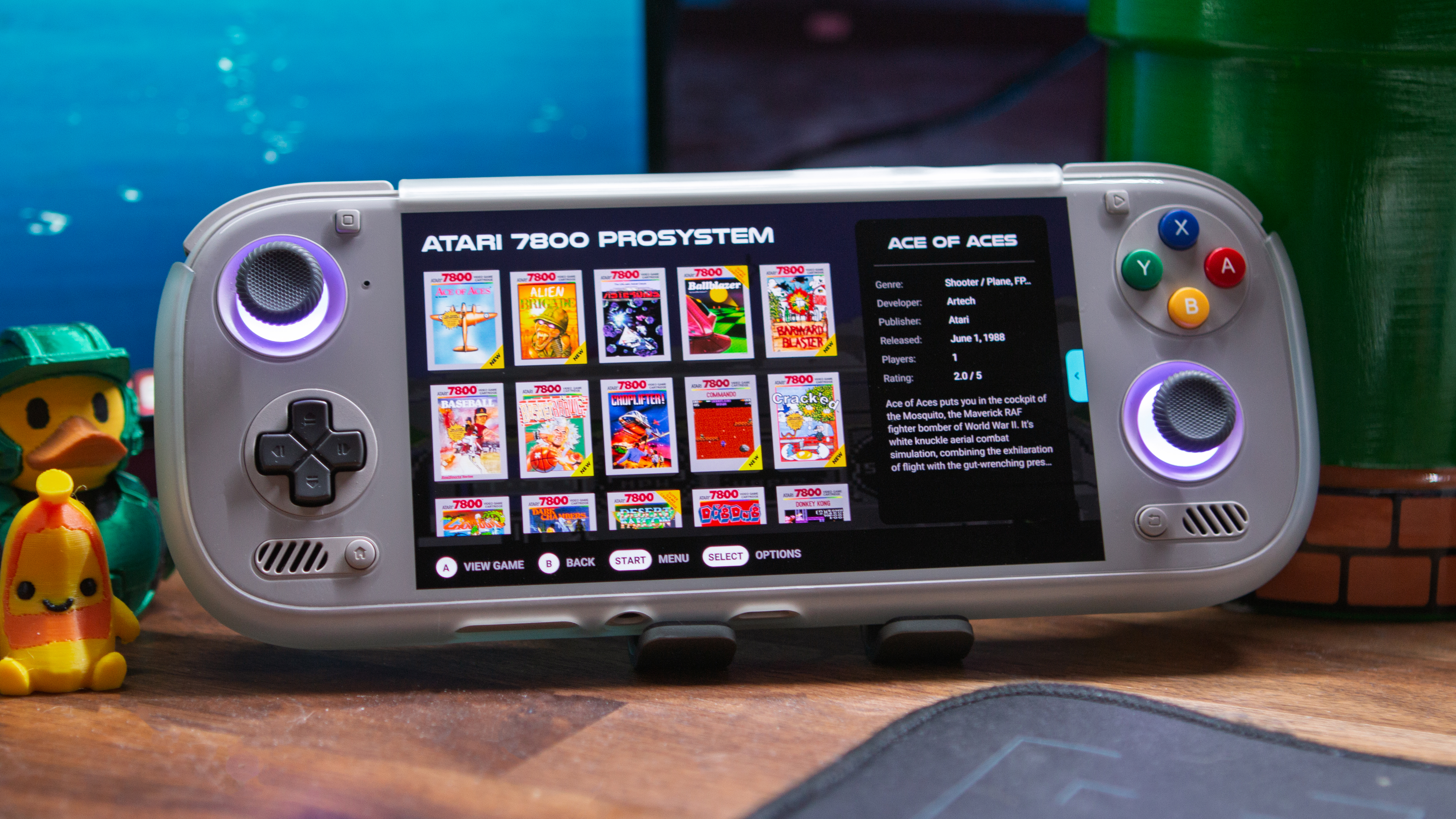
One of the most annoying aspects of getting a new Android handheld is needing to get everything set up and ready to play. For years, EmuDeck helped ease the frustration for those with x86 handhelds, but last year, it officially arrived on Android.
A new update is rolling out to Patreon subscribers, bringing with it a slew of new features, including some feature parity with its x86 counterpart. However, before getting too ahead of myself, I did want to call out that this latest update also makes EmuDeck compatible with Armada.
For the unaware, Armada is the first real attempt to bring SteamOS in its full capacity to Android handhelds, complete with a functional Desktop Mode. Until now, EmuDeck was not compatible, and the installer simply wouldn’t work, but thankfully, that’s no longer an issue.
Pivoting back to the Android side of things, a few of the more important changes in EmuDeck aren’t actually user-facing. Instead, the developer has implemented the necessary fixes to the various CloudSync-compatible forks, such as RetroArch, Dolphin, and Cemu.
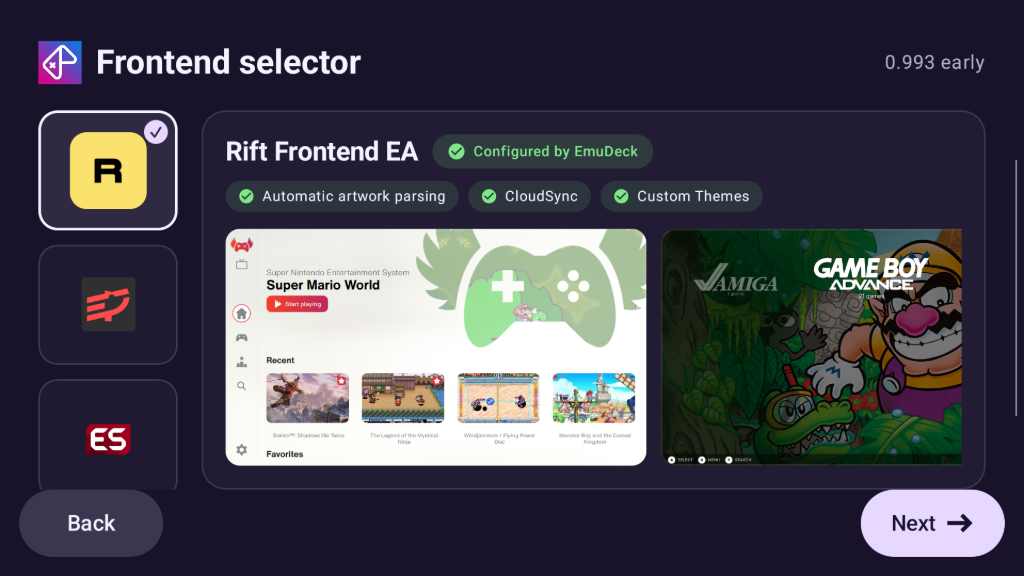
One huge addition to this latest release is the introduction of Rift Frontend. This is a new launcher from EmuDeck, designed to seamlessly integrate and potentially replace your existing launcher. Below you’ll find some of the major features included with Rift:
Rift Frontend Features
- Automatic CloudSync sync when launching games in compatible emulators.
- Custom themes
- RetroAchievements
- Romm integration ( Experimental )
- Automatic artwork scraping
- EmuDeck Store integration
- Emulator selection per game
- Dual screen support ( Experimental, open to feedback! )
- Set it as your android launcher
Part of the reason for the introduction of this new launcher has to do with the CloudSync-compatible forks that were mentioned above. As such, the developer shared the following regarding the forked emulators with other frontends:
Due to the new packages names EmuDeck’s forks can’t be launched using other frontends that are not ESDE or Rift, I plan to contact the devs of other launchers to make them EmuDeck compatible and offer them as alternatives in the EmuDeck app.
As for everything else that’s new in the latest EmuDeck for Android release, you can either head over to the Patreon post or check out the brief overview below.
EmuDeck for Android Changes
- CloudSync fixes
- New package names
- Updated forks
- ESDE Support
- Rift Frontend EA
- Other frontends
- Wifi ROM transfer
- New Optional Emulators
- ARMSX2 – PlayStation 2
- DuckStation Legacy – Playstation
- Flycast – Dreamcast
- GameNative – Steam games
- melonDS – Nintendo DS (with dual screen support)
- Starboard – Portmaster games
If you already have EmuDeck for Android installed on your handheld, you’ll be prompted to install the latest update upon opening the app. Otherwise, you’ll need to download and install the APK from Patreon first, and once opened and installed, the same prompt will appear to install the new update.
| App | Platform | Get it |
|---|---|---|
 | Patreon | Download |
