

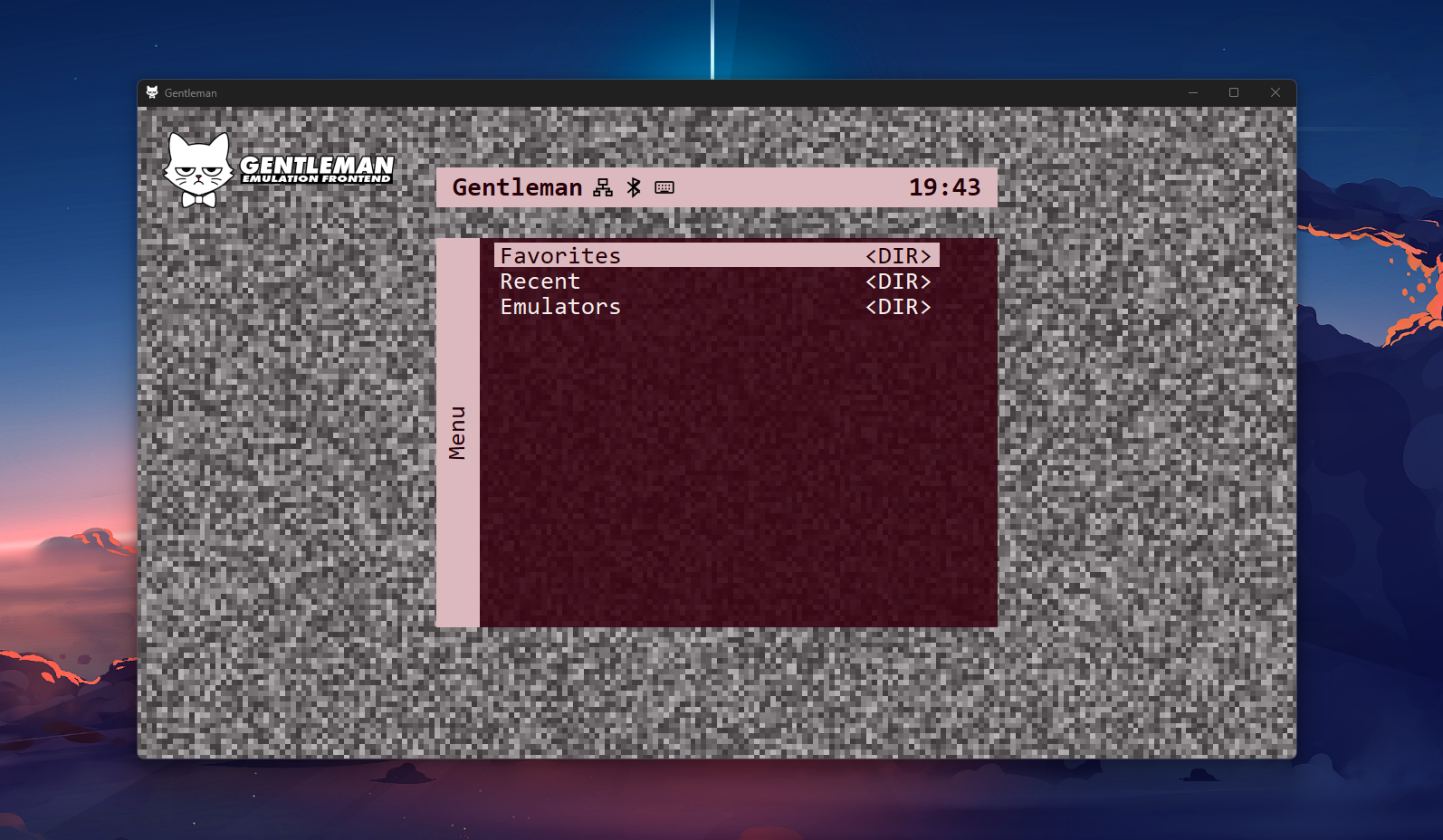
Whether you’re a Playnite, Emulation Station, or File Explorer user for digging through all your legally obtained ROMs, there’s always going to be an option that, if not easier on the eyes, is going to be easier to use for most people. And with that in mind, the MiSTer and its usually simple interface has finally seen somewhat of a transitional option make its way to PC in the form of Gentleman, a MiSTer-inspired PC frontend developed by Anime0t4ku on GitHub.

If it hasn’t been quite clear yet, Gentleman is a frontend focused specifically for Windows, and likely more so for your PC than anything. Hoping to give you a front end that’s easy to navigate, easy to use, and can allow for a simpler way of playing everything you’ve got scattered in your folders. As of now, this is listed as the current features for Gentleman on its GitHub page.
Current Features
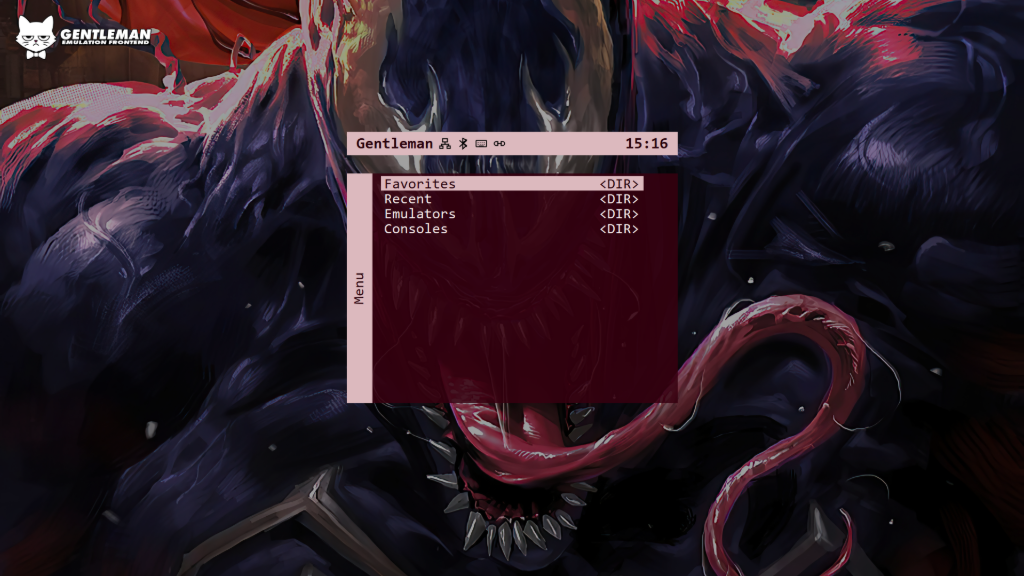
- MiSTer-inspired menu layout
- Folder-based menu structure
- JSON-based launcher entries
- In-app launcher creation
- In-app launcher editing
- Standalone emulator launcher support
- RetroArch launcher support with core selection
- Application launcher support
- Fast folder browsing without generating a database
- Recent games list
- Favorites list
- Favorite/unfavorite support
- Clear Recent and Clear Favorites actions
- Optional Favorites, Recent, and Emulators menu entries
- Automatic Emulators menu generated from launcher JSON files
- System selection using a predefined system list
- Wallpaper support through the Gentleman Menu Fullscreen support
- Fullscreen-at-launch setting
- Controller navigation support
- A/B and X/Y controller button swap settings
- API support for third-party apps and remote devices
- Active-session API reporting and close controls
- In-game OSD for running games, emulators, and applications
- Manual update check from the Gentleman Menu
- Optional external Gentleman Updater support
- API active indicator in the top bar
- App icon and logo support
- Logo can be enabled or disabled from Settings
- Gentleman Menu shows the local IP address and app version
- Built-in links for issue reports, feature requests, and project support
As well as that came a number of updates within the V1.2.0 to help with the controller-first experience, as well as a number of navigation and customization updates as well.
V1.20 Updates
- Added in-frontend messages and confirmation dialogs
- Added a built-in file and folder browser
- Added a QWERTY on-screen keyboard with Shift, Caps Lock, symbols, and controller instructions
- Kept full physical keyboard support
- Moved the Force Close confirmation into the OSD
- Left and Right now jump through menus like game lists
- D-pad input correctly switches the input indicator to controller
- Launcher forms keep their position after file selection
- RetroArch launchers now automatically use RetroArch as the emulator name
- Added animated GIF wallpaper support
- Added wallpaper previews with delayed loading and caching
- Added support for setting a default wallpaper folder
- Added a separate Browse This PC option for selecting wallpapers outside the saved folder
- Added drive labels beside drive letters where available
- Added a new Menu Size submenu
It’s still in the early days of the Gentleman frontend, but this is one that I think is worth watching out for, especially if you’re looking for something that is customizable, but also easy on the eyes for use. For more information, be sure to check out Anime0t4ku’s GitHub page to find more information on the frontend and any updates that come alongside it.
| App | Platform | Get it |
|---|---|---|
 | GitHub | Download |
